-
-
1
-
2
-
3
-
4
-
5
-
6
-
7
-
8
-
9
-
10
-
11
-
12
-
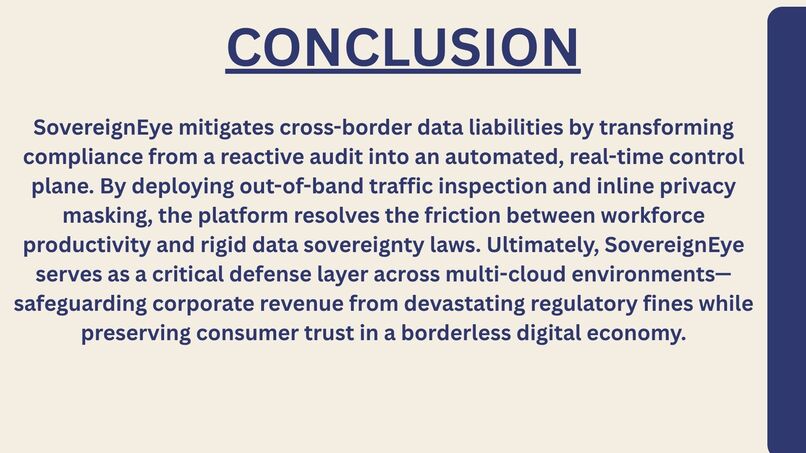
13
-

14

Sovereign Eye
A private workspace for recording and reviewing sensitive data flows across cloud regions and jurisdictions.




🎨 Languages and tools





What it does · Quick start · Cloud providers · Security notes
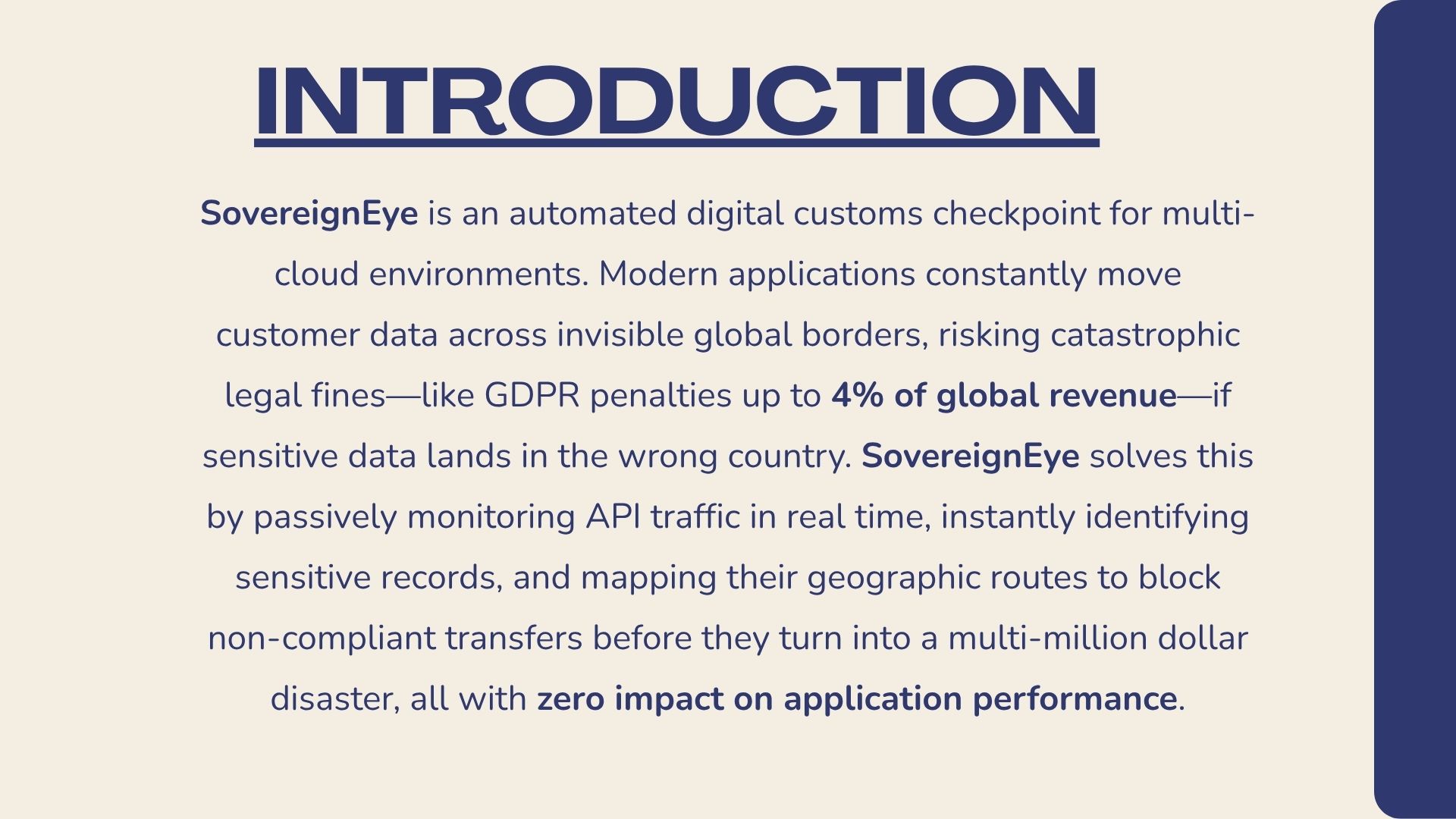
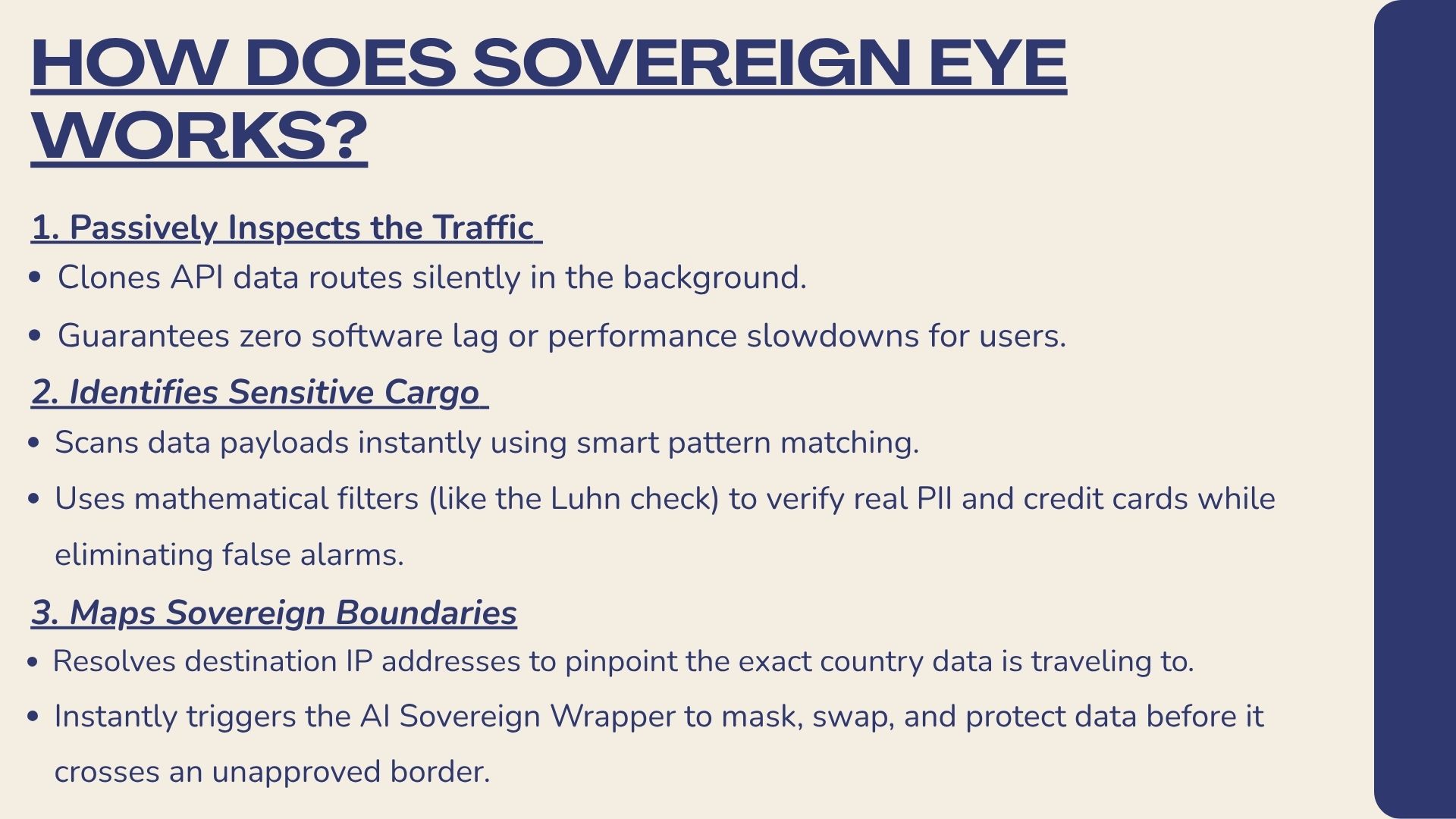
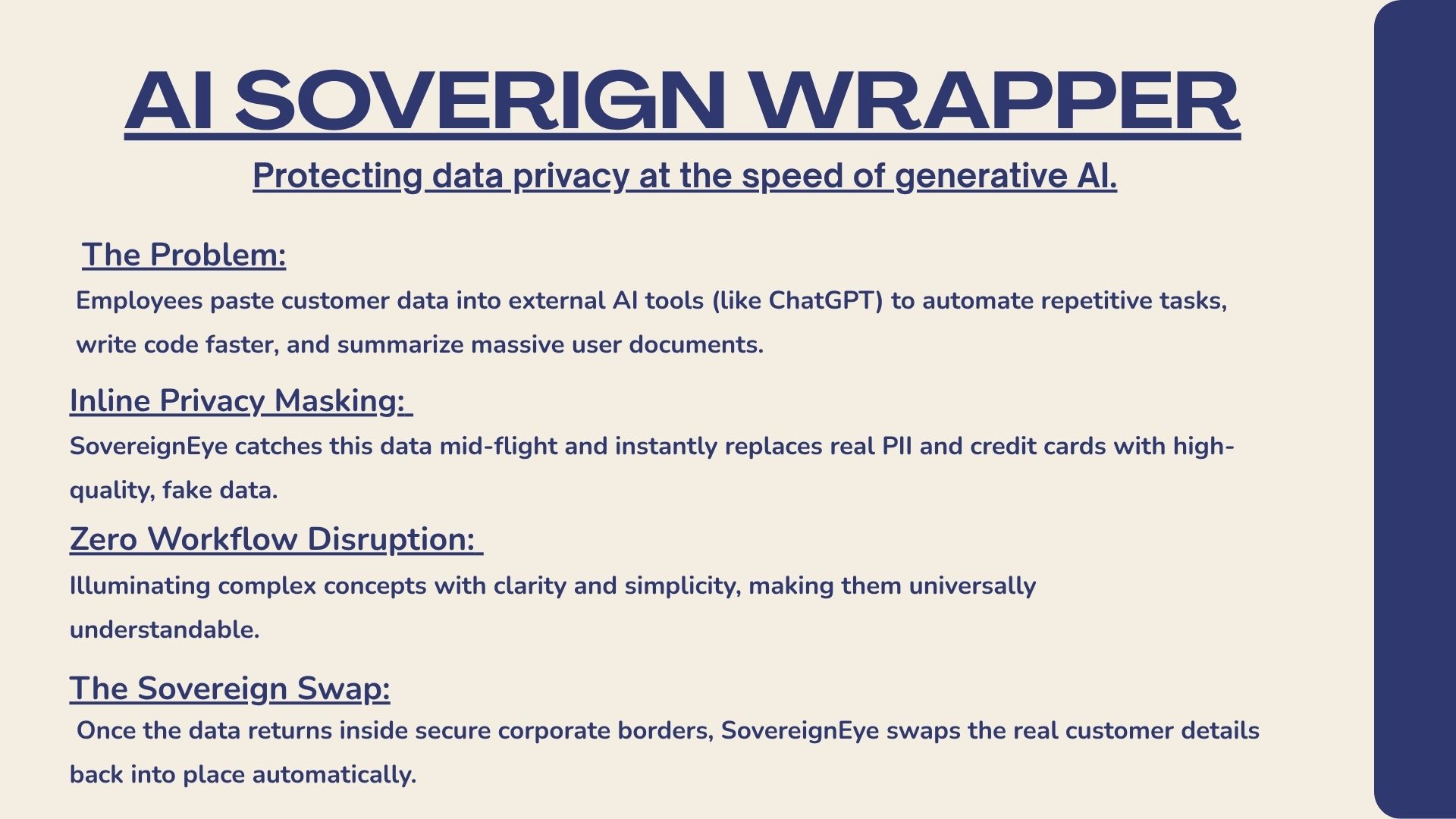
Contents - [What it does](#what-it-does) - [Technology](#technology) - [Quick start](#quick-start) - [Demo mode](#demo-mode) - [Authentication](#authentication-and-email) - [Cloud providers](#cloud-providers) - [Security notes](#security-notes)Sovereign Eye is a private workspace for recording and reviewing sensitive data flows across cloud regions and jurisdictions. It helps teams identify inventory records that may need a closer review.
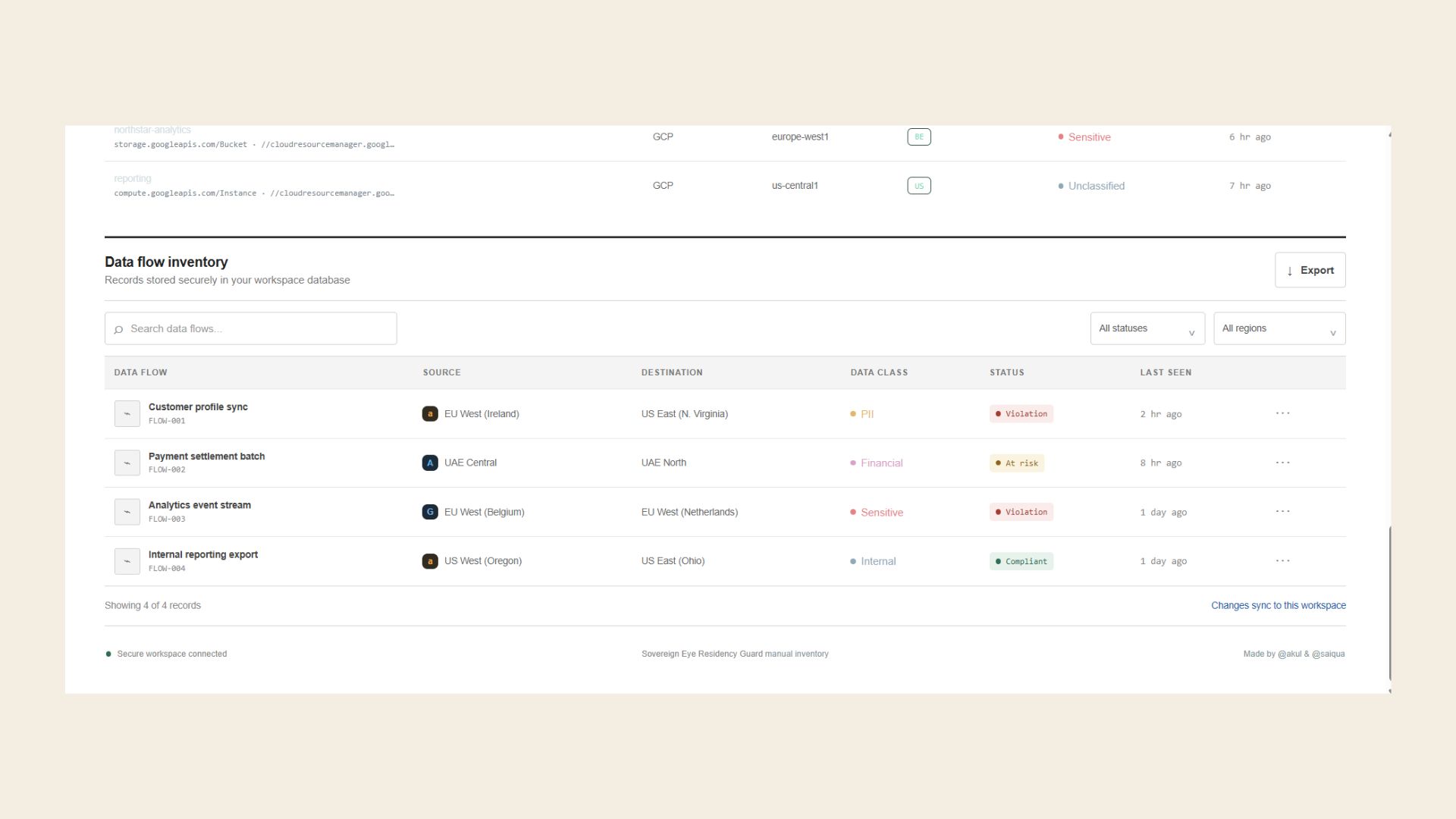
🧭 What it does
- Email/password registration and sign-in through Supabase Auth, with email confirmation required by the configured Supabase project.
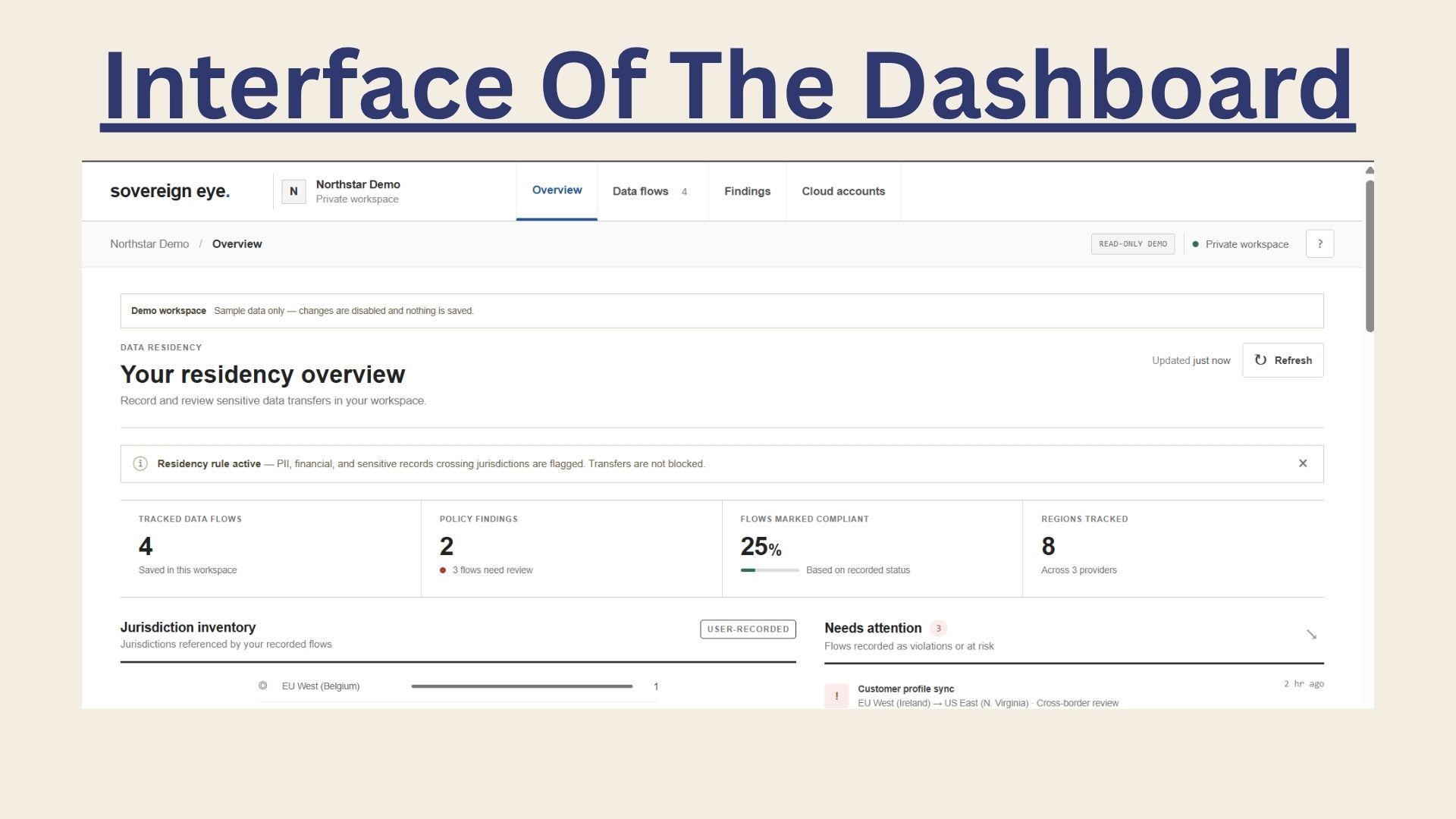
- Private workspace creation and workspace-scoped data-flow records protected by Postgres row-level security.
- A five-step onboarding tutorial, available again from the
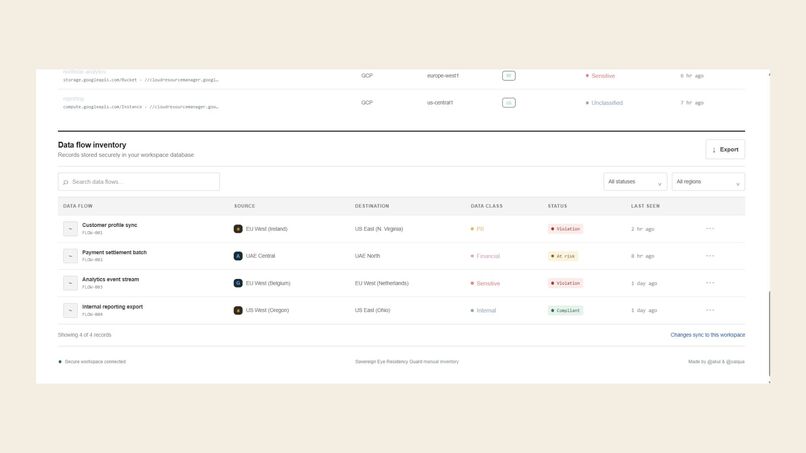
?button. - Create, edit, review, and delete flow records; search and filter by status or region; inspect findings; and export the filtered records to CSV.
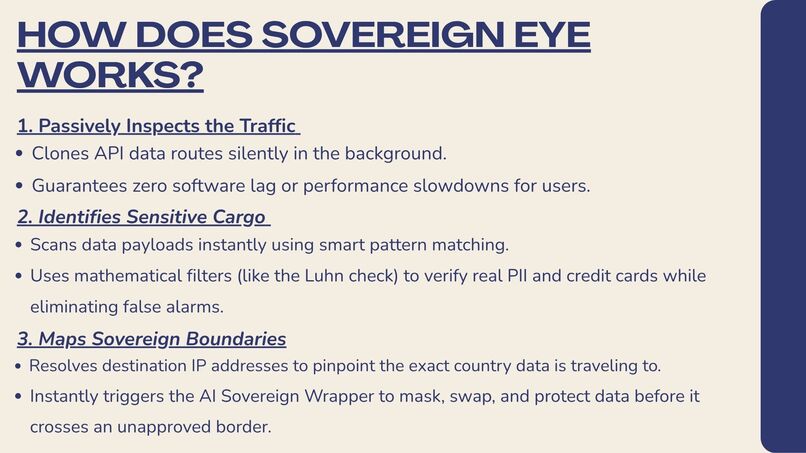
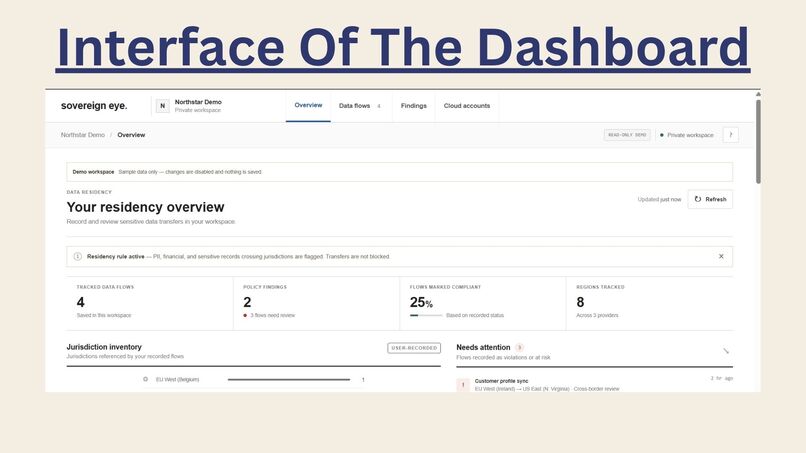
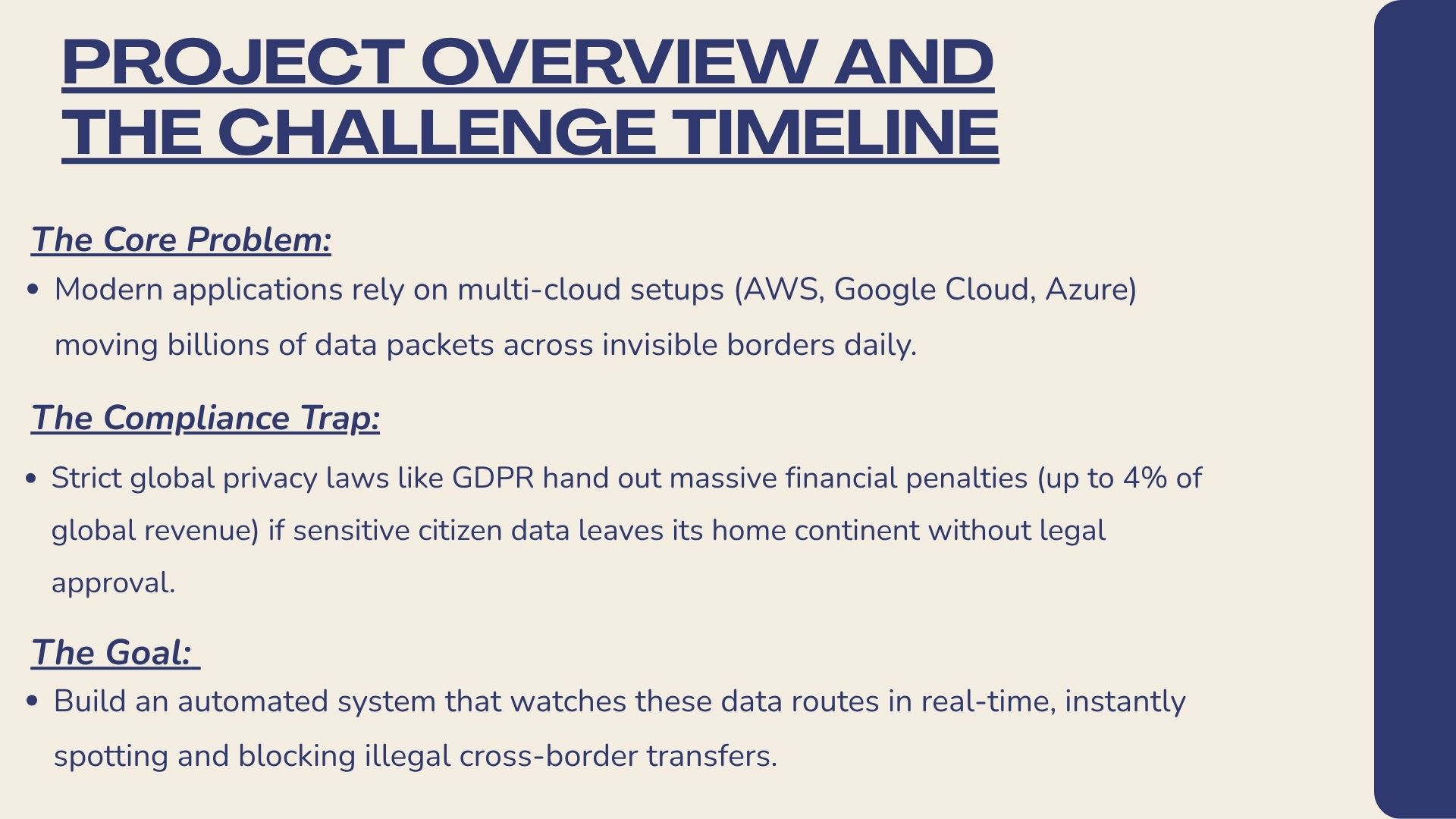
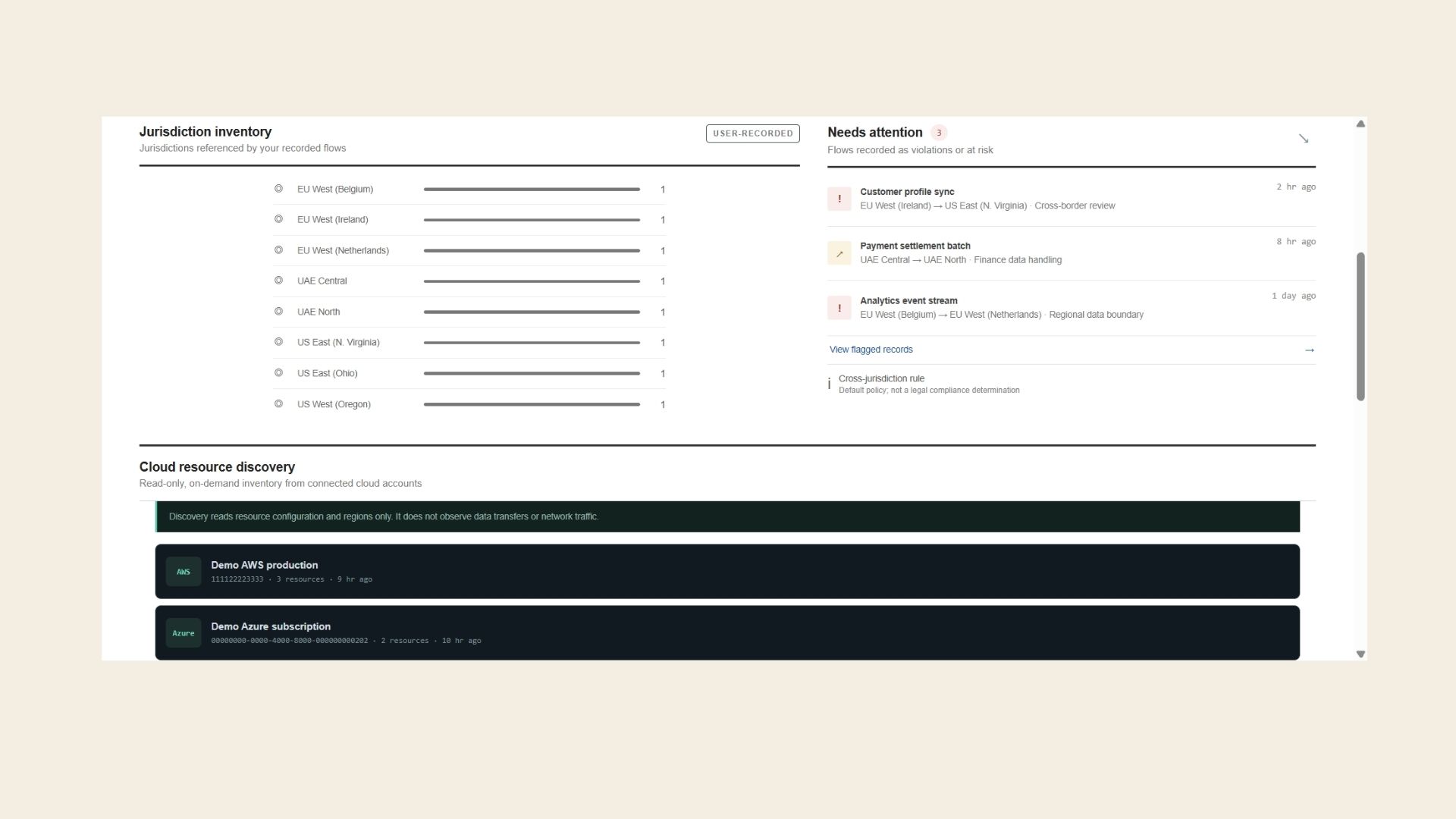
- A database rule that flags PII, financial, and sensitive records when their recorded source and destination jurisdictions differ. Unknown jurisdictions are marked for review.
- Connect AWS, Azure, and Google Cloud accounts using OIDC workload identity federation; connect IBM Cloud, Oracle Cloud, DigitalOcean, Cloudflare, Alibaba Cloud, Tencent Cloud, OVHcloud, Linode, Vultr, and Hetzner Cloud using provider-specific credentials encrypted server-side.
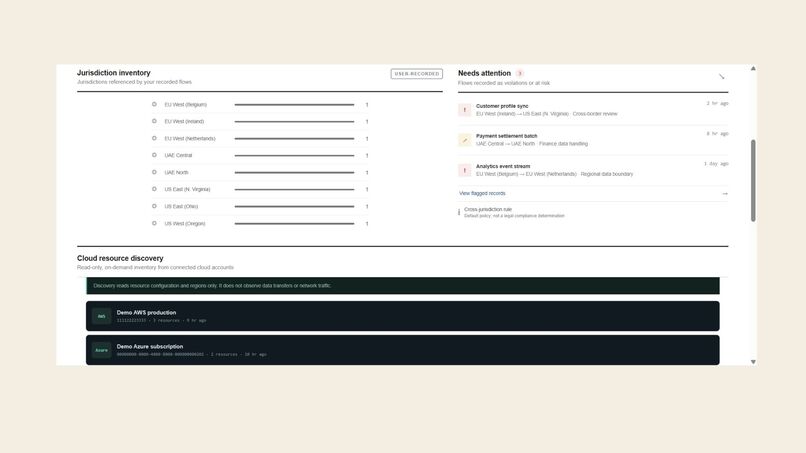
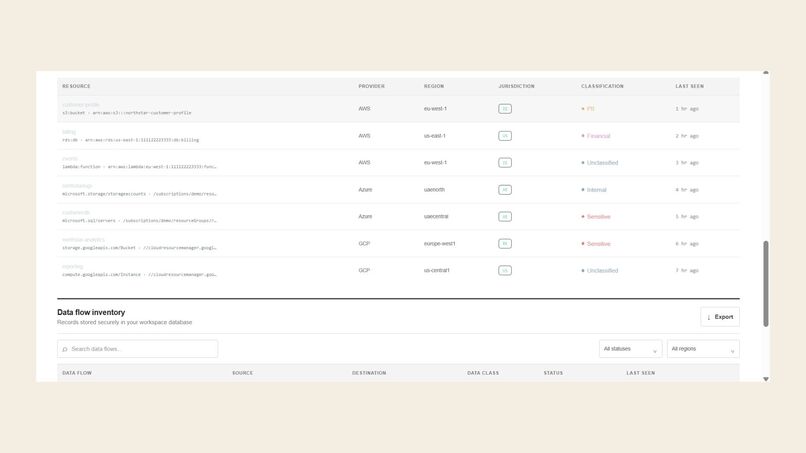
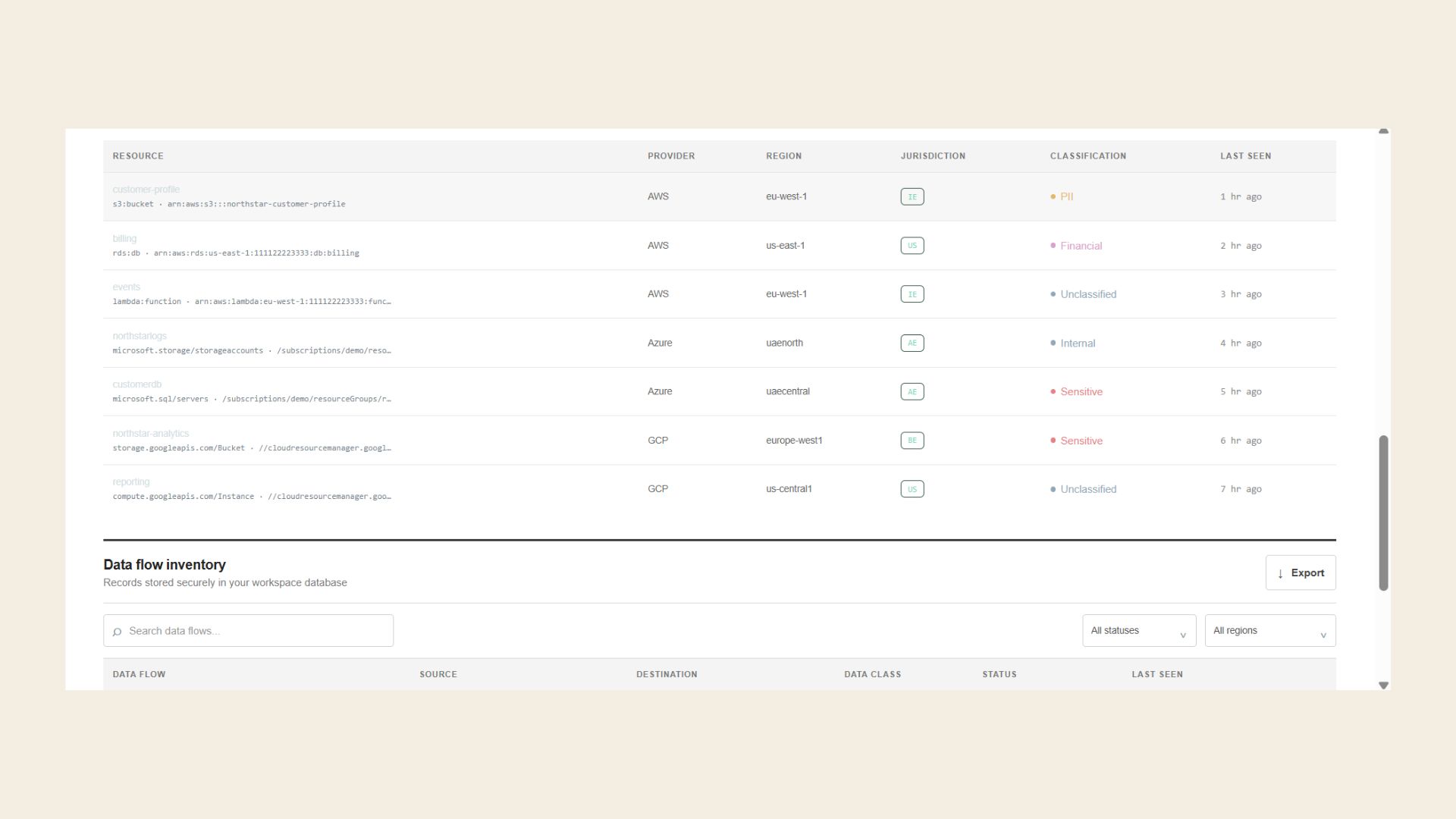
- Run on-demand, read-only resource discovery for AWS, Azure, Google Cloud, and all ten additional providers. Provider coverage is limited to the resource types listed in the connection dialog.
- Resource classification from the shared
boundary-classificationtag/label (PII,Financial,Sensitive,Internal, orPublic). Untagged or unrecognized values remainUnclassified. - Workspace settings for changing the workspace name.
- Creator credit shown on the sign-in, dashboard, and tutorial screens.
🧰 Technology
- JavaScript powers the browser application, with HTML for page structure and CSS for styling.
- TypeScript is used for the Supabase Edge Functions, which run on Deno.
- SQL defines the Supabase/PostgreSQL schema, access policies, and migrations.
- JSON is used for application and function configuration.
- Vite builds and serves the frontend; the app uses the Supabase JavaScript client for authentication and data access.
🚀 Quick start
- Install dependencies:
npm install
- Copy
.env.exampleto.env.localand set the Supabase project URL and publishable key:
   VITE_SUPABASE_URL=https://your-project.supabase.co
   VITE_SUPABASE_PUBLISHABLE_KEY=your-publishable-key
- Apply the SQL migrations in
supabase/migrations/to the project in filename order. - In Supabase Auth, set the Site URL and add the local app URL (
http://127.0.0.1:5173/**) and deployed app URL to the redirect URL allowlist. - Start the development server:
npm run dev
Open the URL printed by Vite. To create a production build, run npm run build.
🧪 Demo mode
Use these credentials in the sign-in form, or choose Open read-only demo on the login screen:
| Username | Password |
|---|---|
demo |
12345 |
This is a public, read-only demo mode, not a Supabase account. It displays fictional placeholder data in the browser, does not create a real user or save changes, and never grants access to a connected workspace. Editing, deleting, cloud scans, cloud account setup, and workspace settings are disabled in demo mode. Do not reuse these credentials for any real account.
✉️ Authentication and email
The application uses Supabase Auth for registration, sign-in, password reset, and email-confirmation state. A user must confirm their email before the app opens their workspace when the project requires confirmation. The app includes confirmation and password-reset screens, but this repository does not configure an email provider. Delivery depends on the Supabase project's existing Auth email settings; SMTP setup and test emails are intentionally not included.
☁️ Cloud providers
AWS, Azure, and Google Cloud accounts store provider identifiers and use the signed-in user's Supabase OIDC token to obtain short-lived access. The ten additional providers use provider-specific API credentials, encrypted server-side before storage and decrypted only by the scan Edge Function. No AWS keys, Azure client secrets, or Google service-account keys are collected or stored.
| Connection type | Providers | Access |
|---|---|---|
| OIDC federation | AWS, Azure, Google Cloud | Short-lived, read-only access |
| Encrypted API credentials | IBM Cloud, Oracle Cloud, DigitalOcean, Cloudflare, Alibaba Cloud, Tencent Cloud, OVHcloud, Linode, Vultr, Hetzner Cloud | Provider-specific read-only inventory APIs |
Before connecting an account, configure its provider to trust the exact OIDC issuer, subject, and audience shown in the connection dialog:
- AWS: create an IAM OIDC provider for the displayed issuer and audience; trust only the displayed subject in the IAM role. Grant
tag:GetResourcesandec2:DescribeRegions. AWS Resource Groups Tagging API returns tagged or previously tagged resources only; untagged resources are not returned. - Azure: add a federated identity credential to an Entra application using the displayed issuer, subject, and audience; assign the application the built-in Reader role on the selected subscription. Discovery uses Azure Resource Graph.
- Google Cloud: configure an OIDC Workload Identity Federation provider with the displayed issuer and audience, map
google.subject=assertion.sub, and permit the displayed subject to impersonate the read-only service account. Grant the service account Cloud Asset Viewer and enable the Cloud Asset API.
The required tag/label key is boundary-classification. A recognized value is stored as the resource's classification; other or missing values are Unclassified. Scans are initiated manually from the dashboard. The account creator is the only user allowed to run scans for that connection. Discovery records resource identifiers, types, names, regions, jurisdictions, and classifications; it does not read resource contents or inspect API/network traffic. A resource inventory in different countries is not evidence that data moved between them. Region-to-country mapping is best-effort and unrecognized locations are marked UN.
The migrations in supabase/migrations/ create the cloud inventory schema and add support for the ten additional providers. Apply them in filename order. Link the Supabase CLI to the project and deploy the functions with JWT verification enabled before using cloud scans:
supabase functions deploy boundary-cloud-scan --project-ref <project-ref>
Run supabase login first if the Supabase CLI is not already authenticated. Enter any access token directly in the CLI prompt; do not add it to .env.local or commit it.
Apply all migrations, including 20261016100000_boundary_add_cloud_providers.sql, before deploying the additional provider functions. Generate a 32-byte encryption key and store it only as a Supabase Edge Function secret:
openssl rand -base64 32
supabase secrets set "BOUNDARY_CREDENTIAL_ENCRYPTION_KEY=<generated-key>"
supabase functions deploy boundary-cloud-connect --project-ref <project-ref>
supabase functions deploy boundary-cloud-scan --project-ref <project-ref>
The key is required by both functions. Additional provider credentials are encrypted with AES-GCM before being stored, and the ciphertext column is not readable by authenticated browser clients. Back up the key securely: if it is lost or rotated without re-encrypting saved credentials, those provider accounts must be reconnected. API credentials should be restricted to the documented read-only inventory endpoints.
🔐 Security notes
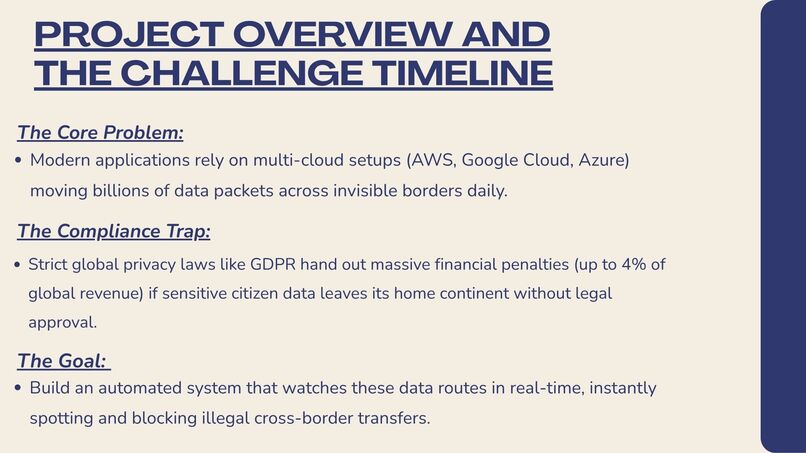
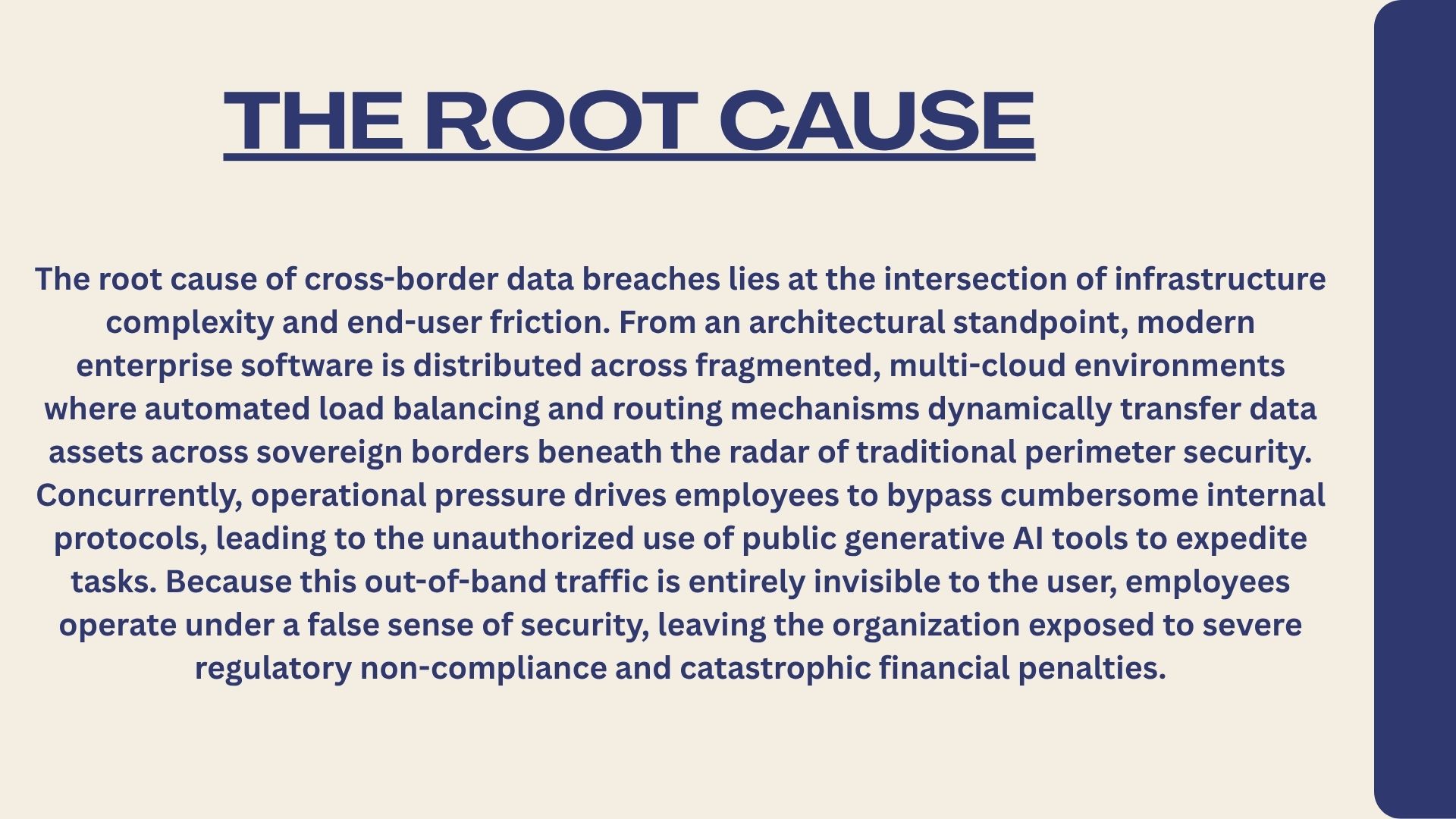
Security model and limitations Sovereign Eye combines a **manual data-flow inventory** with **on-demand cloud resource discovery**. Resource discovery does not automatically infer source-to-destination data flows, inspect data content, ingest audit/network logs, or block transfers. The default database rule is a review signal based on the jurisdictions recorded in each flow. It is not jurisdiction-specific legal advice, a compliance certification, or proof that data actually crossed a border. Validate the inventory and configure appropriate policies and controls before relying on it for compliance decisions. Passwords are handled by Supabase Auth and are not stored in Sovereign Eye tables. Workspace and flow data are protected by row-level security. The browser uses only the Supabase publishable key; never place a service-role key in client configuration. Keep `.env.local` private (it is git-ignored).

Log in or sign up for Devpost to join the conversation.