-
-
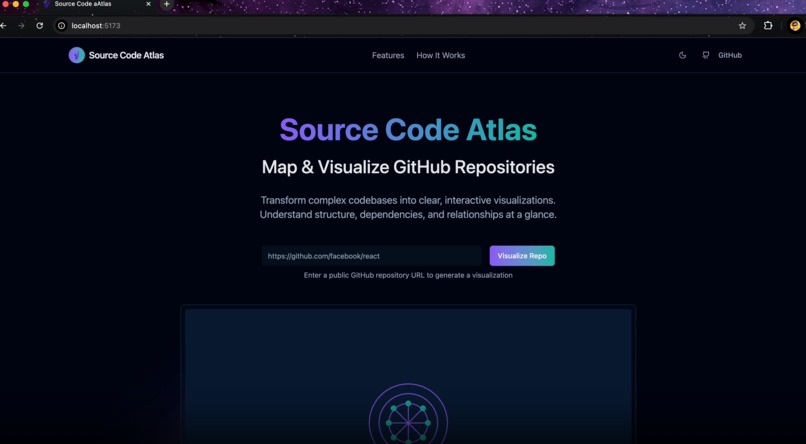
Website Page
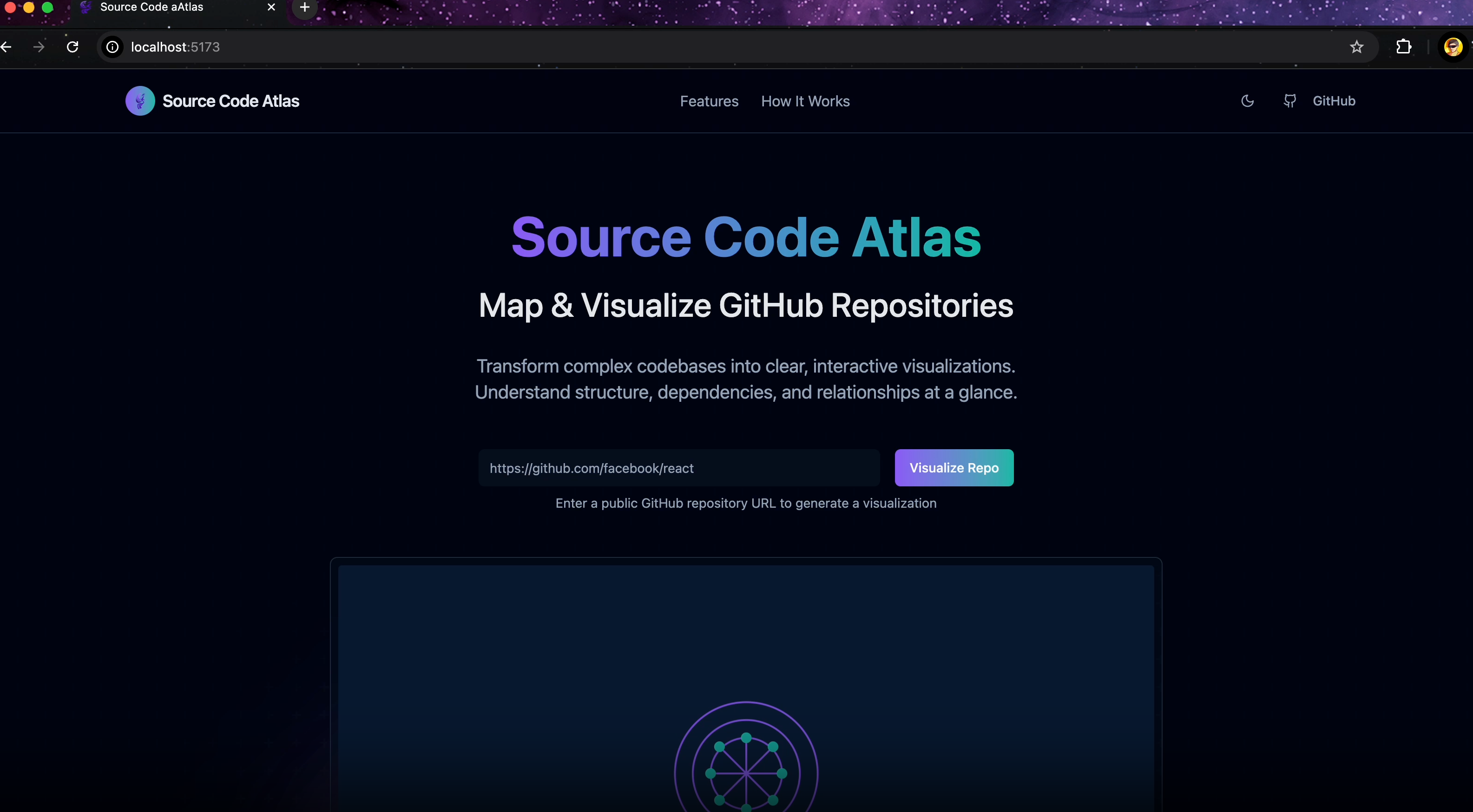
Inspiration
As developers, we often inherit or contribute to large codebases with little to no context. Understanding the structure, dependencies, and relationships between files can be daunting, especially in open-source or legacy repositories. Source Code Atlas was born out of this pain point—to create a powerful, visual tool that makes it easy to understand any GitHub repository at a glance, accelerating onboarding, code review, and architectural analysis.
What it does
Source Code Atlas is a web application that visualizes GitHub repositories. It provides:
An interactive map of the file structure
Dependency graphs showing relationships between files/components
Code previews with syntax highlighting
Export options (PNG, PDF, Markdown, Mermaid)
An intuitive UI with responsive design for browsing and analyzing repositories
With just a repository URL, users can explore and export detailed visuals of how a codebase is organized and how its files interact.
How I built it
The app is built using:
React 18 + TypeScript for the frontend framework
Vite for lightning-fast builds
Tailwind CSS and shadcn/ui for responsive, modern UI
React Flow for rendering file structure and dependency graphs
html2canvas and jsPDF for export features
GitHub REST API for fetching repository data
Native Fetch API, React Router DOM, and custom hooks for seamless data flow and navigation
Visualization states, interactions like zoom/pan/select, and real-time UI updates are handled using React hooks and dynamic canvas rendering.
Challenges I ran into
GitHub API rate limits required efficient caching and optional token support
Visualizing large repositories posed performance issues; solved with lazy loading and optimized rendering
Parsing dependencies accurately across diverse file types required building custom logic
Exporting visuals while preserving resolution and interactivity was tricky with HTML-based rendering
Accomplishments that I am proud of
Built a smooth and responsive UX that works well across devices
Implemented multi-format exports, including Markdown + Mermaid—a developer favorite!
Managed to represent complex file and dependency graphs in a digestible, intuitive format
Designed a fully client-side experience with zero sensitive data storage for maximum privacy
What I learned
Advanced usage of React Flow for dynamic visualization
GitHub API intricacies and how to work within its constraints
Best practices for creating developer tools with clear UX and meaningful insights
Techniques for exporting web content to different formats effectively
Importance of modular design and performance optimization in frontend-heavy applications
What's next for Source Code Atlas
Private repository support via OAuth/token integration
Custom visualization layouts (e.g., by module, by size, or by complexity)
Real-time collaboration for team-based code reviews and pair programming
Integration with GitLab and Bitbucket
In-depth static analysis tools (e.g., complexity metrics, linting reports)
VSCode Extension version for inline visualization during development
Built With
- react
- shadcn-ui
- tailwind
- typescript

Log in or sign up for Devpost to join the conversation.