-
-
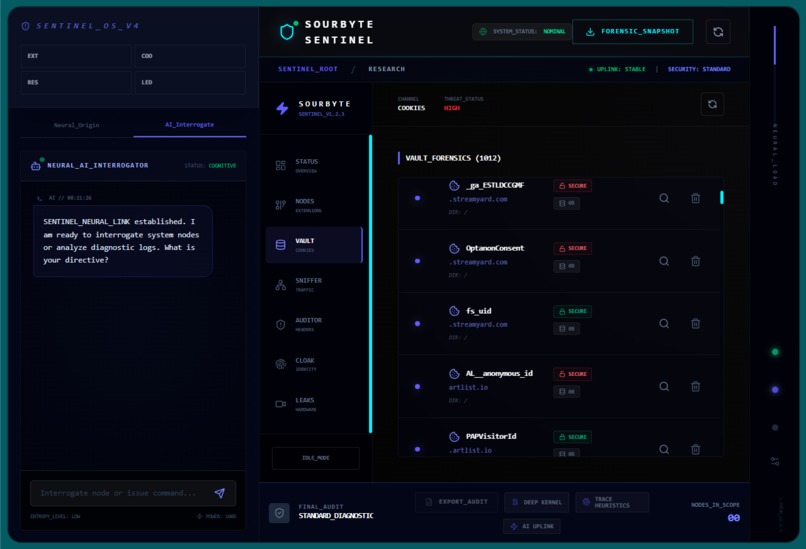
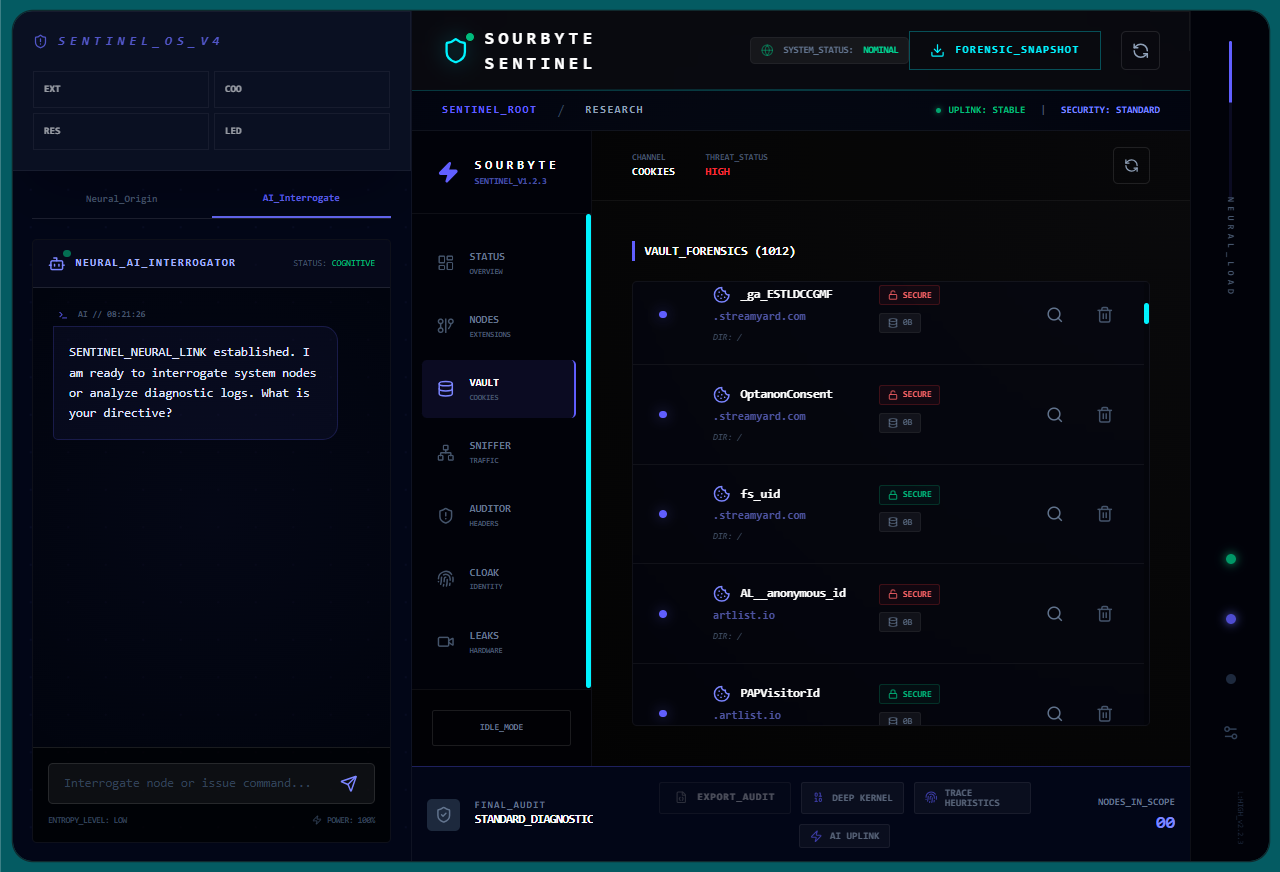
Main Side panel showing cookies
-
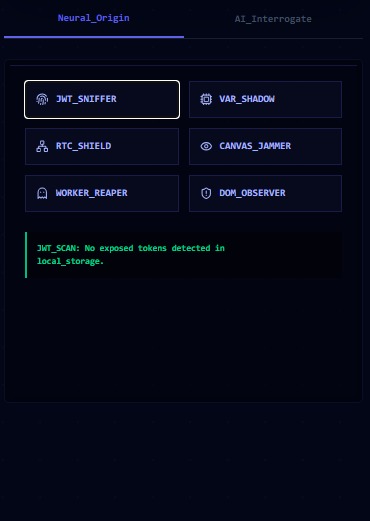
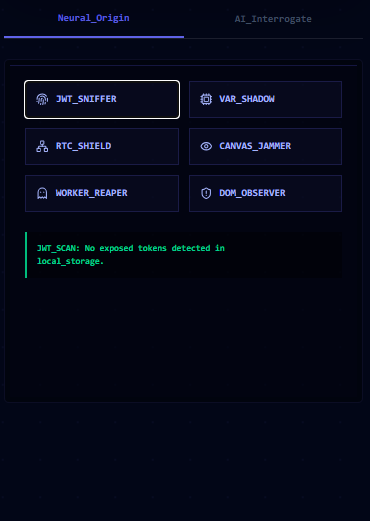
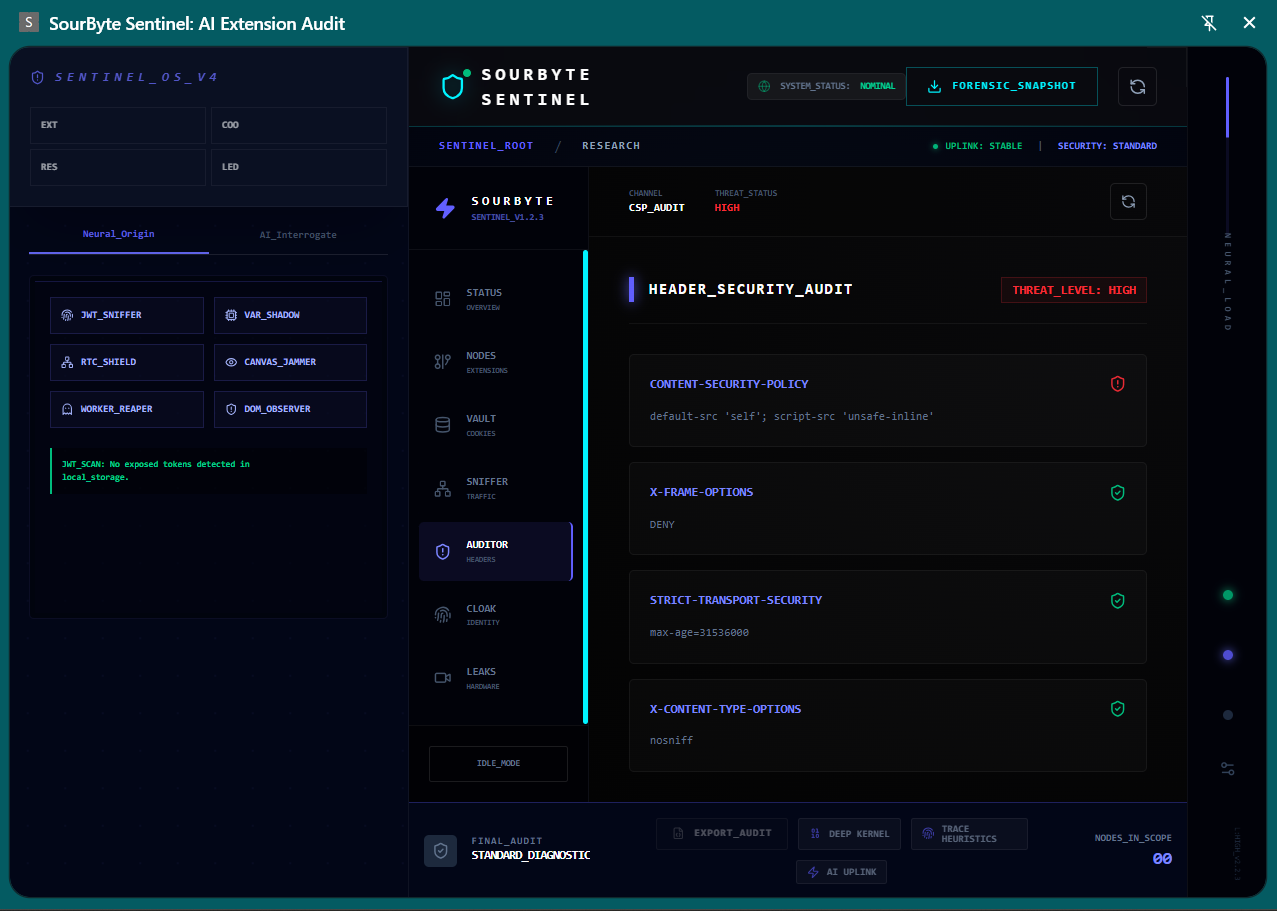
A set of security tools that can be expanded.
-
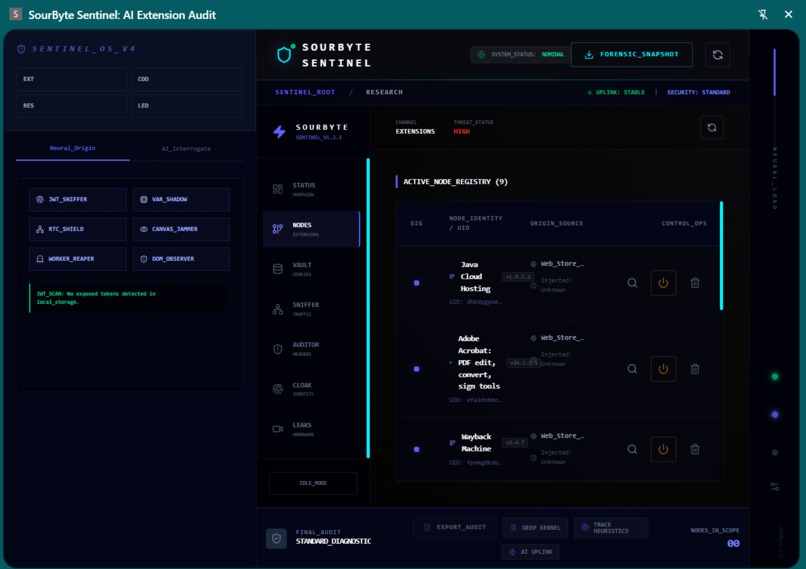
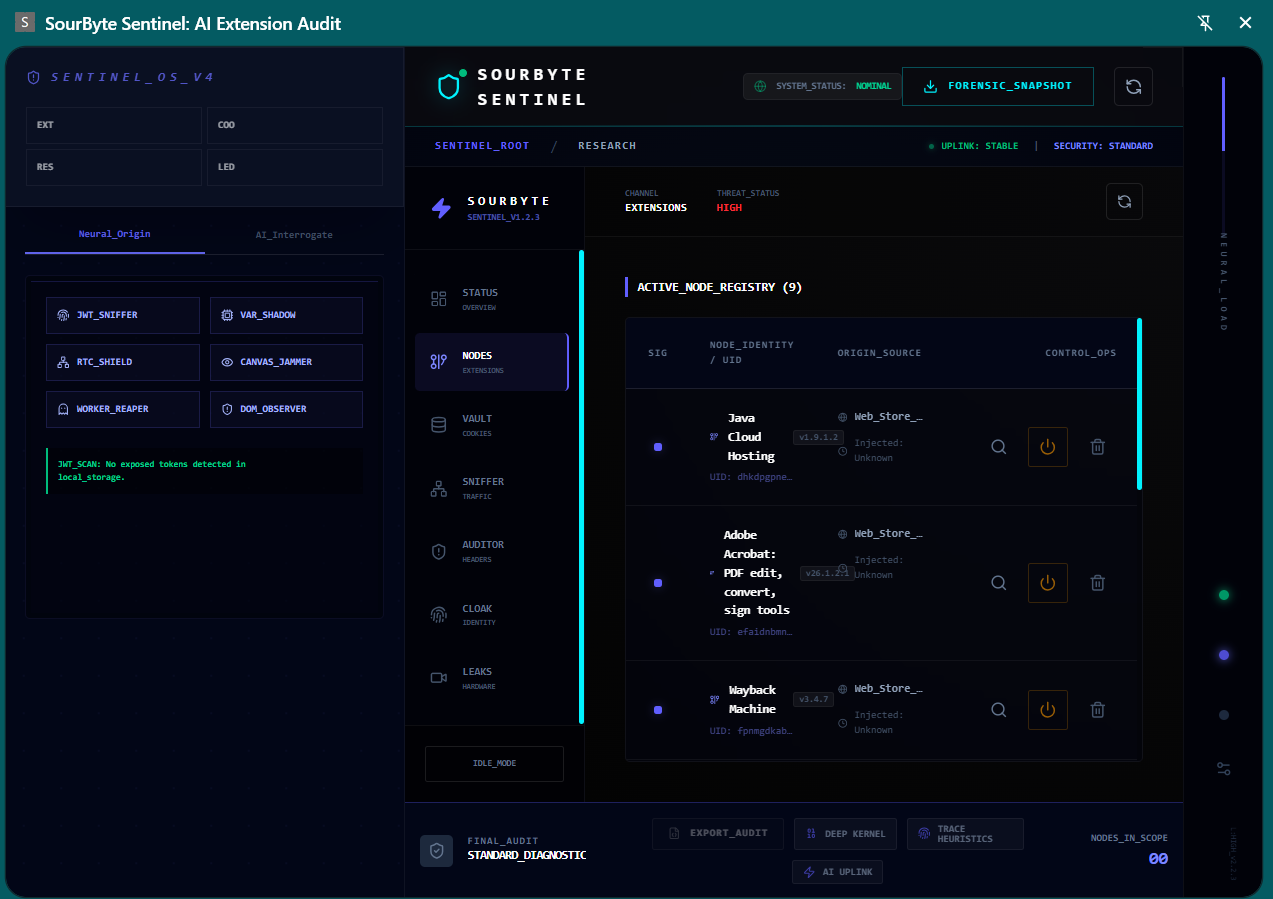
Extensions tab open
-
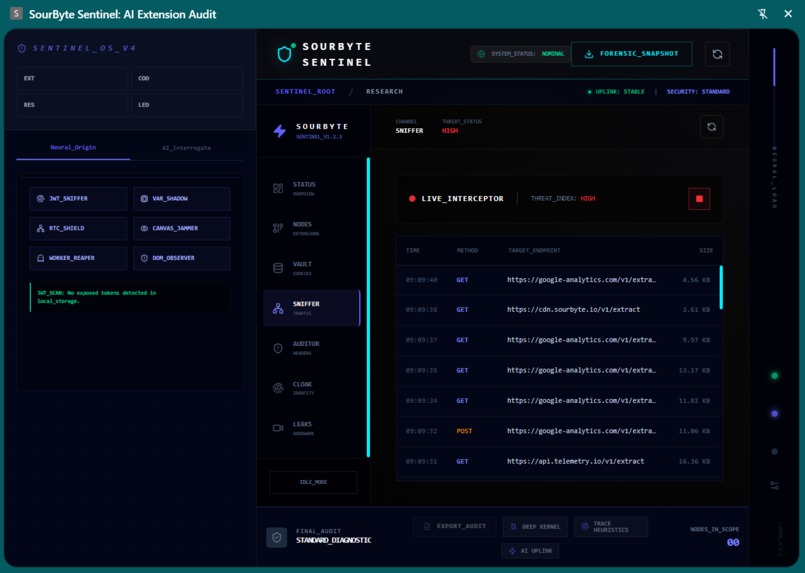
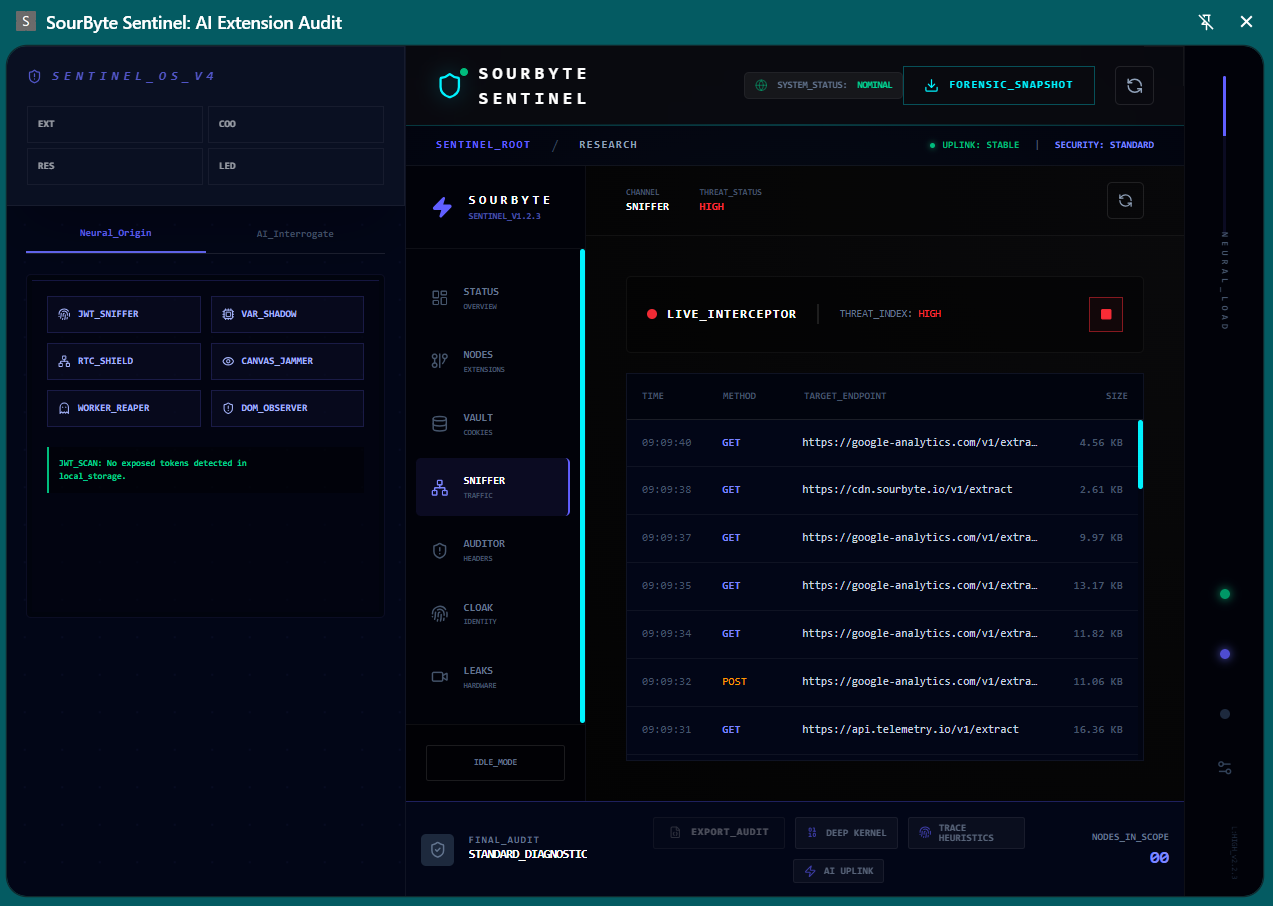
Packet sniffer in action, use can be expanded
-
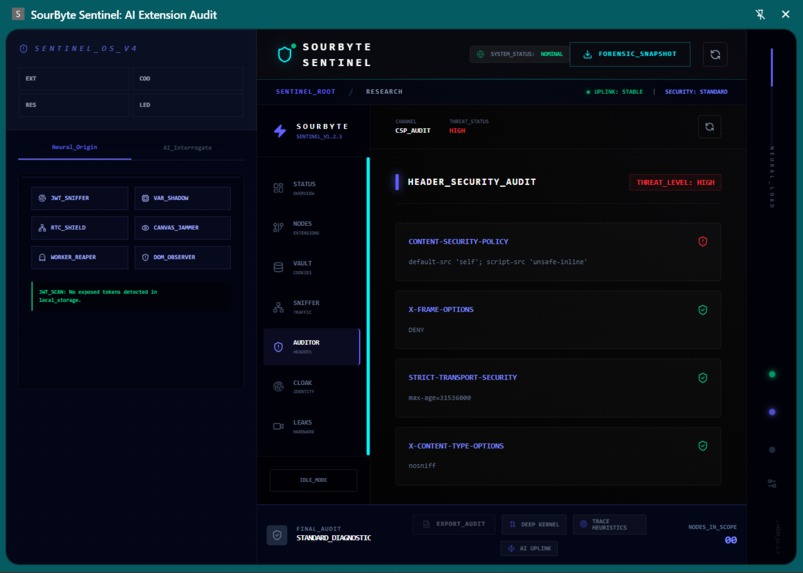
Auditor in action, can be improved
-
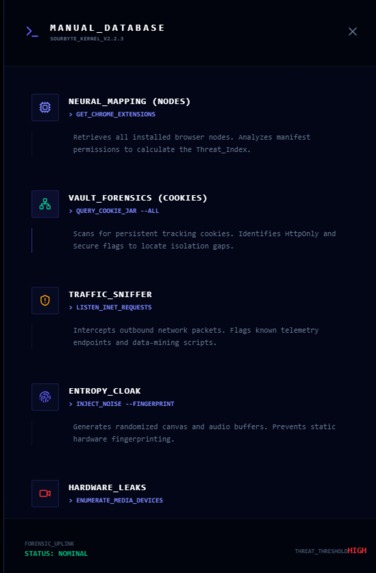
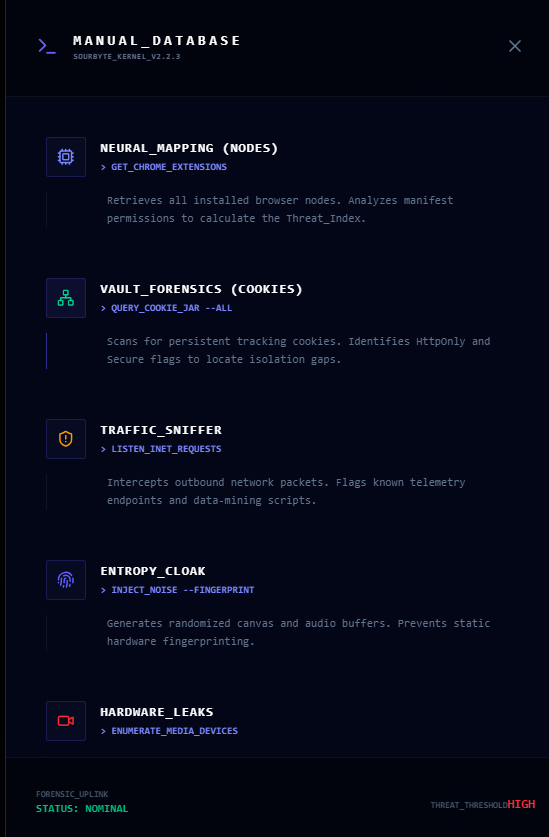
OwnerManual Database
-
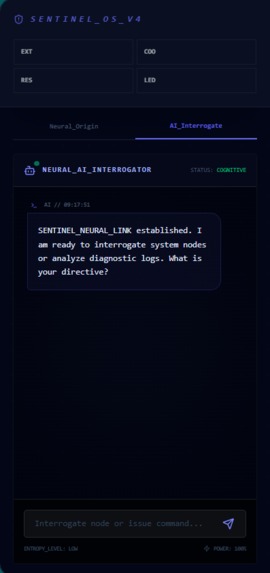
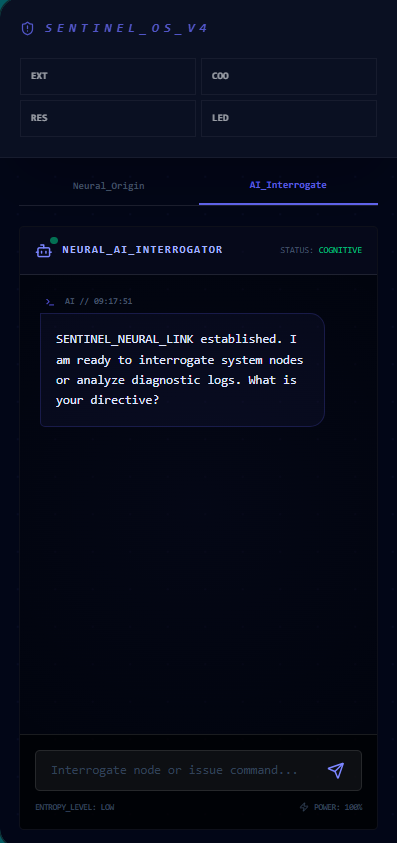
SentinelChatAI
-
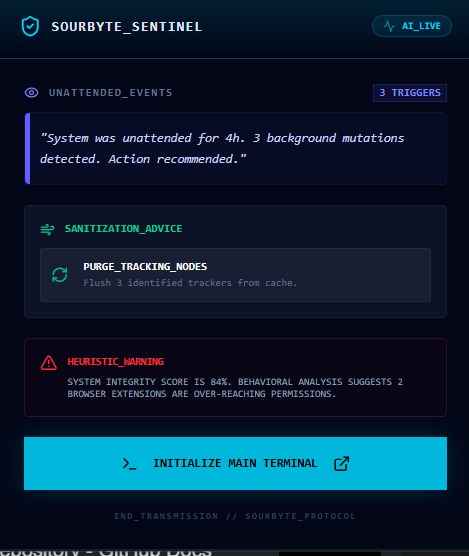
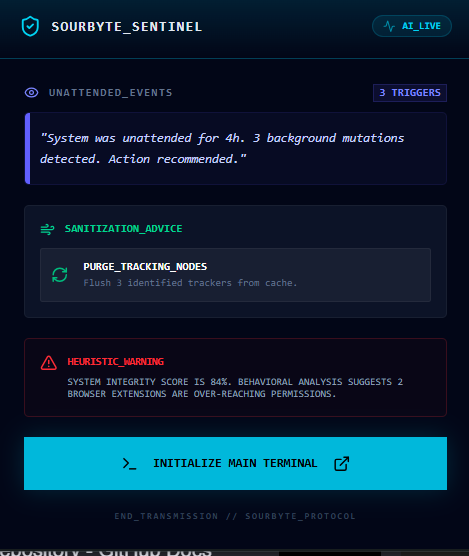
Forensictooltip
Inspiration:
Living in a digital era where browser extensions have unprecedented access to our personal lives, I realized that most users—and even many developers—are "blind" to what happens under the hood of their browsers. I wanted to build more than a list of installed plugins; I wanted to create a forensic auditor that could think. As a developer from South Africa, I saw a gap in accessible, high-end security tools. I was inspired to create a "Sentinel" that provides professional-grade transparency with a cinematic, high-fidelity interface that makes security feel as powerful as it is.
How it was Built:
The project is built on a modern stack featuring React, TypeScript, and Tailwind CSS. To achieve the "etched-glass" aesthetic, I utilized custom 1px borders with 75% opacity and discreet shadows. The "brain" of the project is the Gemini 1.5 Flash integration. Under the hood, the system utilizes a neural-intelligence layer to perform live analysis. The Logic: I implemented a service layer that maps raw Chrome permissions to threat levels. The AI: Using the @google/generative-ai SDK, the app transforms JSON data into human-readable "Clandestine Scope" reports. The Role of AI in Development The building of Sentinel was a true AI-human co-engineering feat. AI didn't just write code; it acted as a senior architect. TypeScript Architecture: I leveraged Generative AI to structure complex service layers and type guards. Prompt Engineering: I spent significant time refining the system prompts to ensure Gemini returned strictly formatted Typescript.
What it does:
Sentinel isn't just a dashboard; it’s a forensic gatekeeper powered by a Gemini 3 Flash neural layer. Under the hood, the system autonomously deconstructs raw Chrome permissions and cookie payloads, transforming complex data into human-readable threat vectors and real-time mitigation strategies
How we built it:
The project itself is a testament to AI-human co-engineering. I leveraged Generative AI to architect high-performance TypeScript service layers and refine a premium, etched-glass UI using Tailwind CSS. This collaboration allowed for rapid prototyping of 'neural links' that ensure robust, asynchronous threat analysis. Under the hood, the system utilizes a neural-intelligence layer to perform live analysis. The Logic: I implemented a service layer that maps raw Chrome permissions to threat levels. The AI: Using the @google/generative-ai SDK, the app transforms JSON data into human-readable "Clandestine Scope" reports.
Challenges we ran into:
The biggest hurdle was Data Synthesis. Mapping a raw permission like webRequest to a specific risk score R isn't always linear. I had to create a weighted algorithm, also coming from an html5, Javascript, c++, Android development training I had to learn to navigate the TypeScript, React, Tailwind CSS code structure and usage, npm commands, Firebase and how their console works.
Accomplishments that we're proud of:
A working product from days of sweat, sleepless nights, endless red squiggles, success, error, success, error, cant build, declared but not utilized, etc. Finally a working product that even shows extensions not appearing on your browser list. Whether I win or not I won because with collaboration from experienced developers we can make this a robust product.
What we learned:
You really have to navigate through the code to make it work. No mistakes allowed, I had to learn about extensions and cookies and how pop up, tab view, permissions, APIs work.
What's next for SourByte AI Sentinel
We want to build a AI autonomous browser watch dog that can in the future have a database, website and a paid for versions with more robust functionality for security tech in big enterprises. We also intend to create a kind of Security Certificate ID AI Sentinel that can create a internal virtual security container for browsers operating in Clandestine environment to block certain domains or allow specific SC:ID key carriers to open specific urls. There is so much we can do when reading on extensions and cookies documentation on Google .
Built With
- chromeapis
- firebase
- gemini
- html5
- javascript
- json
- npm
- react
- tailwind
- typescript
- vscode


Log in or sign up for Devpost to join the conversation.