Inspiration## Inspiration
Finding the right background sound or music for studying, working, or creative projects is frustrating. You often have a vague idea — "something like this video but more relaxing" — but YouTube's search doesn't understand context or mood. We wanted to build a tool that lets you describe a feeling or paste a reference video, and instantly surface the perfect soundscape from YouTube's massive library.
What it does
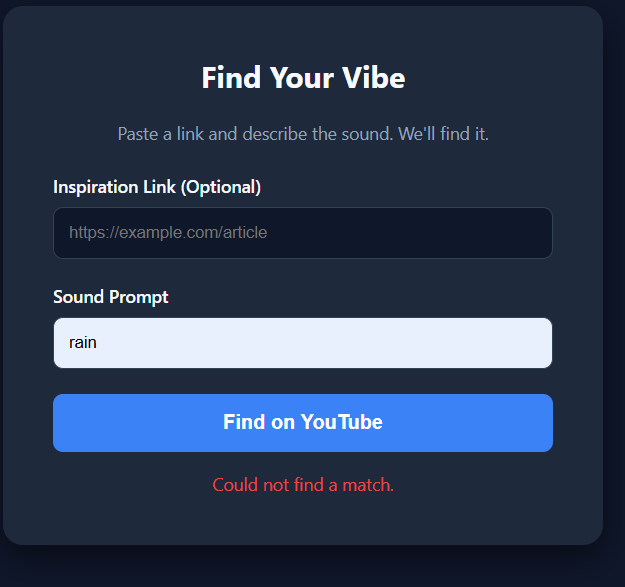
TubeSound is a web app that lets you:
- Paste any YouTube video link as a reference point
- Describe the sound or music you want in plain English
- Apply quick filters (Lofi, Ambient, Nature, No Copyright, etc.)
- Instantly search YouTube and get a grid of matching results
- Play any result directly in the browser without leaving the page
The app extracts the title from your reference video, combines it with your prompt and filters, and sends a smart query to the YouTube Data API — returning up to 12 relevant results with thumbnails, titles, and an embedded player.
How we built it
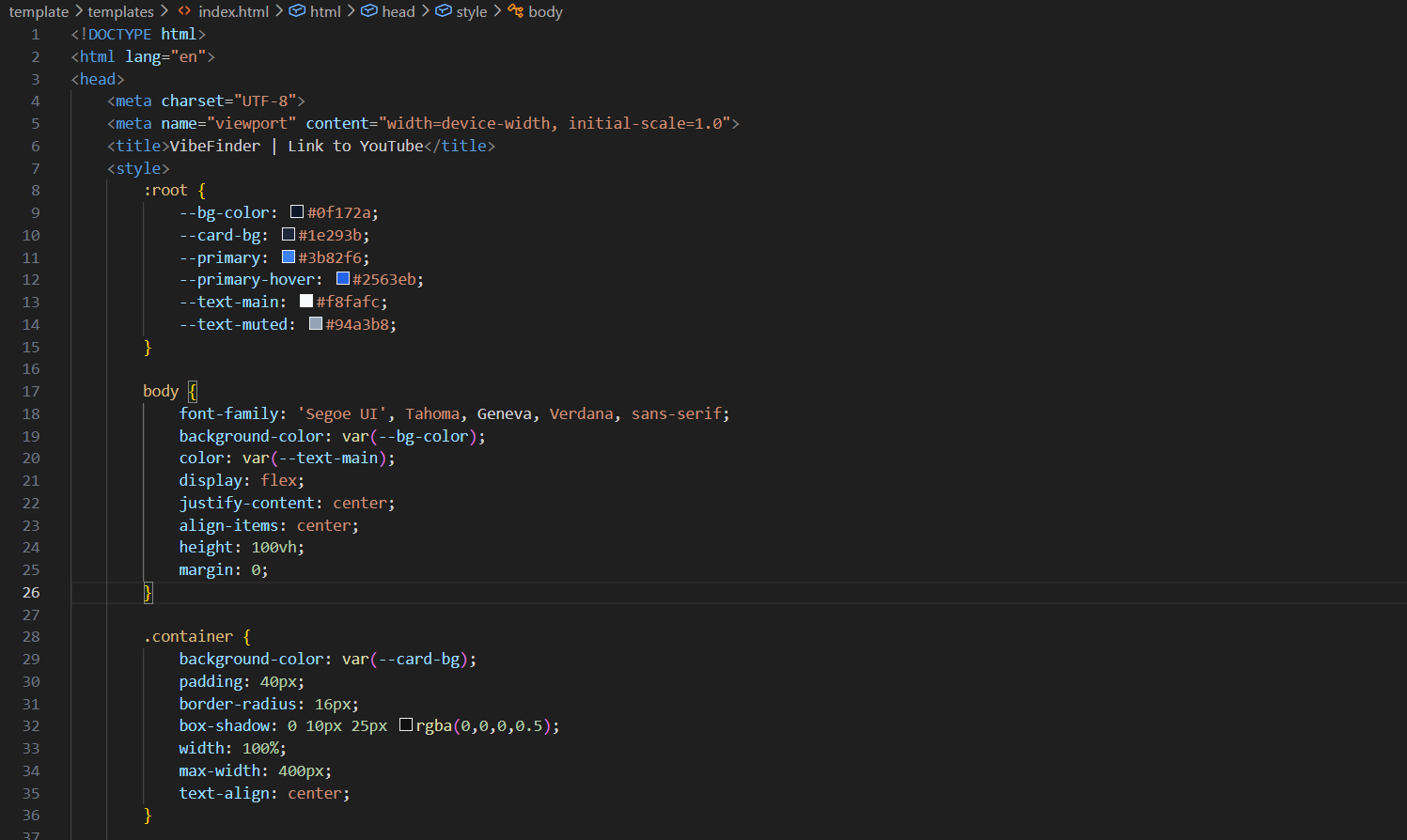
- Frontend: Pure HTML, CSS, and vanilla JavaScript — no frameworks, single file, zero dependencies
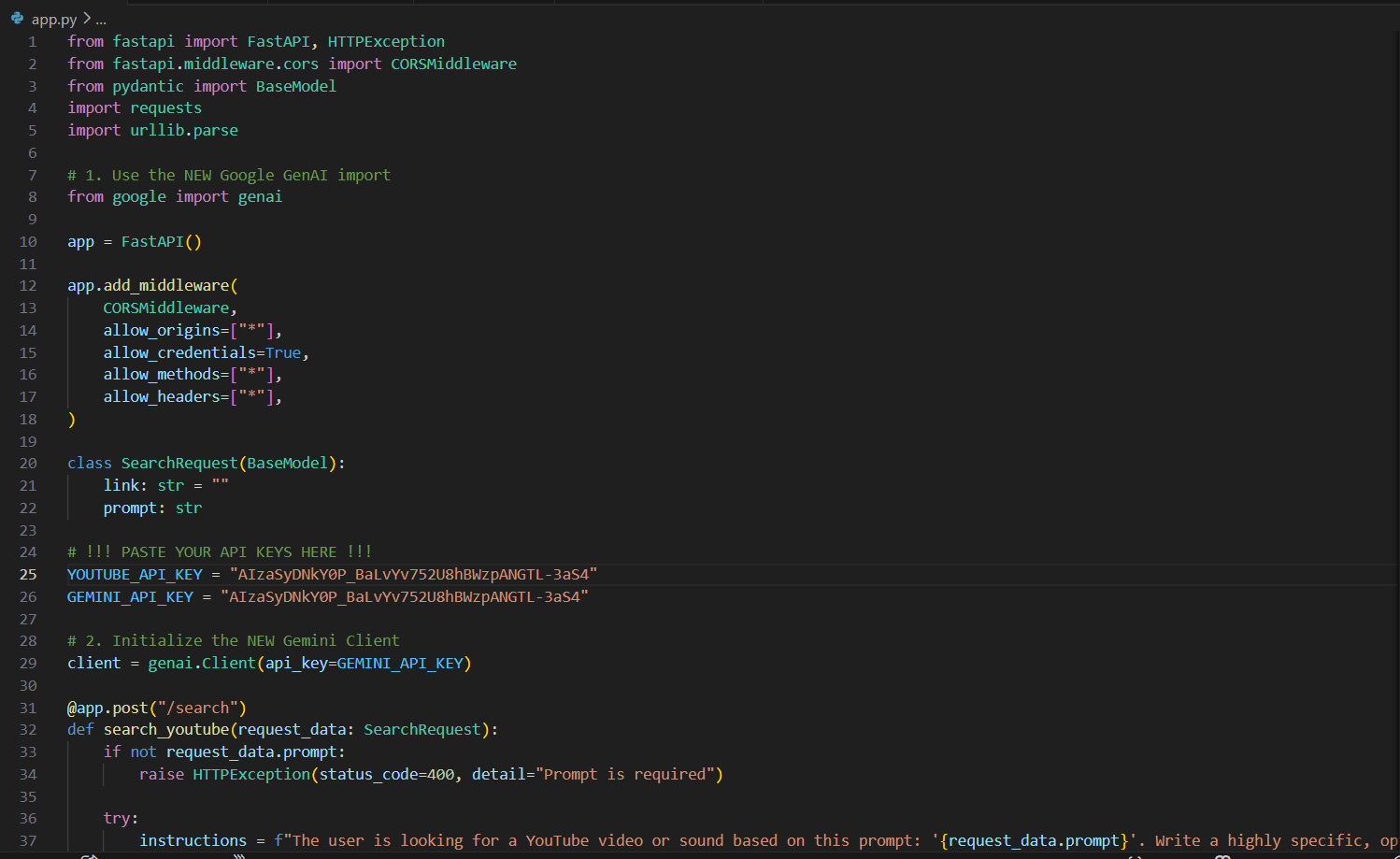
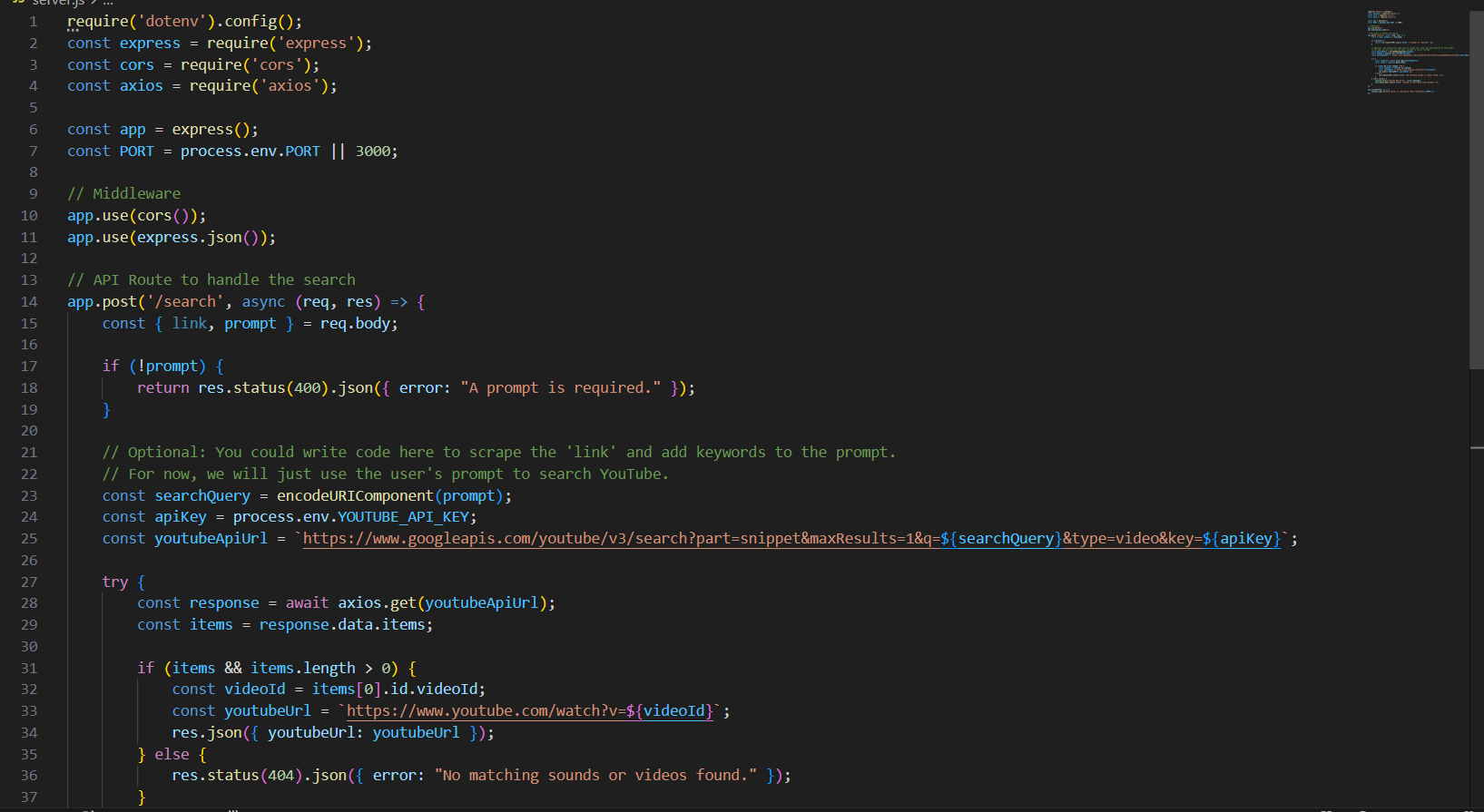
- API: YouTube Data API v3 (Google Cloud) for search and video metadata
- Design: Custom dark theme with Syne + Instrument Sans fonts, CSS animations, and a responsive card grid layout
- Storage: Browser localStorage to persist the user's API key across sessions
- Embedding: YouTube iframe API for in-page video playback with autoplay
Challenges we ran into
- API quota limits: YouTube Data API caps at 10,000 units/day free. Each search costs 100 units, so we had to be efficient — combining the reference video lookup and search into minimal API calls.
- URL parsing: YouTube links come in many formats (youtu.be, /watch?v=, /shorts/, /embed/) — we handled all variants with regex patterns.
- No backend: Keeping everything client-side meant the API key is stored in the browser. We added clear UI to help users set and manage their own key securely.
- Search relevance: YouTube's search API doesn't filter by "audio only" or "soundscape" natively, so we used category IDs and appended keywords to improve result quality.
Accomplishments that we're proud of
- Built a fully functional YouTube sound finder in a single HTML file with no backend or build tools required
- Smart query builder that combines reference video context + user prompt
- filters into one optimized search
- Clean, production-grade UI with embedded playback — feels like a real product
- Accessible to anyone with zero setup beyond a free Google API key
- Handles all YouTube URL formats automatically
What we learned
- How to work with the YouTube Data API v3 — search, video metadata, quota management, and error handling
- Techniques for building polished, responsive UIs with pure CSS animations and no frameworks
- The importance of graceful degradation — the app guides users through API key setup rather than silently failing
- How to extract meaningful context from a URL and use it to improve search quality programmatically
What's next for TubeSound
- 🔑 No-API mode — redirect searches to YouTube directly, no key needed
- 🎚️ Ambient mixer — play multiple YouTube sounds simultaneously with individual volume controls
- 🤖 AI prompt enhancer — use Claude API to rewrite vague descriptions into optimized YouTube search queries
- 📋 Save playlists — bookmark favorite sounds locally
- 📱 PWA support — installable as a mobile app
- 🎵 Mood detection — analyze the reference video's audio and automatically suggest a matching mood/genre filter

Log in or sign up for Devpost to join the conversation.