-
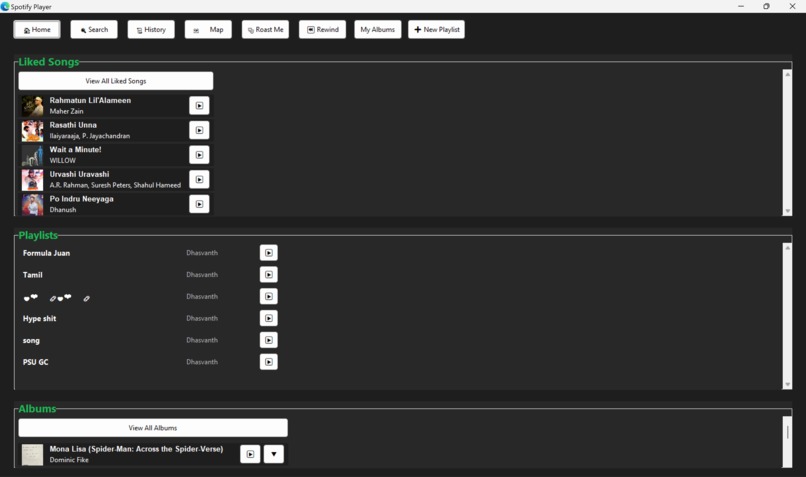
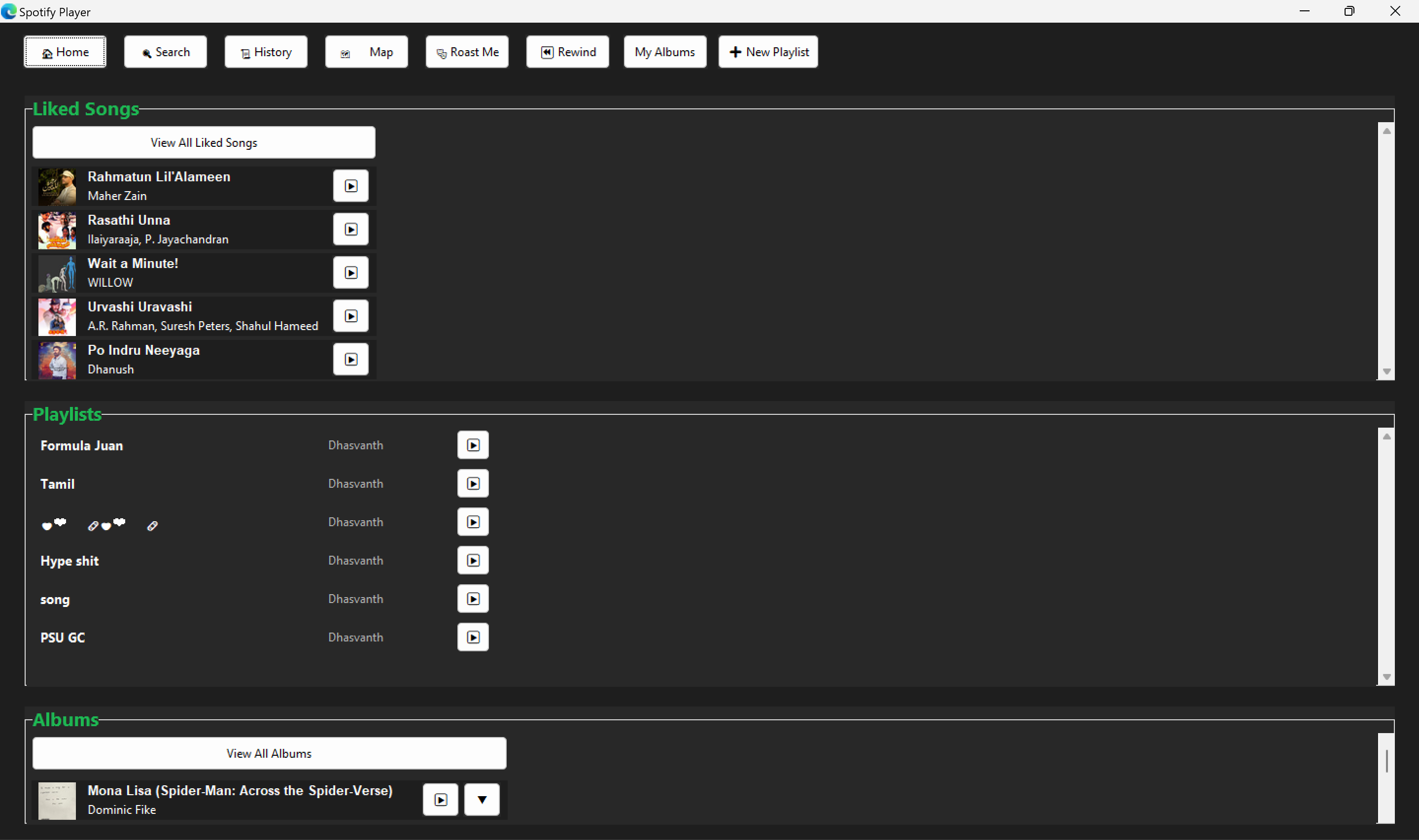
Home Page
-
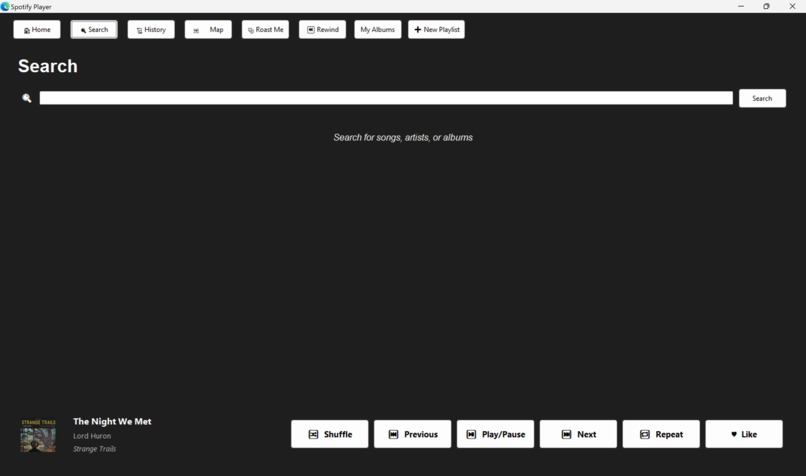
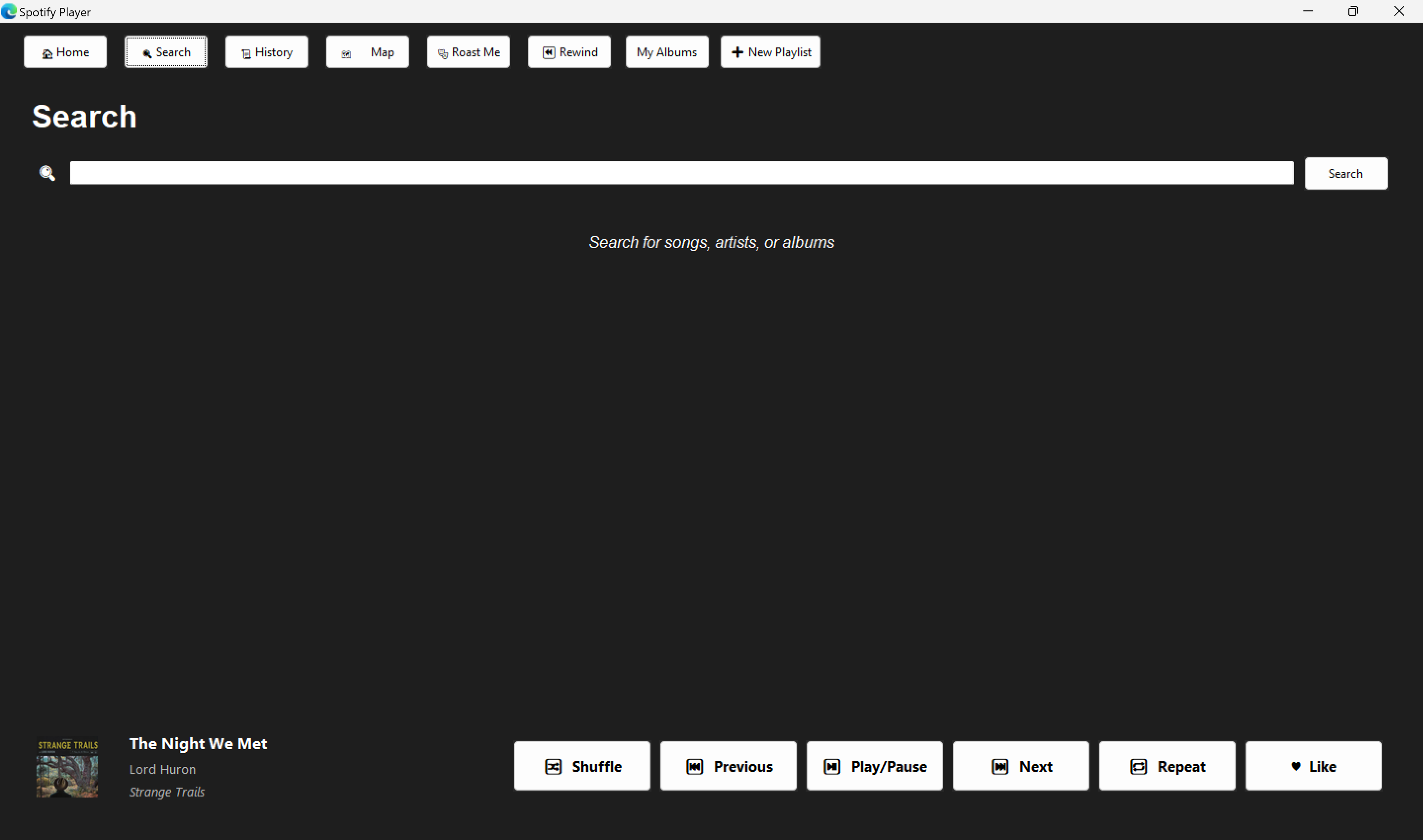
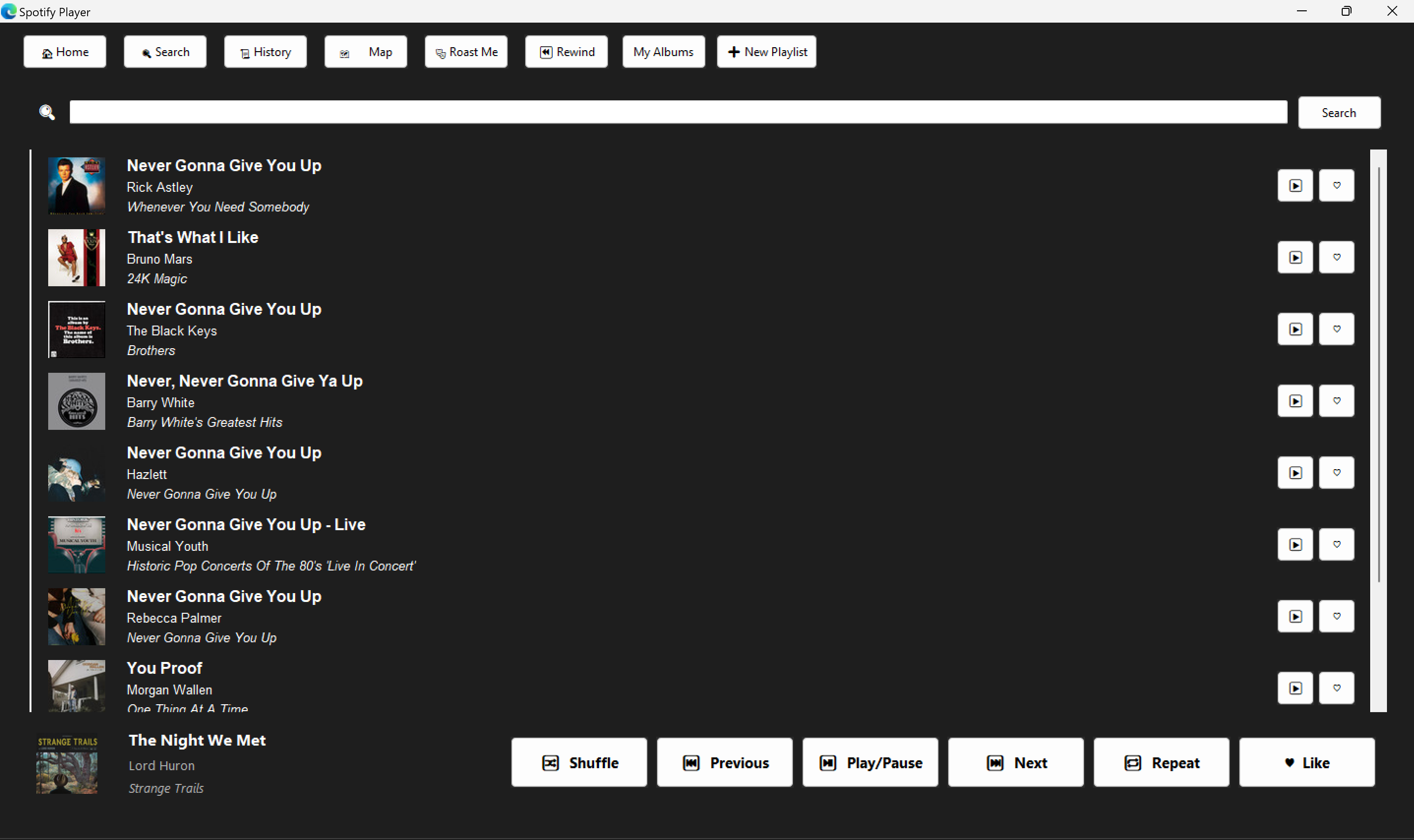
Search Bar
-
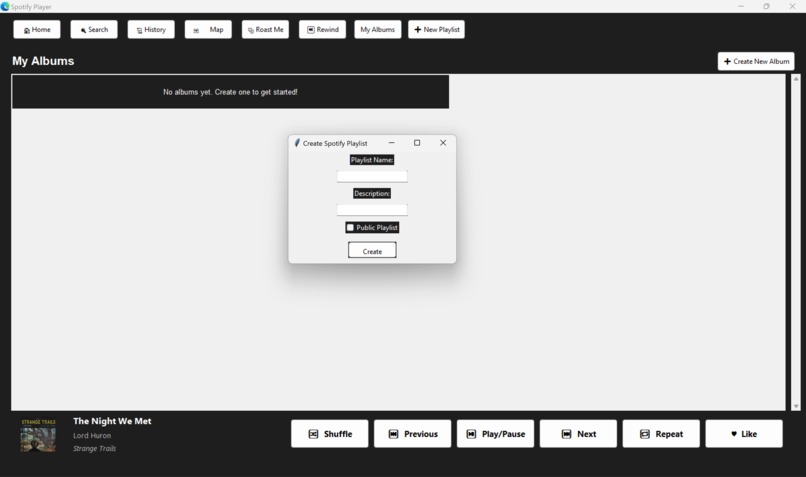
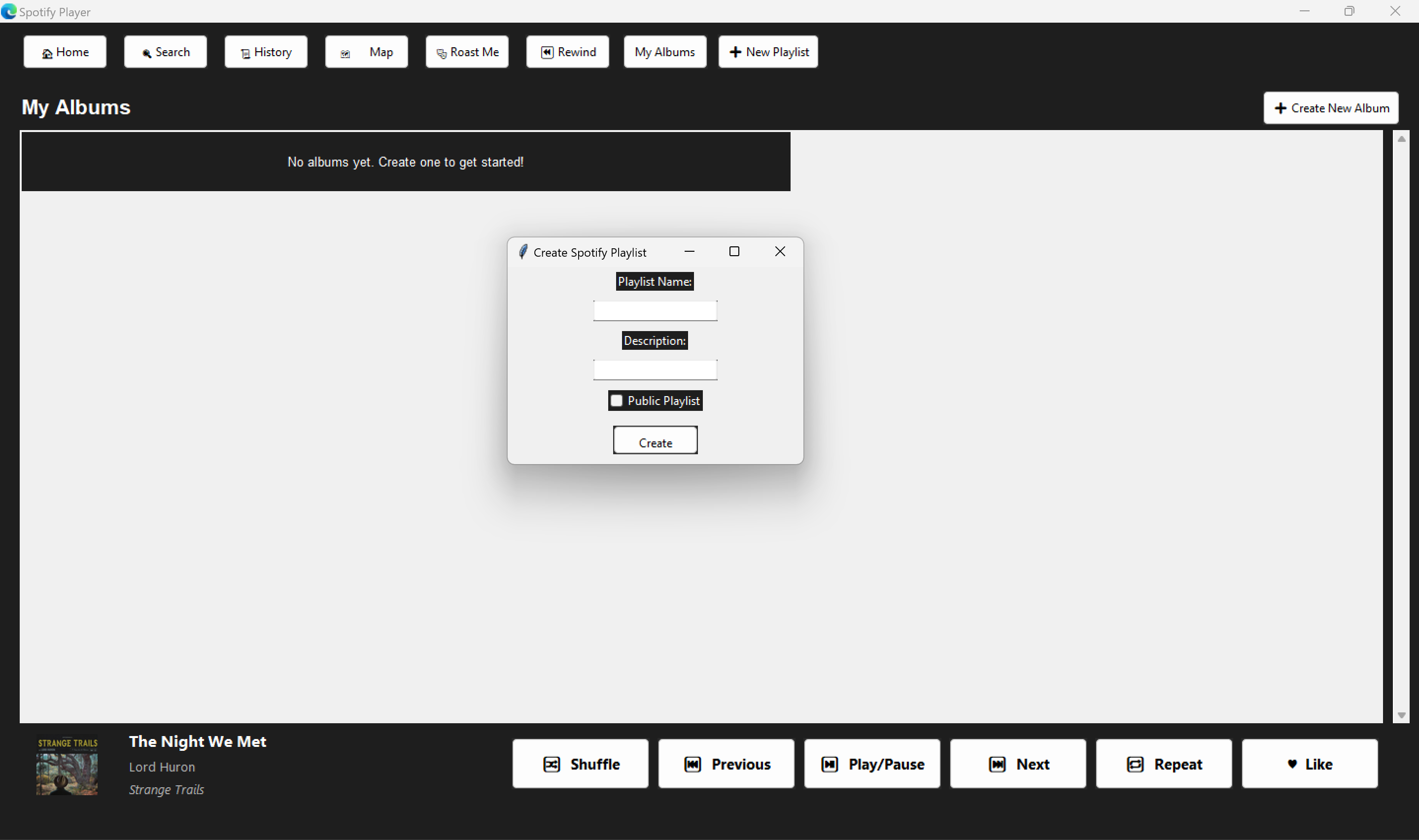
Create Playlists
-
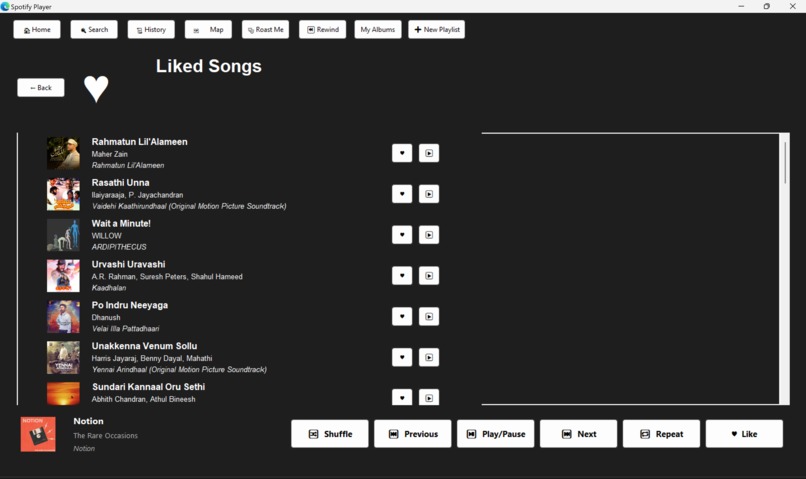
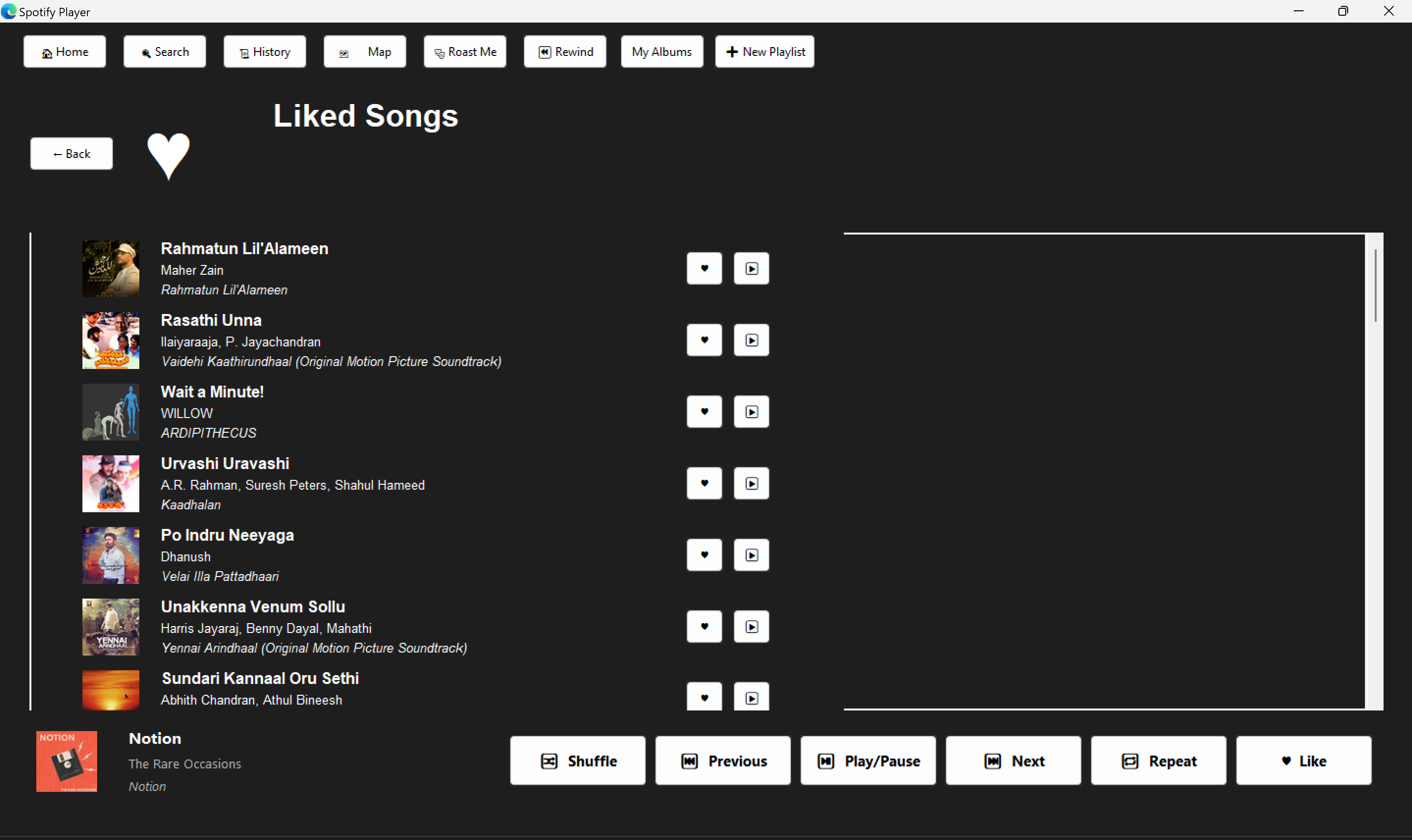
Liked Songs
-
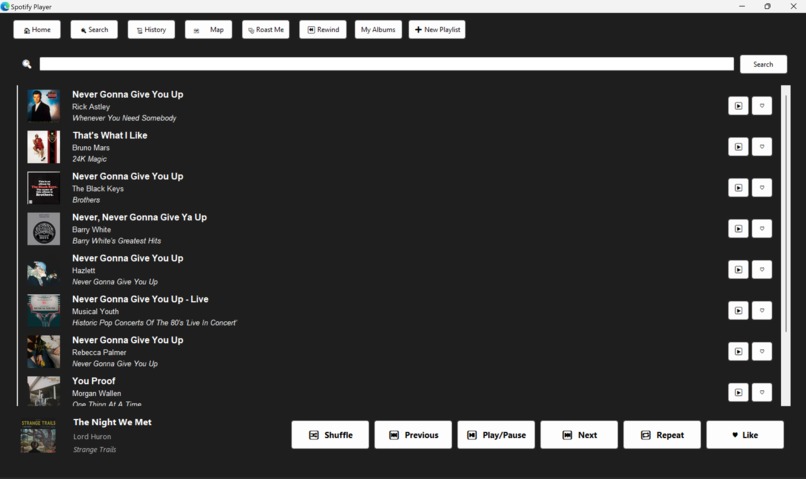
Searched song
-
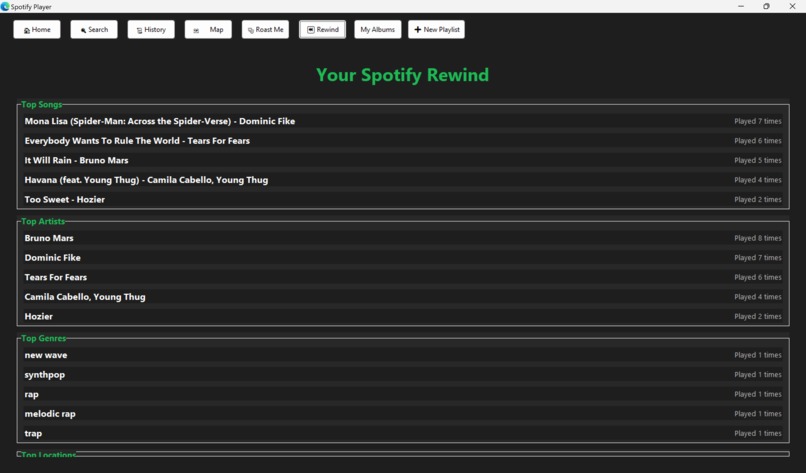
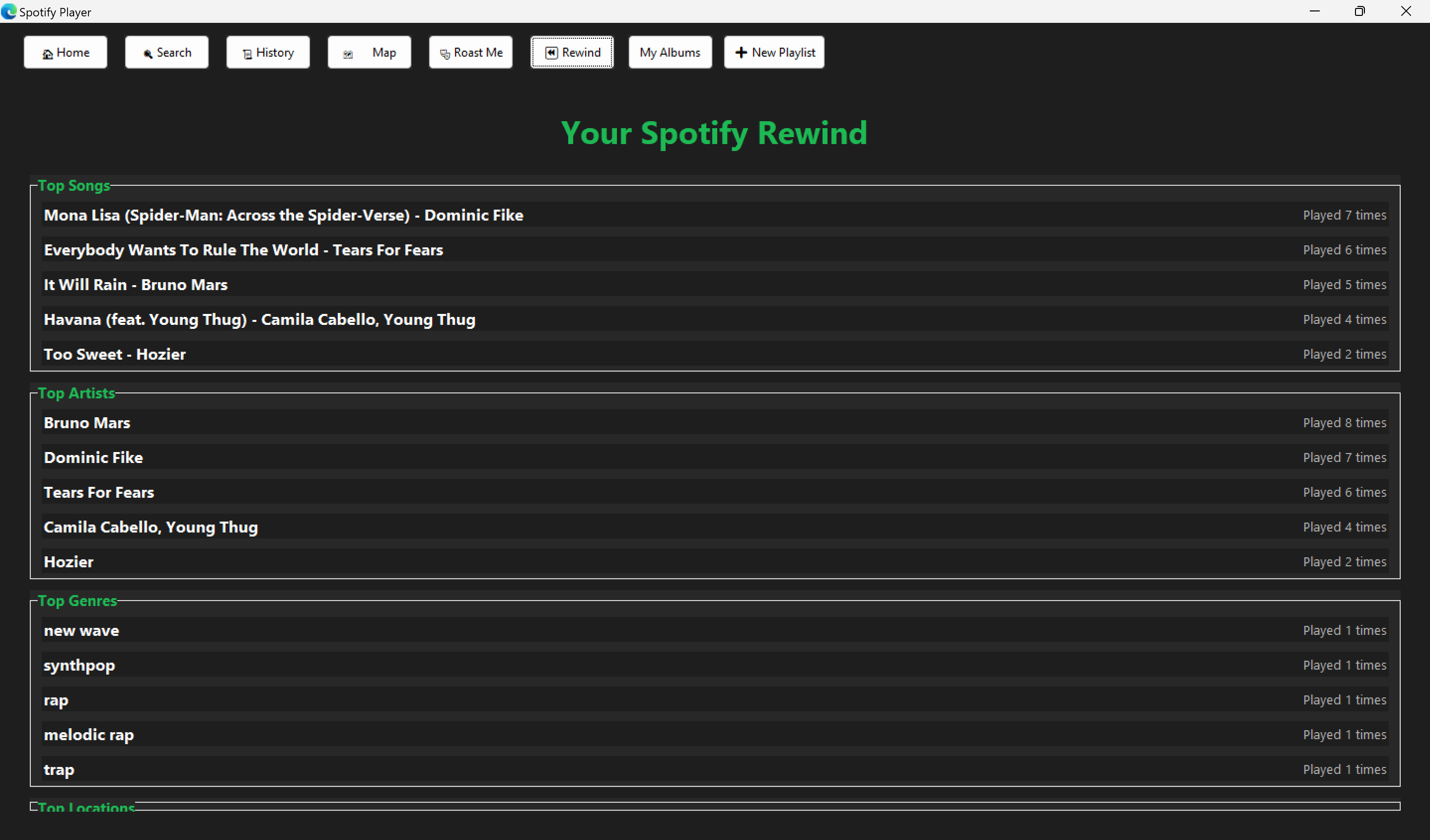
Top Listens
-
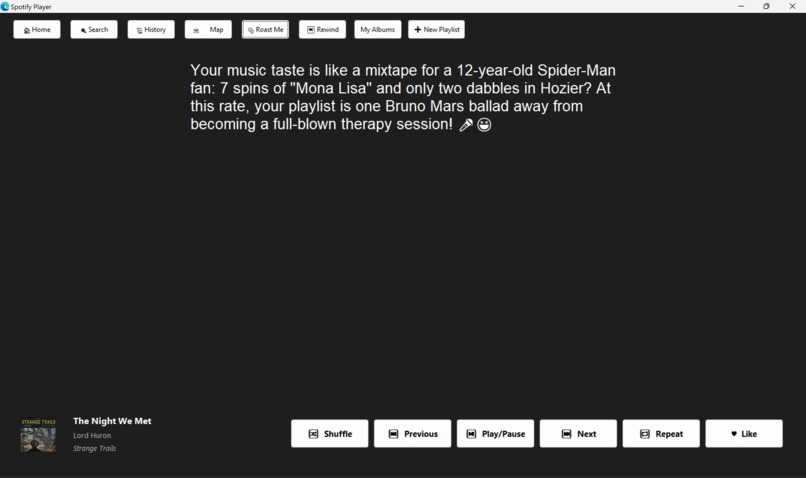
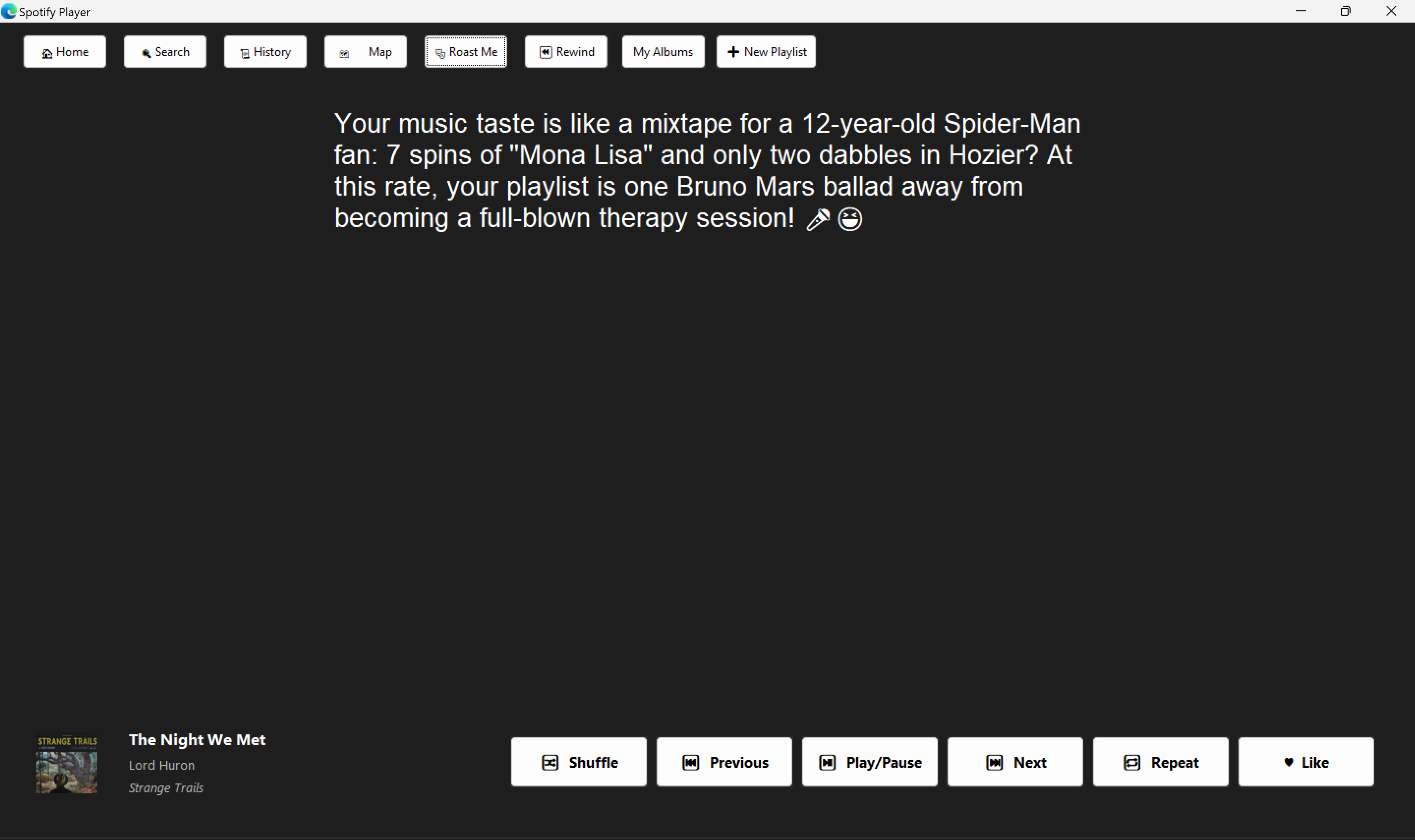
Customised Roast based on your listening history
-
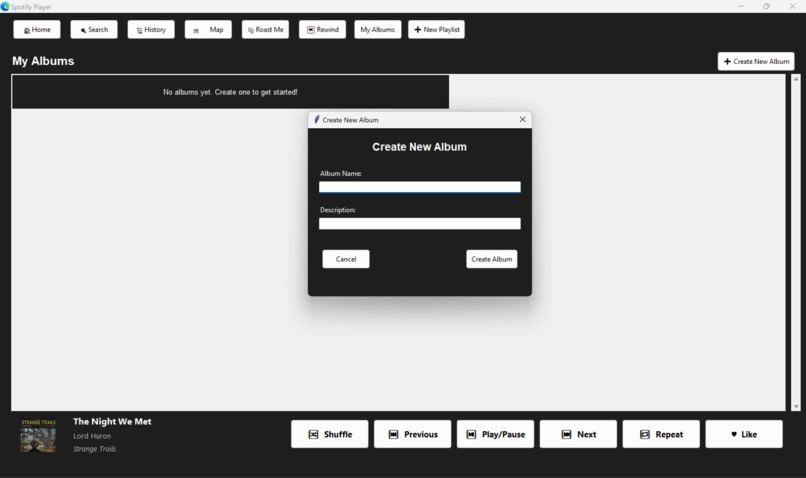
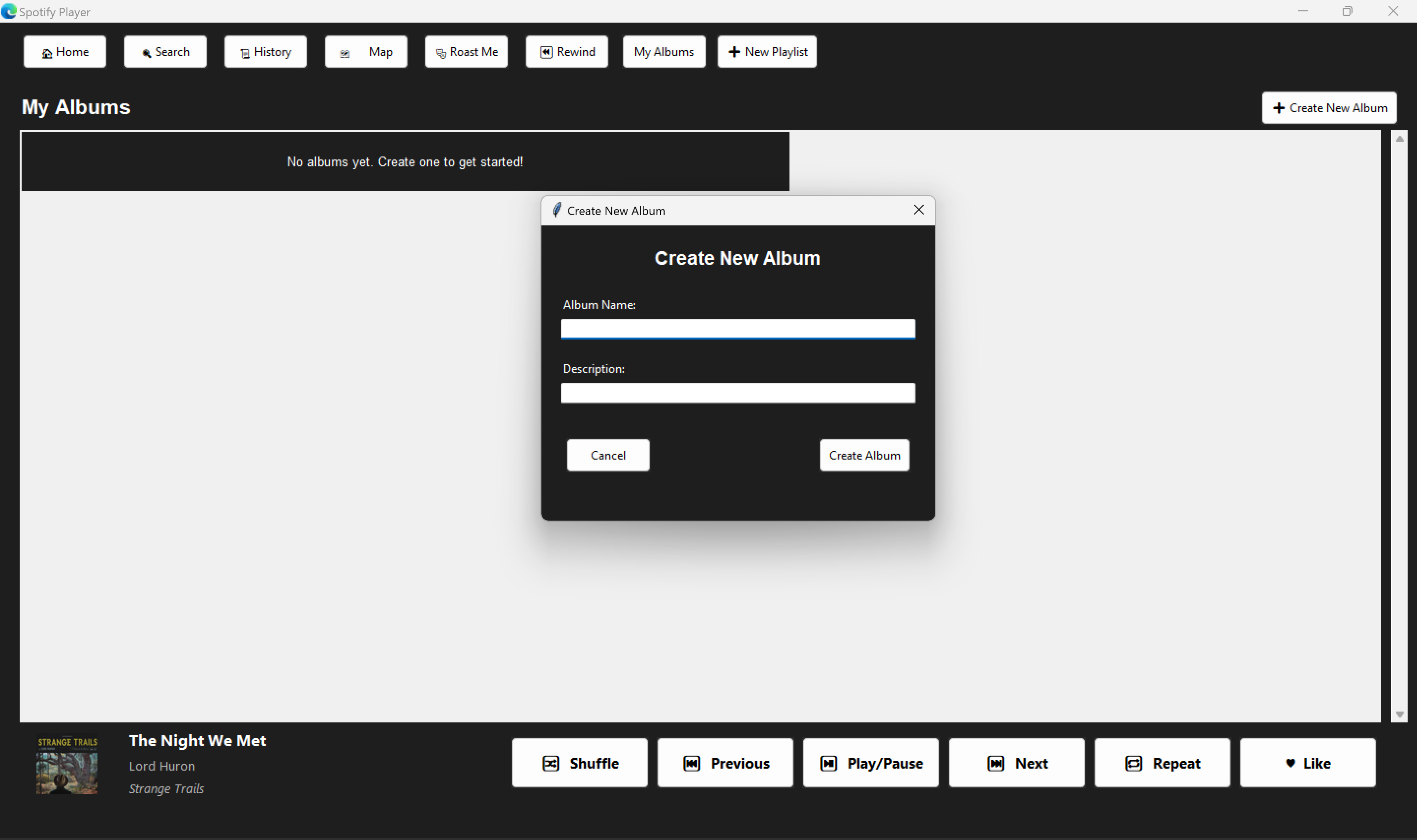
Create an album with all your memories
-
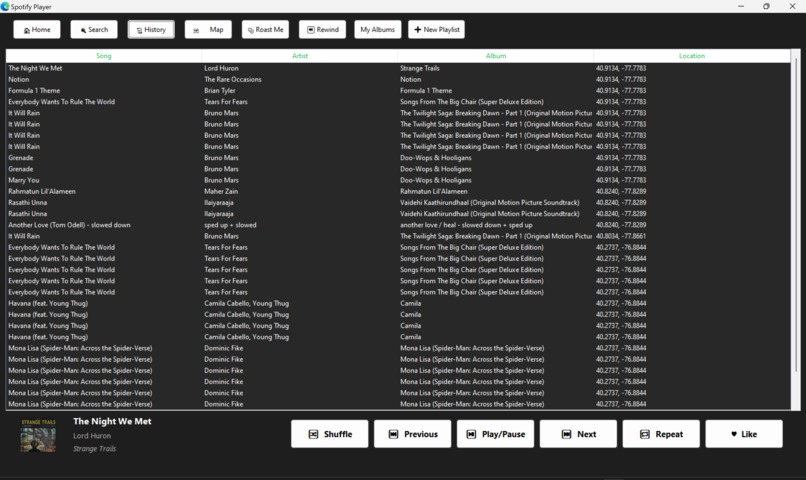
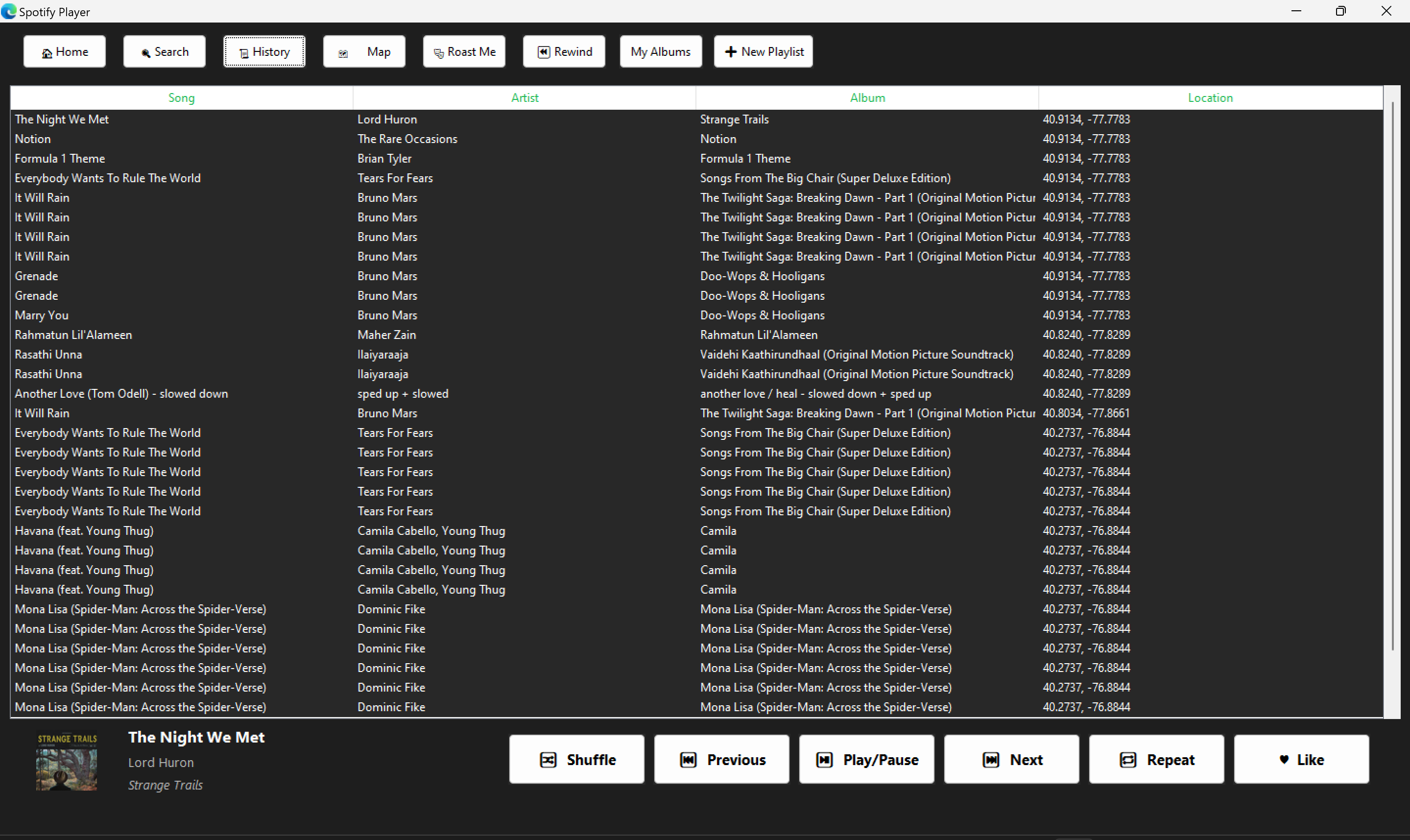
History with location
-
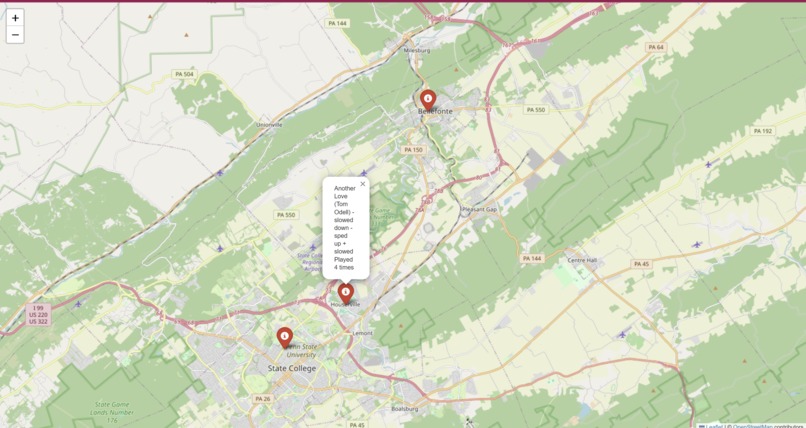
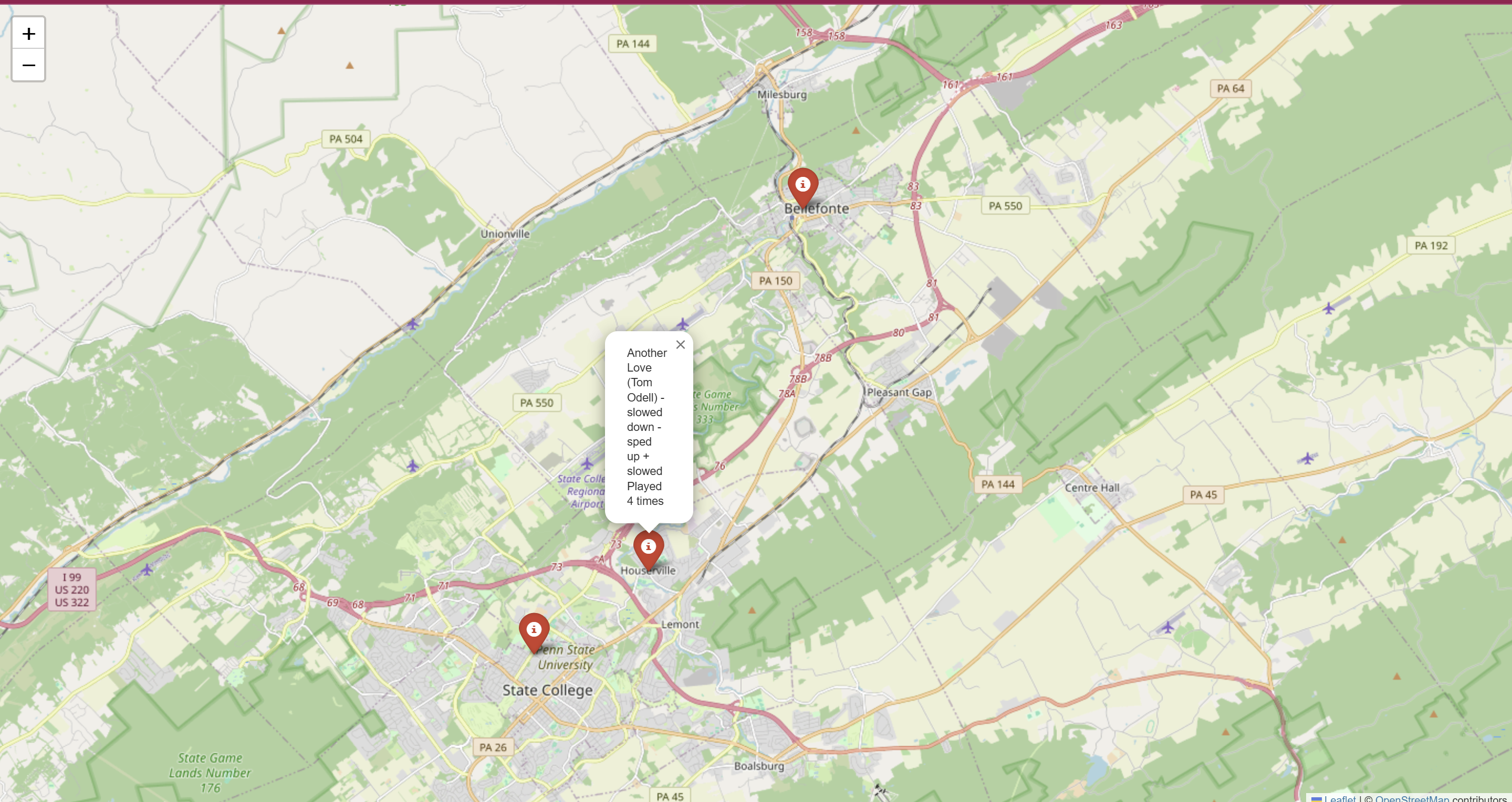
Listening Map
SoundTrack 🎵🗺️
Inspiration
We've all had that moment—walking through a city or driving with the windows down—when a song hits just right, and you instantly associate it with that time and place. But later, when you try to recall what song it was or where you were, it's a blur. SoundTrack was built to capture those moments. It saves your Spotify listening history along with your location, so your music becomes a living map of memories. Whether you're reliving a summer trip or just want to know what your “sad playlist” was on a rainy Tuesday night, SoundTrack has you covered.
What it does
SoundTrack is a location-aware Spotify desktop player that:
- Maps your music: Every song you listen to gets logged with geolocation and pinned on an interactive map.
- Rewind Recap: Generates a personalized “Spotify Rewind” with your top songs, artists, and albums. You can upload custom media to enhance the nostalgia.
- Music Roast: Uses ChatGPT to generate a hilarious roast of your music taste.
- Multimedia Playlists: Add photos and videos that play alongside songs, bringing your playlists to life.
- Full Player Interface: Built-in playback controls and song browsing, all within the app.
How we built it
We used a wide range of tools, libraries, and APIs to bring SoundTrack to life:
🧠 Backend & Logic
spotipy: For Spotify API integration (authentication, track history, playback, etc.)sqlite3: Lightweight local database to store listening data and location pins.geocoder: To fetch real-time location when a song plays.folium: To build interactive maps that display listening history.openai(via custom moduleRoast_test.py): To generate witty, AI-powered music roasts using ChatGPT.
🖥️ GUI & UX
tkinter: For the desktop user interface (cross-platform and simple to deploy).tooltip.py: Custom module to add helpful tooltips to UI elements.PIL (Pillow)+requests+BytesIO: To load, process, and display album art and user-uploaded images.threading+time: For smooth background polling and async UI updates.
📦 Modules
Roast_test.py: Handles API calls to ChatGPT for generating roast content.rewing.py: Aggregates play history and builds Spotify Rewind summaries.tooltip.py: Adds hover-based tooltips to the interface.
Challenges we ran into
- Integrating Spotify’s playback SDK with a desktop GUI required a lot of trial and error.
- Handling geolocation reliably across different devices and locations while protecting user privacy.
- Making sure all data (songs, locations, images) sync correctly in real-time.
- Keeping the UI responsive while polling Spotify’s API in the background.
- Prompt engineering to make the ChatGPT roast feature consistently funny and relevant.
Accomplishments that we're proud of
- Creating a fully functional multimedia Spotify player from scratch.
- Visualizing listening history in a way that's both personal and nostalgic.
- Seamless integration of music, maps, and memories.
- Building an AI roast generator that actually makes people laugh—and sometimes cry.
- Keeping the app lightweight, local, and privacy-respecting.
What we learned
- How to integrate multiple APIs and libraries cohesively.
- Using OpenAI's ChatGPT for creative features like roasts.
- How to manage media and location data effectively in a music app.
- Designing a fun yet functional user interface with
tkinter. - Just how emotional and powerful music memories can be when they're captured visually.
What's next for SoundTrack
- Launching a mobile version for on-the-go location tagging and memory logging.
- Adding collaborative memory maps so friends can share music memories.
- Smarter AI recaps: ChatGPT-generated stories or summaries of your listening year.
- Offline mode for capturing data without a connection, then syncing later.
- Public playlists with memory overlays—like interactive audio diaries.


Log in or sign up for Devpost to join the conversation.