-
-
SoundSense
-

SoundSense Logo
-
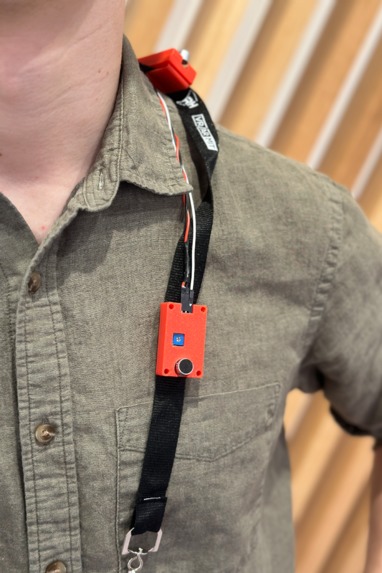
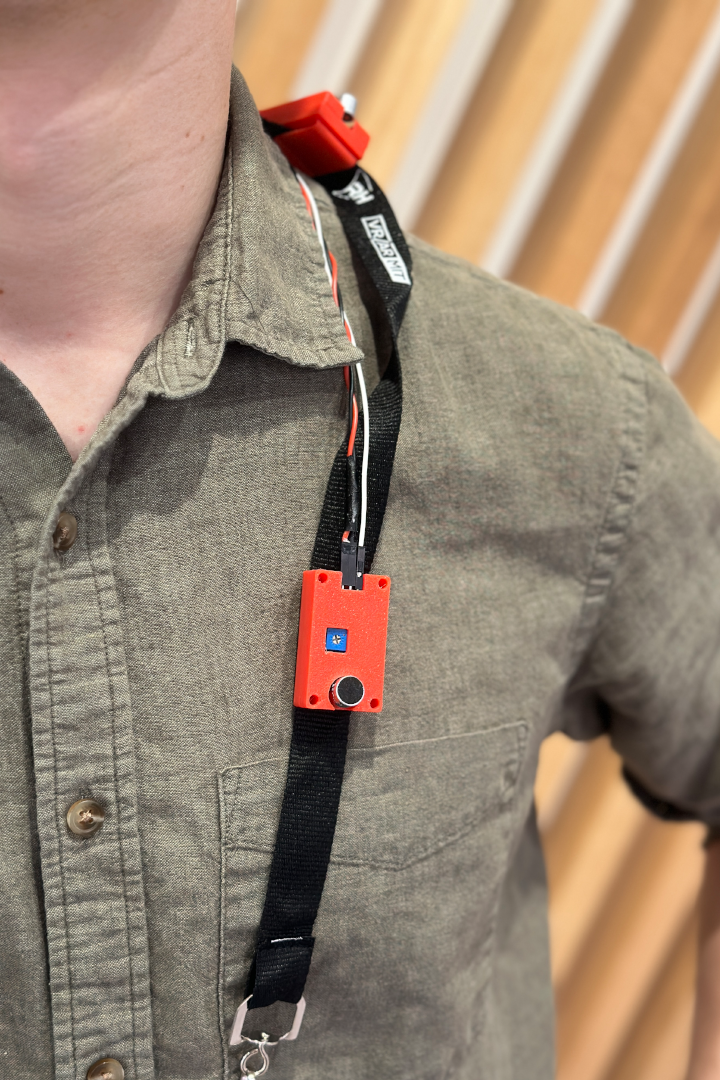
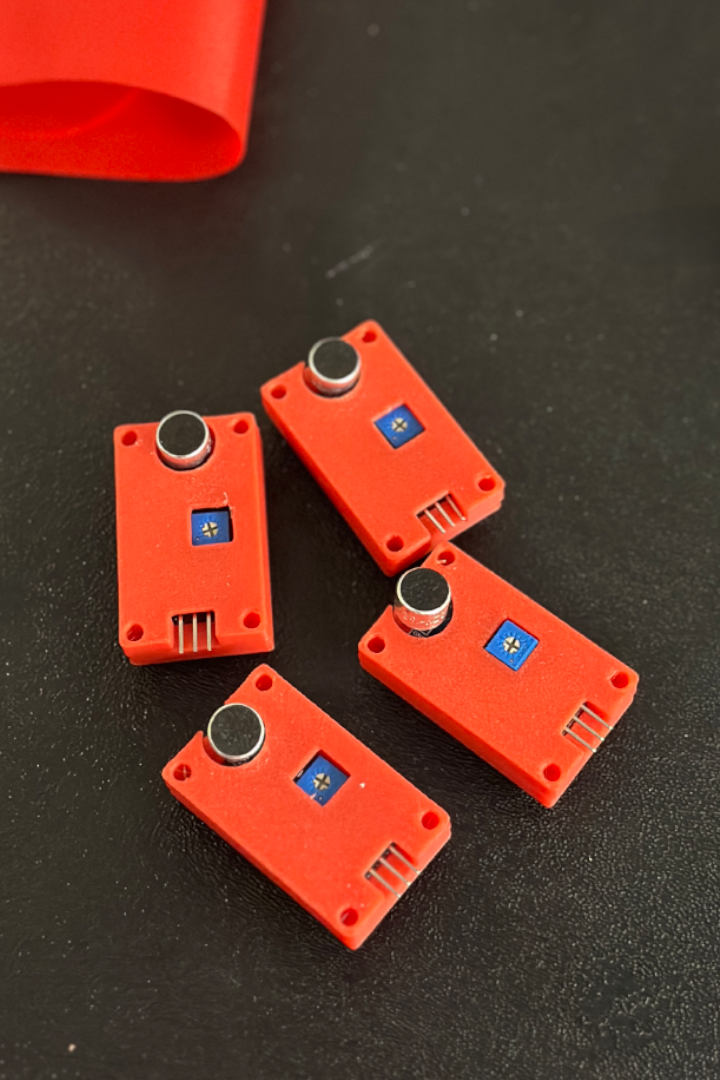
Product Image #1: Sound Sensors
-
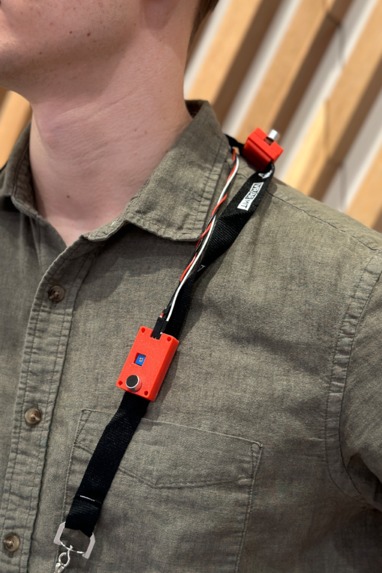
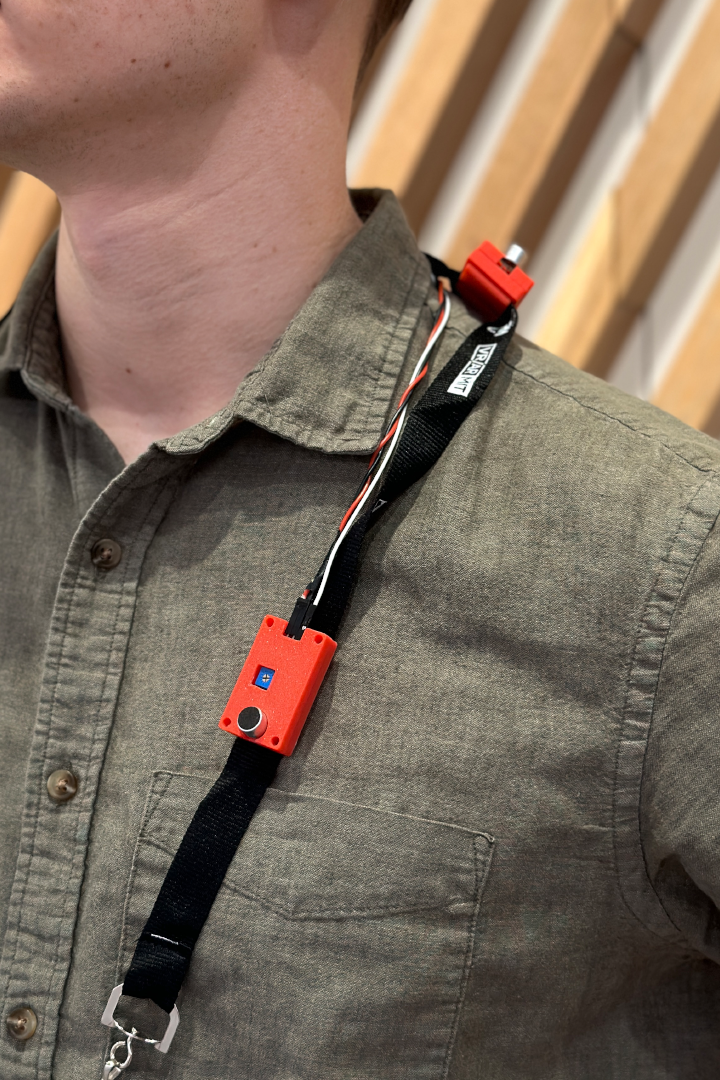
Product Image #2: Sound Sensors
-
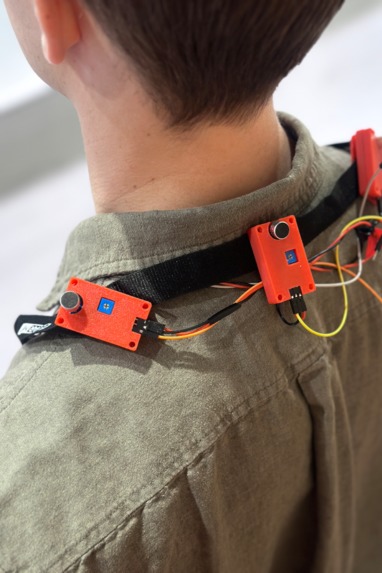
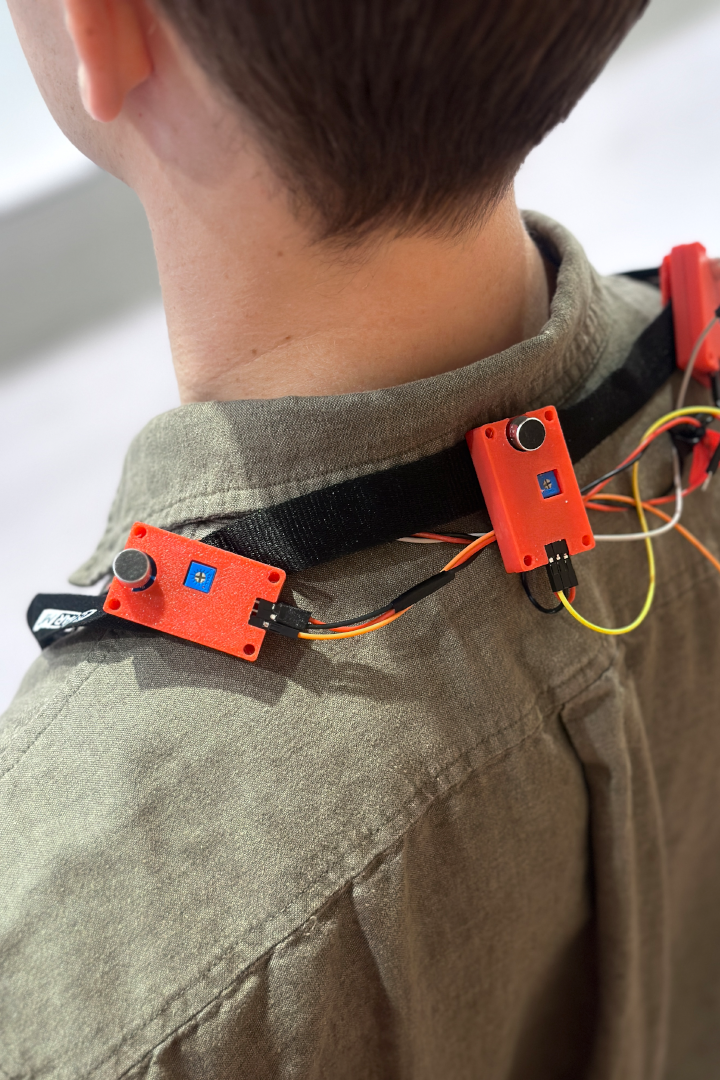
Product Image #3: Sound Sensors
-
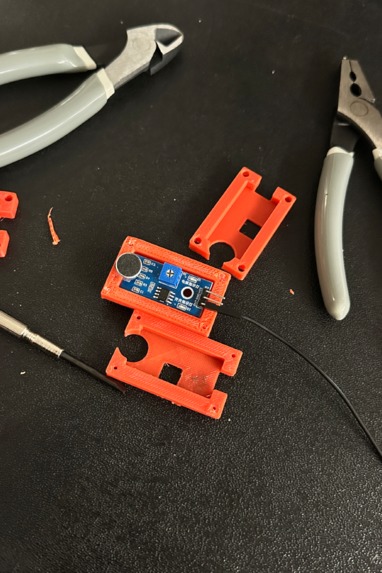
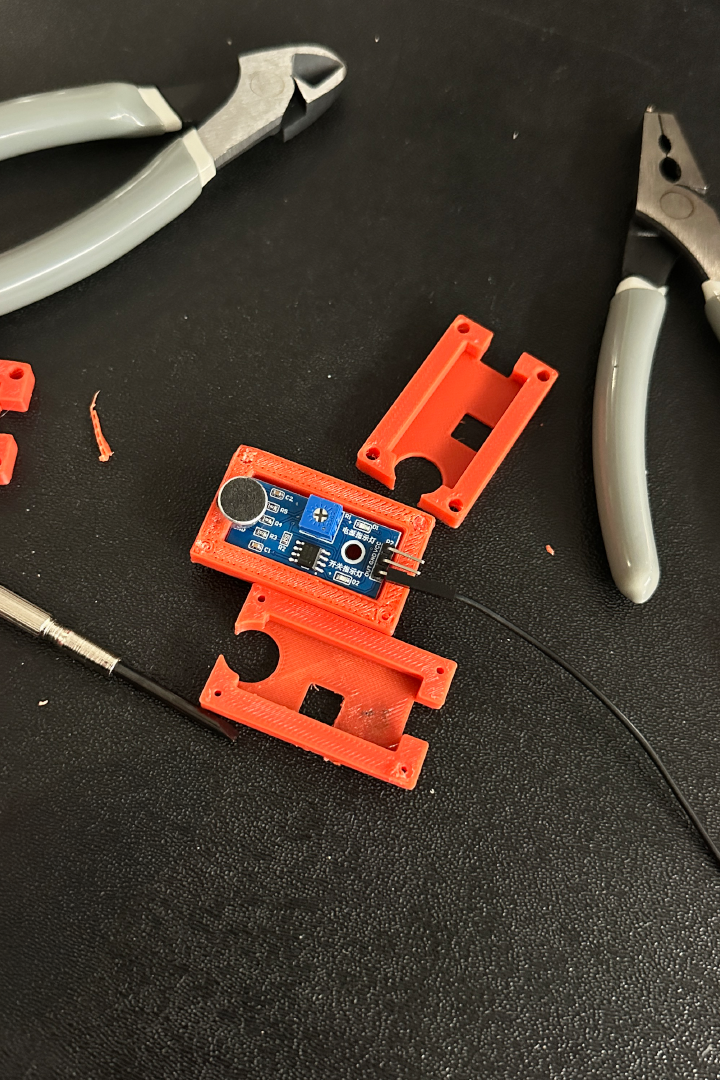
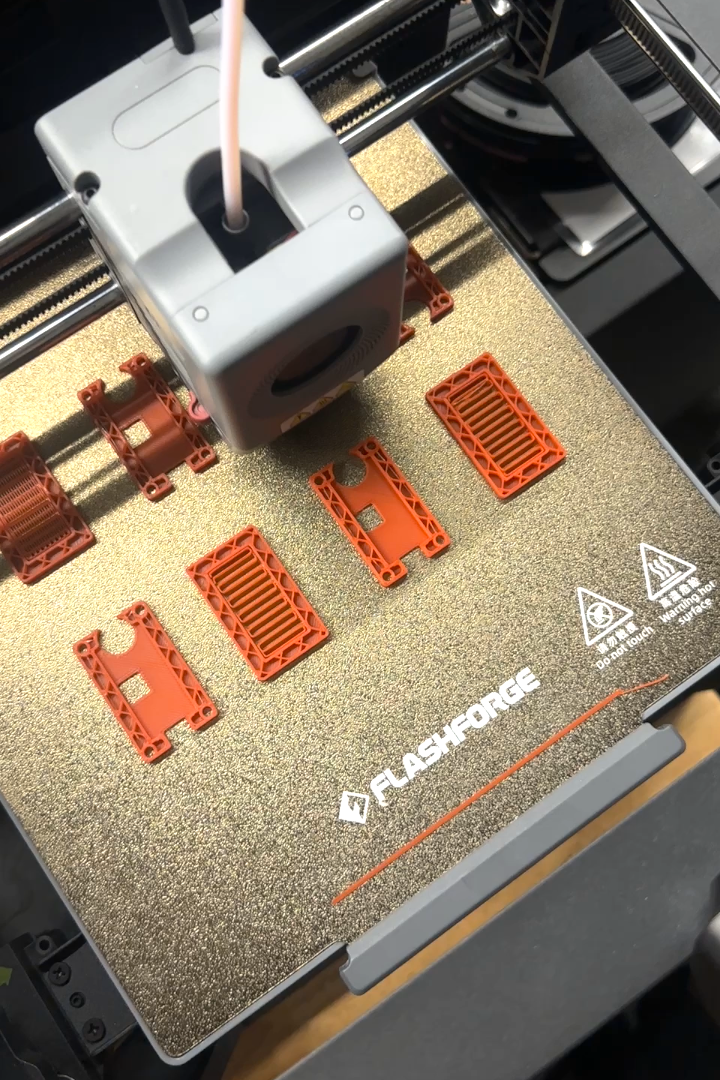
3D printed casing
-
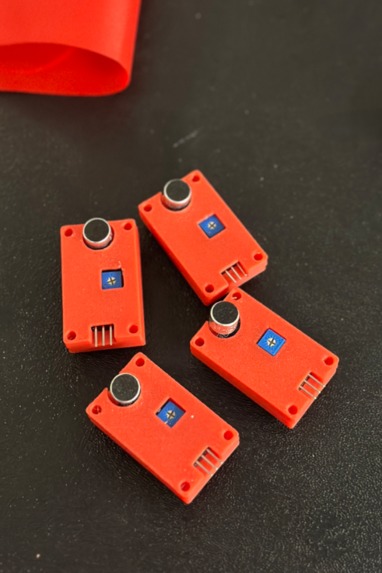
Wearable sound sensors
-
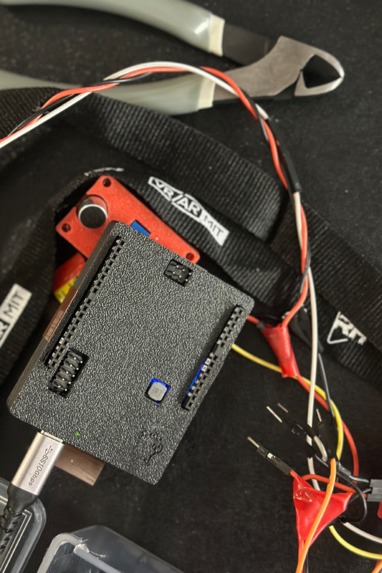
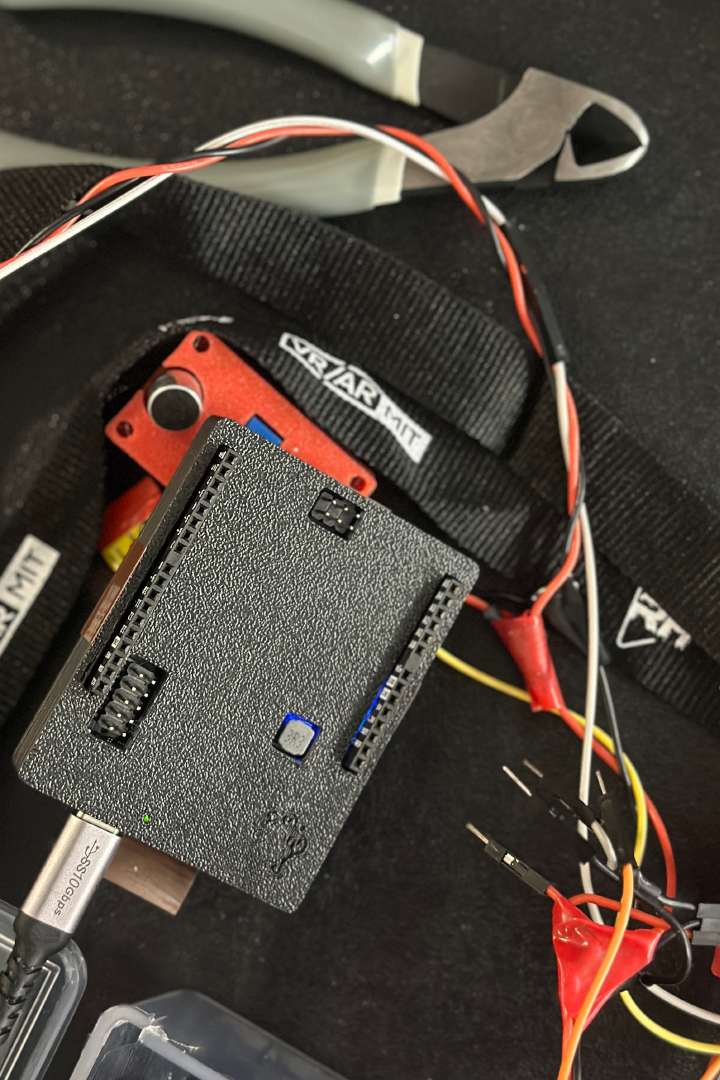
Aduino casing
-
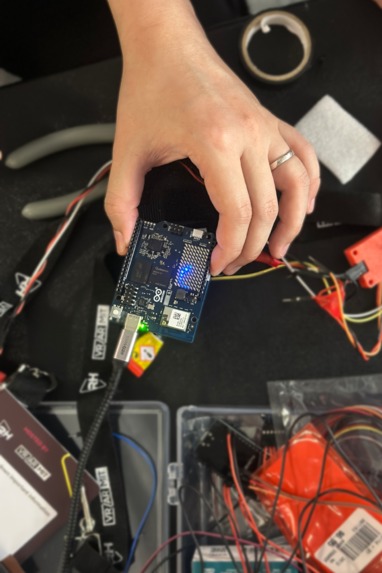
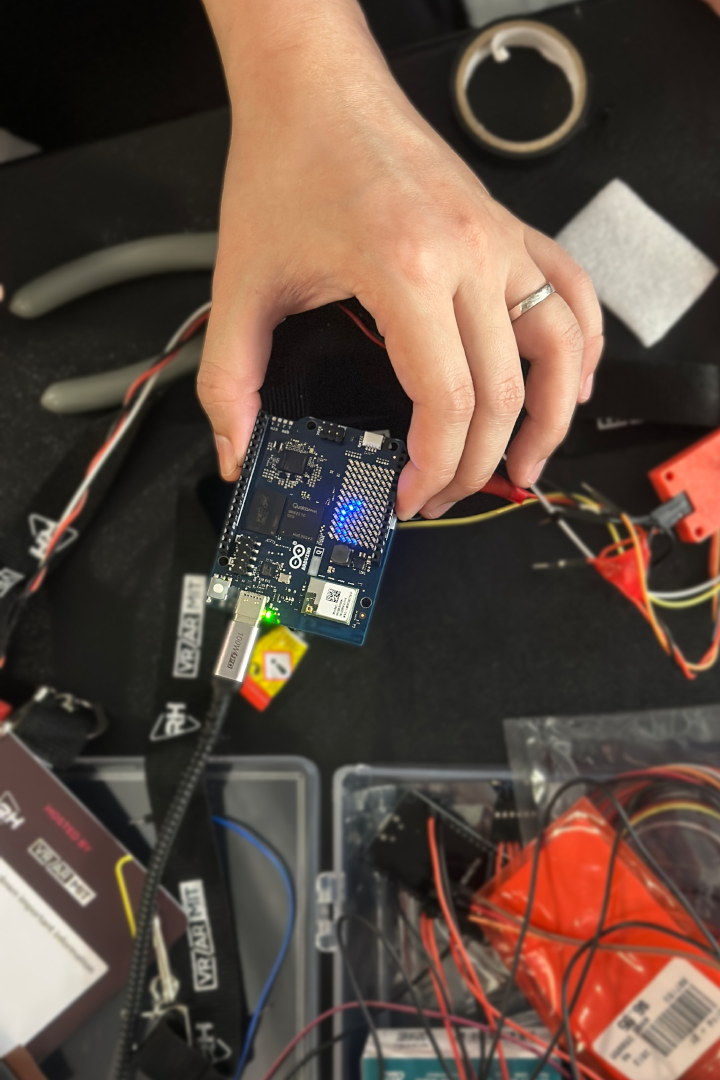
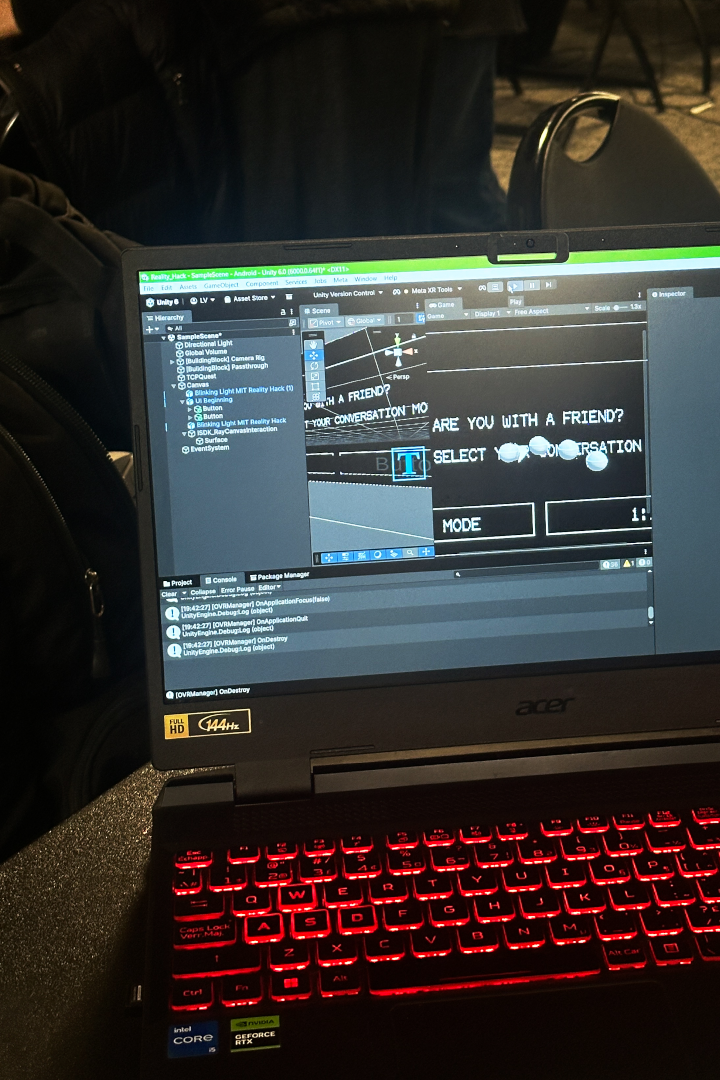
Testing Arduino communication with Meta Quest
-
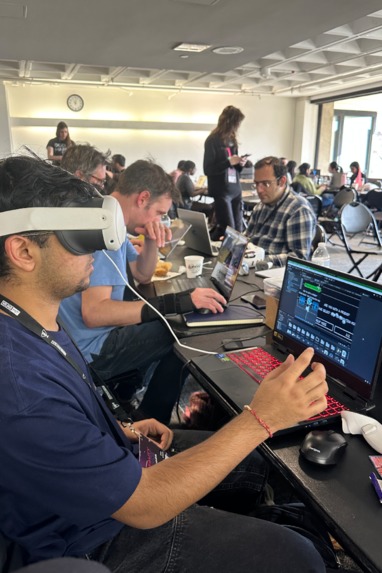
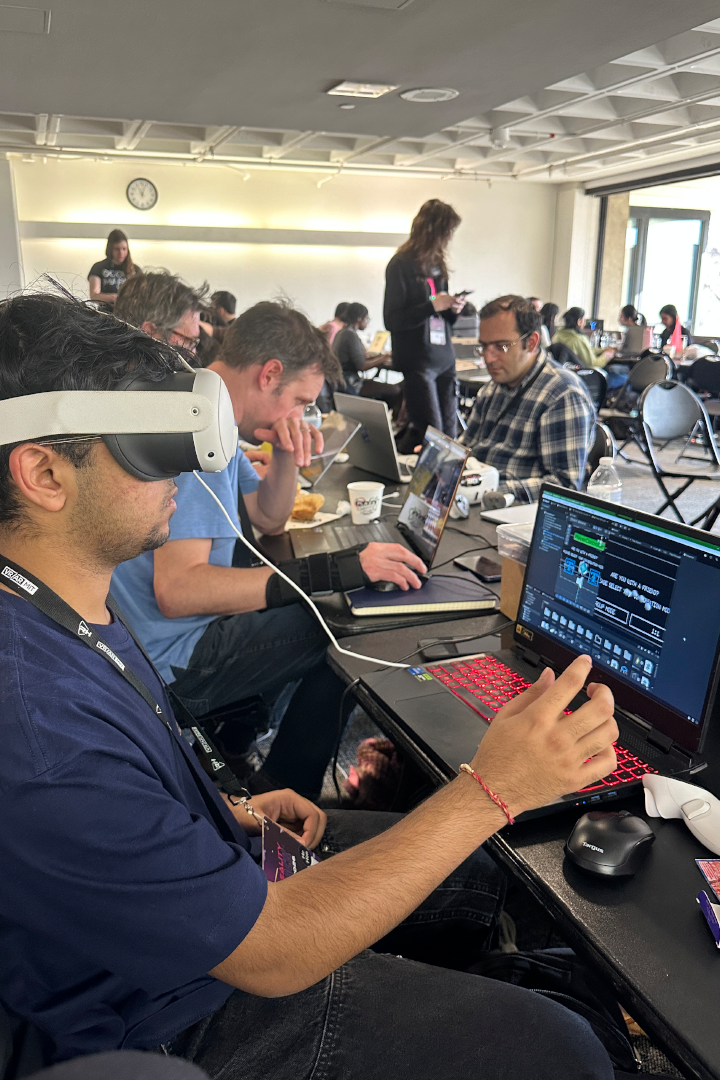
Testing the AR environment
-
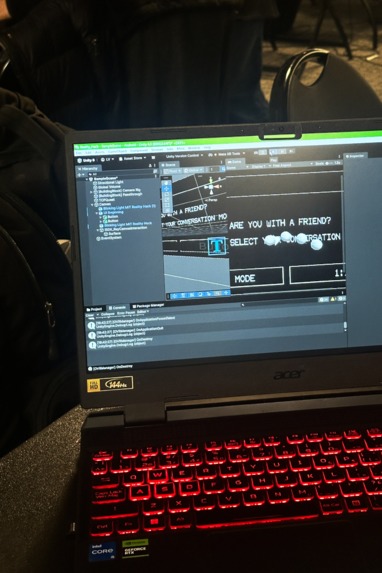
Testing the AR environment
-
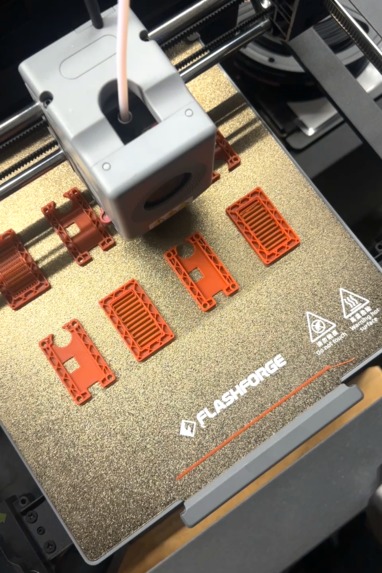
Process of printing the sensor casing

Inspiration
This project is inspired by biomimicry, drawing from how barn owls construct a precise 3D spatial map of sound to navigate in complete darkness. Rather than simply relying on sound, owls understand where sound exists in space. SoundSense adopts this strategy, translating sound into spatial information. By visualizing spoken language as spatial cues and speech translation, the tool reframes communication as a multisensory experience, creating more inclusive systems for individuals often excluded from audio-dependent interactions.
What it does
SoundSense provides directional audio and speech awareness to users with hearing impairments.
- The acoustic sensor array detects noise and voice activity relative to the user.
- The Arduino Uno Q uses a speech to text model to process captions from the sounds.
- Captions and direction of sound amplitude is displayed to the user.
How we built it
- Build an acoustic array of sound sensors, preferably microphones. We used the KY-037 Sound Sensor.
- Connect sensors to Arduino Uno Q.
- Arduino Uno Q publishes sound sensor data over serial to the Arduino Uno Q's Debian Linux MPU, using Rami's DirectBridge to open a socket instead of using Arduino App Lab.
- Build the Whisper.cpp model on the Debian machine. We used one of the tiny models. As a backup we had an API to ElevenLabs to provide higher quality speech to text.
- If you chose to build the acoustic array out of microphones, pass the microphone data over serial to the Debian side. We had an external microphone connected to the Debian machine to pick up vocals since the sound sensors are cheap and output only binary (noise or no noise).
- Build .wav files out of microphone data, periodically sending them to the Whisper Model.
- Take the output captions from Whisper and build tcp messages to send to the AR Unity Project.
- Build an AR Unity project that shows users the direction of the highest sound amplitude (using smooth gradient indicators on the edges of user's vision).
- Build caption display boxes that appear in the AR view.
Challenges we ran into
- We want to run a local AI model on the Arduino Uno Q’s debian MPU, but if the model is not already supported by Arduino App Lab then it becomes challenging. App Lab creates a docker container when users run their apps. The docker compose file used to define the container is not exposed to the user, leaving us unable to set up our local model when running through App Lab.
- Our solution is to use Rami’s DirectBridge to create a socket between the Arduino’s MCU and MPU. This allows us to pass data from the sensors into the model running on the debian linux side.
Accomplishments that we're proud of
- Rapidly prototyping a device to improve the quality of life of people with hearing impairment.
- Ergonomic design that integrates hardware sensors into the user’s daily life.
What we learned
- Developing software remotely on an embedded device using SSH.
- Building and running speech to text models locally.
- Leveraging virtual environments for Python package management.
What's next for SoundSense
- Replace the sound sensors with higher quality microphones.
- Add more sensors for improved precision direction finding.
- Iterate on target user’s feedback to provide the least invasive and most effective tool.


Log in or sign up for Devpost to join the conversation.