-
-
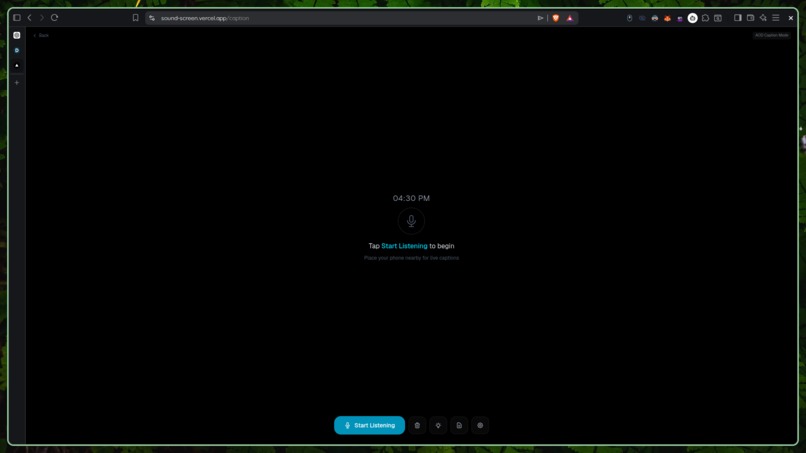
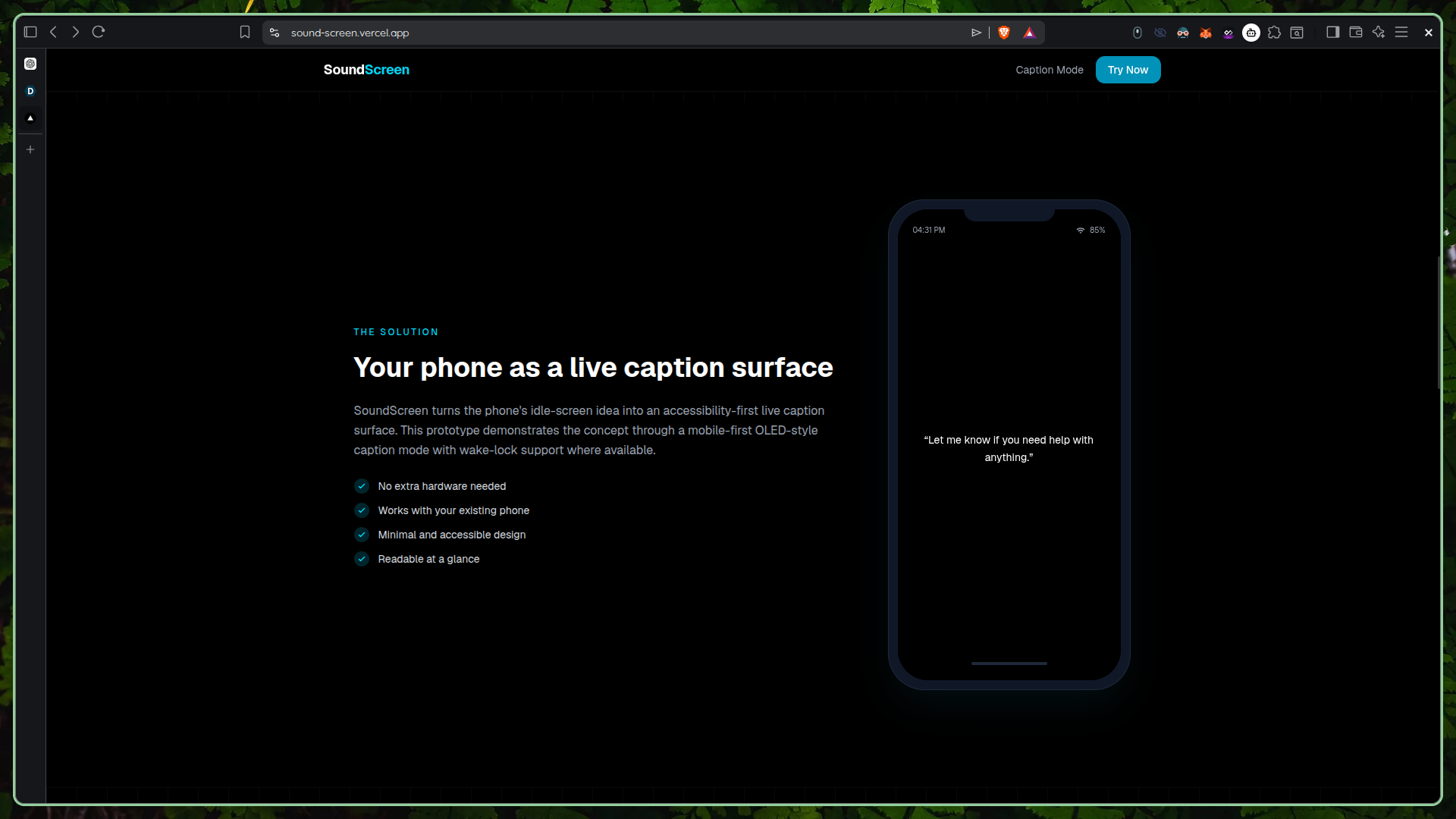
Transcriptor UI
-
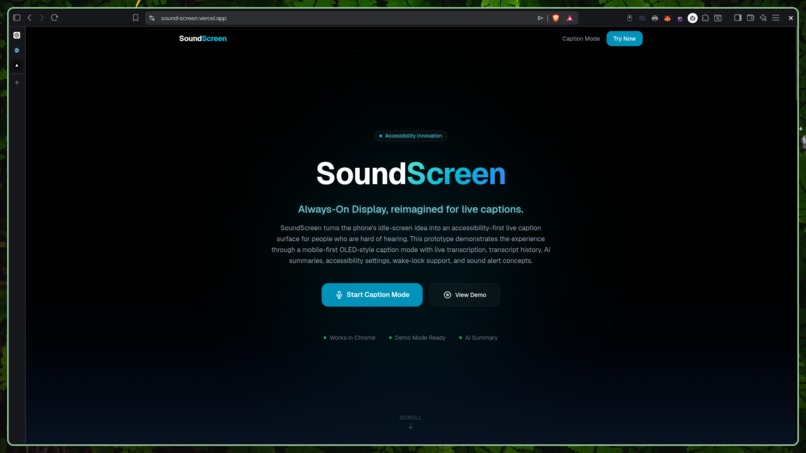
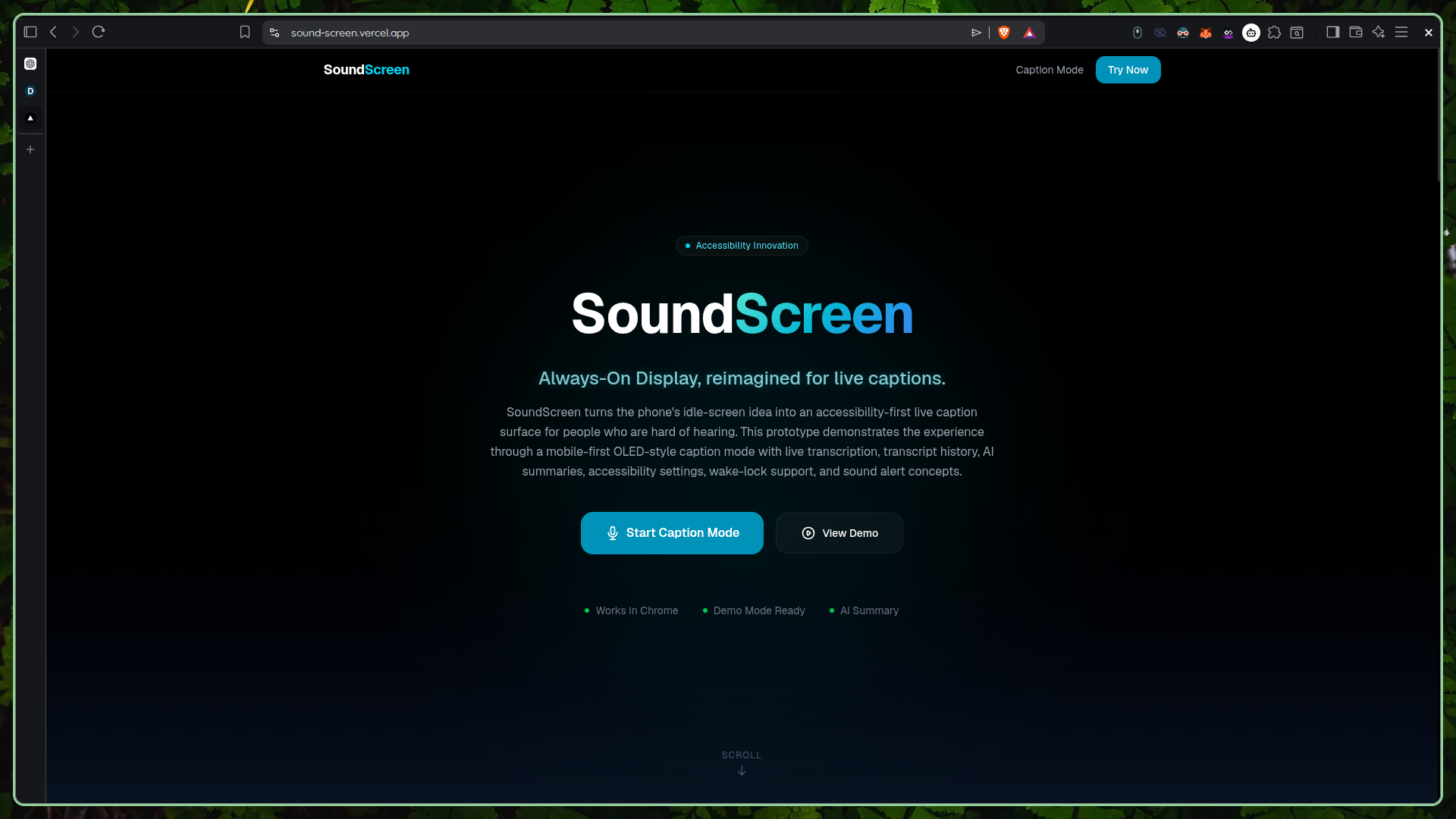
Landing page UI
-
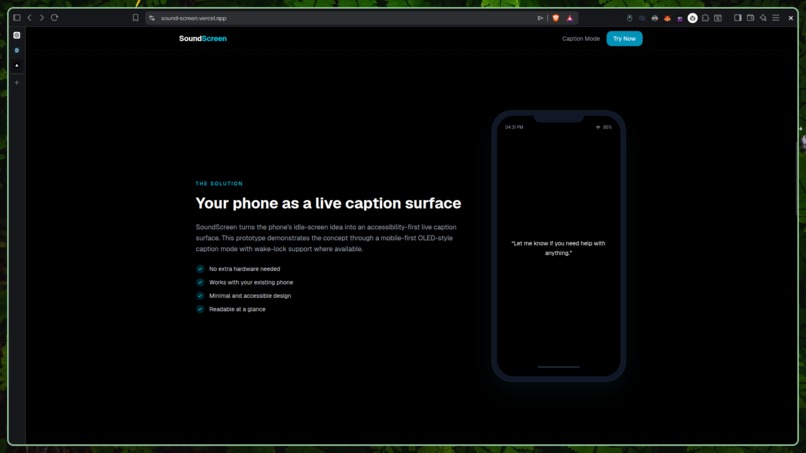
landing-explanation
Inspiration
Phones already use Always-On Display to show useful information like time, date, battery, and notifications while the device is idle. We wanted to apply that same idea to accessibility.
For people who are hard of hearing, conversations, classes, meetings, calls, videos, and public interactions can become difficult when speech is missed. Captions usually exist inside specific apps, video players, or call interfaces, but real life does not always come with captions.
SoundScreen was inspired by a simple question:
What if a phone’s idle screen could become a live caption surface for the world around it?
What it does
SoundScreen reimagines the phone’s Always-On Display as a live caption surface for people who are hard of hearing.
The user places their phone nearby, starts SoundScreen, and the phone enters a minimal caption mode. The screen stays dark, clean, and readable, similar to a normal phone Always-On Display. But instead of only showing time, it shows live transcription of nearby speech.
For this hackathon prototype, SoundScreen demonstrates the experience through a full-screen OLED-style caption mode. It helps users follow conversations at a glance without constantly asking others to repeat themselves or unlocking the phone to open a caption tool.
Core features:
- Live speech transcription
- Always-On Display-inspired caption screen
- Large readable captions
- Dark OLED-friendly interface
- Minimal distraction design
- Transcript history
- “What did I miss?” summary
- Accessibility settings
- Wake-lock support where available
- Important sound alert concept
How we built it
We built SoundScreen as a mobile-first web/PWA prototype. The interface was designed to feel like a phone Always-On Display, using a dark background, large text, simple controls, and a clean caption-focused layout.
The prototype captures speech through the microphone and displays it as live text. Recent transcript content can be summarized using AI, allowing the user to quickly understand what they missed instead of reading every line manually.
Because true system-level Always-On Display integration is controlled by the phone operating system and device manufacturer, this prototype recreates the experience through a practical full-screen caption mode with wake-lock support where available.
Technologies used:
- React / Next.js
- TypeScript
- Tailwind CSS
- Web Speech API
- Gemini API or AI API for transcript summarization
- Wake Lock API
- Mobile-first responsive design
- Local/session storage for transcript history
- Vercel deployment
Challenges we ran into
The biggest challenge was balancing the product vision with real mobile limitations. Our long-term vision is a system that uses the phone’s actual Always-On Display or ambient display behavior for live captions. However, true system-level AOD control is difficult for third-party apps and depends heavily on Android/OEM restrictions.
So for the hackathon prototype, we focused on proving the core experience: a full-screen OLED-style caption mode that feels like Always-On Display and can run as a practical web/PWA demo.
Another challenge was designing for accessibility. The app needed to be simple, readable, and useful at a glance. We focused on large typography, high contrast, low distraction, minimal controls, and quick access to recent transcript summaries.
Accomplishments that we’re proud of
We are proud of turning a common phone feature into an accessibility concept. Always-On Display is usually used for time, battery, and notifications, but SoundScreen reimagines that space as a live caption surface for people who are hard of hearing.
The idea is low-cost because it uses a device people already have. It is also simple: place the phone nearby, start listening, and read what is being said.
We are also proud that the prototype demonstrates more than basic transcription. It includes a caption-focused display, transcript history, AI-powered “What did I miss?” summaries, accessibility settings, wake-lock support, and simulated sound alerts.
What we learned
We learned that accessibility is not only about adding features. It is about reducing friction. For a hard-of-hearing user, the best tool is not always the most complex one. Sometimes the most useful solution is a calm, readable screen that is always visible when needed.
We also learned that good accessibility design needs clear text, strong contrast, simple interaction, privacy awareness, and realistic handling of device limitations.
Finally, we learned that a strong prototype can demonstrate a future system-level idea even before deep native integration is built.
What’s next for SoundScreen
Next, we would build SoundScreen as a native Android accessibility app with deeper integration into phone Always-On Display and ambient display behavior where supported.
The current prototype demonstrates the core experience: turning the phone into an always-visible live caption screen. The next version would make that experience deeper, more battery-efficient, more private, and closer to true phone Always-On Display behavior.
Future improvements:
- Native Android version
- Deeper Always-On Display / ambient display integration where supported
- Lock-screen style caption mode
- Offline/on-device speech recognition
- Better battery optimization for long listening sessions
- Foreground microphone service with clear privacy controls
- Malayalam, Hindi, English, and multilingual caption support
- Speaker identification
- Vibration alerts for important sounds
- Doorbell, alarm, siren, crying, and name detection
- Privacy-first local processing
- Integration with calls, online meetings, and video platforms
- User testing with hard-of-hearing users
Built With
- ai
- api
- css
- html
- javascript
- next.js
- react
- speech
- tailwind
- vercel
- web

Log in or sign up for Devpost to join the conversation.