-
-
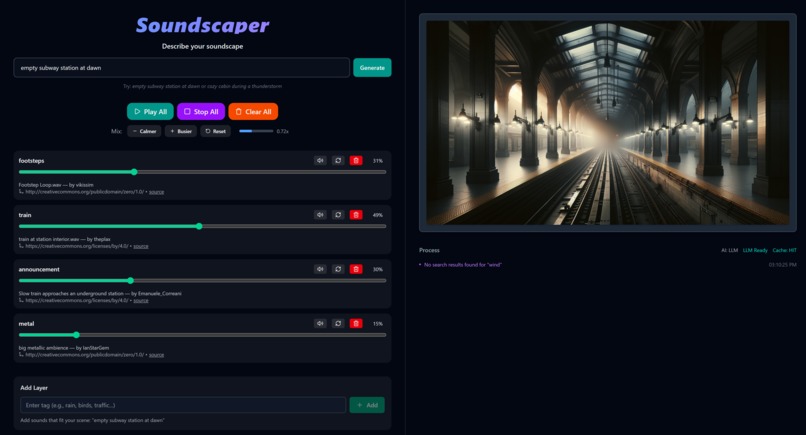
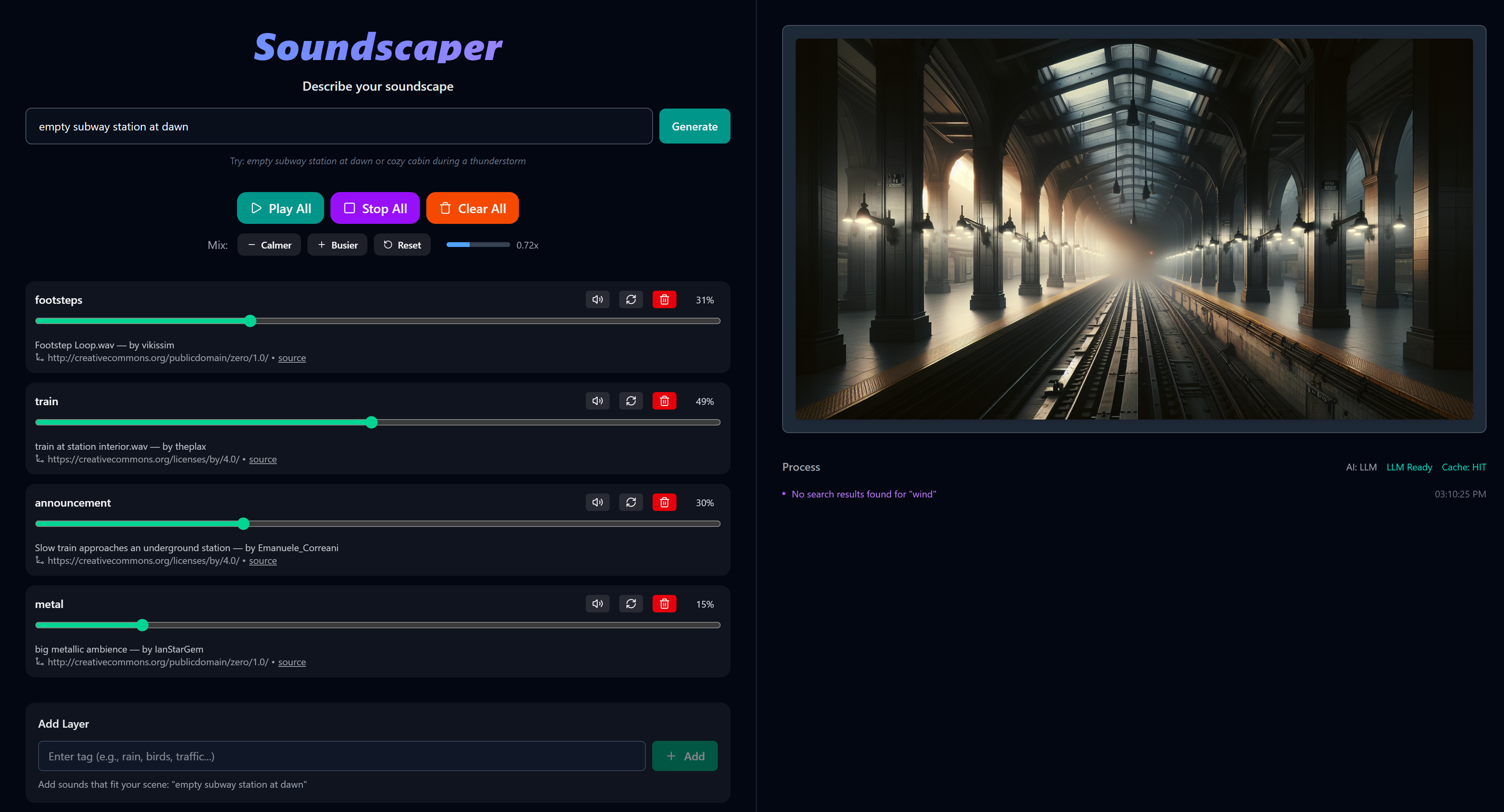
Dashboard (subway)
-
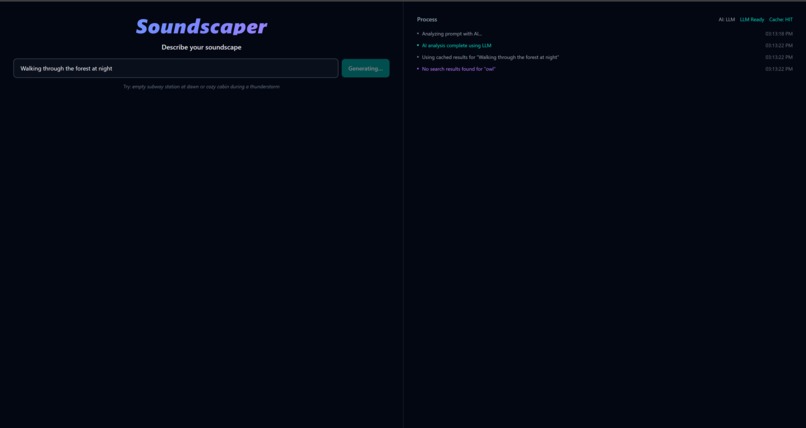
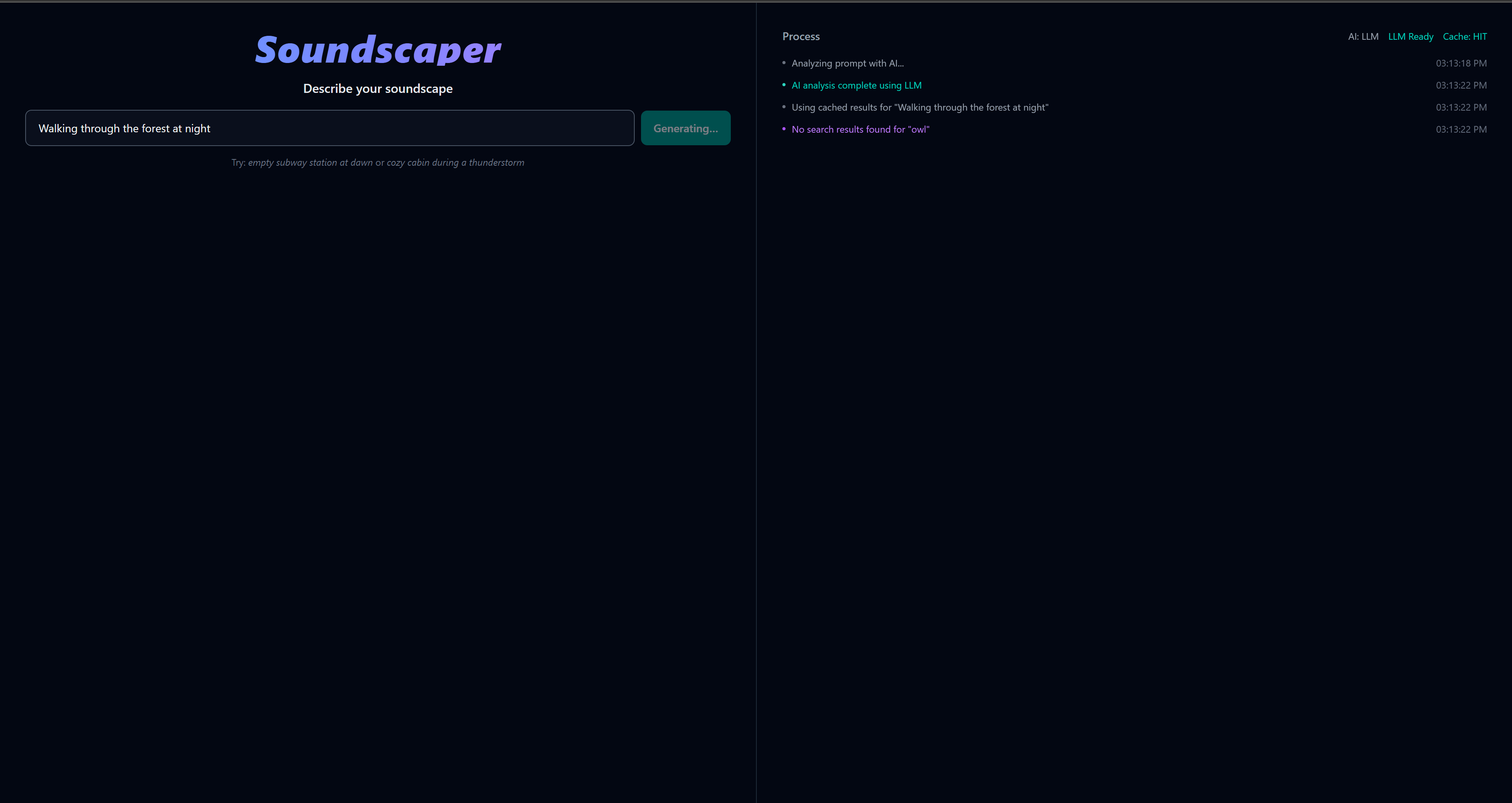
Process log
-
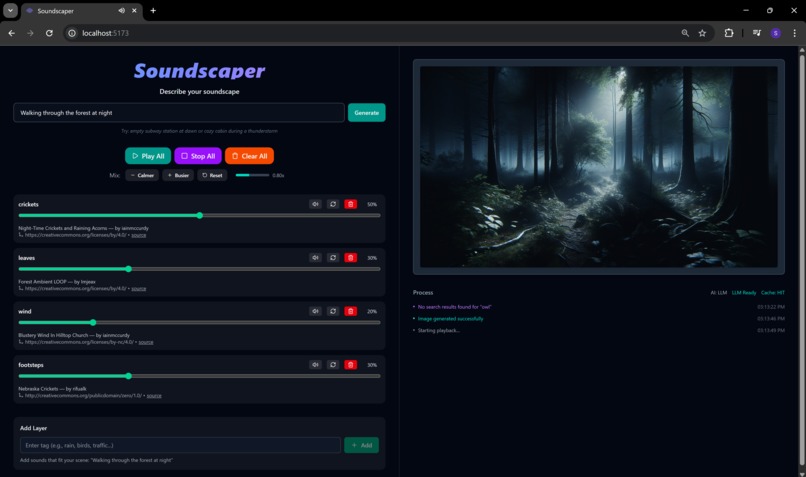
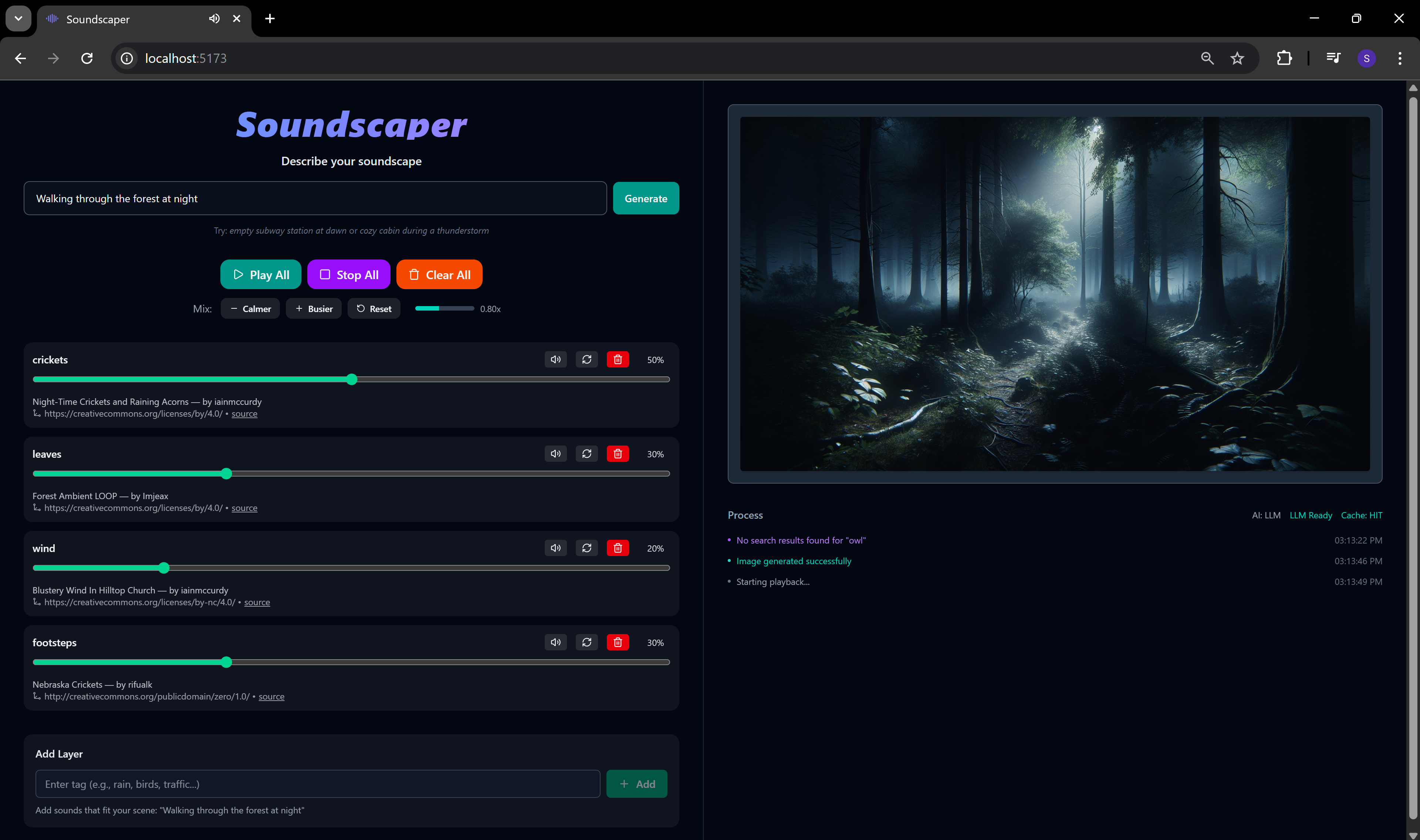
Dashboard (forest)
-
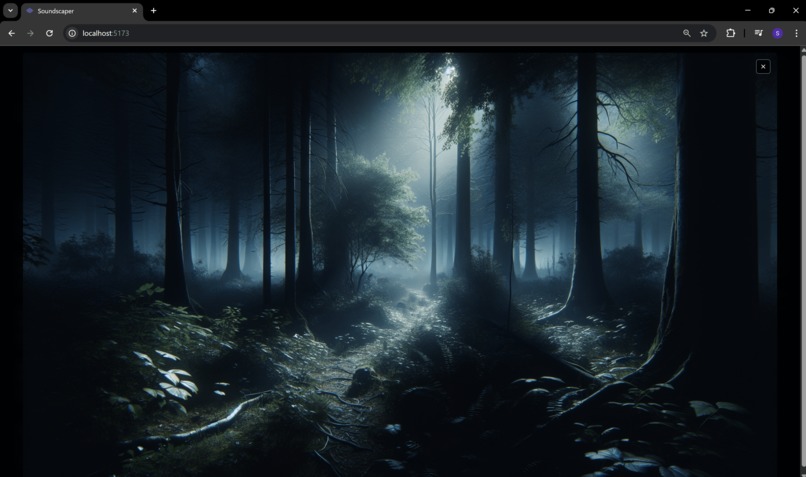
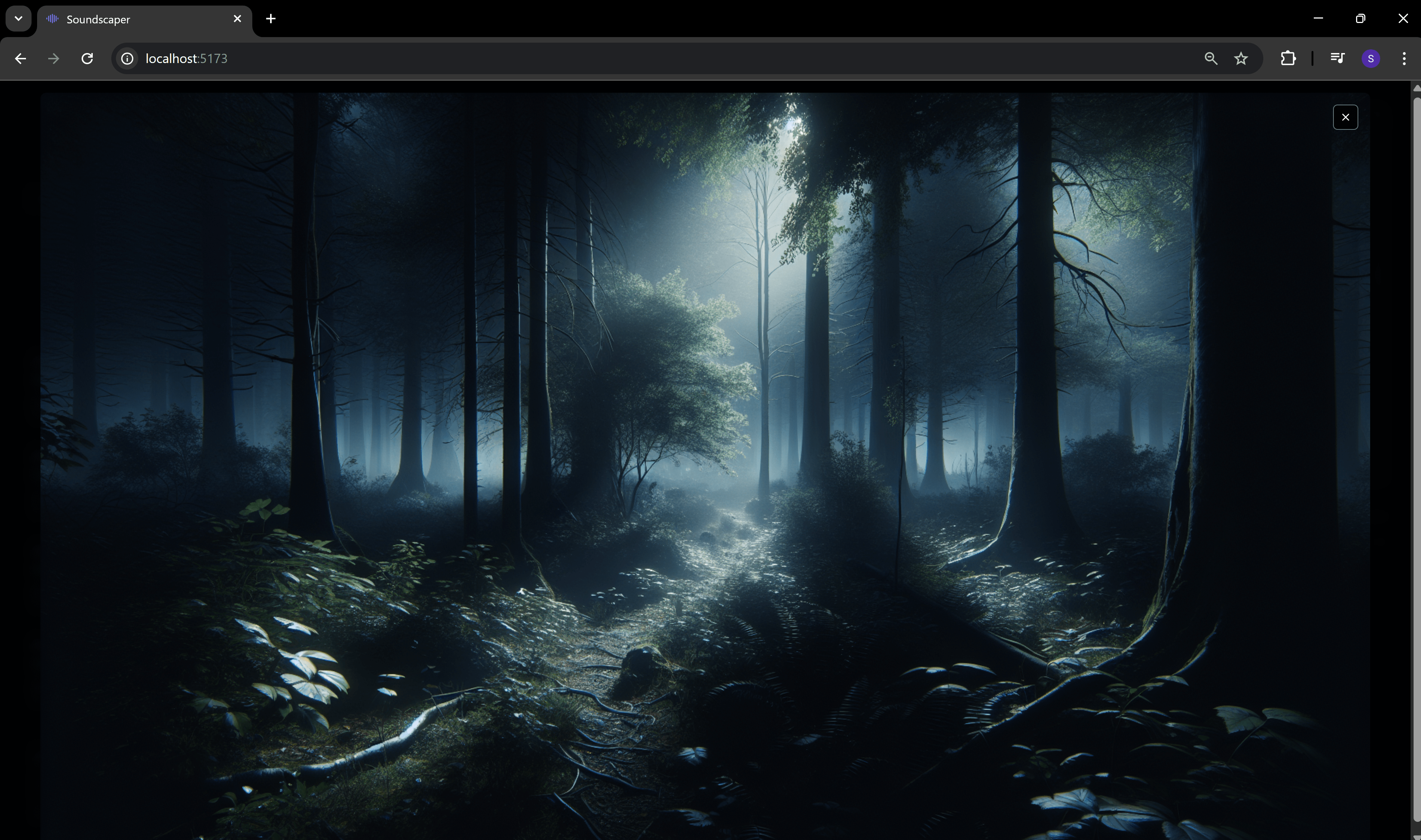
Wallpaper mode
Inspiration
I cannot focus in silence. The second it gets quiet my brain starts wandering. But when I am in a coffee shop, library, or outside with some background noise, I zone in way easier. That is where the idea started: build something that recreates those environments on demand, not just the same old “rain sounds playlist.”
Another influence was those AI reels you see on your feed, like “which bed are you napping the hardest in.” I was feeling those vibes too. The mix of sound, visuals, and mood-setting stuck with me, and I wanted to capture that same kind of immersive energy but make it interactive.
What it does
Soundscaper takes a text prompt and builds an environment around it. You can type “cozy cabin in a thunderstorm” or “out on the patio at sunrise,” and instead of random background noise, it picks the sounds that actually define those places: the thunder rolling outside, the wood creaking, or birds chirping past you singing angelic tunes.
It layers them together so if you close your eyes, it feels like you have been transported into that setting. On top of that, it generates artwork that visually matches the vibe. You also get control because you can add tracks, adjust the gain, and tweak the volumes. The AI does the heavy lifting in the background, but you still have the freedom to customize the soundscape to your liking.
How I built it
I built the frontend with React, Vite, and TypeScript because I wanted something quick and modern to work in. Tailwind handled the styling, and I added some simple animations to keep it smooth.
For the audio, I used regular HTML elements, then wrote the logic to stack them, balance volumes, and let users swap tracks. To avoid API spam, I set up IndexedDB caching so sounds do not reload every time.
On the AI side, GPT picks which sounds from Freesound actually fit the scene, and DALL·E 3 generates the artwork. I also added a small fallback list of sounds so the app does not break when Freesound hits limits.
The flow is simple. You type a description, GPT curates the sounds, I mix them in the browser, and you get a matching image to round out the vibe.
Challenges I ran into
I underestimated how hard this would be. The Freesound library is huge and since anyone can upload whatever they want, finding a sound that was not crazy or totally random was tough. At first I thought you could just parse the prompt, search, and that would be enough. It was not. I had to teach the AI how to filter sounds, then score them based on things like length, blocked tags, and download numbers.
Even with all that, a lot of sounds still did not fit, so I had to handle rankings, fallbacks, and swap options. Audio balancing and layering were also much harder than I expected.
Accomplishments that I'm proud of
It actually works pretty well. I even ran it in the background while coding, and it was honestly relaxing. I am also proud of the process logging system that shows alerts, because it made the app feel more polished. And of course, just hearing the soundscapes come together after putting in so much work was very satisfying.
What I learned
I learned that hackathons are actually pretty fun. This was only my second hackathon and my first time going solo, so I am proud of what I pulled off. I also learned a ton about AI. I had never touched image generation or audio before, so this was all new territory.
What's next for Soundscaper
When I first started, before adding AI, I built some hardcoded rules and a whitelist of hand-picked sounds. If Soundscaper kept growing, I think having its own dedicated database of high-quality curated sounds would make the experience much better. That way AI could enhance instead of having to do all the quality checking itself.
Built With
- dalle
- freesound
- html
- indexeddb
- openai
- react
- tailwindcss
- typescript
- vite

Log in or sign up for Devpost to join the conversation.