-
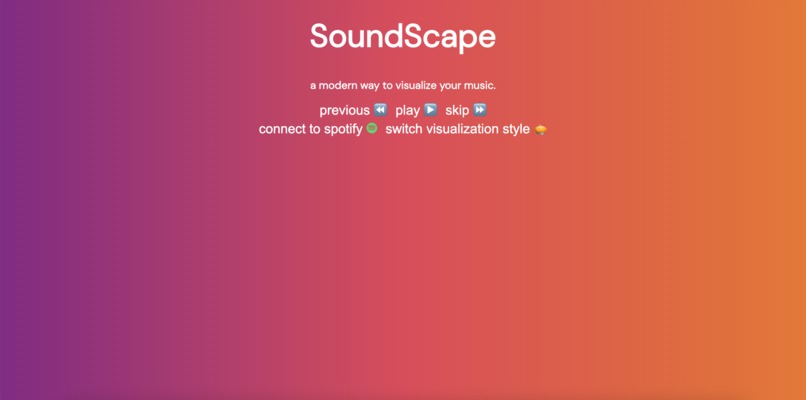
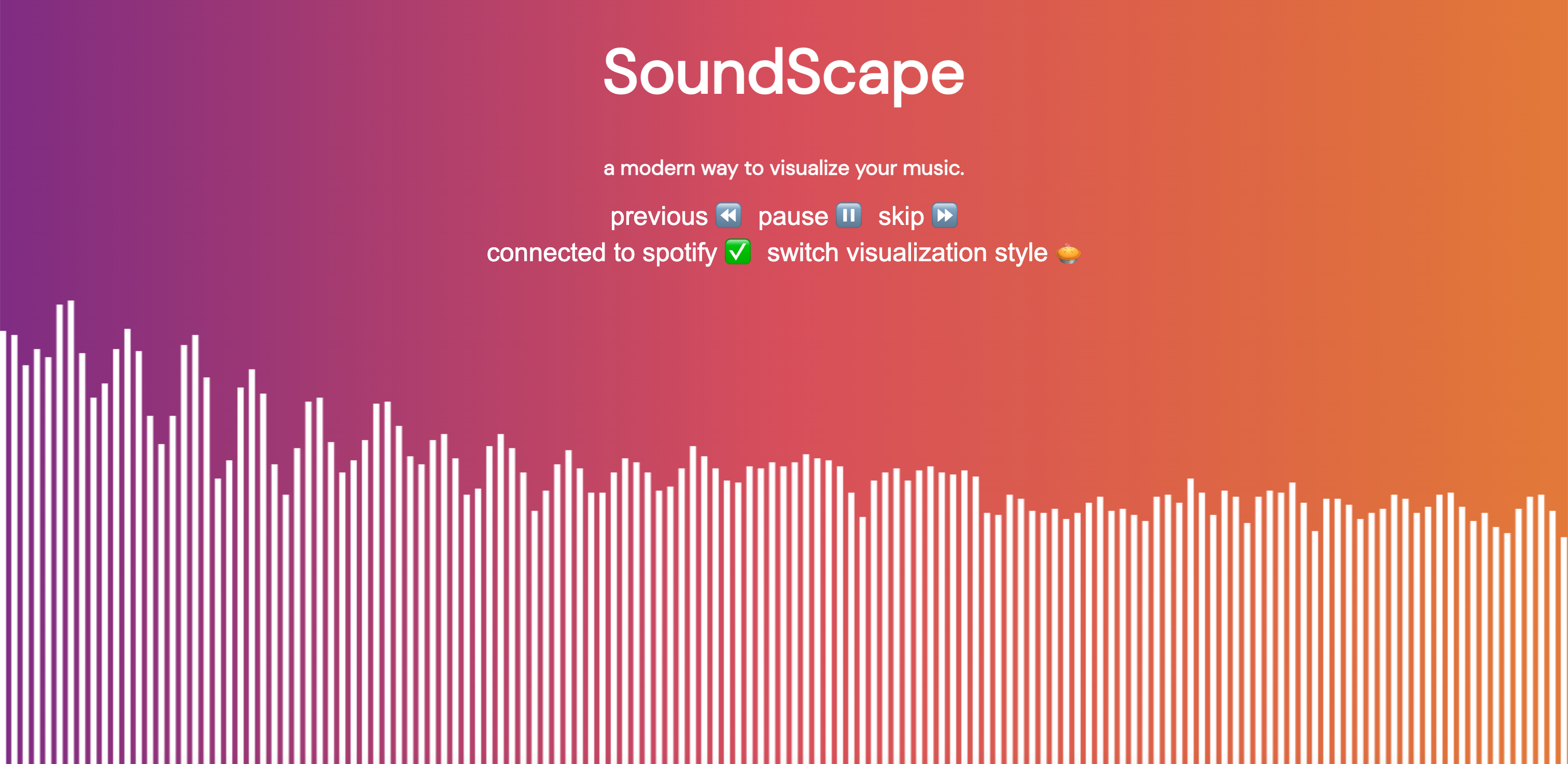
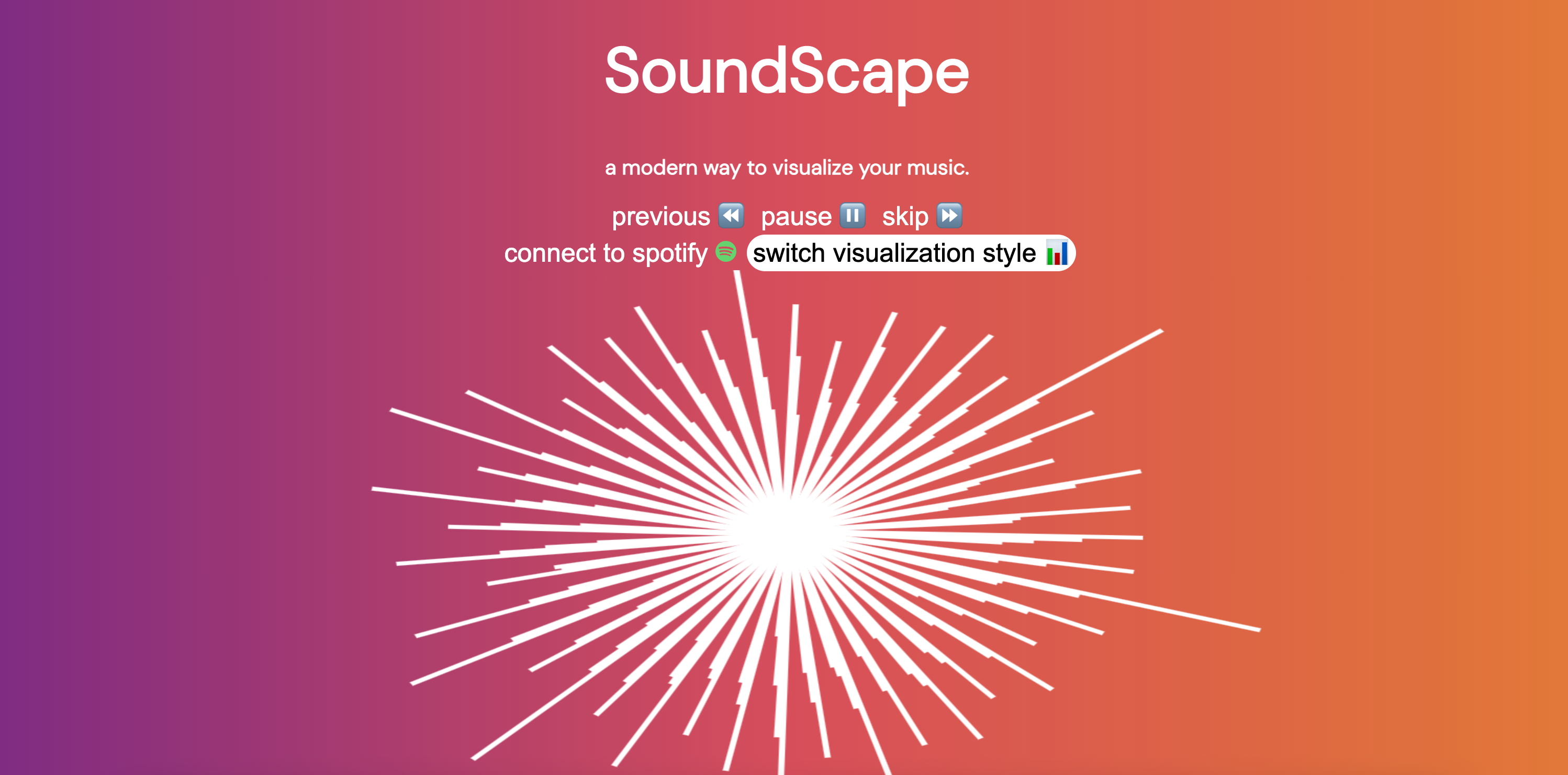
SoundScape - Home Screen
-
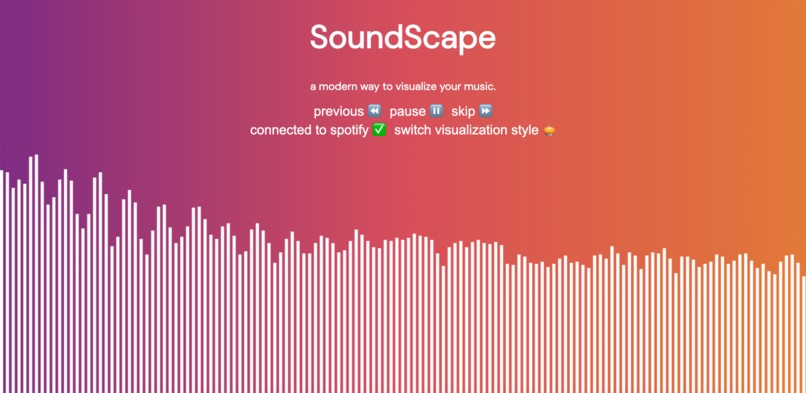
SoundScape - Bar Visualization
-
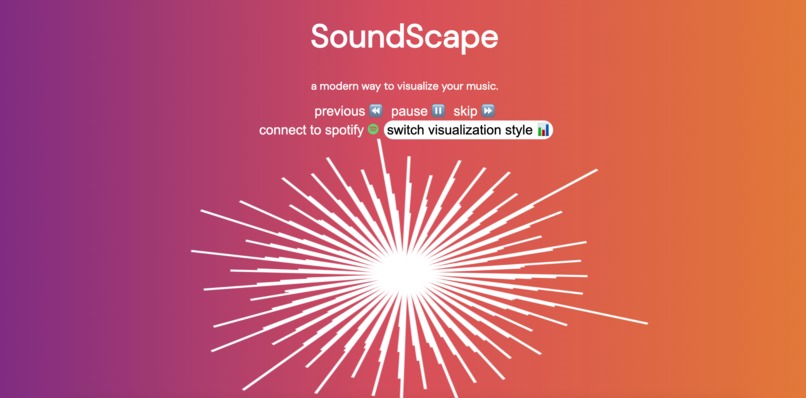
SoundScape - Circle Visualization
Inspiration
The inspiration for this website came when I was doing work and I was bored listening to just music. I wanted a nice visualization that complemented my music. This website could be used for both personal studying/leisure and for events and parties to brighten the mood!
What it does
SoundScape takes your boring old music and makes an interactive visualizer. By taking the frequency in Hz of the audio input, I translated the data values of the Hz into a conversion factor and graphed the new values into a graph. By animating this action at 60 frames per second, we get a beautiful and responsive music animation! Additionally, we can change the animation type into a circle visualization, where the bars rap around 360 degrees. Lastly, using the Spotify Web API, I added Spotify integration so that when you click on the "connect to Spotify" button, it grabs the user's most recent playlist and starts playing its music. Taking the music output from Spotify and feeding it as input into the JavaScript code, I was able to visualize any running Spotify music connected to a specific account.
How we built it
I used HTML for the front-end, CSS for styling, and JavaScript for the back-end. It translates the Hz of the sound input and using a conversion factor, I filled a canvas HTML element with rectangles, and using the requestAnimationFrame() method, the JavaScript code repainted this picture 60 frames per second, giving an animation style. For the circle, I used the same conversion factor for the height of the bars and rotated the canvas π radians before adding each rectangle to the canvas. Putting the requestAnimationFrame() method on top of this canvas-filling technique gave a circle visualization. Lastly, using the Spotify Web API through the Spotify Developer Platform, when the "connect to Spotify" button is clicked, the website makes an API call to Spotify to retrieve the user's most recent playlist and begins to play the songs in that playlist.
Challenges we ran into
One challenge I ran into was calling the AudioContext element before it was created. If I moved this variable outside the function it was declared in, the pause button would not work. One way I fixed this was by adding a safe-check to see if the AudioContext element was not null before calling it, and if it is null, then create it.
Accomplishments that we're proud of
Coming up with this project and executing this within a matter of a couple of days was a big accomplishment, especially as I was previously very inexperienced in web development. Now I can confidently say I am much more experienced in building interactive websites.
What we learned
HTML, CSS, JavaScript, RESTful API calls, Spotify Web API
What's next for SoundScape
Adding more visualization designs and adding more platform integrations, including Youtube Music and Apple Music.

Log in or sign up for Devpost to join the conversation.