-
-

SoundMesh turns nearby Android phones into one synchronized speaker system.
-
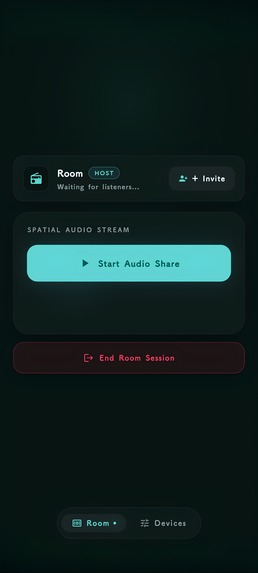
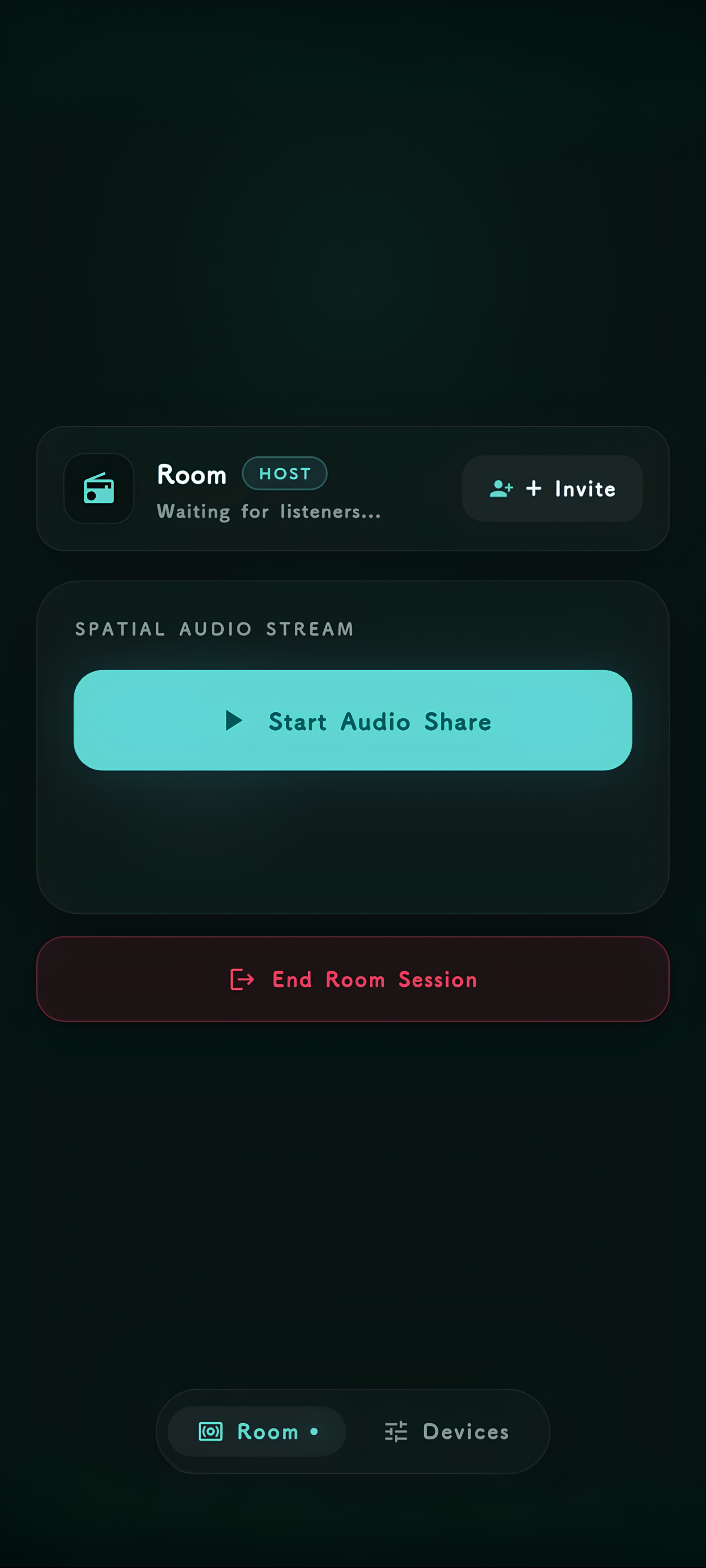
The active room where connected phones work together for synchronized audio playback.
-
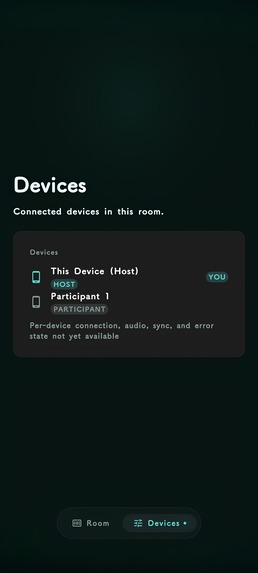
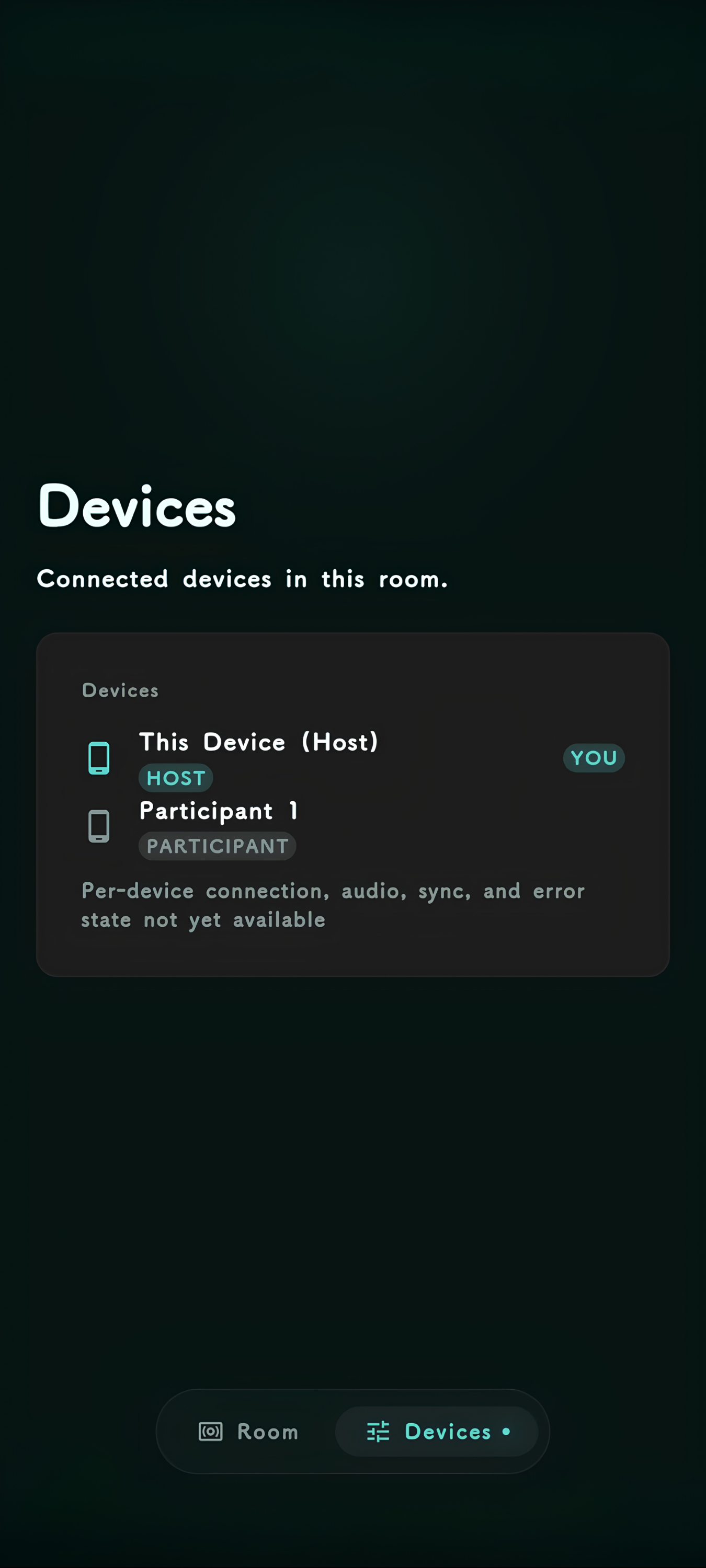
See every phone participating in the room and the devices currently connected to SoundMesh.
-
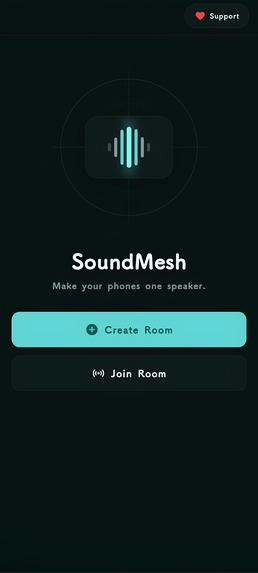
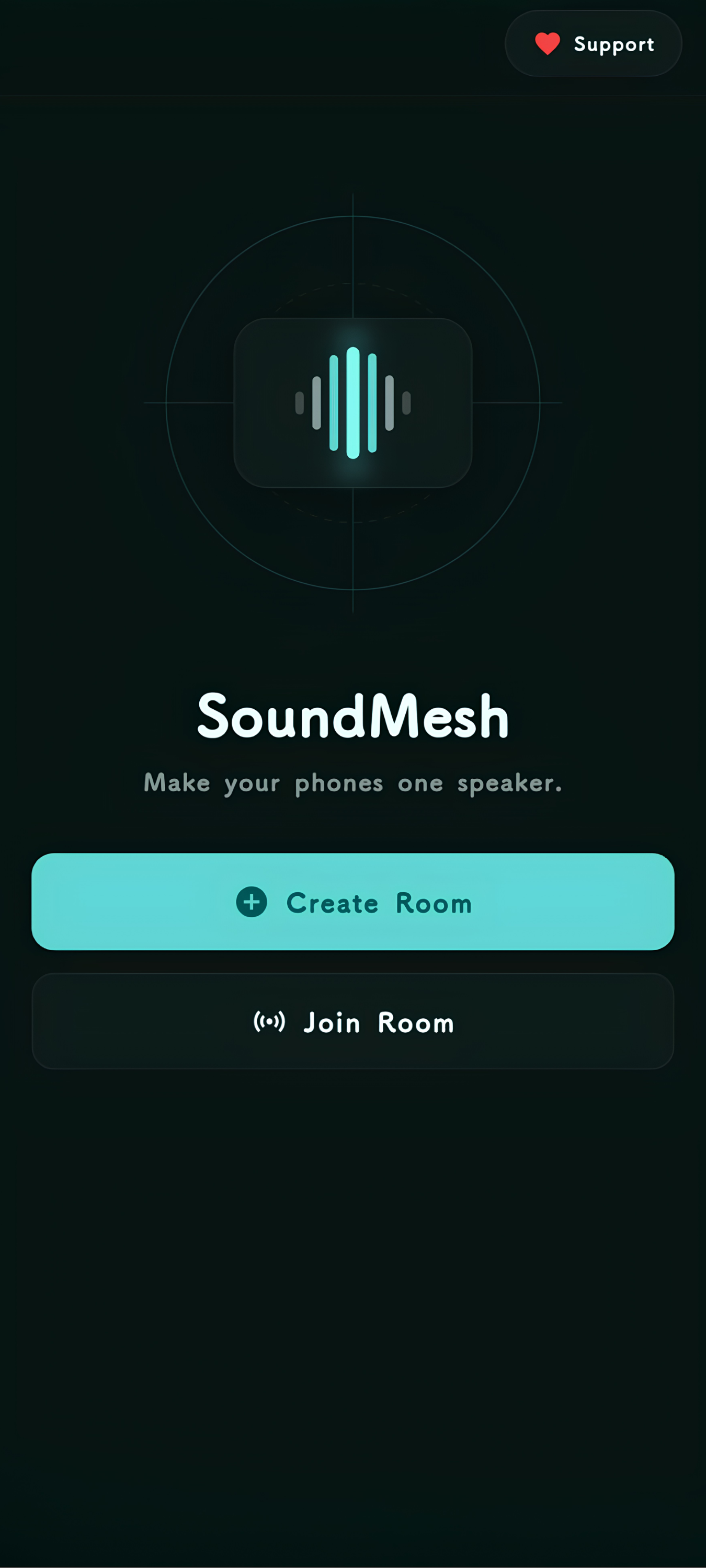
The simple starting point for creating or joining a SoundMesh room.
-
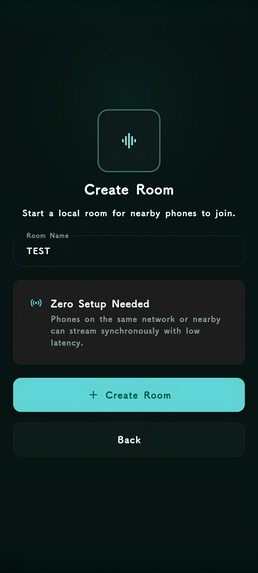
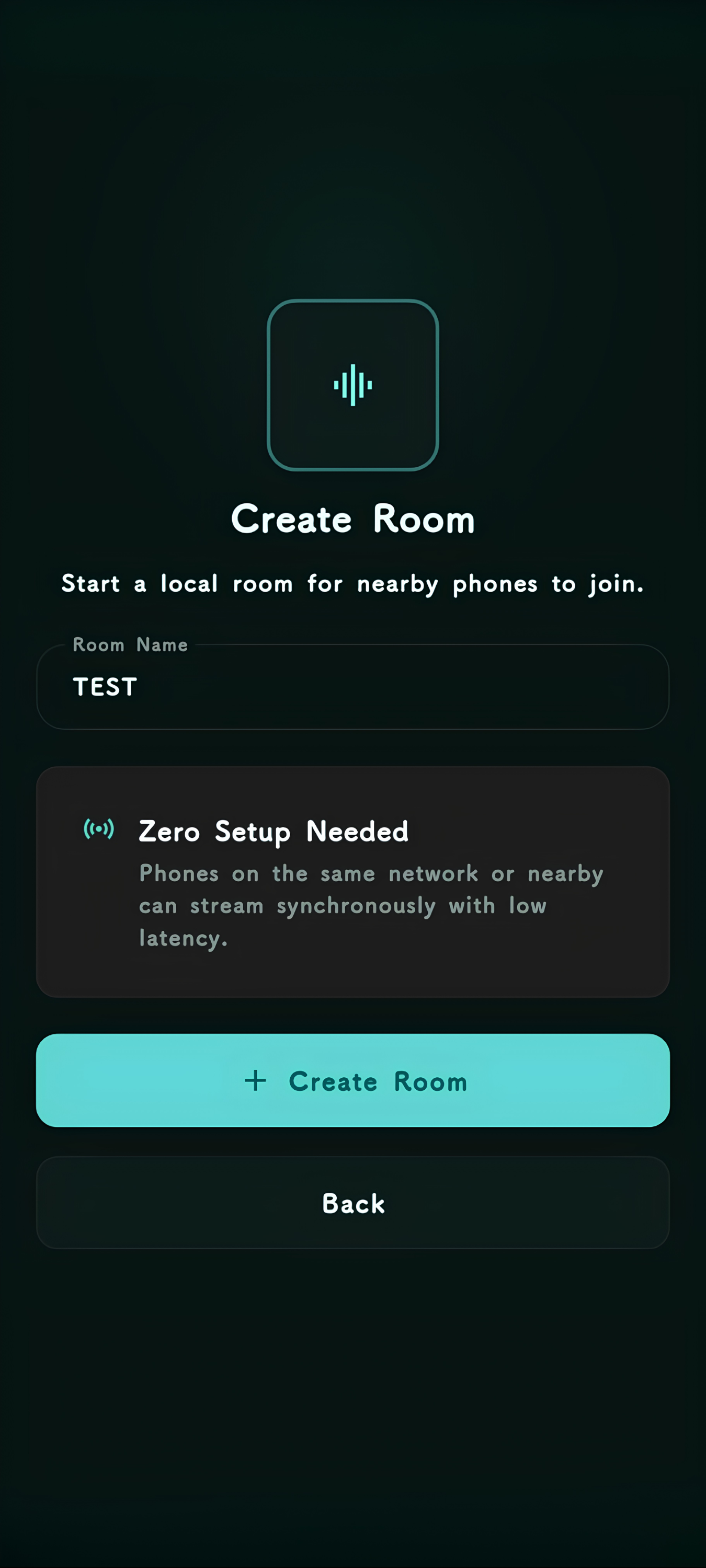
The host creates a room and prepares it for nearby phones to join.
-
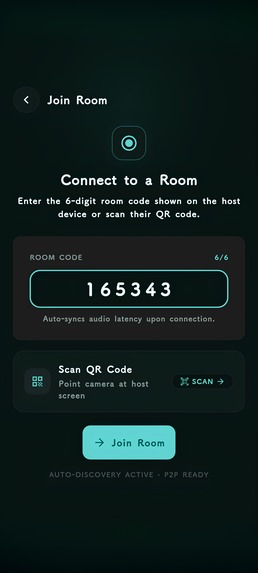
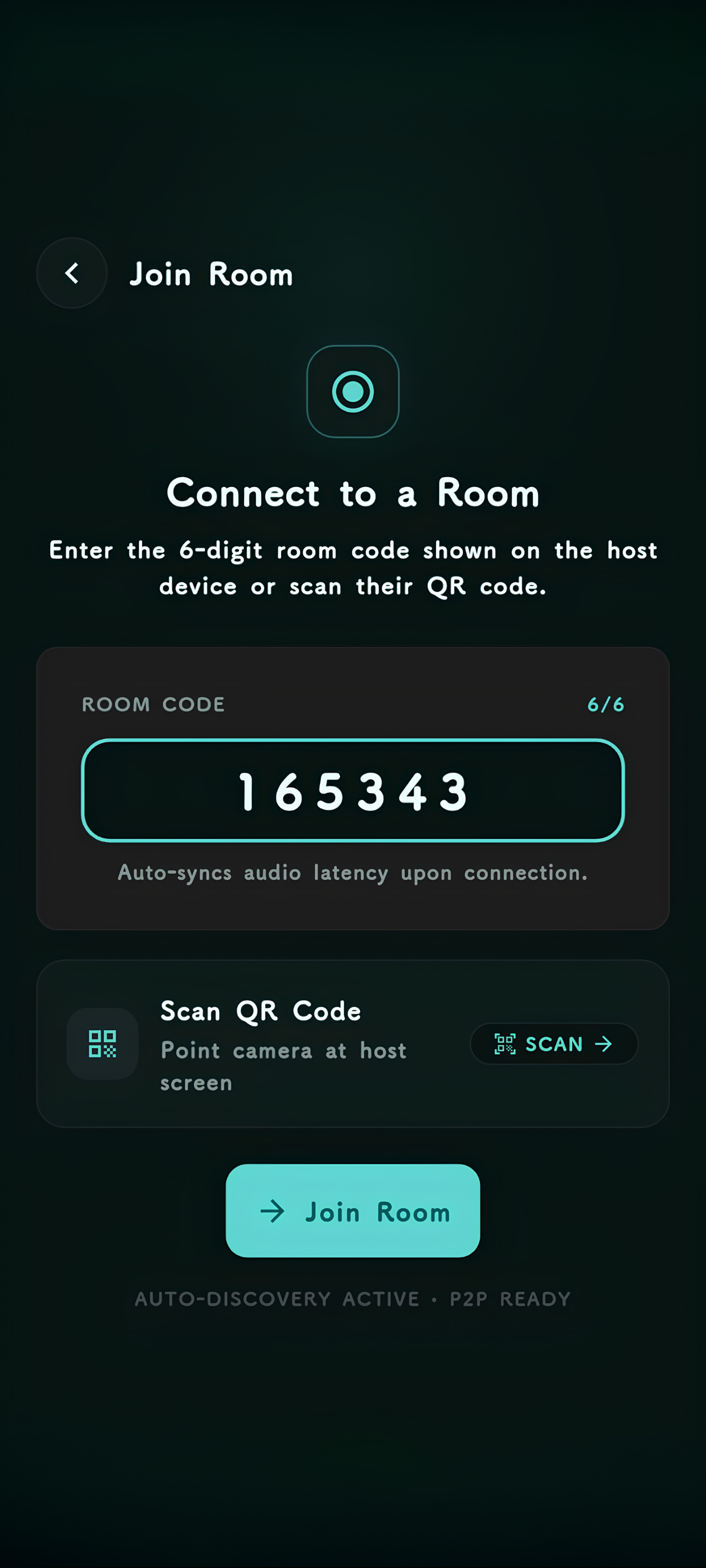
A participant can join an existing SoundMesh room and become part of the speaker system.
-
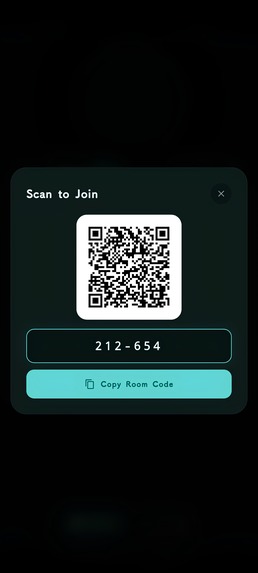
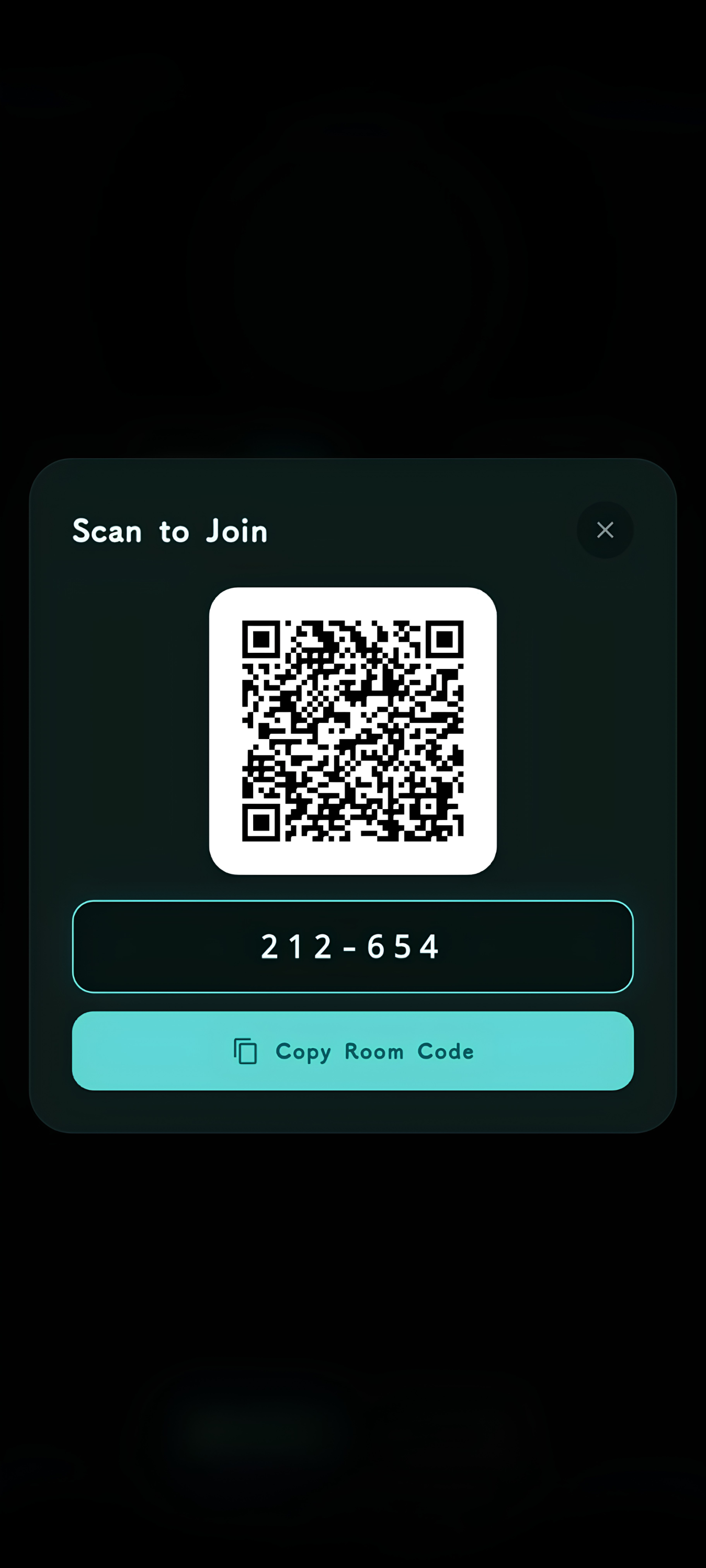
The host's QR code gives participants a quick way to connect to the room.

Inspiration
The idea for SoundMesh came from a pretty simple problem: sometimes you have a bunch of phones, but no speaker.
We wanted to see whether we could turn the phones we already had into one shared speaker system. The obvious problem was that playing the same audio on several phones at once does not mean the phones will actually sound synchronized. Even a small timing difference becomes noticeable when multiple speakers are playing together.
So we decided to build SoundMesh: a local-first app that lets nearby phones work together as a synchronized speaker system.
What it does
SoundMesh lets one phone create a room and other nearby phones join it.
Once they're connected, the host can capture audio from another app and distribute it across the room. Each phone plays its part on its own speaker, but the goal is for them to behave like one larger sound source rather than several independent phones.
The interesting part isn't just sending the audio around. SoundMesh also has to keep the devices working from a shared playback timeline so that the same audio reaches the speakers at roughly the same moment.
How we built it
SoundMesh is built with Flutter and native Android code.
Flutter handles the application UI and orchestration, while the Android side handles the parts that need lower-level platform access, including audio capture, networking, decoding, and playback.
We built the system around a local network rather than relying on a cloud service. A host creates a room, devices discover or connect to it, and a QR code makes joining quick.
For synchronization, we use shared timing information and scheduled playback rather than simply telling every device to "play now." That distinction ended up being one of the most important parts of the project.
We also built the project with a fairly strong focus on real-device testing. A lot of SoundMesh's problems only became obvious when multiple physical Android devices were connected at the same time.
Challenges we ran into
The hardest part was getting several completely different Android devices to behave like one audio system.
Audio capture was one challenge on its own. Android's audio APIs have their own restrictions, permissions, and lifecycle behavior, and we had to make sure captured audio could actually make its way through the network and into playback reliably.
Then there was synchronization. Sending packets quickly is not enough when every phone has its own clock, buffering, processing time, and playback latency. We had to think about timing, buffering, connection state, and what happens when something falls behind.
Networking and lifecycle handling were another major source of bugs. Connections could fail, rooms could be closed and recreated, devices could disconnect unexpectedly, and Android could kill or change background state. We spent a lot of time tracing these edge cases instead of assuming the happy path would be enough.
There were also plenty of bugs that only appeared when we stopped testing one device at a time and started using several phones together.
Accomplishments that we're proud of
We're proud that SoundMesh grew from a simple idea into a working multi-device system that we could actually test on physical Android phones.
We're especially proud of solving problems that aren't obvious from the UI. Getting multiple phones connected is one thing; getting audio captured, transported, decoded, and scheduled across those phones is a completely different challenge.
We also built the project without depending on a cloud backend for the core experience. The room, device discovery, networking, and playback coordination are designed around local devices communicating directly with each other.
Most importantly, we built something that solved the original problem we started with: using the phones we already had to create a shared speaker experience.
What we learned
We learned very quickly that distributed audio is much harder than it looks.
We started out thinking mostly about moving audio from one device to another. We ended up spending just as much time thinking about timing, clock differences, buffering, connection lifecycle, Android background behavior, and failure recovery.
We also learned how important physical testing is. Something can look completely correct in code and still behave very differently when four real Android devices are connected at once.
The project also taught us to be much more disciplined about architecture. Separating Flutter UI logic from native Android responsibilities, keeping networking and room lifecycle explicit, and testing the system as a whole made debugging much easier as the project grew.
What's next for SoundMesh
The next step is to keep improving reliability and synchronization as the number of devices increases.
We want SoundMesh to handle more complicated network conditions gracefully, make joining and managing larger rooms smoother, and continue reducing the small timing differences that can still become noticeable across multiple speakers.
There's also a lot more room to improve the overall user experience. The core idea is already there; now we want SoundMesh to feel as simple to use as the idea itself.

Log in or sign up for Devpost to join the conversation.