Inspiration
We noticed creators in Adobe Express spend lots of time perfecting visuals but audio often stays “good enough.” That gap inspired Sound Viz: an audio tool that feels as visual and intuitive as design, right inside the same workspace.
What it does
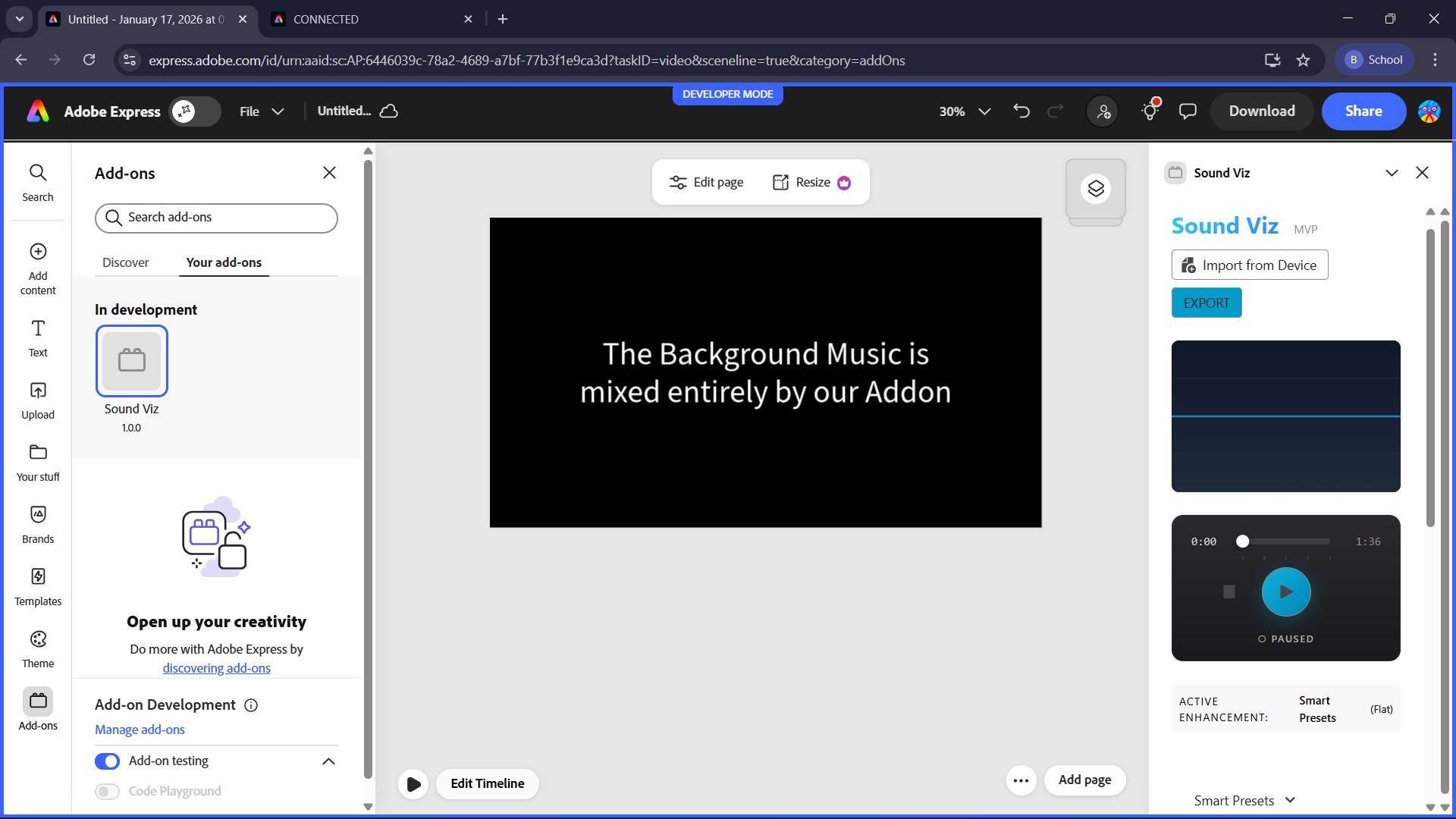
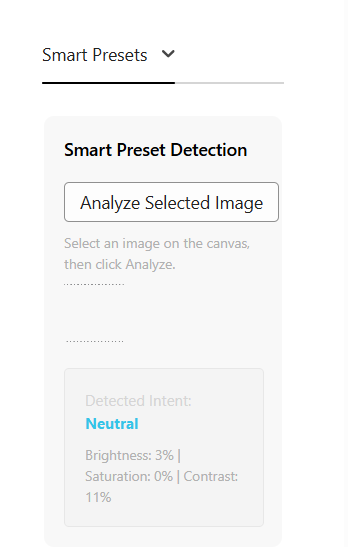
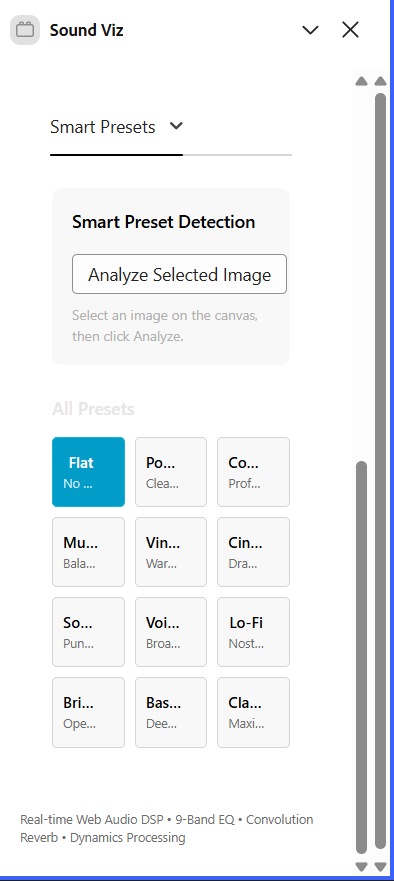
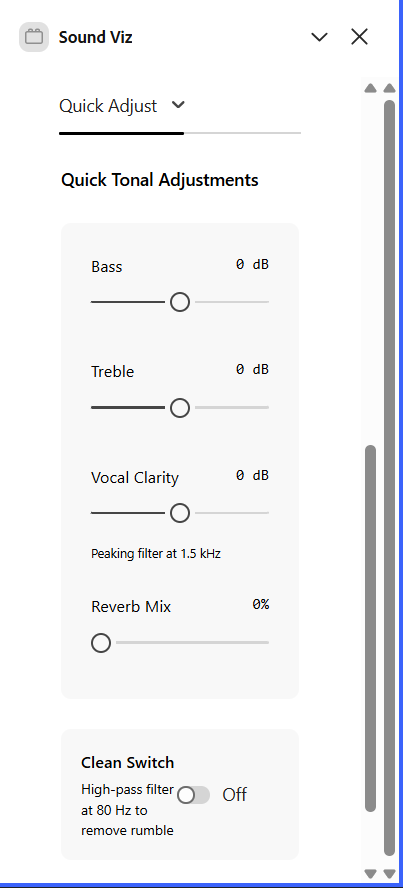
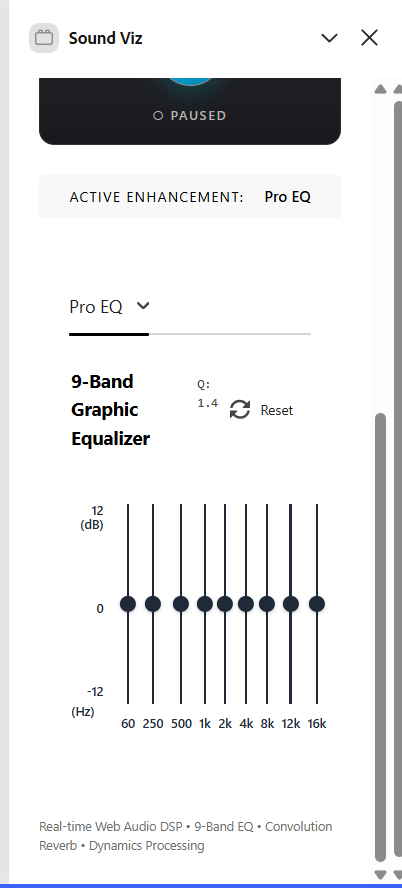
Sound Viz is a real-time audio enhancement add-on. It imports audio, applies a DSP (Digital Signal Processing) chain (9‑band EQ, reverb, dynamics), visualizes playback, and exports the enhanced audio back into the Express timeline. It can also suggest presets by analyzing a selected image on the canvas.
How we built it
We built two parts: Web app (audio-canvas-lovable): React + Adobe Spectrum UI, Web Audio API DSP, and image-based preset analysis. Add-on (audio-canvas-addon): Adobe Express add-on wrapper that embeds the app and uses the UI + sandbox runtimes to communicate with the document and timeline.
Challenges we ran into
Media access limits : Express doesn’t expose video frames on the canvas to add-ons, so only images can be analyzed. UI contrast & theme : Getting consistent light-theme readability with Spectrum components took several iterations. EQ layout : Matching the EQ design while keeping it compact for the sidebar required reworking layout and sizing.
Accomplishments that we're proud of
A fully working real-time DSP chain in the browser (no mock processing). Smooth Express integration with audio export into the timeline. A clean, compact 9‑band EQ that fits the add-on sidebar. Image-based preset suggestions that feel intelligent and immediate.
What we learned
How to design audio UX for visual creators. Practical limits of add-on runtimes and cross-frame communication. The importance of clarity in UI states (selected, active, hover) for creator tools.
What's next for Sound Viz
Add video-frame analysis once Express exposes video frame access. Introduce custom preset saving and user profiles. Expand the analysis model to include more semantic context (e.g., scene type, mood, motion).
Built With
- javascript
- react
- typescript
- vite
- web-audio-api


Log in or sign up for Devpost to join the conversation.