-
-
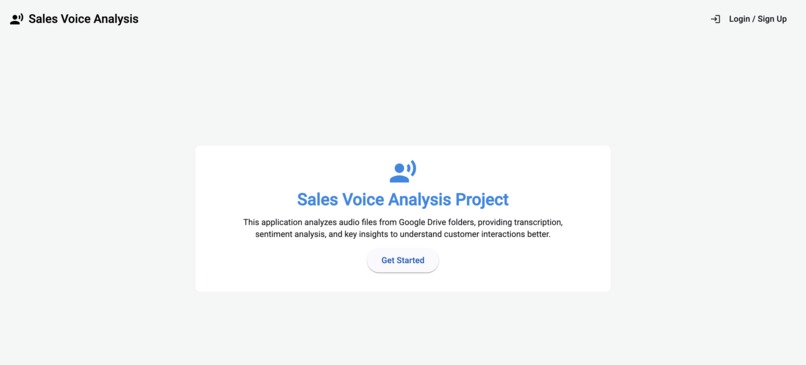
Home Page
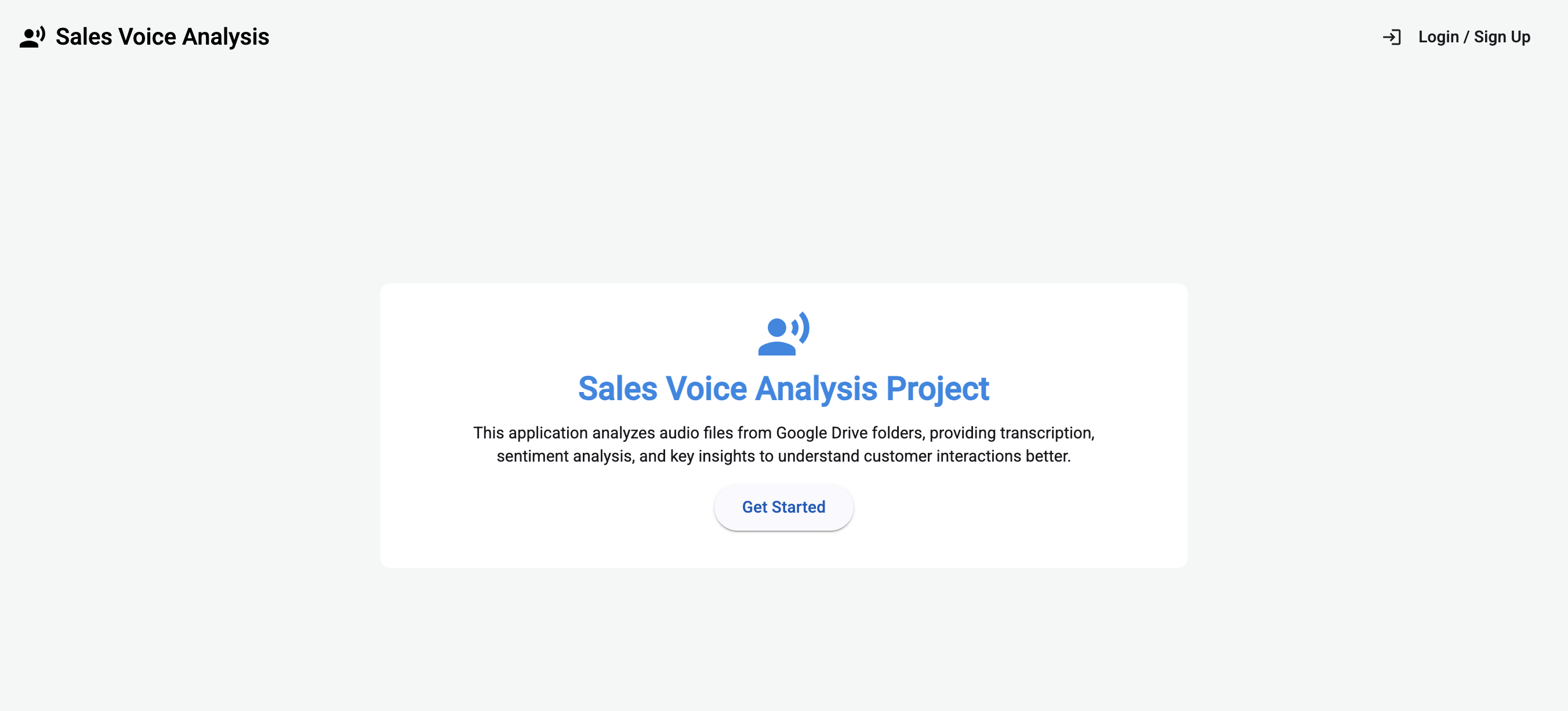
Inspiration
The initial spark came from recognizing a common challenge in sales management: providing objective, data-driven feedback to sales representatives. While managers can listen to call recordings, it's time-consuming and subjective. I saw an opportunity to leverage AI to automatically analyze call recordings, extract key insights, and provide actionable recommendations, ultimately helping reps improve their techniques and boosting sales effectiveness. The goal was to transform raw audio into valuable coaching and performance insights.
What It Does
My application automates the analysis of sales call audio recordings stored in Google Drive. Here's the workflow:
- Input: A user provides a Google Drive folder ID containing audio files (like MP3s) via a simple web interface.
- Processing: The backend pipeline, triggered via an API call:
- Checks which files in the folder haven't been processed yet by comparing against Firestore records.
- For each new file, it securely downloads the audio, temporarily uploads it to Google Cloud Storage.
- It then calls the Vertex AI Gemini model (specifically
gemini-2.5-flash) with a carefully crafted prompt, instructing it to analyze the audio. - The AI generates a structured JSON output containing:
- Call Metadata:
source_file_id,call_id(if detectable), duration, language, timestamp (if detectable), topic summary. - Customer Analysis: Overall sentiment, detected pain points, resolution status, suggested next steps, and a specific recommendation for the sales rep.
- Sentiment Analysis: An array detailing sentiment shifts during the call, linked to specific text segments and speakers.
- Transcription: A full transcription of the call with speaker labels and timestamps.
- Call Metadata:
- The temporary files (local and GCS) are cleaned up.
- Storage: The resulting JSON analysis is saved to a Firestore database, using the unique Google Drive file ID (
source_file_id) as the document key to prevent duplicates and enable easy lookup. - Output: A user-friendly Angular frontend displays the list of completed analyses fetched from Firestore. Users can click on any analysis to view a detailed breakdown (summary, sentiment, transcription) and play the original audio, streamed securely from Google Drive via the backend.
How I Built It
- Backend: Python with the FastAPI framework provides the core API endpoints (
/access-folder,/get-audio/{source_file_id}). - AI Core: Google Cloud Vertex AI using the
gemini-2.5-flashmodel for the actual audio analysis task. - Cloud Services:
- Google Drive API: To list and download audio files.
- Google Cloud Storage (GCS): For temporary storage of audio files before analysis by Vertex AI.
- Firestore: As the NoSQL database to store the structured JSON analysis results.
- Frontend: Angular (v20) with Angular Material for UI components and Firebase libraries (
@angular/fire) for authentication and real-time Firestore data binding. - Configuration: Used
.envfiles andpython-dotenvfor managing API keys and project settings securely. - Deployment (Plan): The backend is containerized using Docker and designed for deployment on Google Cloud Run. ## Challenges I Ran Into
- ADK Multi-Agent Structure: Realized that agents cannot directly be used as tools for other agents within the ADK, requiring a shift to a single orchestrator with function-based tools.
- LLM Orchestration Reliability: Even with a single agent, the LLM sometimes failed to consistently follow the multi-step, conditional logic within the loop. This led to moving the core workflow logic into Python for better reliability.
- JSON Parsing: The AI model didn't always return pure JSON, sometimes including markdown fences (
json`) or other text, requiring robust parsing logic (string stripping, regex). - API Errors: Encountered various API errors, including missing
google-cloud-firestorelibrary and missingproject_idfor Vertex AI. - Firestore Overwrites: Initially used a non-unique
call_idfrom the prompt as the document ID, causing only the last file's analysis to be saved. Switched to using the uniquesource_file_id. - CORS: Needed to configure CORS middleware in FastAPI to allow the Angular frontend (on a different port) to communicate with the backend.
- Python Imports: Resolved
ModuleNotFoundErrorissues by correctly adding the project root tosys.pathin the entry point files.
Accomplishments I’m Proud Of
- Successfully built an end-to-end pipeline integrating Google Drive, Cloud Storage, Vertex AI, and Firestore.
- Developed a robust
analyze_audio_filetool capable of handling various audio types and extracting structured JSON data, including transcription and sentiment. - Implemented error handling that allows the pipeline to continue processing other files even if one fails.
- Created a functional Angular frontend with user authentication, real-time data display from Firestore, and secure audio streaming via the backend.
- Overcame LLM orchestration limitations by moving complex loop and conditional logic into reliable Python code.
- Successfully troubleshooted and resolved various configuration, API, and framework-specific errors.
What I Learned
- LLM Orchestration Limits: While powerful, relying solely on LLM instructions for complex, stateful, multi-step workflows can be unreliable. Explicit Python code is often better for managing the core process flow.
- Importance of Robust Parsing: AI model outputs, even when prompted for specific formats, require defensive parsing and cleaning.
- Cloud Service Integration: Gained practical experience integrating multiple Google Cloud services (Drive, GCS, Vertex AI, Firestore) and handling their specific authentication and API requirements.
- Debugging Distributed Systems: Learned to trace errors across different components (frontend, backend API, agent, cloud services) using logs and specific error messages.
- Framework Nuances: Understood the specific constraints and best practices of the ADK framework (agents vs. tools) and FastAPI (CORS, request models).
- Configuration Management: Reinforced the importance of using environment variables (
.env) for configuration and secrets.
What's Next for Sales Voice Analysis
- Improve Timestamp Accuracy: Explore using Google Drive's file metadata (
createdTime) or encouraging filename conventions to get more reliable call timestamps. - Enhance UI/UX: Add more detailed visualizations, filtering options, and potentially highlight key moments directly on the audio player timeline.
- Expand Analysis: Incorporate speaker diarization (identifying who is speaking), detect specific keywords automatically, and provide more nuanced emotion analysis.
- Batch Processing Optimization: Explore parallel processing of multiple audio files within Cloud Run to speed up large batches.
- Real-time Trigger: Implement an Eventarc/Pub/Sub trigger for near real-time analysis upon file upload to Google Drive.
- Model Tuning: Experiment with different Gemini models (like Pro versions) or potentially fine-tune a model for better accuracy on specific sales jargon or accents.
- CRM Integration: Explore integrating the analysis results directly into CRM systems (like Salesforce) to link insights to specific customer records.
Built With
- adk
- angular.js
- cloudrun
- fast-api
- firebase
- firestore
- gcs


Log in or sign up for Devpost to join the conversation.