-
-
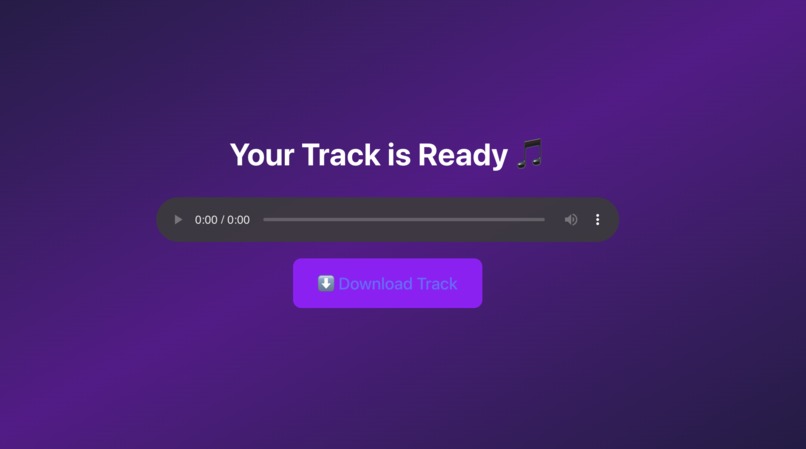
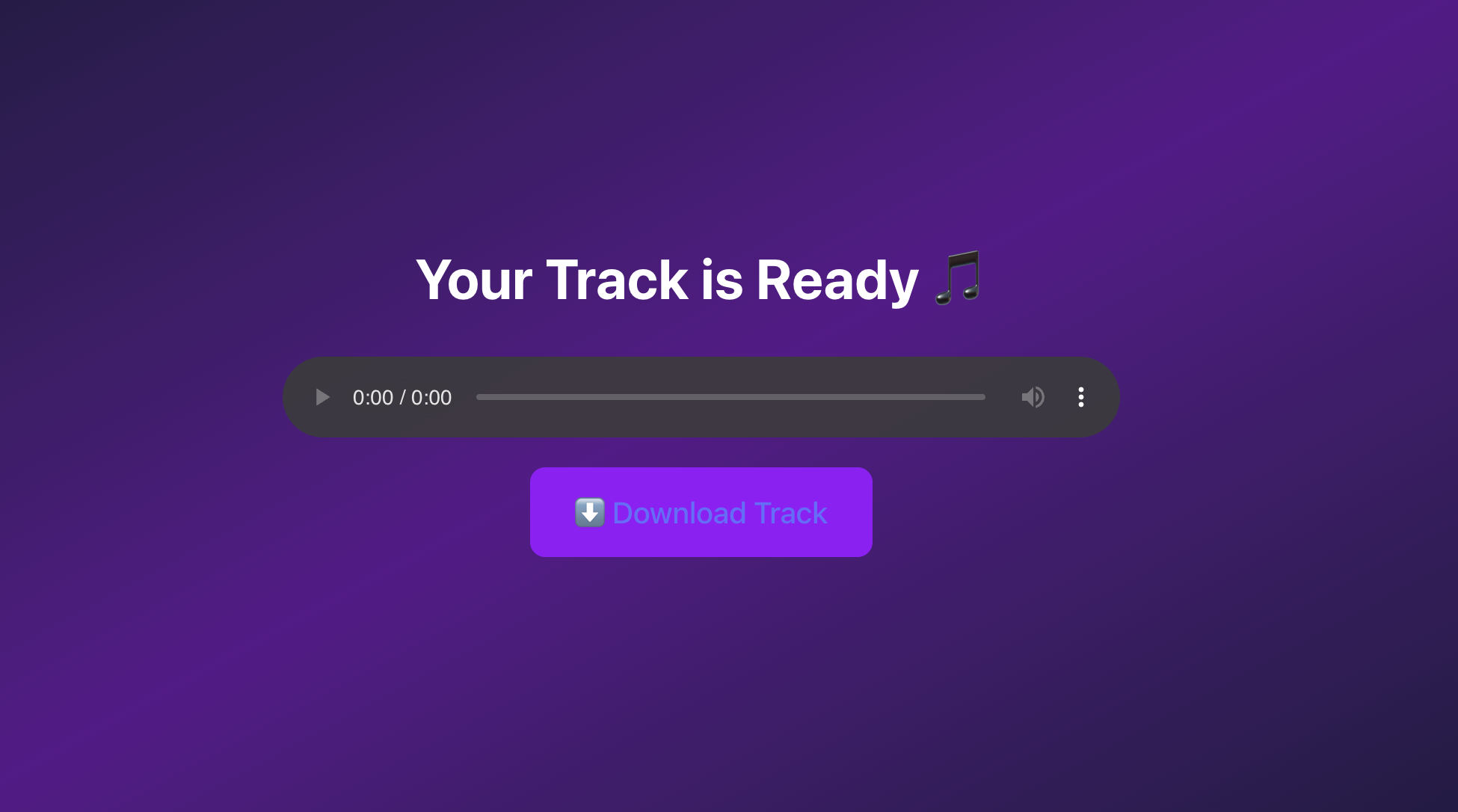
Final audio output
-
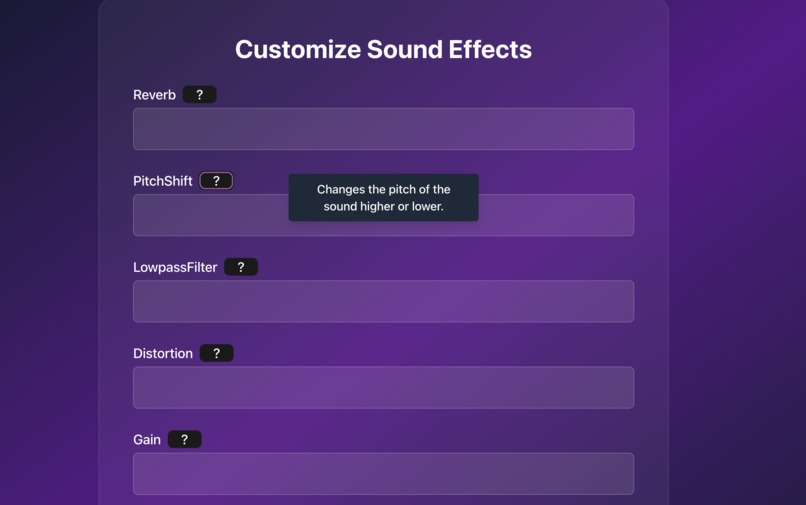
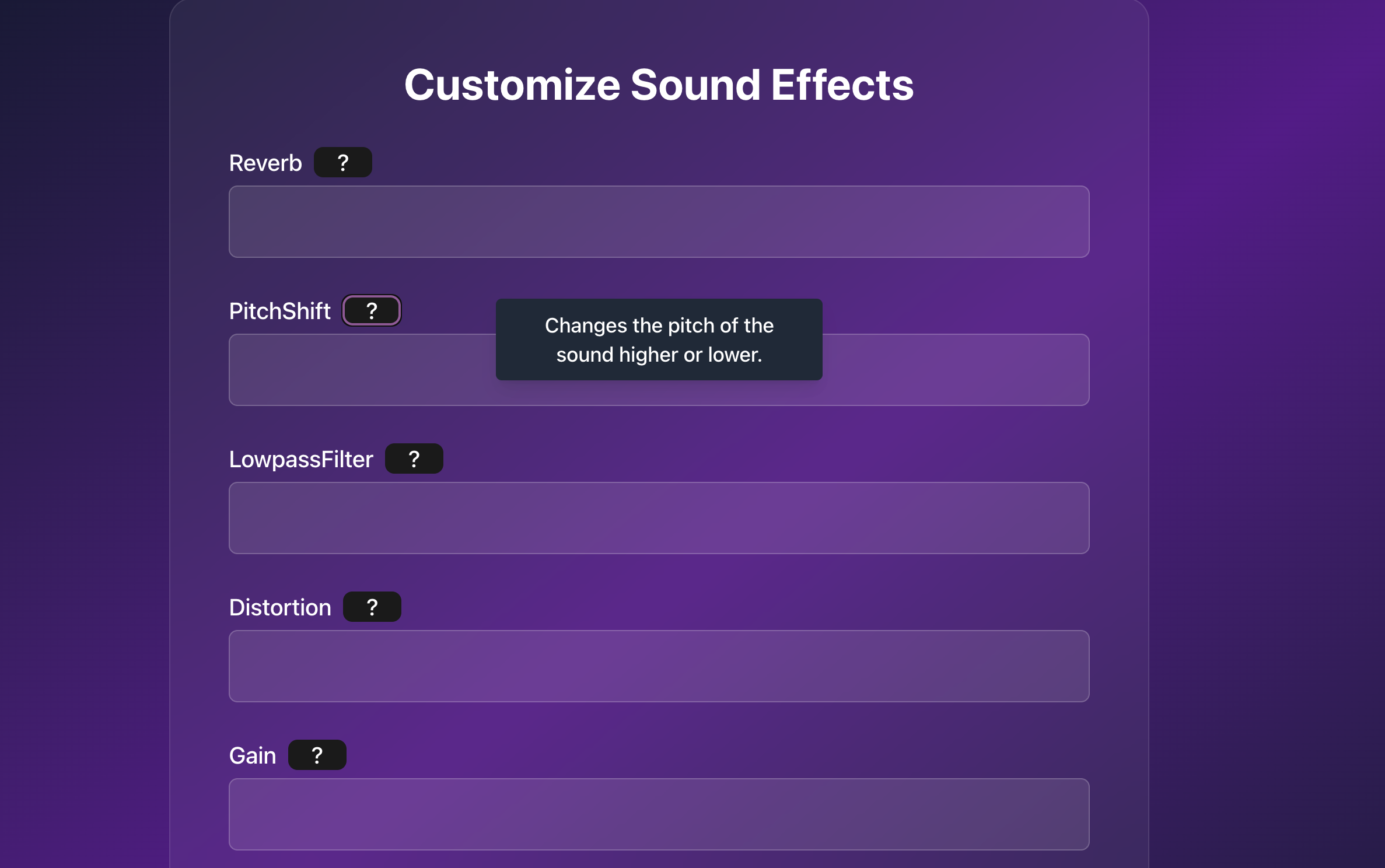
Customize sound effects
-
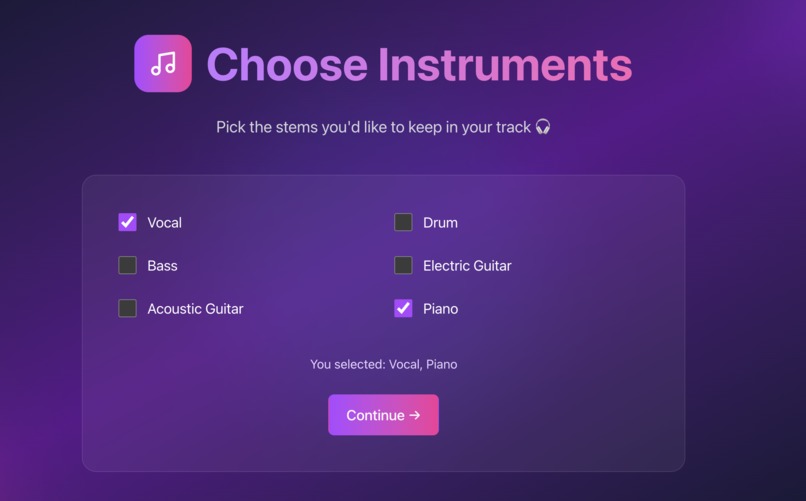
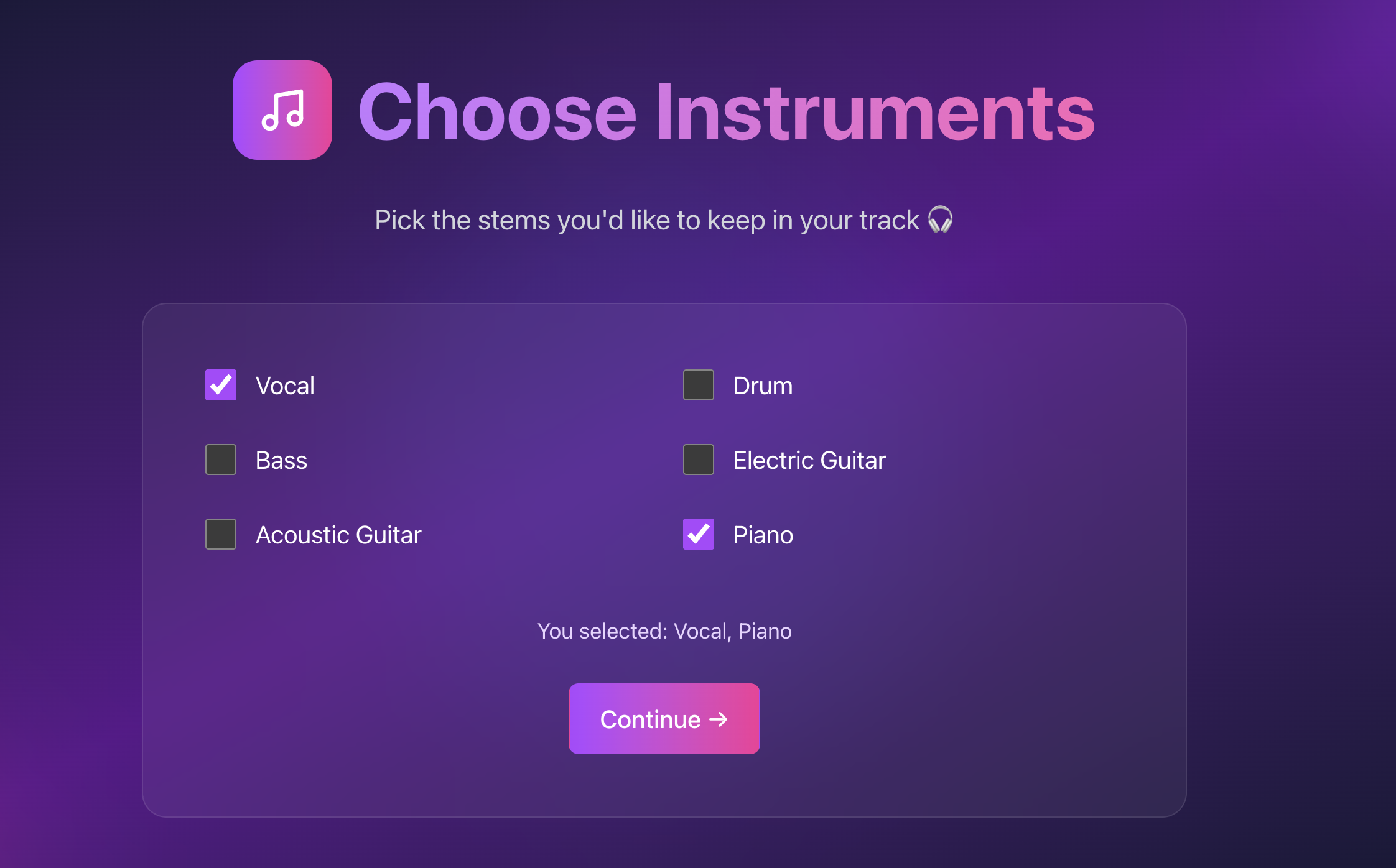
Choose Stem to split
-
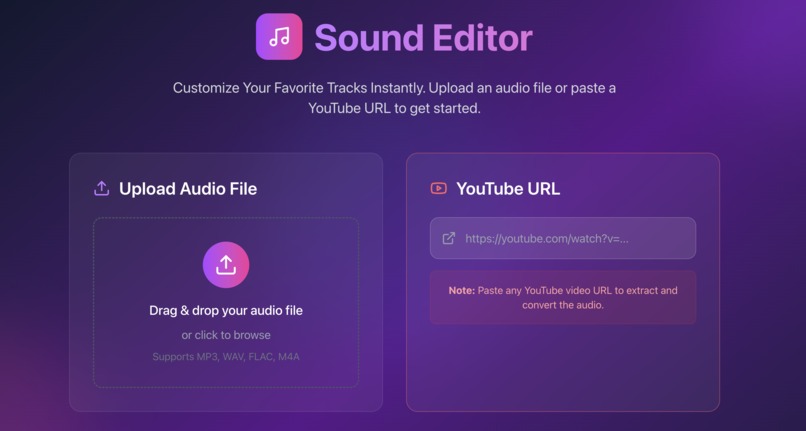
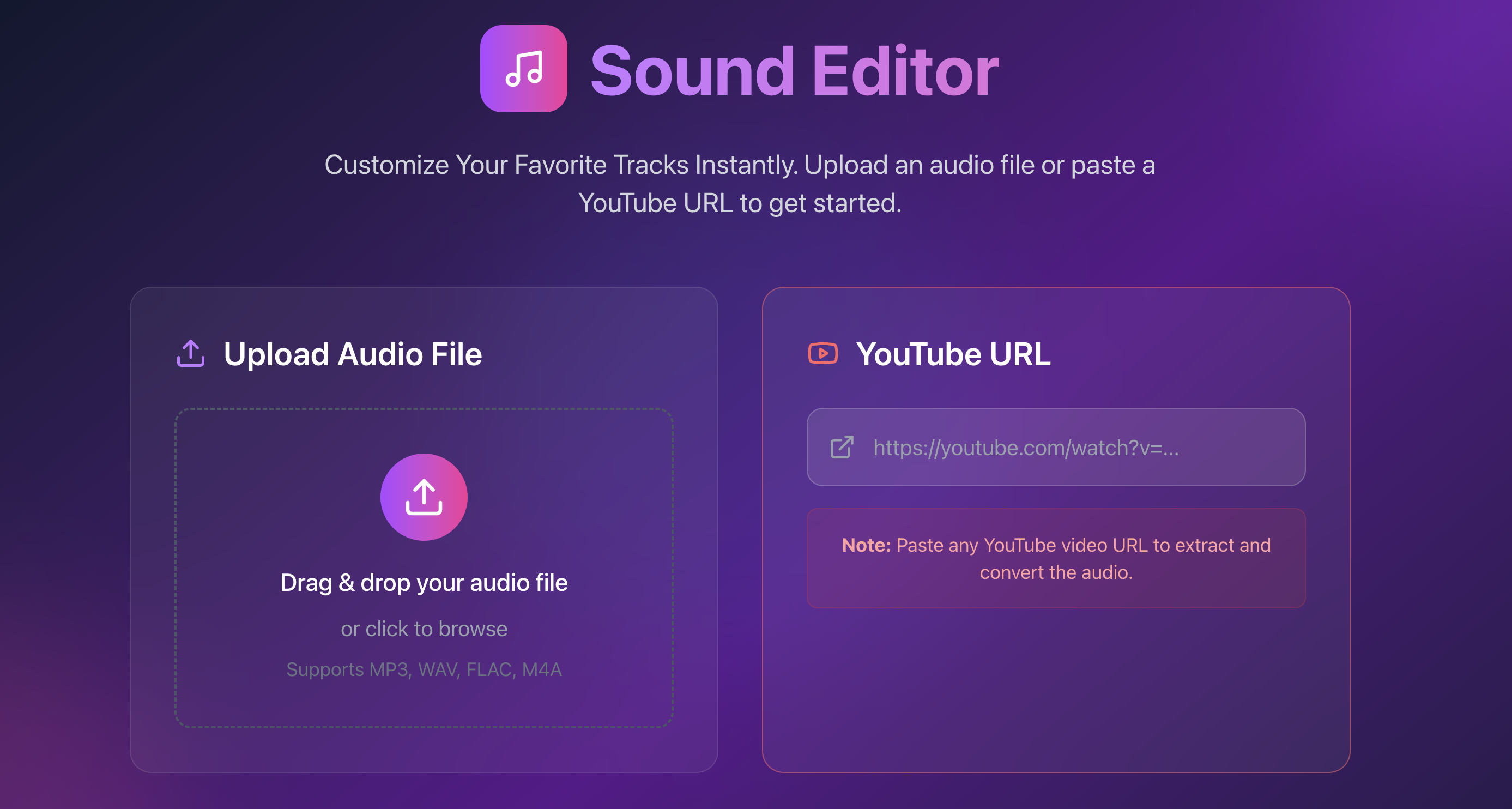
Home page
-
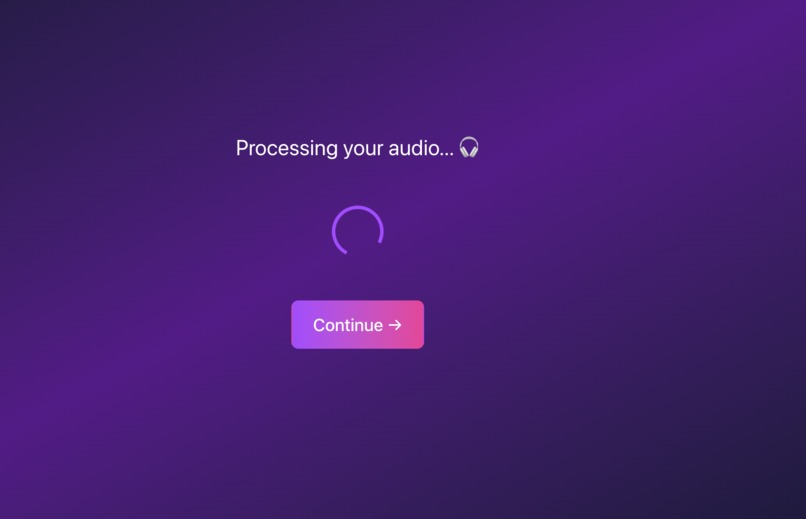
Processing audio
Inspiration
We love music — but more than that, we love playing with it. Whether it’s isolating vocals from a favorite track or making it feel like a cozy Lofi remix, we wanted to give everyday users the power to reshape sound. Most audio editing tools are either too complicated or require heavy installations. So we asked: what if audio customization could happen in just a few clicks, right in the browser?
That spark of curiosity led us to build Sound Editor — an intuitive web app where anyone can split a song into its instruments, tweak sound effects, and download a personalized version of the track.
What it does
Our Sound Editor lets the clients
- Upload an audio file or paste a YouTube link
- Split the song into stems (like vocals, drums, bass, etc.)
- Apply sound effects like reverb, pitch shift, lowpass filter, distortion, gain, and speed
- Preview and download the final customized audio This is like giving people a mini music studio in their browser — no need to have prior experience,no plug-ins, no stress.
How we built it
- We built the frontend with Vue 3 + Vite with modern interface with Tailwind CSS and Lucide icons. Routing between pages is handled with Vue Router.
- For audio processing, we used LALAL.AI API for high-quality stem separation Python with Pedalboard to apply real-time audio effects
- FastAPI as our backend to handle file uploads, API calls, and final audio generation
- We used yt_dlp to support YouTube input, pydub to handle format conversions, and a custom endpoint to deliver processed .mp3 files.
Challenges we ran into
- Merging frontend + backend from different team members across platforms (Windows vs Mac) caused path and port conflicts
- File size limits and long stem-splitting times required loading states and better async handling
- Validating sound effect inputs in real time without confusing users — we eventually added tooltips and dynamic form checks using VeeValidate
- Synchronizing page flows (from upload to selection to loading to final preview) took longer than expected.
Accomplishments that we're proud of
- Fully functional stem splitting + effect editor in under 36 hours
- Clean, polished UI that feels like a real product, not just a demo
- Created a multi-step flow that guides even non-technical users from start to finish
- Learned new libraries and APIs on the fly and made them work together
What we learned
- How to structure a real-world Vue 3 + FastAPI application
- Working with file streams and audio manipulation tools like Pedalboard
- The importance of clean UX and helpful microinteractions (tooltips, loading screens, validations)
- API design, async handling, and collaboration across frontend/backend boundaries
What's next for Sound Editor
- Possibly explore AI-powered suggestions for auto-effect presets
- Implement user profiles and track history features.
Built With
- fastapi
- lalal.ai
- pydub
- python
- vue
- yt-dlp

Log in or sign up for Devpost to join the conversation.