-
-

SoulMates Logo
-
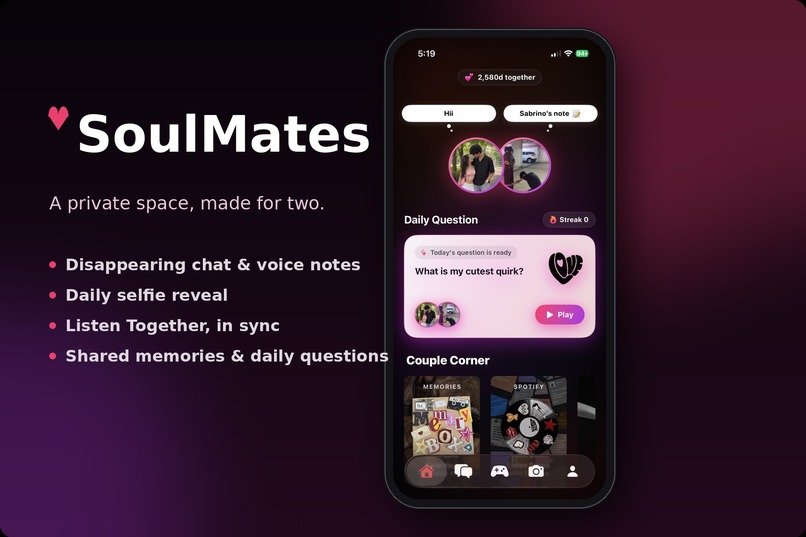
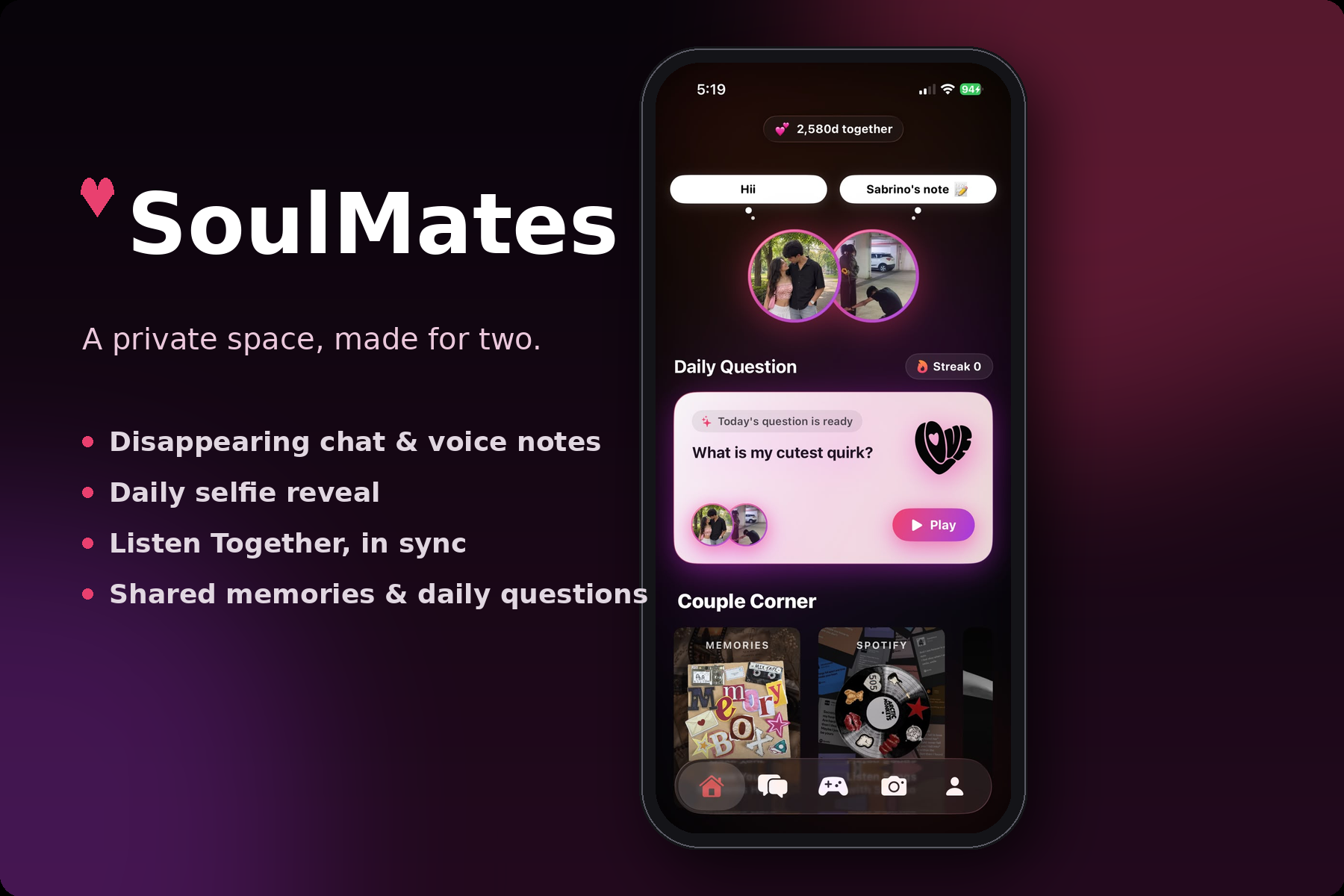
HomeScreen
-
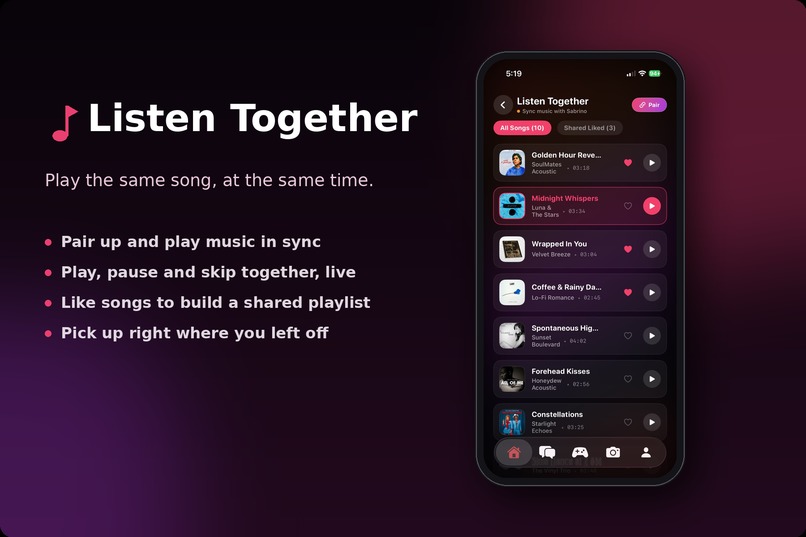
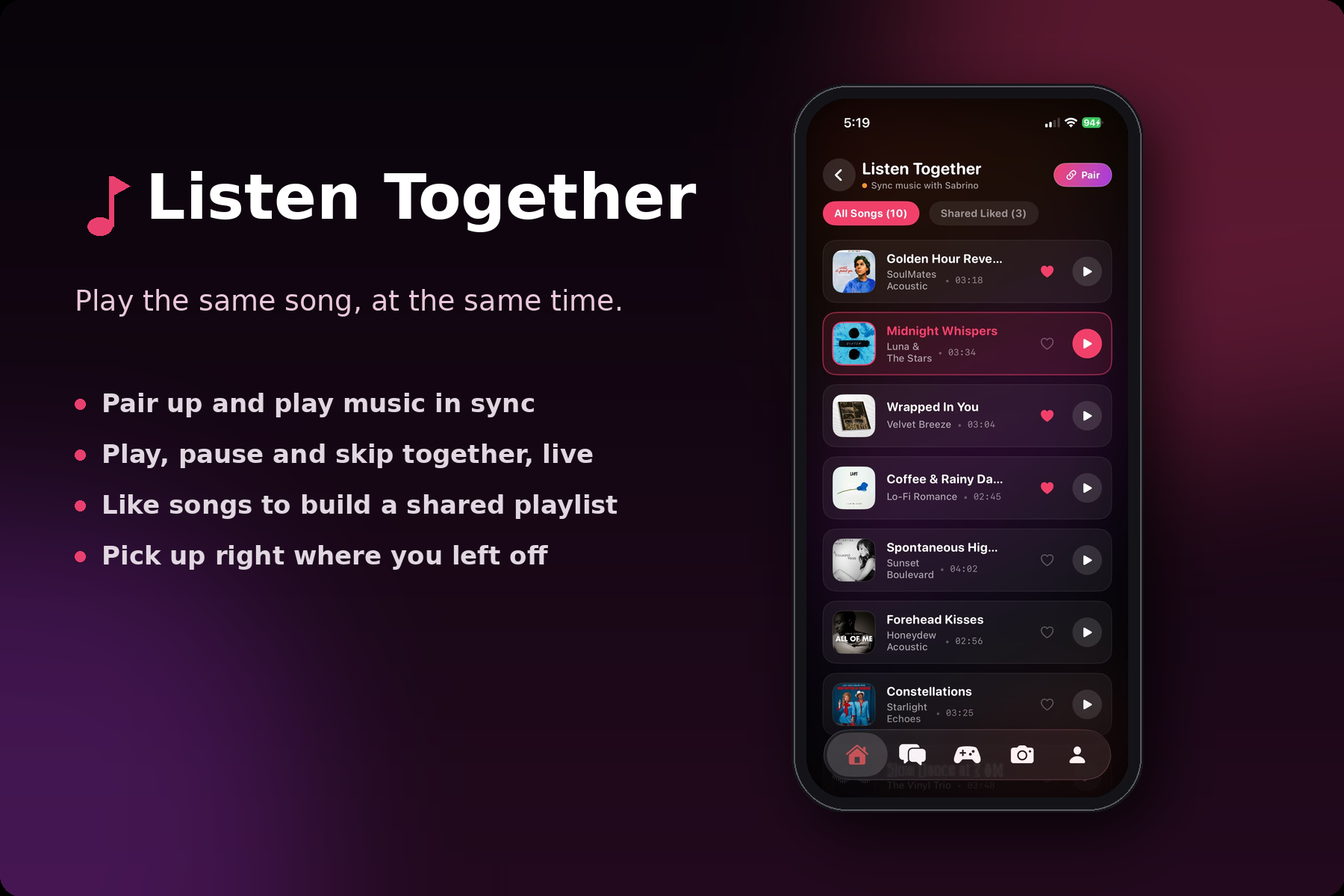
Listen Songs Together
-
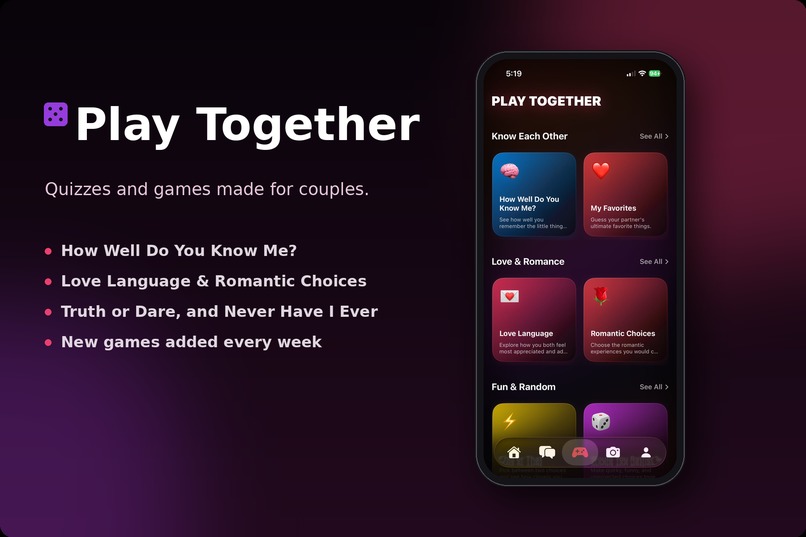
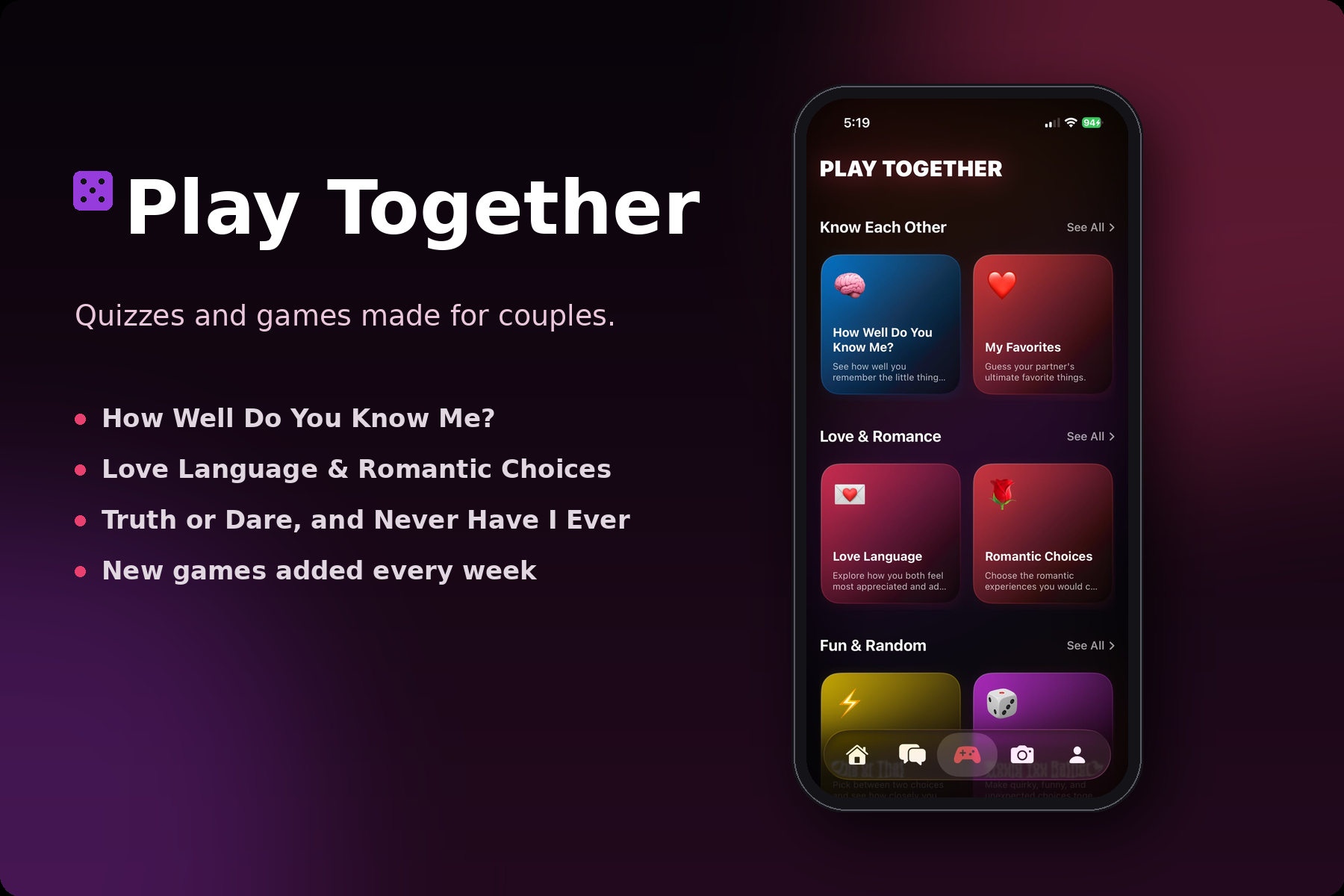
Play Games Together
-
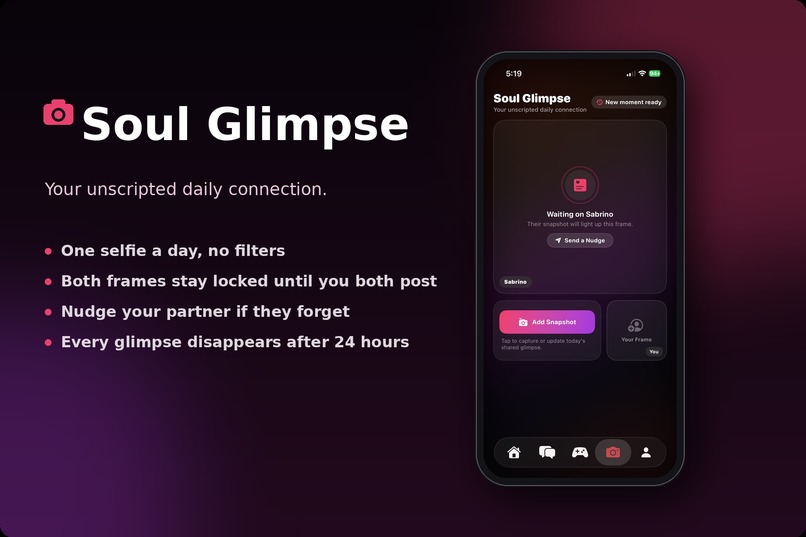
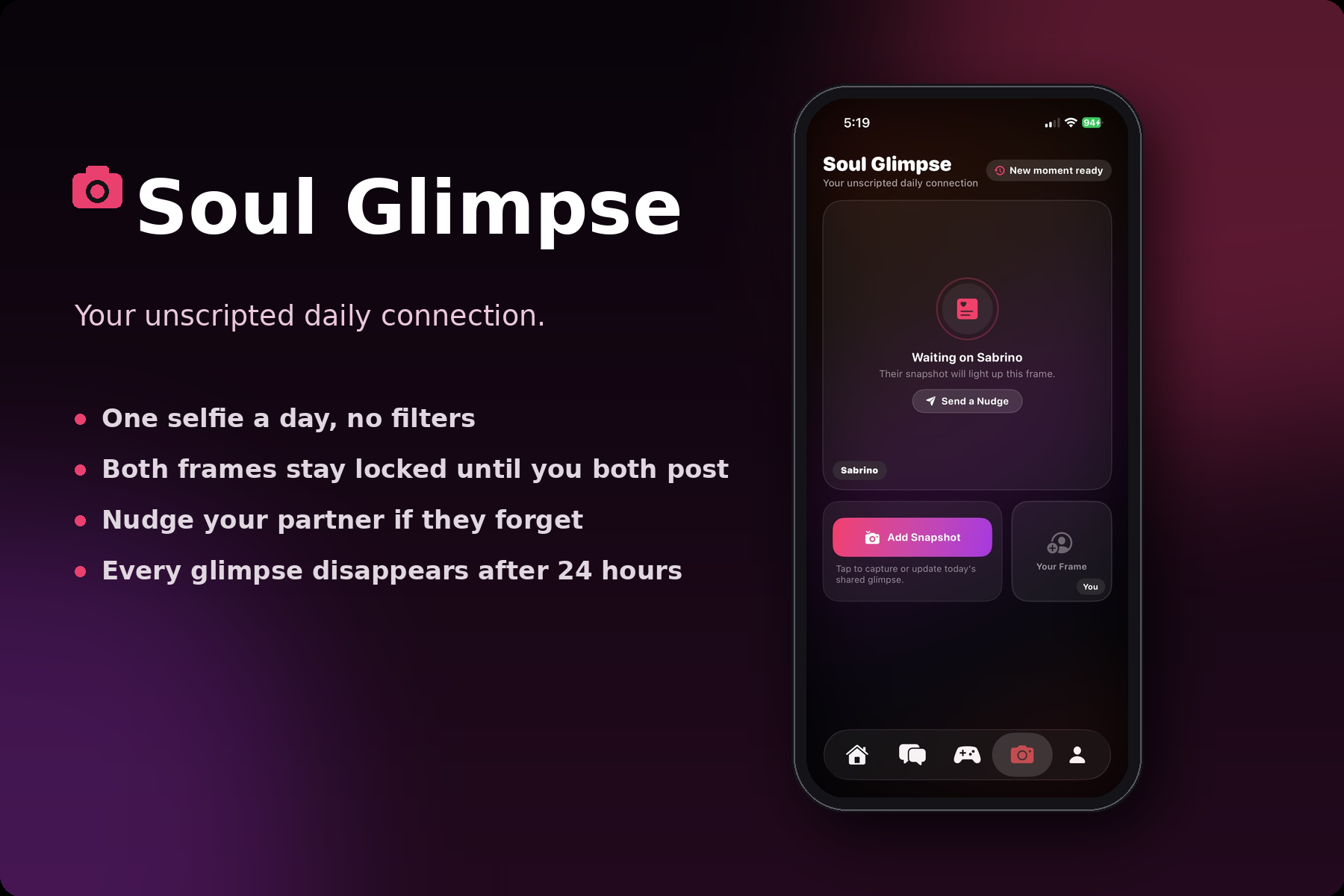
Soul Glimpse
-
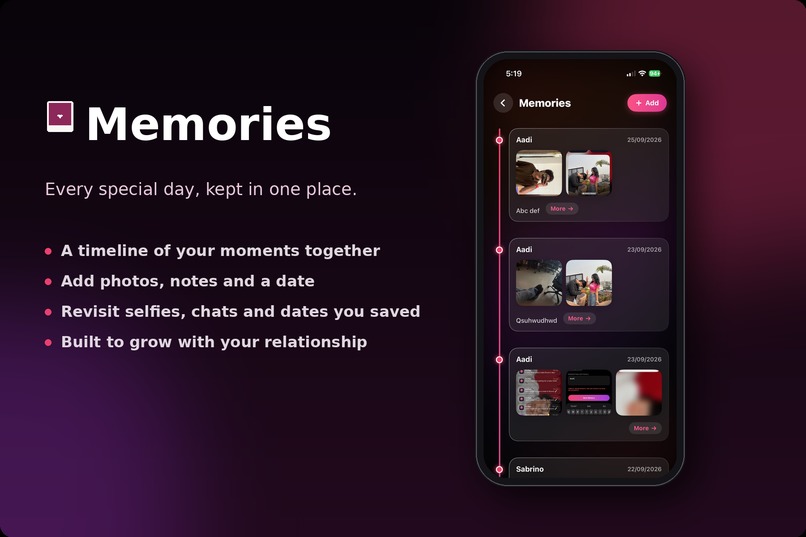
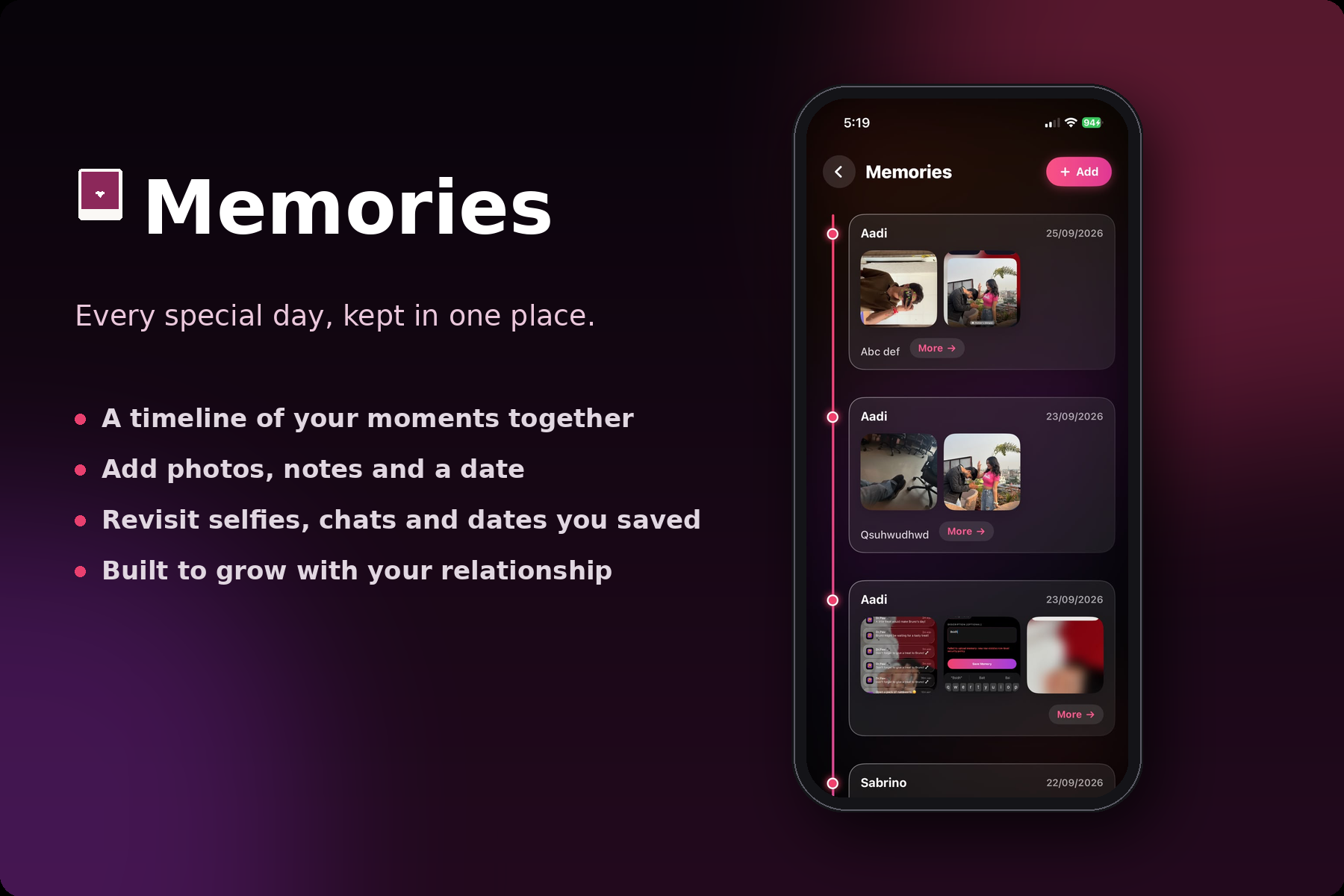
Memories

Inspiration
Most apps that couples use every day weren't made for couples. We chat on one app, share photos on another, and listen to music somewhere else. For long-distance partners especially, these little moments get scattered and lost.
I wanted one small, private space made for just two people, where staying close feels effortless and a little bit magical. That idea became SoulMates.
What it does
SoulMates is an iOS app for couples. Once two partners pair up with an invite, they get a shared world:
- 💬 Private chat with text and voice notes that disappear after 24 hours, so conversations feel light and in the moment
- 📸 Soul Glimpse: a daily selfie exchange. Your partner's photo stays locked until you post yours, and then both are revealed together
- 🎶 Listen Together: send an invite and listen to the same song at the same time, with play, pause and track changes synced live
- 🖼️ Memories: a shared photo vault for your special days, with dates and notes
- ❓ Daily questions and quizzes to get to know each other better
- 📅 Date planner and shared notes for planning time together
- 📱 Home screen widgets showing your days together and your partner's latest selfie
How we built it
- SwiftUI for the whole interface, using
MVVMwithObservableObjectview models - Supabase as the backend:
- Auth for accounts
- Postgres for couples, messages, memories, selfies, and music sessions
- Realtime channels for instant chat and synced music
- Storage buckets for photos and voice notes
- Row Level Security so only the two people in a couple can see their data
- AVFoundation for voice recording and synced audio playback
- PhotosUI and the camera for selfies and memory uploads
- WidgetKit with shared data for the home screen widgets
The synced music works by treating each couple's session as a small shared state (which track, playing or paused, seek time, and who acted last). Both phones listen for changes and react to them in real time.
Challenges we ran into
- Realtime sync: keeping two phones playing the same song without echo loops, where one phone's action bounces back and triggers itself again, took a lot of careful state handling.
- Security rules: Row Level Security works separately for database tables and for Storage buckets. A missing Storage policy blocked memory uploads, and it took real debugging to find the cause.
- Handling disconnects live: if one partner unpairs, the other person's app has to react immediately, without a restart.
- Swift itself: as a student learning iOS, generic types, Combine, and confusing compiler errors were a steep learning curve.
Accomplishments that we're proud of
- Building a full-stack, real-time app as a student, from design to backend to widgets
- Getting music to play in sync between two devices
- Designing the "locked until you both post" selfie reveal, which makes the daily habit feel special
- Building a secure setup where each couple's data stays private
What we learned
- How to structure a real SwiftUI app with view models and shared state
- How realtime databases, auth, storage, and security policies fit together in Supabase
- How to debug systematically. One tiny typo or one missing type can cause a wall of errors, and the trick is to find the single root cause
- That small emotional details, like a locked photo or a disappearing message, matter as much as big features
What's next for SoulMates
- 💎 A Pro plan with one purchase per couple, so both partners get Pro and the subscription stays with the buyer if they re-pair later
- 🤖 An Android version
- 🔔 Smarter reminders and nudges for daily rituals
- 🎵 A bigger music library and shared playlists
- 🌍 Multiple languages, so couples everywhere can use it
Built With
- revenuecat
- supabase
- swift
- swiftui
- widgetkit


Log in or sign up for Devpost to join the conversation.