-
-
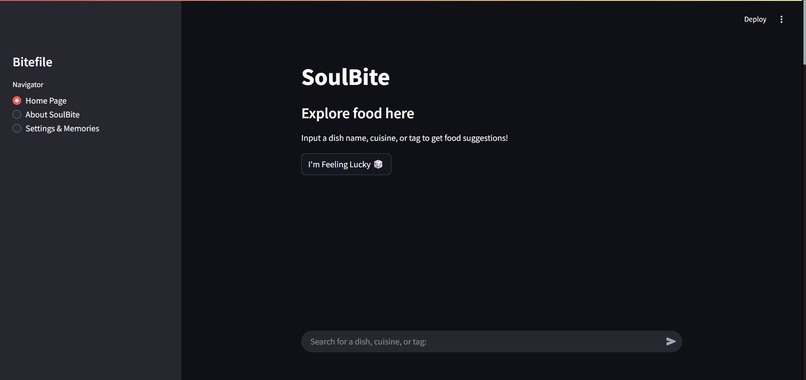
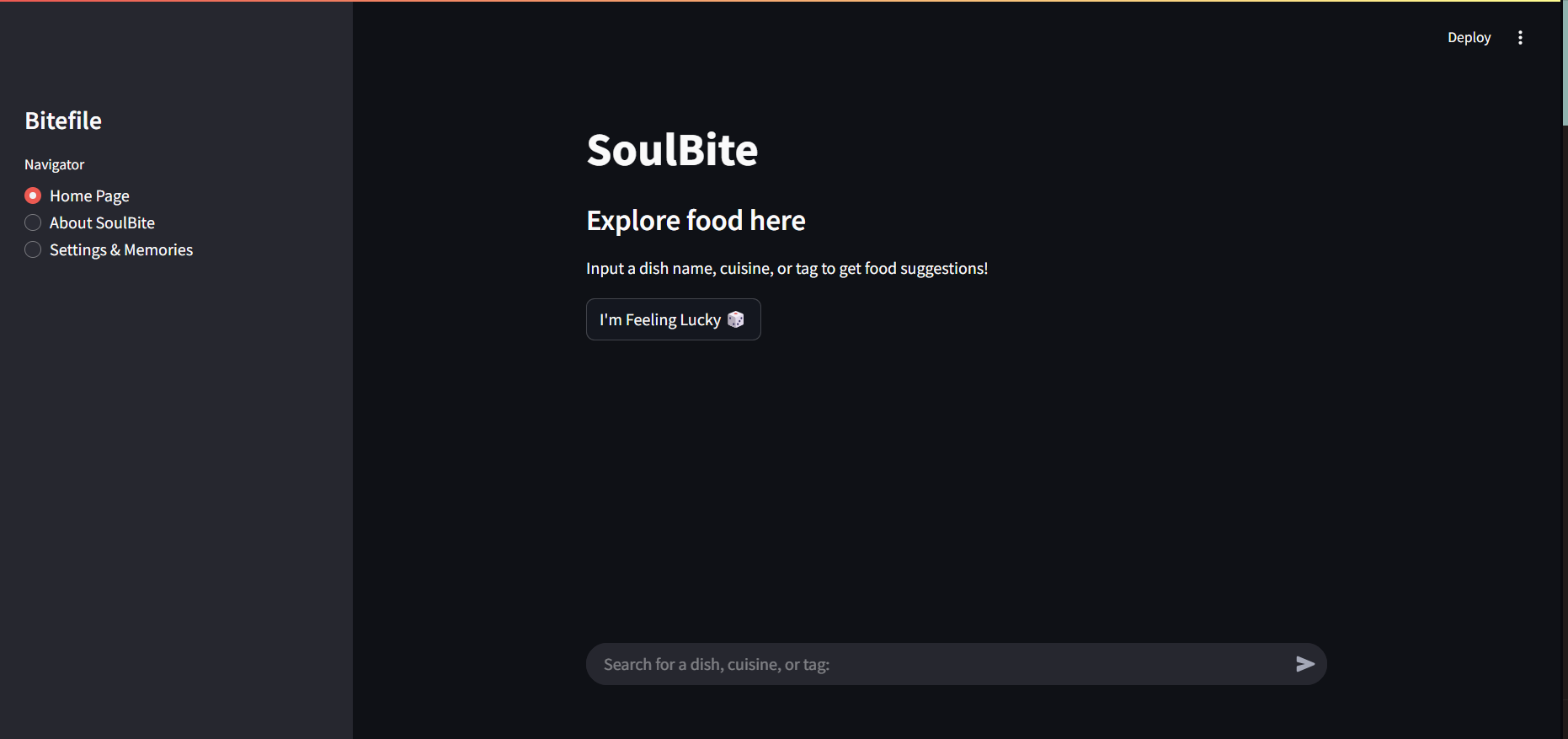
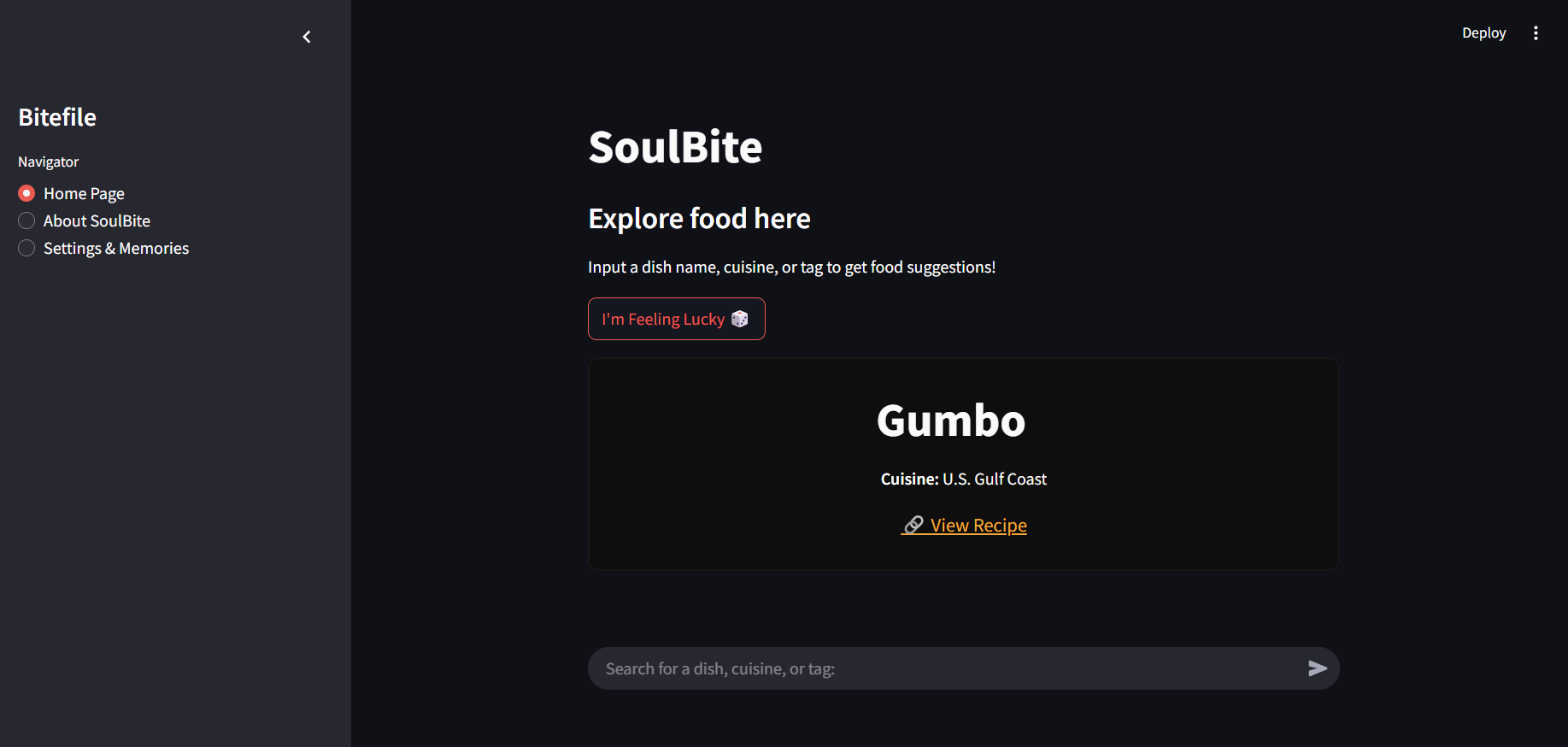
The home page for SoulBite
-
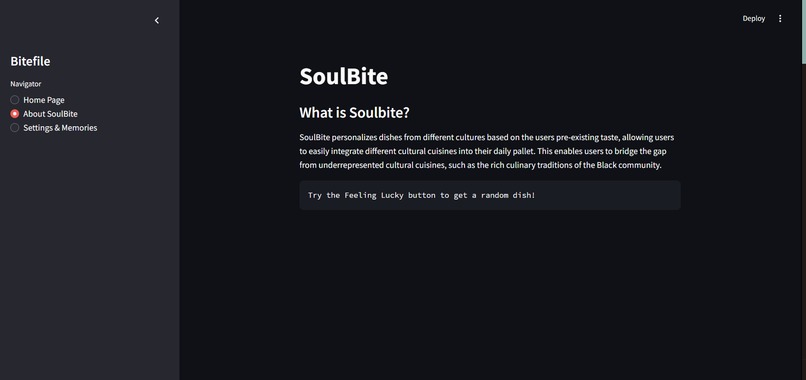
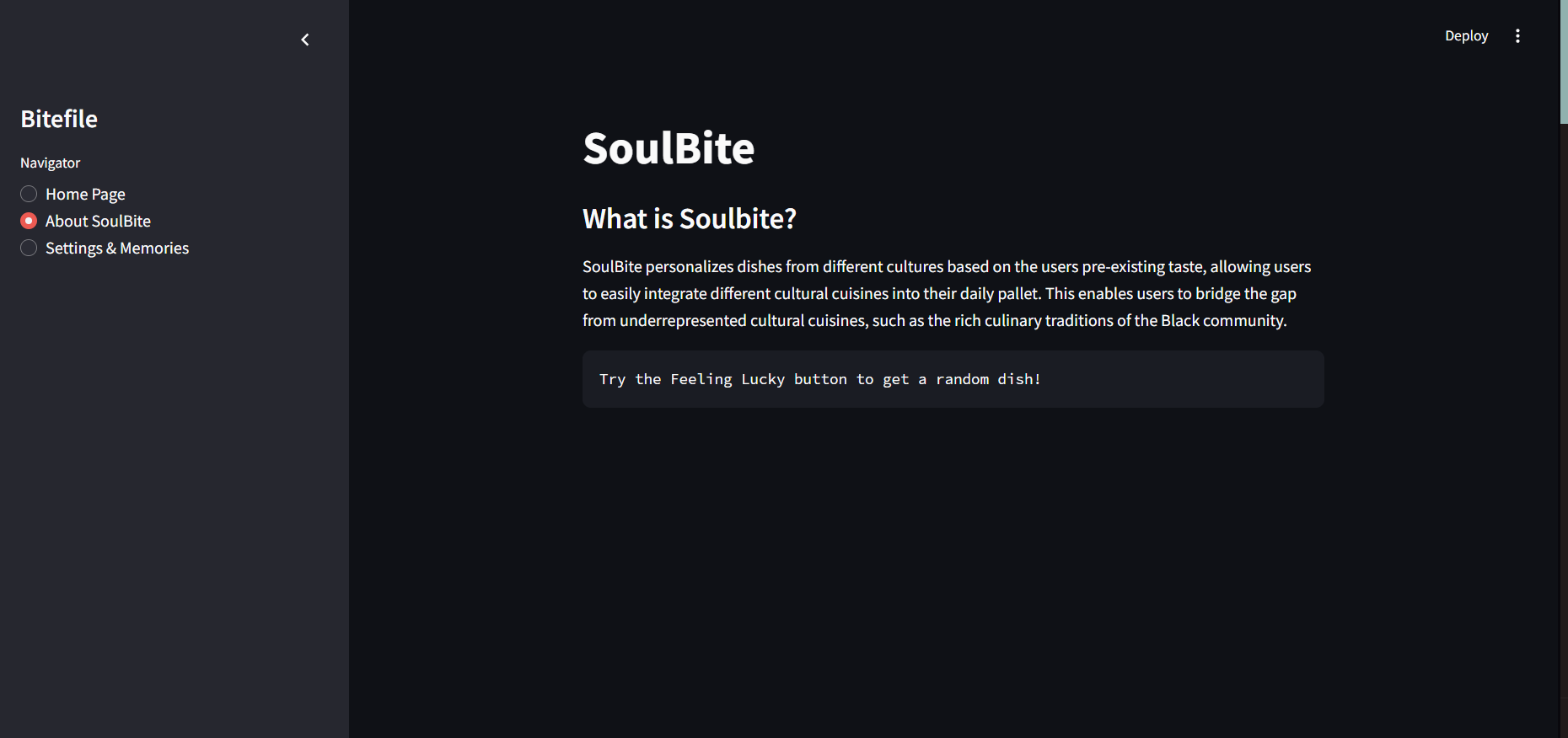
The about SoulBite page
-
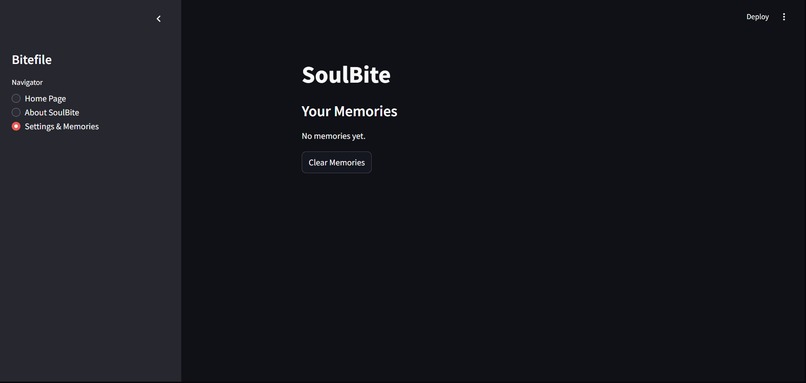
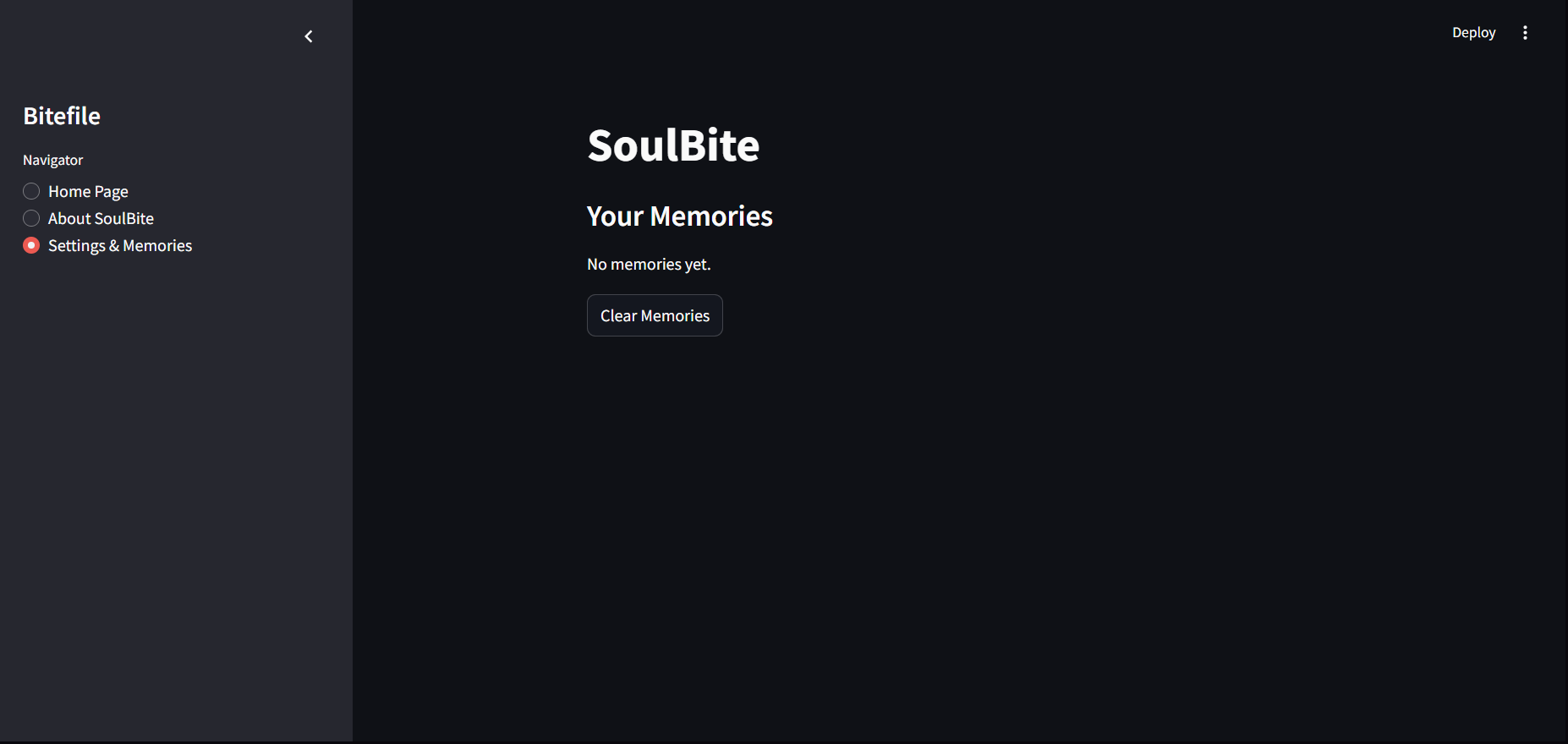
Settings menu
-
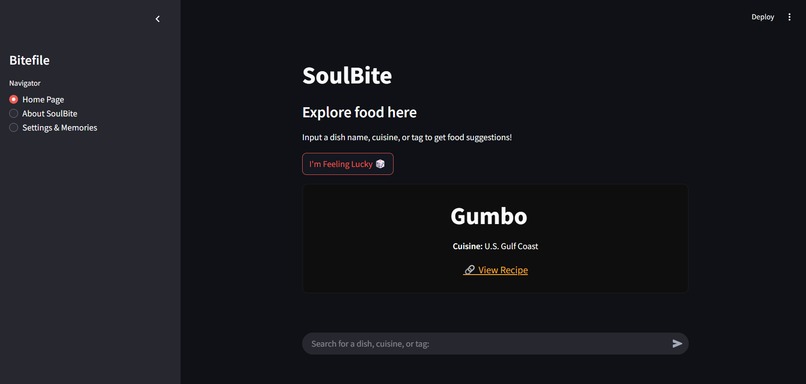
SoulBite in action
-
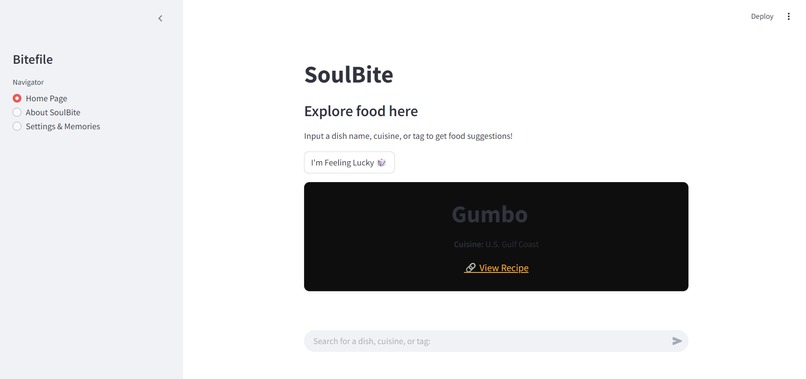
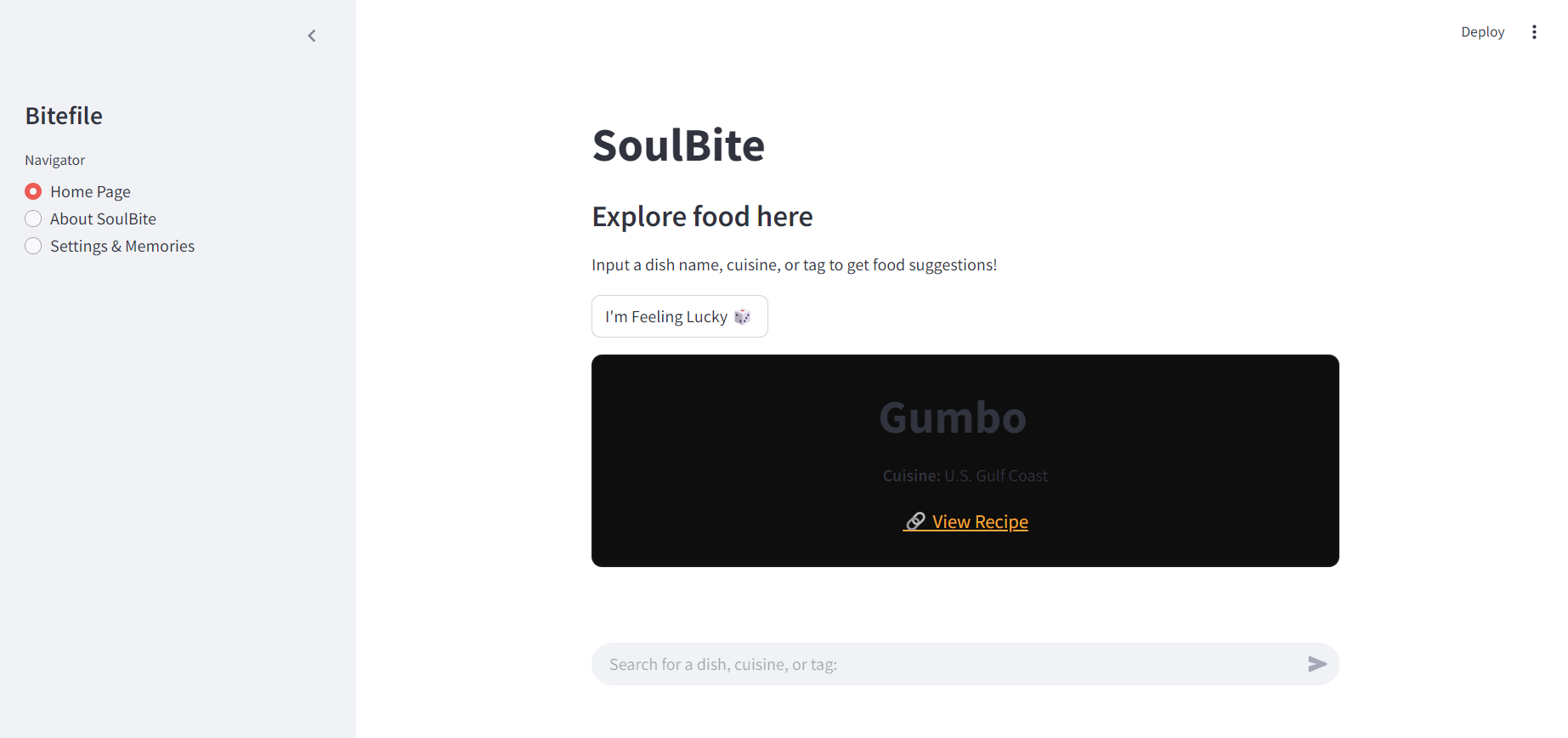
Light mode
Inspiration
The original inspiration for SoulBite was an AI Chatbot that invents new recipes when the user inputs their preferences, however ChatGPT API is too expensive and integrating AI was too difficult, we moved on to Food explorer---later renamed to SoulBite.
What it does
The app lets users input foods they’ve eaten or enjoy. It then uses AI to recommend foods from various cultures that are similar or expand upon their tastes. This helps users discover new dishes from around the world while sticking to their flavor preferences.
How we built it
First, we started by creating a dataset of food dishes. Each food entry can have:
- Name of the dish
- Cuisine type (e.g., Italian, Mexican, Chinese, etc.)
- Key ingredients
- Flavor profile (spicy, sweet, sour, umami, etc.) You can create a small dataset manually, or find an open-source dataset about food from online sources (e.g., Kaggle or public APIs).
By Using Python and Panda dataset, we implemented a recommendation system. A simple approach would be: When the user inputs foods they’ve eaten or enjoy, you will compare the input food with your dataset. Based on the food characteristics (like cuisine type, ingredients, and flavor profile), the system will suggest similar dishes. For example: Input: "Sushi, Tacos, Pizza" Output: "Sashimi (Japanese)", "Burritos (Mexican)", "Pasta (Italian)"
Then, by using Streamlit (which is great for beginners), we built a simple UI where users:
- Type in the foods they've already eaten or enjoy.
- See a list of food recommendations based on their input.
- Filter recommendations by cuisine or dietary preferences. Here’s a simple Streamlit example: ```import streamlit as st import pandas as pd from sklearn.neighbors import NearestNeighbors
Sample food dataset
data = {'Dish': ['Sushi', 'Pizza', 'Tacos', 'Pasta', 'Sashimi', 'Burritos', 'Lasagna'], 'Cuisine': ['Japanese', 'Italian', 'Mexican', 'Italian', 'Japanese', 'Mexican', 'Italian'], 'Flavor': ['Umami', 'Savory', 'Spicy', 'Savory', 'Umami', 'Spicy', 'Savory']}
Convert to DataFrame
df = pd.DataFrame(data)
Simple food recommendation engine based on cuisine and flavor
def recommend_food(input_food): # Simulating a simple matching system using Nearest Neighbors knn = NearestNeighbors(n_neighbors=3) knn.fit(df[['Cuisine', 'Flavor']]) distances, indices = knn.kneighbors([[input_food]])
recommendations = []
for idx in indices[0]:
    recommendations.append(df.iloc[idx]['Dish'])

return recommendations
UI in Streamlit
st.title("FoodExplorer - Discover Global Cuisines") user_input = st.text_input("Enter foods you like (e.g., Sushi, Pizza, Tacos)")
if user_input: input_list = user_input.split(", ") recommendations = recommend_food(input_list)
st.write("Based on your preferences, you might also like:")
st.write(recommendations)
Once the basic recommendation system is working, we:
- Add recipe links: You can link to recipe websites like AllRecipes or Food Network.
- Allow filters: Let users filter by cuisine type, spice level, or dietary preferences.

## Challenges we ran into

As high schoolers learning to code, we faced several challenges, especially when working with unfamiliar languages like Panda. One of our biggest hurdles was ensuring that inputs produced the correct outputs—making sure the right food matched the correct country and cuisine. We often encountered issues with arrays and connections, where inputs would lead to incorrect countries or types of food. Despite these struggles, we persisted by tackling each problem step-by-step, learning from our mistakes, and gradually improving our coding skills.

On the marketing side, we also had to ensure our app was user-friendly. Designing a simple, clean layout that wouldn’t overwhelm users, especially those not tech-savvy, was a challenge. We worked hard to balance functionality with aesthetics, aiming for a design that was both visually appealing and easy to use. Simplifying the app’s concept was key to communicating how it helps users discover new foods without bogging them down with too much technical detail. Lastly, we faced navigation issues, striving to maintain a smooth, seamless user experience while ensuring clarity and ease of use.

## Accomplishments that we're proud of

We are proud of SoulBite because it is our first time creating a website using python.

## What we learned

We've learned how to use streamlit and panda to create a fully functional website. We have also advanced in our python skills. Furthermore, we've learned more about black and other underrepresented food cultures during our research.

## What's next for SoulBite - Cultural food explorer

Next, we can implement more Quality of Life features such as preview images, more website theme for the users to select.
Built With
- python
- streamlit

Log in or sign up for Devpost to join the conversation.