Inspiration
Psychology and personality tests are everywhere—MBTI, attachment, career interest, shadow work, and more. But the experience is fragmented: different sites, inconsistent quality, and no unified “journey.”
I wanted one portal that feels like an archive + an experiment lab: curated links for trusted tests, plus AI-generated quizzes that feel fresh and personal.
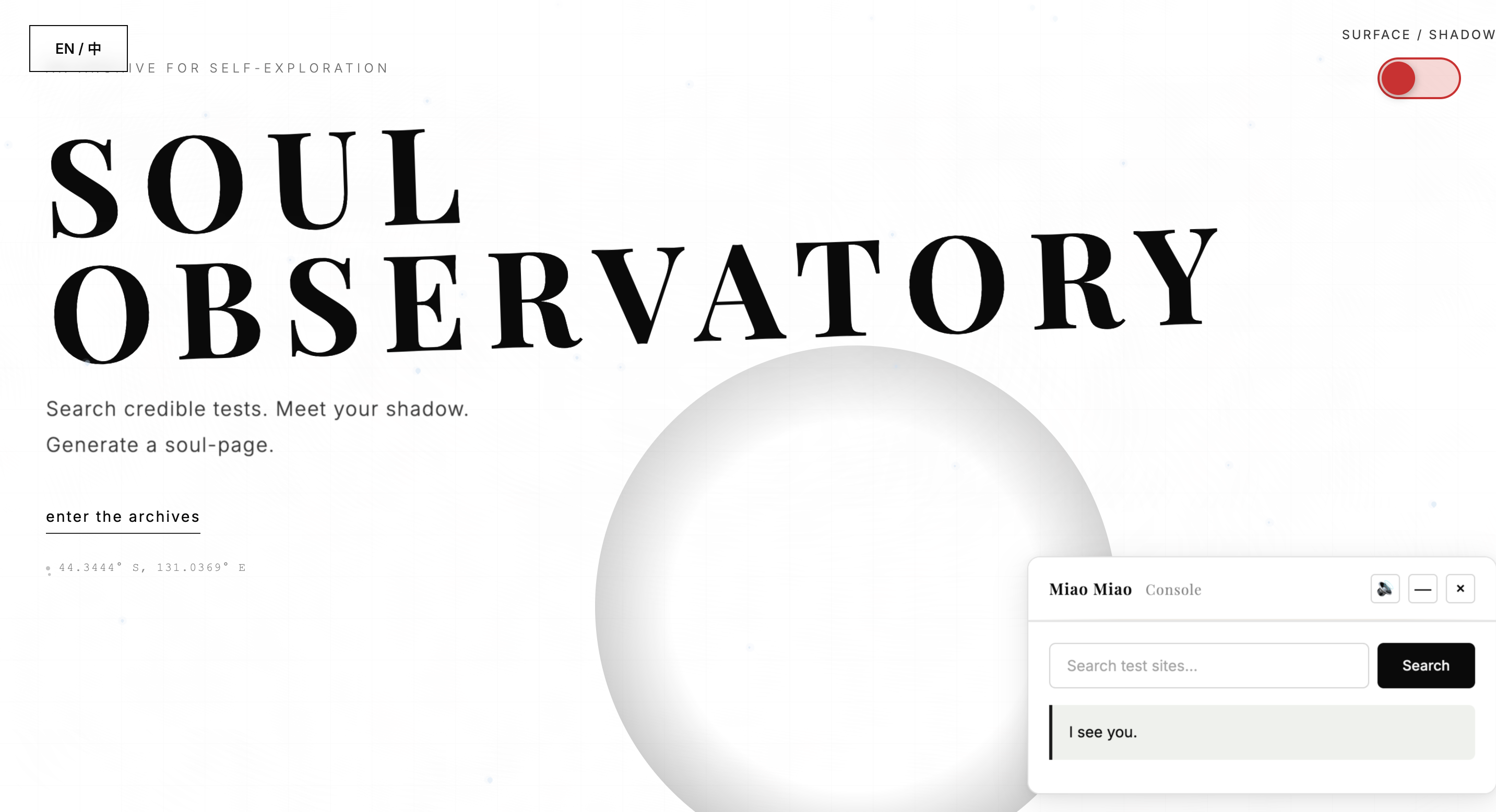
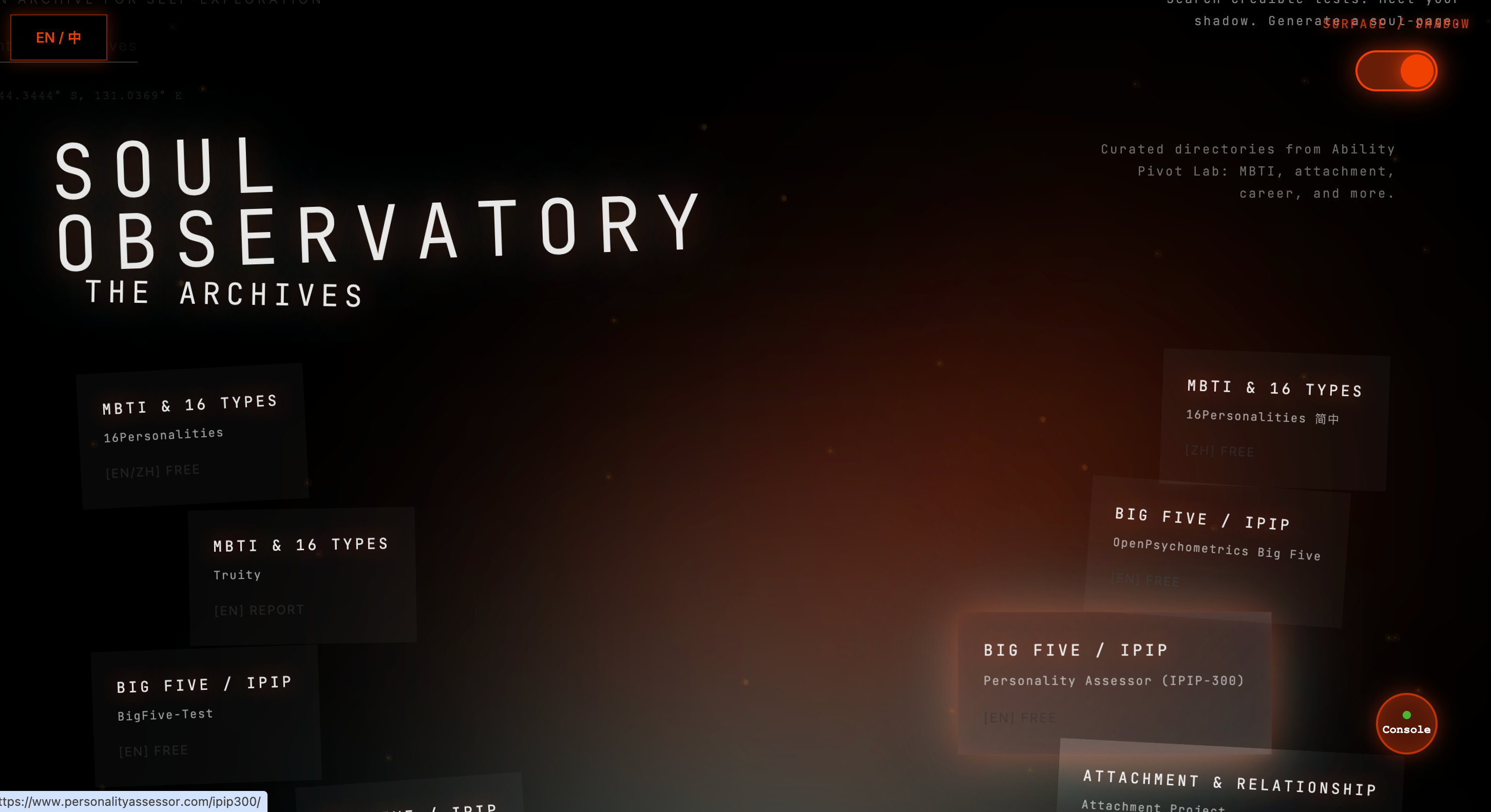
This project is also a tribute to Stranger Things. I used the Surface World / Upside World contrast to represent a person’s outward “bright self” versus the hidden “shadow self,” turning self-discovery into an immersive, archive-like experience. I also added Tarot as a ritual layer—because reflection often starts from a simple prompt.
What it does
Soul Observatory: Surface & Upside World is a self-discovery portal that combines:
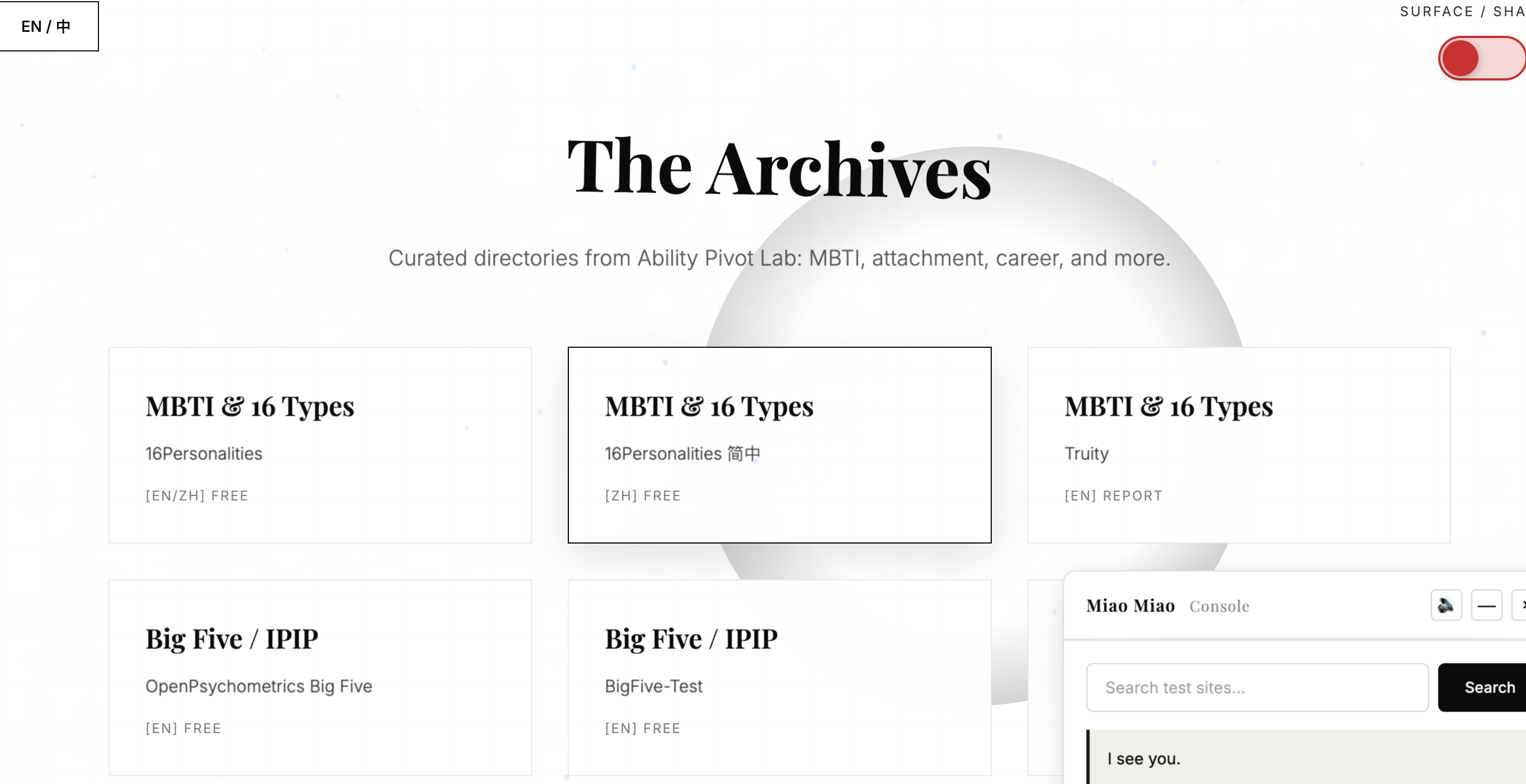
- Test Archive: a categorized index of external psychology/personality test sites (one hub instead of scattered links)
- AI Quiz Concept (planned): generate new themed test questions on demand (instead of repeating the same templates)
- Two-World UI: switch between Surface and Upside World to symbolize bright vs. shadow sides
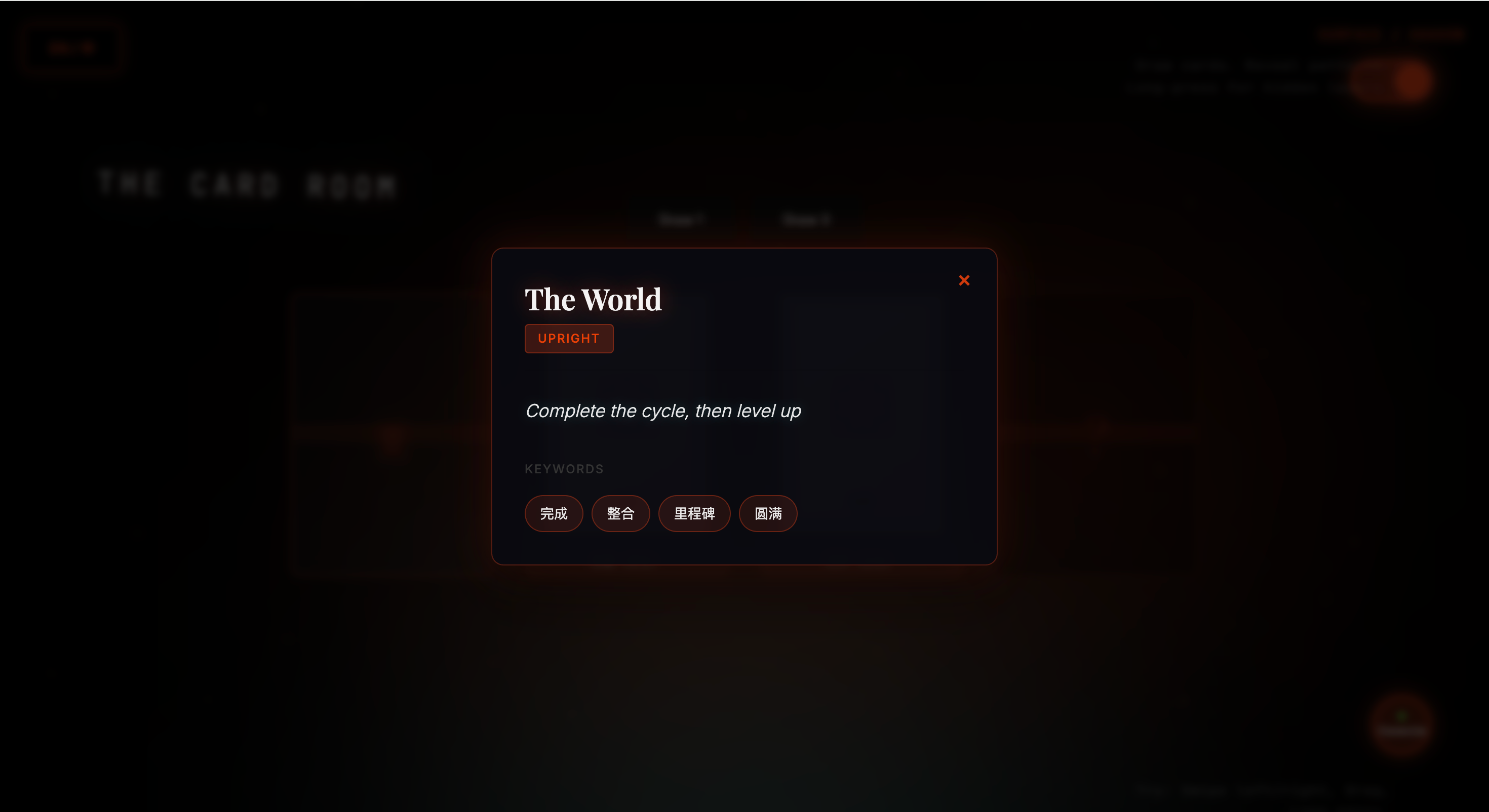
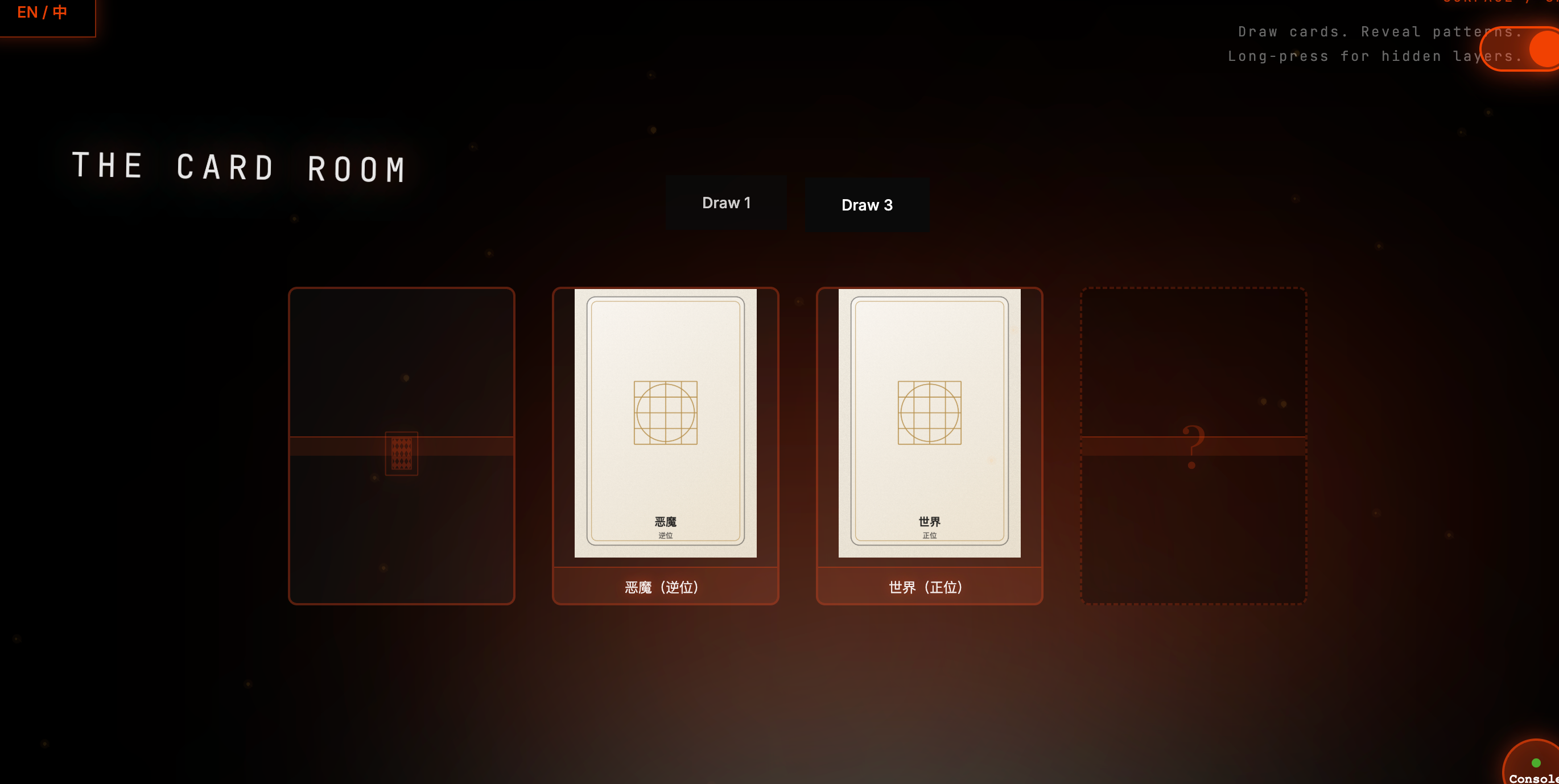
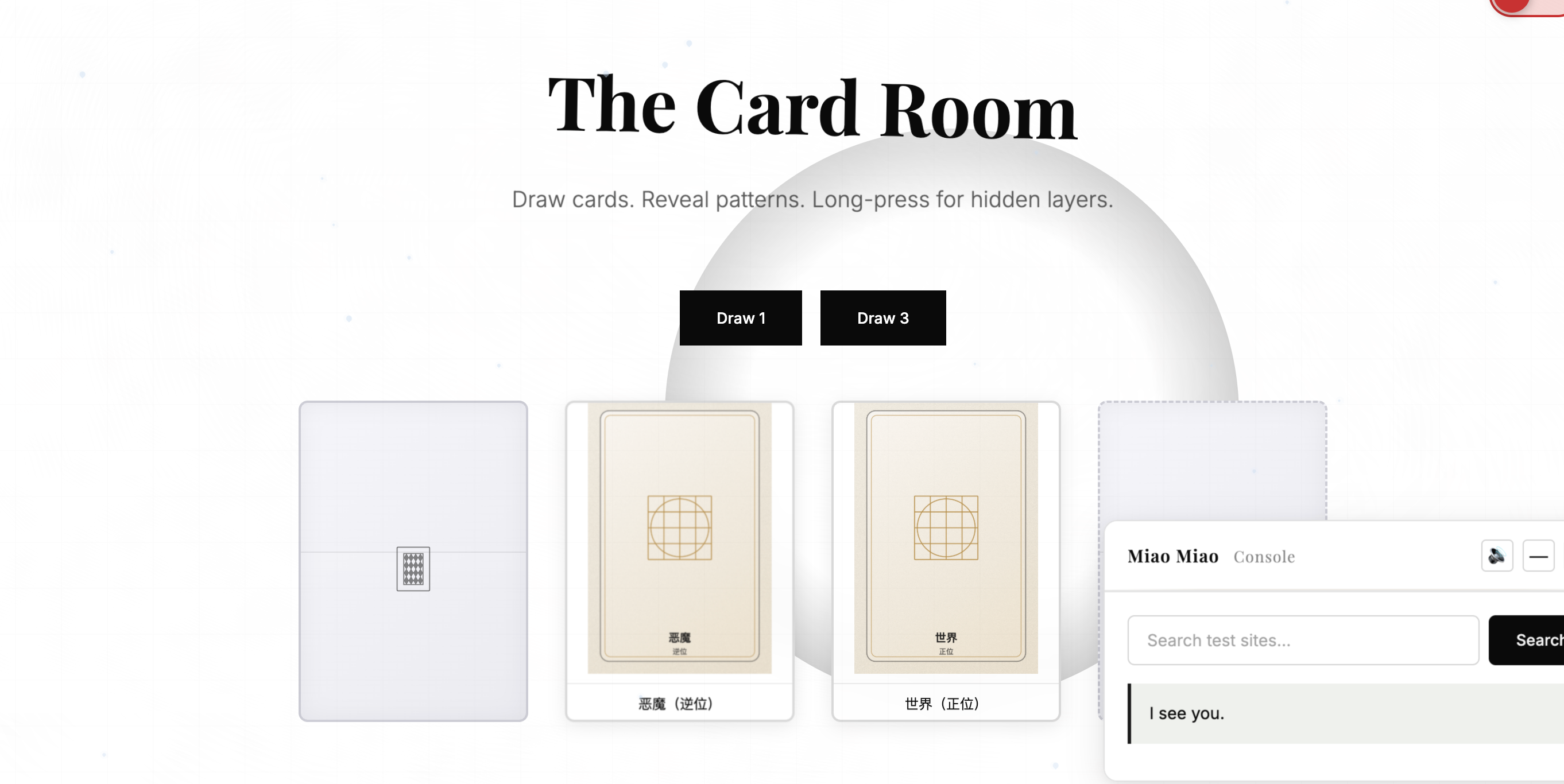
- Tarot Draw (MVP shipped): draw 1 card or 3 cards with an upright/reversed state and generated visuals
How we built it
- Frontend: HTML/CSS/JavaScript (static site)
- Procedural visuals: Tarot card images are generated on the fly using HTML Canvas (no external image assets required)
- Data-driven structure: links and quiz structures are stored in lightweight JS data files and rendered into the UI
Challenges
The hardest part wasn’t coding—it was translating what I imagined (a specific mood and interaction) into instructions an AI could reliably execute. I originally assumed “building with AI would be easy,” but it was much harder than expected:
- Vague vision vs. executable specs: I could describe feelings (“like a video portal,” “strong Surface/Upside contrast”), but the AI needed concrete specs: layout structure, UI states, triggers, animation rules, and data formats.
- Iteration overhead: When prompts were not specific enough, the AI produced outputs that looked “correct” but weren’t what I wanted, which led to repeated edits and rollbacks.
- Putting AI into the product: I thought “adding AI” was one step, but real integration involves API keys, config setup, calling logic, error handling, and basic security (e.g., not exposing keys in the frontend).
- Scope control: I had many ideas (test archive + AI quizzes + two-world narrative + tarot + motion), but hackathon time forced me to ship a demo-ready MVP first.
In the end, I learned to collaborate with AI in a more “engineering” way: break the vision into small tasks (UI → data → interaction → motion), change one module at a time, and define clear inputs/outputs for each step.
What we learned
This was my first time building a website with AI as a real development partner. I learned how to use Gemini effectively by writing clearer prompts—breaking a vague idea into concrete steps, constraints, and output formats, then iterating fast.
More importantly, I learned how to turn “AI” from a chat tool into a product capability:
- Understanding how an API works (key, request, response)
- Learning the basics of integrating and managing an API inside a project (config files, keys, and safe setup)
- Realizing that good prompts are not “write everything for me,” but “clear requirements + constraints + expected outputs”
What’s next
I originally planned to integrate “abilities” into the experience (e.g., camera-based gestures or sensor-like interactions to trigger mode switches or flip cards), but I couldn’t fully debug it within the hackathon timeframe. This will be a key next step.
Long-term, the vision is bigger than quizzes and tarot: based on a user’s personality results, the site should generate a personalized portfolio-style website prototype (layout, theme, narrative tone) and also spin up a matching personal AI assistant, creating a sustainable digital identity hub.
Built With
- api
- canvas-api
- css
- cursor
- gemini
- html
- integration
- javascript
- netlify
- prompting;

Log in or sign up for Devpost to join the conversation.