-
-
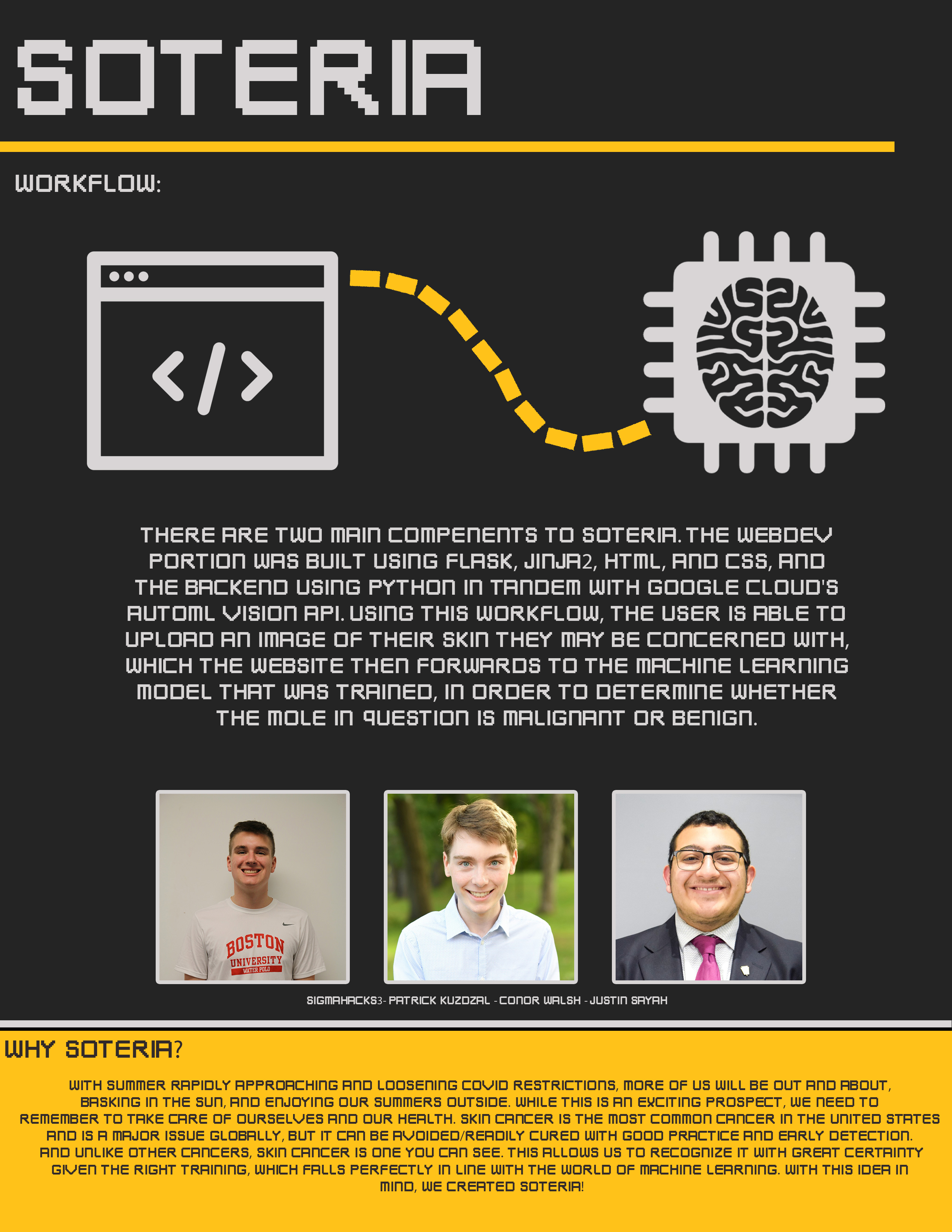
About Us
-
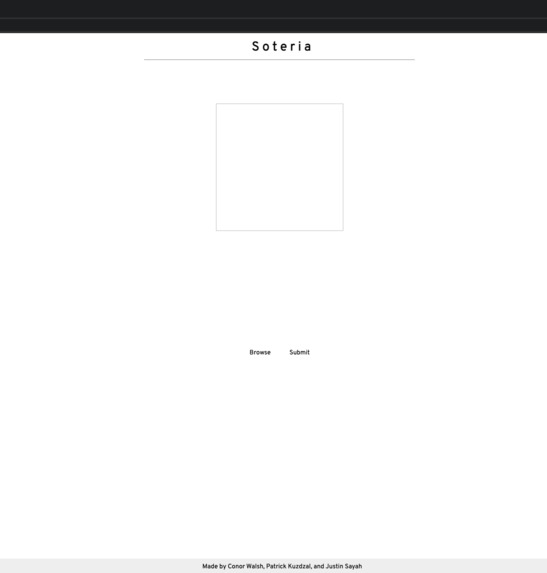
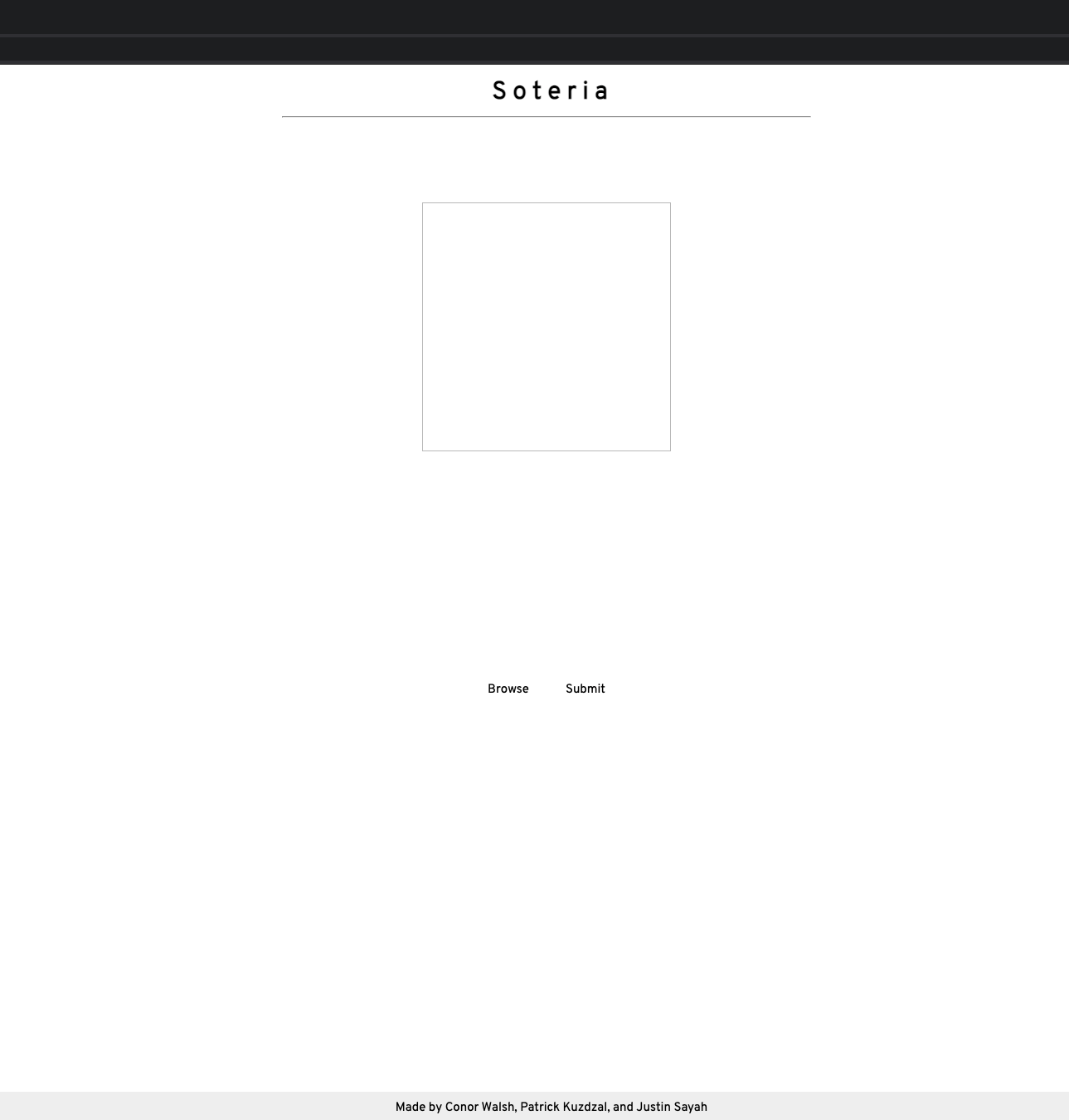
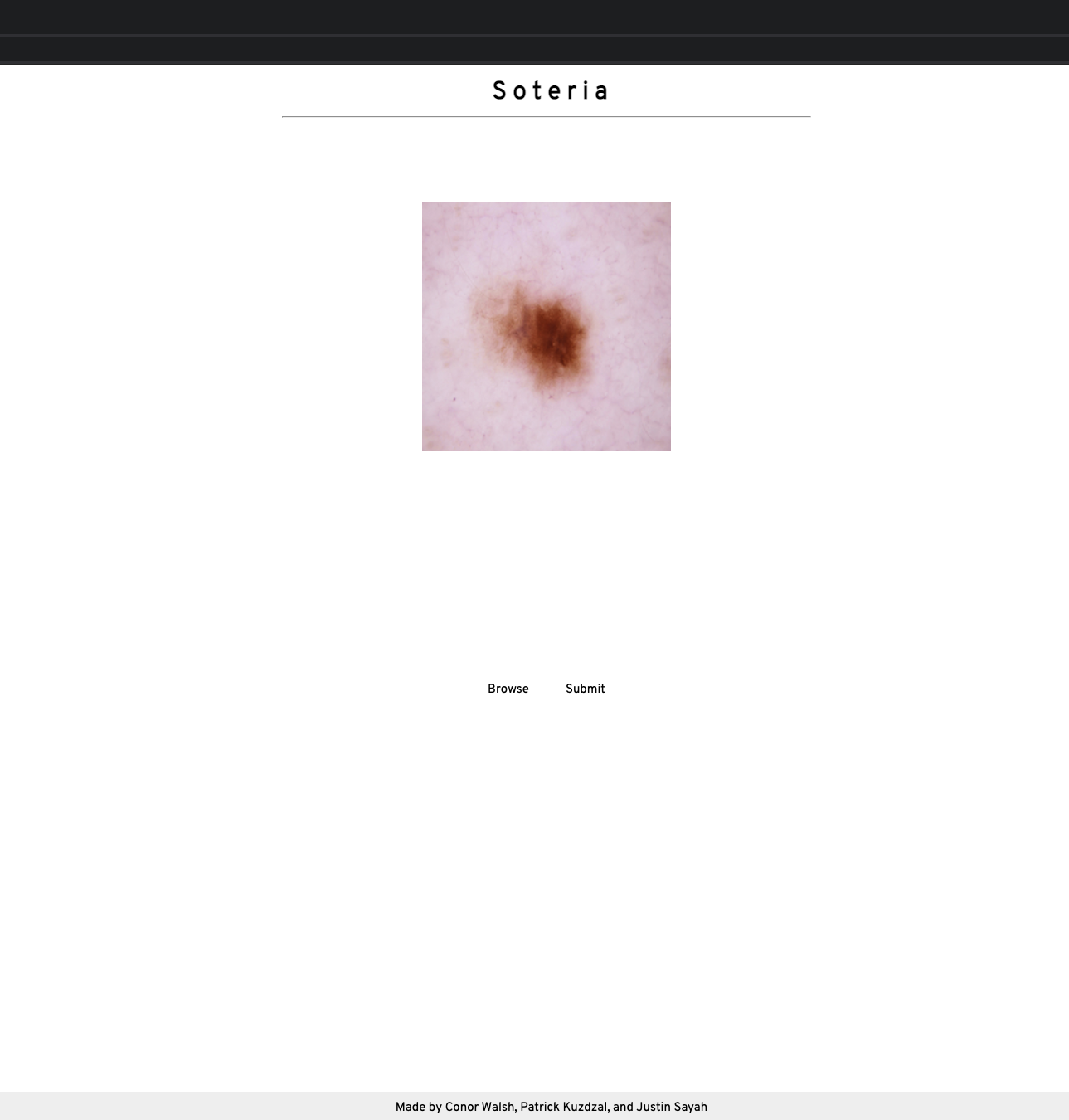
Landing Page
-
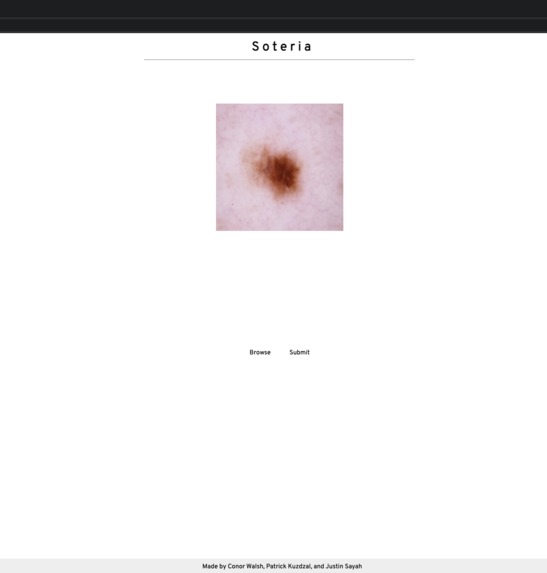
Image Select
-
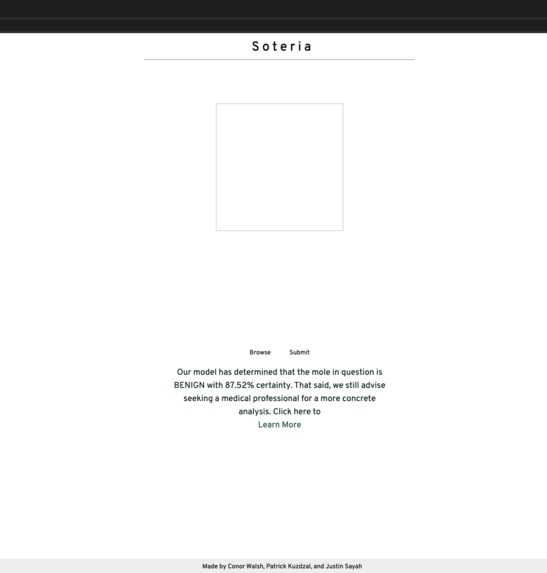
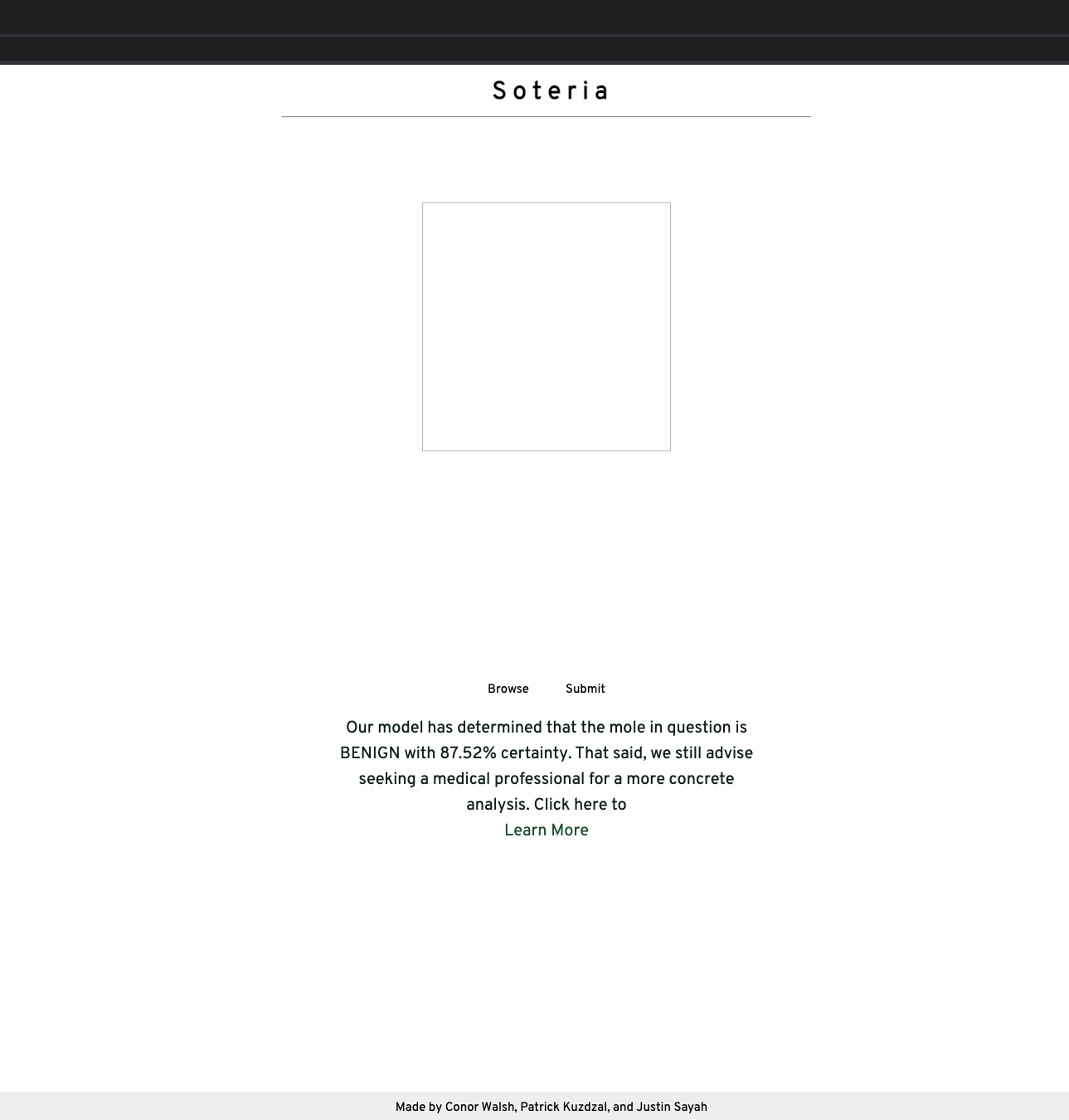
Benign Instance
-
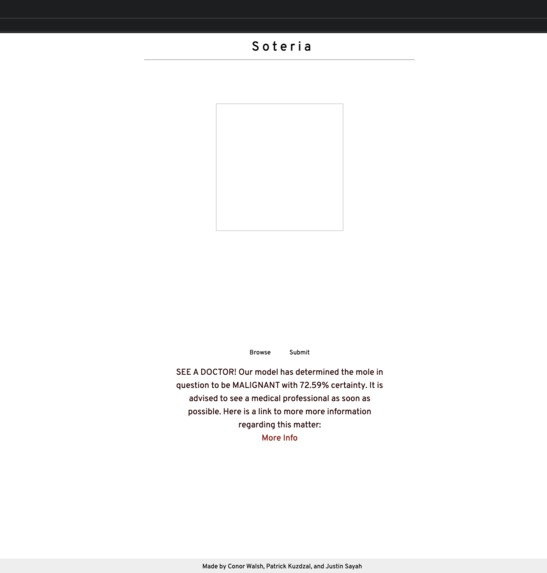
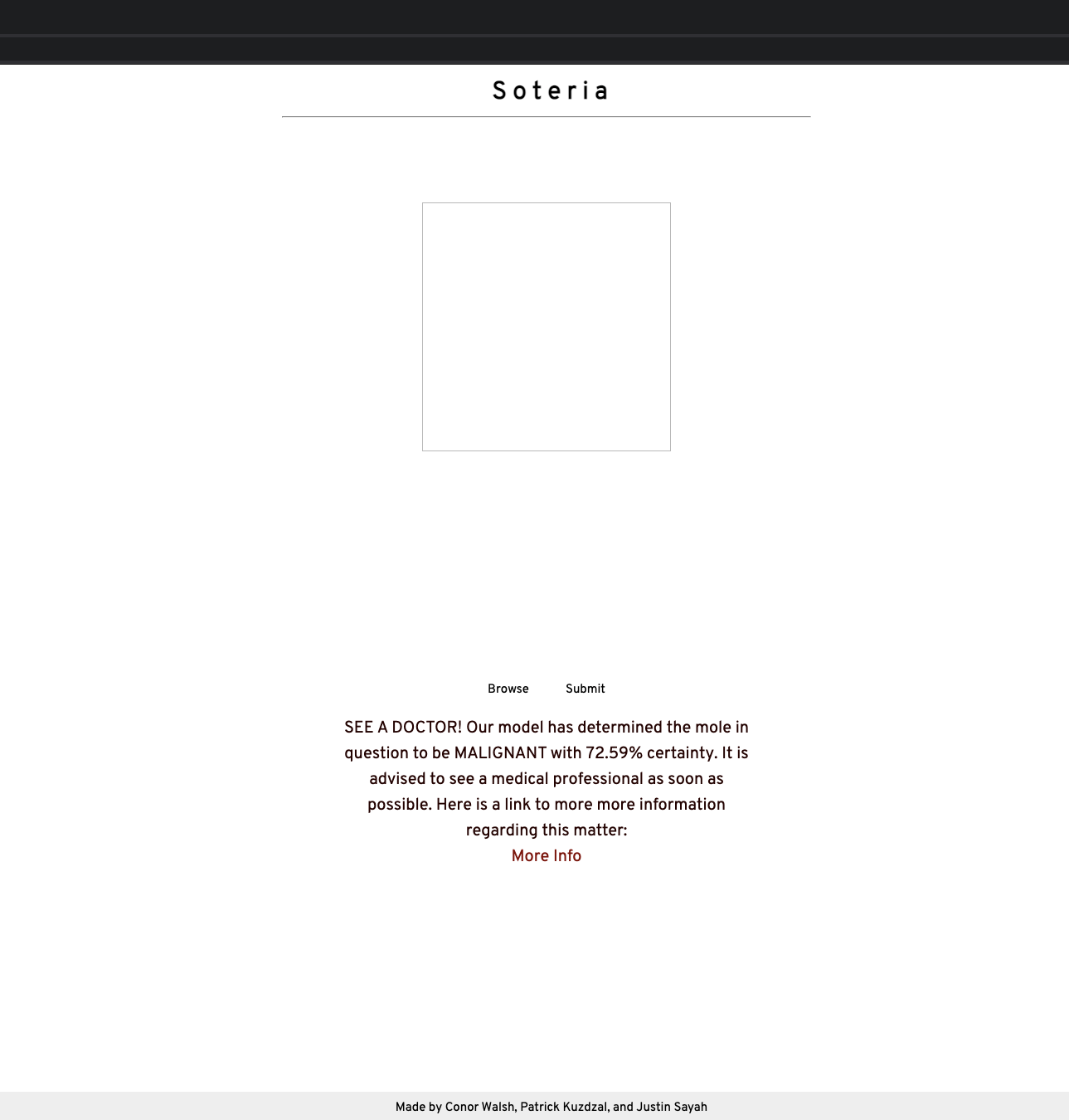
Malignant Instance
-
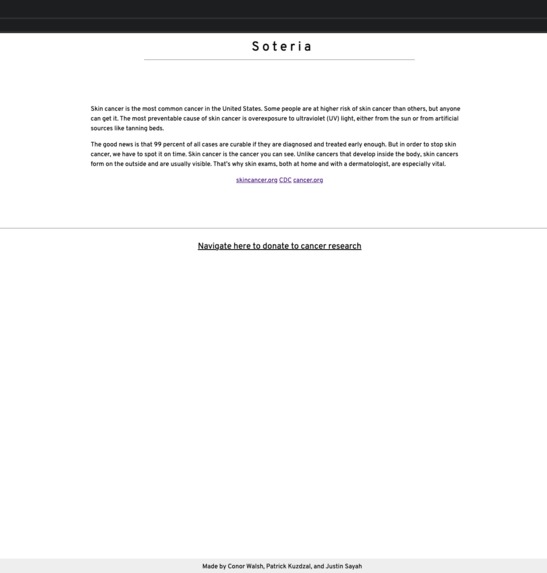
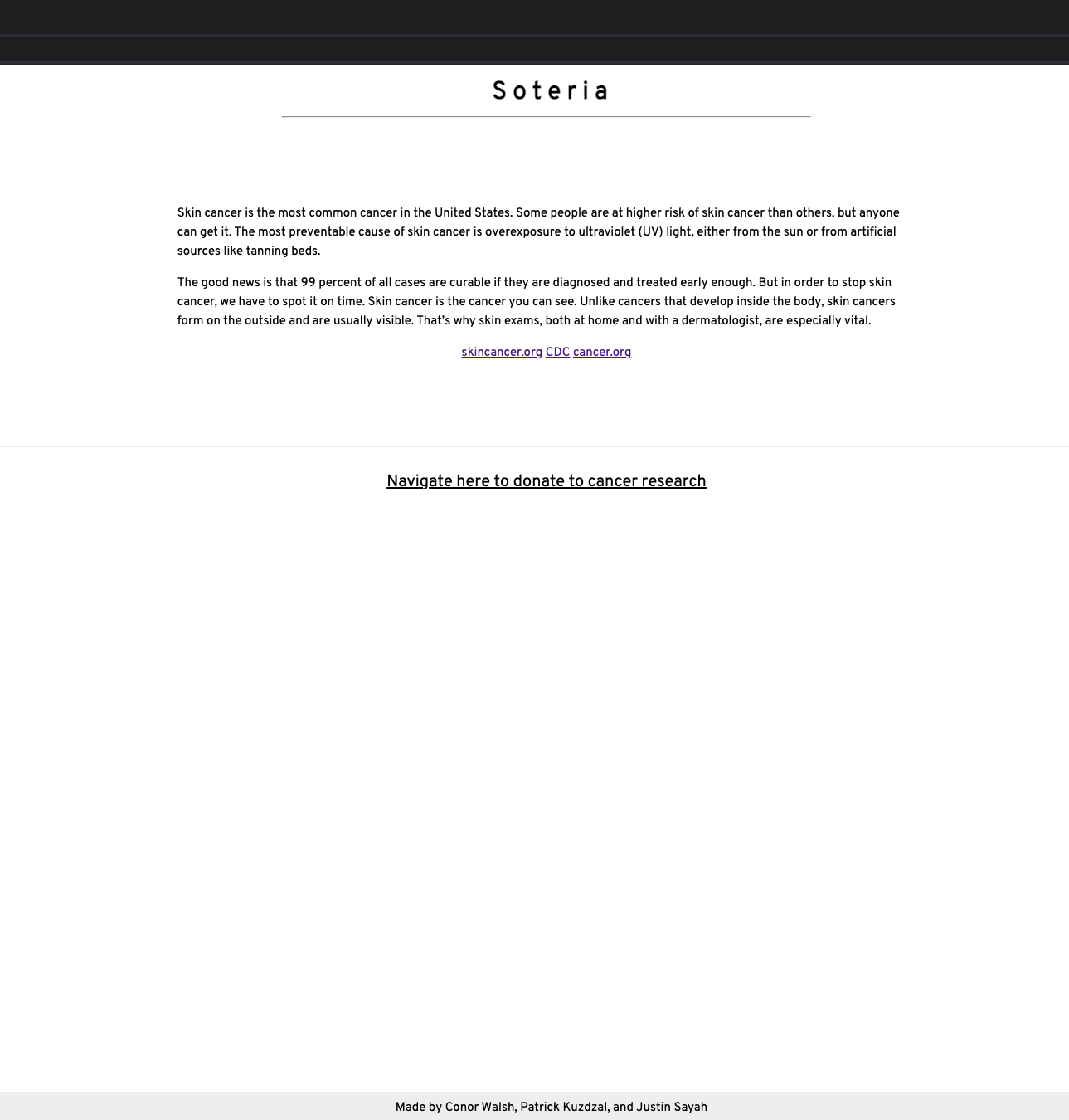
Information Page
Our project aims at the "Best Health Track" and "Best Use of Google Cloud" categories.
Inspiration
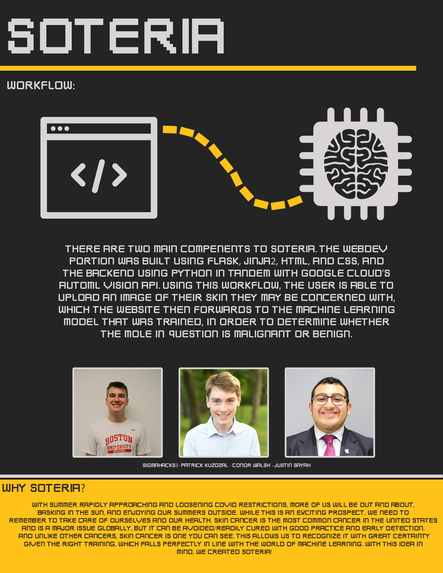
With summer rapidly approaching and loosening COVID restrictions, more of us will be out and about, basking in the sun, and enjoying our summers outside. While this is an exciting prospect, we need to remember to take care of ourselves and our health. Skin cancer is the most common cancer in the United States and is a major issue globally, but it can be avoided/readily cured with good practice and early detection. And unlike other cancers, skin cancer is one you can see. This allows us to recognize it with great certainty given the right training, which falls perfectly in line with the world of machine learning. With this idea in mind, we created Soteria!
What it does
Soteria is a website where you can upload photos of skin that you might think are cancerous and our trained AI will return a confidence result of how certain the model thinks that it is cancerous. We are not doctors so we of course advise that anyone who uses this site also contact a medical professional if they are very concerned. We also inform users about skin cancer and list out best practices for spending time outside in the sun and having fun!
We hope that the site helps people with their concerns about their skin and helps inform them about how to enjoy the summer without worrying about the consequences.
How we built it
We first used Google Cloud’s AutoML Vision API to train a number of machine learning models for image classification. In order to achieve this, we compiled a set of 2,648 photos, which we labeled benign/malignant, into a csv that we then uploaded to gcloud. After a few hours, the models finished training, allowing us to choose the one with the best balance of precision to latency. With this part out of the way, we then started working on making a website to create better user accessibility, using a combination of Flask and Jinja2. We used Jinja2 because it works well with Flask to display the front end. Additionally, we used Flask to act as the backend. Once the user uploads their image, it sends a request to our ML model. The AI model returns its prediction, and we display it. Among a number of other graphic additions, Soteria was complete!
Challenges we ran into
The greatest problems we had were with creating the training dataset, due to the sheer volume of images we were working with. Uploading these images into a Google Cloud bucket, and then getting the model to actually interact with this data proved to be far more tedious and time consuming than expected. The website component of our project went smoothly.
Accomplishments that we're proud of
We are very proud to have gotten this project to a working state in just under 24 hours, as there were many steps involved, and many places where the whole project could have fallen apart. Getting the ability to upload a photo to the site and receive a result from the model on another service was difficult, and we are proud that we were able to integrate it successfully. Overall, combining these different APIs, along with our base level knowledge of web development, the project proved to be successful, and thus we could not have asked for anything more.
What we learned
We had never worked with Jijna2 before, and some of us were unfamiliar with Flask, so learning those technologies was a fun experience. We also learned a great deal about how datasets are used to train AI models.
What's next for Soteria
Some features that we wished we could add:
Give users the ability to opt-in and add their photos to our database so that we could further train the AI model on new photos.
Enhance the model to do more complex categorizations of skin cancers instead of just malignant or benign
Host the website publicly (we were unable to do this because of the time constraint of the event)
Moving to an app based platform could be even more practical and user-friendly (can be easily used on the beach as an example)


Log in or sign up for Devpost to join the conversation.