-
-
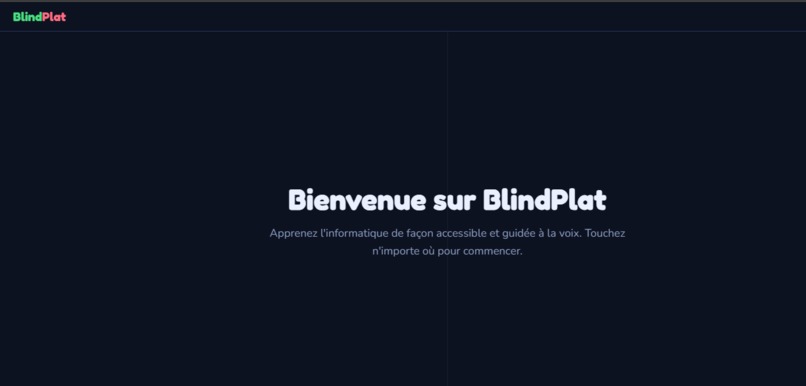
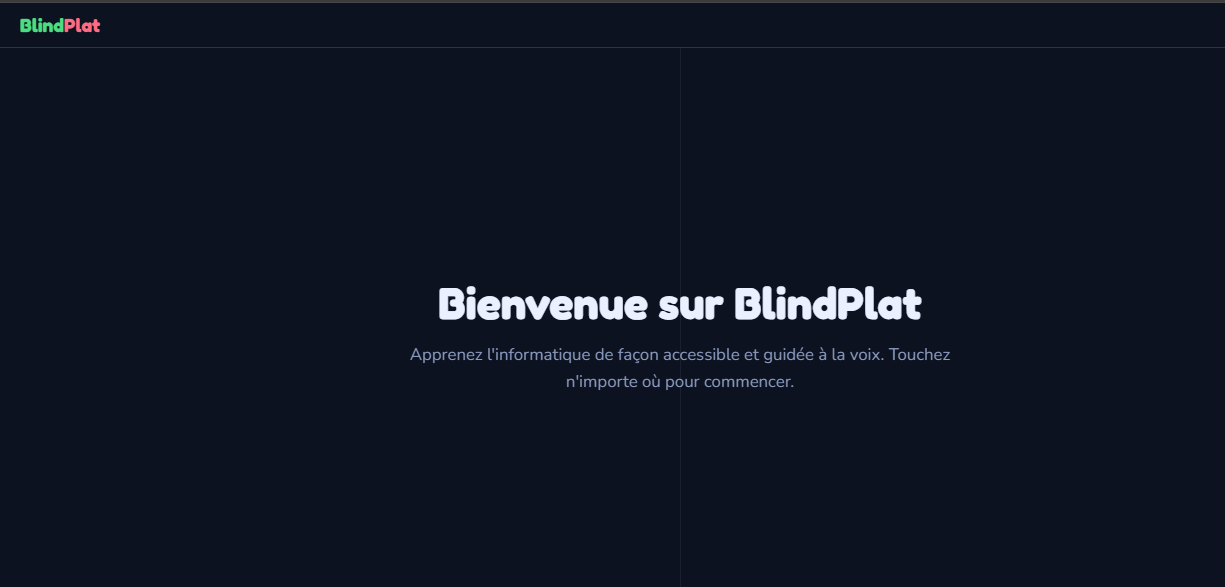
home page
-
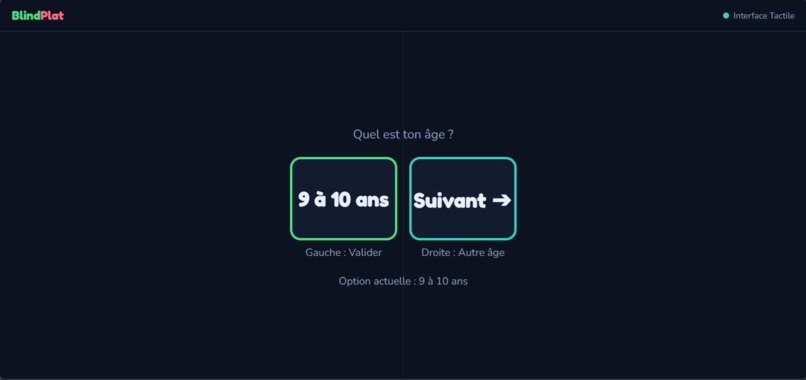
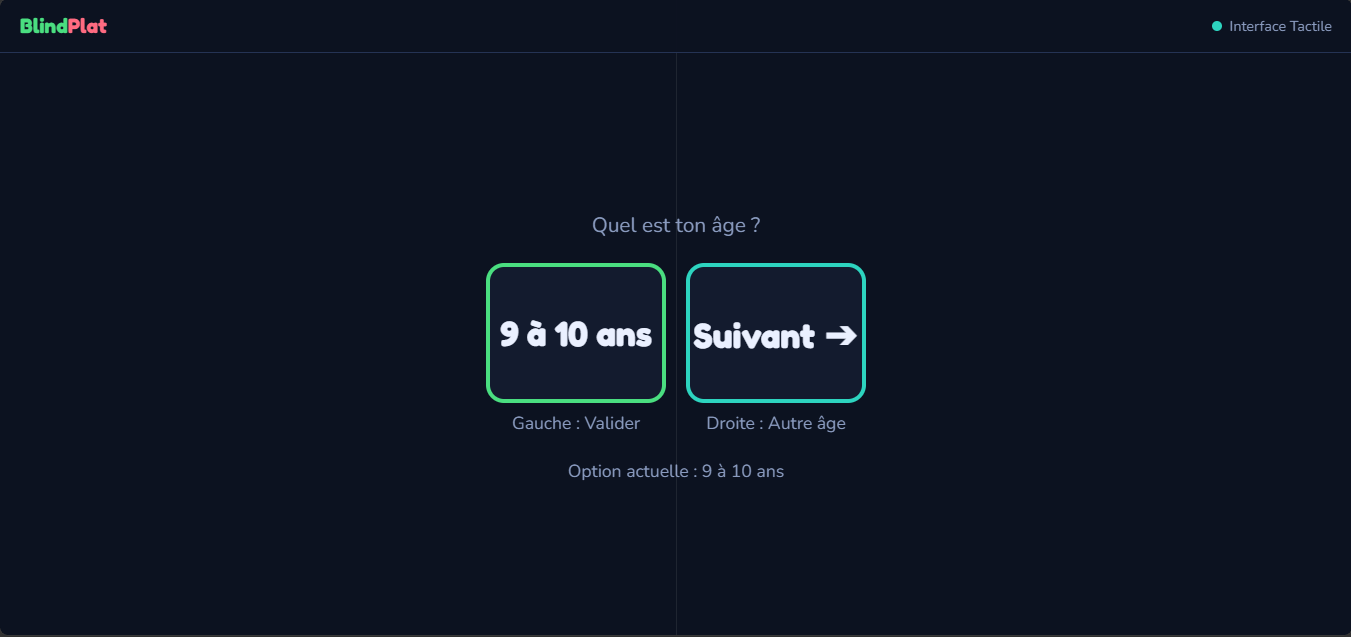
age selection
-
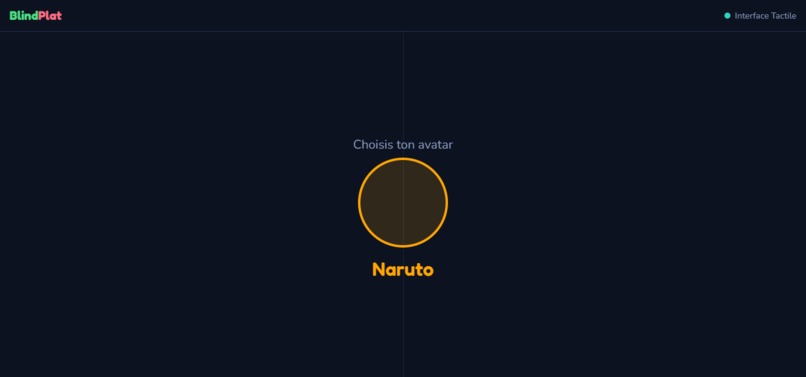
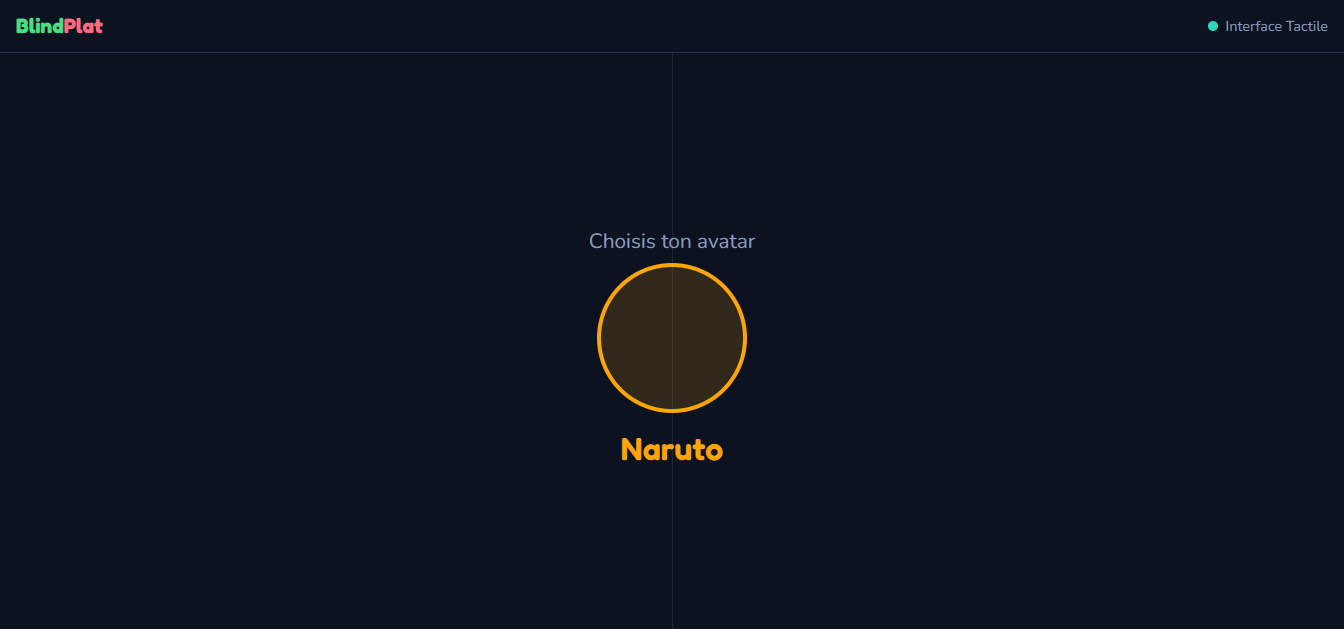
charactere selection
-
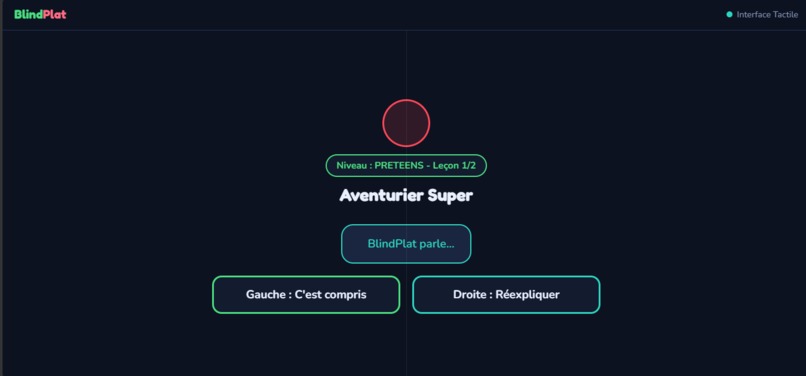
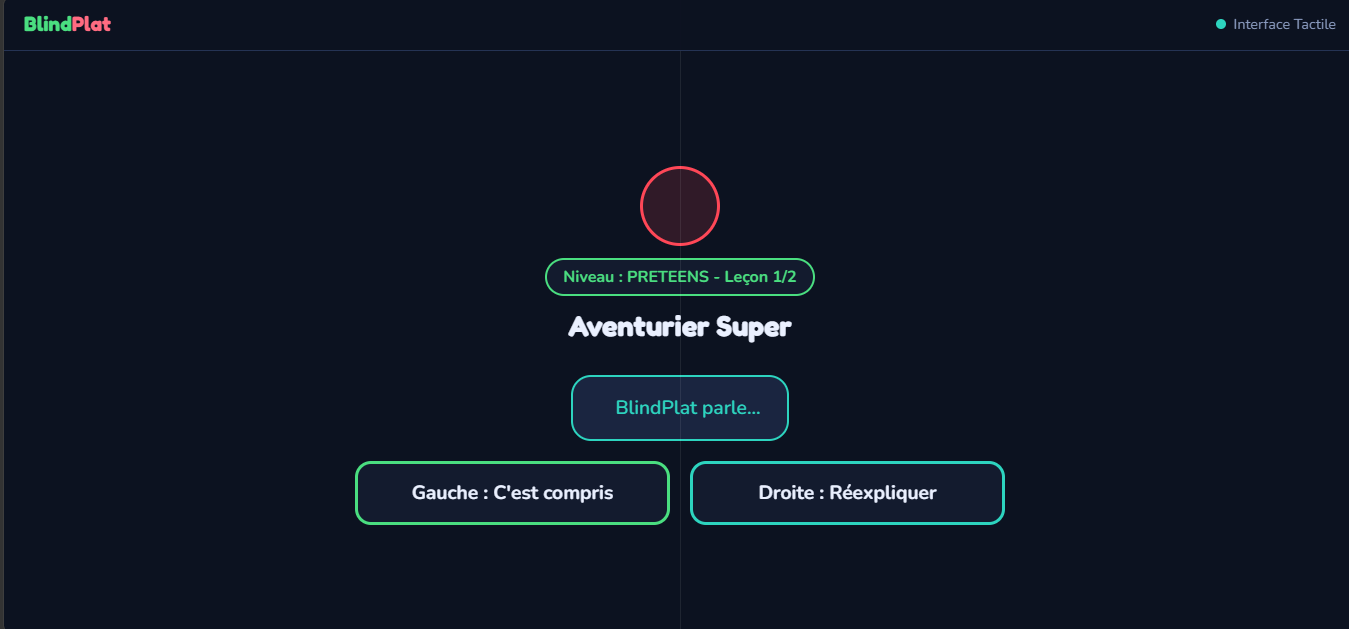
lesson
-
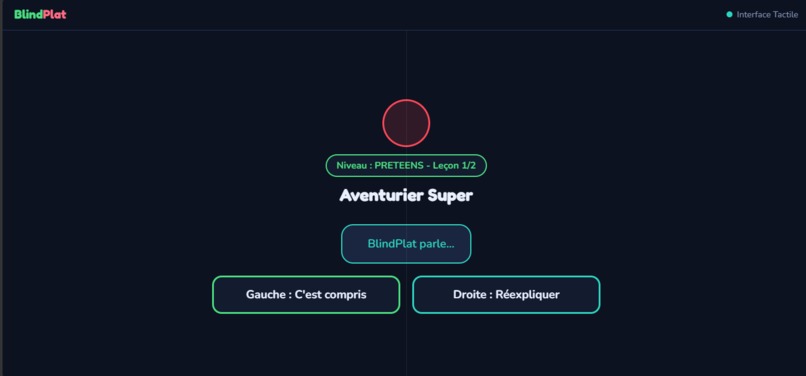
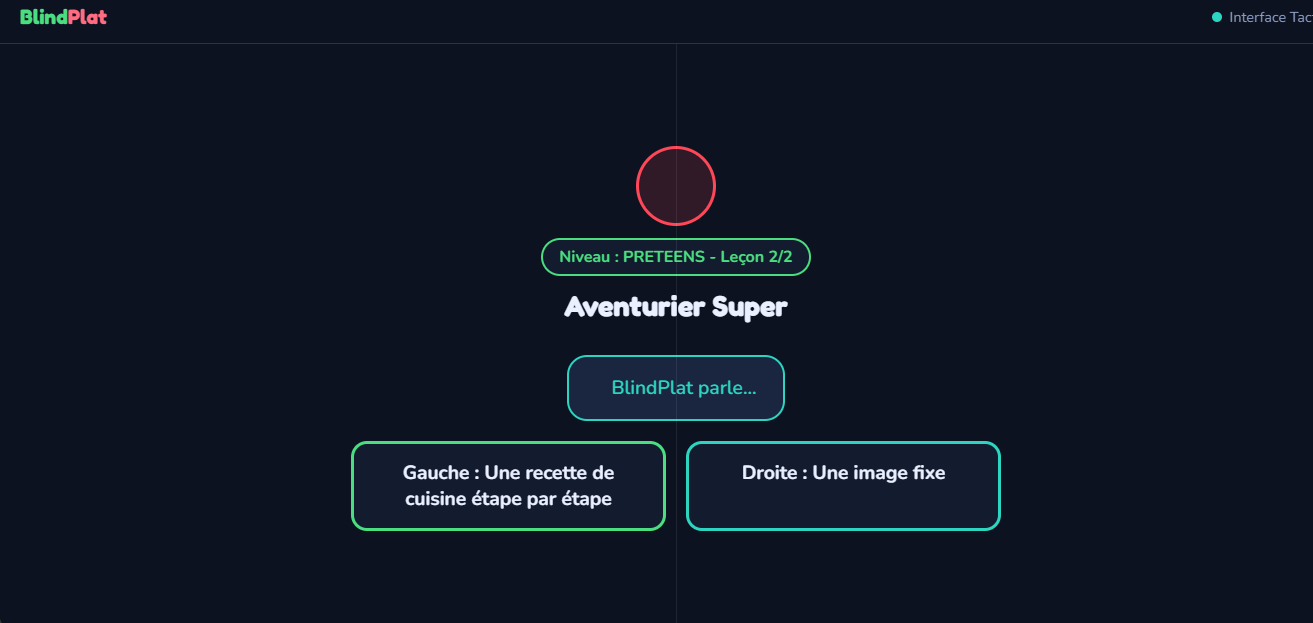
quiz
-
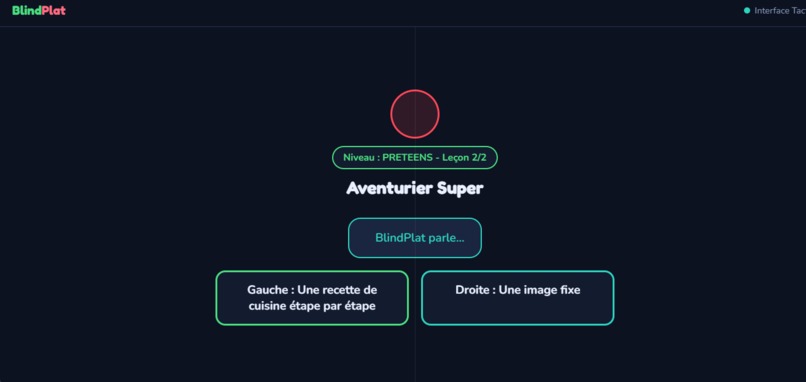
next lesson
About the Project
Inspiration
BlindPlat was inspired by a simple but important question:
How can blind and visually impaired children learn computer science and digital skills when most educational platforms depend heavily on visual interaction?
Today, technology is everywhere, but learning how to use it is not equally accessible to everyone. For a blind or visually impaired child, a platform designed around visual buttons, menus, images, and instructions can create barriers before learning even begins.
Children between 9 and 17 years old should have the opportunity to discover computers, digital tools, programming, and technology regardless of their visual abilities.
This motivated us to create BlindPlat, a voice-first educational platform designed specifically for blind and visually impaired children.
Our goal is to help them learn progressively, build confidence, and gain greater independence in the digital world.
What is BlindPlat?
BlindPlat is a voice-first educational platform that teaches computer science and digital skills to blind and visually impaired children aged 9 to 17.
Instead of creating a traditional educational platform and adding accessibility afterward, we wanted to design the learning experience around accessibility from the beginning.
The learner can receive instructions and educational content through voice guidance and interact with the platform using either a keyboard or touchscreen, depending on the device they are using.
BlindPlat is designed to work across:
- Computers
- Smartphones
- Tablets
The objective is not only to teach technical knowledge, but also to help learners become more confident, autonomous, and comfortable with digital technology.
The Problem We Wanted to Solve
Learning computer science normally requires interacting with a screen.
For blind and visually impaired children, this creates several challenges:
- Understanding where they are on a page
- Finding buttons and menus
- Knowing which option is currently selected
- Following visual instructions
- Navigating between activities
- Completing quizzes designed primarily for visual interaction
- Learning independently without constantly requiring assistance
We wanted to approach the problem differently.
Instead of asking:
"How can we make a visual platform accessible?"
we asked:
"How can we design a learning experience that does not depend on vision in the first place?"
This question became the foundation of BlindPlat.
How We Built It
BlindPlat was built as a web platform using:
- HTML
- CSS
- JavaScript
- Web Speech API / Text-to-Speech
- Local Storage
- Responsive Web Design
- Keyboard and Touch Interaction
We designed the application so that the same learning experience can be used on both computers and mobile devices.
The platform includes:
- Voice-first guidance for instructions and lessons
- Keyboard navigation for computer users
- Touch interaction for smartphones and tablets
- Progressive learning levels
- Age-adapted educational content
- Computer science and digital literacy lessons
- Interactive quizzes and exercises
- Points and progression tracking
- Saved learning progress
- Profiles and avatars
- Lesson repetition
- Progressive learning paths
The learner's progress is stored locally, allowing them to return later and continue where they stopped.
The Learning Experience
We designed a progressive learning path for children between 9 and 17 years old.
The content becomes more advanced as the learner progresses.
Beginner Level — 9 to 11 years old
Younger learners begin with fundamental digital concepts such as:
- What is a computer?
- Computer components
- The keyboard and mouse
- Files and folders
- File extensions
- Internet basics
- Web browsers
- Online safety
- Password security
- Phishing awareness
The objective at this stage is to create a strong foundation and help children understand the digital environment around them.
Explorer Level — 12 to 14 years old
Learners can then discover more technical concepts such as:
- HTML
- HTML tags
- CSS
- Web page structure
- Algorithms
- Conditions
- Loops
- Basic web development concepts
The lessons progressively introduce concepts used to create websites and understand how digital applications work.
Creator Level — 15 to 17 years old
Older learners can begin exploring programming concepts such as:
- JavaScript
- Variables
letandconst- Data types
- DOM
- Events
- User interaction
- Basic web programming
The goal is to progressively move from using technology to understanding and creating with technology.
Voice-First Learning
One of the most important ideas behind BlindPlat is Voice-First Learning.
The concept is simple:
The learner should not have to depend entirely on what is visually displayed on the screen to understand what to do.
The platform provides spoken instructions and educational content while allowing the learner to interact through the keyboard or touchscreen.
This required us to rethink traditional interface navigation.
We had to ask ourselves:
- What should the learner hear?
- When should an instruction be announced?
- How can the learner know which options are available?
- How can they move between choices?
- How can they validate an answer?
- How can they repeat a lesson?
- How can they continue without constantly needing visual information?
This approach helped us design an experience where audio becomes part of the navigation and learning process, rather than simply being an optional accessibility feature.
Keyboard and Touch Accessibility
Another important part of BlindPlat is supporting different methods of interaction.
On a computer, learners can use the keyboard to navigate and interact with lessons and quizzes.
On smartphones and tablets, learners can use touch interaction.
We wanted these two experiences to remain consistent so that the learner is not forced to learn a completely different system depending on the device.
This was especially challenging because keyboard and touch interactions behave differently.
The experience therefore had to be designed around simple and predictable interactions.
Progress and Motivation
Learning is not only about completing a lesson once.
BlindPlat includes a progression system that allows learners to:
- Complete lessons
- Take quizzes
- Earn points
- Track completed lessons
- Progress through different levels
- Resume their learning later
We also included profiles and avatars to make the experience more engaging and child-friendly.
The idea is to create a learning journey where children can see their progress and feel that they are moving forward step by step.
Challenges We Faced
One of our biggest challenges was creating the keyboard navigation system for an experience that could be used without seeing the screen.
We had to determine how learners could:
- Navigate between choices
- Select options
- Validate actions
- Move through lessons
- Answer quizzes
- Continue to the next activity
without depending entirely on visual feedback.
Another major challenge was creating the voice guidance system.
It was not enough to simply read the text aloud. We had to think about when, what, and how much information should be spoken so that the learner would not become confused or overwhelmed.
We also had to make the platform work with both:
- Keyboard interaction
- Touch interaction
while keeping the experience understandable across computers, smartphones, and tablets.
Designing for Different Ages
Another challenge was choosing and organizing lessons for children between 9 and 17 years old.
A nine-year-old beginner and a seventeen-year-old learner do not have the same level of knowledge, attention, or learning needs.
We therefore had to create a progressive structure where:
The difficulty increases as the learner develops their skills.
The platform starts with basic digital literacy and gradually introduces programming and web development concepts.
We also had to design the navigation so that it remained simple and understandable for younger children without making it feel too basic for older learners.
Working Under Hackathon Constraints
Another major challenge was the limited time available during the hackathon.
We had many ideas for BlindPlat, but we could not implement everything within the available time.
We had to constantly ask:
Which features are essential to prove that the idea works?
This forced us to prioritize the core experience:
accessible navigation + voice guidance + educational content + quizzes + progression.
Instead of trying to build everything at once, we focused on creating a functional foundation that could be improved after the hackathon.
The biggest challenge throughout the project was finding the right balance between:
Simplicity + Accessibility + Educational Value + Functionality
What We Learned
This project taught us that accessibility is not simply about adding accessibility features to an existing platform.
It requires rethinking the entire user experience.
When designing for someone who cannot rely on vision, we need to reconsider:
- Navigation
- Feedback
- Instructions
- Interaction
- Information hierarchy
- User expectations
- Device differences
We learned that an interface can look simple visually but still be difficult to use without vision.
We therefore had to think about the experience from the perspective of someone who is listening rather than looking.
We also learned how difficult it can be to design educational content for different ages while maintaining a clear and progressive learning path.
Most importantly, we learned how to make technology more inclusive by designing around the needs of the user instead of forcing the user to adapt to the technology.
What We Are Proud Of
We are proud to have created a functional educational platform, rather than only presenting an idea or a visual prototype.
We are particularly proud of creating a Voice-First learning experience where children can receive instructions through audio and interact with the platform using either a keyboard or touchscreen.
We are also proud to have created:
- A platform for mobile and computer
- A progressive level system
- Lessons adapted to different age groups
- Computer and digital literacy content
- Programming and web development lessons
- Interactive quizzes
- A points system
- Progress tracking
- Saved learning progress
- Lesson repetition
- Profiles and avatars
- A navigation system designed with non-visual interaction in mind
But the most important thing we are proud of is the purpose behind the project.
BlindPlat gives blind and visually impaired children a greater opportunity to learn computer science and digital skills through digital tools designed with accessibility in mind.
We wanted to demonstrate that visual impairment should not prevent a child from discovering technology, understanding how computers work, or developing digital skills.
What We Could Not Complete Yet
Because of the limited time available during the hackathon, some planned features could not be fully implemented.
The most important one is speech recognition for user responses.
Our vision is for learners to eventually be able to answer questions and interact with the platform naturally through their voice.
However, we decided not to present an unfinished implementation as a completed feature.
Instead, we focused on building a stable foundation with voice guidance, keyboard interaction, touch interaction, lessons, quizzes, and progression.
This gives us a solid base for future development.
What's Next?
BlindPlat is only the beginning.
Our next steps are to:
- Add speech recognition for natural voice interaction
- Add many more lessons and exercises
- Expand the computer science and digital skills curriculum
- Create additional learning levels
- Improve personalization
- Improve voice-guided navigation
- Improve non-visual keyboard navigation
- Continue optimizing the mobile and computer experience
- Add more interactive learning activities
- Eventually create an accessible version for adults with visual impairments
Our long-term vision is to move beyond a platform focused only on children's education and develop a broader accessible digital learning ecosystem.
The idea is to help people with visual impairments learn digital skills throughout different stages of their lives.
Our Vision
BlindPlat is based on a simple belief:
Not being able to see a screen should not mean not being able to learn technology.
We believe that blind and visually impaired children should have the same opportunity to:
- Learn
- Experiment
- Create
- Understand technology
- Develop digital skills
- Build confidence
- Become more independent
Technology should not create another barrier to education.
It should help remove barriers.
BlindPlat is our first step toward that vision.
Learn through your voice. Interact your way. Progress at your own pace.
Built With
- HTML5
- CSS3
- JavaScript
- Web Speech API / Text-to-Speech
- Local Storage
- Responsive Web Design
- Keyboard Interaction
- Touch Interaction
- Font Awesome
- Google Fonts
What's next for Blindplat
Our next step is to make Blindplat even more accessible and interactive by adding reliable voice recognition, allowing learners to communicate and answer more naturally through their voice.
We also plan to expand the educational content with many more lessons, exercises, and progressive levels covering a wider range of computer science and digital skills. Our goal is to make Blindplat a more complete learning environment rather than just a small collection of introductory lessons.
In the longer term, we want to expand the platform beyond children and create an accessible learning experience for blind and visually impaired adults as well. This could allow Blindplat to support learners at different stages of life, from childhood education to digital skills needed for studies, everyday life, and employment.
Our vision is to grow Blindplat into an accessible digital learning platform that helps blind and visually impaired people build digital skills and become more independent.
Built With
- css3
- font-awesome
- html5
- javascript
- localstorage
- responsive-design
- speechsynthesis
- web-speech-api

Log in or sign up for Devpost to join the conversation.