-
-
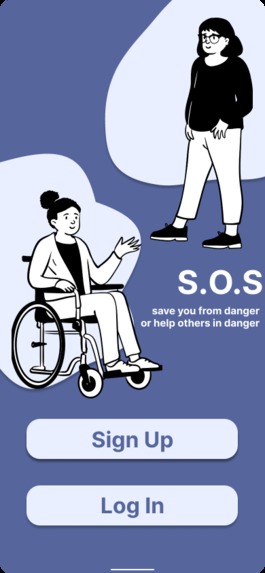
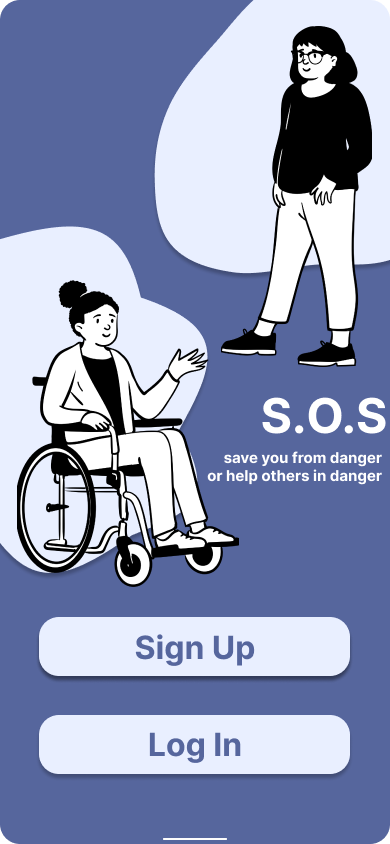
SOS Landing
-

Help request button
-
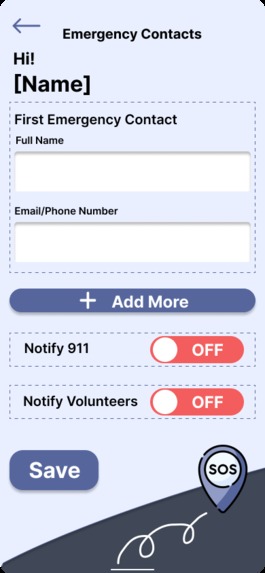
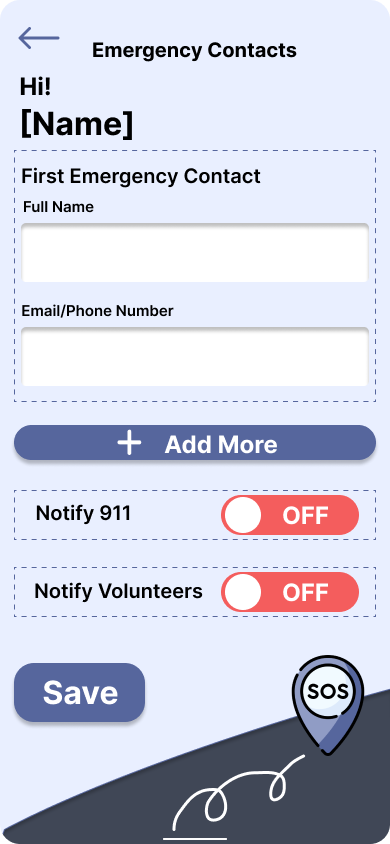
Add trusted contacts and notify authorities/volunteers
-
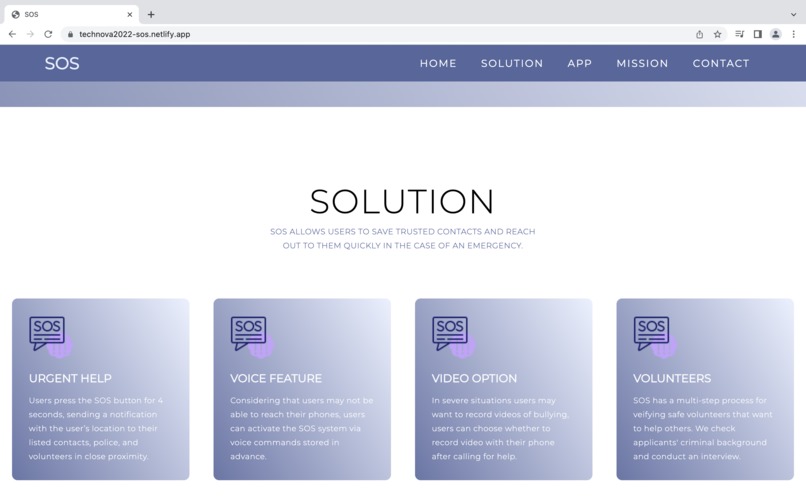
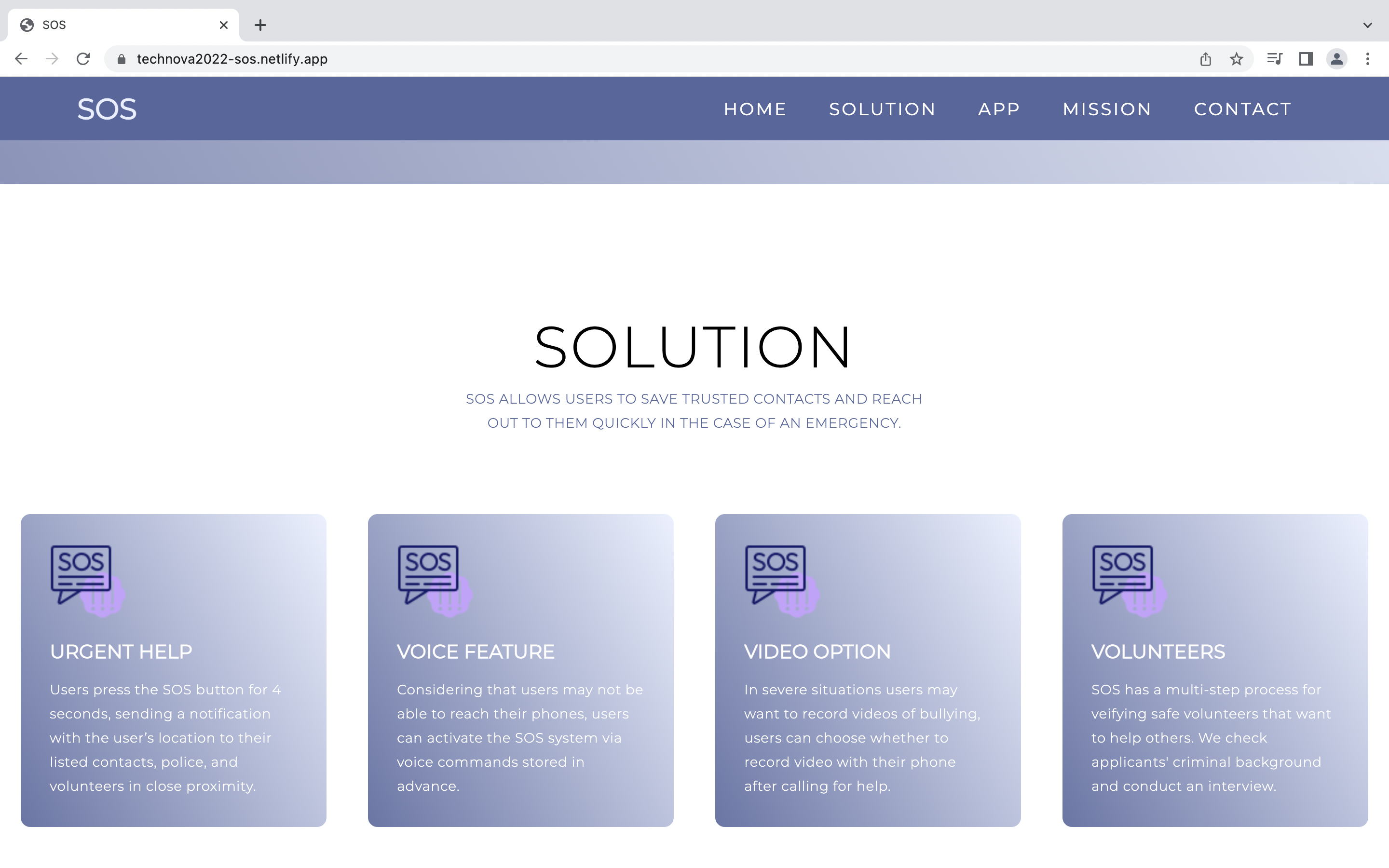
SOS Website Features Section

Inspiration
At times we may find ourselves in a situation where we need to reach out for help- whether it be bullying, domestic violence or an emergency due to a disability, it can be really useful to be able to quickly ask trusted individuals for help.
What it does
SOS allows users to save trusted contacts and reach out to them quickly in the case of an emergency. After the user presses and holds the SOS button for 4 seconds, SOS sends a notification with the user’s location to their listed contacts, and optionally police or verified volunteers in the area. Considering that users may not be able to reach their phones, users can activate the SOS system via voice commands stored in advance. In some severe situations, users may want to record a video of the bullying to keep evidence, users can choose whether to record a video with their phone after calling for help.
How we built it
We created the prototype using Figma and coded our SOS website using HTML/CSS.
Challenges we ran into
A challenge we faced was whether or not to create two separate apps, one for the volunteer and the other being the app users would use to ask for help in an emergency. Ultimately we decided to keep both sides in the same app to keep it simple and easy to use especially in a stressful situation.
Accomplishments that we're proud of
We are extremely proud of building a high-fidelity mockup and prototype with an appealing UI/UX design. Our team is pleased we created a user-friendly and easily accessible safety app. Furthermore, we are proud of coding and deploying the official SOS website using netlify.com, while maintaining our prototype style guide.
What we learned
We learned about the process of designing and creating a prototype through Figma. This allowed our team to efficiently collaborate in improving the UI/UX of SOS and ensure our design was cohesive. Moreover, we improved our project pitching skills!
What's next for SOS
The next step for SOS would be to work out the details of verifying volunteers. It’s a big deal to reveal a user’s location to others, especially since we know they’re in a vulnerable state, so we want to make sure that we can keep our users safe.
Check out our Figma prototype! https://www.figma.com/proto/3QmxyeXsvkM3mQaAm53xte/TechNova-Hackathon?node-id=28%3A51&starting-point-node-id=28%3A51&scaling=scale-down


Log in or sign up for Devpost to join the conversation.