Inspiration The idea for creating the Sorting Visualizer project came from my interest in understanding how different sorting algorithms work. I wanted to build a tool that could visualize these algorithms in action to make learning them more interactive and engaging. Visualizing the sorting process in real-time would not only help me understand the algorithms better but also allow others to learn by seeing how the data gets sorted step by step.
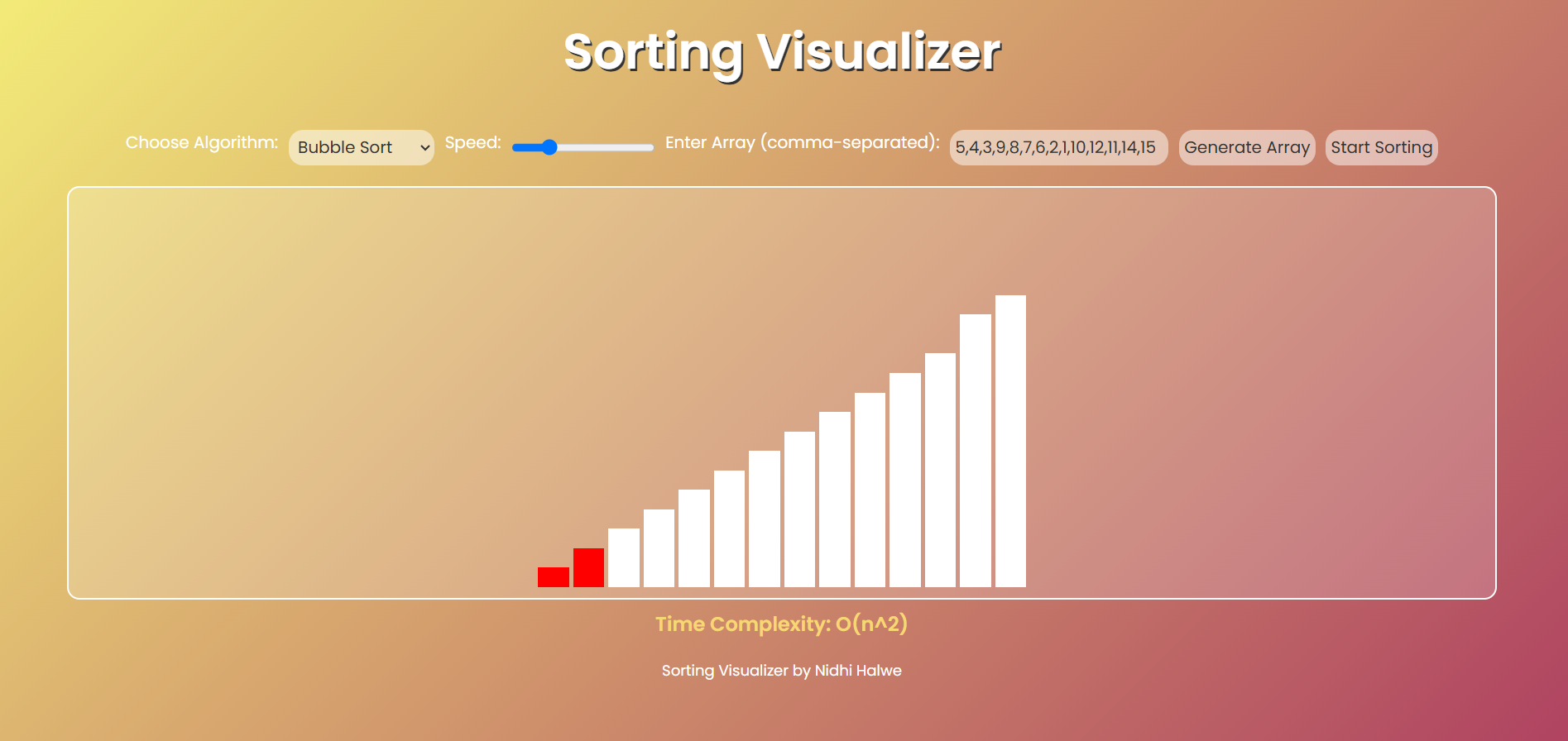
What it does The Sorting Visualizer is a web-based tool that visually demonstrates the process of various sorting algorithms, such as Bubble Sort, Quick Sort, Merge Sort, and others. It allows users to input an array of numbers, select an algorithm, and see the array being sorted in real time, with each algorithm's steps clearly shown. The project also provides the time complexity of the selected algorithm, helping users to understand its efficiency.
How we built it We built this project using HTML, CSS, and JavaScript.
- HTML provided the structure of the web page.
- CSS was used for styling, including the visualization of the sorting steps with bars representing the elements of the array.
- JavaScript handled the logic for each sorting algorithm and updated the visualization in real-time. We used setTimeout to create animation delays for the sorting process, allowing the users to visually track the changes in the array.
Challenges we ran into One of the main challenges was ensuring smooth animation of the sorting process without overwhelming the browser. We had to carefully manage the timing of the animation and ensure that the sorting steps were visible in a clear and timely manner. Additionally, implementing efficient sorting algorithms and ensuring that the visualizations were accurate required debugging and refining the code multiple times.
Accomplishments that we're proud of
- Successfully implemented multiple sorting algorithms with real-time visual feedback.
- Designed an intuitive and user-friendly interface that makes it easy for users to interact with the tool.
- Optimized the performance so that the tool works well with different array sizes.
What we learned
- I learned how to visualize algorithms and use animations to represent data in an engaging way.
- I improved my understanding of sorting algorithms and how they differ in terms of performance and implementation.
- I gained experience working with JavaScript's asynchronous behavior to create smooth animations and interactions.
What's next for Sorting Visualizer The next steps for this project include:
- Adding more sorting algorithms such as Heap Sort, Radix Sort, and others.
- Providing options to compare the performance of different algorithms with the same dataset.
- Implementing features like custom array inputs, sorting speed adjustments, and data size scaling for more interactive exploration.

Log in or sign up for Devpost to join the conversation.