-
-
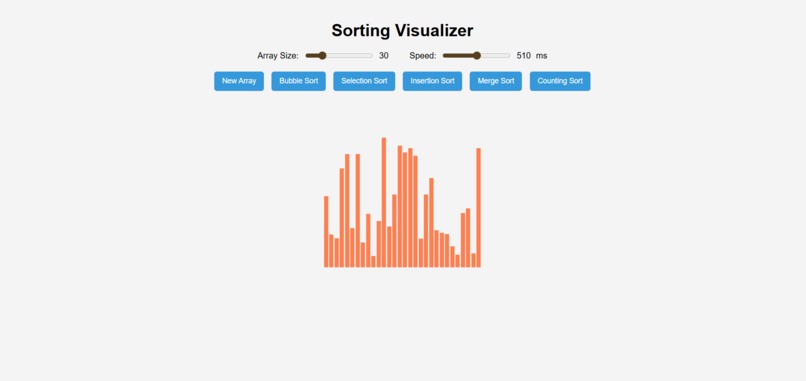
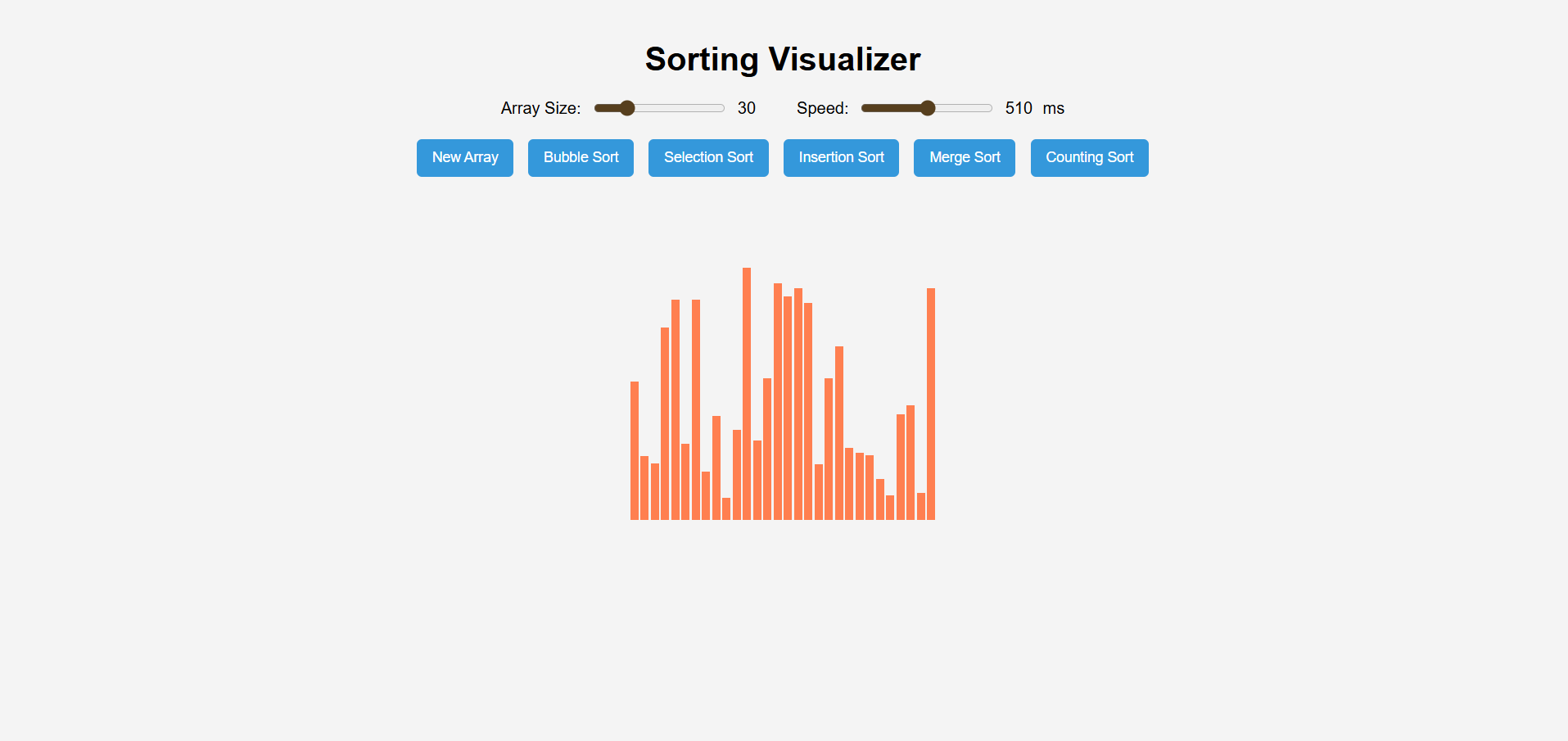
Unsorted Array:Random chaos before sorting begins
-
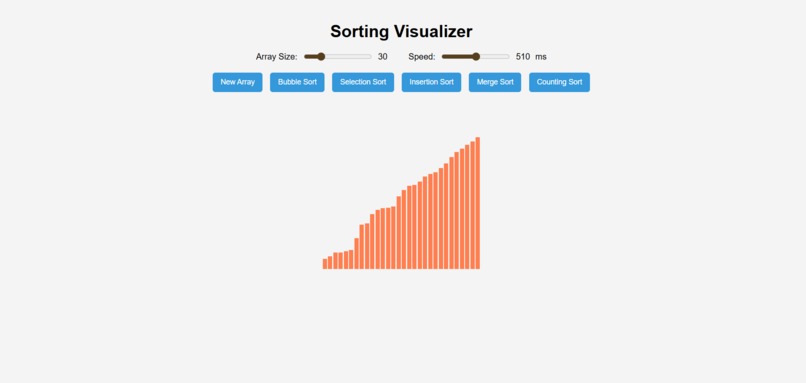
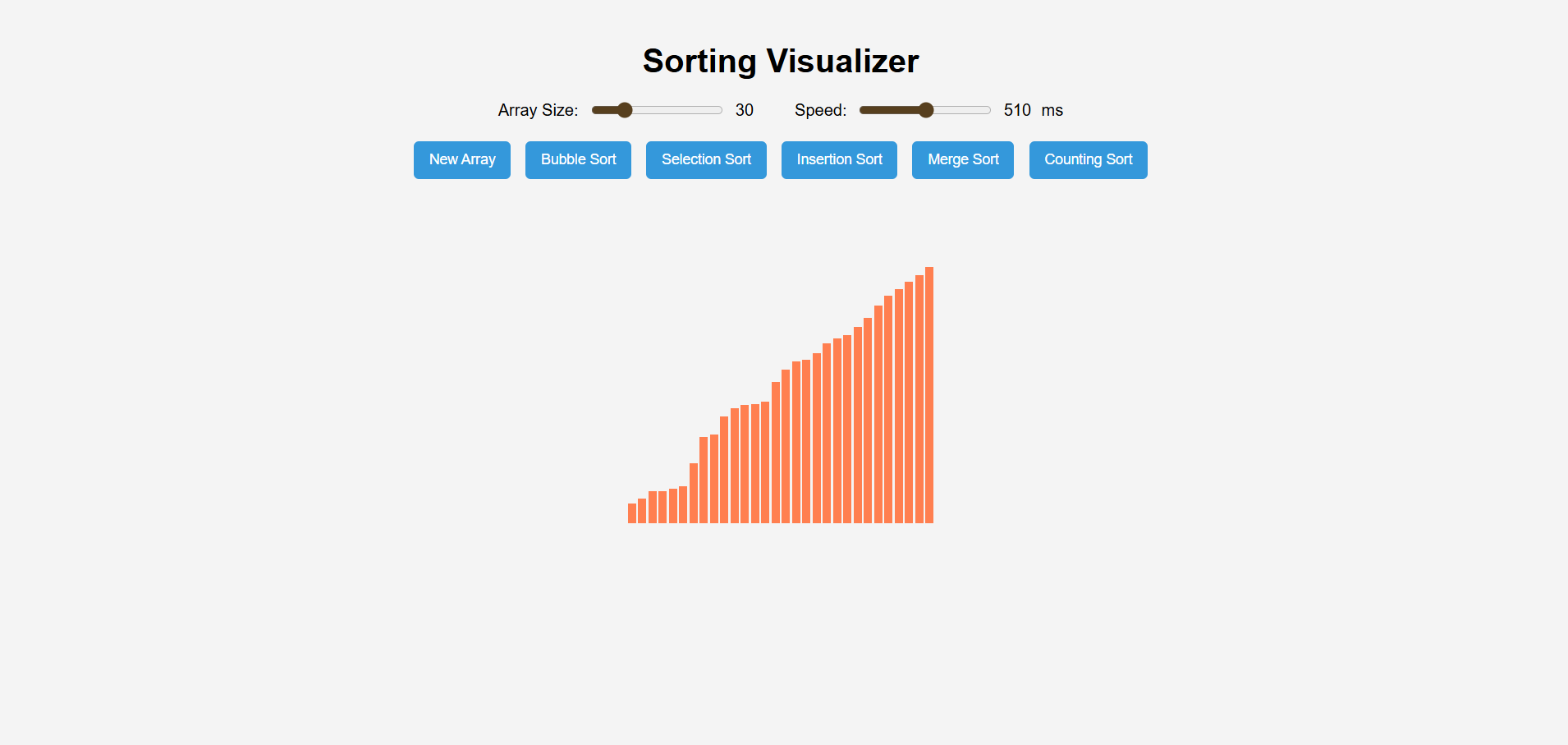
Sorted Array:Order restored after sorting.
Inspiration
Sorting is one of the most fundamental concepts in computer science, yet it often feels abstract when just studied from books. I wanted to create something interactive that helps students (including myself) actually see how different sorting algorithms work step by step. This project combines visualization with learning, turning algorithms into something more intuitive and engaging.
What it does
The Sorting Algorithm Visualizer generates a random array of bars (representing numbers) and lets users choose from multiple sorting algorithms — Bubble Sort, Selection Sort, Insertion Sort, Merge Sort, and Counting Sort. Users can adjust array size and sorting speed with sliders. During sorting, bars are highlighted in real time to show comparisons and swaps. By the end, the array is sorted, giving users a clear view of how each algorithm processes data.
How we built it
Frontend: Built with HTML, CSS, and JavaScript for simplicity and portability. Visualization: Each array element is displayed as a vertical bar, updated dynamically as algorithms run. Algorithms: Implemented step-by-step animations using async functions and await sleep() to control speed. User controls: Range sliders for array size & delay, and buttons to trigger different sorting algorithms.
Challenges we ran into
Synchronizing animations with sorting logic was tricky, especially for recursive algorithms like Merge Sort. Managing speed control dynamically without freezing the UI required careful use of async/await. Keeping the code clean and reusable while handling multiple algorithms with different logic.
Accomplishments that we're proud of
Successfully implemented five different sorting algorithms with clear step-by-step visualization. Made the UI interactive and user-friendly with adjustable parameters. Turned a textbook concept into a visual learning tool that’s easy to understand.
What we learned
How to implement and optimize classic sorting algorithms in JavaScript. The importance of asynchronous programming when building interactive visualizations. How UI/UX design decisions (like color highlights and speed control) improve learning outcomes.
What's next for Sorting Algorithm Visualizer
Adding more algorithms (Quick Sort, Heap Sort, Radix Sort). Including side-by-side algorithm comparisons (time taken, number of swaps, efficiency). Adding theoretical explanations alongside visualizations for educational use. Deploying the project online so others can use it as a learning tool.

Log in or sign up for Devpost to join the conversation.