-
-
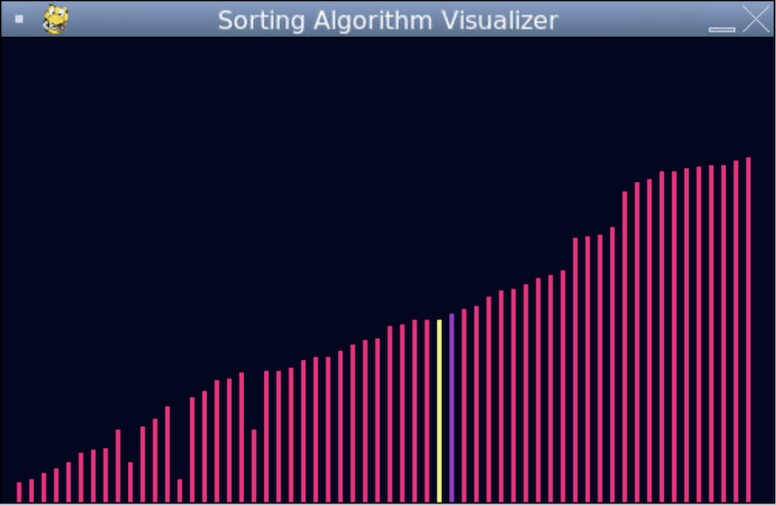
visualization of bubble sort

Inspiration
After using sorting algorithms in class, I was inspired to create a sorting algorithm visualizer for me and other students to learn about the different decisions that the computer is making to sort something.
What it does
You can adjust the number of bars, with a maximum of 80 bars. From there you can press different keys to do bubble sort, insertion sort, quick sort, and heap sort. The selected bar is in yellow, while the bar that it is being compared to is purple.
How we built it
I used python and pygame.
Challenges we ran into
It was challenging to be able to draw the bars after every update until I remembered to clear the screen again before every new drawing.
Accomplishments that we're proud of
I'm proud that I was able to implement four sorting algorithms.
What we learned
I learned about bubble sort, insertion sort, quick sort, and heap sort.
What's next for Sorting Algorithm Visualizer
This can be a tool for classrooms to use that allows students to visualize and better understand sorting algorithms.


Log in or sign up for Devpost to join the conversation.