Inspiration
Cleaning a cluttered Downloads folder is more frustrating than it should be. You switch between file lists and previews, open items one by one, select groups and try to remember what you have already reviewed. I wanted to make that process feel lighter and more deliberate - review one item at a time, make a quick decision and stay in control.
What it does
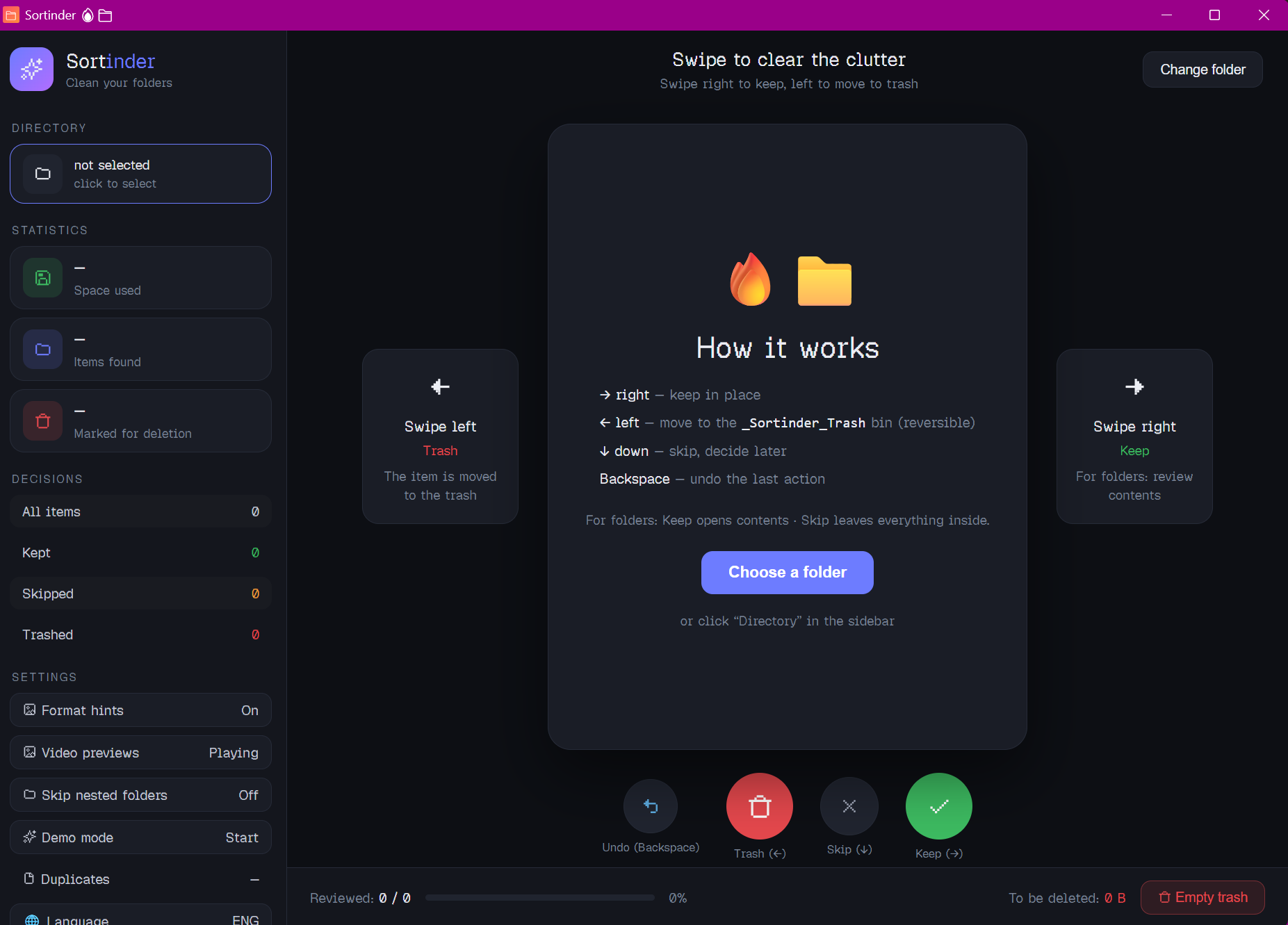
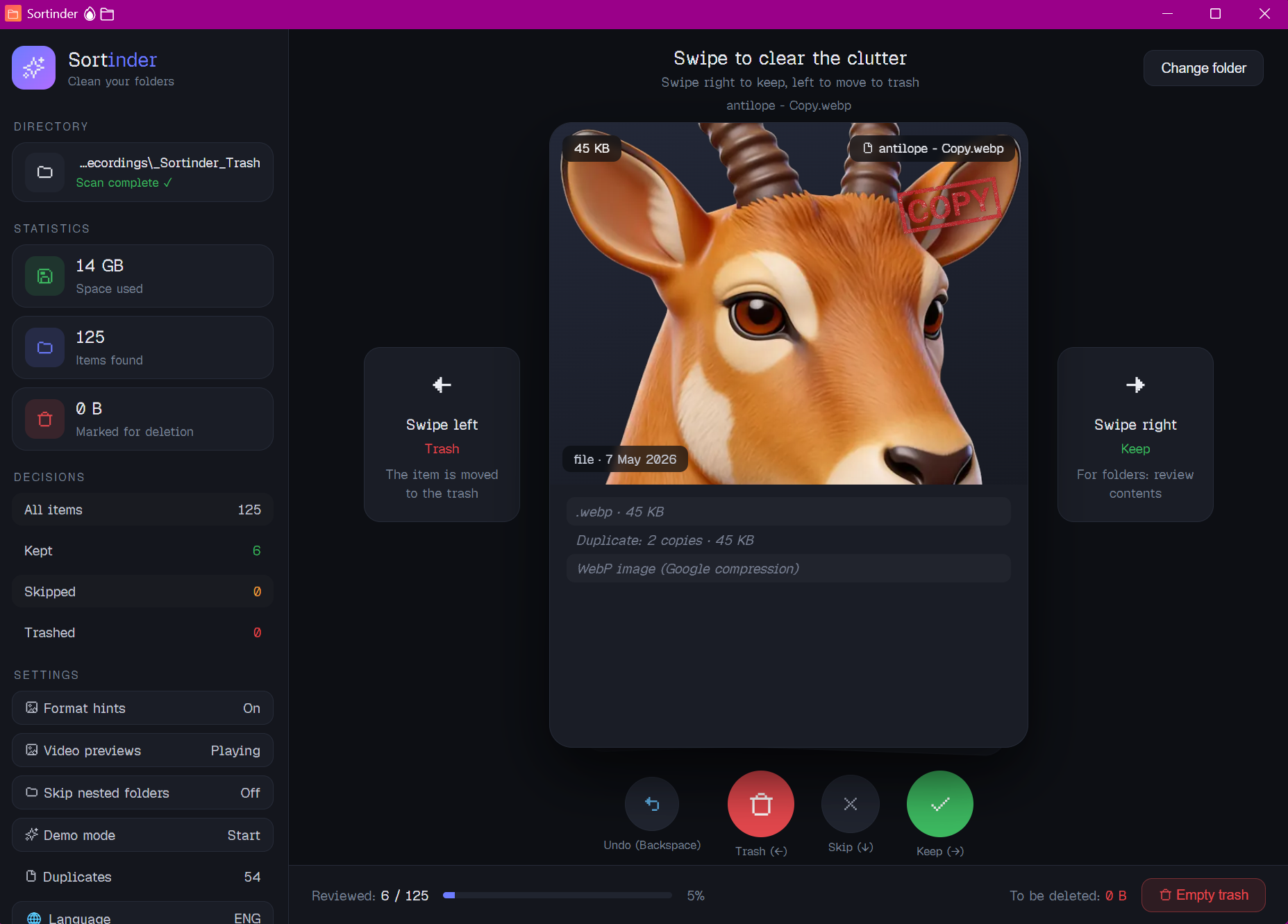
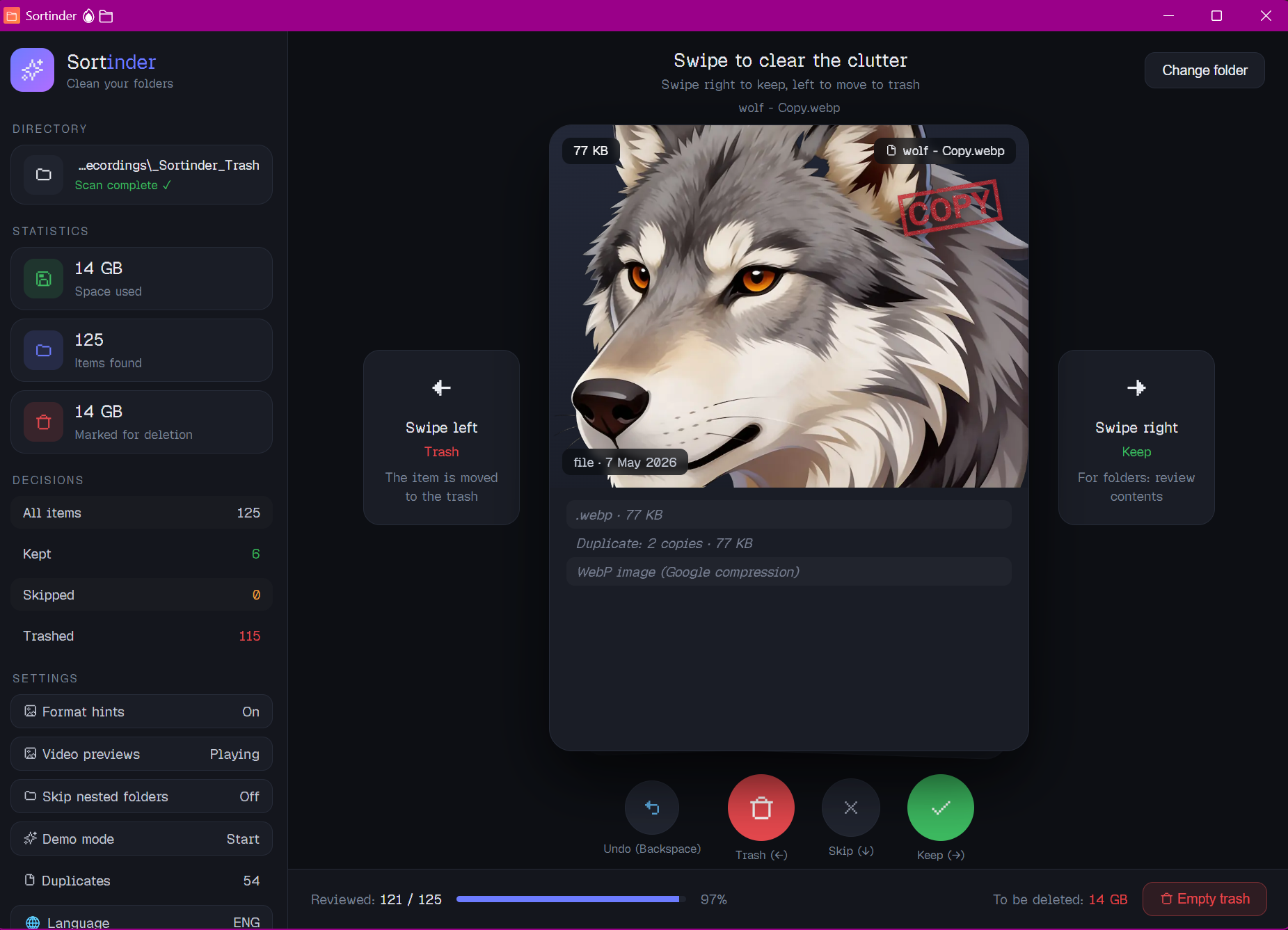
Sortinder is a Windows desktop app for organizing cluttered folders through a simple swipe-through workflow.
For every file or folder, you can:
- Keep it in place
- Skip it and decide later
- Trash it to a reversible local Sortinder trash folder
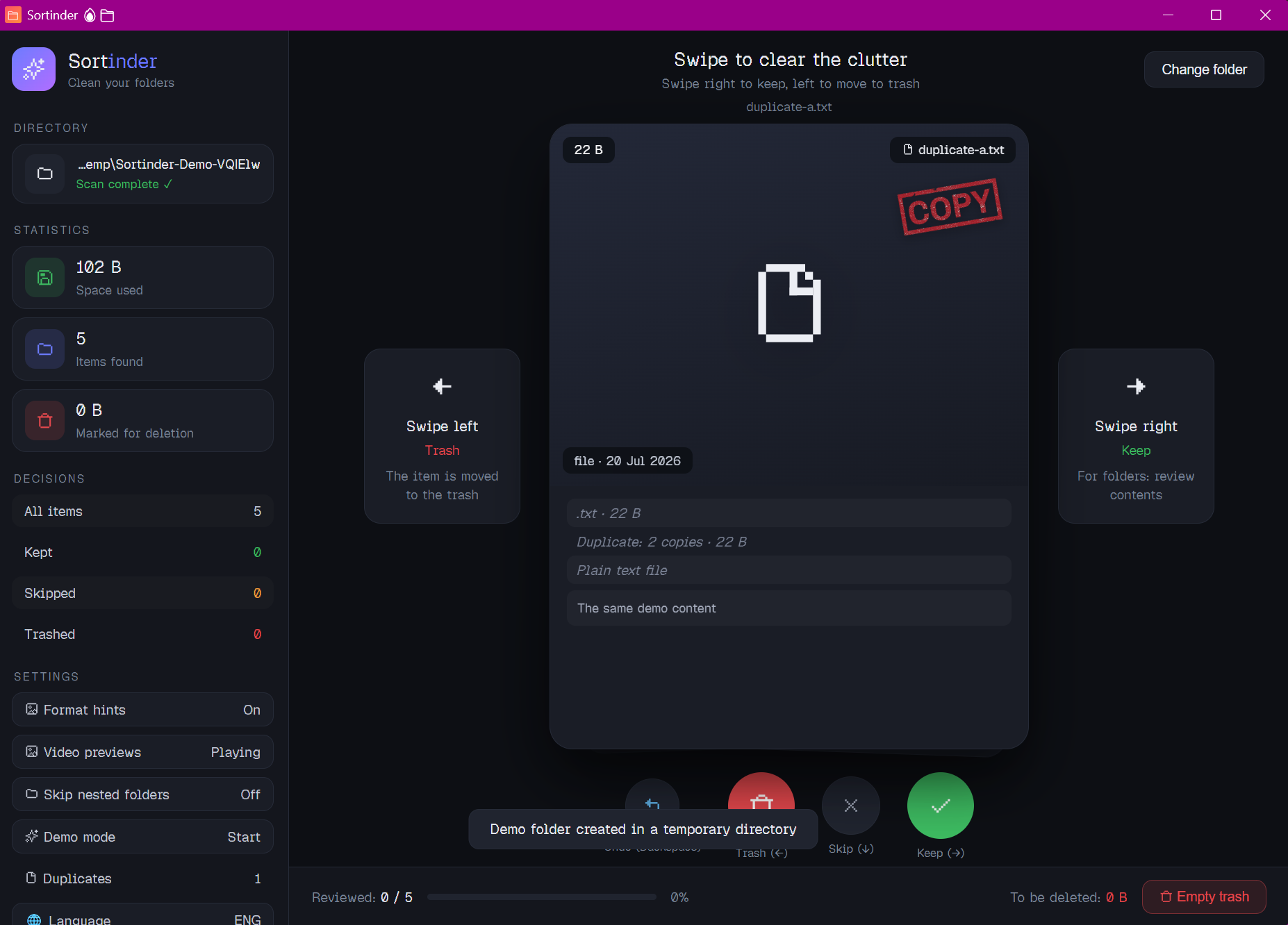
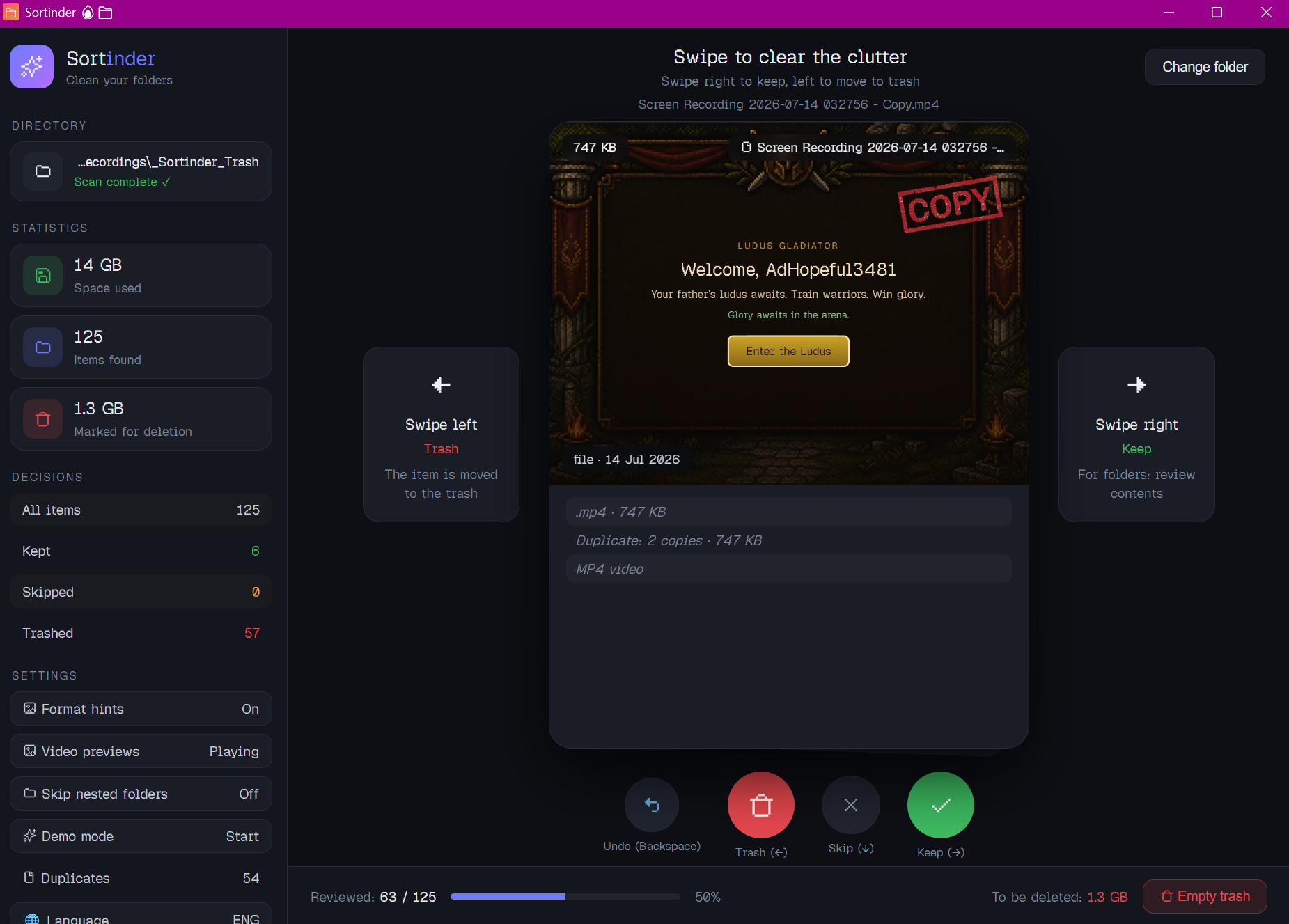
The app also provides file-type-aware guidance and detects possible duplicates by comparing file sizes and SHA-256 hashes. Duplicate detection highlights redundant copies using the image disclaimer but the user always makes the final decision anyways.
How we built it
Sortinder is built as a Windows desktop application with Tauri,web-based frontend and a Rust backend. It is packaged as both a portable executable and a Windows installer.
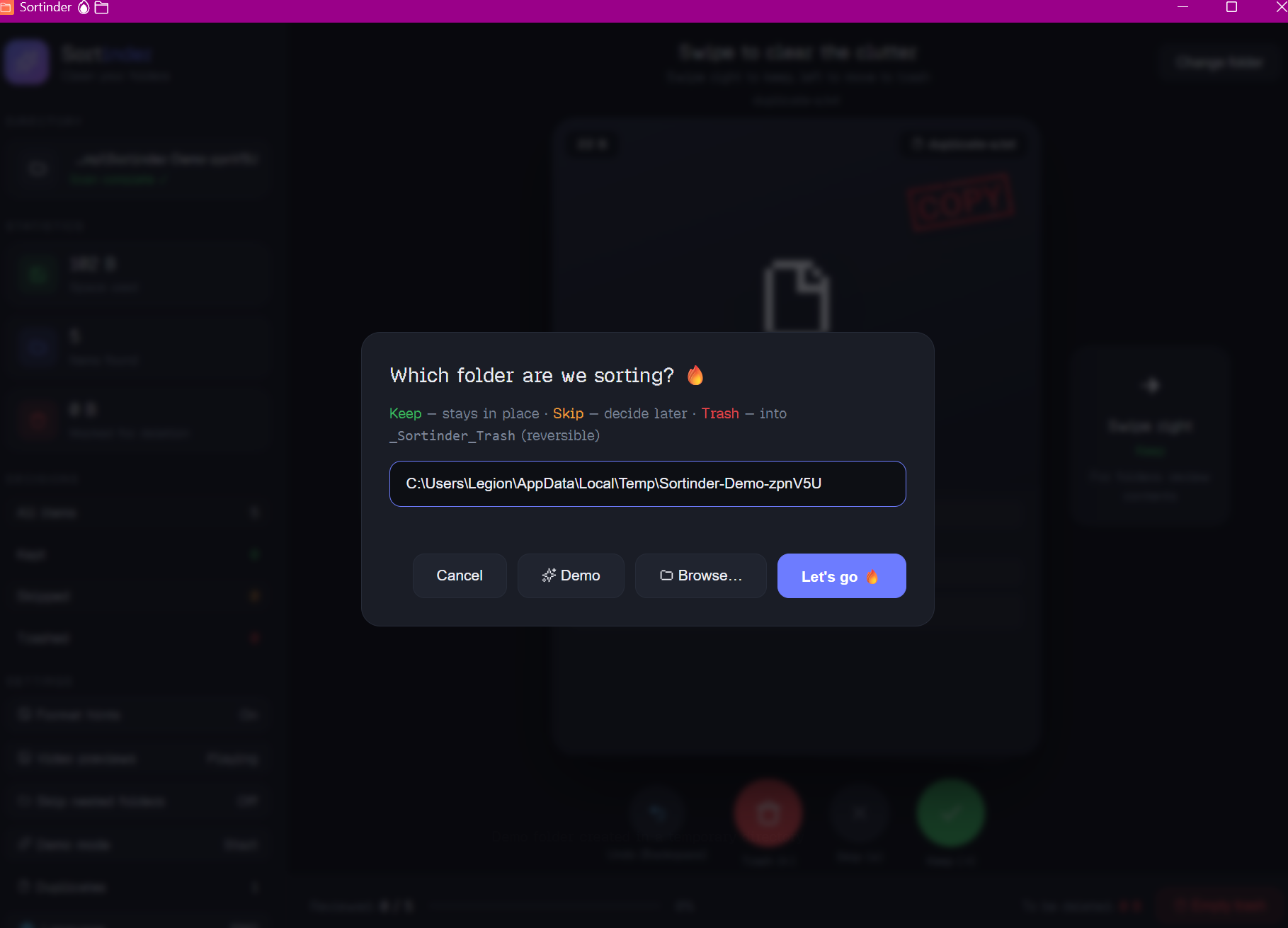
Safety was a central design goal. File actions are validated by the backend so they remain inside the folder selected by the user. Trashed items can be reviewed and restored with undo before being permanently removed.
Challenges we ran into
The main challenge was making file cleanup convenient without making it risky. “Delete” should not mean “gone forever,” so Sortinder uses a local reversible trash folder and supports Undo.
Handling nested folders and duplicate detection also required careful thought. Recursive folder scans are useful, but deep directory trees, many files and large files can make scanning and hashing expensive. The goal was to keep the review flow responsive while avoiding unnecessary work and still giving users useful duplicate suggestions.
We also had to solve Windows-specific build and runtime issues, keep the portable and installer versions consistent and make sure demo mode behaved safely without touching real user files.
Accomplishments that we're proud of
- Turning a tedious file-management task into a focused easy-to-understand swipe-through workflow
- Making cleanup safer with a reversible local trash folder, undo support and backend path validation
- Adding duplicate detection with file size and hash comparison while keeping the user in control of every action
- Supporting recursive folder review and building the app to handle real-world cluttered directories
- Shipping a real Windows desktop application in both portable and installer formats
- Using Codex with GPT-5.6 to move from an idea to a tested, packaged release while improving safety and reliability along the way.
What we learned
Building a desktop utility is not only about the interface. The important work is in the details: validating paths, designing reversible actions, testing edge cases and making the final packaged app behave the same way as the development build.
Sortinder is a small project, but it explores a simple idea - organizing files should be faster, calmer and safer.
What's next for Sortinder
- Improve cold start scanning speed so even large or deeply nested folders become ready to review faster on the first scan
- Refine the UI and UX through more keyboard shortcuts, smoother navigation, clearer progress feedback and better preview handling
- Add smarter file-type-specific hints to help users make faster decisions about images, documents, archives and other formats
- Expand language support so Sortinder is accessible to more users
- Explore support for additional platforms beyond Windows while preserving the same safe and reversible file workflow
Built With
- gitlab
- gpt-5.6
- rust
- tauri
- typescript
- windows


Log in or sign up for Devpost to join the conversation.