-
-

logo
-
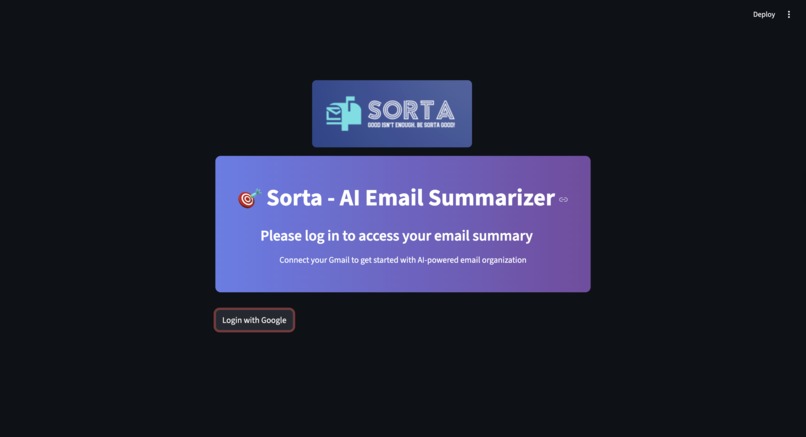
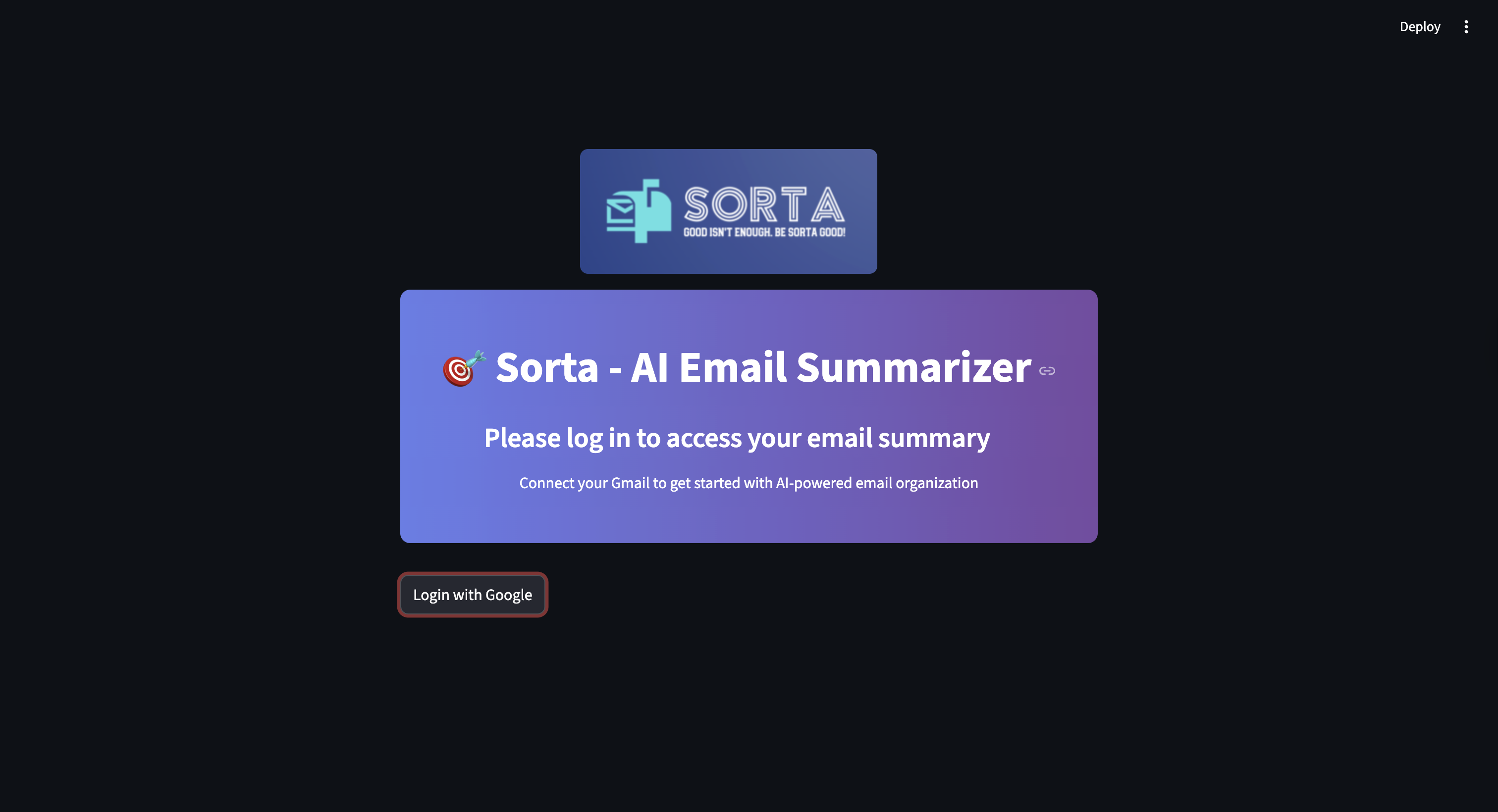
login with Gmail
-
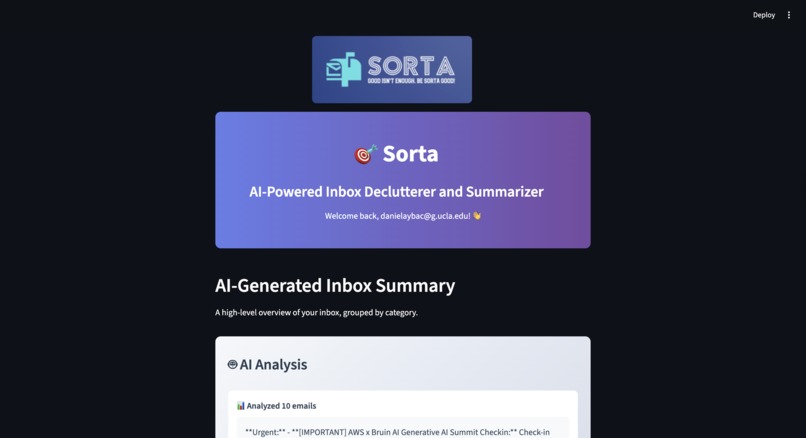
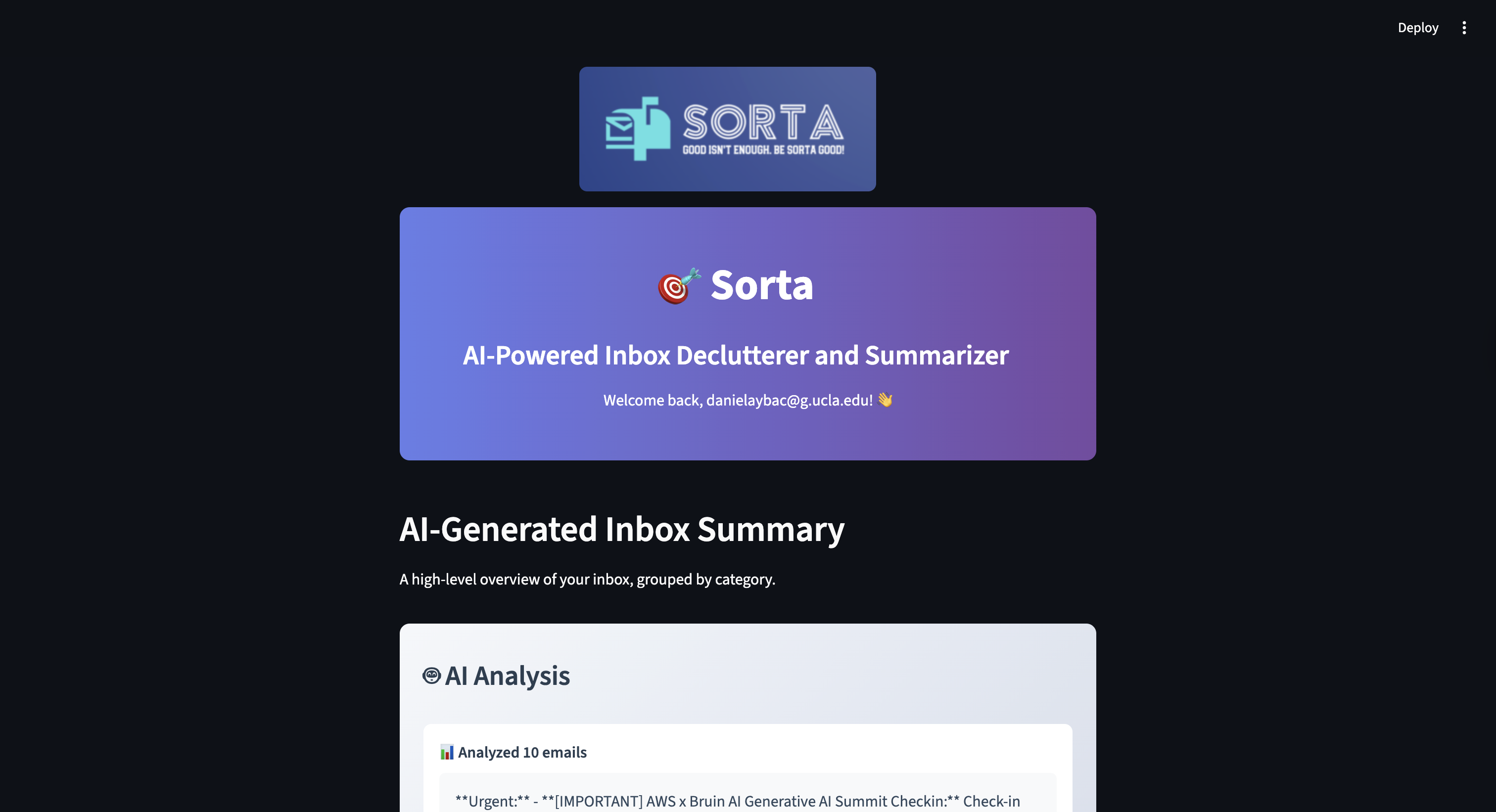
website page 1: logo & titles
-
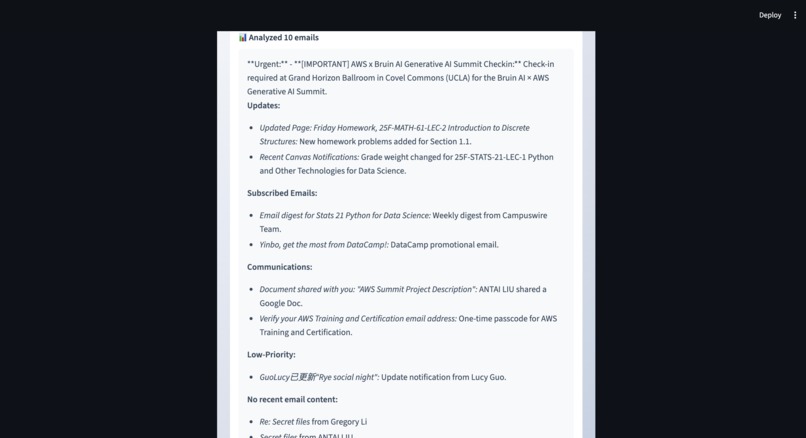
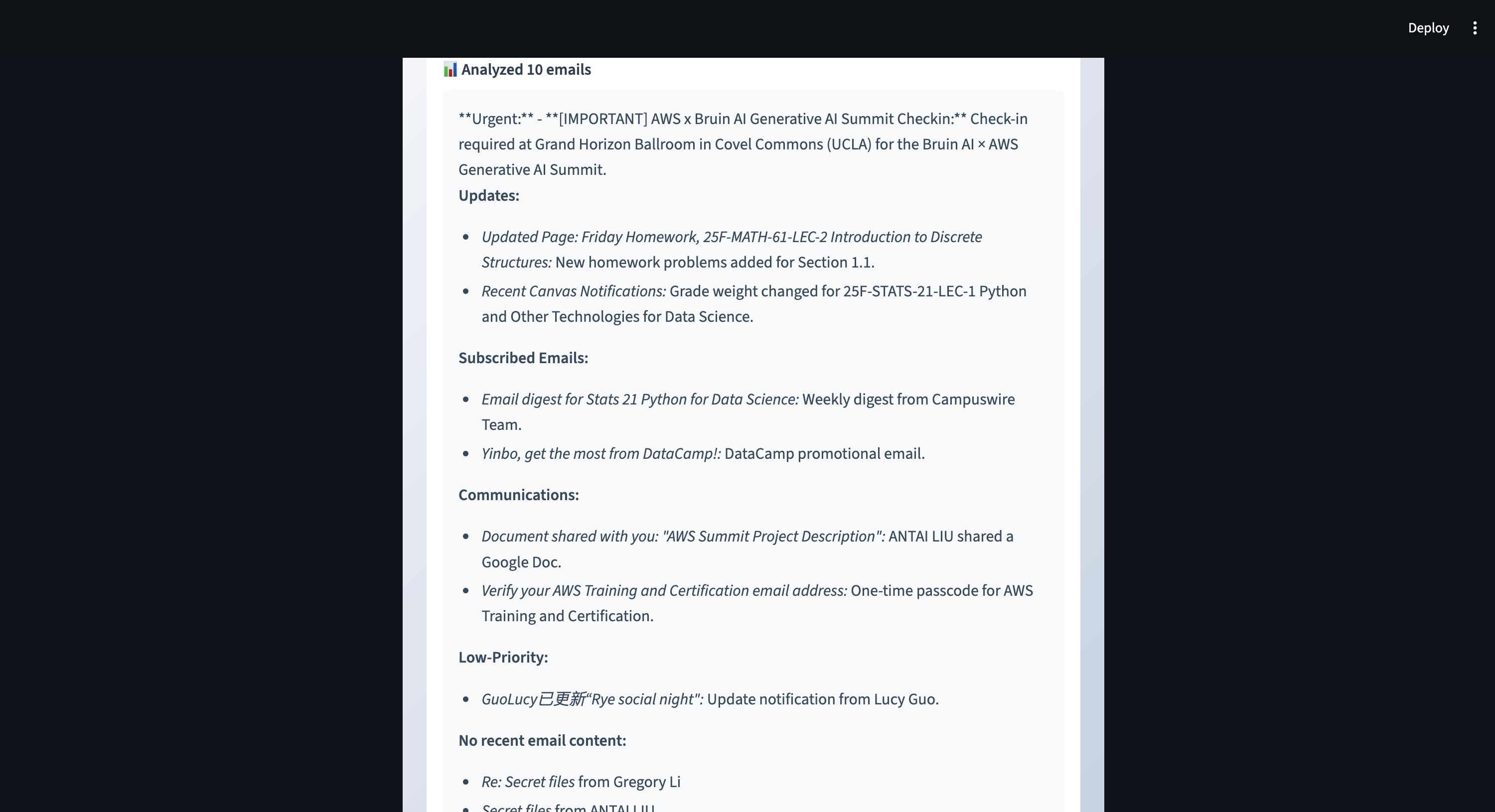
website page 2: AI generated summary based on most recent emails in inbox
-
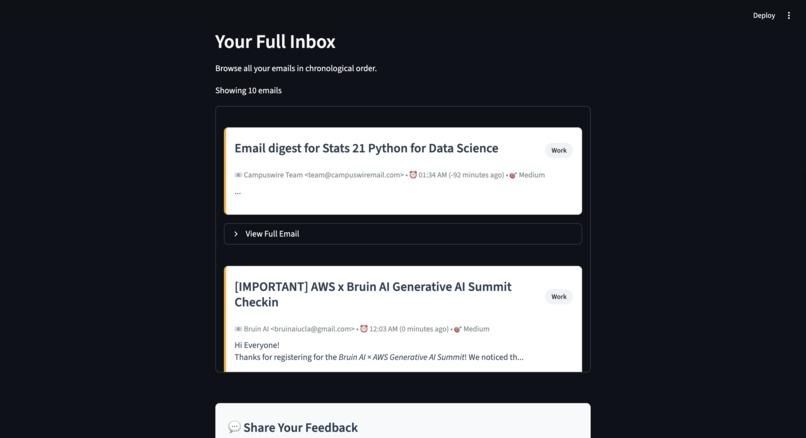
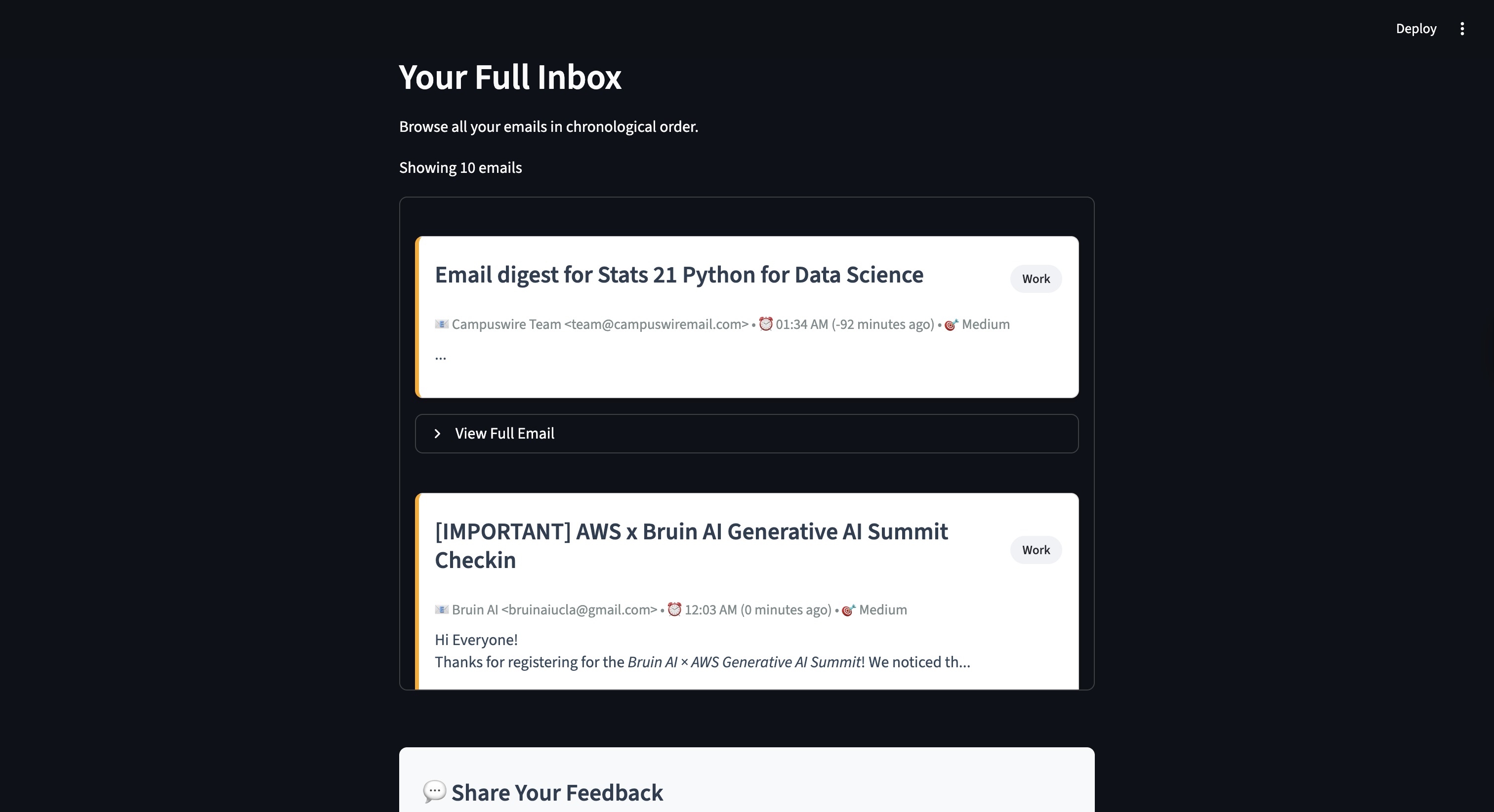
website page 3: most recent emails shown fully
-
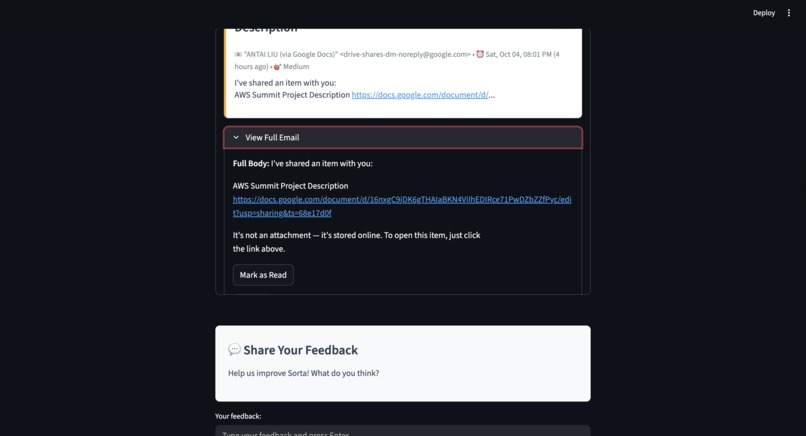
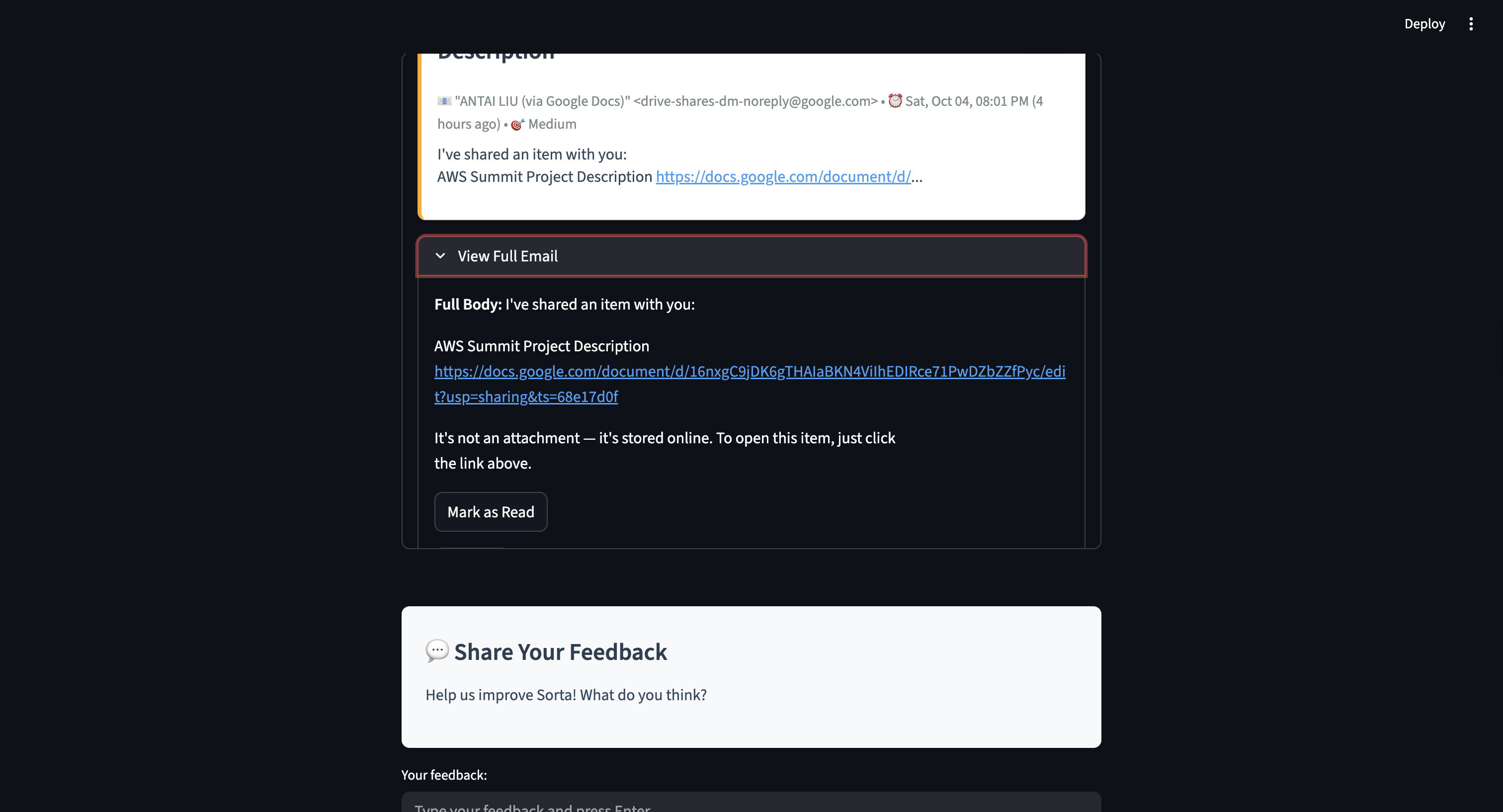
website page 4: expanded full emails & feedback

Inspiration
Sorta was born from the belief that technology should reduce mental load, not add to it. The idea for Sorta came from our team’s shared frustration as college students: having to constantly sift through a crowded inbox of unread emails just to find one piece of information. A 2023 study found that email overload increases cognitive strain and reduces work performance, as frequent interruptions and message volume overwhelm users’ attention (Letmathe & Noll, 2023). We realized how much time and focus were being drained by something as simple as email management.
What it does
Sorta is an AI-powered Gmail assistant that helps you take control of your unread emails by:
- Summarizing messages: instantly highlights key information from unread emails so you can grasp the essentials at a glance.
- Organizing automatically: sorts unread emails by priority, category, or sender type to make your inbox feel lighter.
- Checks off unreads: choose to mark organized unread emails as read or with Gmail functions like star.
- Customizing your flow: comes with a smart default mode that’s ready out of the box, while users can fine-tune it for even more control with settings, like adjusting the date range for unread emails to be managed.
Why using Sorta is better than solely relying of existing Gmail functions (spam, star, search, etc.)
| Traditional Feature | Limitation | How Sorta Improves It |
|---|---|---|
| Spam / Junk Filter | Only removes obvious spam; doesn’t reduce inbox clutter or prioritize what’s important. | Sorta uses AI to identify relevant unread emails and sorts them by priority, not just by spam rules. |
| Star / Label | Requires users to manually mark or categorize messages, which is time-consuming. | Sorta automatically categorizes unread emails (e.g., urgent, updates, low-priority) without manual tagging. |
| Search Bar | You must remember what to search (keywords, names, or subjects). | Sorta summarizes content, so you can find the info you need even when you don’t remember exact terms. |
How we built it
- Started by organizing a framework and splitting tasks, with AI integration, routes, google OAuth, and frontend.
- Using Amazon Q, we continually iterated the development in the minimal time we had, incrementally added and modified our code/files step by step accordingly, and started with temporary data that served as placeholders, both to allow people to move forward while providing a sample for other people to develop towards.
- Merged different branches and replace placeholder data, connecting with RESTful API.
- Connect the program to and acquire data from Gmail.
- Allow the user to interact with the AI agent Sorta. It "Sorta" works! :)
Challenges we ran into
- The merge process of backend and frontend is tough, since each part is further separated into smaller tasks, in which each team member conducts, so the coordination process becomes hard.
- Specifically, for example, backend by itself already includes routes, AI, google API access (google-auth), etc., which makes it hard to coordinate within its own domain, let alone combining code from all members.
- Hackathon's fast-paced schedule is hard to adapt to, since there is a tight window of submission and working hours.
Accomplishments that we're proud of
- Figuring out how to do the entire web development cycle with Python so quickly
- Frontend development for the first time, doing a great job
- Playing around with Google OAuth to properly authenticate users
What we learned
- New tools like AWS Bedrock, Python Flask, Streamlit, etc.
- Learned how vibe coding significantly improves coding efficiency as an extremely powerful tool, yet it can't do everything we instruct it flawlessly since it isn't perfect. At least for now, vibe coding requires human assessment and manipulation of its output to produce an accurate result.
- Decouple front and back ends
- Use the library to abstract implementation details
- Generate specification document with Amazon Q
How do we test the solution with customers and measure success?
- Gather feedback from small user groups first
- Track both quantitative and qualitative metrics:
- Time saved: How much faster do users process their inbox
- Reduction in unread emails: Inbox feels manageable
- Accuracy of summaries: % of users who feel the AI captured the most important info
- Satisfaction score: Did users feel less stressed/more in control?
- Adoption/retention: Would users keep using it after the trial?
What's next for Sorta
- Adapting dynamically: Sorta continues to learn from user habits and priorities to group emails by true importance.
- Learning automatically: It refines its understanding of your reading patterns and preferences, removing the need for manual rules.
- Integration with productivity tools: Future versions will connect with calendar and task management apps, allowing Sorta to automatically create reminders, events, or to-dos from emails.
- Expanding beyond Gmail: We plan to support multiple email platforms to reach a wider range of users and workflows.
- Multilingual capability: Sorta will evolve to understand and translate emails across languages, using AI-powered translation (e.g., Amazon Translate) to ensure seamless communication in multilingual inboxes.
Branding
We want to redefine what “good” means — with Sorta Good, a level above “very good.” The name captures both confidence and approachability: it’s clever, memorable, and a little self-aware. Our AI agent is Sorta Good, meaning it is top-tier, intuitive, and designed to make your digital life feel lighter.
Good isn’t enough. Be Sorta good.
Built With
- amazon-q
- amazon-web-services
- bedrock
- flask
- github
- gmail
- google-auth
- python
- strands
- streamlit
- vscode


Log in or sign up for Devpost to join the conversation.