-

-
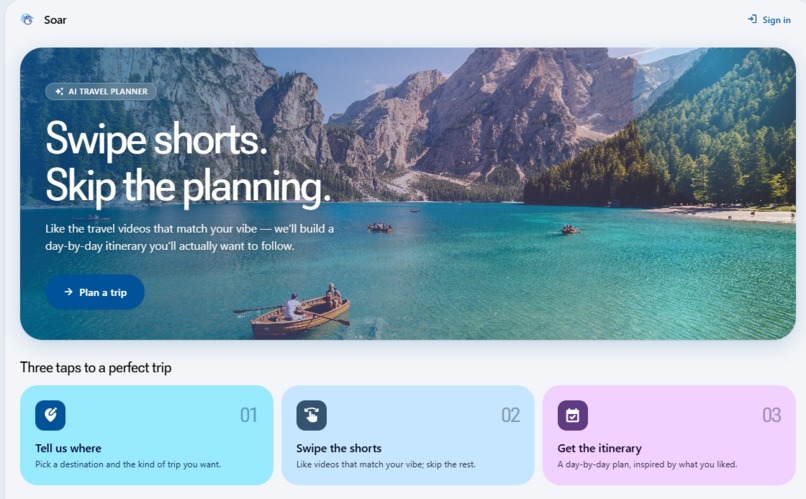
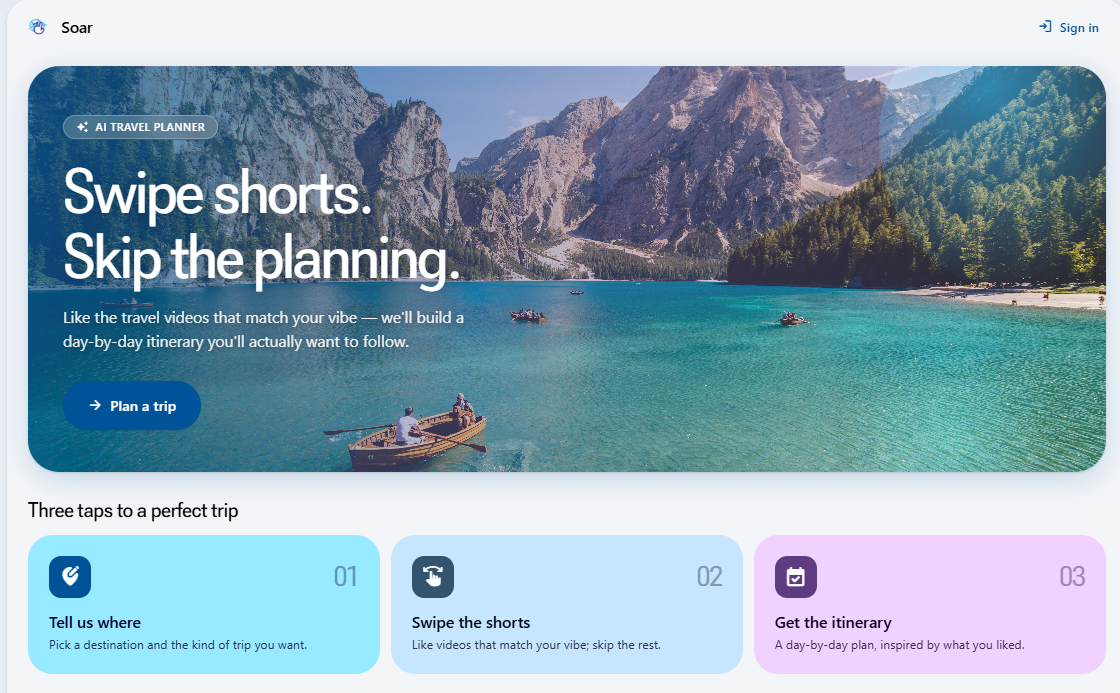
Homepage
-
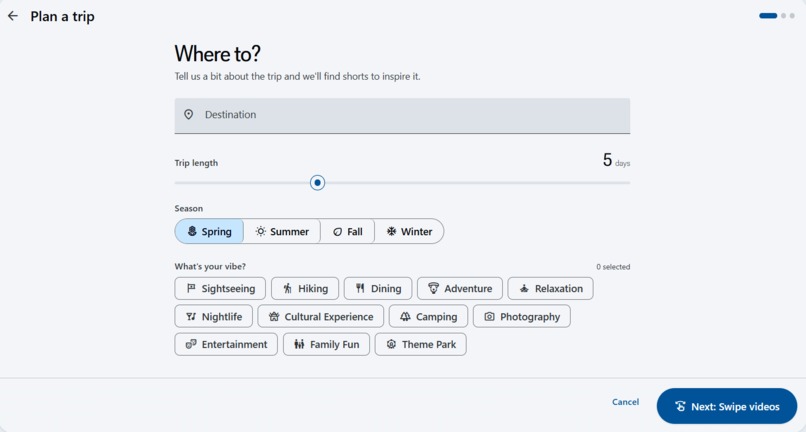
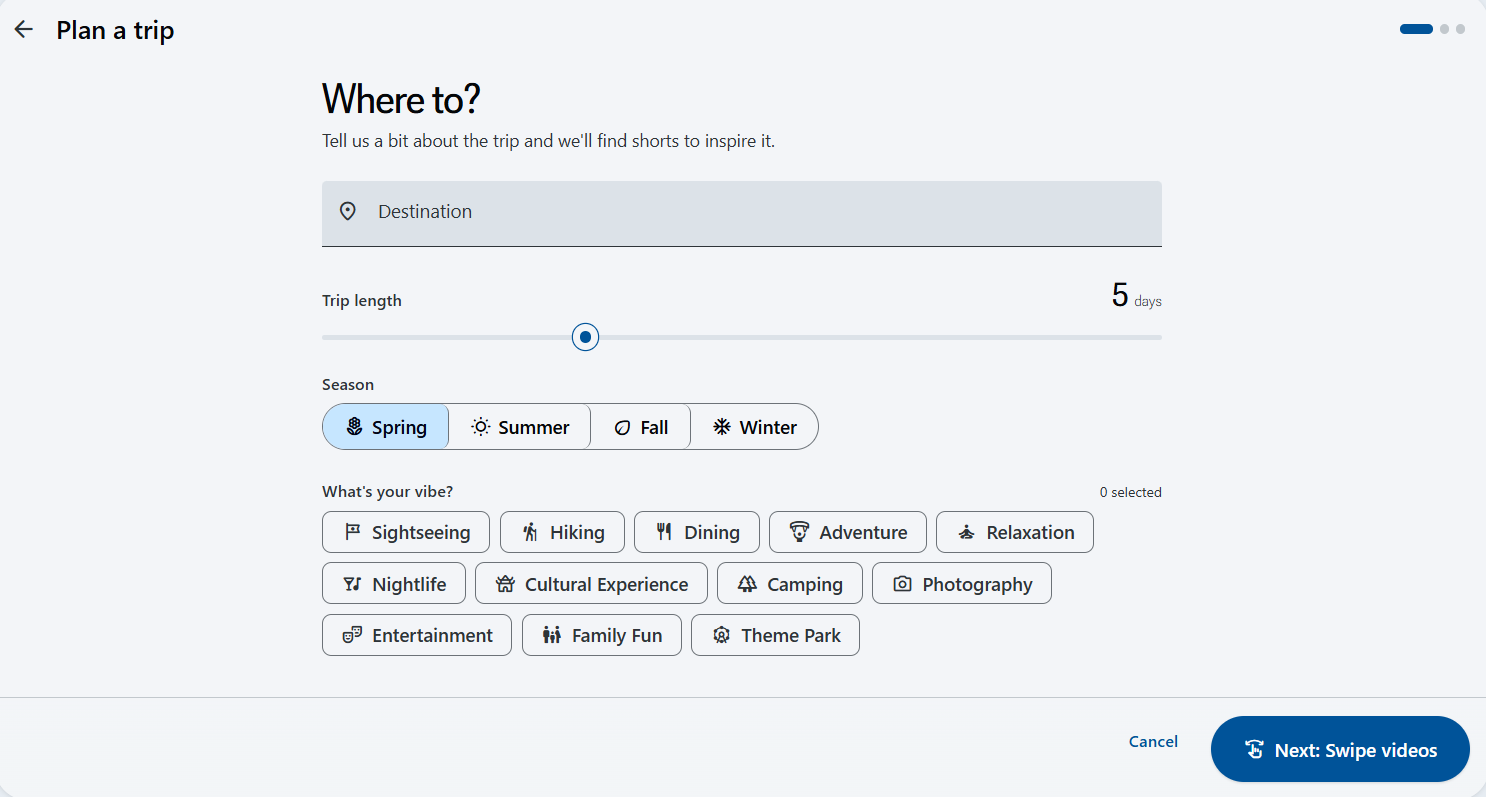
Where do you want to go?
-
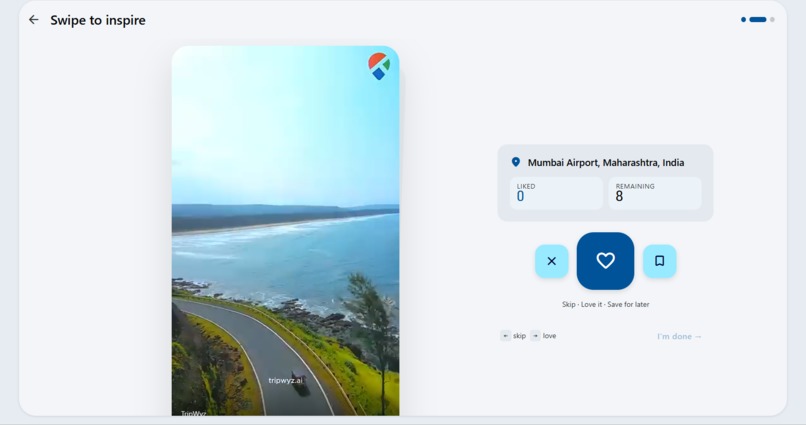
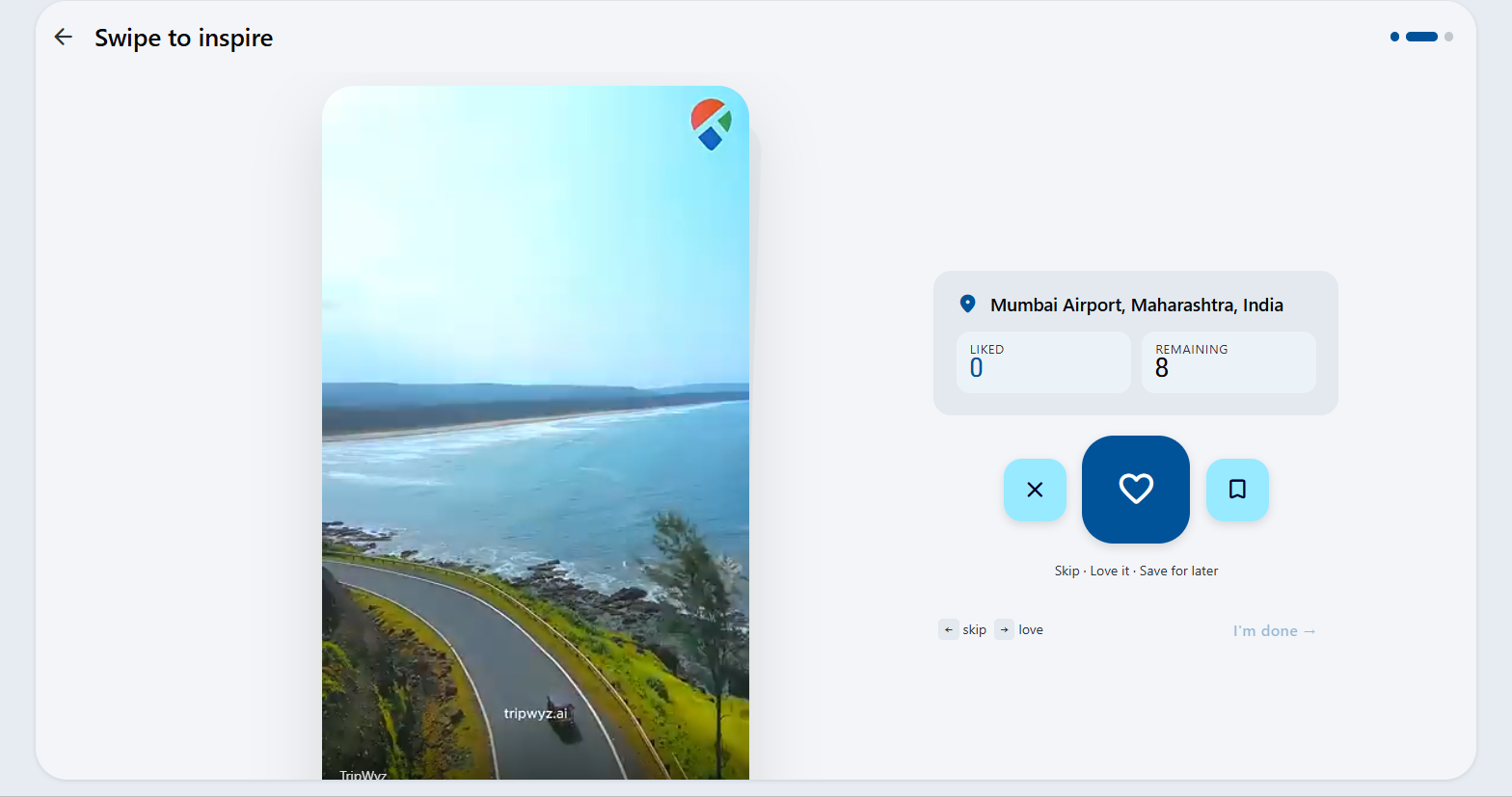
Analysis
-
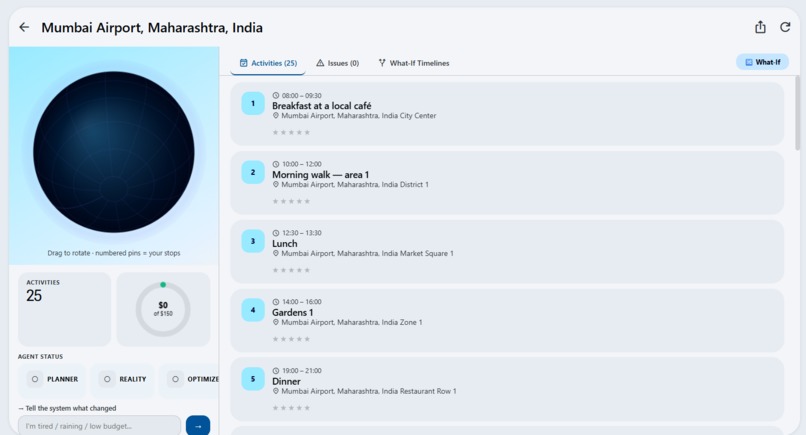
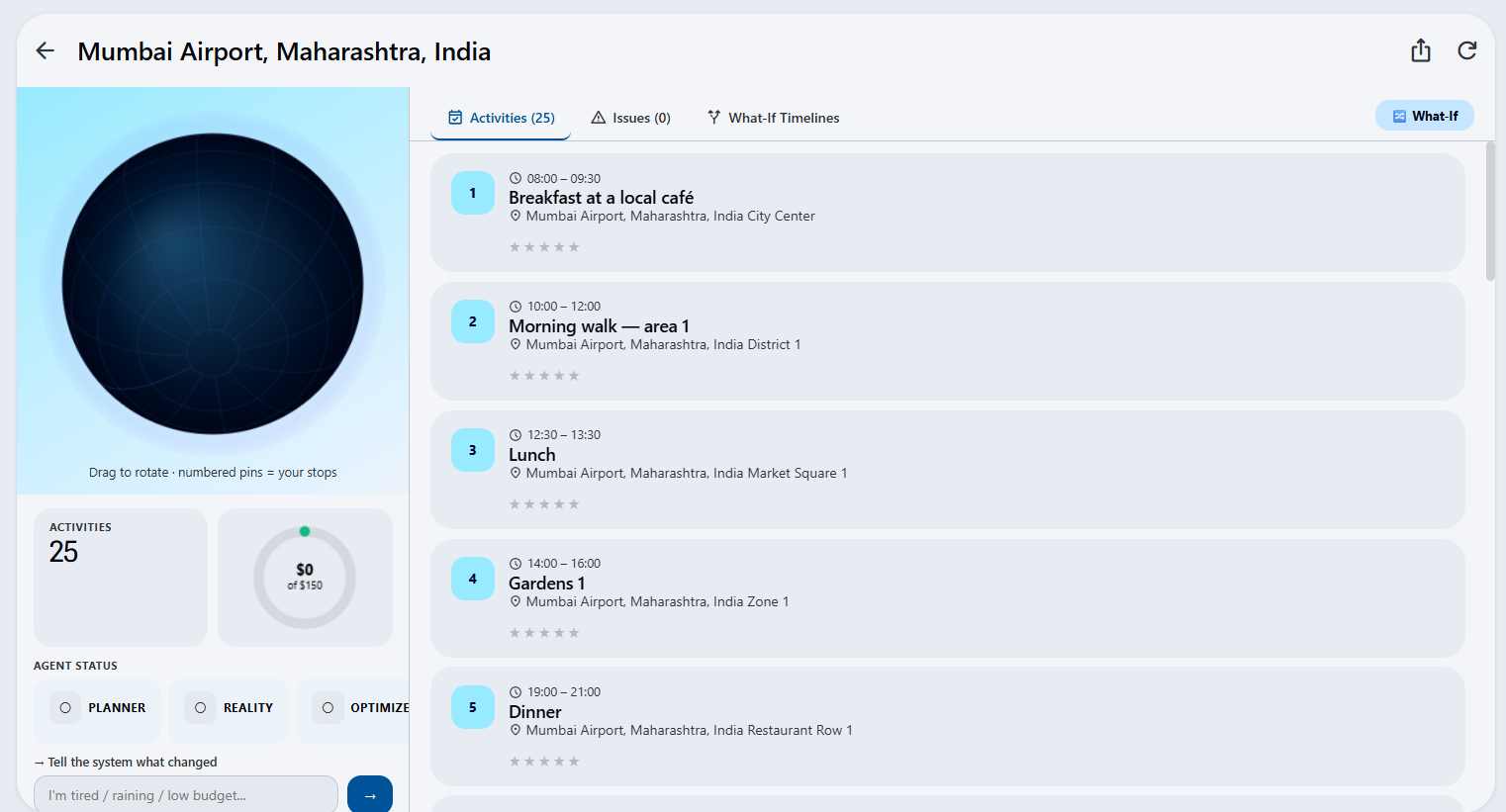
Itinerary Output

Inspiration
Travel planning nowadays is tedious and uninspiring. Users jump between between maps, a myriad of booking sites, review platforms, and note-taking apps, and this breaks the excitement that should come with planning a trip.
Soar came from this idea: what if you could swipe through real travel content and walk away with a complete itinerary? Instead of treating planning as a logistical chore, we wanted it to feel like the trip had already started.
What it does
Soar is an AI assisted travel planner that turns YouTube Shorts into structured, day-by-day itineraries.
You pick a destination, trip length, season, and activity using tags like hiking, nightlife, dining, cultural experiences, and more. Then you swipe through a curated feed of location-specific Shorts: like the videos that match what you're after, skip the rest. Soar sends those liked videos to Gemini 2.5 Flash, which uses the specific venues, neighbourhoods, and streets shown in the content to ground a complete itinerary.
Furthermore, you can also connect your YouTube account and build an itinerary from your own liked videos and playlists.
Key features
- Swipe-based video feed filtered to your destination and activity preferences, with a relevance weighting system that adapts in real time as you swipe
- AI itinerary generation from the videos you liked
- YouTube account integration to plan from your own saved content
- Auth0-authenticated trip saving and retrieval via Supabase
- Material Design 3 UI with smooth card animations and keyboard shortcuts
How we built it
- Frontend: React 18 + TypeScript, Vite, React Router, Material Design 3 component system
- Shorts feed: Node.js server using yt-dlp to search and serve YouTube Shorts, with feed caching and CDN stream URL pre-fetching
- Backend: Python/Flask calling Gemini 2.5 Flash with
response_mime_type: application/jsonto guarantee parseable structured output - Auth: Auth0 (frontend OAuth flow verification on the backend)
- Supabase (Postgres) for saving and retrieving itineraries per user
- Prompt engineering: Detailed system prompts enforce location specificity, venue uniqueness across days, meal rules, and video grounding.
Challenges we ran into
- Getting Gemini to produce consistently specific venue names rather than vague placeholders and solved through detailed prompt constraints and output validation
- Filtering the Shorts feed to surface genuinely relevant videos: we built a keyword rotation system, a 100k-view floor, title relevance filtering, and a swiping-based weight update loop
- Keeping the swipe experience smooth while pre-fetching video stream URLs in the background to eliminate load delays between cards
- Deploying across three separate services (frontend, Node.js, Flask) and wiring them together cleanly
Accomplishments we're proud of
- A real-time adaptive feed that gets better the more you swipe, using tag weight updates to bias future fetches toward your preferences
- An AI pipeline that extracts specific geographic locations from video URLs and uses them to place every activity at a named venue
- A full production deployments, separate dev/prod environments.
What we learned
Integration of YouTube's API. The official Data API v3 doesn't expose Shorts directly, so we had to go a different route using yt-dlp to search YouTube and pull video metadata, then filtering by duration (under 90 seconds) and a 100k-view floor to surface quality content. Getting video playback working meant resolving direct CDN stream URLs and proxying them to the browser, then pre-fetching the next few cards in the background so there's no loading gap between swipes.
Integrating multiple auth systems at once: Auth0 handles the main sign-in flow, with RS256 JWT verification on the Flask backend to protect the save/delete routes. On top of that, the YouTube account mode uses Google Identity Services with a separate OAuth token scoped to the YouTube Data API so a user could be signed into the app via Auth0 while also granting YouTube read access through a different token. Wiring those two flows together without confusing the user, and then connecting itinerary saves to the right Supabase row via the Auth0
subclaim, required careful coordination across all three services.Making the UI smooth and timing the swipe card animation, the video pre-loading, the stream URL pre-fetch, and the feed weight updates.
What's next for Soar
- Direct booking integrations for flights, hotels, and activities (affiliations)
- Friendgroup trip planning with shared itineraries
- Map itinerary visualisation for spatial planning
- Mobile app integration
- Smarter long-term personalisation based on saved trips and swipe history


Log in or sign up for Devpost to join the conversation.