-
-
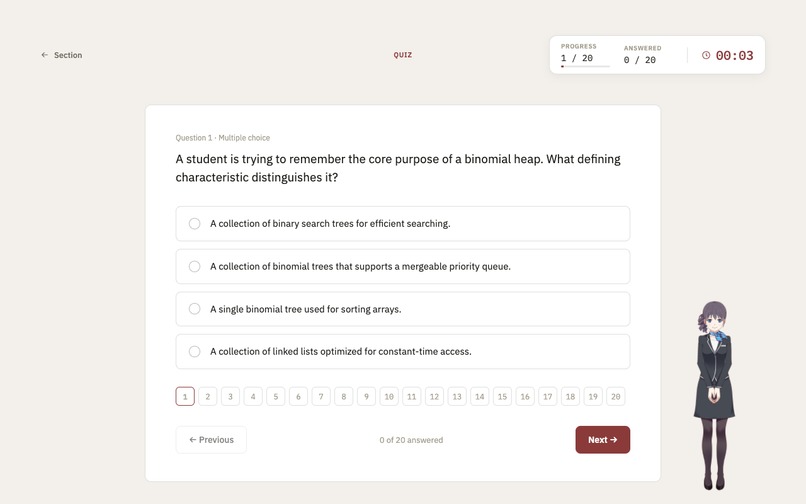
quiz in progress
-
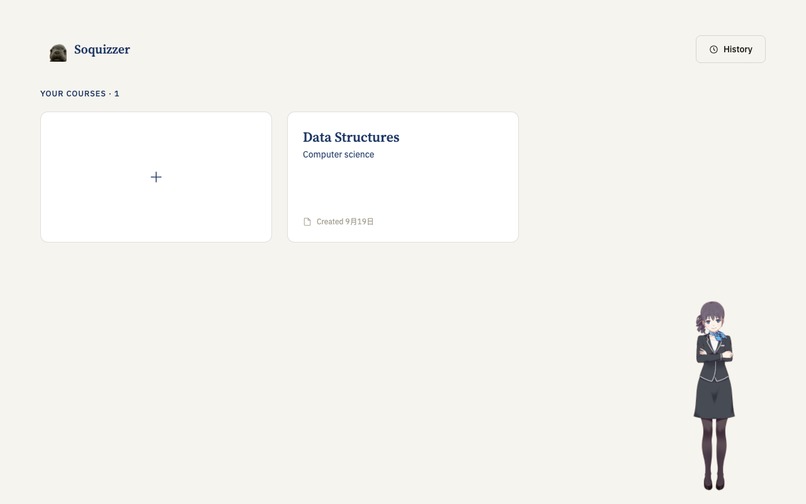
home page
-
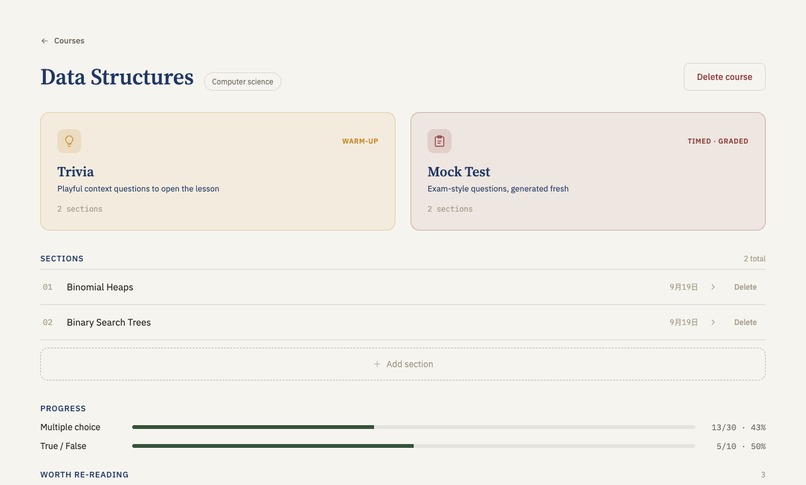
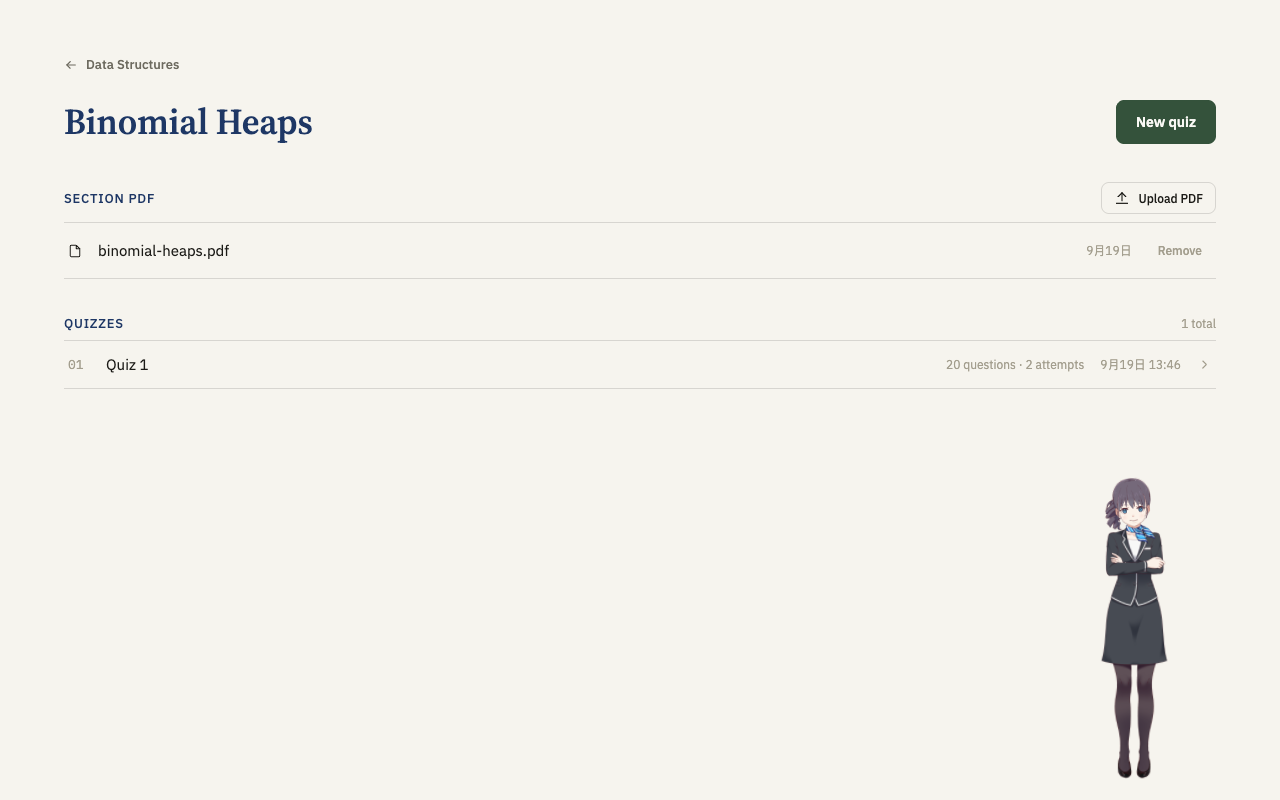
course menu
-
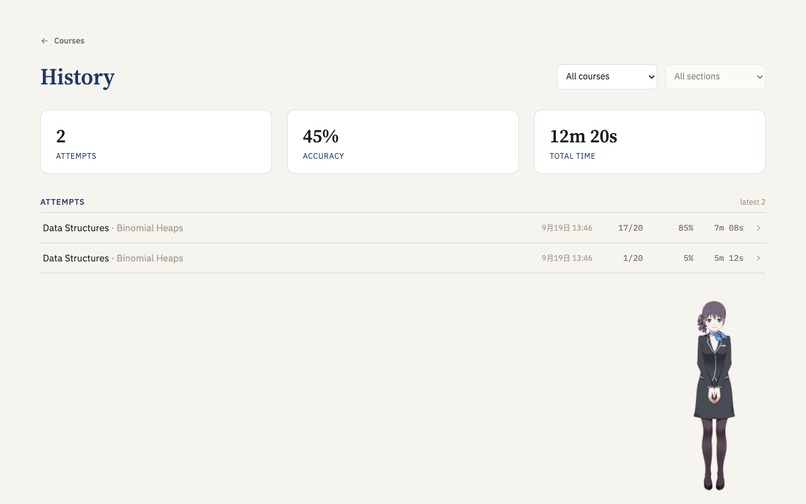
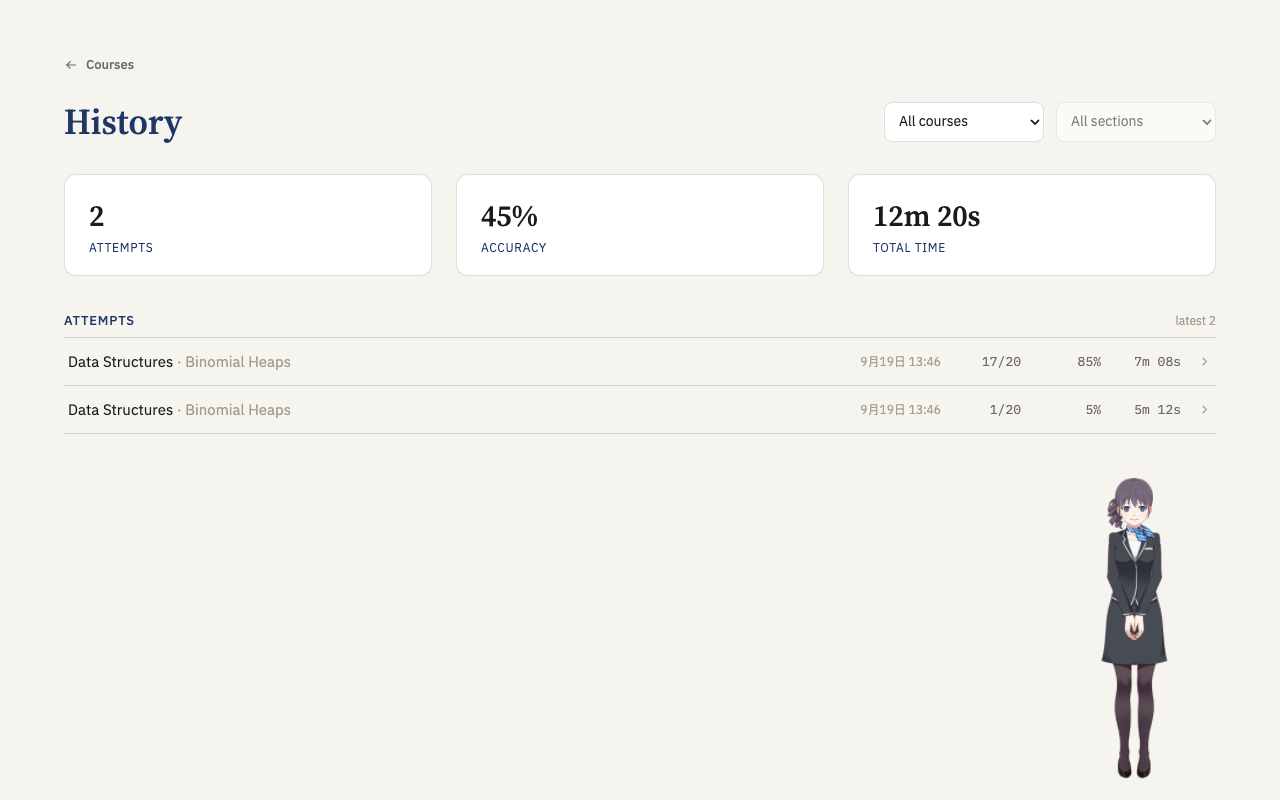
history page
-
Inspiration
Studying from slides and lecture notes usually means re-reading and hoping it sticks. It feels productive but passive. What works is testing yourself, and most of us don't, because writing good practice questions takes as long as studying. We wanted to drop in a PDF and get a quiz, with an app that remembers what we keep getting wrong and aims the next quiz there.
What it does
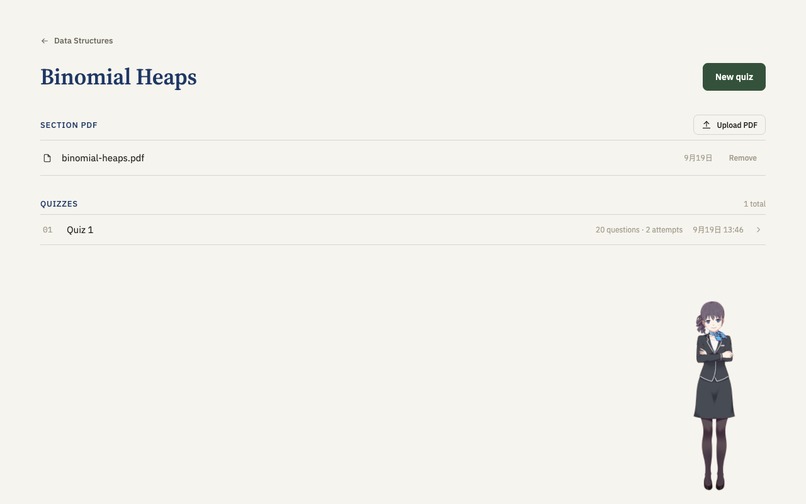
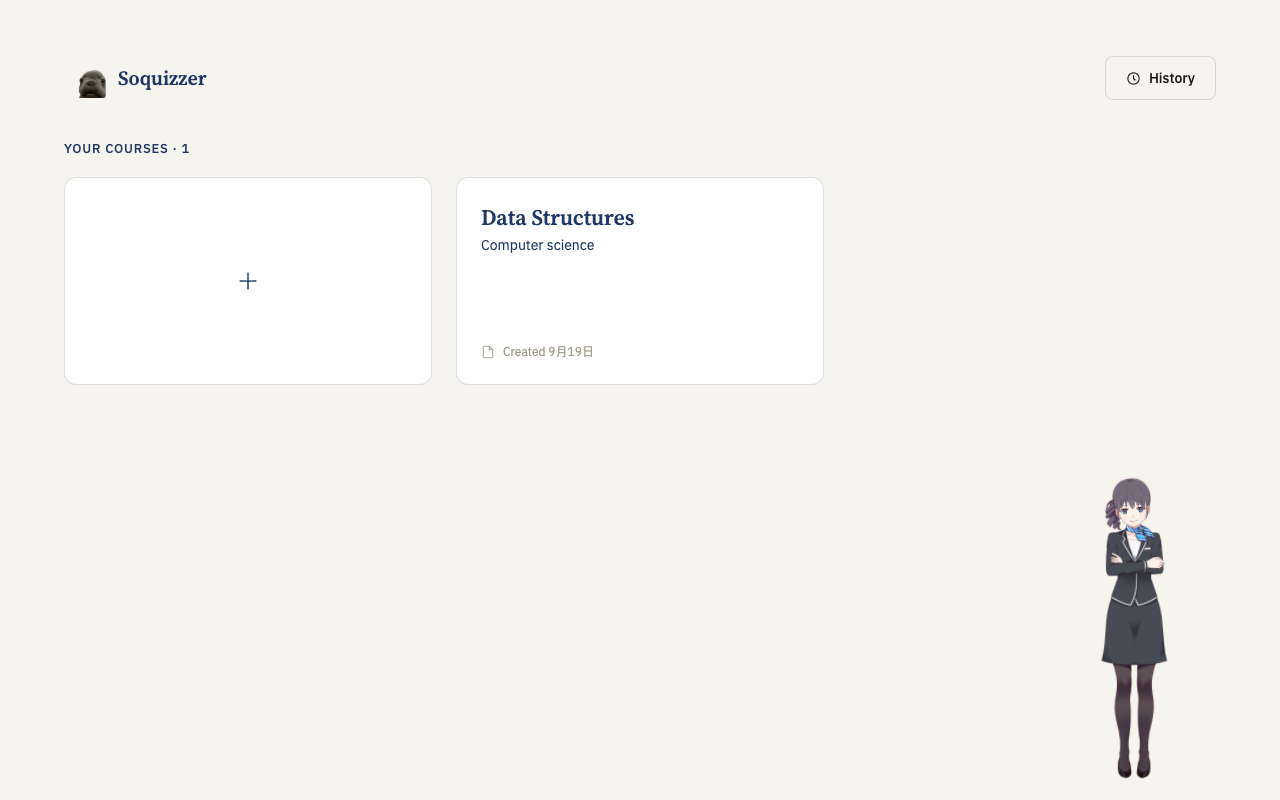
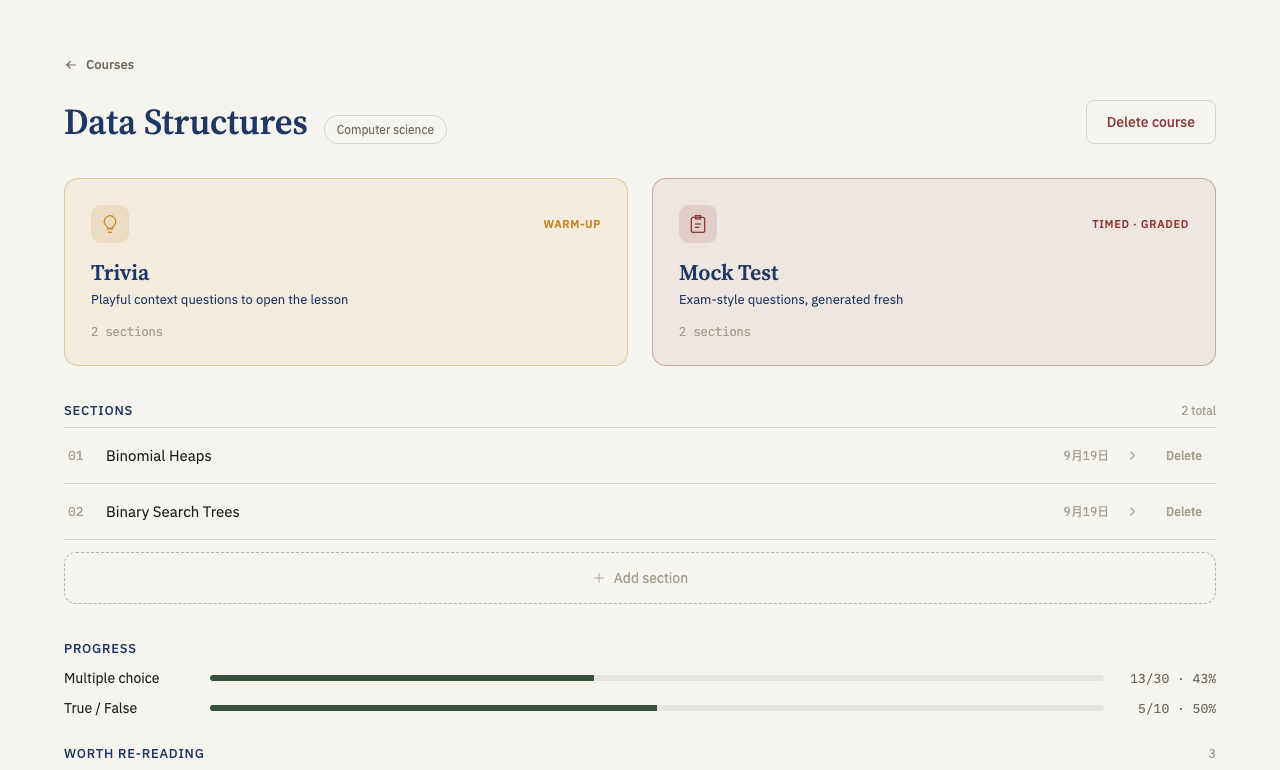
Soquizzer organizes a course into sections. Each section has one PDF, and every quiz in it is written from that PDF only.
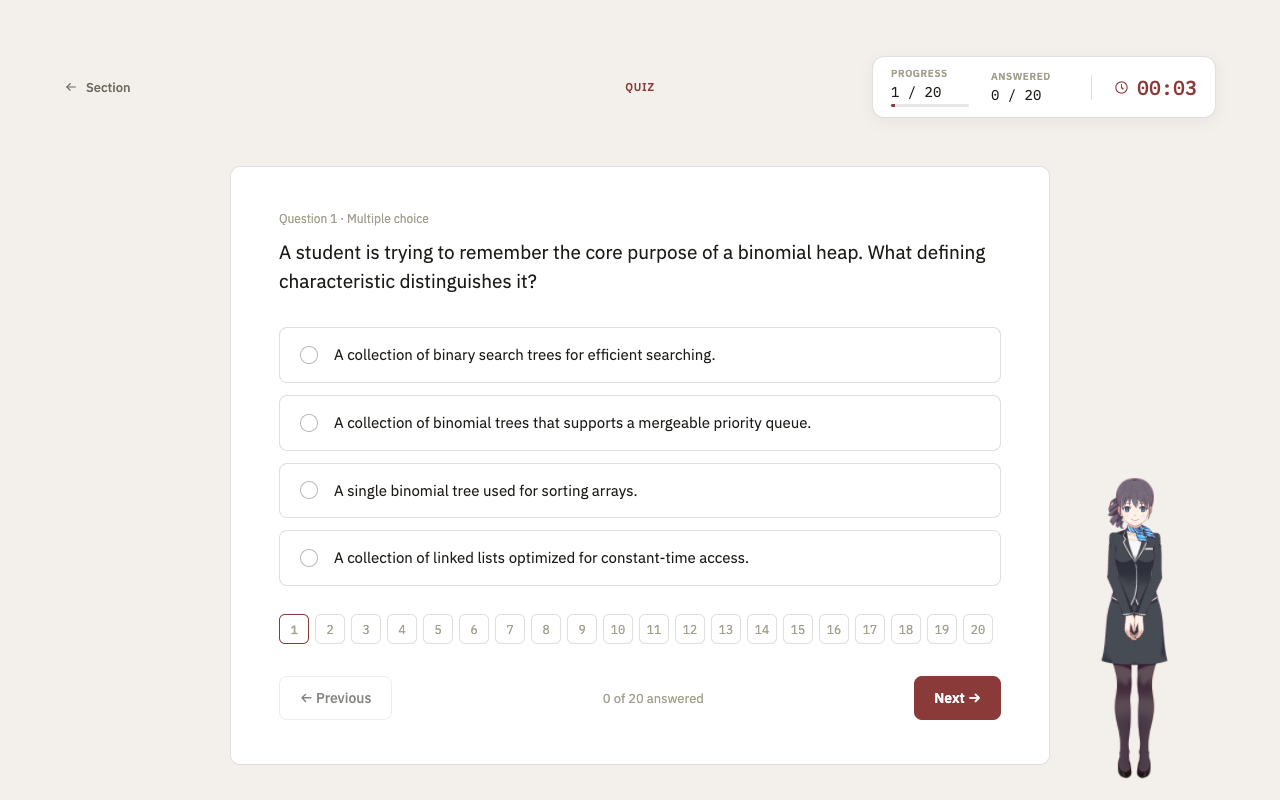
- Quizzes with 20 questions (multiple choice and true/false), graded instantly. Each answer comes with an explanation and the heading or page to re-read.
- Fresh questions every round. Gemini sees the questions already asked, so the next quiz covers new ground.
- Mistake memory. Your still-wrong questions and per-type accuracy feed the next prompt, and at least half of the new questions target those gaps.
- Trivia and Mock Test modes, a "worth re-reading" list, an activity heatmap and a full attempt history.
- A Live2D study assistant that narrates what the app is doing, cheers or comforts you in voice clips, and answers questions about the current problem in chat.
- Rendered math. Gemini writes notation as LaTeX, so $\sigma^2 = \frac{1}{n}\sum_{i=1}^{n}(x_i-\mu)^2$ shows as a formula, not raw symbols.
How we built it
mermaid
flowchart LR
A["Section PDF"] -->|"pypdf (local)
Gemini OCR if scanned"| B["JSON in SQLite"]
B --> D["Gemini writes 20 questions"]
C["Past mistakes + questions already asked"] --> D
D --> E["Student takes the quiz"]
E --> F["Attempt saved"]
F -.->|"next quiz"| C
- Backend: Python 3.11, FastAPI, SQLAlchemy and SQLite, layered as controller → service → repository. Everything lives in one local file, with no Docker or database server.
- AI: the Google GenAI SDK with a fixed response schema, so every question arrives with its answer, explanation and source anchor.
- Frontend: React 19, Vite and React Router, packaged as an Electron desktop app. The assistant uses PixiJS and Live2D.
- Prompts: developed separately in a gemini-service/ sandbox and ported into the backend once they worked.
- Team: four people in parallel (backend, frontend, prompts, assistant), using branches and PRs.
Challenges we ran into
- Making every quiz different. Asking an LLM for "another quiz" tends to repeat itself. We feed it earlier question stems and steer half of each new quiz toward the student's weak spots.
- Waiting on Gemini. Generation takes several seconds and is synchronous. Progress bars and the assistant narrating each step keep the app from looking frozen.
- Scanned PDFs. With no text layer we fell back to Gemini OCR, which is slow and can fail. Unreadable files return a clear error and store nothing.
- Untrusted model output. Invalid output from Gemini is rejected before anything is saved, so a failed generation never leaves half-written data.
- A frontend bug. Wiring the assistant's chat into the quiz page caused an infinite re-render loop that we had to track down.
- Four people on one main. Merge conflicts pushed us into a strict pull → branch → sync → PR flow.
Accomplishments that we're proud of
- A quiz that adapts to you. Questions come from your own material and are aimed at your mistakes, and even with source-pointers so you know where to look.
- An assistant with a real personality. Voice clips for right and wrong answers, plus an in-quiz tutor chat, make studying feel less lonely.
- A reliable core. Extraction and grading involve no model, so they're fast and exact. 111 backend and 44 frontend tests, with no API key needed to run most of them.
- Shipping as a team. Over 40 merged PRs from four people, ending in a polished desktop app.
- Formulas that render. Math questions show real notation.
What we learned
- Keep the model out of anything that can be exact. Local extraction and grading by comparison are faster and safer than asking an LLM. Accuracy is just $\text{correct}/\text{answered}$.
- Store raw history, not summaries. Every quiz re-reads real answers from the database, so nothing drifts or loses detail.
- Prompting is iteration. Our quiz prompt went through six versions before we shipped it.
- Small feedback loops matter. Progress bars, instant answer reveals and a talking assistant changed how the app felt, even though the underlying quiz logic didn't change.
What's next for Soquizzer
- Windows support without WSL, since the one-click script currently targets macOS and Linux.
- More question types, such as short answer and fill-in-the-blank. We only generate multiple-choice and true/false today.
- Richer assistant tutoring, for example, keeping chat history across sessions. The conversation currently stays in the client.
- Study planning: reminders and spaced repetition built on the mistake history we already store.
- Broader materials: slides, images and multiple PDFs per section.


Log in or sign up for Devpost to join the conversation.