-
-
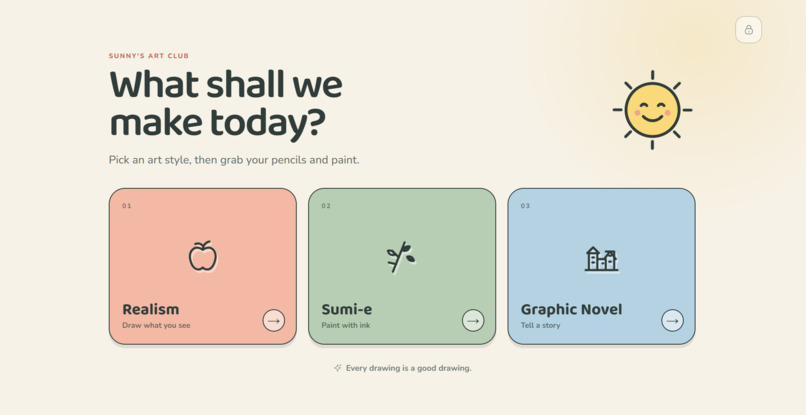
The home page
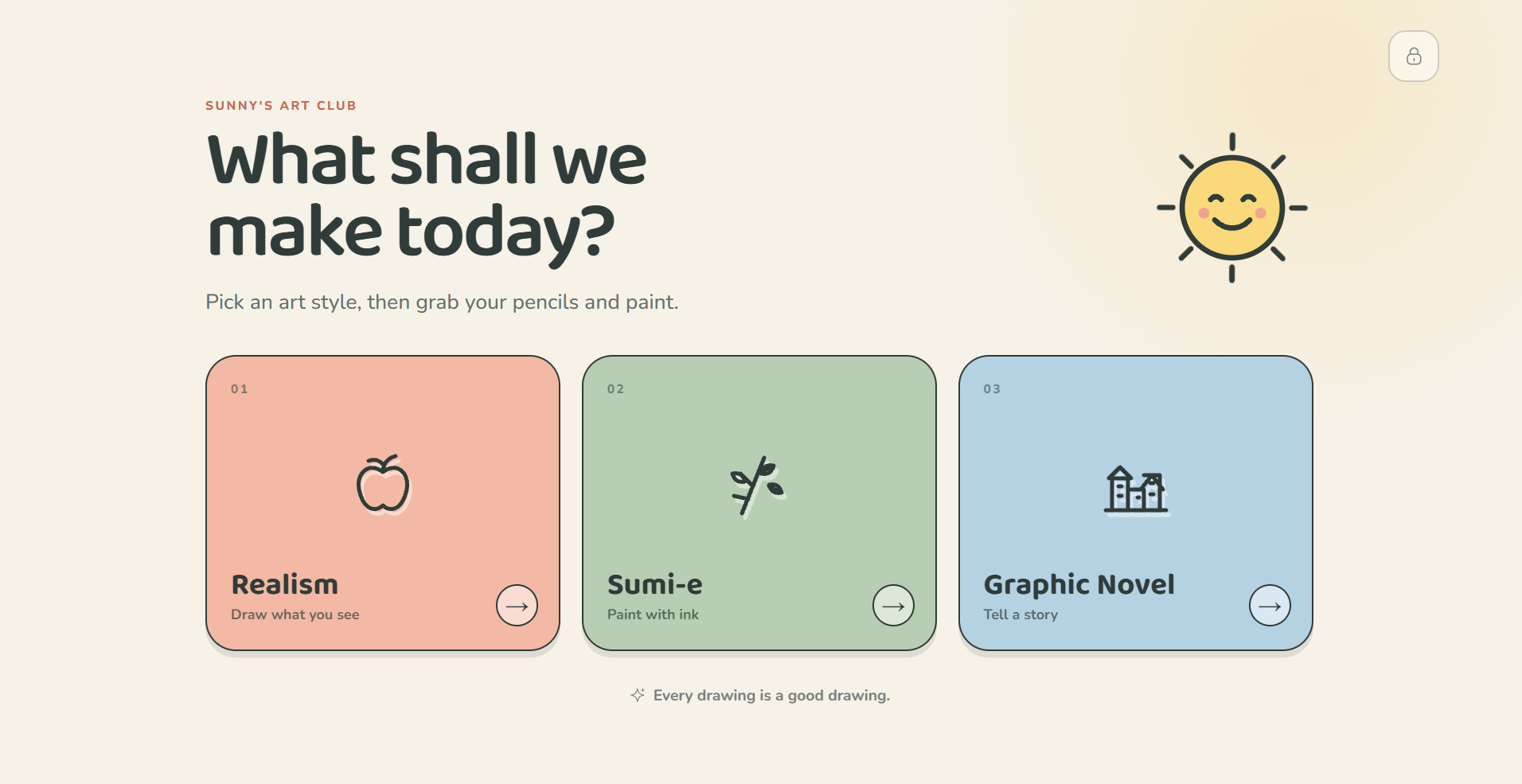
Inspiration
It started at home. One of our teammates has a young son, and he wanted a better way to help him with school than another worksheet or another app built to keep kids tapping.
As we dug in, we found America's kids are struggling to read: in 2024, 40% of fourth graders read below the basic level, and the lowest performers posted the worst scores in over 30 years (NAEP 2024). At the same time, when budgets shrink, art programs are often the first to go.
Research suggests the two are connected. Third graders who drew before writing produced more words, sentences, and ideas (Norris et al., 1997), and in one arts-integration program the share of 3rd–5th graders meeting reading expectations rose from 26.5% to 31.9% in two years (ArtsNOW). These are small studies, so we treat them as a reason to try, not as proof.
We also noticed that most kids' apps are built to keep kids tapping and to collect data. We wanted the opposite: a patient art teacher that makes screen time count and forgets everything when the session ends.
What it does
Sunny's Art Club is a drawing app for kids ages 5 and up, set up by a parent or teacher. Sunny teaches drawing one small step at a time, then coaches the child while they draw.
- Pick a style: Realism, Sumi-e (Japanese ink painting), or Graphic Novel.
- Pick a lesson: seven to start, like Little train, Bamboo stalk and City panel, each tagged with the skills it builds.
- Follow the steps: each step has a short instruction and a picture. The drawing so far is gray and the new part is in color, so the child always knows what to add next.
- Draw on screen with pencil, marker, brush and a color picker.
- Get coached: Sunny checks in after a pause or when the child taps the sparkle button. Replies are at most three short sentences: praise for what the child did, one small next step, and a question that lets them choose. Sunny never rates drawings and never draws for the child.
- Save to the Digital Fridge, where grown-ups can download or print the art. Drawings live only in the app's memory; closing the app clears them.
How we built it
- Front end: React 19, Vite and TypeScript, designed in Figma. Pointer events, so fingers and styluses both work.
- AI lessons: Gemini plans each lesson as steps plus a few simple shapes in JSON. Our server checks every shape and number and draws each step picture itself, so the model never sends drawing code. Lessons are prepared in the background when the server starts; if Gemini is slow or down, the app uses built-in steps.
- AI coaching: the app tracks four numbers while the child draws (stroke count, active time, shape variety, main colors) and sends them over a WebSocket. The server picks a teaching approach by rule and asks Gemini for a reply under fixed safety rules.
- Child safety: every word a child could see passes a profanity filter built on two open-source libraries plus our own word list, on top of Google's strictest safety settings.
- Privacy by design: no database, no files, no request logs, a read-only container, a conversation history the app holds and the server signs, and a zero-data audit script that checks the code and deployment files.
- Deployment: a Docker and Caddy kit for Vultr with logging off and no disk volumes.
- Testing: 156 automated tests (130 server, 26 app).
Challenges we ran into
- Scope. We started with English, math and art plus family-photo painting, and cut it to art only so we could finish one path well.
- Privacy versus helpfulness. A coach who sees the drawing gives better advice, but sending a child's picture to an AI company has real costs. Statistics-only coaching is the default.
- Reading the fine print. Google's Gemini terms restrict apps aimed at under-18s and allow up to 55 days of abuse-monitoring retention, so we rewrote our privacy claims to say exactly what is true.
- Safe, consistent AI drawings. Letting a model send drawing code to a child's screen was not acceptable. Sending checked shapes instead also made each step build cleanly on the last.
- Teamwork at 2 a.m. Separate Git histories and three people editing one screen taught us to split work by file.
Accomplishments that we're proud of
- A working path from choosing a lesson, to step-by-step pictures, to drawing, to coaching, to the Digital Fridge.
- AI-generated lessons where every step picture builds on the last, drawn by our own code from checked shapes.
- A server that stores nothing, backed by 156 automated tests and a zero-data audit.
What we learned
- Narrowing scope early is what let us finish anything at all.
- "Stores nothing" is a decision in every layer, not a line in a pitch.
- Every AI feature needs a fallback; our app still works when the model is slow or down.
- Kids' apps carry real legal and ethical weight, and the fine print matters as much as the code.
What's next for Sunny's Art Club
- Real-time feedback on each stroke of a child's pen or finger, not just after a pause.
- Mode buttons and a rule picker on screen. The server already supports them.
- A voice for Sunny, so children who can't read yet can follow every step by ear.
- Family-photo lessons: a parent uploads a photo, the app turns it into a painting lesson, and the photo is deleted.
- Testing with real kids, parents, and teachers before claiming the app helps.
- Settling the under-18 question with our AI provider, or moving to a model whose terms allow children's apps.

Log in or sign up for Devpost to join the conversation.