Inspiration
Every day, 285 million visually impaired people navigate a world designed for sight. Existing assistive tools offer basic object detection or OCR — but they don't reason. They'll tell you "there's a car" but not "don't cross yet, the car is approaching from your left at speed."
We asked: What if your phone could think like a sighted companion? Not just describe, but understand context, assess danger, and give actionable guidance — all through natural voice conversation.
What it does
SonicSight transforms a smartphone into an intelligent spatial assistant:
- 🎬 Scene Understanding — Continuously analyzes camera frames, identifying objects, reading text, counting people, and detecting hazards
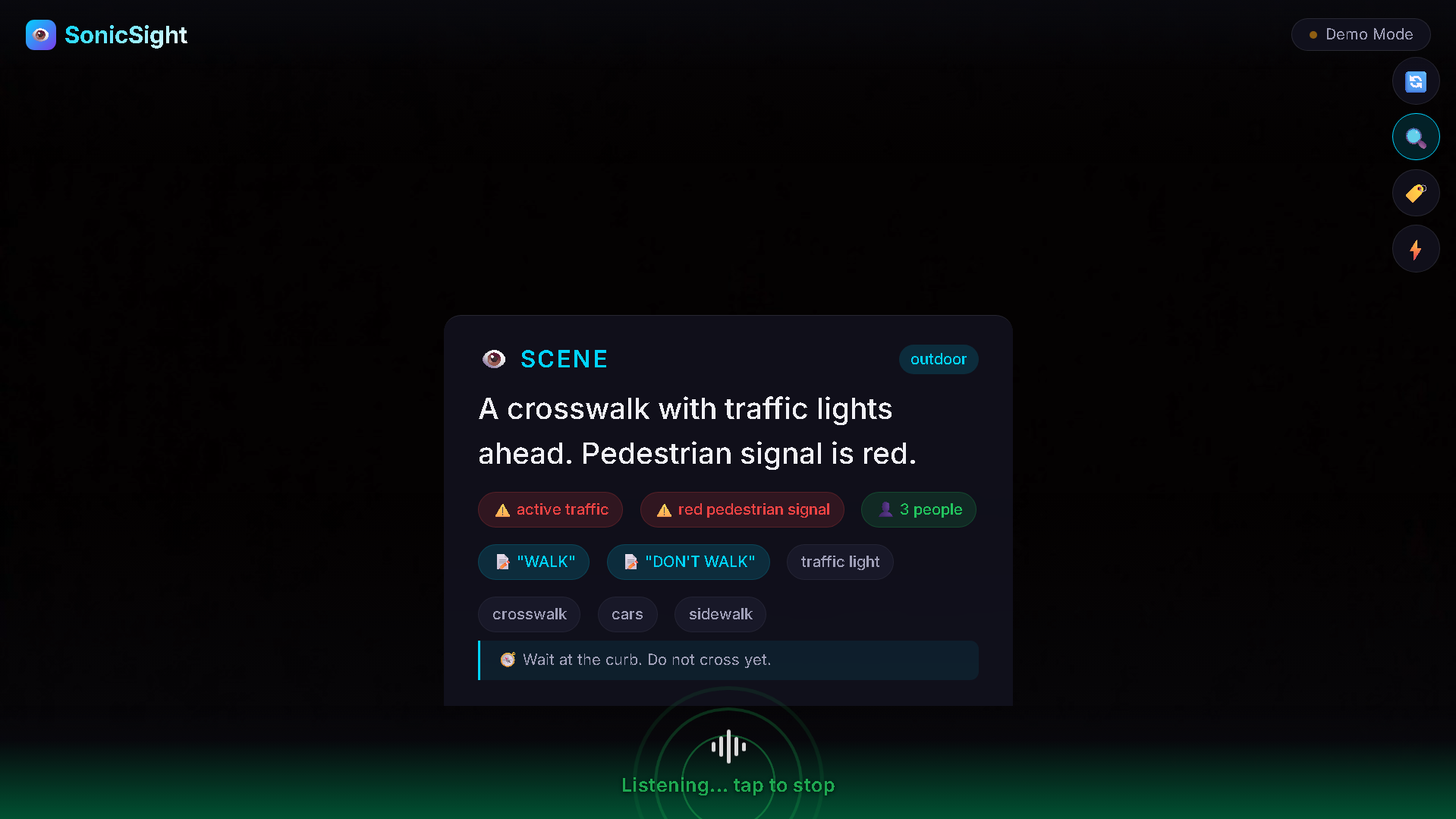
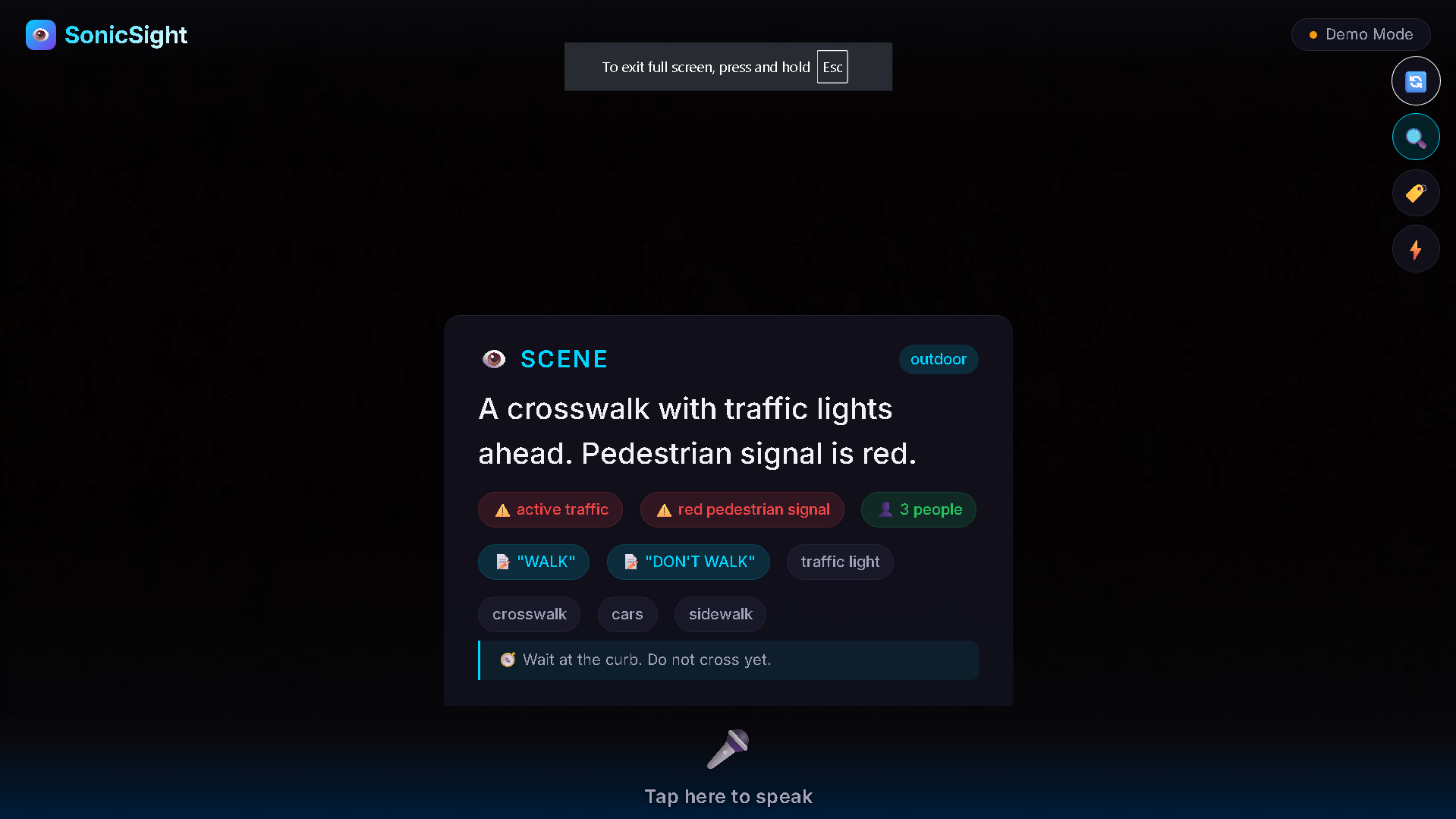
- 🛡️ Safety Reasoning — Goes beyond detection to contextual danger assessment: "The pedestrian signal is red. Wait at the curb."
- 🗣️ Voice Conversation — Natural speech Q&A: "What's in front of me?" → Contextual, spoken response
- 🏷️ Personal Object Recognition — Train it to recognize your keys, medication, or wallet using multimodal embeddings
How we built it
Frontend: React + Vite PWA with a blind-first design philosophy:
- Full-screen tap zones (no tiny buttons to find)
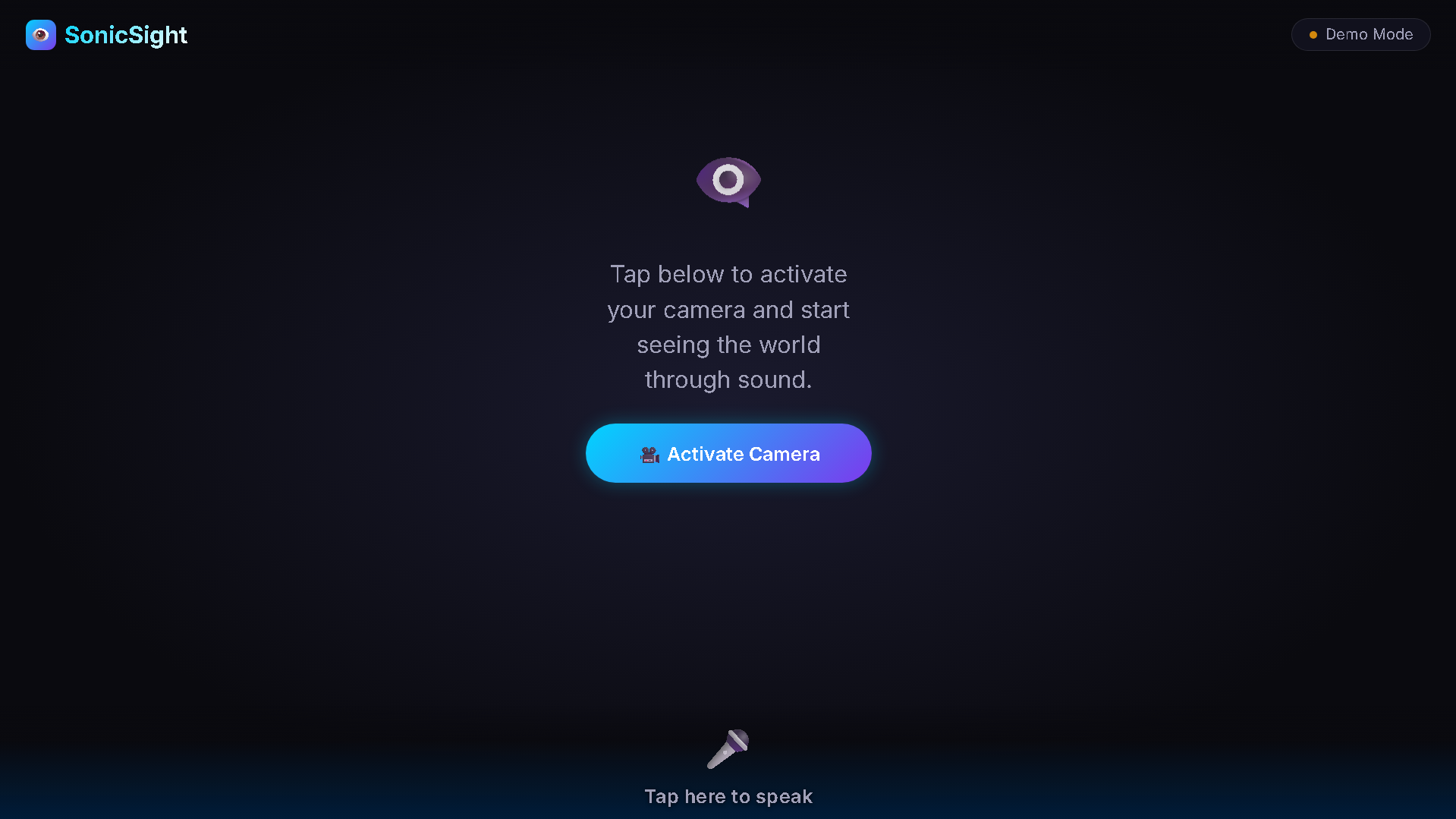
- Voice-guided onboarding that speaks instructions aloud
- Camera auto-starts — zero visual interaction required
- The entire bottom of the screen is a mic tap zone
Backend: Python FastAPI serving REST endpoints and a WebSocket proxy:
- Scene analysis via Amazon Nova Lite (multimodal vision)
- Safety reasoning via Amazon Nova Lite (contextual evaluation)
- Voice conversation via Amazon Nova Sonic (speech-to-speech streaming)
- Object embeddings via Amazon Nova Embed (multimodal embeddings with cosine similarity matching)
Key Design Decision: We chose a PWA over a native app — no install friction, instant camera/mic access, and works on any smartphone with a browser.
Challenges we faced
Accessibility-first is hard — Our initial UI had beautiful buttons that a blind user could never find. We had to rethink everything: auto-start camera, speak all instructions, make the entire bottom screen edge a tap target.
Latency budget — Scene analysis → safety reasoning → voice response must complete in under 1 second. We solved this with frame interval tuning (4s between captures) and streaming responses.
Stale closure bugs in React — Real-time hooks (camera, voice, API) with multiple async streams created subtle state bugs. We used refs to break closure staleness.
Nova Sonic integration — Bridging browser WebSocket audio to Nova Sonic's bidirectional streaming required careful session management and context injection.
What we learned
- Accessibility isn't a feature, it's architecture. You can't bolt it on — it changes how you design every interaction.
- Amazon Nova's multimodal capabilities (vision + reasoning in one model) enable safety reasoning that wasn't possible with detection-only models.
- PWAs are underrated for accessibility — screen readers, haptic feedback, and speech APIs all work natively.
What's next
- Haptic feedback — vibration patterns for danger proximity
- Offline mode — on-device models for areas without connectivity
- Community object library — share trained object models across users
- Navigation integration — turn-by-turn walking directions with spatial audio
Built With
- amazon-bedrock
- amazon-nova-embed
- amazon-nova-lite
- amazon-nova-sonic
- css3
- fastapi
- javascript
- progressive
- python
- react
- vite
- web
- websocket


Log in or sign up for Devpost to join the conversation.