-
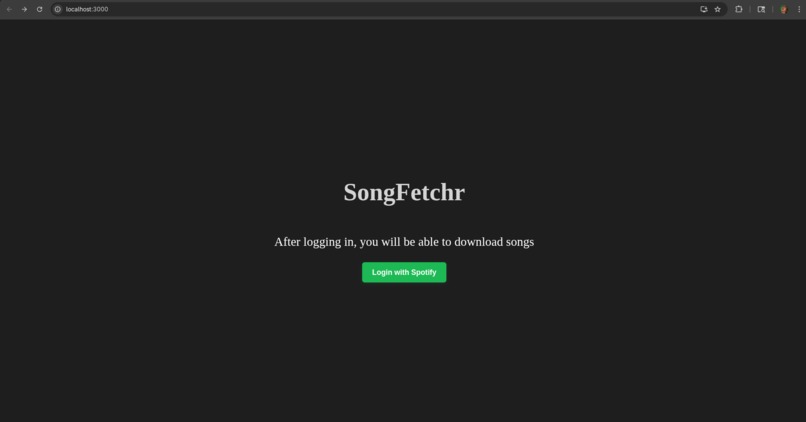
Project in action ToT
-
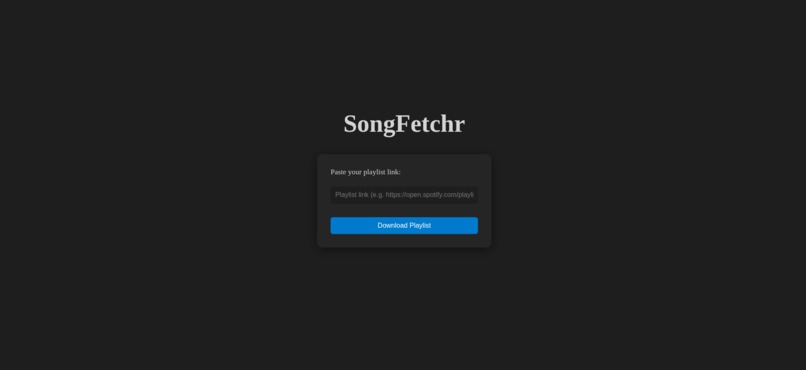
its that ez
Inspiration
->After the hackathon, I wanted to make a beneficial and enjoyable tool that I would truly use. It was always a pain for me as a music lover to download songs from my Spotify playlists for offline listening. also I wanted a project that I could complete on my own during the hackathon using React, which I recently learned how to use through ACM workshops and my own practice.
What it does
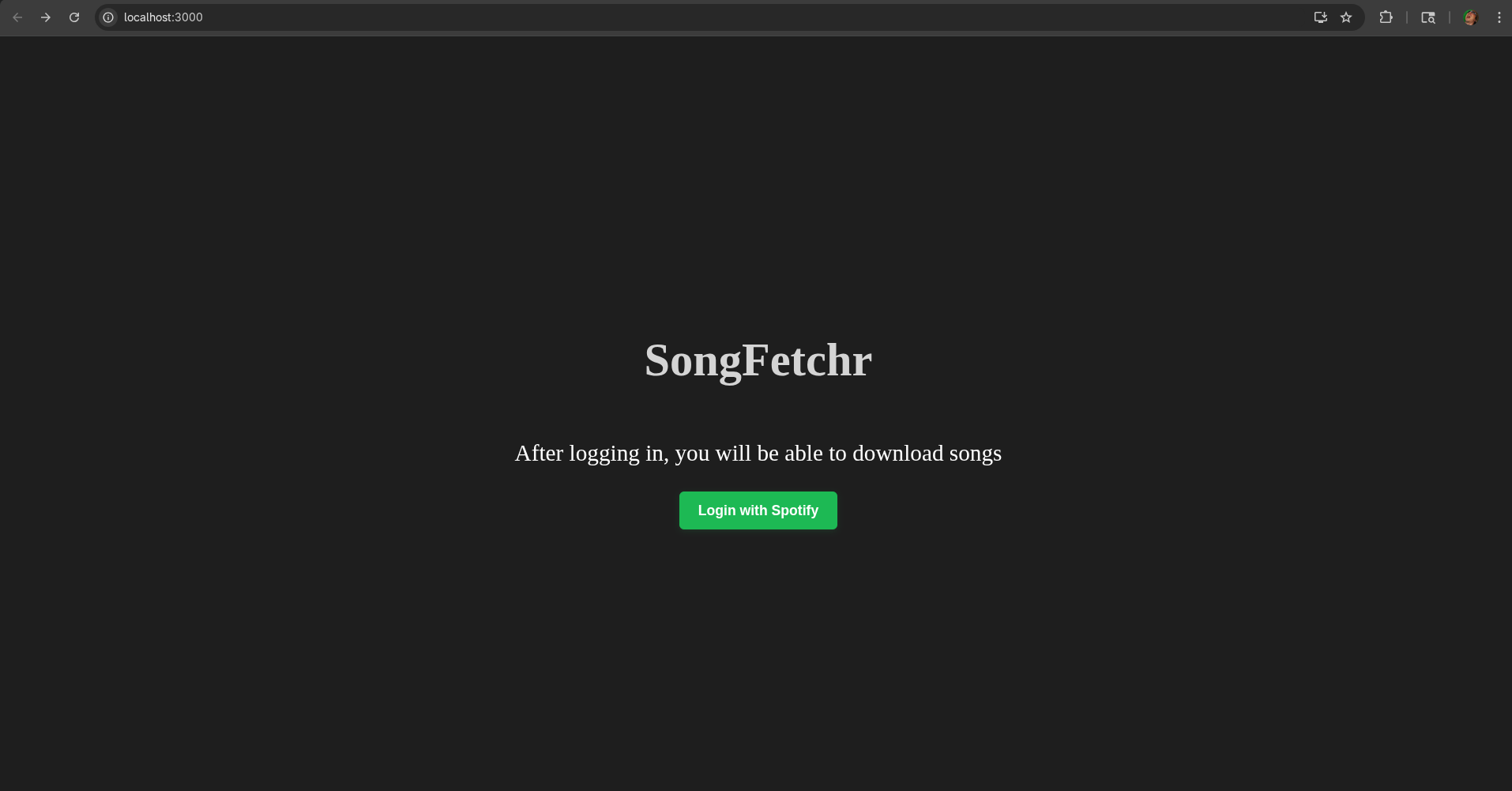
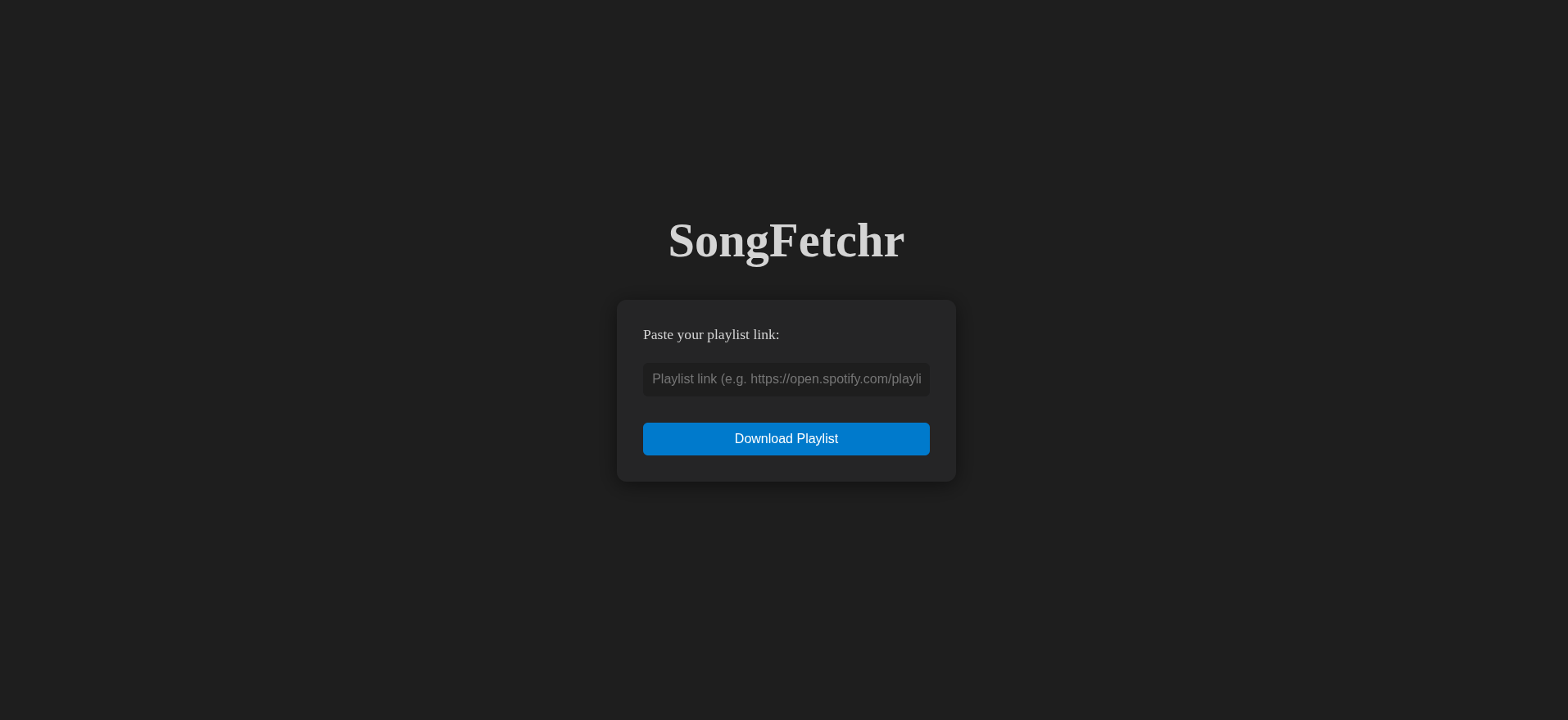
->SongFetchr lets you easily download all the tracks from any Spotify playlist as MP3 files and saves them directly to your computer’s Downloads folder. Just enter your Spotify credentials and playlist link, and SongFetchr handles the rest.
How I built it
->I built the frontend in React for a responsive user experience. The backend uses Python and Flask to handle API requests, process Spotify playlists, and automate song downloads using yt-dlp. Environment variables keep credentials secure, and the workflow is fully automated from playlist input to MP3 download.
Challenges I ran into
1.Integrating Spotify’s API and handling authentication securely. 2.CORS issues: Ensuring the backend allowed requests from the frontend, especially for preflight OPTIONS requests. 3.Token exchange: Handling the code/token flow securely between frontend, backend, and Spotify. 4.Frontend/backend integration: Making sure the login flow redirected users properly and tokens were passed between services.
Accomplishments that I am proud of
1.Built a full-stack app solo in a short timeframe. 2.Automated the entire playlist-to-MP3 workflow. 3.Created a tool that’s genuinely useful for everyday people.
What I learned
->How to connect React frontends to Python backends,I also learnt how to work with oauth and environment variables,automating media downloads and managing file cleanup and the HUGE importance of user feedback.
What's next for SongFetchr
->Add support for more music platforms (Apple Music, YouTube Music). ->Improve download speed and reliability.
Built With
- flask
- github-copilot
- javascript
- oauth
- python
- react
- spotifyapi


Log in or sign up for Devpost to join the conversation.