AI Video Effects Studio
Inspiration
The inspiration for AI Video Effects Studio came from observing the challenges content creators face in producing engaging video content. Many creators have great audio content—podcasts, music, voiceovers—but lack the technical skills or expensive software to transform them into visually stunning videos. We wanted to democratize video creation by building a tool that's as simple as uploading an audio file but as powerful as professional video editing software.
We were particularly inspired by the needs of:
- Non-speaking creators who want to convert their written ideas into video content
- Musicians and podcasters looking to expand their reach on video platforms
- Social media creators who need quick, eye-catching content
- Accessibility advocates who want to make content creation more inclusive
What it does
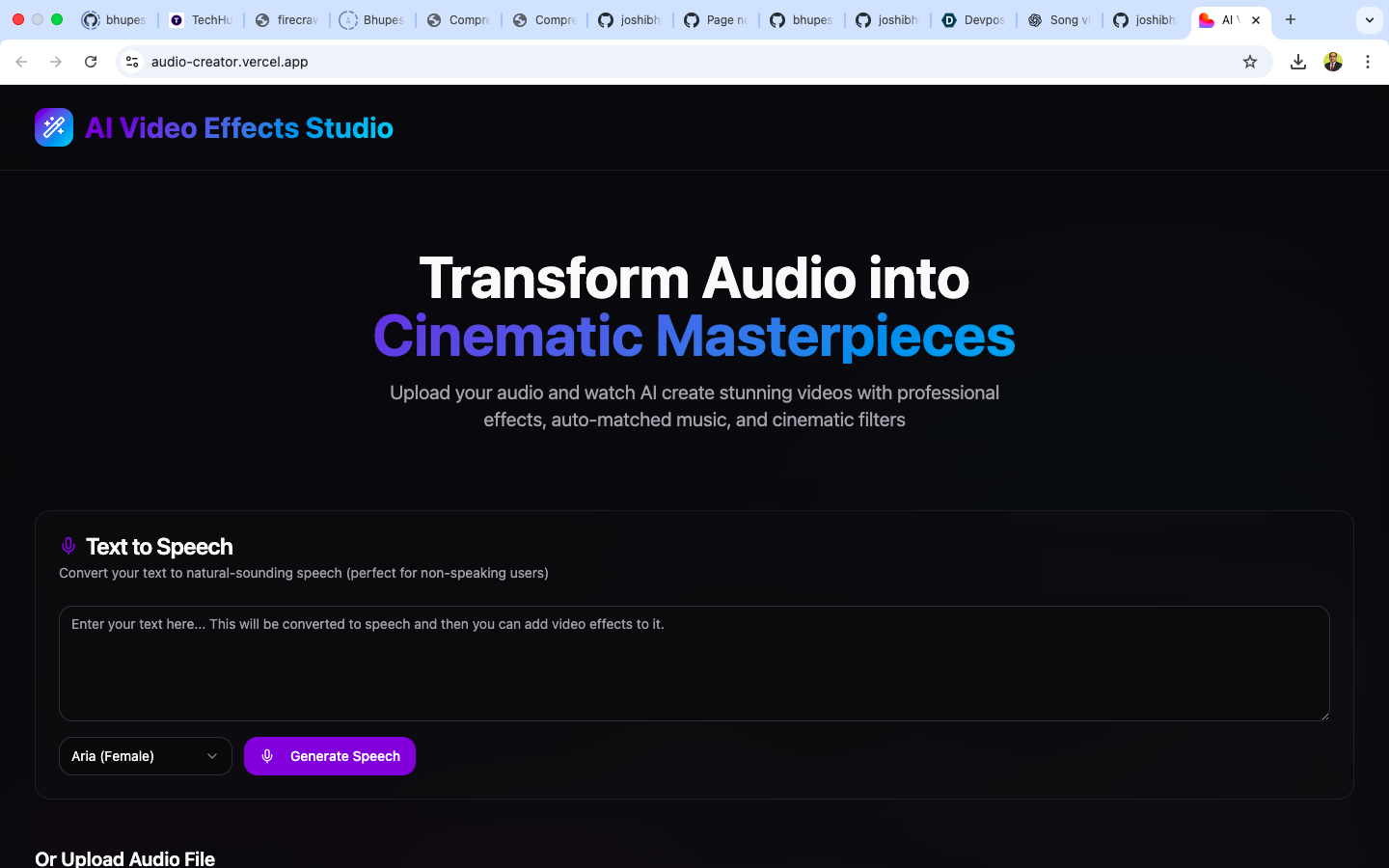
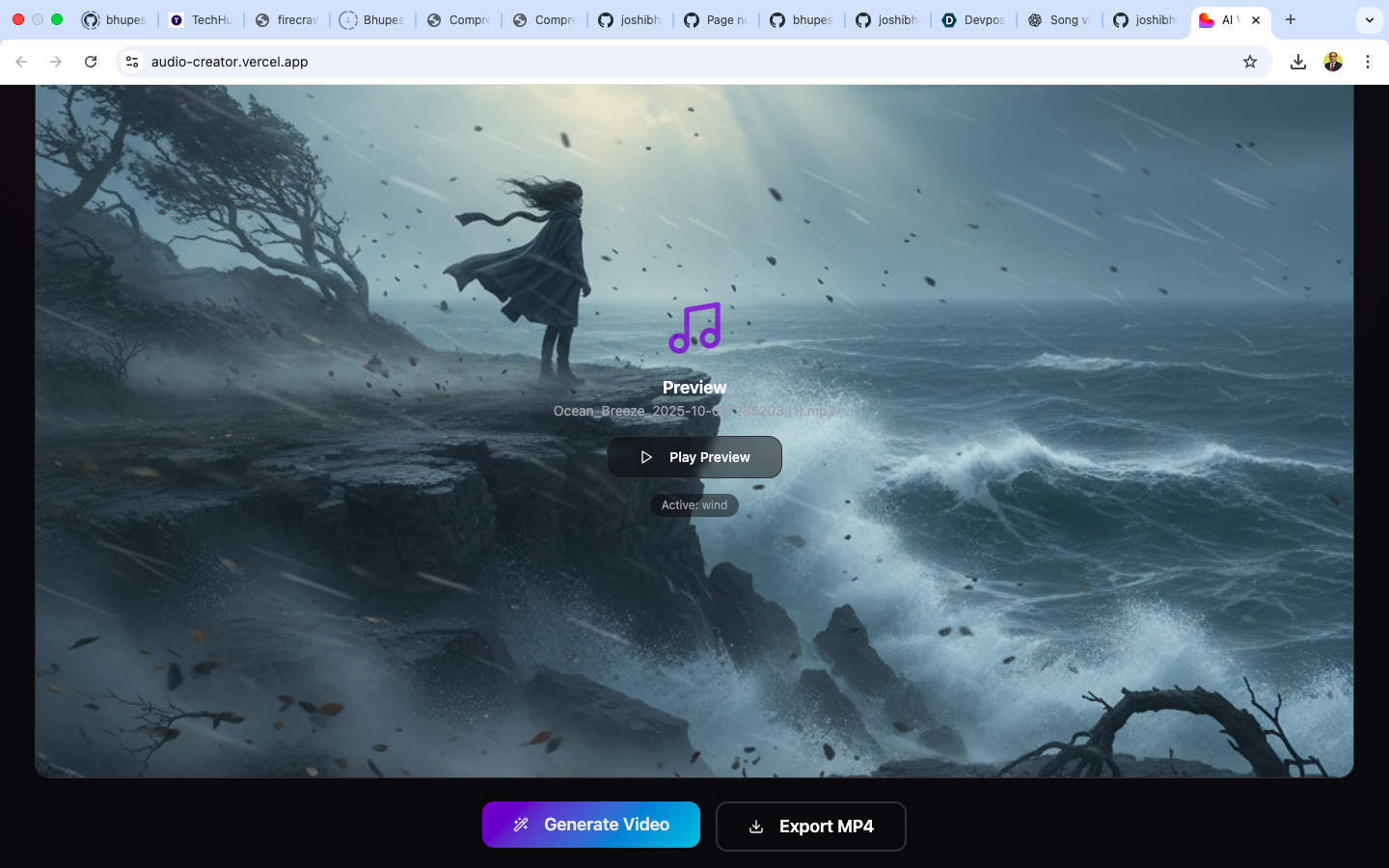
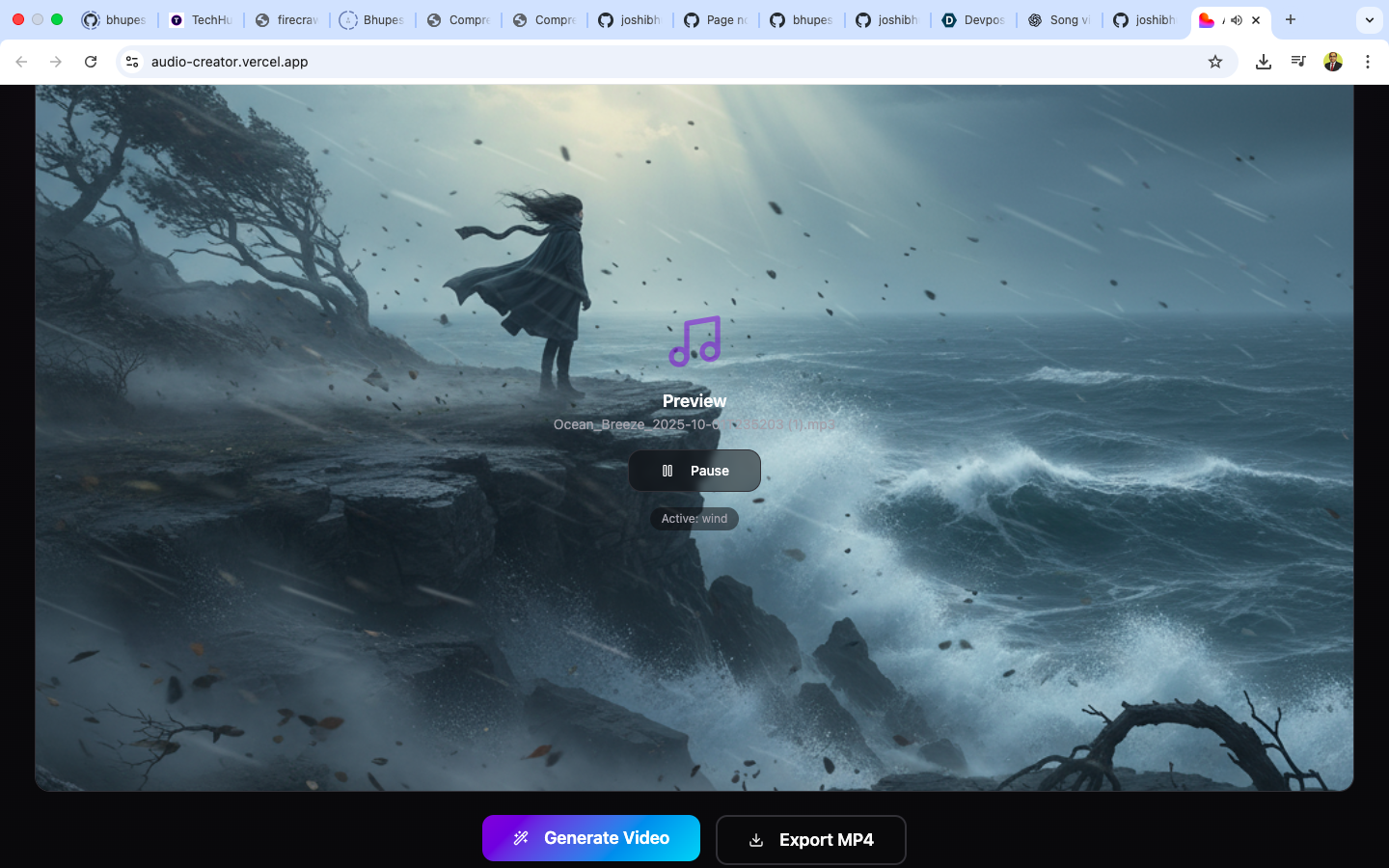
AI Video Effects Studio is a web-based platform that transforms audio into cinematic videos with professional-grade visual effects. Here's what makes it special:
Core Features:
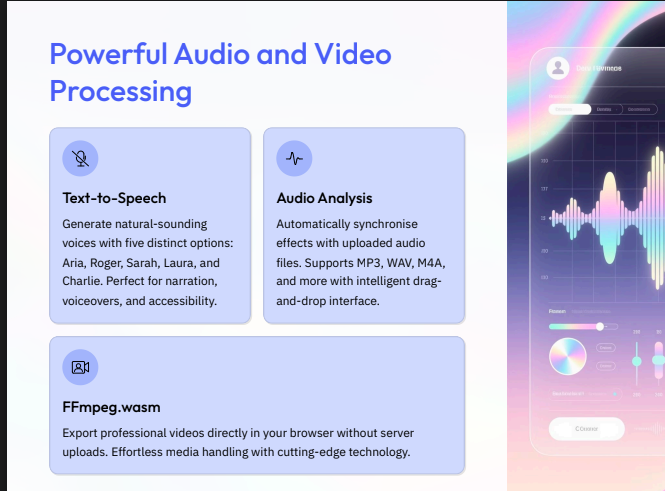
Text-to-Speech Conversion: Users can type any text and convert it to natural-sounding speech using multiple voice options (Aria, Roger, Sarah, Laura, Charlie)
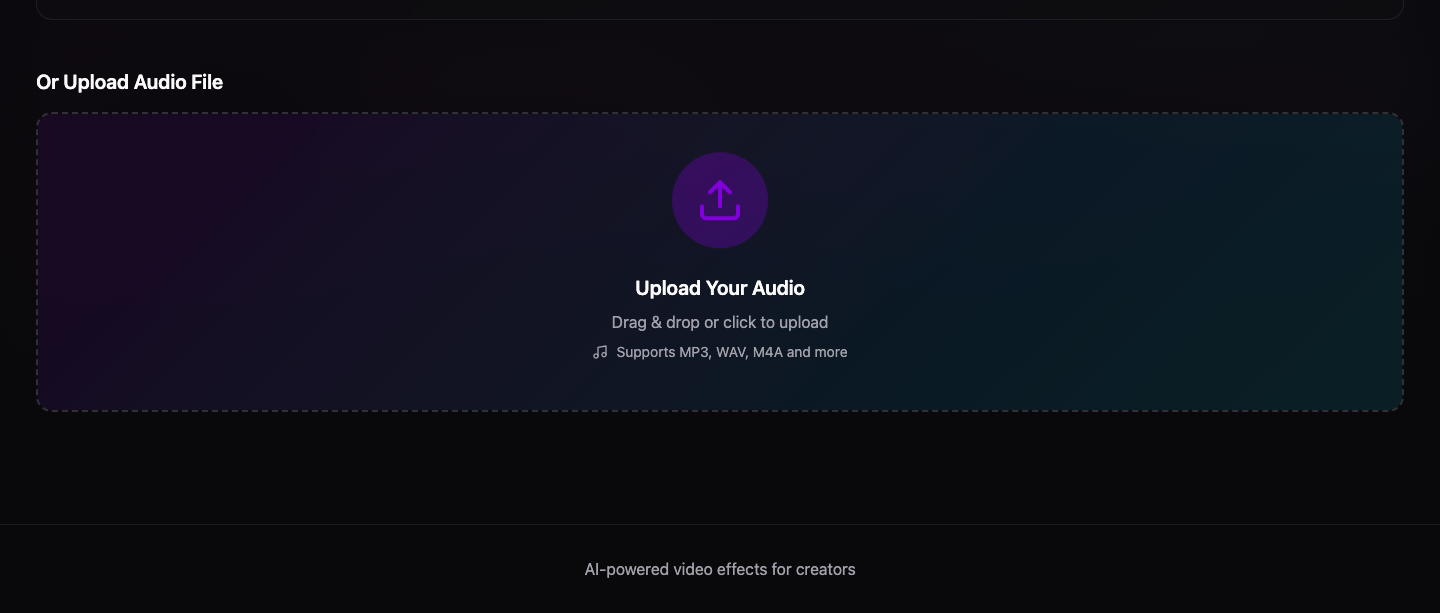
Audio Upload: Support for various audio formats (MP3, WAV, M4A) with an intuitive drag-and-drop interface
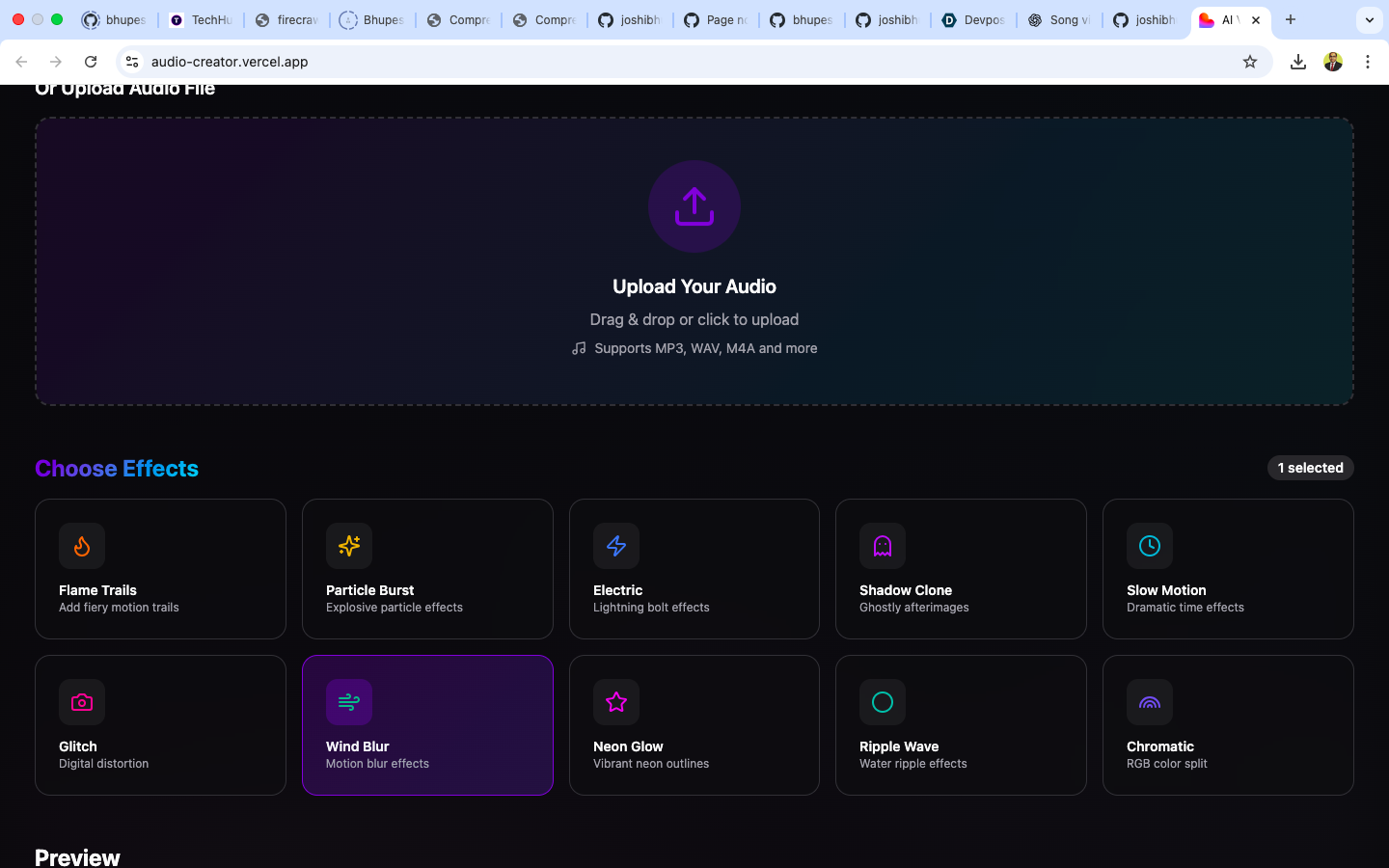
10 Professional Visual Effects:
- Flame Trails - Fiery motion effects
- Particle Burst - Explosive particle animations
- Electric - Lightning bolt effects
- Shadow Clone - Ghostly afterimages
- Slow Motion - Dramatic time manipulation
- Glitch - Digital distortion effects
- Wind Blur - Motion blur effects
- Neon Glow - Vibrant neon outlines
- Ripple Wave - Water ripple effects
- Chromatic - RGB color split effects
AI-Powered Visual Generation: Automatically creates custom visuals that match the mood and style of selected effects
Smart Audio Analysis: Analyzes audio to create an intelligent effect timeline that syncs perfectly with the audio
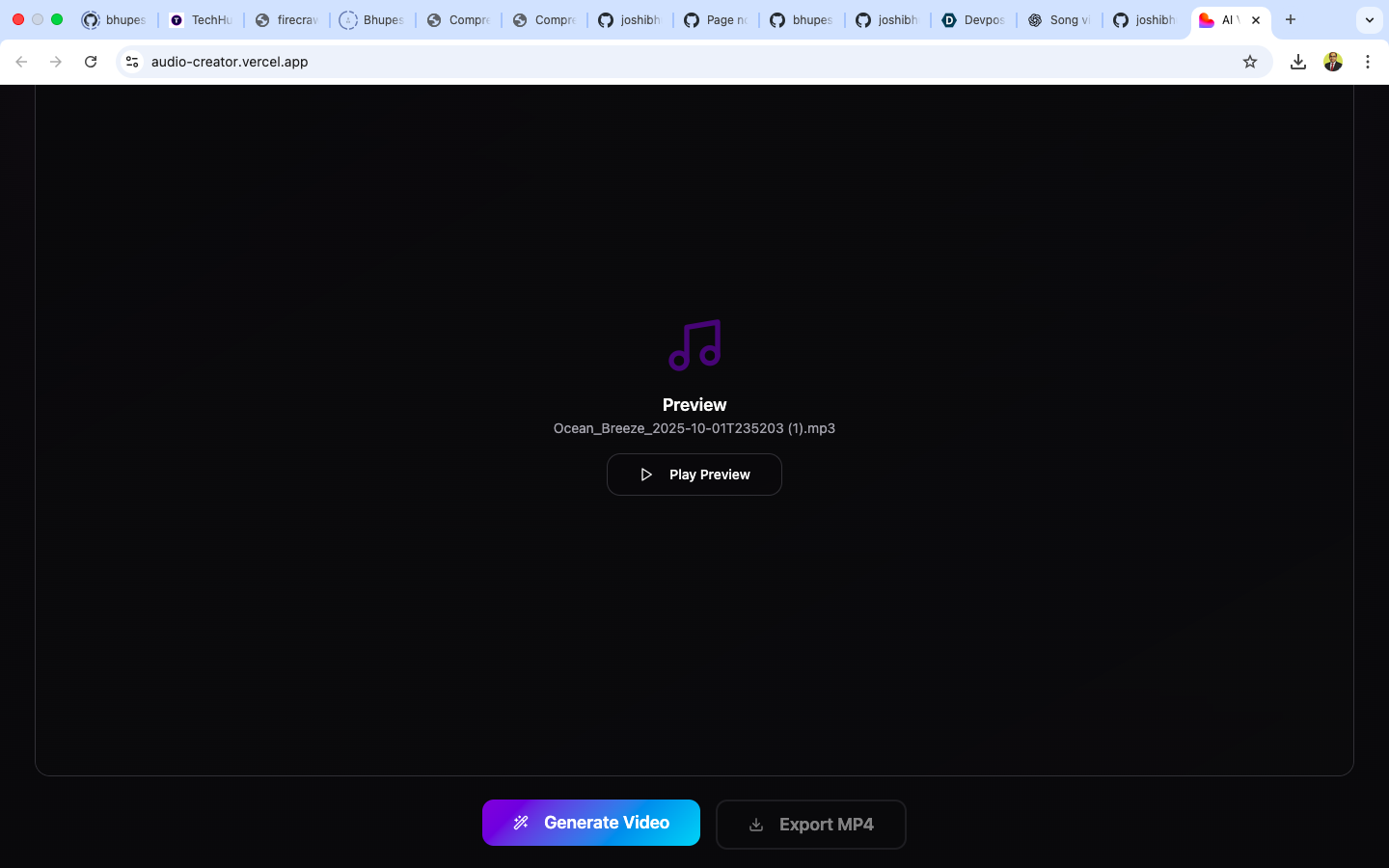
One-Click Export: Export professional MP4 videos ready for YouTube, TikTok, Instagram, or any platform
How we built it
Frontend Architecture:
- React 18 + TypeScript: For type-safe, component-based UI development
- Vite: Lightning-fast build tool and development server
- Tailwind CSS + shadcn/ui: For a beautiful, responsive, and accessible interface
- Radix UI: Ensuring all components meet accessibility standards
- React Query: Efficient data fetching and state management
Backend & Services:
- Supabase: Backend-as-a-Service for authentication, database, and serverless functions
- Supabase Edge Functions: Three custom functions:
text-to-speech: Converts text to natural speech using AIanalyze-audio: Analyzes audio characteristics and creates effect timelinesgenerate-slides: Uses AI to generate custom visuals based on selected effects
Media Processing:
- FFmpeg.wasm: Browser-based video processing that runs entirely client-side
- Custom video exporter that combines audio, AI-generated images, and effect metadata
Development Workflow:
- Set up React + TypeScript project with Vite
- Integrated shadcn/ui component library for rapid UI development
- Built custom components for audio upload, effect selection, and video preview
- Developed Supabase Edge Functions for AI-powered features
- Implemented FFmpeg.wasm for client-side video rendering
- Extensive testing across different audio formats and effect combinations
Challenges we ran into
1. Browser-Based Video Processing
Running FFmpeg in the browser was challenging due to:
- Large WASM file sizes affecting initial load times
- Memory constraints when processing longer videos
- Cross-browser compatibility issues
- Solution: Implemented lazy loading for FFmpeg, optimized memory usage, and added progress indicators
2. Audio-Visual Synchronization
Creating effects that perfectly sync with audio required:
- Accurate audio analysis algorithms
- Precise timing calculations
- Handling variable audio formats and sample rates
- Solution: Built a custom audio analyzer that extracts tempo, beats, and energy levels to create intelligent effect timelines
3. AI Image Generation Integration
Integrating AI image generation had challenges:
- API rate limits and costs
- Ensuring generated images match the selected effects
- Handling generation failures gracefully
- Solution: Implemented smart prompt engineering, caching strategies, and fallback mechanisms
4. Text-to-Speech Quality
Getting natural-sounding speech required:
- Testing multiple TTS providers
- Handling different text formats and special characters
- Managing API costs
- Solution: Chose a high-quality TTS service and implemented text normalization
5. Performance Optimization
Keeping the app responsive with heavy media processing:
- Large file uploads
- Real-time preview rendering
- Multiple simultaneous API calls
- Solution: Implemented Web Workers, optimized bundle size, and used React Query for efficient caching
Accomplishments that we're proud of
Accessibility First: Built a tool that empowers non-speaking users to create video content, making content creation more inclusive
Professional Quality: Achieved professional-grade video effects that rival expensive desktop software, all running in a browser
User Experience: Created an intuitive interface that requires zero learning curve—upload, select, export
Performance: Successfully implemented browser-based video processing that handles files up to several minutes long
AI Integration: Seamlessly integrated multiple AI services (TTS, image generation, audio analysis) into a cohesive workflow
Complete Solution: Built a full-stack application from scratch including frontend, backend, AI integration, and media processing
Open Source: Released under MIT license to help other developers and creators
What we learned
Technical Learnings:
- WebAssembly: Deep dive into WASM and how to run complex native applications in browsers
- Audio Processing: Understanding audio formats, codecs, and analysis techniques
- AI APIs: Working with various AI services and optimizing prompts for better results
- Edge Computing: Leveraging serverless edge functions for scalable backend processing
- Media Codecs: Learning about video encoding, containers, and browser compatibility
Design Learnings:
- Accessibility: Importance of building inclusive tools from the ground up
- Progressive Enhancement: Starting with core functionality and adding advanced features
- User Feedback: Iterating based on real user testing and feedback
Product Learnings:
- Scope Management: Balancing feature richness with development time
- Performance vs Features: Making trade-offs between capabilities and user experience
- Market Needs: Understanding what creators actually need vs what's technically impressive
What's next for AI Video Effects Studio
Short-term Goals (Next 3 months):
- More Effects: Add 10+ new visual effects (3D transforms, color grading, transitions)
- Custom Timelines: Allow users to manually adjust when effects appear
- Music Library: Integrate royalty-free music that auto-matches to video mood
- Templates: Pre-built effect combinations for different content types (podcast, music video, tutorial)
- Batch Processing: Process multiple audio files at once
Medium-term Goals (6-12 months):
- Video Input: Support video uploads and apply effects to existing videos
- Real-time Preview: Live preview of effects while selecting them
- Collaboration: Multi-user editing and sharing
- Mobile App: Native iOS and Android apps
- Advanced AI: Scene detection, automatic effect suggestions based on audio content
- Cloud Rendering: Optional cloud-based rendering for faster processing of long videos
Long-term Vision:
- AI Director Mode: Fully automated video creation—just upload audio and AI handles everything
- Live Streaming Effects: Real-time effect application for live streams
- Marketplace: Community-created effects and templates
- API Platform: Allow developers to integrate our effects into their own applications
- Enterprise Features: Team workspaces, brand kits, advanced analytics
- Educational Content: Tutorials and courses on video creation and effects
Community & Growth:
- Build an active community of creators sharing their work
- Partner with content creators and influencers for feedback and promotion
- Integrate with popular platforms (YouTube, TikTok, Instagram) for direct publishing
- Develop plugins for popular video editing software
Technology Stack
Languages
- TypeScript (v5.8.3) - Primary programming language
- JavaScript (ES Modules) - Runtime language
- CSS - Styling (via Tailwind CSS)
- HTML - Markup
Core Frameworks & Libraries
Frontend Framework
- React (v18.3.1) - UI library
- React DOM (v18.3.1) - React renderer for web
Build Tools & Development
- Vite (v5.4.19) - Build tool and dev server
- @vitejs/plugin-react-swc (v3.11.0) - React plugin with SWC compiler
- TypeScript (v5.8.3) - Type checking and compilation
Routing
- React Router DOM (v6.30.1) - Client-side routing
State Management & Data Fetching
- @tanstack/react-query (v5.83.0) - Server state management and caching
UI Component Libraries
Component Framework
- shadcn/ui - Component collection built on Radix UI
Radix UI Primitives (Accessible Components)
- @radix-ui/react-accordion (v1.2.11)
- @radix-ui/react-alert-dialog (v1.1.14)
- @radix-ui/react-aspect-ratio (v1.1.7)
- @radix-ui/react-avatar (v1.1.10)
- @radix-ui/react-checkbox (v1.3.2)
- @radix-ui/react-collapsible (v1.1.11)
- @radix-ui/react-context-menu (v2.2.15)
- @radix-ui/react-dialog (v1.1.14)
- @radix-ui/react-dropdown-menu (v2.1.15)
- @radix-ui/react-hover-card (v1.1.14)
- @radix-ui/react-label (v2.1.7)
- @radix-ui/react-menubar (v1.1.15)
- @radix-ui/react-navigation-menu (v1.2.13)
- @radix-ui/react-popover (v1.1.14)
- @radix-ui/react-progress (v1.1.7)
- @radix-ui/react-radio-group (v1.3.7)
- @radix-ui/react-scroll-area (v1.2.9)
- @radix-ui/react-select (v2.2.5)
- @radix-ui/react-separator (v1.1.7)
- @radix-ui/react-slider (v1.3.5)
- @radix-ui/react-slot (v1.2.3)
- @radix-ui/react-switch (v1.2.5)
- @radix-ui/react-tabs (v1.1.12)
- @radix-ui/react-toast (v1.2.14)
- @radix-ui/react-toggle (v1.1.9)
- @radix-ui/react-toggle-group (v1.1.10)
- @radix-ui/react-tooltip (v1.2.7)
Additional UI Components
- embla-carousel-react (v8.6.0) - Carousel/slider component
- vaul (v0.9.9) - Drawer component
- cmdk (v1.1.1) - Command menu component
- react-resizable-panels (v2.1.9) - Resizable panel layouts
Styling
CSS Framework & Utilities
- Tailwind CSS (v3.4.17) - Utility-first CSS framework
- @tailwindcss/typography (v0.5.16) - Typography plugin
- tailwindcss-animate (v1.0.7) - Animation utilities
- PostCSS (v8.5.6) - CSS processor
- Autoprefixer (v10.4.21) - CSS vendor prefixing
Styling Utilities
- tailwind-merge (v2.6.0) - Merge Tailwind classes
- clsx (v2.1.1) - Conditional class names
- class-variance-authority (v0.7.1) - Component variants
Theming
- next-themes (v0.3.0) - Theme management (dark/light mode)
Media Processing
Video & Audio
- @ffmpeg/ffmpeg (v0.12.15) - FFmpeg WebAssembly for video processing
- @ffmpeg/util (v0.12.2) - FFmpeg utilities
Backend & APIs
Backend as a Service
- @supabase/supabase-js (v2.78.0) - Supabase client for:
- Authentication
- Database
- Edge Functions
- Storage
Supabase Edge Functions (Custom APIs)
- text-to-speech - Text to speech conversion
- analyze-audio - Audio analysis and effect timeline generation
- generate-slides - AI image generation
Form Management
Forms & Validation
- react-hook-form (v7.61.1) - Form state management
- @hookform/resolvers (v3.10.0) - Form validation resolvers
- zod (v3.25.76) - Schema validation
- input-otp (v1.4.2) - OTP input component
UI/UX Libraries
Icons
- lucide-react (v0.462.0) - Icon library
Notifications
- sonner (v1.7.4) - Toast notifications
Date & Time
- date-fns (v3.6.0) - Date utility library
- react-day-picker (v8.10.1) - Date picker component
Charts & Data Visualization
- recharts (v2.15.4) - Chart library
Development Tools
Code Quality
- ESLint (v9.32.0) - JavaScript/TypeScript linter
- @eslint/js (v9.32.0) - ESLint JavaScript config
- typescript-eslint (v8.38.0) - TypeScript ESLint plugin
- eslint-plugin-react-hooks (v5.2.0) - React Hooks linting
- eslint-plugin-react-refresh (v0.4.20) - React Refresh linting
Type Definitions
- @types/node (v22.16.5) - Node.js type definitions
- @types/react (v18.3.23) - React type definitions
- @types/react-dom (v18.3.7) - React DOM type definitions
Build & Compilation
- @swc/core - Fast TypeScript/JavaScript compiler
- globals (v15.15.0) - Global identifiers
Development Utilities
- lovable-tagger (v1.1.11) - Development tagging utility
External APIs & Services
AI Services (via Supabase Edge Functions)
- Text-to-Speech API - Natural language speech generation
- Image Generation API - AI-powered image creation
- Audio Analysis API - Audio processing and analysis client-side application will then call your Supabase Edge Function, not the ElevenLabs API directly. This ensures that the ElevenLabs API key remains hidden from the client.
Package Manager
- npm / bun - Package management and dependency installation
Module System
- ES Modules (ESM) - Modern JavaScript module system
Summary by Category
Languages: 4
TypeScript, JavaScript, CSS, HTML
Core Libraries: 3
React, React DOM, React Router DOM
UI Components: 35+
Radix UI primitives, shadcn/ui, custom components
Styling Tools: 8
Tailwind CSS and related utilities
Media Processing: 2
FFmpeg.wasm and utilities
Backend Services: 1
Supabase (with 3 custom Edge Functions)
Form & Validation: 4
React Hook Form, Zod, resolvers
Development Tools: 15+
ESLint, TypeScript, Vite, type definitions
Total Dependencies: 52 production + 17 development = 69 packages
Our ultimate goal: Make professional video creation accessible to everyone, regardless of technical skill or budget. We believe every voice deserves to be heard and seen.
Built With
- bun
- cmdk
- css3
- elevenlabs
- eslint
- ffmpeg/ffmpeg
- html
- javascript
- lovable-tagger
- npm
- react
- react-dom
- recharts
- router
- sonner
- supabase/supabase-js*
- tanstack/react-query
- typescript
- vite
- vitejs/plugin-react-swc

Log in or sign up for Devpost to join the conversation.