📡 Inspiration
The world beneath the waves, under the ground, and even around us in the air holds countless secrets detectable by sonar and related technologies. However, interpreting this data can be complex. We were inspired to create a tool that makes sonar data exploration more accessible and intuitive, combining advanced visualization with a familiar, helpful AI assistant. The idea was to leverage a powerful AI core while presenting it through a sleek, user-friendly interface reminiscent of cutting-edge tools like Perplexity AI, making advanced analysis feel approachable for everyone from students to enthusiasts.
🛰️ What it does
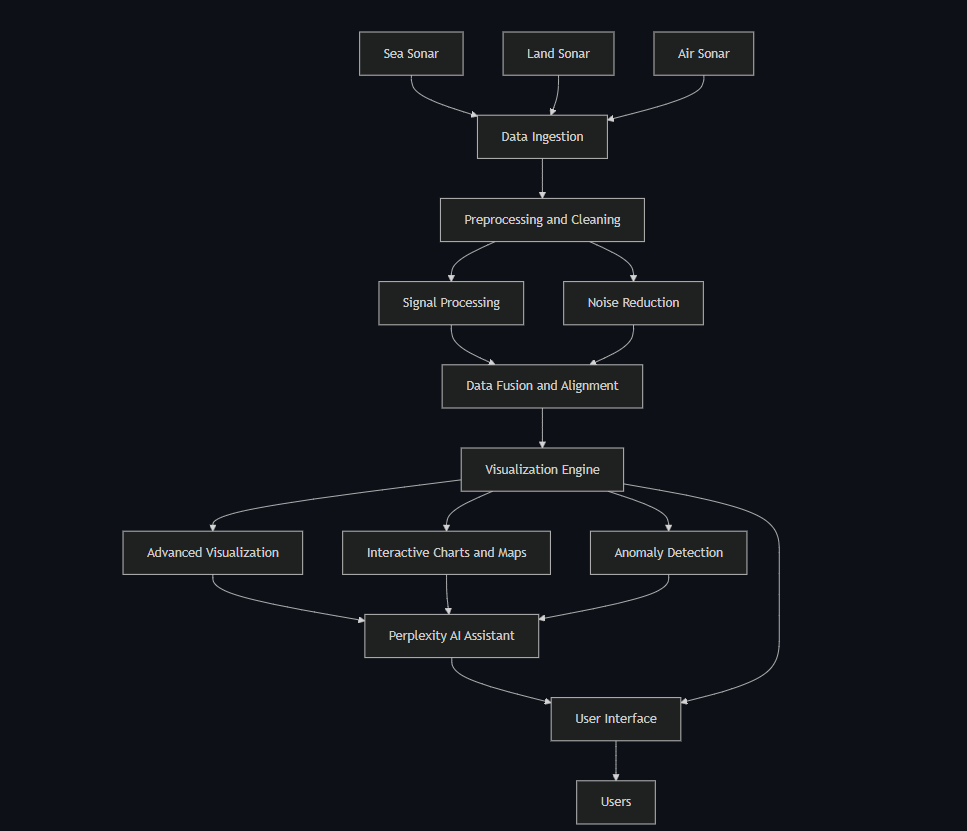
Sonar Analysis Hub (Sea, Land, Air) with Perplexity AI is a Streamlit web application that allows users to:
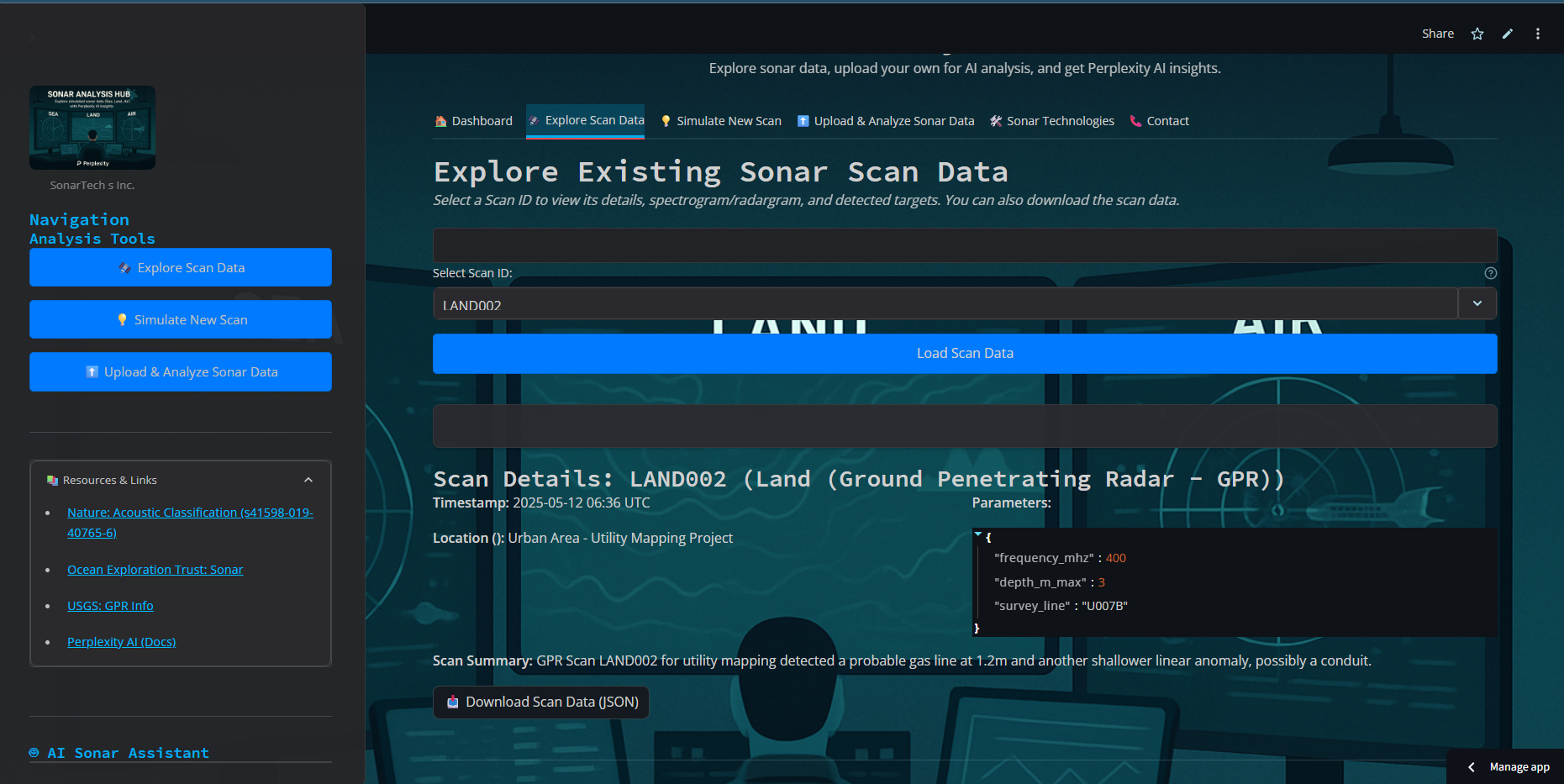
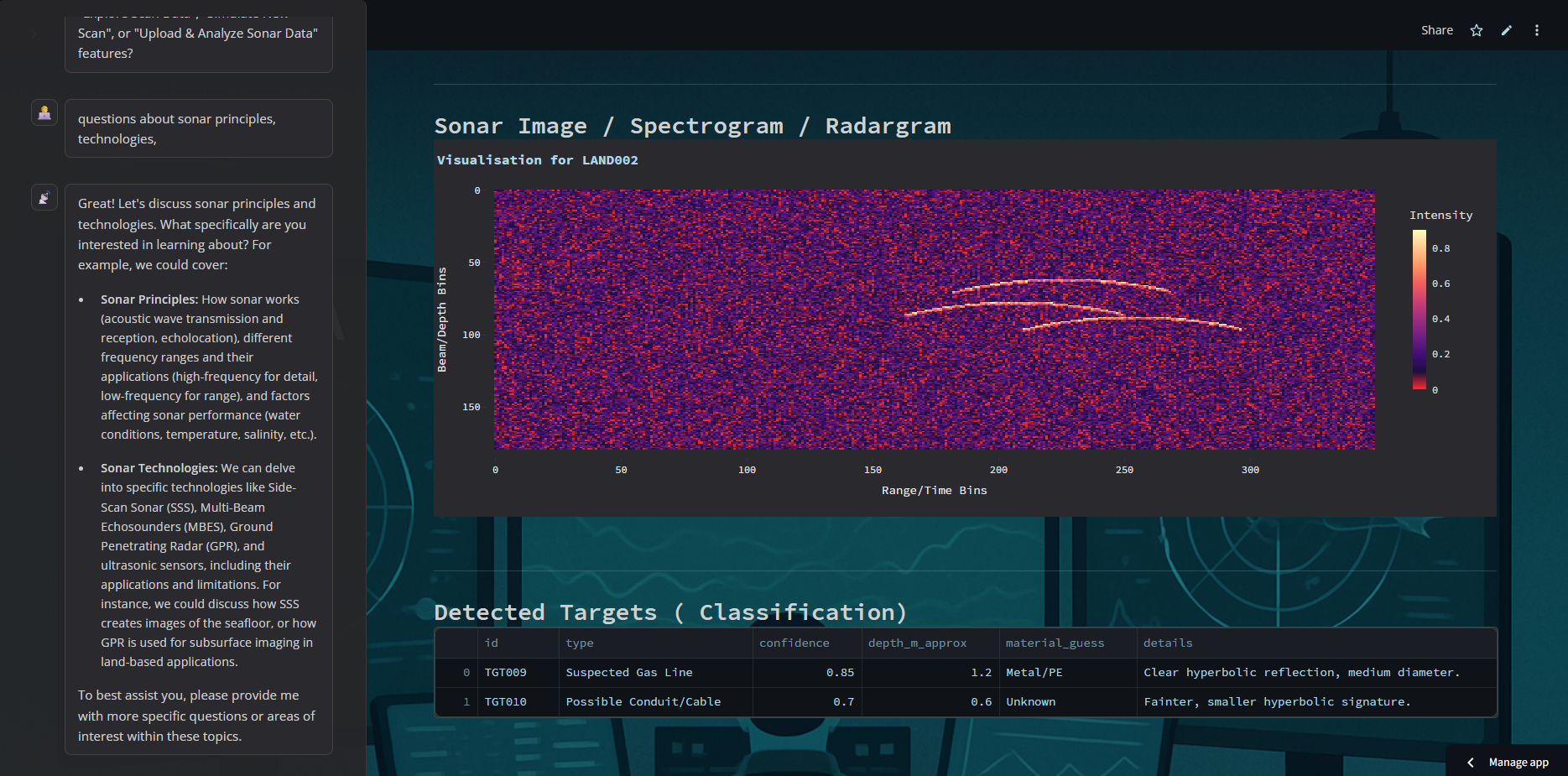
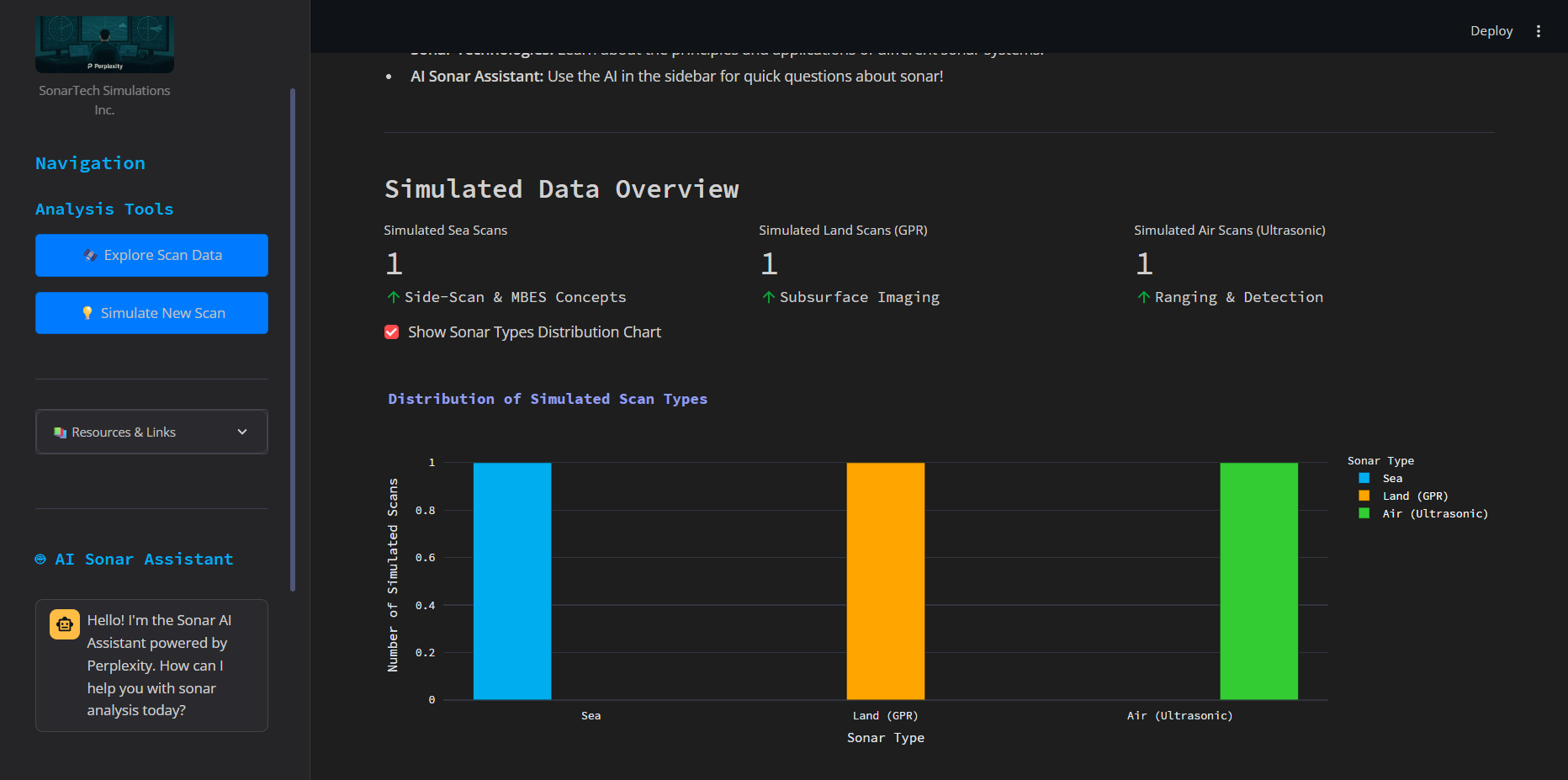
- Explore Sonar Data: Investigate diverse sonar scans from sea (Side-Scan Sonar), land (Ground Penetrating Radar - GPR), and air (Ultrasonic sensors). Users can view scan metadata, visualize spectrograms/radargrams, and examine detected targets.
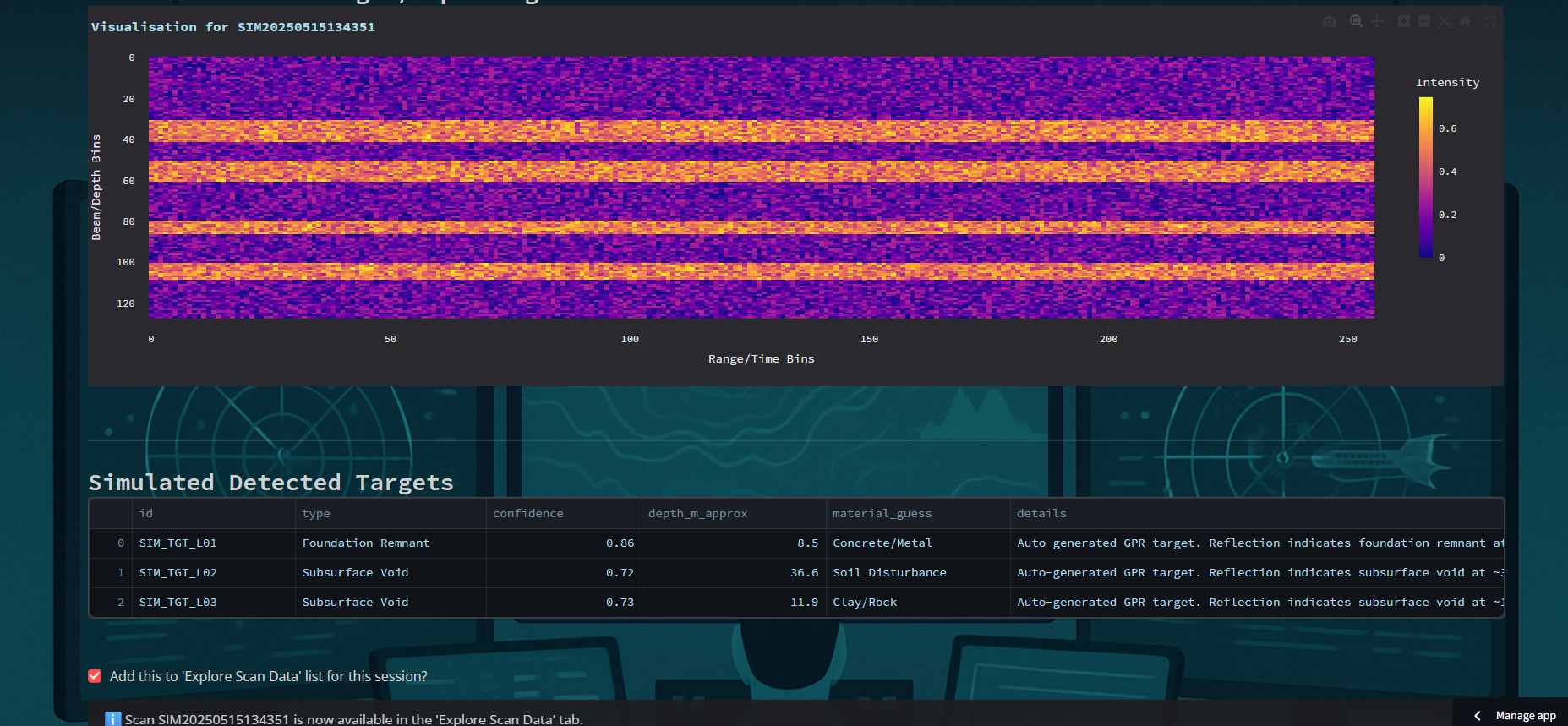
- New Sonar Scans: Configure parameters like sonar type, frequency, and range to generate new sonar datasets on the fly, observing how different settings impact the output.
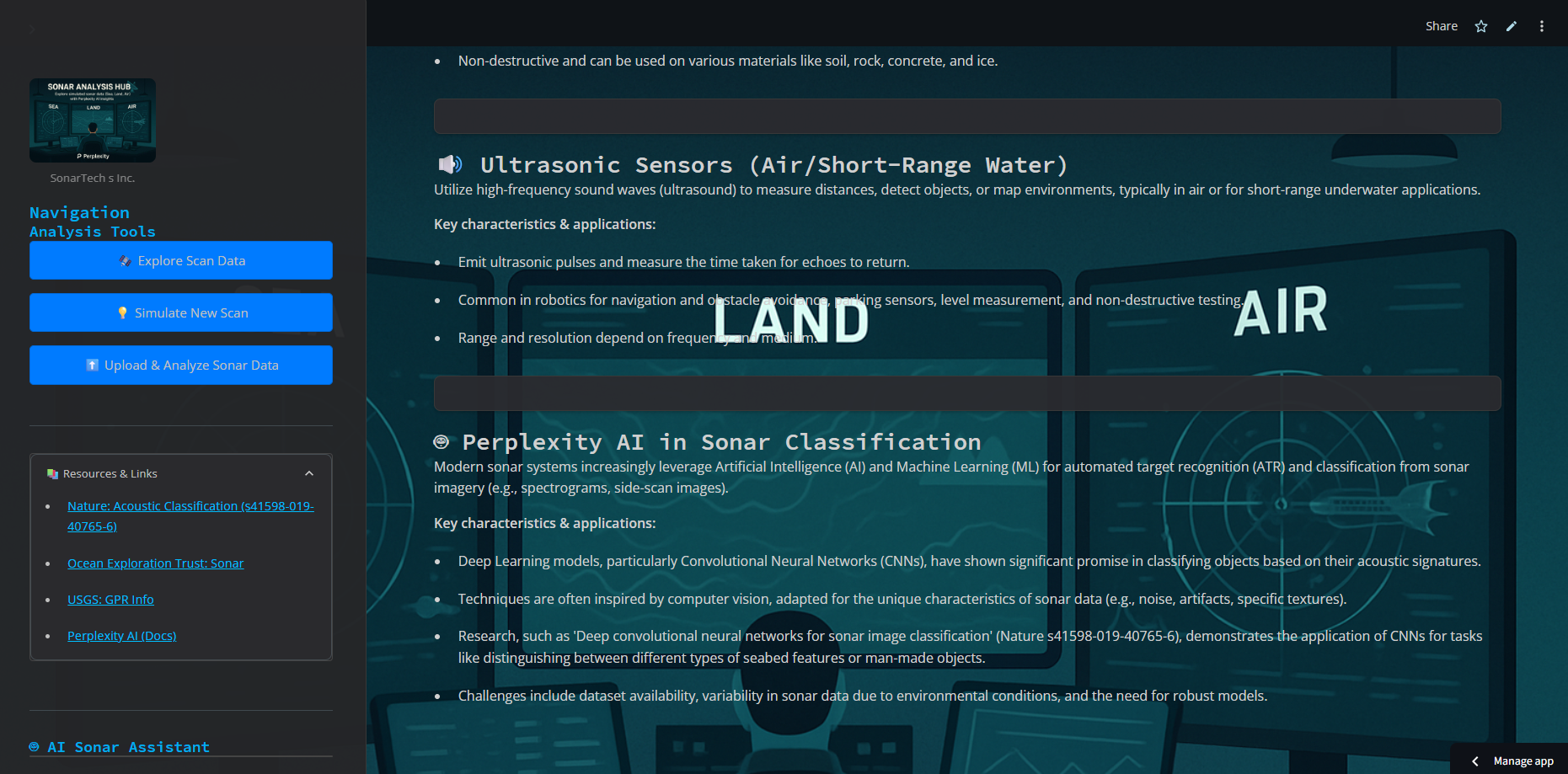
- Learn About Sonar Technologies: Access concise information about various sonar systems, their principles, and applications.
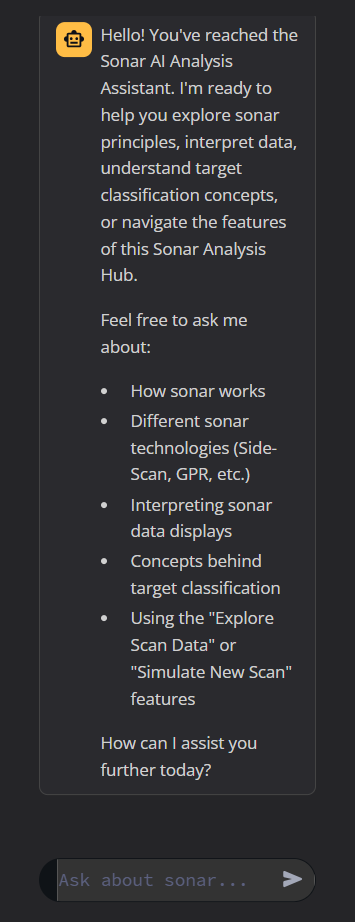
- Interact with an AI Assistant (Perplexity AI Facade): Engage with an intelligent assistant, styled to resemble Perplexity AI. This assistant can answer questions about sonar principles, data interpretation, the hub's features, and general sonar-related topics, enhancing the learning and exploration experience.
Essentially, it's an educational and demonstrative platform to unlock the depths of sonar data through advanced visualization and AI-assisted analysis, all wrapped in an intuitive Streamlit interface.
☀️ How we built it
The Sonar Analysis Hub was built using a Python-centric stack:
- Streamlit: For the core web application framework, enabling rapid development of the interactive UI, tabs, forms, and data displays. Its simplicity allowed us to focus on functionality.
- Python: The primary programming language for all backend logic, data , and AI integration.
- NumPy: Used for generating and manipulating the sonar spectrogram/radargram data as numerical arrays.
- Pandas: Employed for organizing and displaying tabular data, such as detected target lists and scan metadata.
- Plotly Express: For creating interactive and visually appealing charts, especially the sonar image visualizations (spectrograms/radargrams) and dashboard graphs.
- Perplexity AI API: This is the advanced AI engine powering the "Sonar AI" assistant. We integrated it to handle natural language queries and provide intelligent responses about sonar.
- CSS: Custom CSS was applied to achieve the dark, tech-oriented "Perplexity AI" theme and ensure a polished, professional look and feel.
- Data Structures: We designed Python dictionaries and helper functions to create and manage plausible, though, sonar data for sea, land, and air environments, including parameters and potential target characteristics.
The "Perplexity AI" was achieved through careful UI styling, image choices (logo), and specific phrasing in the AI assistant's persona and introductory messages, while the core intelligence comes from Perplexity AI.
🌊 Challenges we ran into
- Balancing Facade and Functionality: Ensuring the "Perplexity AI" theme felt consistent and convincing while seamlessly integrating the powerful Perplexity AI backend required careful design of prompts, UI text, and the AI's conversational flow. The system prompt for Sonar Analysis Hub 📡.
- Realistic (Yet Simple) Sonar Data: Creating sonar data that looked plausible enough for demonstration without becoming overly complex to generate or interpret within a Streamlit app was a balancing act. We aimed for representative patterns rather than true physics based.
- AI Response Consistency: Guiding the AI (Perplexity) to consistently provide relevant sonar information and refer to the app's features, while adhering to the "Perplexity" persona without breaking character, required iterative refinement of the system instructions.
- Streamlit State Management for Chat: Managing chat history and ensuring the AI assistant had the correct context from the conversation, especially when re-running the app, needed careful handling of Streamlit's session state.
- CSS Customization in Streamlit: Achieving the desired dark theme and specific styling to mimic a "Perplexity" look and feel involved detailed CSS overrides and testing across different Streamlit elements.
⛰️ Accomplishments that we're proud of
- The "Perplexity AI "with a Powerful Sonar Core: Successfully creating an application that convincingly presents one AI interface while being powered by another robust engine is a unique accomplishment, showcasing flexibility in UI/UX design.
- Multi-Domain Sonar: Implementing distinct (albeit simplified) data and visualization for sea, land, and air sonar within a single, cohesive application.
- *Interactive Sonar Data Visualization: * Providing users with immediate visual feedback (spectrograms/radargrams) for both pre-loaded and newly simulated scans using Plotly.
- Intuitive User Experience with Streamlit: Building a feature-rich application that remains easy to navigate and use, thanks to Streamlit's capabilities.
- Educational Value: Creating a tool that can genuinely help users learn about sonar principles and data interpretation in an engaging way, augmented by the AI assistant.
🌆 What we learned
- Power of AI Integration: Integrating advanced LLMs like Perplexity can significantly enhance user interaction and provide dynamic, context-aware support within specialized applications.
- Importance of System Prompts: The art of crafting effective system prompts is crucial for guiding AI behavior, especially when aiming for a specific persona or operational mode.
- Streamlit for Rapid Prototyping: Streamlit's efficiency in building data-centric web applications is remarkable, allowing for quick iteration and deployment of ideas.
- UI/UX Design Matters: Even for technical or educational tools, a clean, intuitive, and aesthetically pleasing interface (like the Perplexity-inspired theme) greatly improves user engagement.
- The Nuance of "Simulation": We gained a deeper appreciation for the difference between true physical simulation and creating representative data for educational and demonstrative purposes.
🌇 What's next for Sonar Analysis Hub (Sea, Land, Air) with Perplexity AI
While the current AI is "secretly supercharged by Perplexity," future iterations could explore:
- *More Advanced Sonar Data: * Incorporate more sophisticated algorithms for generating sonar data, potentially including more realistic noise models, target scattering physics, and environmental effects.
- User Upload of Sonar Data: Allow users to upload their own (compatible format) sonar data files for visualization and AI-assisted analysis.
- *Enhanced AI Analytical Capabilities: * Train or fine-tune the AI (Perplexity model) to perform more direct "analysis" on the displayed spectrograms, perhaps identifying potential anomalies or suggesting interpretations.
- *Machine Learning Model Integration for Classification: * As referenced in the Nature article (s41598-019-40765-6), integrate simple pre-trained ML models (e.g., a CNN) to demonstrate automated target classification concepts on the data.
- *Real-time Data Streaming: * a "live" sonar feed for a more dynamic user experience.
- *Community Features: * Allow users to save and share interesting scan configurations or findings.
Built With
- air
- artificial-intelligence
- land
- landcare-research-information-service
- perplexity
- python4
- sears
- sonar-ai
- sonar-perplexity
- streamlit


Log in or sign up for Devpost to join the conversation.