-
-
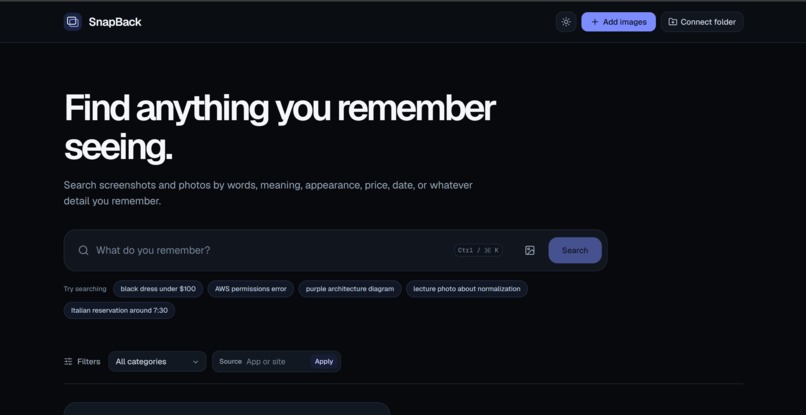
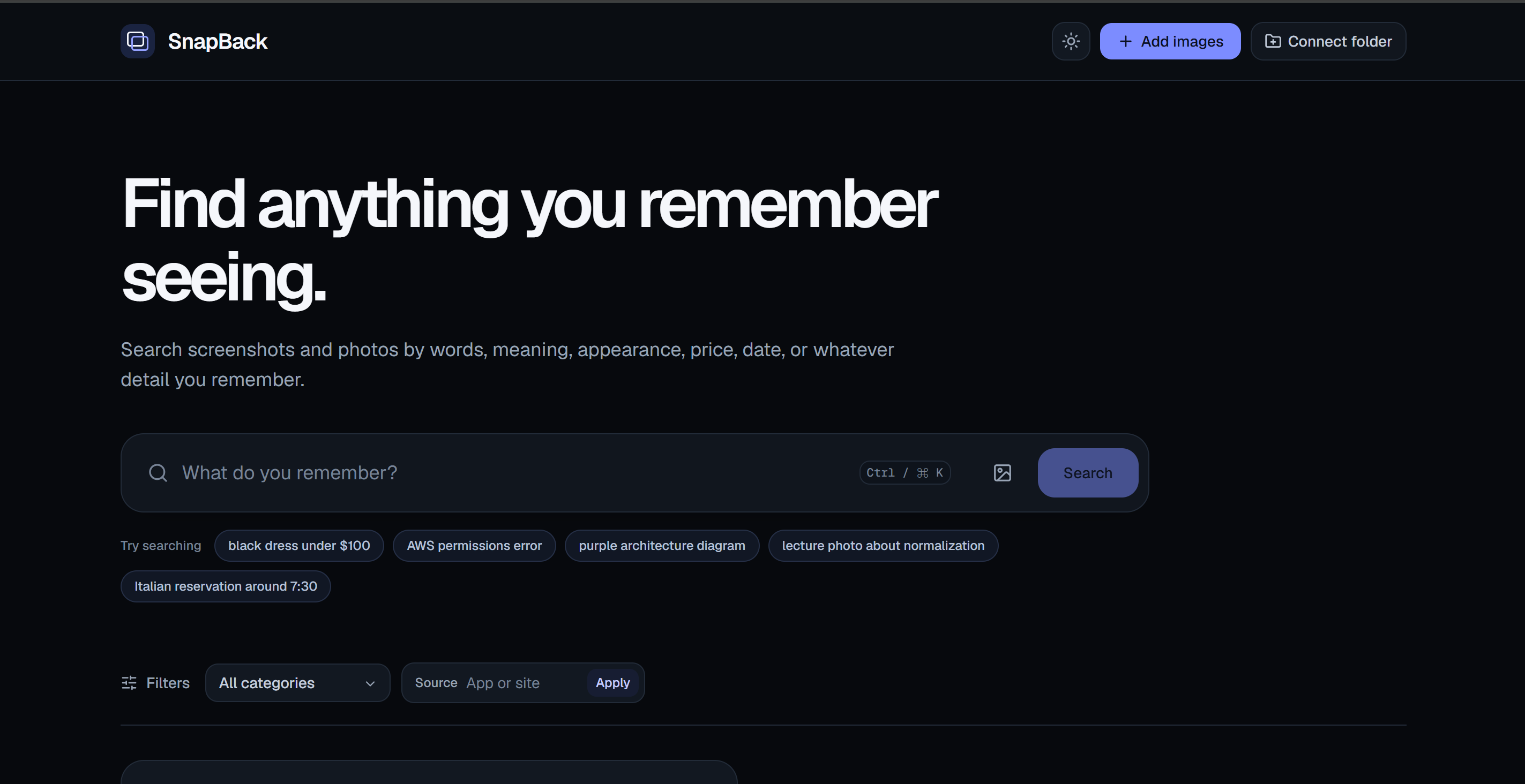
Home UI
-
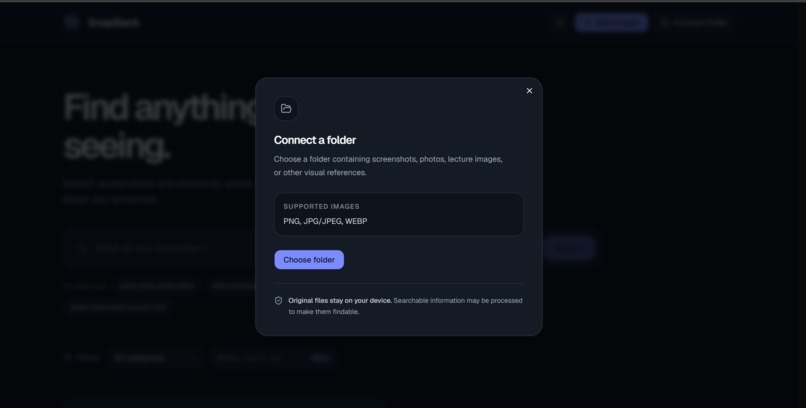
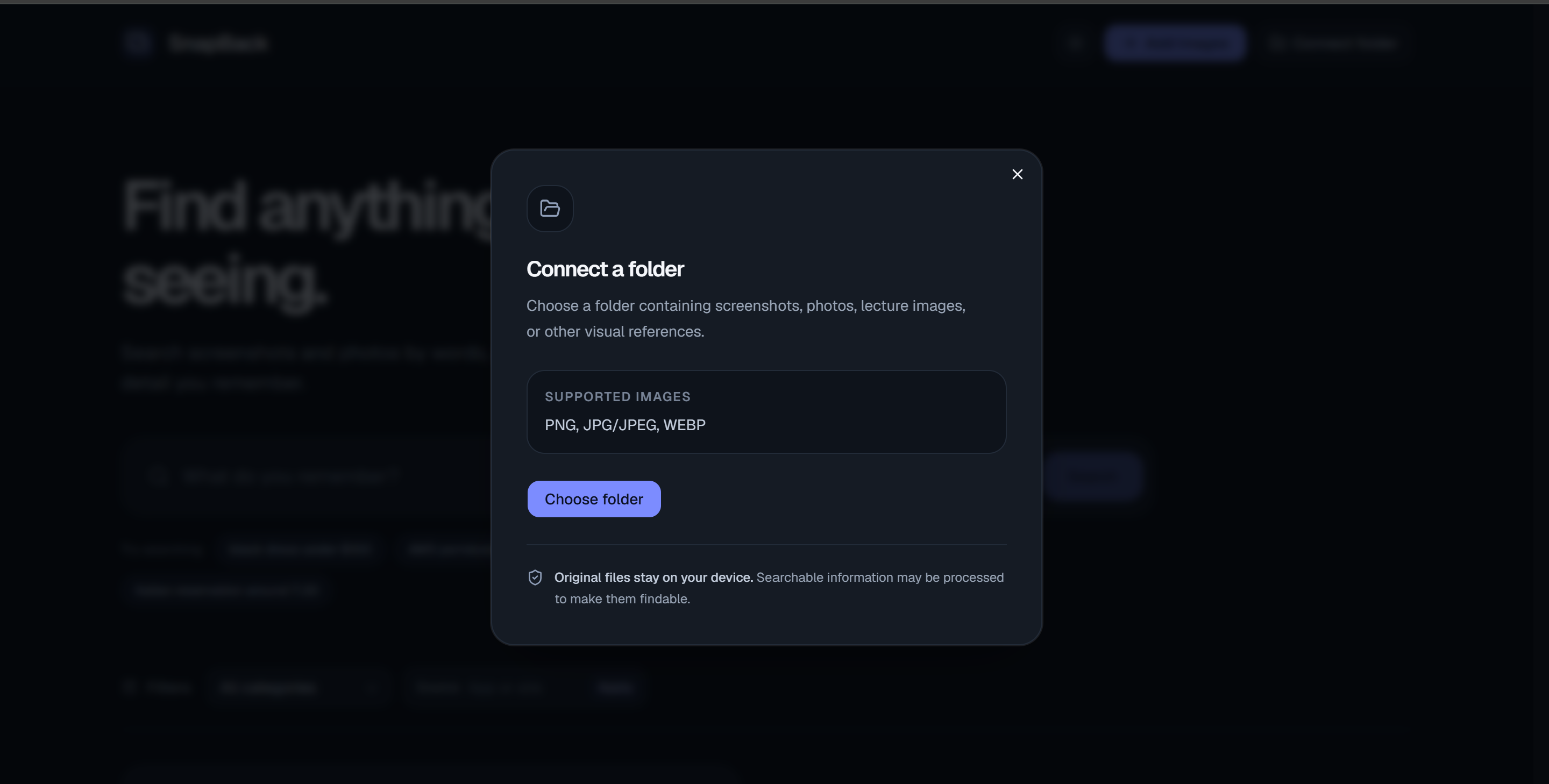
Connect a folder
Inspiration
I take screenshots and photos all the time because I think, “I’ll need this later.”
It could be a product I want to buy, an error message, a lecture slide, a whiteboard photo, a restaurant reservation, a travel confirmation, a diagram, or a receipt.
The problem comes later when I actually need that image.
Traditional photo libraries expect me to remember when something was saved or manually organize it into albums. File search expects me to remember filenames. But that is not really how memory works.
I usually remember fragments such as:
- “that black dress under $100”
- “the AWS permissions error”
- “the purple architecture diagram”
- “the Italian reservation around 7:30”
- “the lecture photo about normalization”
That became the idea behind SnapBack:
Find what you saw, the way you remember it.
I wanted to build a visual search experience that lets people search using whatever detail they actually remember instead of forcing them to remember filenames, folders, or exact dates.
What it does
SnapBack is a visual memory search engine for screenshots and photos.
Users can search their visual library using:
- exact words
- semantic meaning
- visual appearance
- colors
- prices
- dates
- categories
- context
For example, a user can search:
black dress under $100
SnapBack combines visual similarity, OCR text, semantic meaning, and structured price filtering to find the most relevant result.
A search like:
AccessDeniedException
benefits from exact OCR and lexical search.
A query like:
AWS permissions error
uses semantic retrieval to find screenshots that express the same meaning even if the exact words are different.
A query like:
purple architecture diagram
uses multimodal image embeddings to retrieve images based on visual appearance.
SnapBack also includes:
- hybrid natural-language search
- OCR-based exact search
- semantic search
- multimodal visual search
- structured filters
- image-to-image search
- Find Similar
- private cloud-backed image storage
- polished dark and light themes
- recent search history
- an image-first result experience
I also designed SnapBack to support locally connected folders so users can search images already on their laptop without manually uploading their entire visual library.
How I built it
I built SnapBack around one core idea:
No single search method is enough for visual memory.
A user may remember exact text, general meaning, appearance, price, date, or a combination of several details.
Because of that, SnapBack uses multiple retrieval signals and combines them into one search experience.
OCR + lexical search
I use Tesseract.js to extract text from screenshots and photos.
That OCR text is indexed in Elasticsearch and searched lexically, which is especially useful for:
- commands
- error codes
- URLs
- course numbers
- confirmation codes
- exact phrases
Semantic search
I use Elasticsearch semantic_text with ELSER to retrieve results based on meaning rather than only exact wording.
For example:
AWS permissions error
can still match a screenshot containing:
User is not authorized to perform lambda:InvokeFunction
Multimodal search
I use Elastic-hosted .jina-clip-v2 embeddings to represent both text and images in a shared vector space.
This allows users to search visually with queries such as:
white sneakerspurple architecture diagramblack dress
It also powers:
- image-to-image search
- Find Similar
Structured filtering
Some parts of a query should not be treated as fuzzy semantic similarity.
For example:
black dress under $100
contains a real numerical constraint.
SnapBack extracts and indexes structured information such as:
- prices
- dates
- domains
- categories
- sources
and applies Elasticsearch filters when appropriate.
Hybrid retrieval
SnapBack combines:
- BM25 lexical search
- ELSER semantic retrieval
- multimodal vector search
- structured filters
into one ranked result set.
I use Reciprocal Rank Fusion (RRF) rather than simply adding raw scores together, because different retrieval systems produce different score ranges.
Storage and infrastructure
I built SnapBack using:
- Next.js
- React
- TypeScript
- Tailwind CSS
- shadcn/ui
- Elasticsearch Serverless
- ELSER
- Jina CLIP
- Tesseract.js
- Sharp
- AWS S3
- Zod
- Vitest
Cloud-backed images are stored privately in S3, while temporary signed URLs are generated server-side when the application needs to display them.
Challenges I ran into
One of the biggest challenges I ran into was combining very different types of search into a single ranking system.
BM25, semantic retrieval, and multimodal similarity all use different score ranges, so simply adding their scores together would have produced unreliable rankings.
That led me to use Reciprocal Rank Fusion, which combines ranked lists rather than assuming every score means the same thing.
Another challenge was understanding Elasticsearch kNN similarity behavior.
I found that the similarity value used for filtering is not always the same as the transformed _score returned in the search response. Using a threshold calibrated against the wrong score scale could silently remove valid results.
I also discovered that text-to-image and image-to-image similarity behave differently.
A threshold that works for text describing an image does not necessarily work for comparing one image directly with another, so I separated those cases instead of forcing one threshold onto both.
Another challenge appeared when I expanded the dataset.
Search behavior that looked perfect on a tiny corpus changed once I added more visually similar examples. This showed me how important it is to test retrieval systems on larger and more realistic datasets.
I also had to carefully handle privacy and storage.
For cloud-backed content, I kept S3 objects private and used signed URLs. For local-source support, I designed the system so the original file can remain on the user's device while only the searchable representation is indexed.
Accomplishments that I'm proud of
One of the things I'm most proud of is that Elasticsearch is not just being used as storage.
It is the core retrieval engine behind SnapBack.
I use Elasticsearch for:
- OCR text search
- semantic search
- multimodal vector retrieval
- kNN similarity search
- structured filtering
- hybrid ranking
Without Elasticsearch, SnapBack would mostly be an image gallery. The search experience is what makes the product useful.
I'm also proud of building Find Similar using vectors that are already indexed, rather than recomputing embeddings every time.
My image-to-image search also uses a temporary query image without permanently adding that image to the user's library.
I also focused on privacy and security:
- S3 objects remain private
- unsigned access is blocked
- signed URLs are generated server-side
- search is scoped to the current user
- local-source architecture avoids permanently copying local originals into cloud storage
Current benchmark results
Text / hybrid search
- Top-1: 4/10 (40%)
- Recall@3: 5/10 (50%)
- Recall@5: 8/10 (80%)
Visual search — Find Similar + image-to-image
- Top-1: 10/10 (100%)
- Recall@3: 10/10 (100%)
- Recall@5: 10/10 (100%)
This is an internal hackathon benchmark and not a production-scale accuracy claim.
What I learned
The biggest thing I learned is that visual search is much more than just vector search.
Different kinds of memory require different retrieval strategies.
Exact error messages and commands benefit from lexical search.
Vague recollections benefit from semantic search.
Colors, objects, and visual appearance benefit from multimodal embeddings.
Prices and dates are better treated as structured constraints.
I also learned that a good search engine should know when not to return something.
Showing one strong result can be much more useful than showing five results where four are irrelevant.
Another major lesson was the importance of evaluation.
A benchmark can look perfect on a small dataset and then reveal completely different behavior as the dataset grows.
Building SnapBack made me think much more carefully about:
- retrieval quality
- ranking
- score calibration
- privacy
- user experience
- the difference between “technically found” and “actually useful”
What's next for SnapBack
I want SnapBack to grow from a screenshot search engine into a broader visual memory layer.
Connect Folder
I want users to be able to connect folders such as:
- Screenshots
- Lecture Photos
- School
- Downloads
- Travel
- Recipes
SnapBack can then index those images and make them searchable without requiring users to manually upload everything one by one.
Private Local Mode
I also want to explore a completely local version of SnapBack where:
- OCR runs locally
- embeddings run locally
- Elasticsearch runs locally
- no visual data needs to leave the device
Automatic collections
SnapBack could automatically organize visual memories into groups such as:
- Shopping
- Code
- School
- Travel
- Restaurants
- Receipts
- Lecture Notes
Duplicate cleanup
Using perceptual hashes and visual embeddings, SnapBack could identify duplicate and near-duplicate screenshots and help users clean up clutter.
Smarter actions
Future versions could extract useful actions directly from images, such as:
- Copy text
- Open detected URLs
- Copy reservation confirmations
- Detect QR codes
- Extract addresses
- Copy code snippets
The long-term goal is simple:
I already use screenshots and photos as external memory. SnapBack makes that memory searchable.
Built With
- ai
- amazon
- amazon-web-services
- clip
- css
- elser
- jina
- knn
- multimodal
- next.js
- node.js
- ocr
- react
- s3
- serverless
- shadcn/ui
- sharp
- tailwind
- tesseract.js
- typescript
- vision
- vitest
- zod


Log in or sign up for Devpost to join the conversation.