-
-
Logo
-
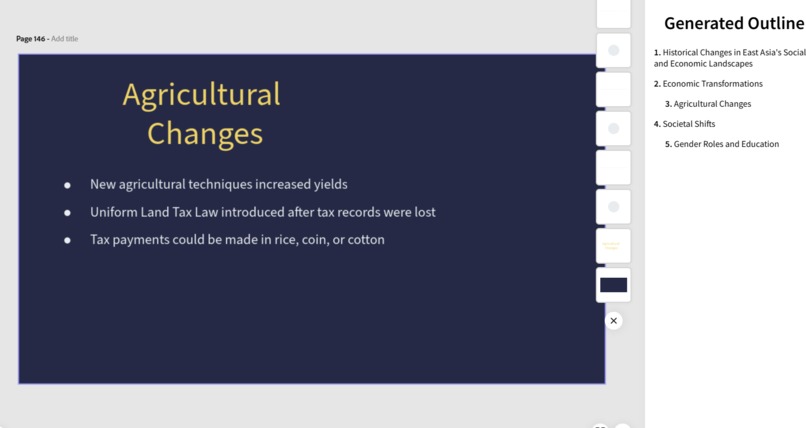
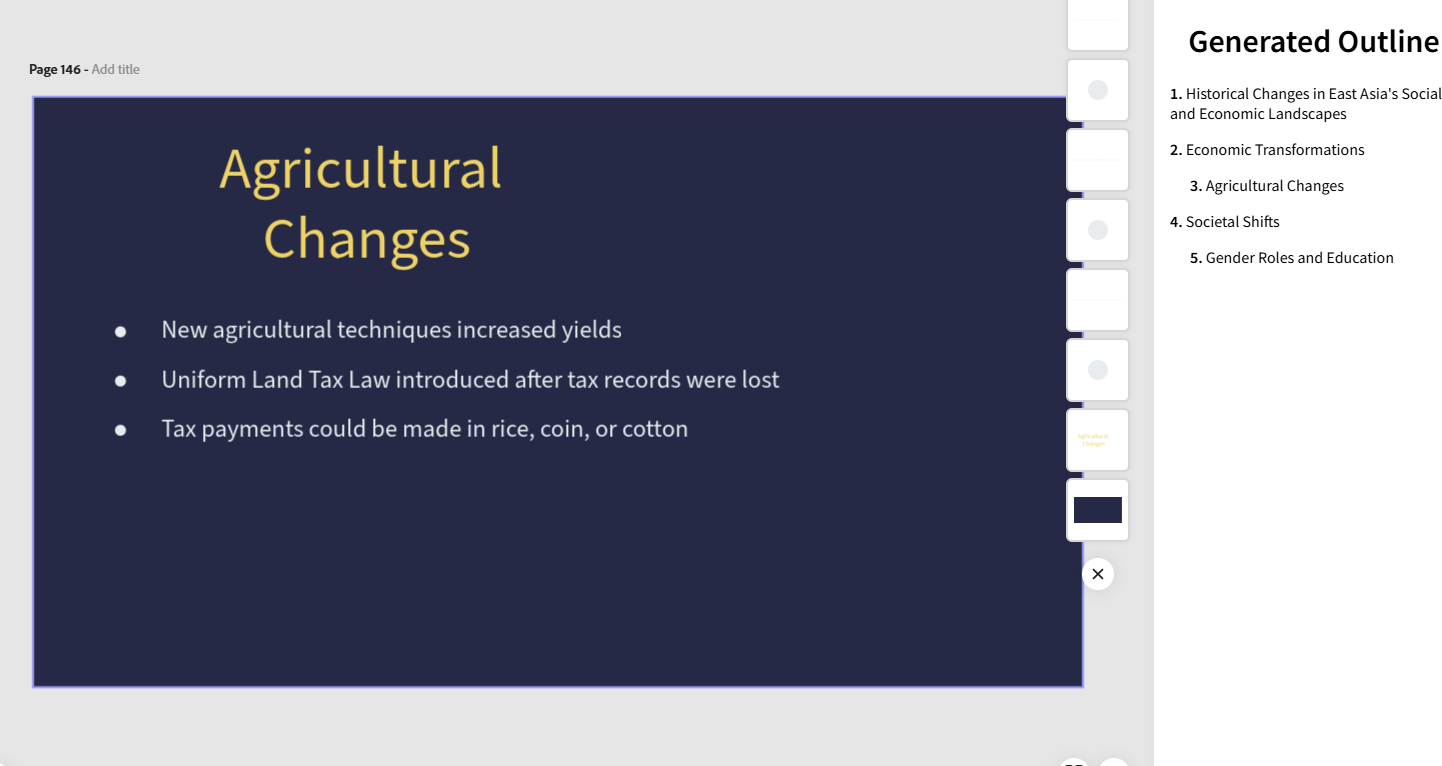
Generated slideshow and outline
-
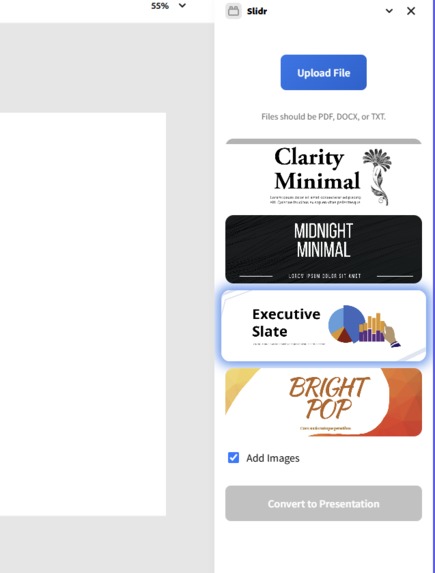
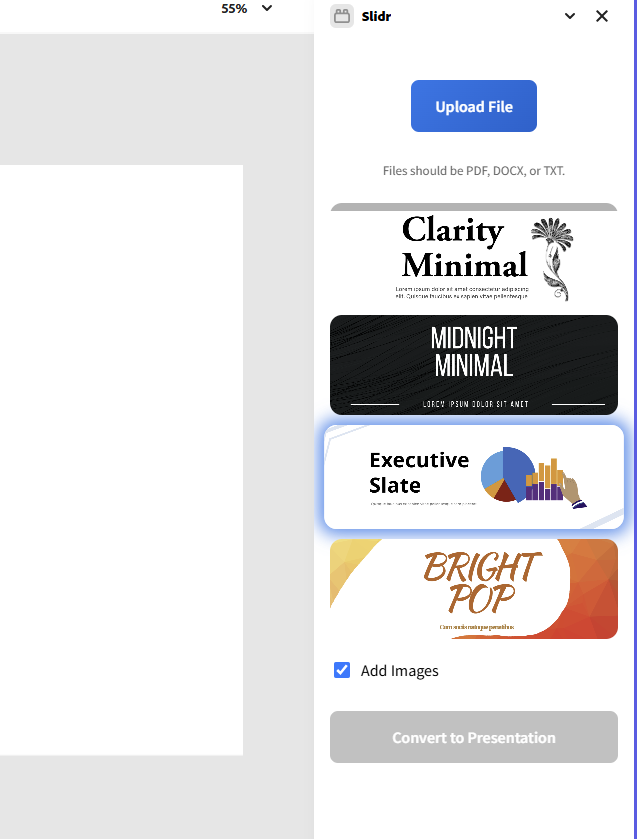
Main screen
-
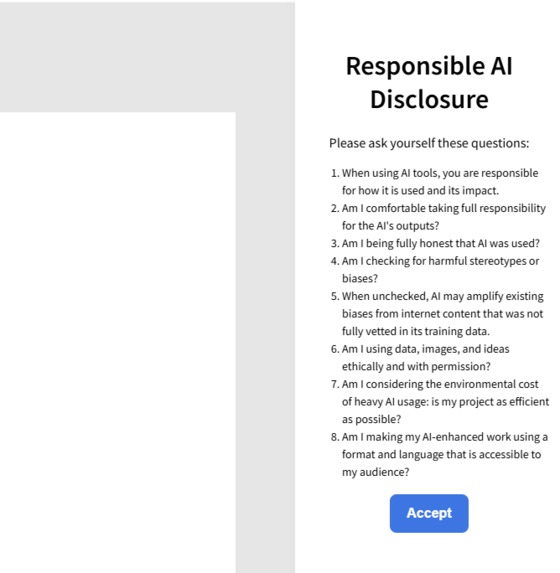
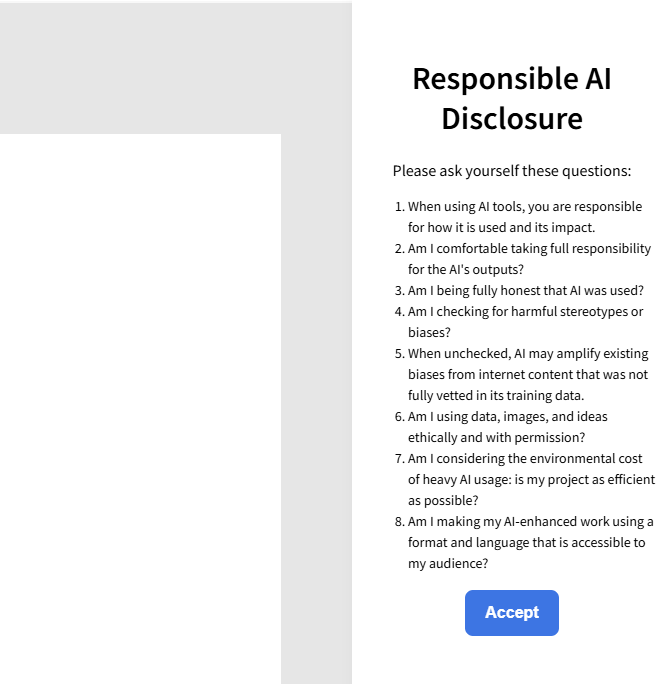
Ethical AI Usage Disclosure
Inspiration
Have you ever dreaded making a presentation because of all the time you waste filling in your slides? Clicking and dragging clipart around until it looks just right?
Now, imagine having something that handles the busy work for you, so you can focus on what you do best: thinking, speaking, and sharing your ideas.
A core tenet of responsible artificial intelligence development should be to fill in the gaps where humans fall short – you wouldn’t hit a nail with your hand – you reach for a hammer. Built on a foundation of ethical AI usage and development, Slidr strips away the tedious parts of creating slides. Simply upload a PDF or Docx, choose a theme, and Slidr will automatically generate a clean, professional framework for your presentation. Get your point across. Let Slidr work for you.
What it does
Slidr is an Adobe Express add-on that transforms any text document into a complete slideshow presentation. It takes technical, hard-to-read documents and converts them into visually appealing, easy-to-follow slide decks. Slidr offers a range of custom-built themes, each with carefully chosen fonts, layouts, and color schemes, so your message is always presented clearly and stylishly. To bring your slides to life, Slidr automatically sources relevant, high-quality images using the Pexels API, intelligently matching visuals to your content.
By streamlining the entire presentation process, Slidr lets you focus on what matters most: your ideas, not the formatting.
How we built it
We started with vanilla JavaScript to handle the core logic and used OpenAI to parse documents into a concise JSON format. Then, we leveraged the Adobe Express SDK to dynamically create slides based on user-selected themes, building our own template system from scratch due to limited SDK support for pre-existing themes.
For images, we integrated the Pexels API, which analyzes the content of each slide and automatically inserts relevant, high-quality images to enrich the presentation visually.
Each theme we built includes custom settings for font size, heading positions, text placement, and color palettes, ensuring that presentations stay cohesive and professional no matter the input.
Challenges we ran into
The biggest challenge we faced was creating a flexible yet polished theme system within the constraints of the Adobe Express SDK, which didn’t offer built-in support for custom templates. We had to develop our own system to define layouts, text styling, and image integration.
Another challenge was ensuring consistency in the output from OpenAI when generating slide outlines. It was difficult to enforce a rigid schema and maintain slide structure automatically across different types of input documents.
Accomplishments that we're proud of
We’re proud of the design we came up with, and how we ended up being able to successfully execute our idea despite our challenges. We're proud of the environment we created within our team, allowing each other to freely riff on ideas without fear or judgment or hesitation. The moment we saw the first slide get successfully output from a PDF we uploaded felt incredible.
What's next for Slidr
We plan to expand Slidr’s capabilities by introducing a wider variety of dynamic, high-quality themes to give users even more flexibility and style options. We're also working on adding full support for charts and graphs, making it even easier to convey data-driven insights within presentations. Our goal is to continue making Slidr the fastest, easiest way to turn your ideas into stunning slides.
Built With
- javascript
- pexel


Log in or sign up for Devpost to join the conversation.