-
-
Model Architecture
-
-
-
-
-
-
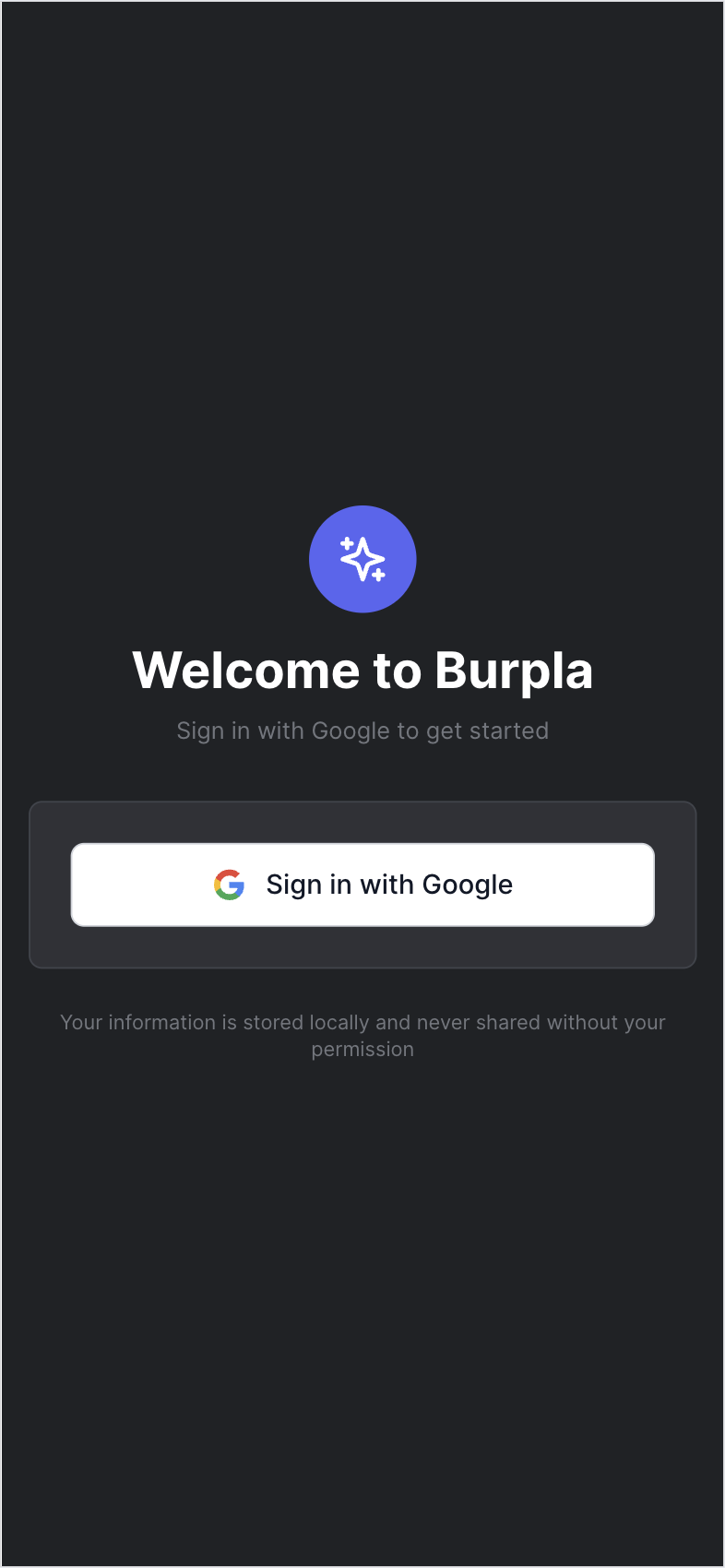
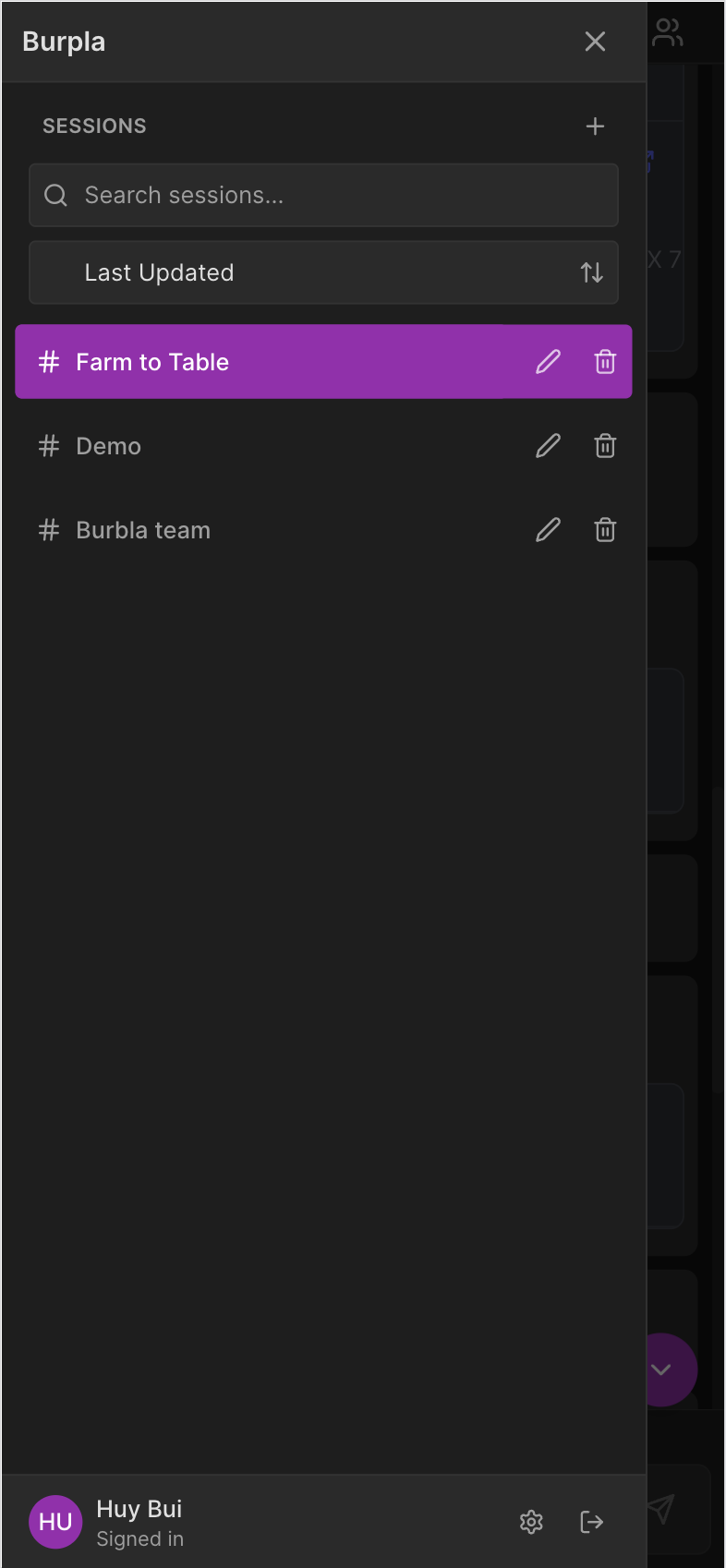
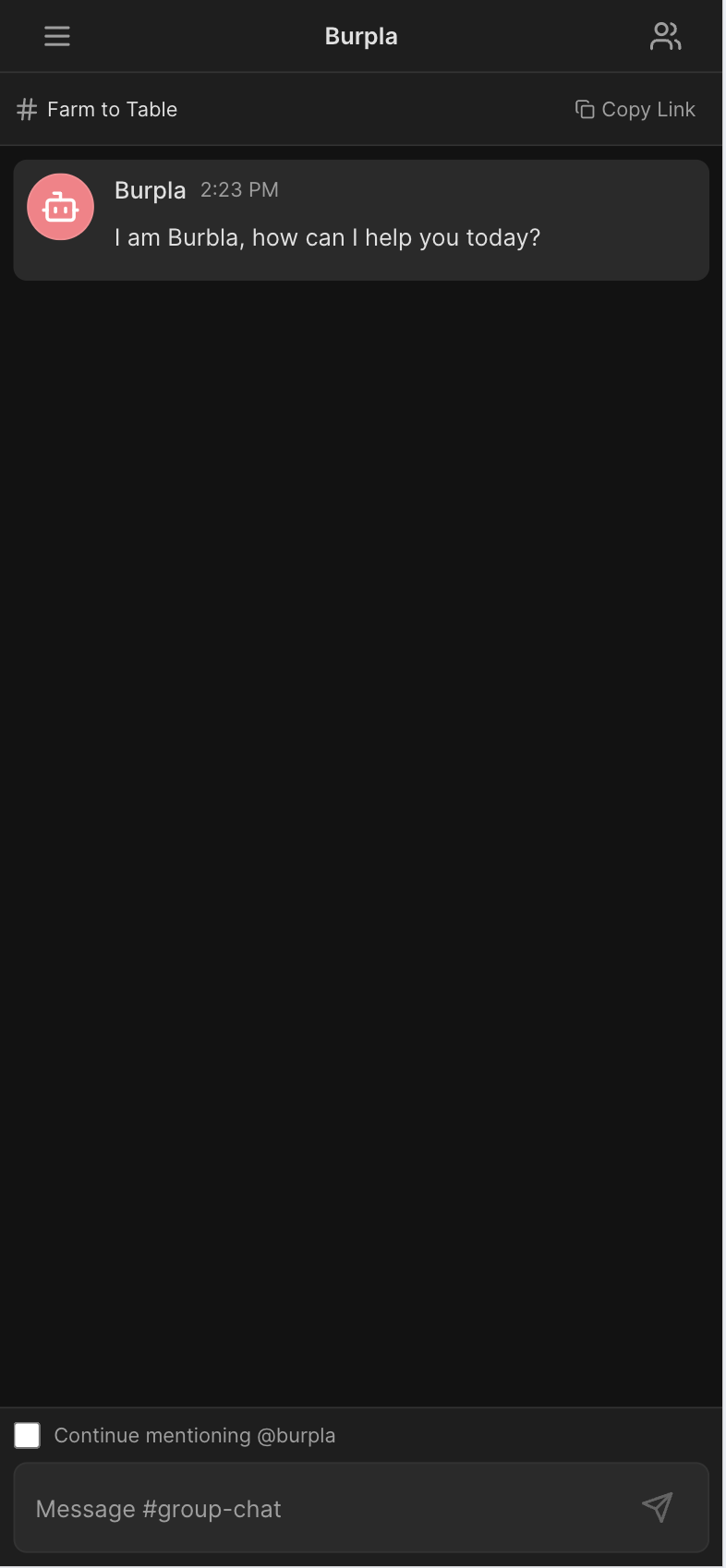
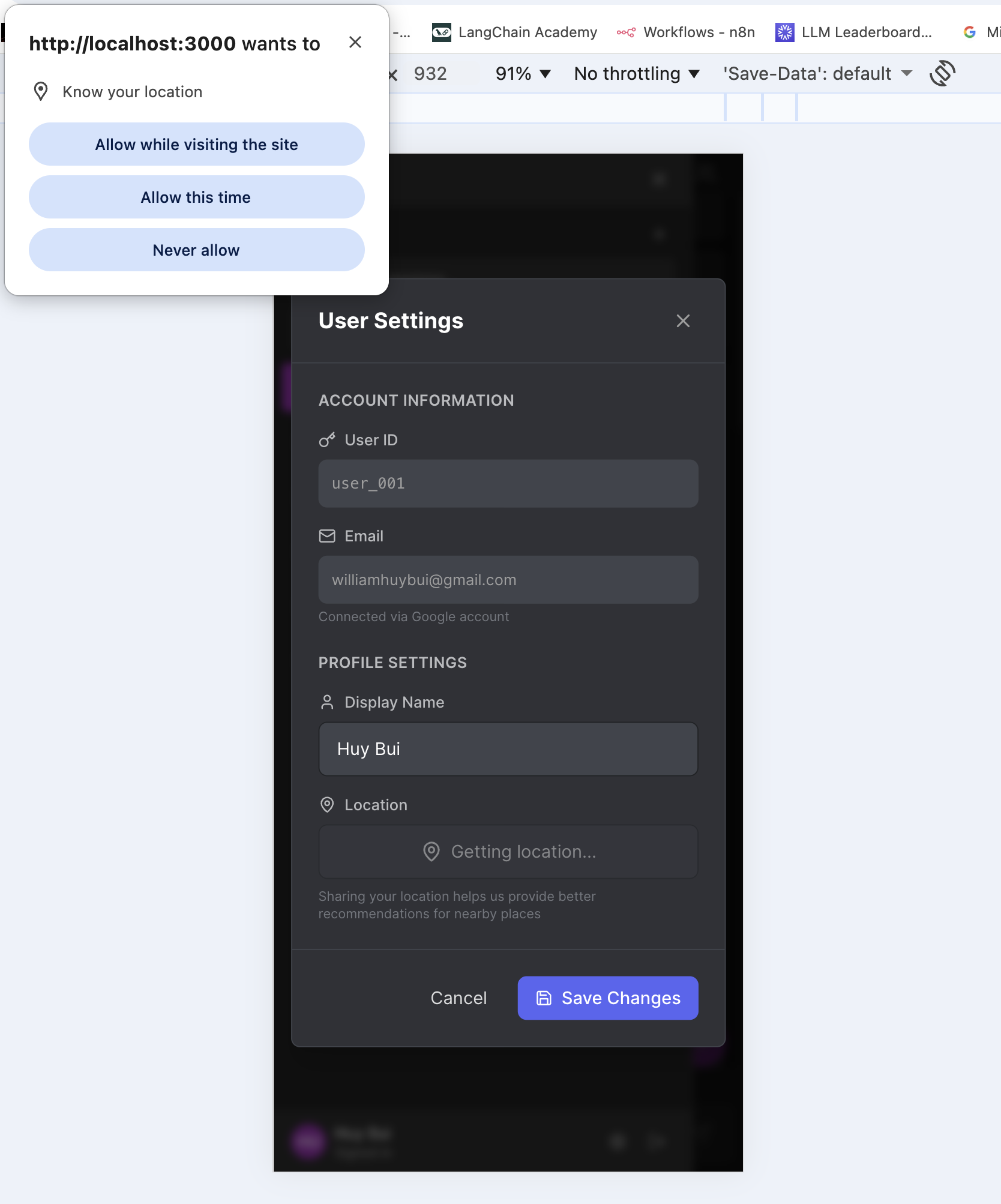
Inspiration
Every group of friends has faced that moment: everyone is hungry, but no one can decide where to eat. The conversation goes in circles, and thirty minutes later, you’re still scrolling through restaurants. That’s where Burpla was born.
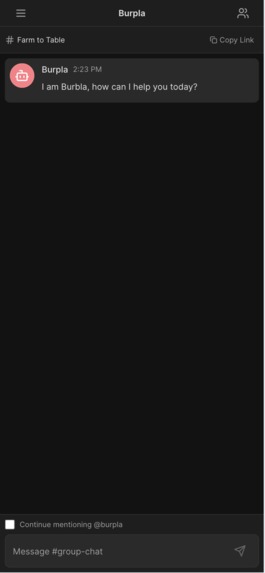
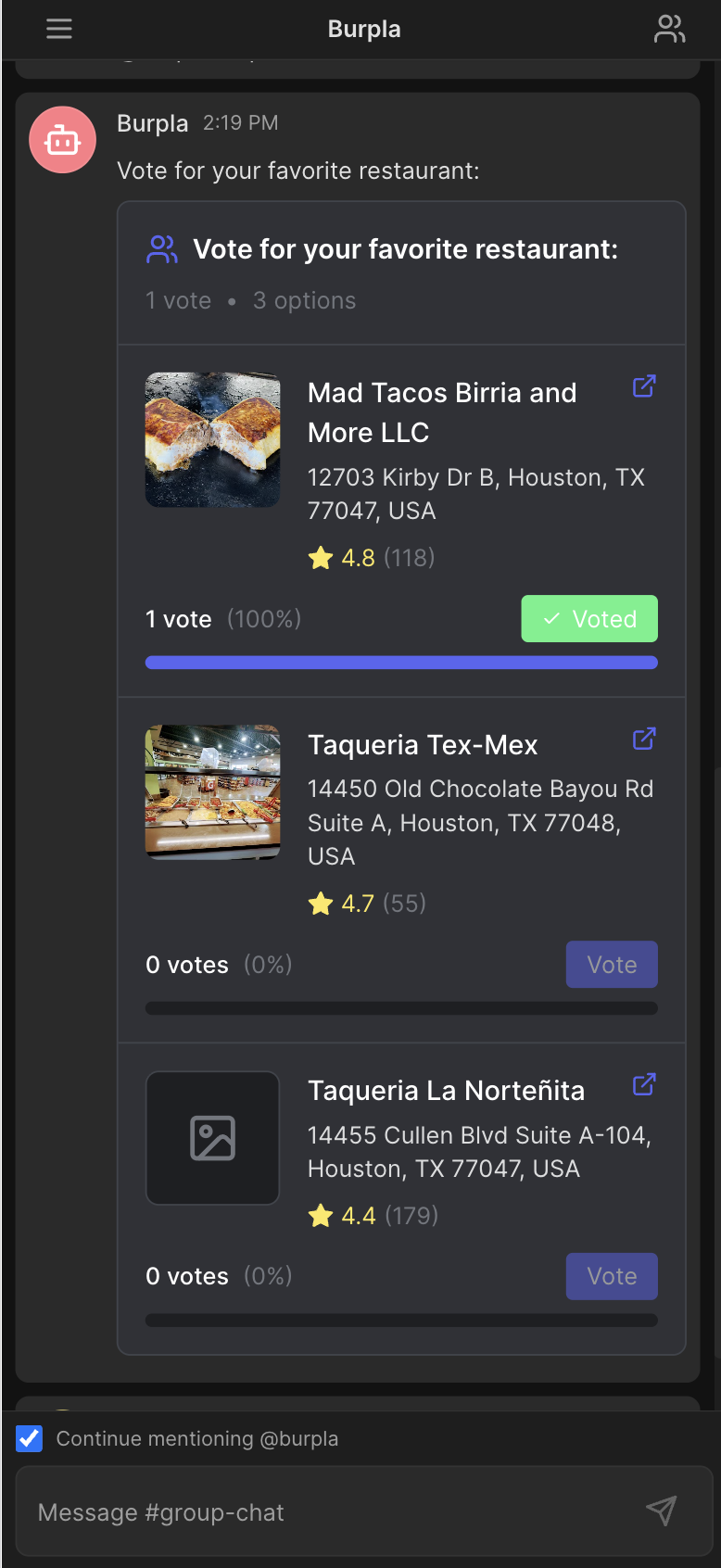
We wanted to create an app that makes food decisions effortless. With Burpla, you chat just like in any other messaging app, except there is a food expert quietly listening in, ready to suggest the perfect restaurant or create a poll tailored to everyone’s location.
What started as a simple idea to make dining decisions easier has grown into an intelligent, map-powered assistant that brings people together through food.
What It Does
- Burpla agent connects to Google Search Places and Google Maps APIs, ensuring every recommendation is accurate and location-aware.
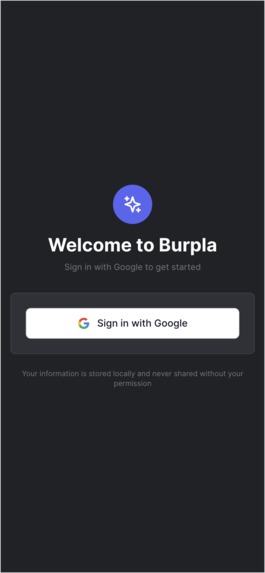
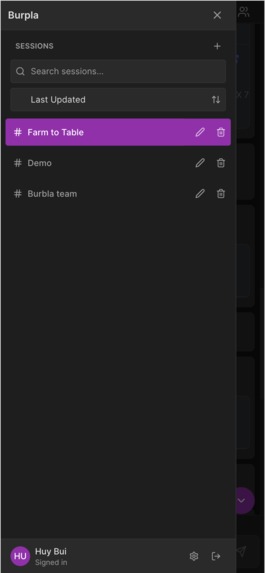
- Users can chat directly with Burpla or invite friends to a shared session where everyone can interact with the AI together.
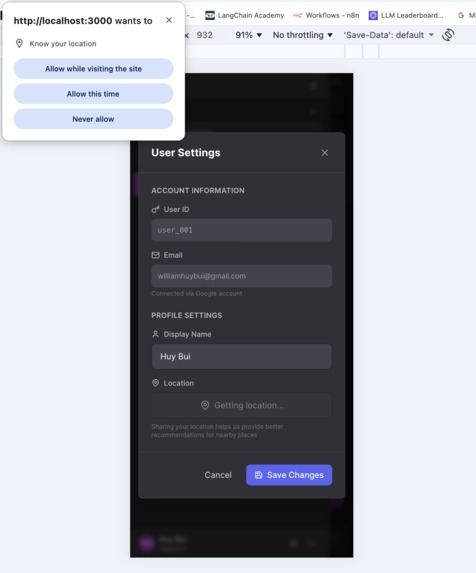
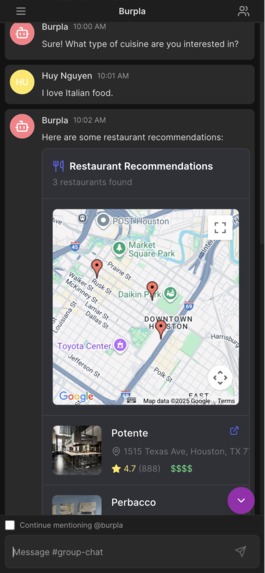
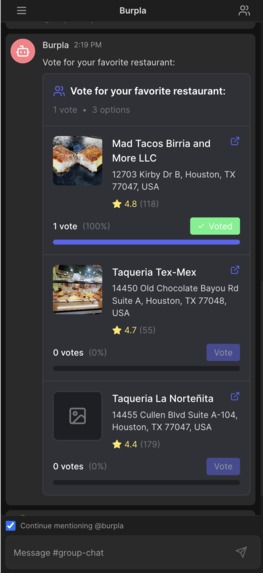
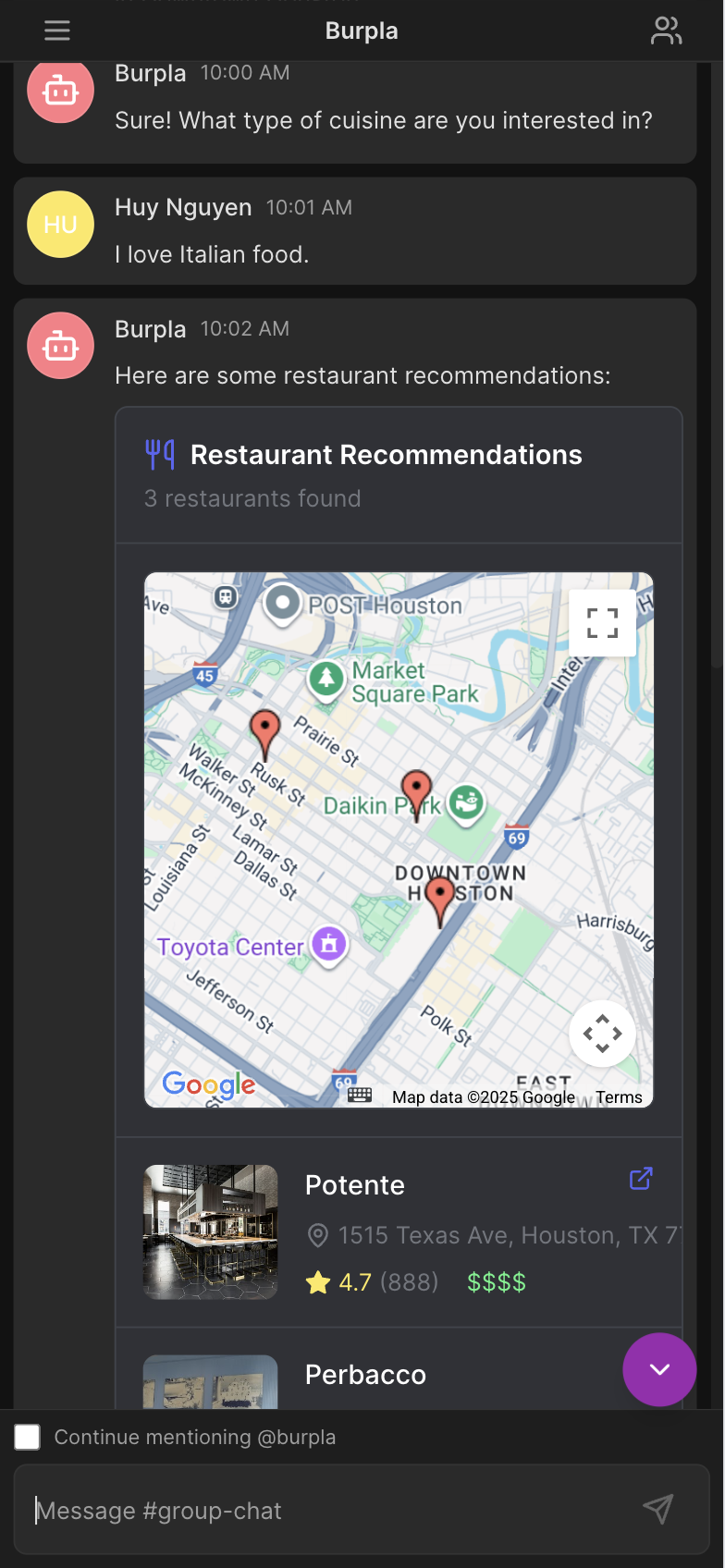
- The app includes clean templates for restaurant recommendations and voting results, making it easy to open maps, view restaurant details, or jump to external links.
- It also displays user and restaurant locations as interactive pins on a map, creating a smooth and visual experience.
How We Built It
How We Built It
Our concept began in AI Studio, where we brainstormed, prototyped, and generated the initial backend structure and prompt logic before refining it with custom code.
Frontend: We built the front end with React and Next.js to deliver a fast, responsive, and intuitive experience. It integrates live map data, group polls, and chat sessions seamlessly across devices.
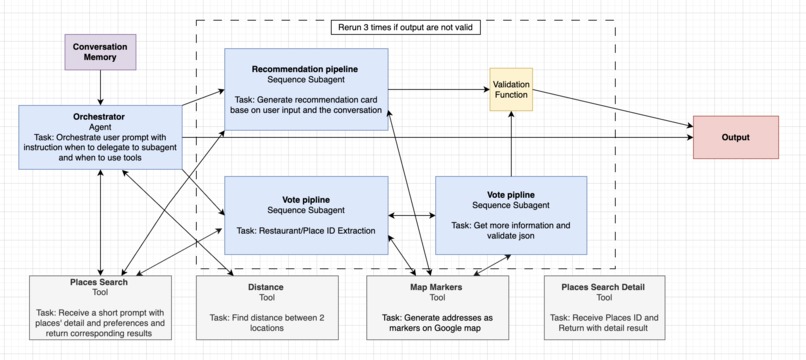
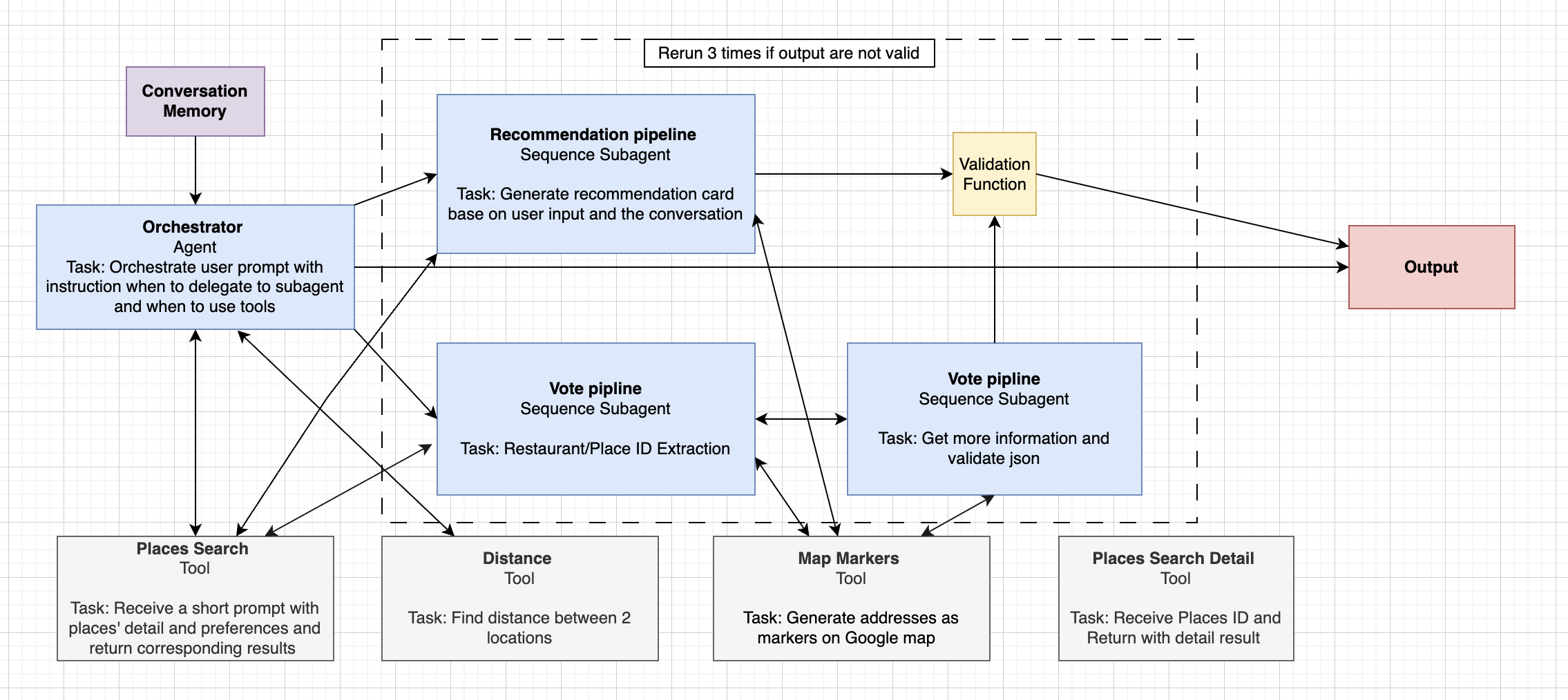
Backend: Powered by FastAPI and Google ADK, the backend runs fully on Google Cloud Run as a serverless service. A system of AI agents collaboration, one interprets user intent, and the others generate restaurant recommendations or polls using Google Places and Google Maps APIs. We used a SQL database for persistent chat memory and Pydantic for data validation.
Deployment: The app is containerized with Docker and deployed through GitHub Actions to Google Cloud Run, ensuring fast, automated updates. We also integrated Cloud Storage for assets and Cloud Logging for performance monitoring.
Architecture at a Glance
Our system uses modular agents connected through pipelines to handle conversation logic, memory, and real-time recommendations. This setup keeps the architecture lightweight while maintaining speed and accuracy. See diagram for more details
Challenges We Faced
- Building persistent memory for multiple users required custom engineering since Google ADK does not natively support it.
- Some pipelines produced nested JSON outputs, which meant designing compact, efficient schemas tailored to our use case.
- We also discovered that giving the agent too many instructions or tools caused hallucinations, so we modularized it into smaller, focused sub-agents for better performance.
What We Learned
- We learned a tremendous amount about Google Cloud Run, Google ADK, and related services by diving deep into documentation and experimentation.
- We also learned that success follows three key steps: plan carefully, research thoroughly, and execute with focus.
- Finally, we realized that tools like Cursor, AI Studio, or Claude can be powerful allies, but they require discipline. Without thoughtful use, they can quickly break code or waste resources.
Built With
- docker
- figma
- google-adk
- google-ai-studio
- google-cloud
- python
- react


Log in or sign up for Devpost to join the conversation.