-
-
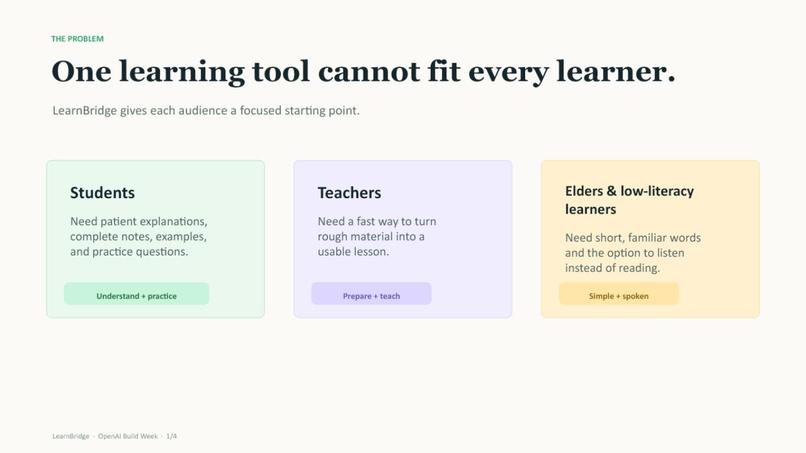
LearnBridge — AI learning support for everyone
-
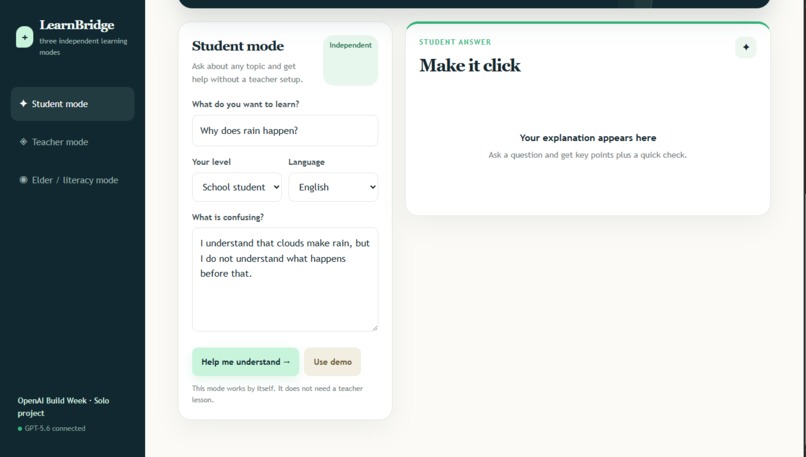
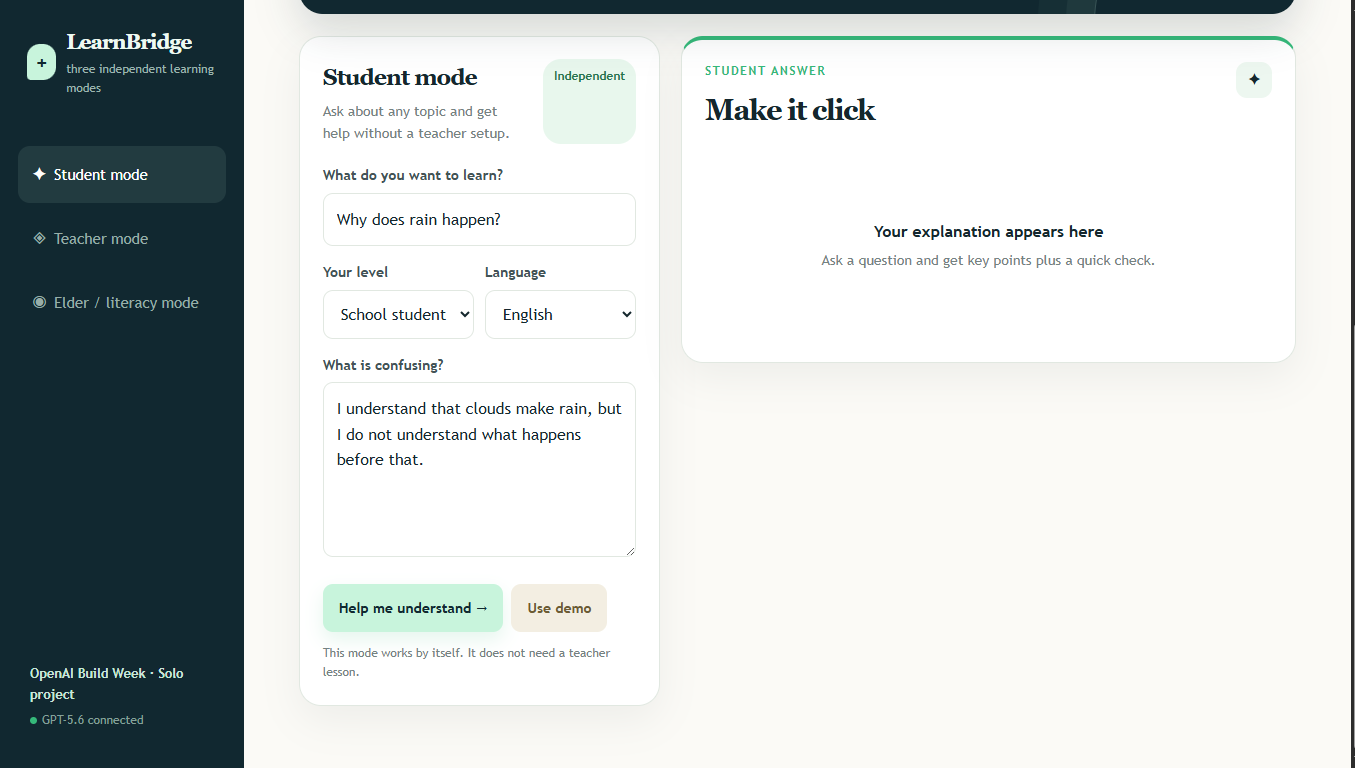
Student mode creates a complete AI study guide.
-
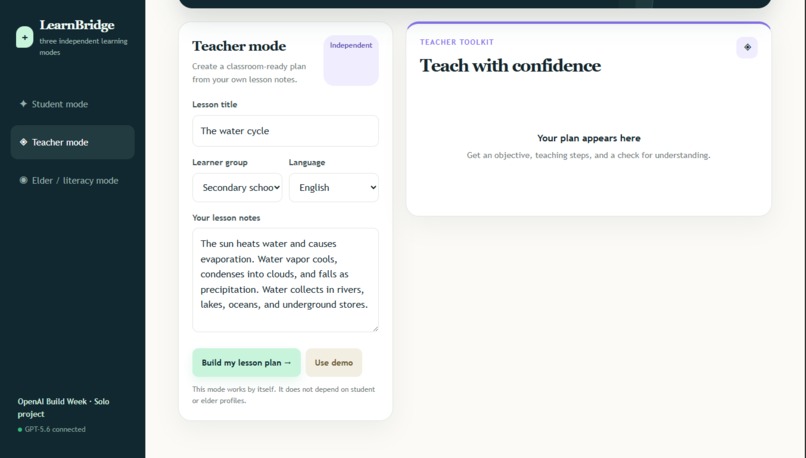
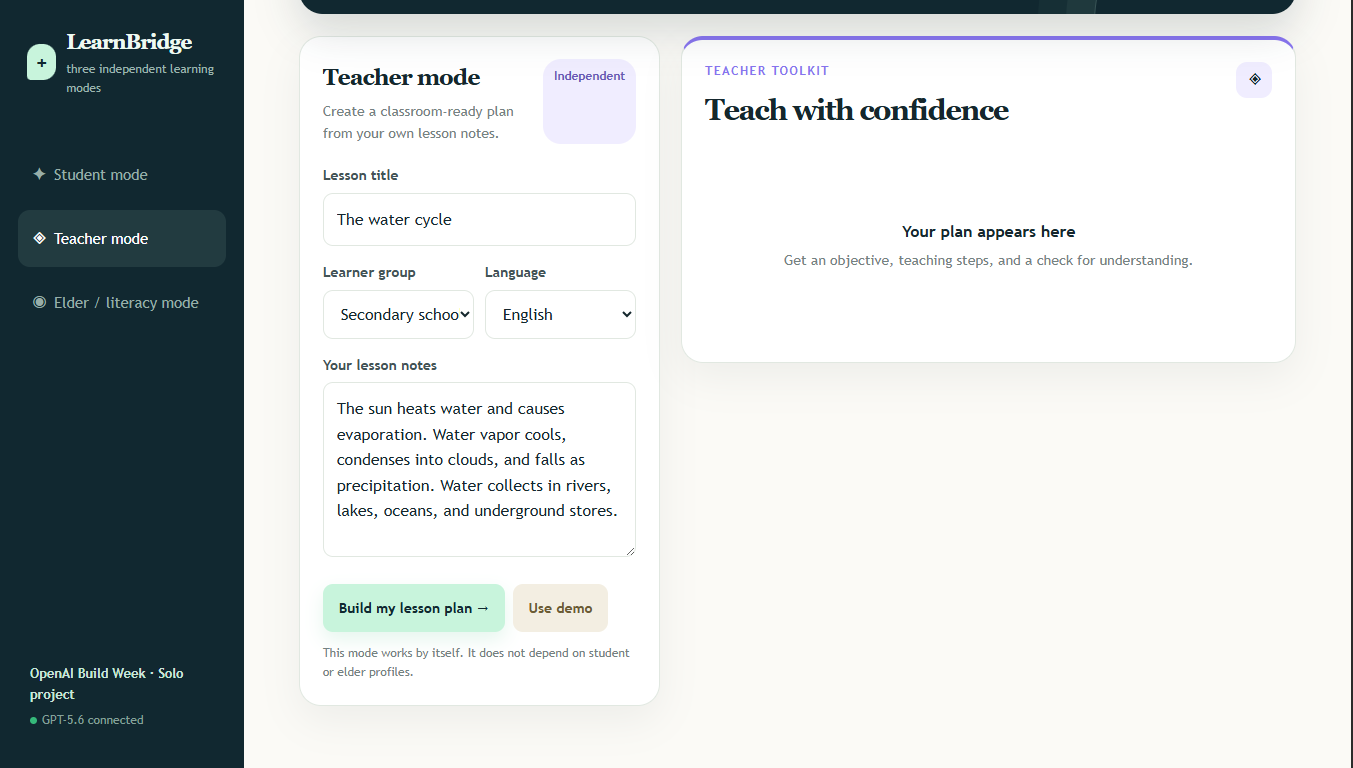
Teacher mode turns lesson material into a classroom-ready pack.
-
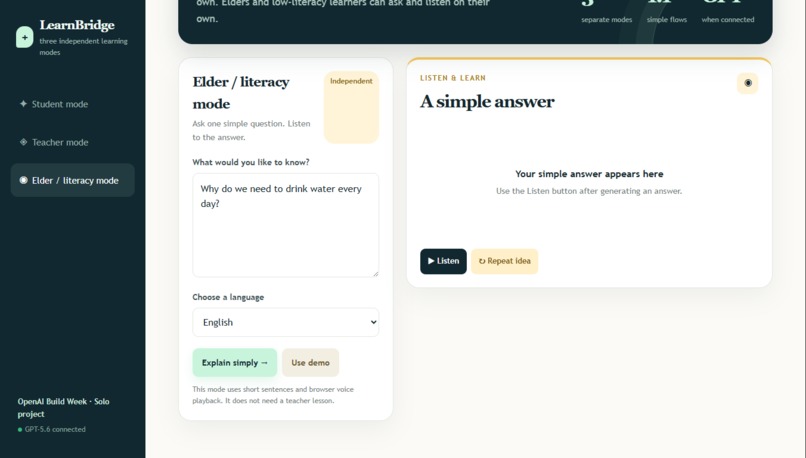
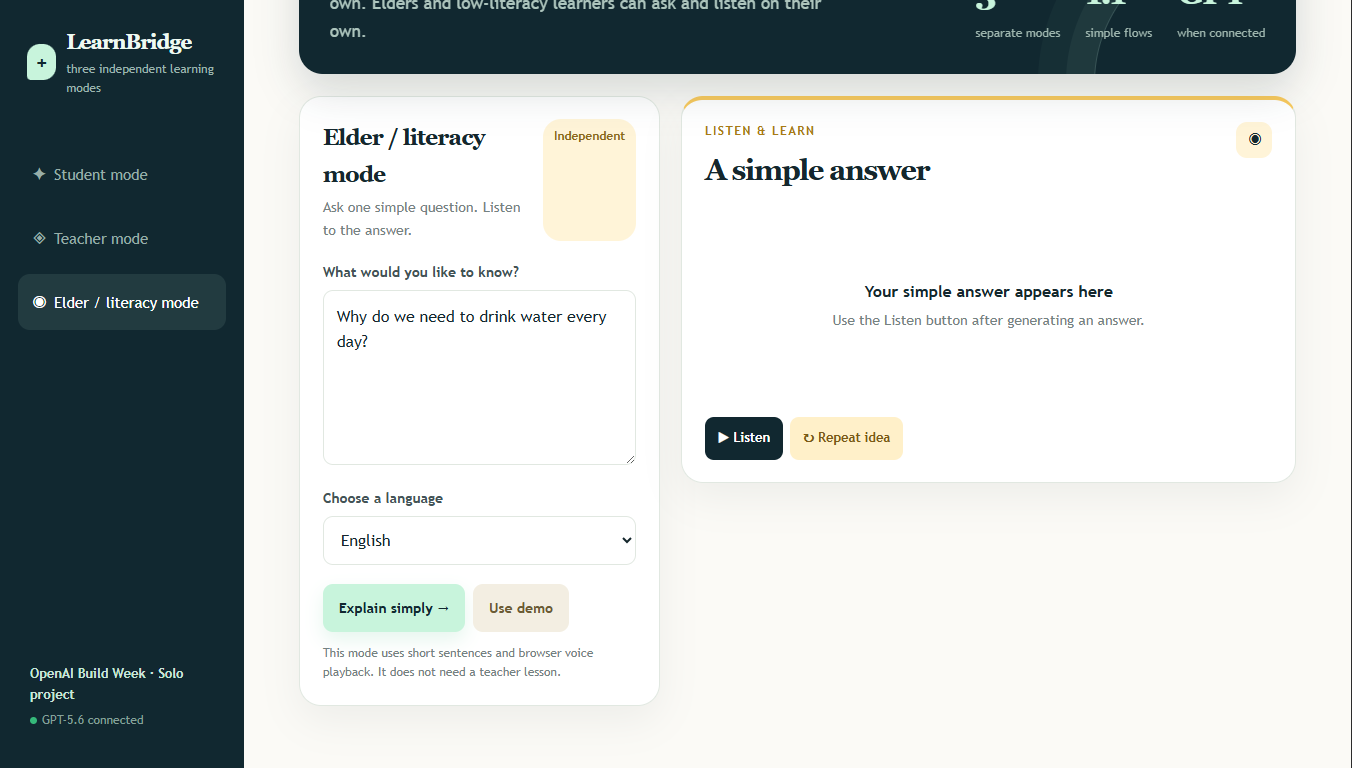
Elder mode explains clearly and supports voice playback.
-
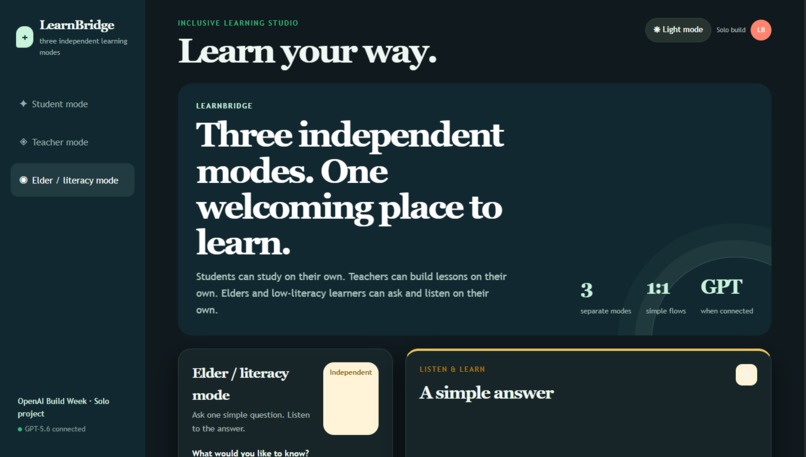
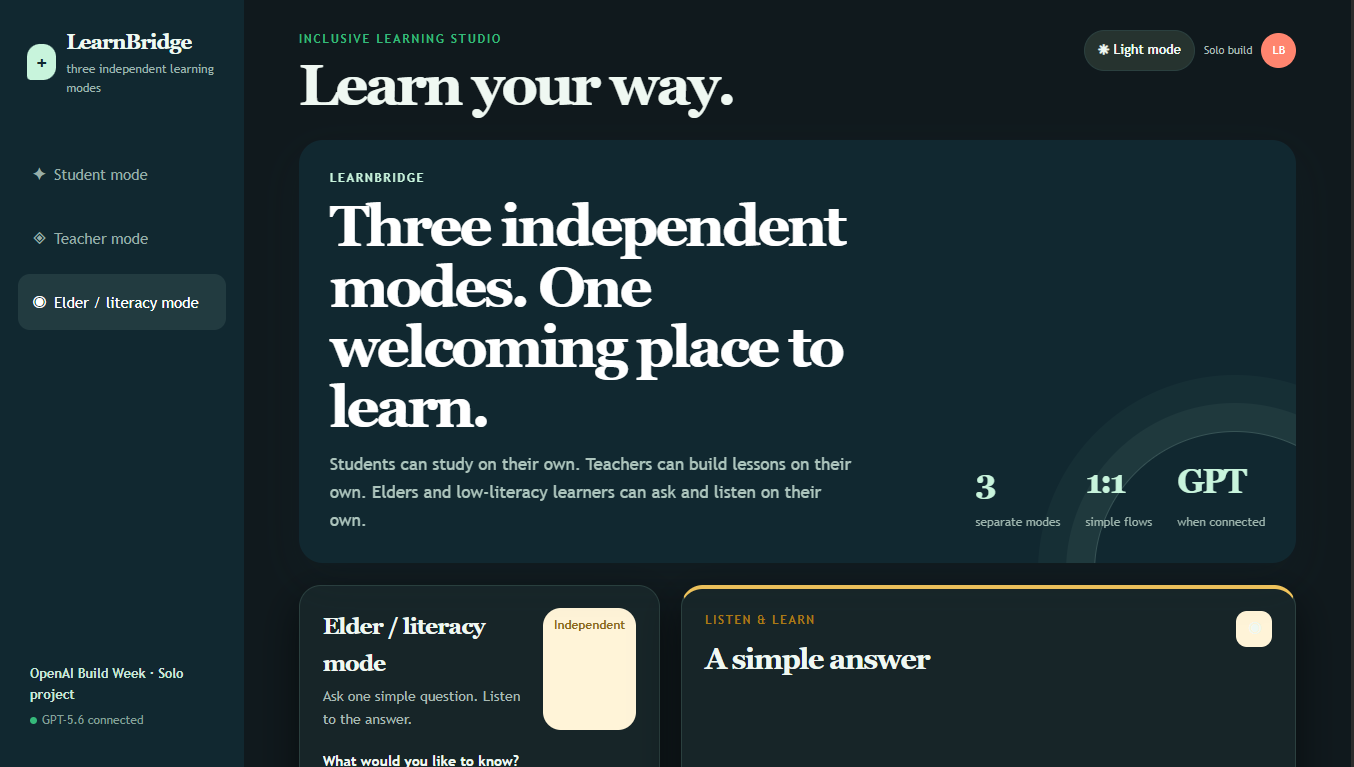
Readable light and dark themes support different preferences.
Inspiration
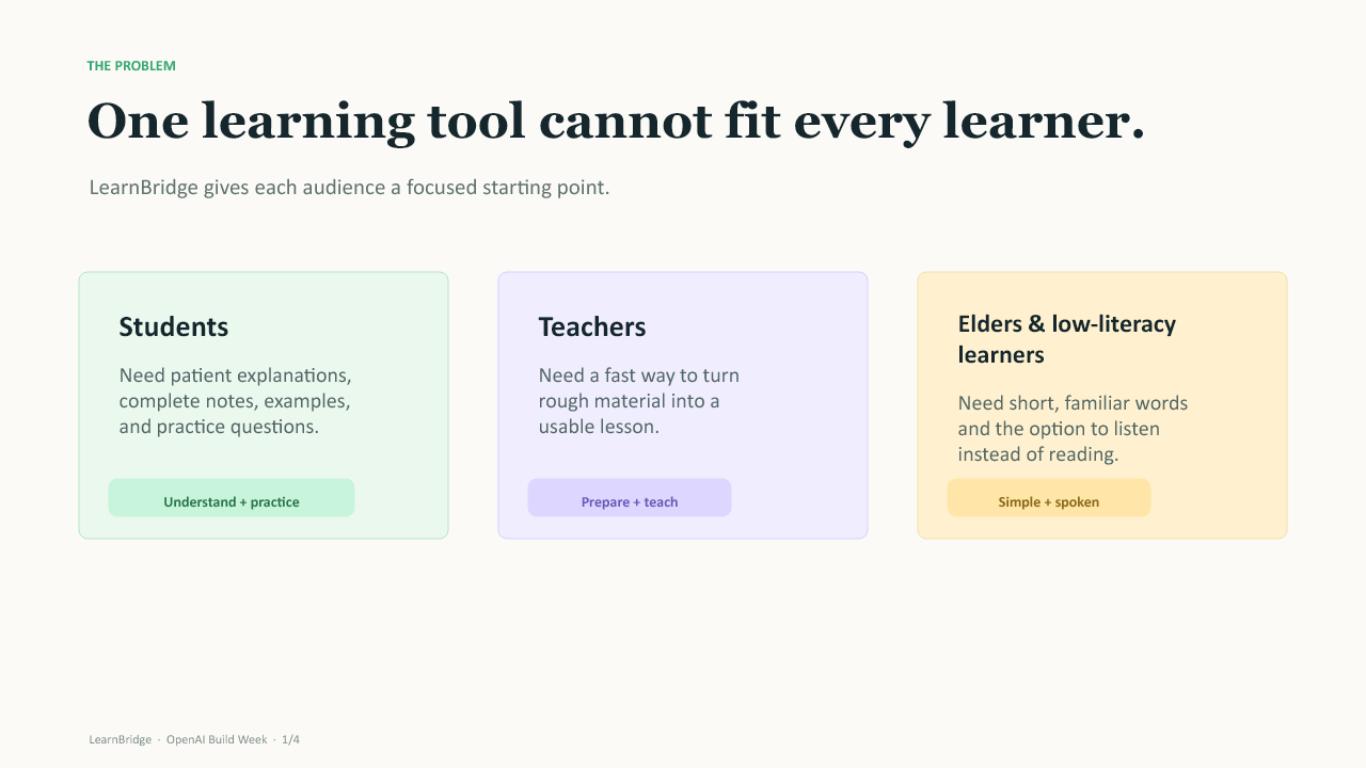
Learning does not look the same for everyone.
Students may need a patient explanation, complete notes, examples, and practice questions. Teachers may need help turning rough lesson material into a useful classroom plan. Elders and low-literacy learners may understand better when information is explained with short sentences and spoken aloud.
This inspired me to build LearnBridge: one inclusive learning assistant with three independent experiences for students, teachers, and elders.
What LearnBridge does
Student mode
Students enter a topic, learning level, language, and what confuses them. LearnBridge uses GPT-5.6 to generate:
- A complete explanation
- Detailed study notes
- Key terms and meanings
- An everyday example
- A recap
- Quiz questions with answers
- A visual mind map
Teacher mode
Teachers enter a lesson title, learner group, language, and lesson notes. LearnBridge creates:
- A learning objective
- Teaching notes
- Classroom activities
- An understanding check
- Adaptation ideas
- Quiz questions
- A mind map
Elder and literacy mode
Elders and low-literacy learners can ask a simple question. LearnBridge responds with short, familiar sentences and provides Listen and Repeat controls using browser voice playback.
The three modes are intentionally independent. Student mode does not require teacher data, teacher mode does not require student profiles, and elder mode does not depend on either one.
How I built it
The frontend was built with HTML, CSS, and JavaScript. I created a dependency-free Node.js server that serves the application and securely calls the OpenAI Responses API.
GPT-5.6 generates structured JSON for explanations, notes, quizzes, mind maps, lesson packs, and elder-friendly voice scripts. The API key stays on the server and is never exposed in browser code.
I also added:
- Local fallback content when the API is unavailable
- Large, readable typography
- Responsive layouts
- Dark and light themes
- Browser voice playback
- Separate form and output flows for every mode
Codex helped me design the architecture, build the interface, create the backend API integration, improve accessibility, design the prompts, add fallback behavior, and test the project.
What I learned
I learned that an AI product should not only generate information—it should present that information in a way that matches the person using it.
I learned how to:
- Design independent user experiences inside one application
- Use structured prompts for predictable AI output
- Connect a Node.js server to the OpenAI Responses API
- Keep API keys secure on the server
- Build accessible interfaces with readable typography
- Use browser speech synthesis for voice support
- Design fallbacks so the demo still works without live AI access
- Turn one topic into explanations, notes, quizzes, and mind maps
Challenges I faced
The biggest challenge was making the generated content genuinely useful instead of producing only short headings. I improved the prompts so the student mode now creates complete explanations, detailed notes, examples, recaps, key terms, quizzes, and mind maps.
Another challenge was designing three different audiences without making the interface confusing. I solved this by giving each mode its own input form, output area, controls, and fallback behavior.
Voice support for elders was another challenge. Instead of requiring a separate audio service, I used the browser's built-in SpeechSynthesis API so the feature remains simple and accessible.
I also had to make sure the API key was never exposed to the browser. The Node.js server now handles the OpenAI request, while the frontend only receives the generated result.
Future improvements
Future versions could include:
- More languages
- Downloadable notes and quizzes
- Progress tracking
- Teacher accounts and saved lessons
- Offline voice packs
- Audio generation with selectable voices
- Student learning history
- Sharing study guides with family or teachers
LearnBridge is built around one simple idea: everyone deserves a way to learn that feels understandable, respectful, and comfortable.tion
Built With
- browser
- codex
- css
- gpt-5.6
- html
- javascript
- node.js
- openai-responses-api


Log in or sign up for Devpost to join the conversation.