-
-
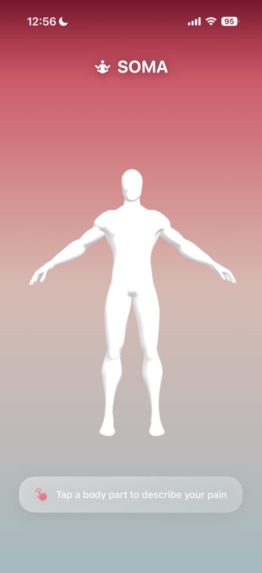
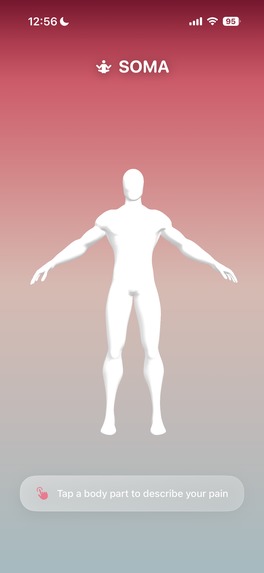
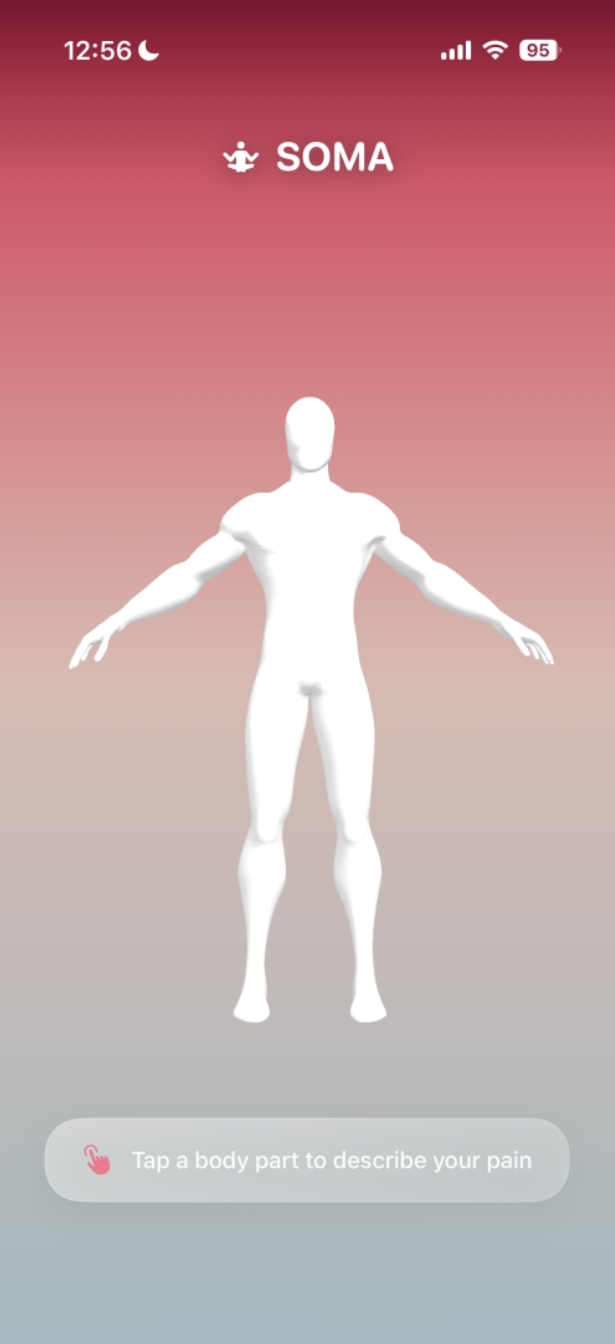
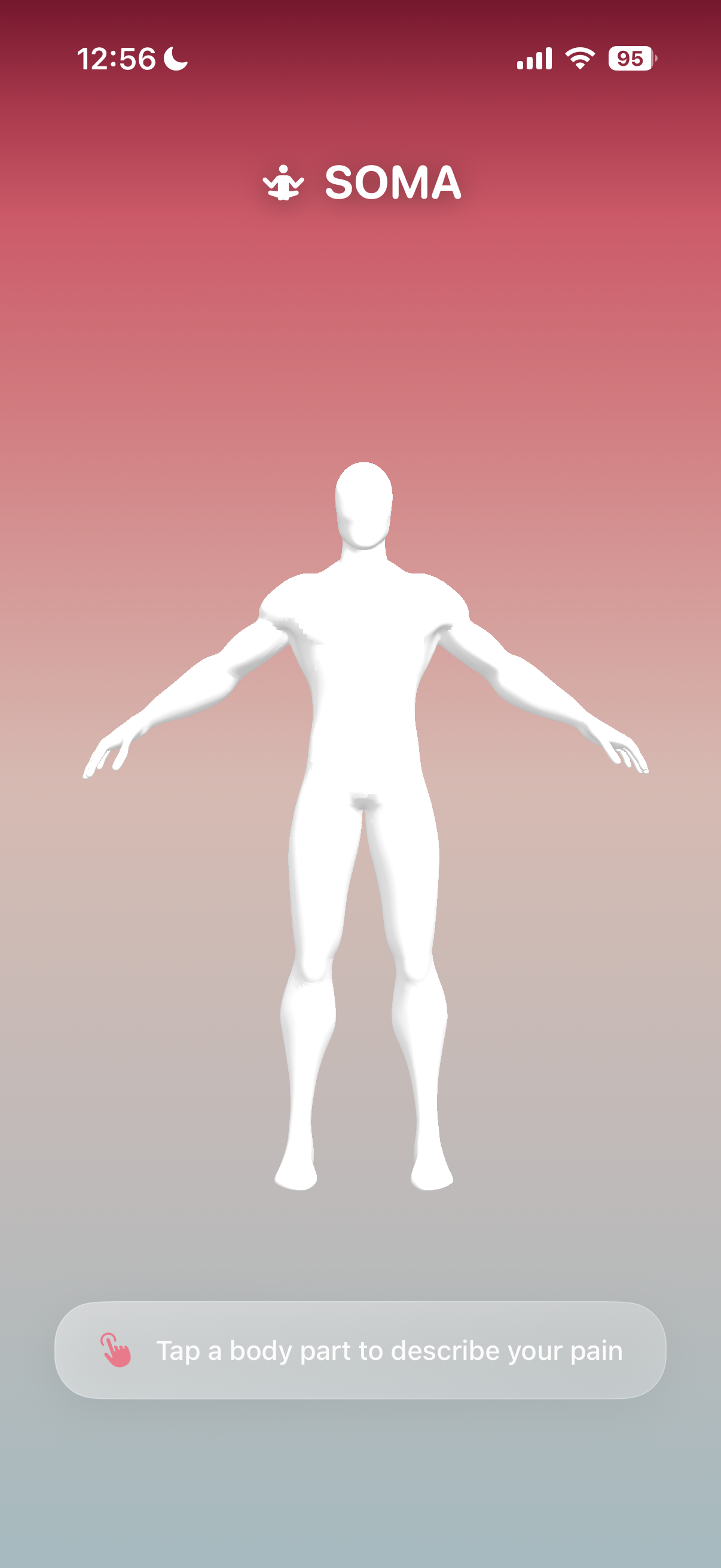
Home View
-
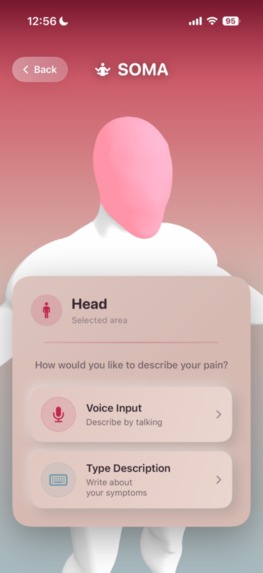
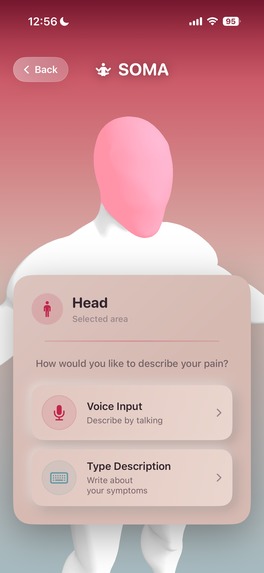
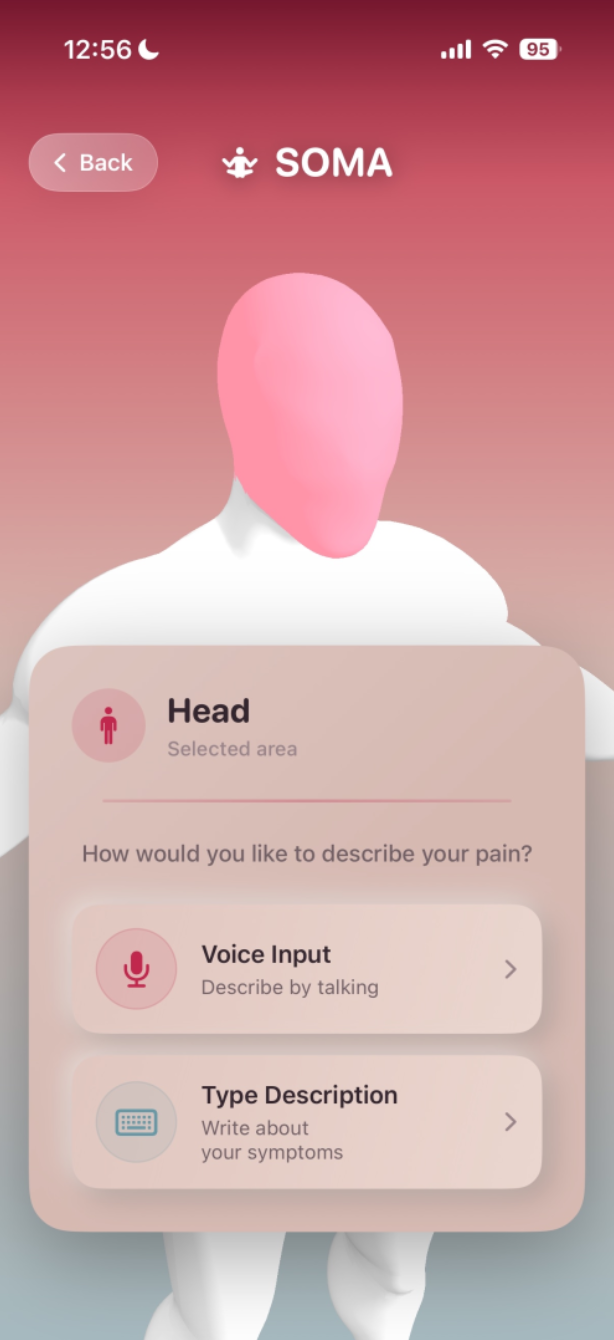
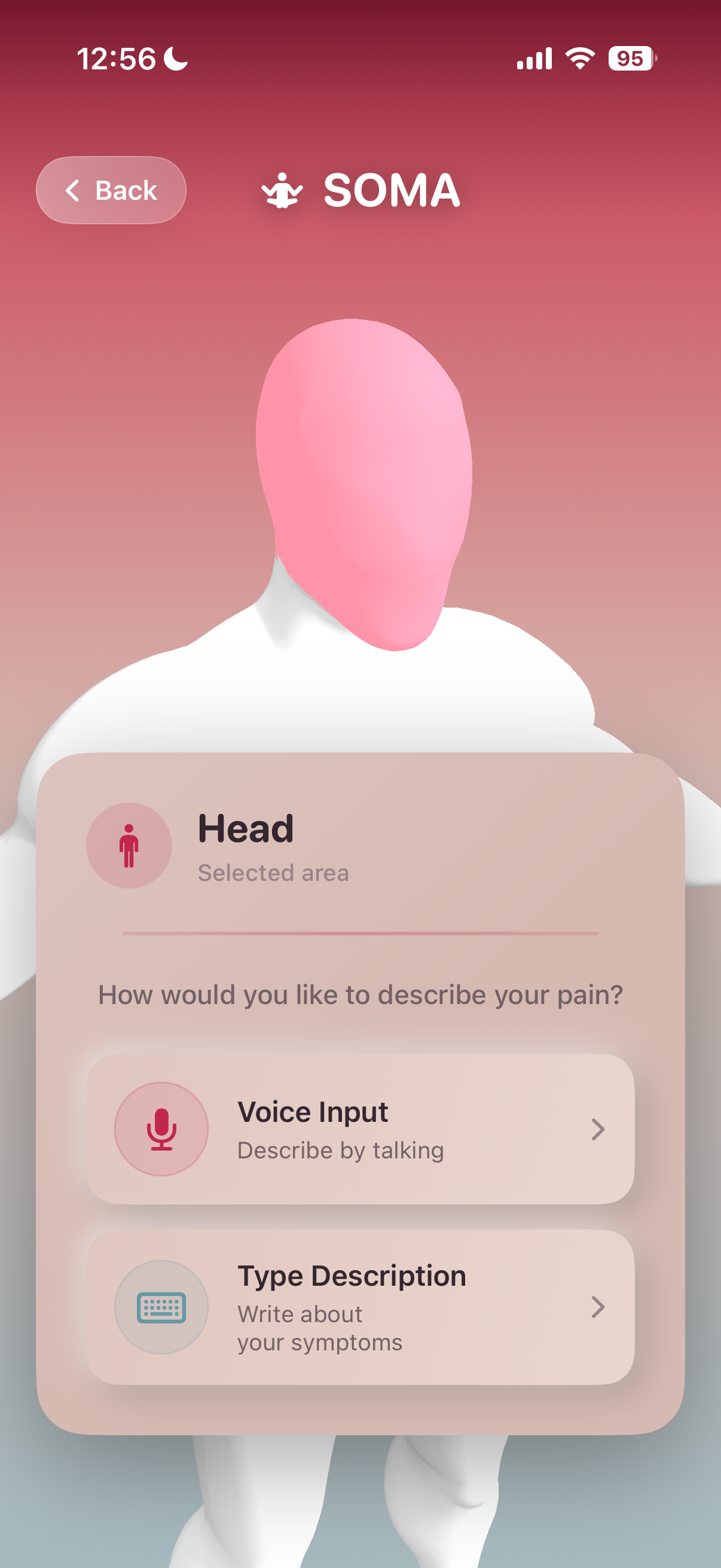
Body Part
-
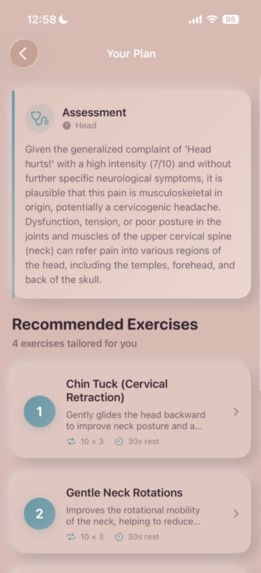
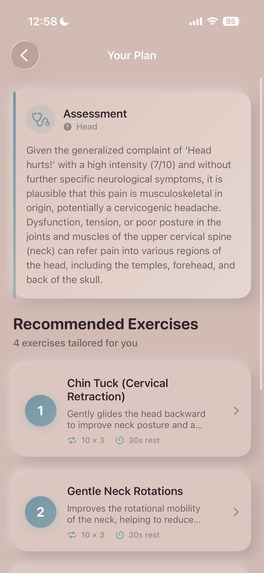
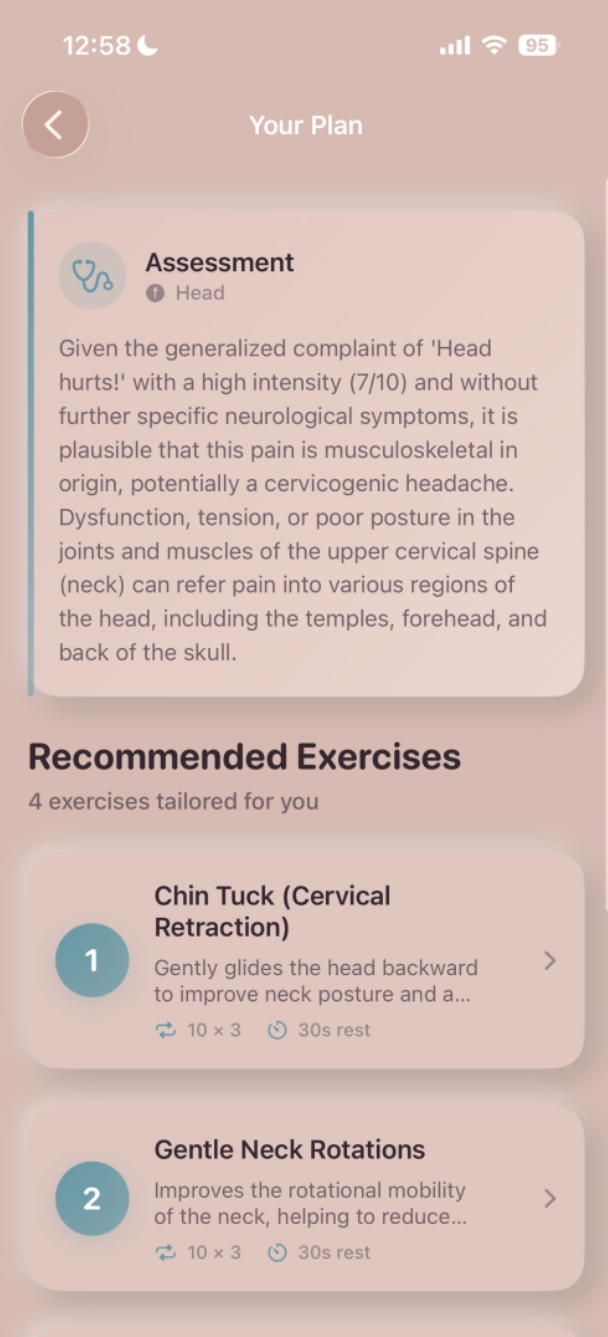
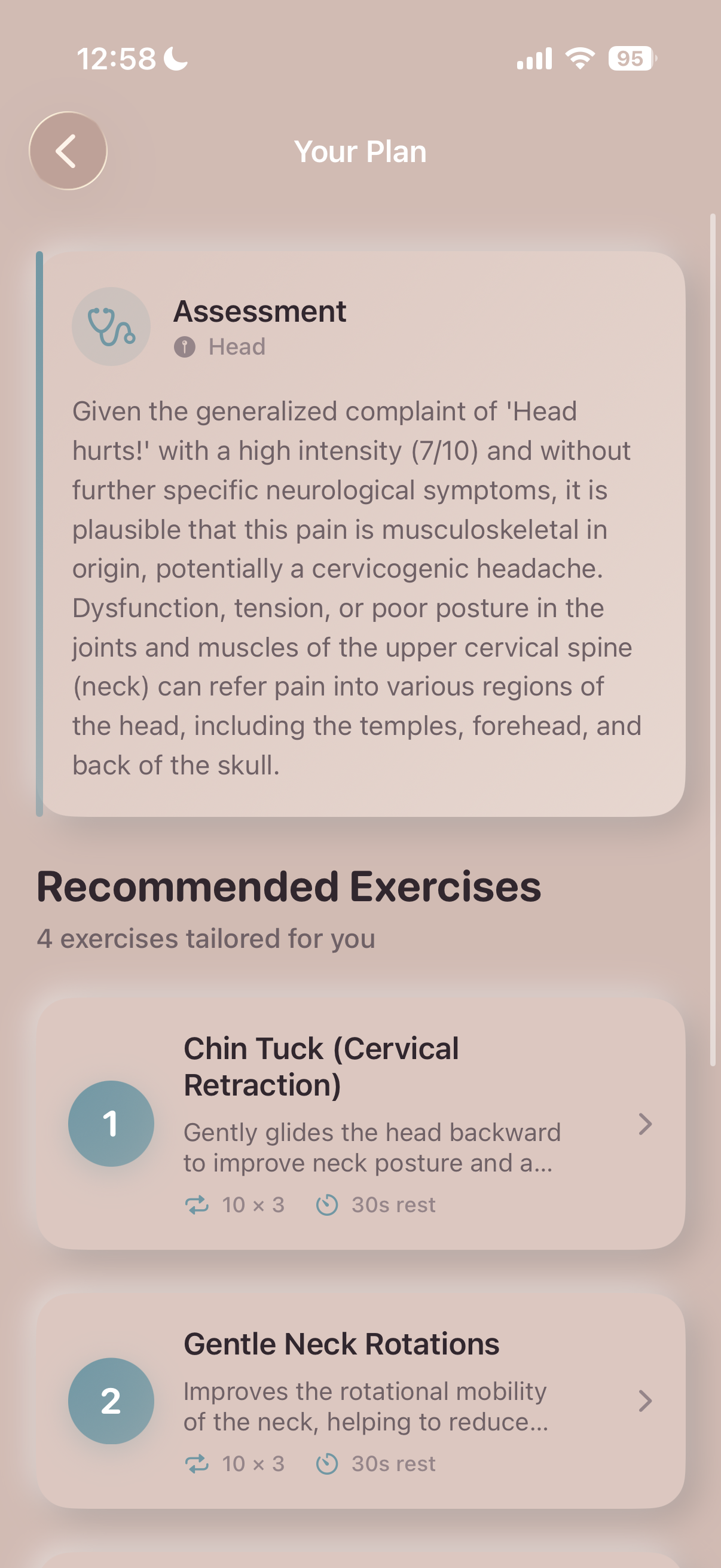
AI Response
-
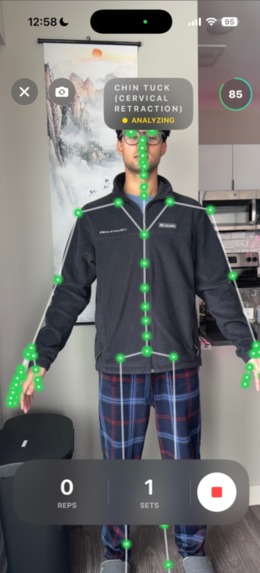
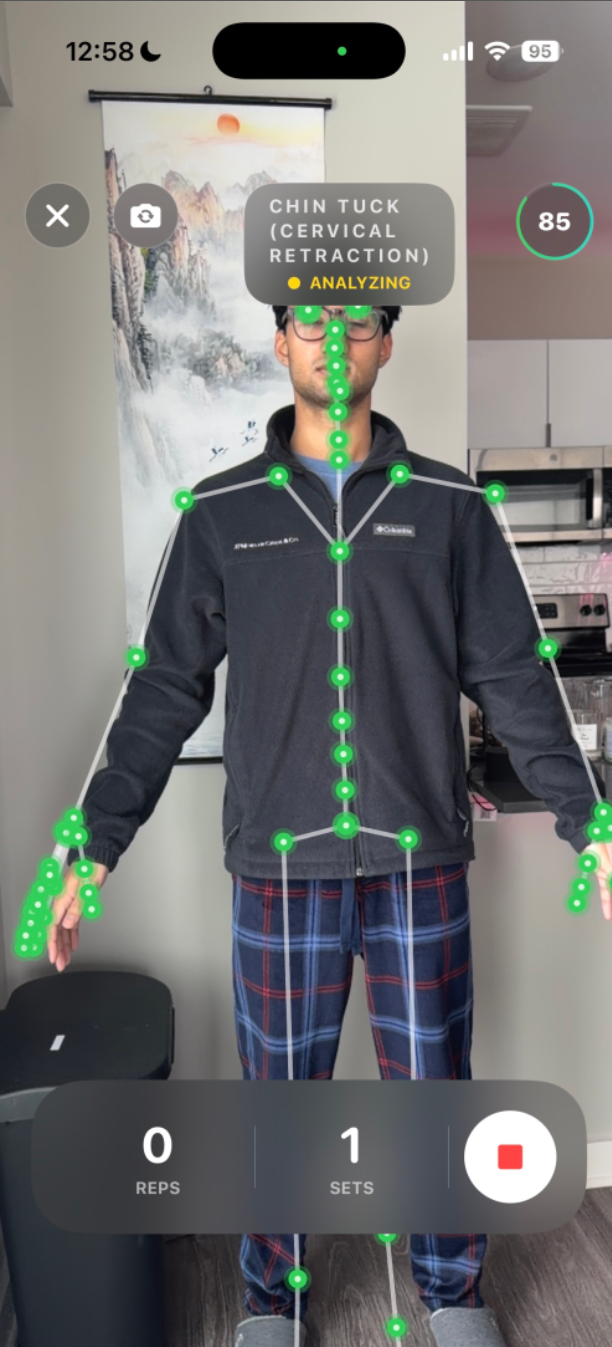
Real Time Tracking
-
-
-
-
Soma - AI-Powered Physical Therapy
Inspiration
Over 50 million Americans suffer from chronic pain, and physical therapy can cost $150+ per session. Many people abandon their PT exercises because they don't know if they're doing them correctly, leading to ineffective treatment or even injury. We asked: What if everyone could have a Doctor of Physical Therapy watching their form in real-time, right in their pocket?
Soma was born from the frustration of trying to follow PT exercises from printed sheets with no feedback. We wanted to democratize access to professional physical therapy coaching using AI and computer vision.
What it does
Soma is an iOS app that combines ARKit skeleton tracking, Google Gemini AI, and ElevenLabs voice synthesis to deliver real-time physical therapy coaching:
AI Pain Diagnosis - Tap your 3D body map, describe your pain, and Gemini generates a personalized exercise plan with empathetic voice guidance
Real-Time Skeleton Tracking - Your iPhone's camera tracks 91 body joints at 60fps using ARKit, displaying a glowing skeleton overlay as you exercise
Instant Form Correction - AI analyzes your form every 2 seconds and speaks corrections in under 300ms (e.g., "Keep knees aligned over toes")
Visual Gamification:
- Green glowing joints when your form is perfect
- Red pulsing joints when errors are detected
- Movement trails showing hand/foot paths
- Automatic rep counting based on joint angles
- Real-time angle displays for knees, spine, hips
Progress Tracking - Track reps completed, form scores over time, and exercise streaks
Example Flow: User taps "Lower Back Pain" → Gemini recommends Bird Dog exercise → User performs it while seeing their skeleton → AI coaches "Keep hips level" when rotation detected → Rep counted automatically
How we built it
Architecture: iOS-First, Backend-as-Coordinator
iOS App (Swift/SwiftUI):
- ARKit ARBodyTracking - 91-joint skeleton detection (requires iPhone XS+, A12 chip)
- ARSkeletonOverlayView - Custom SwiftUI Canvas renderer with glowing effects, trails, and pulsing animations
- ARBodyTrackingService - Calculates PT angles (knee, hip, spine, shoulder, elbow) using SIMD vector math
- CoachingViewAR - Exercise-specific form validators for Squat, Bird Dog, Glute Bridge, Plank
- AVFoundation - Camera capture at 30fps
Backend (FastAPI + Python):
- Gemini 1.5 Pro - Multimodal pain analysis (text + 3D coordinates → exercise plan)
- Gemini 2.5 Flash - Image-based form analysis with comprehensive system prompt (8 exercises, 7 body parts)
- ElevenLabs Turbo v2 - Text-to-speech for empathetic coaching voice
- Ngrok - Secure tunnel for iOS ↔ Backend communication
Key Technical Decisions:
- ARKit over MediaPipe - 91 joints vs 33, true 3D vs 2D estimation, 60fps vs 30fps
- On-device processing - Reduced latency from 1-2 seconds to <300ms
- Joint angles over video frames - 2KB/s bandwidth vs 1MB/s
- 12-word correction limit - Prevents audio overlap during movement
Visual Effects Implementation:
// 4-layer glowing joint rendering
1. Outer glow: 3x radius, pulsing (0.8s cycle), 30% opacity
2. Middle glow: 1.8x radius, 50% opacity
3. Main joint: Solid color (green/red based on form)
4. Inner highlight: 0.5x radius white shine, 90% opacity

// Movement trails: 30-frame history with gradient opacity
Challenges we ran into
ARKit Learning Curve - ARBodyTracking has minimal documentation. Figuring out how to extract joint positions, convert to screen coordinates, and calculate 3D angles using SIMD took days of experimentation
Backend Migration Crisis - Initially built backend-heavy architecture with MediaPipe processing (643 lines). Realized latency was terrible (1-2 seconds). Had to delete 26% of backend code and rebuild iOS-first
Audio Overlap Issue - Voice corrections overlapped when user moved quickly. Solution: 12-word max corrections + previous correction tracking to prevent repeats
Logging Encoding Errors - Emoji characters in logs caused UnicodeEncodeError on Windows. Had to strip all emoji and use plain ASCII
Form Validation Complexity - Each exercise has unique biomechanics. Creating comprehensive system prompts with ideal angles for 8 exercises × 7 body parts = 56+ form criteria
Coordinate System Hell - ARKit uses right-handed Y-up, SwiftUI uses top-left origin. Converting 3D skeleton → 2D screen coordinates required multiple matrix transformations
Real Device Testing - ARKit doesn't work in simulator. Every test required building to physical iPhone, slowing development
Accomplishments that we're proud of
Sub-300ms Latency - Achieved professional-grade real-time feedback (10x faster than original backend approach)
Production-Quality Visual Effects - The glowing skeleton with pulsing animations, movement trails, and color-coding looks like a AAA fitness app
Comprehensive AI System Prompt - 350+ lines covering ideal form for 8 exercises across every major body part with specific scoring deductions
Automatic Rep Counting - State machine-based detection using joint angles (e.g., squat rep = knee angle <110° → >160°)
Clean Architecture - Separated iOS processing from backend coordination, reducing backend from 2,479 lines to 1,836 lines (26% reduction)
Exercise-Specific Validators - Each exercise has custom logic:
- Squat: depth + symmetry + forward lean
- Bird Dog: hip level + spine neutral
- Glute Bridge: knee angle + hip extension
- Plank: hip sagging/piking detection
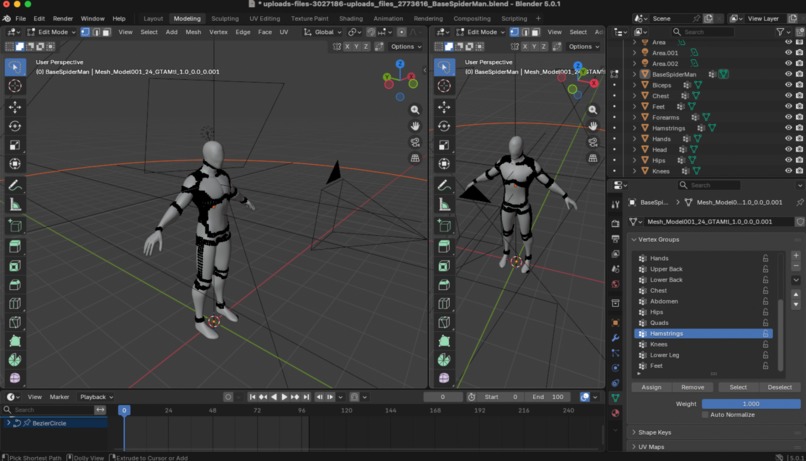
Color-Coded Anatomy - Yellow head, red shoulders, orange arms, purple spine, pink hips, green legs, blue feet - makes it easy to see body positioning
What we learned
Technical:
- ARKit's ARBodyTracking is incredibly powerful but poorly documented - had to reverse-engineer joint naming conventions
- SIMD vector math is essential for real-time 3D angle calculations (dot product for angles, normalize for unit vectors)
- SwiftUI Canvas is perfect for custom rendering but has a steep learning curve
- On-device processing >> cloud processing for real-time applications (16ms vs 100-300ms)
- System prompt engineering is as important as code - our 350-line prompt makes Gemini an expert PT
Architecture:
- iOS-First beats Backend-Heavy - Processing video on backend = 1MB/s bandwidth + 1-2s latency. Processing on device + sending angles = 2KB/s + <300ms
- Offline-capable > Always-online - Users want to exercise without internet (Realm sync planned)
- Middleware should coordinate, not compute - Backend's job is session tracking + analytics, not heavy lifting
Product:
- Visual gamification (glowing joints) makes PT exercises actually engaging
- Voice feedback <300ms feels instant, >1s feels broken
- Users need 12 words or less for corrections, not paragraphs
- Privacy matters - people don't want their workout videos in the cloud
Process:
- Delete code aggressively when architecture is wrong (we removed 643 lines without regret)
- Real device testing is non-negotiable for ARKit/camera apps
- Markdown documentation annoys users - just let the code speak (learned this the hard way)
What's next for Soma
Short-term (Next 2 Months):
- Gemini Live API Integration - Replace batch image analysis with streaming WebSocket for true real-time coaching
- ElevenLabs WebRTC - Replace REST API voice with WebRTC streaming for <100ms audio latency
- MediaPipe Integration - Add as fallback for older iPhones without ARKit body tracking
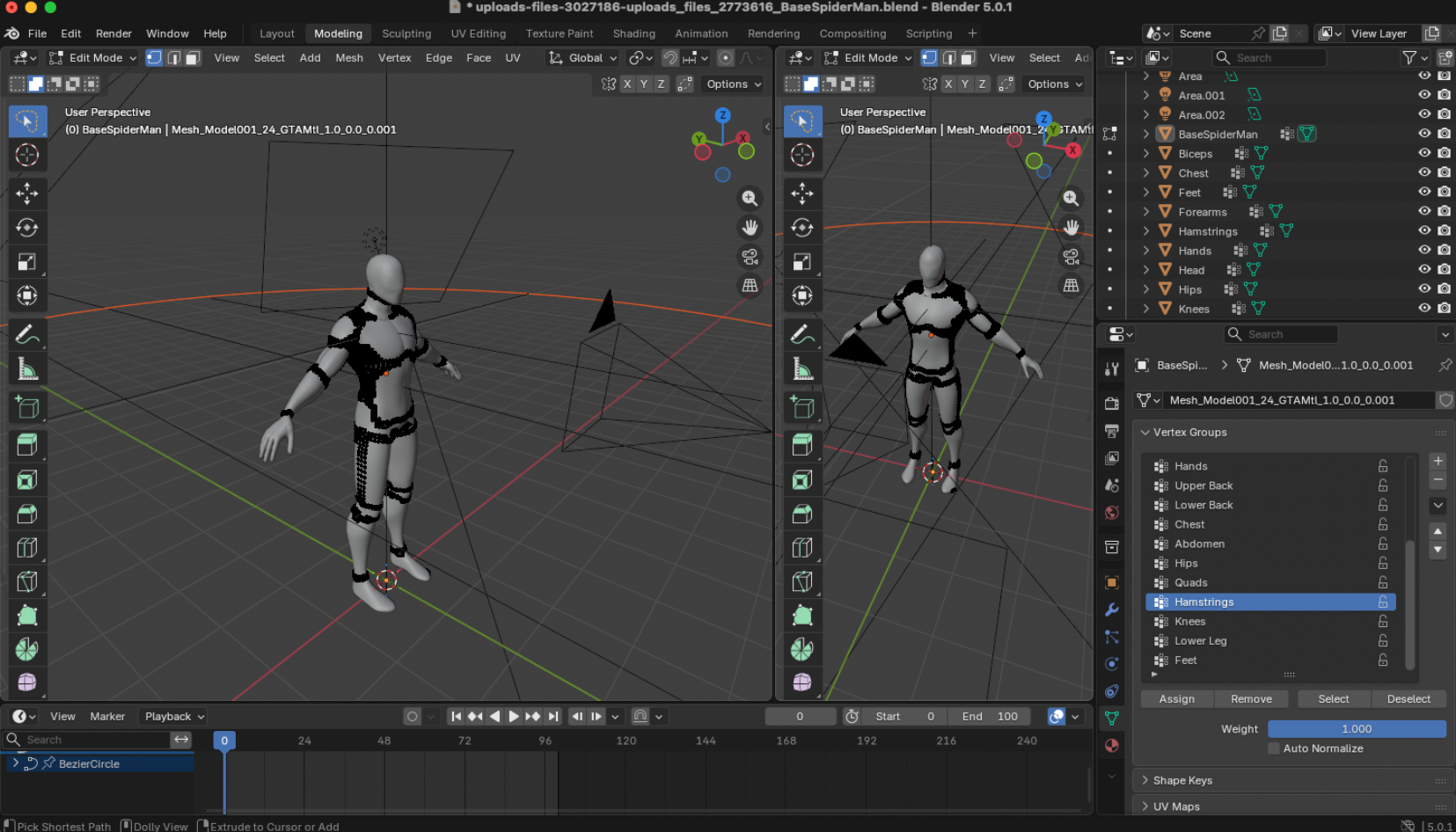
- RealityKit 3D Body Map - Replace placeholder tap map with interactive 3D anatomical model
Medium-term (3-6 Months):
- Offline Mode - Realm local storage + sync when online
- Session Recording - Save joint positions for playback and progress comparison
- Social Sharing - Export skeleton overlay videos (no camera feed for privacy)
- Multi-Language - Spanish, French, Mandarin support
- Wearable Integration - Apple Watch for heart rate + exercise detection
Long-term (Vision):
- Telehealth Integration - Licensed PTs can review recorded sessions
- Custom Exercise Builder - Upload your own PT exercises with form criteria
- Multi-Person - Group workout sessions with shared skeleton view
- AI Form Prediction - Predict injuries before they happen based on movement patterns
- Insurance Integration - Log sessions for HSA/FSA reimbursement
Ultimate Goal: Make professional physical therapy accessible to everyone, anywhere, for the cost of a Netflix subscription.
Technical Details
Built with: Swift, SwiftUI, ARKit, FastAPI, Google Gemini, ElevenLabs
Platforms: iOS 13.0+, iPhone XS or newer (A12 Bionic chip required for ARKit body tracking)
Architecture:
┌─────────────────────────────────────────────────────────────┐
│                         iOS APP                              │
│  ┌──────────────────────────────────────────────────────┐   │
│  │  Camera (30fps) → ARKit (91 joints @ 60fps)         │   │
│  │       ↓                           ↓                  │   │
│  │  Joint Angles  ────────────→  Gemini 2.5 Flash      │   │
│  │                                  ↓                   │   │
│  │                            ElevenLabs TTS            │   │
│  │                                  ↓                   │   │
│  │                            Audio Playback            │   │
│  └──────────────────────────────────────────────────────┘   │
│                          ↓                                   │
│                   POST /start-session                        │
│                   POST /end-session                          │
│                          ↓                                   │
└──────────────────────────┼──────────────────────────────────┘
                           ↓
┌──────────────────────────┼──────────────────────────────────┐
│                    BACKEND (FastAPI)                         │
│  ┌─────────────────────────────────────────────────────┐    │
│  │  Session Coordinator                                │    │
│  │    - Initialize Gemini connection                   │    │
│  │    - Generate exercise plans                        │    │
│  │    - Voice synthesis coordination                   │    │
│  └─────────────────────────────────────────────────────┘    │
└──────────────────────────────────────────────────────────────┘
Performance Metrics:
- Frame rate: 60 fps (ARKit skeleton tracking)
- Skeleton joints: 91 (full body)
- Analysis frequency: 2 Hz (every 0.5s)
- Voice latency: <300ms (target)
- Bandwidth: 2KB/s (joint angles only)
- CPU usage: ~15-20% (iPhone 13)
Key Files:
ios/soma/soma/ARBodyTrackingService.swift- Core ARKit tracking (340 lines)ios/soma/soma/ARSkeletonOverlayView.swift- Visual rendering (400+ lines)ios/soma/soma/CoachingViewAR.swift- Form analysis UI (350+ lines)backend/app/routers/coaching.py- Session coordinator (131 lines)backend/app/services/gemini_service.py- AI integration (195 lines)

Log in or sign up for Devpost to join the conversation.