-
-
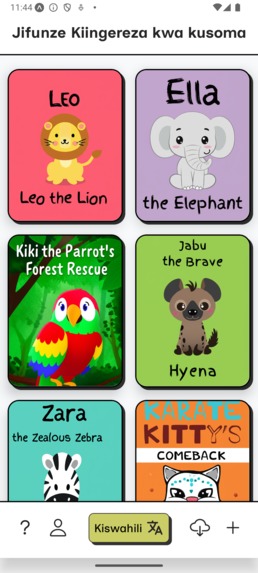
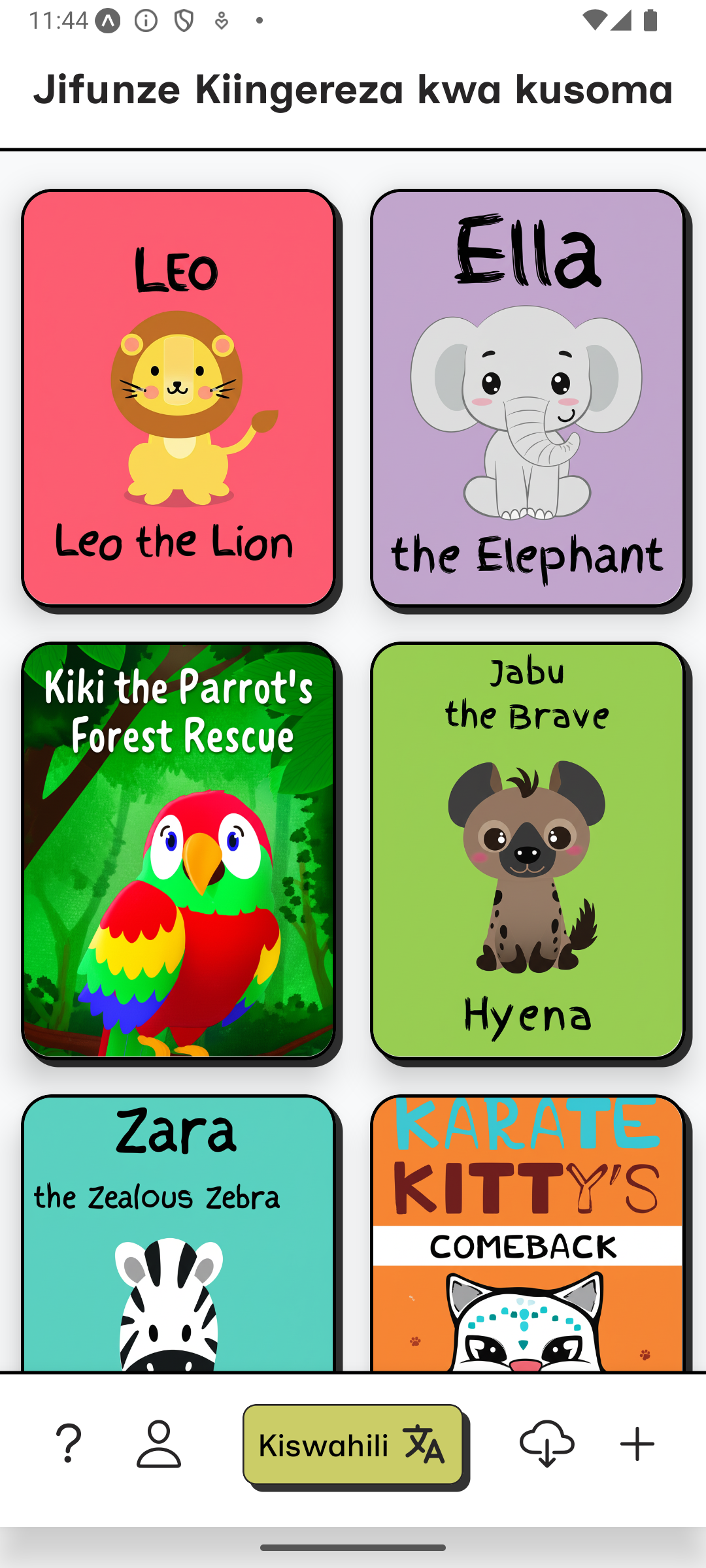
App Home
-
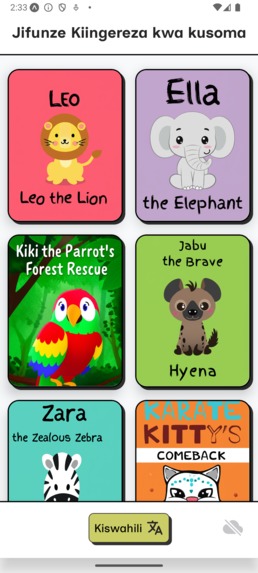
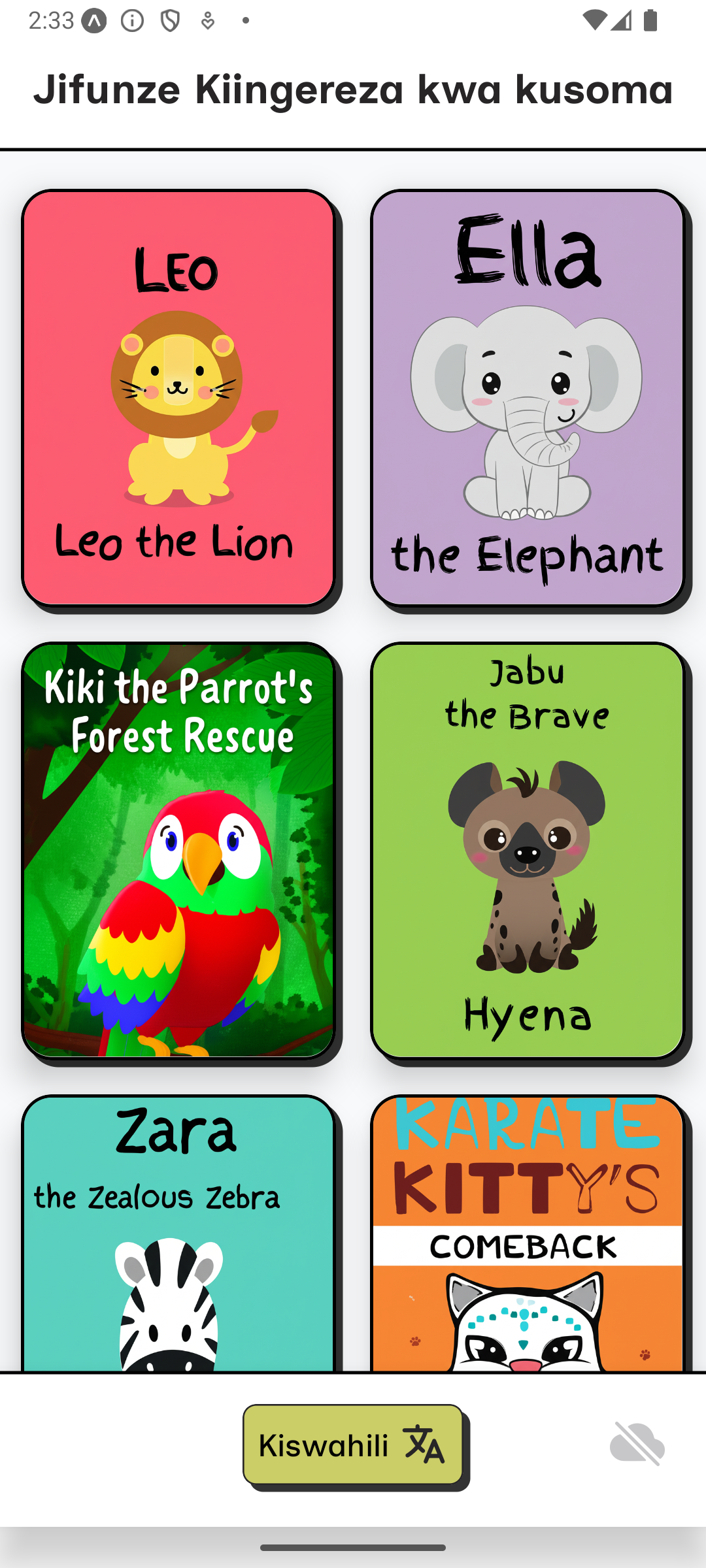
App Home Offline
-
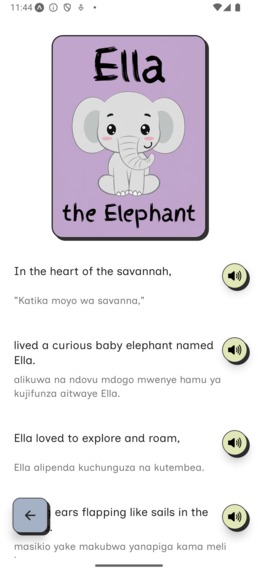
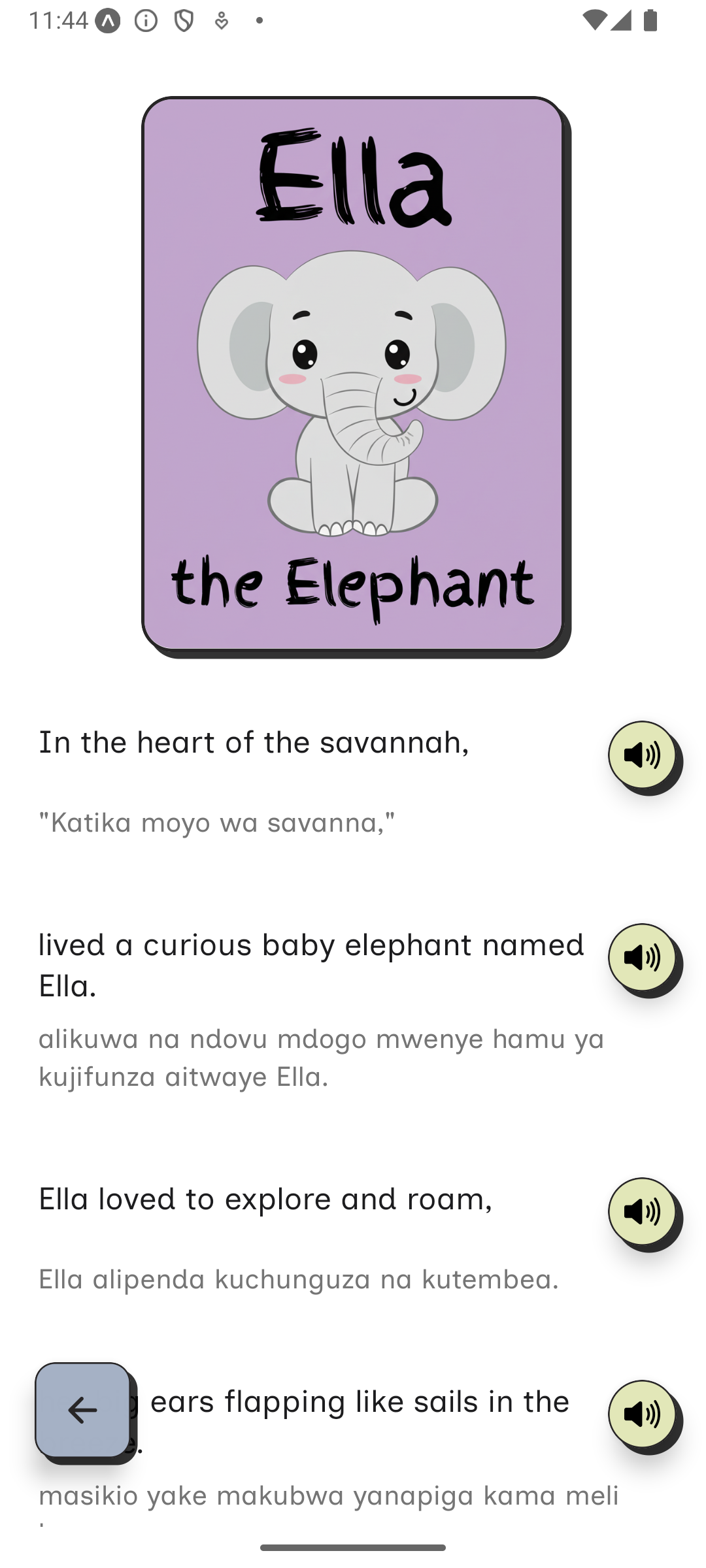
App Reader
-
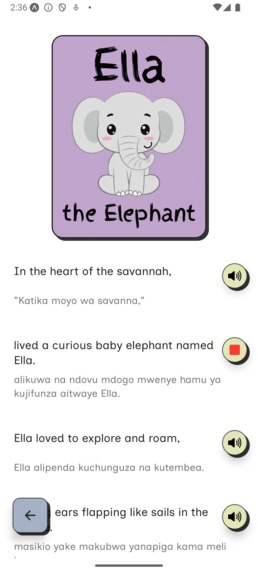
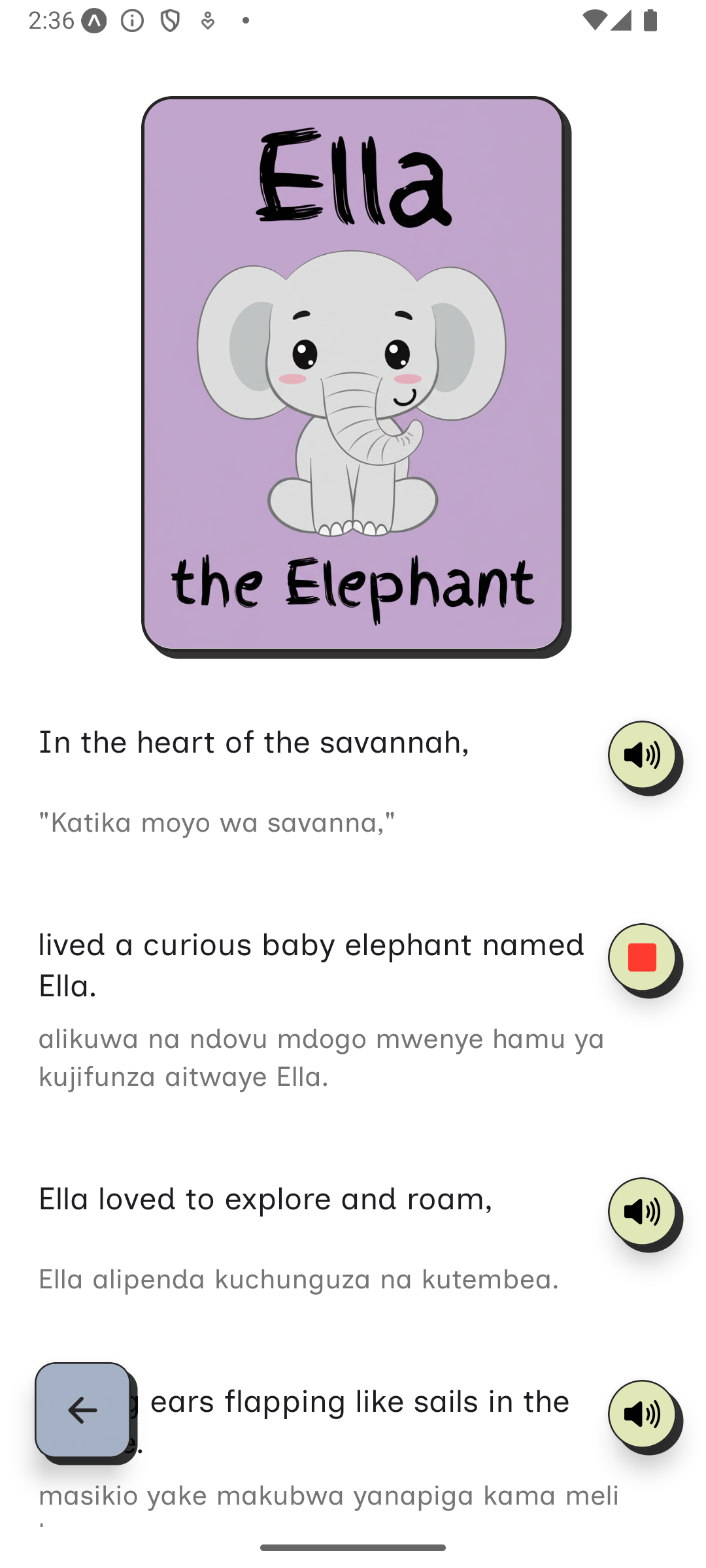
App Reader - Playing Audio
-
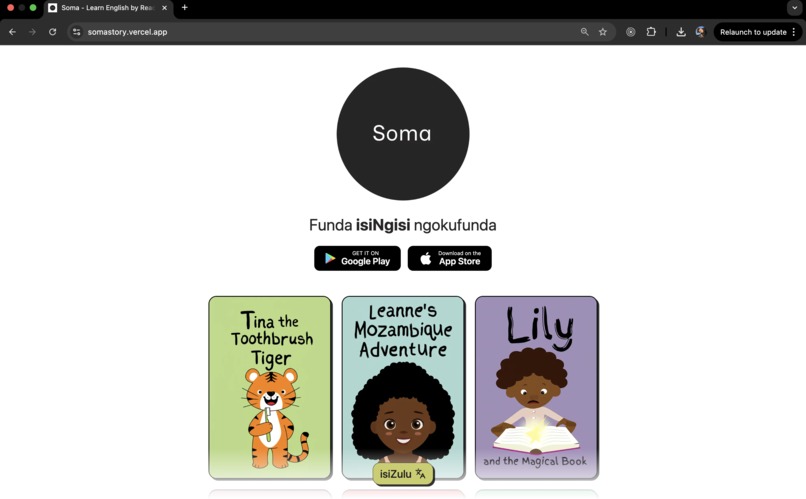
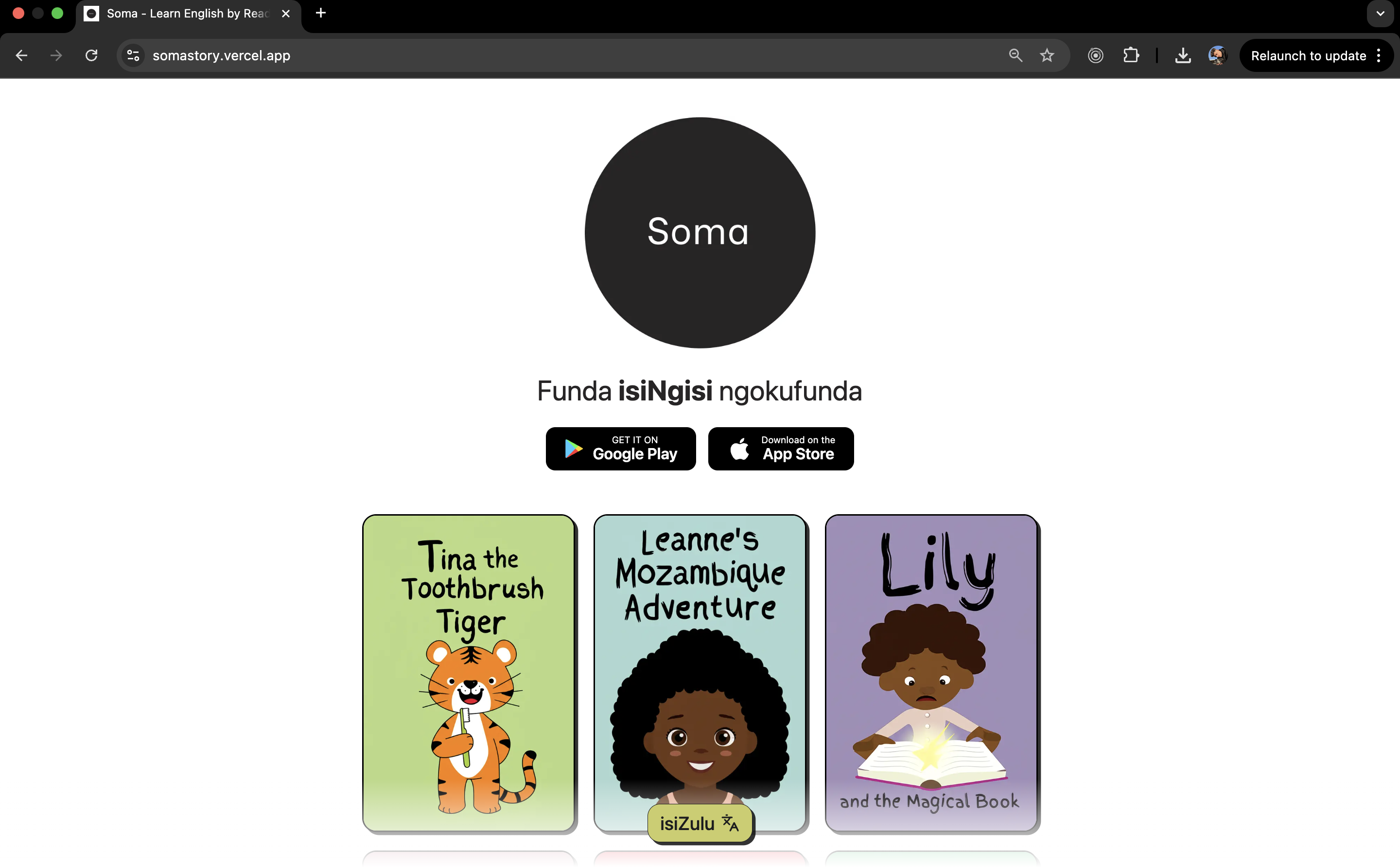
Web Home
-
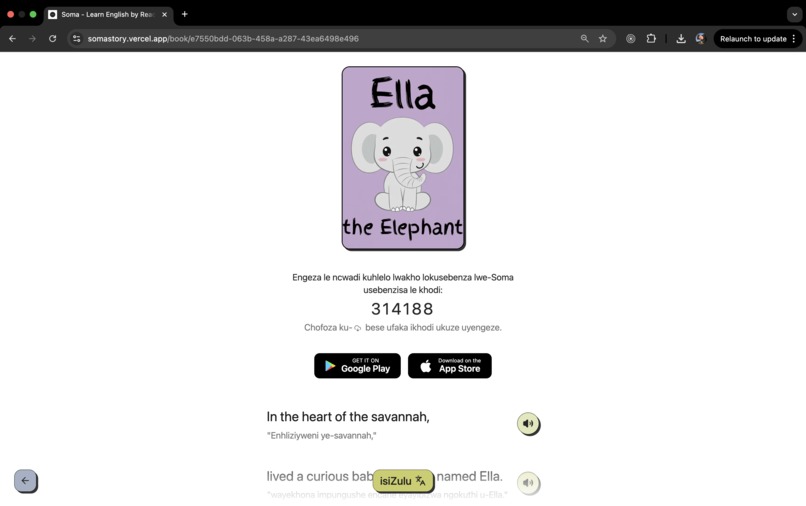
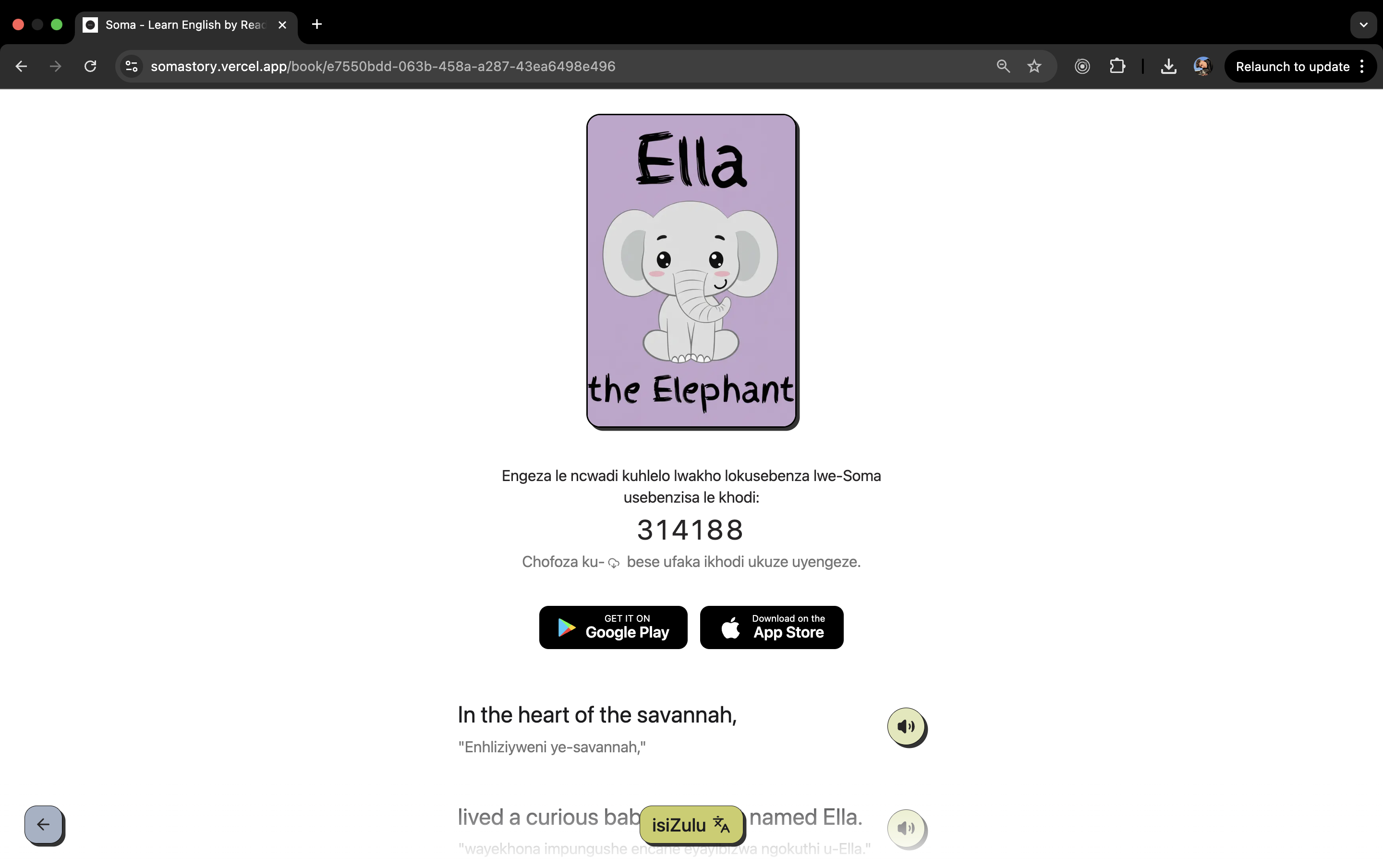
Web Reader
Soma: Learn English by Reading
Problem Definition and Context
In many African communities, particularly rural or underserved regions, access to consistent internet, modern education infrastructure, and English language learning tools is limited. As English remains a crucial language for global opportunity, students without access to digital tools or educational support are left behind. Soma was developed to address this challenge: providing high-quality, AI-powered English learning resources in a fully offline-capable mobile app designed specifically for children aged 4 to 16.
Identified Constraints
- Connectivity: Many users have little to no internet access.
- Data/Storage: Apps must remain small in size and highly optimized.
- Processing Power: Must work on low-end Android and iOS devices.
Solution Summary
Soma is a React Native mobile application preloaded with 10 English children’s books, all accessible offline. The app is fully functional without any network connection. Each book is age-targeted (4–7, 8–12, 13–16), engaging, and displayed in a grid layout on the home screen. Clicking a book opens a reader with the English text, human-like audio playback (generated by ElevenLabs), and line-by-line translations in Swahili or Zulu—also available offline.
When internet becomes available, users can:
- Create new books by describing a story idea (OpenAI GPT), generating images (Gemini), and audio (ElevenLabs). These processes are offloaded to the API, and assets are downloaded to the device filesystem on completion.
- Download additional books from an online library via code entry. Added to the device’s local, offline library.
Design Alternatives and Final Decisions
- PWA vs Native App: Chose native mobile (React Native) for offline support, better device access, and easier file storage.
- Online vs Offline TTS: TTS audio is pre-generated server-side and included with the native build to reduce device processing needs and stored locally. ElevenLabs was used for their life-like sounding AI TTS capabilities.
- Translation Strategy: Translate books on creation and store each translated version, not real-time translation to reduce compute.
- Content Delivery: Content is fetched from Cloudflare R2 and saved to the local file system—optimized for poor or unreliable connectivity. This only occurs when a user creates or downloads a new book to their local library, which is entirely optional and offered as a nice-to-have feature.
Technical Implementation
Frontend:
- React Native mobile app (offline-first, Android/iOS)
- Language toggle with Zulu/Swahili UI support
- Reader with inline English + native language + audio playback
Backend/API:
- Node.js + Express
- TTS generation using ElevenLabs API
- Text/image generation via OpenAI + Gemini APIs
- Email service to send recovery codes
Storage & Assets:
- Cloudflare R2 for image/audio asset storage
- Turso SQLite for book metadata and user storage
Offline-first Features:
- 10 preloaded books with audio & translations
- Local file system storage using React Native FS
- AI Book creation only requires temporary internet access
Tools and Why They Were Chosen
- React Native: Code once, deploy to Android/iOS, offline storage support
- Turso DB: Lightweight, embedded SQL storage for speed and efficiency
- Cloudflare R2: Fast, affordable object storage with easy CDN access
- ElevenLabs: High-quality, low-latency text-to-speech API with caching
- OpenAI & Gemini: Robust AI for natural storytelling and creative visuals
Performance Tests and Benchmarks
- App install size is approximately 65MB including all preloaded assets (actual installed size is lower due to .aab optimization)
- All 10 preloaded books (text, audio, translation) available instantly offline
- Reader memory usage < 100MB even on low-end devices
- Each additional book download averages ~2MB (1MB audio + 1MB image)
Tested on Low-End Hardware
Soma has been tested on a Nexus 5 device with the following specs:
- Android 9
- 512MB RAM
- 4GB internal storage
- Single-core CPU
- No GPU acceleration
Despite the hardware limitations, the app performed as expected. Navigation, reading, and audio playback were smooth and stable. This confirms that Soma works reliably on low-end devices commonly found in underserved regions.
Network Monitoring System
Soma includes a built-in network monitoring system to ensure online-only features like book creation and downloads only activate when the connection is reliable.
How It Works
- A health check endpoint (
/api/health) is pinged regularly. Connection quality is determined by response time:
- Online (Fast): < 500ms – Green (book creation enabled)
- Unstable: 500ms–2s – Orange (book creation disabled)
- Slow: > 2s – Orange (book creation disabled)
- Offline: No response or timeout – Red (book creation disabled)
After 3 consecutive failures, the app marks the network as offline.
The home row buttons change based on status:
- Online: Normal buttons and actions shown
- Offline: “cloud-offline” icon (gray) - no other actions available
- Slow/Unstable: “cloud-download” icon (orange) - no other actions available
Implementation
hooks/useNetworkStatus.ts– Network logiccomponents/NetworkStatusIndicator.tsx– Visual feedbackapi/index.js– Health check APIapp/index.tsx– Integration
Thresholds are adjustable and customizable:
const CONNECTION_THRESHOLDS = {
  FAST: 500,
  SLOW: 2000,
  TIMEOUT: 10000,
  MAX_FAILURES: 3,
};
Development Journey and Reflection
Soma emerged from a belief that innovation isn’t just about having access—it’s about making the most of limited access. The app was designed to work in some of the harshest connectivity conditions, leveraging powerful AI only where it provides real offline value.
The idea came to me while working at forgood, a platform that connects charities and causes to skilled volunteers. One initiative involved reading to children—many of whom speak English as a second, third, or even fourth language. These sessions often become an important source of language exposure and learning. But access to volunteers is inconsistent, and this problem extends across Africa.
I began to wonder: why hasn’t this kind of learning support been built into an app? The truth is, most modern apps aren’t designed for constrained environments. They assume constant connectivity, plentiful data, and powerful devices—luxuries many simply don’t have.
So I saw this hackathon as an opportunity to build what I had been thinking about for a while now: an offline-first app to help children learn English by reading and listening to stories. The concept was simple—download once, learn anytime.
PWAs were the competing alternative. While PWAs offer many benefits, they fall short on older Android devices and don’t support offline media and storage as robustly as native apps. So I settled on a native approach with decentralized asset hosting and a lightweight centralized API.
Challenges like integrating large TTS audio, supporting a multi-language UI, and syncing content between local and cloud pushed me to optimize aggressively for offline usability.
I had a clear vision of what I wanted and how I wanted it to work. The result is Soma: a small, powerful app that puts storybooks, audio, and translations into children’s hands—no matter where they are.
Why Only Swahili and Zulu?
You’ve got to start somewhere. With limited time, I focused on the most widely spoken language in South Africa—Zulu—and the most widely spoken language across Southern and Eastern Africa—Swahili. The app’s architecture was designed to make it simple to add more languages in future iterations.
Final Notes
Soma is more than a reading app. It’s a bridge to opportunity for kids learning English across Africa, built for their world—where bandwidth is scarce and curiosity is boundless.
Project Links
- Demo App (Android): Download
- Website: https://somastory.vercel.app
- GitHub Repo (Private/Available on request)
Built With
- cloudflare-r2
- elevenlabs
- expo.io
- express.js
- googlegemini
- next.js
- node.js
- openai
- reactnative
- turso

Log in or sign up for Devpost to join the conversation.