Inspiration
Business, product, and strategy teams live in Confluence Cloud, yet writers and AI coding agents work fastest on local-first Markdown vaults with YAML frontmatter and [[wikilinks]] (like SoloMD). Copy-pasting between Confluence and Markdown strips structured properties, breaks knowledge-graph links, and leaks robotic AI cliches into executive documentation.
What it does
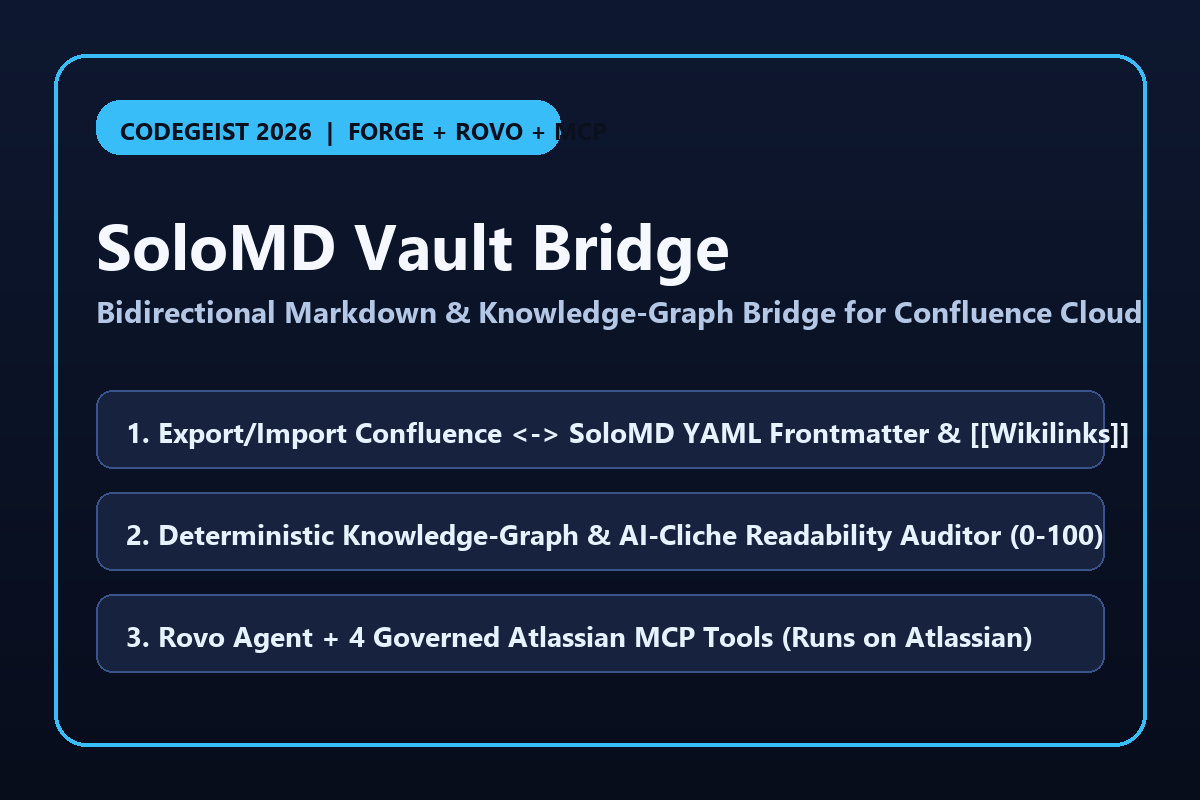
SoloMD Vault Bridge for Confluence is a serverless Atlassian Forge app (Runs on Atlassian eligible) that connects Confluence Cloud directly with local-first SoloMD vaults:
- Confluence Content Byline Panel (Forge UI Kit 2): One-click export of any Confluence page into clean SoloMD Markdown complete with YAML frontmatter (
type,status,confluence_id,confluence_version,tags,related_to) and extracted[[wikilinks]]. - Knowledge-Graph & AI-Tone Readability Auditor: Deterministically scores every page (0–100) for frontmatter completeness, wikilink connectivity, heading hierarchy, and English/CJK AI-cliche noise.
- Safe Round-Trip Push + AutoGit Audit Trail: Edit Markdown inline and push cleanly back to Confluence Storage Format with commit notes archived in Forge Storage.
- Rovo Agent (
SoloMD Knowledge Curator) + Atlassian MCP (rovo:mcp): Exposes 4 governed Forge actions (export-page-to-solomd-markdown,audit-page-frontmatter-and-links,import-solomd-markdown-to-page,get-vault-sync-history) to Rovo Studio and external MCP clients (includingsolomd-mcp).
How we built it
Built from scratch for Codegeist 2026 on Atlassian Forge (nodejs22.x) using Forge UI Kit 2 (@forge/react), Confluence REST API v2 (@forge/api), Forge Storage, rovo:agent, and rovo:mcp. Core conversion and auditing logic lives in zero-dependency src/solomd-core.js, verified via automated Node unit tests (npm test 3/3 pass) and forge lint (0 errors).
Testing Instructions for Judges
- Install using the Production Forge installation link in Try it out links onto any Confluence Cloud site.
- Open any Confluence page and click SoloMD Vault Bridge in the top content byline.
- Review the Knowledge-Graph & Readability Score, edit the SoloMD Markdown frontmatter/body, add a commit note, and click Push SoloMD Markdown to Confluence.
- Open Rovo and invoke SoloMD Knowledge Curator or call the 4 exposed
rovo:mcptools from any Atlassian MCP client.
Live Production Forge Installation Link
Built With
- atlassian-forge
- confluence
- mcp
- node.js
- react
- rovo
- ui-kit
