-
-
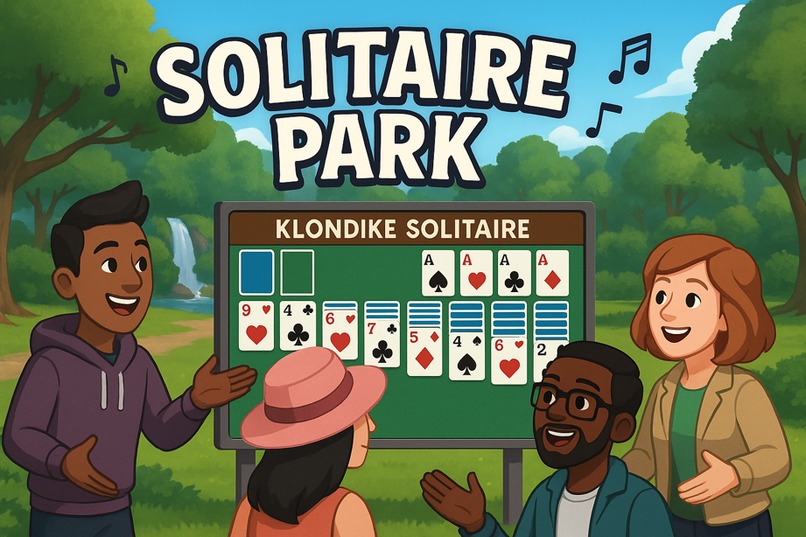
Master the cards at Solitaire Park—tackle epic, oversized Klondike deals, race friends for fastest clears, and vibe to your favorite jams!
Inspiration
I’ve always loved the simplicity and strategy of Klondike Solitaire, and I wanted to bring that classic card game into a social VR setting. After seeing how people gather in Horizon Worlds to hang out and play simple games, I realized there was an opportunity to create a relaxing virtual space where friends can play, chat, and enjoy ambient music together. “Solitaire Park” was born from my desire to bridge casual gameplay with immersive VR.
What it does
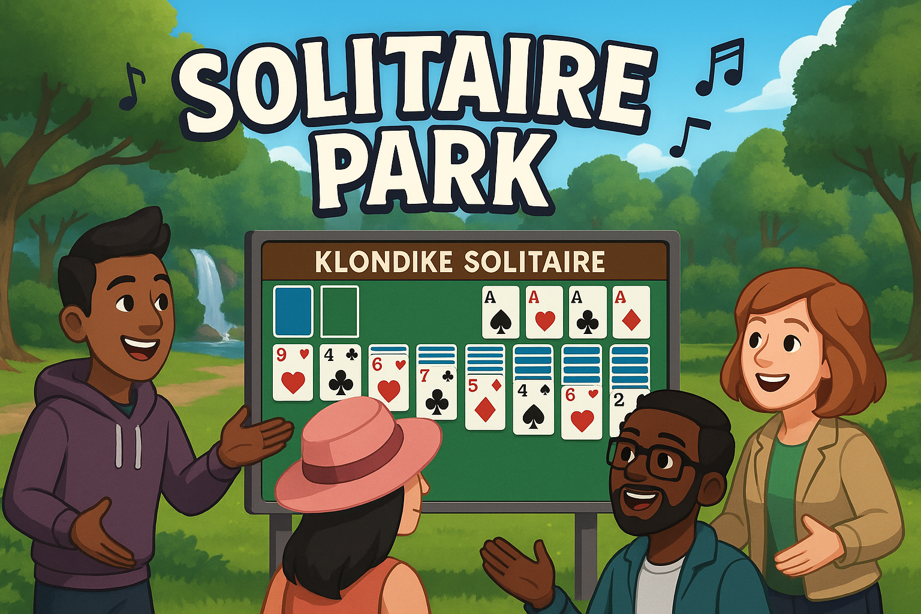
Solitaire Park lets up to four players join a semi‐public “park” made of giant outdoor card tables. Each table is a fully interactive Klondike Solitaire game:
- Drag & drop cards with your VR hands (or click on desktop)
- Automatic validity checking so cards only stack in correct order
- Live multiplayer sync so everyone sees moves in real time
- Ambient world audio with a looping soundtrack to set a chill atmosphere
Players can hop from table to table, spectate friends, or challenge them to speed rounds. The result is a calm, social twist on a familiar solo puzzle.
How we built it
- Platform & Language: Meta Horizon Worlds with the Custom UI + TypeScript API
- Game Logic: I modeled card stacks as
DynamicList<Binding<string>>arrays and wrote utilities to detect legal moves, auto‐stack on empty piles, and deal new cards. - Custom UI: Leveraged Horizon’s Custom UI to render card faces, buttons, and tooltips; I used data bindings to push updates instantly to all players.
- Multiplayer Sync: Every card move triggers a CodeBlockEvent that broadcasts the new state; on receipt, each client re-renders the affected piles.
- Art & Sound: I sourced free-to-use card textures and added a looping ambient soundtrack as a world audio source, optimized for low latency and minimal performance impact.
Challenges we ran into
- Multiplayer State Drift: Early on, simultaneous moves would sometimes desync piles—solved by queuing CodeBlockEvents and applying them in order.
- UI Performance: Rendering 52 cards plus dynamic buttons on each panel introduced lag. I consolidated textures into atlases and batched UI updates to cut redraws in half.
- User Guidance: Without tooltips, new players were confused by the VR drag‐and‐drop. I added a quick tutorial overlay and hover highlights to clarify valid drop targets.
Accomplishments that we’re proud of
- ✅ Smooth Multiplayer: Four players can play and spectate with <1 s sync latency.
- ✅ Polished VR Feel: Cards snap into place with satisfying haptics and audio cues.
- ✅ Immersive Ambiance: The ambient soundtrack enhances the relaxing park vibe and invites players to stay longer.
- ✅ Cross-platform: Works seamlessly for both desktop and VR users.
What we learned
Solitaire Park was my first fully network-synced VR card game, and I came away with a much deeper understanding of:
- Horizon Worlds Events and how to orchestrate real-time updates
- Performance trade-offs in Custom UI rendering
- Designing intuitive VR interactions, including the importance of feedback (audio, haptics, highlights)
- Balancing atmosphere: even simple ambient audio can greatly impact player engagement.
What’s next for Solitaire Park
- New Game Modes: adding timed “Speed Solitaire” and cooperative “Shared Foundation” challenges
- Customization: let players choose card backs, table skins, and ambient environment themes (beach, forest, night sky)
- Achievement System: track high scores and give out virtual badges to keep players coming back
- Mobile Companion App: allow players to check game stats or chat from their phones.


Log in or sign up for Devpost to join the conversation.