-
-
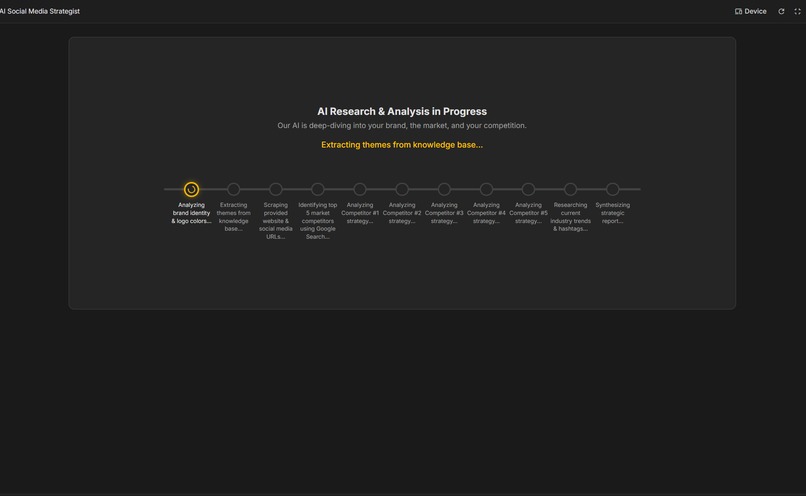
Brand and competitor analysis screen
-
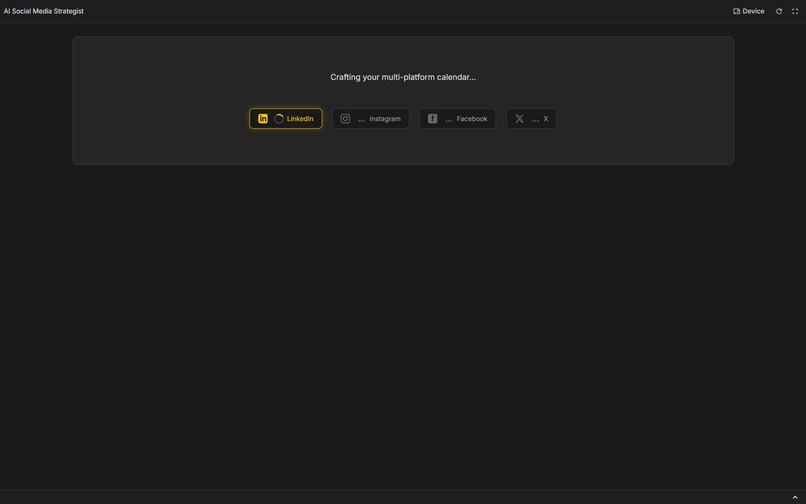
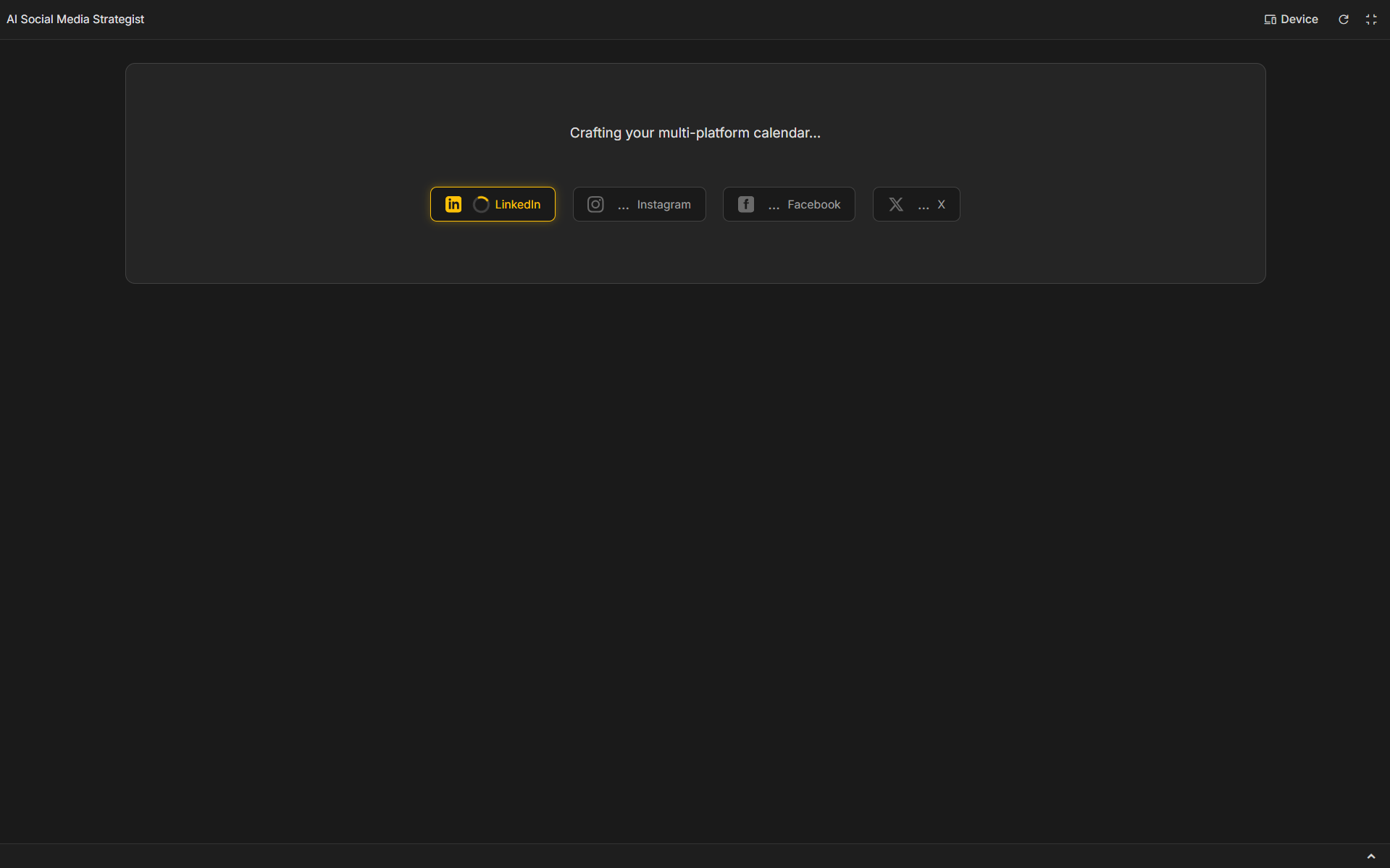
Content calendar generation process for each social media
-
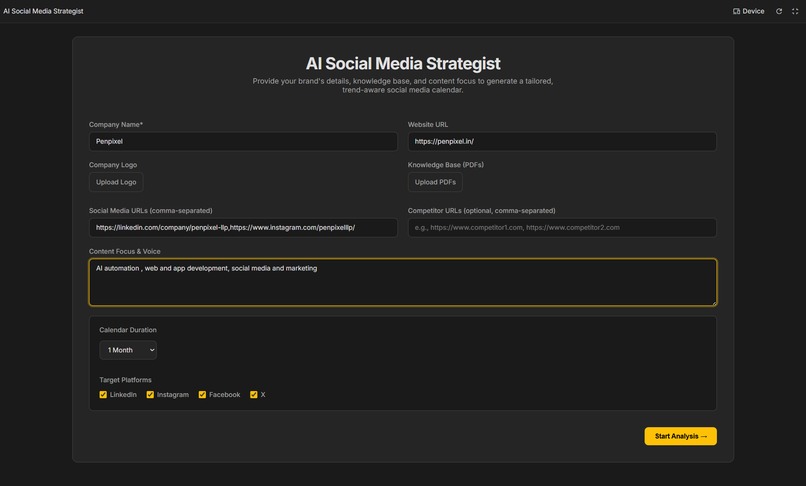
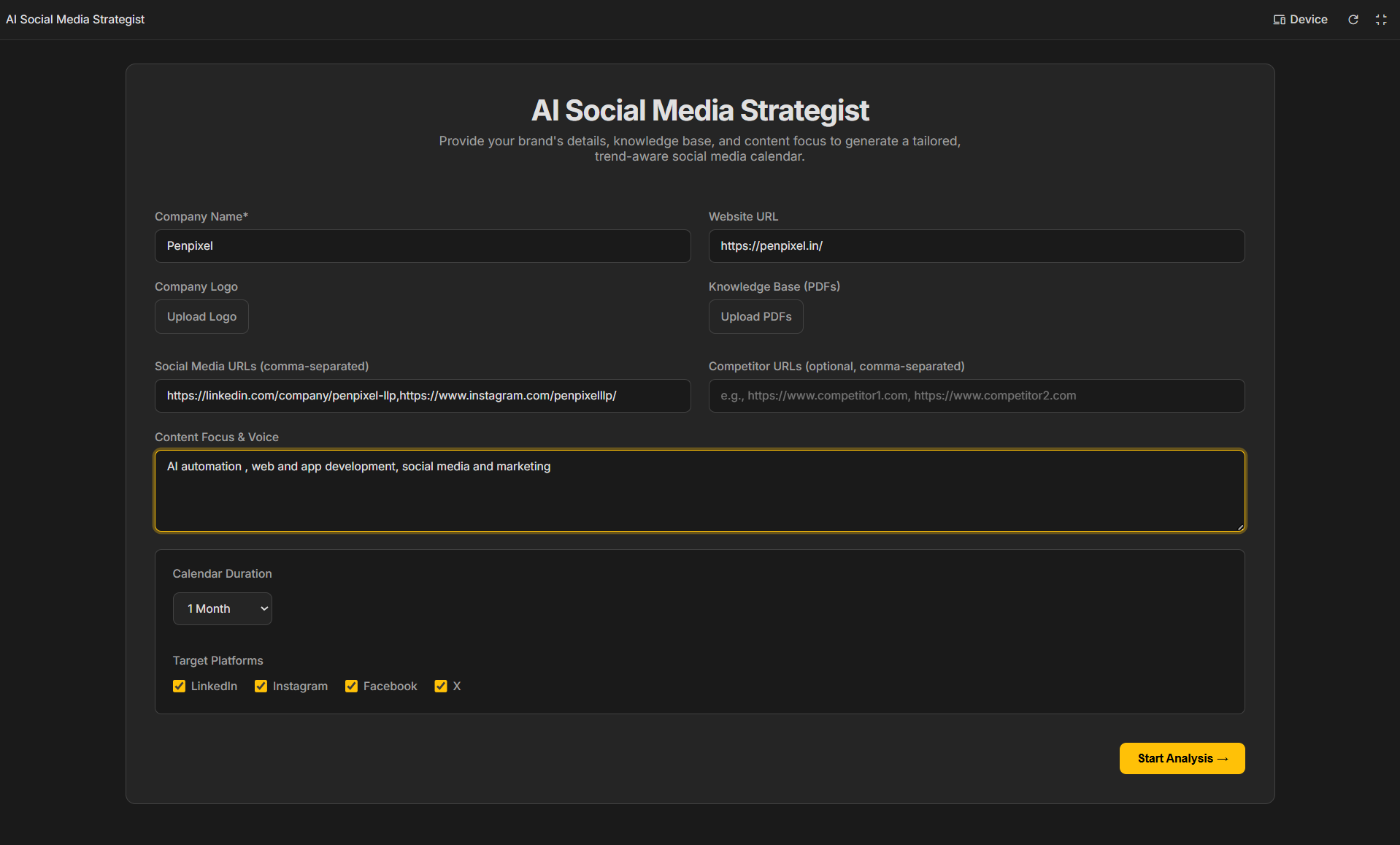
Home Screen
-
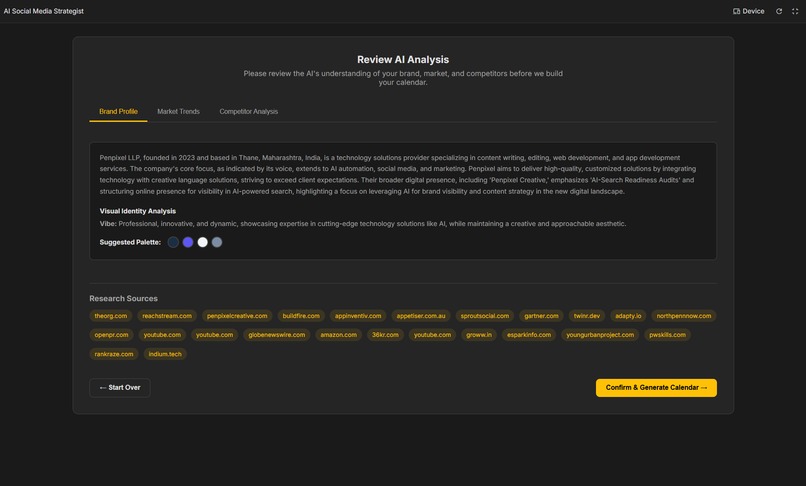
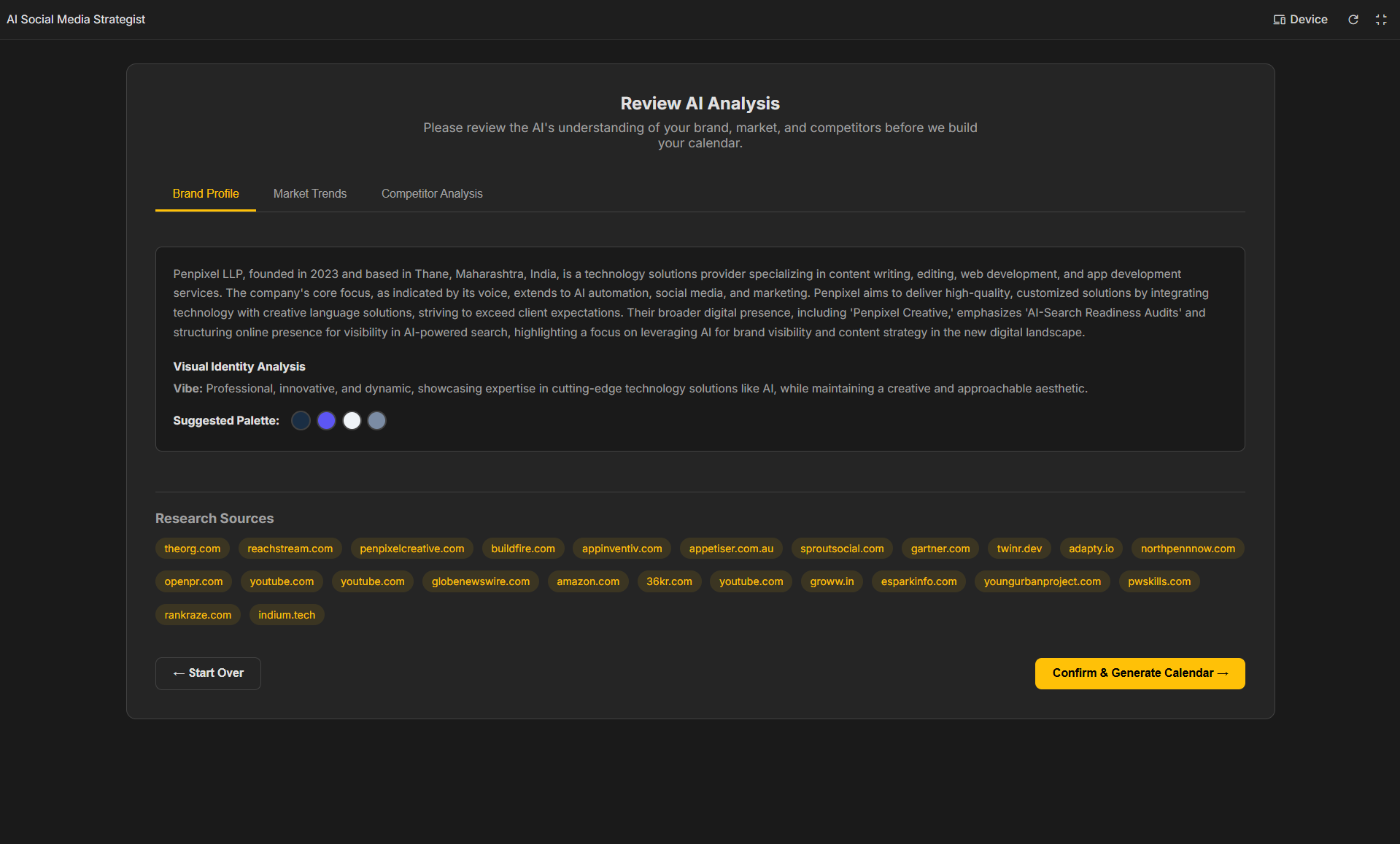
Brand info review screen
-
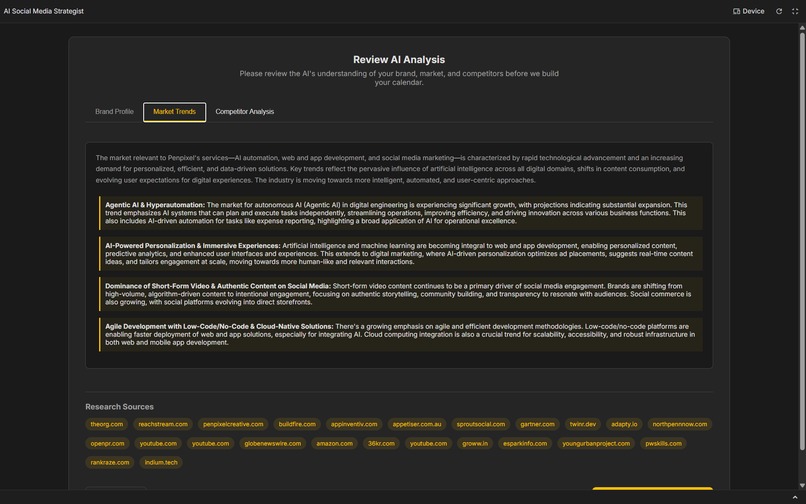
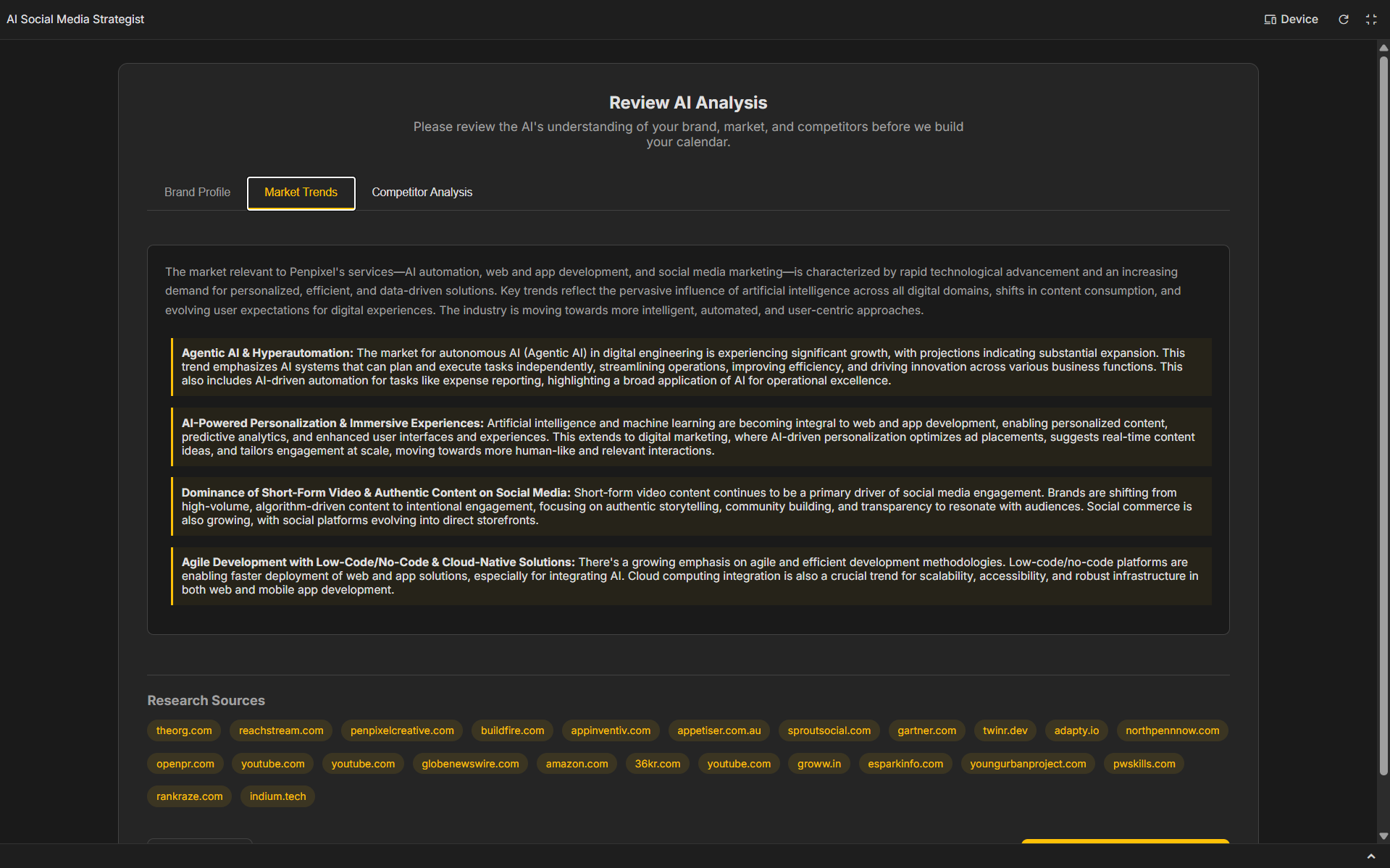
Market insights review screen
-
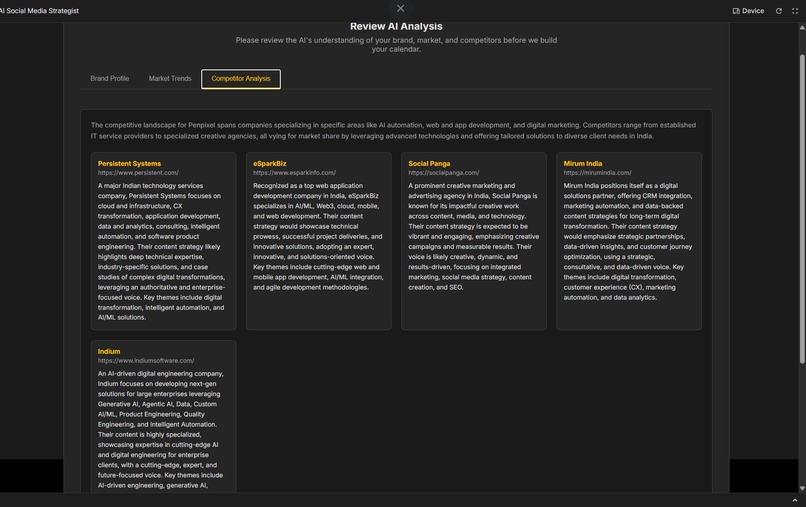
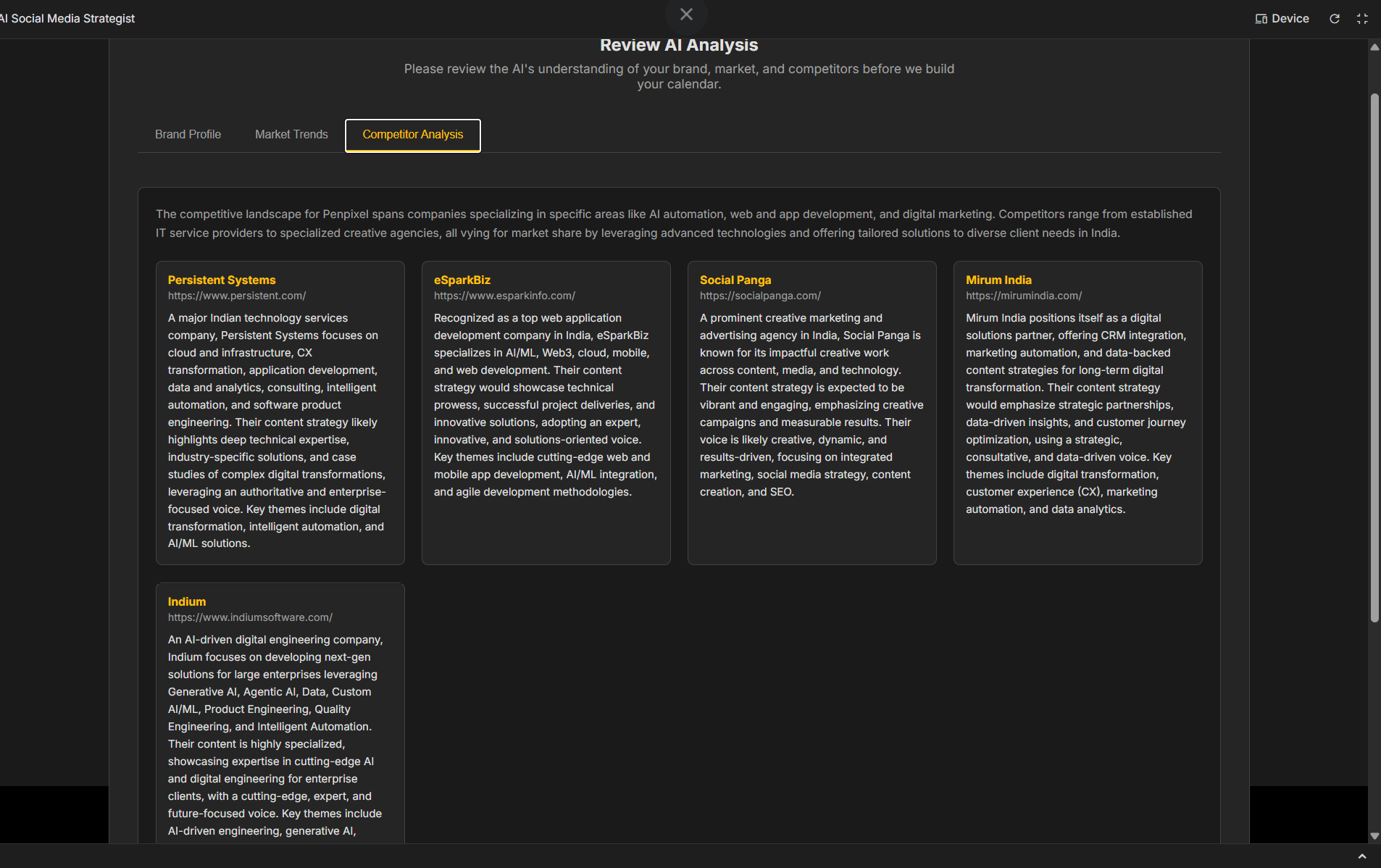
Competitors found and the data review screen
Inspiration
In today's digital world, a strong social media presence is crucial for any brand, but creating a strategic, consistent, and engaging content calendar is a massive undertaking. Many small businesses and solo entrepreneurs lack the time and resources for in-depth market research, competitor analysis, and creative content generation. We were inspired to build a tool that democratizes social media strategy by leveraging the power of multimodal AI. Our goal was to create a single, seamless workflow that takes a user from a simple brand profile to a complete, media-rich, and ready-to-post content calendar, automating the most time-consuming parts of the process.
What it does
The AI Social Media Strategist acts as an automated marketing agency. The user starts by providing basic information about their brand: name, website, social media links, a company logo, and optional knowledge-base documents (PDFs).
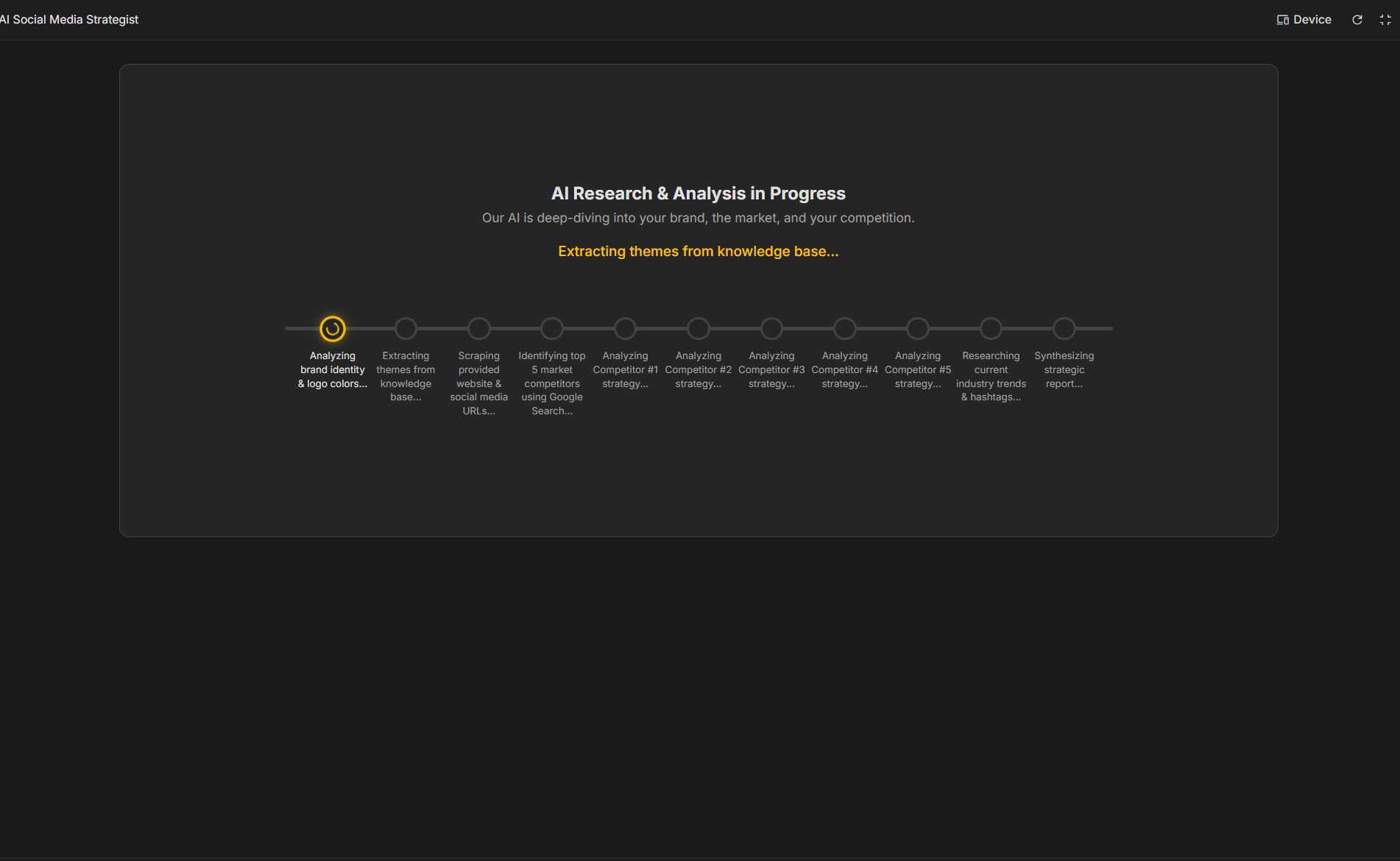
The application then kicks off a comprehensive, multi-step analysis powered by the Gemini API:
- Brand & Market Research: It analyzes the provided materials and uses Google Search grounding to research the company's market, identify key competitors, and discover current industry trends and relevant hashtags.
- Strategic Report: The AI synthesizes this research into a clear, actionable report, outlining a brand profile, key market trends, and a breakdown of competitor strategies.
- Calendar Generation: After the user reviews and approves the analysis, the AI generates a detailed, multi-day content calendar tailored to the user's selected platforms (LinkedIn, Instagram, etc.). Each day's entry includes a content idea, a fully written caption, and relevant hashtags.
- Multimodal Content Creation: This is where the magic happens. For each post, the user can:
- Generate multiple high-quality images using Imagen based on a descriptive prompt created by the AI.
- Perform in-app edits on the generated images.
- Generate short-form videos for Reels or Shorts using Veo.
- Export & Use: The final calendar is fully editable and can be exported as a CSV file for easy integration into scheduling tools.
How we built it
This project is a modern web application built with React and TypeScript, showcasing the power and versatility of the Google Gemini API.
- Core AI Logic: The entire backend is powered by the
@google/genaiSDK.-
gemini-2.5-flashwith Google Search grounding is used for the initial, heavy-lifting analysis phase. It excels at synthesizing web-scraped data and user-provided context into a structured strategic report. We specifically requested JSON output to make the results easy to parse and display. -
imagen-4.0-generate-001was chosen for its superior quality in generating photorealistic and creative images from text prompts. -
gemini-2.5-flash-imageprovides the capability for quick and effective image editing directly within the application. -
veo-3.1-fast-generate-previewis used to bring text prompts to life as dynamic, high-resolution videos, a task that would otherwise require specialized skills and software.
-
- Frontend: The UI is built with
Reactfor a dynamic and responsive user experience. We usedpdf.jsto enable client-side parsing of knowledge-base documents, extracting text to be used as context for the AI. - UX/UI: A major focus was on user experience, especially for long-running AI tasks. We implemented a detailed progress timeline for the analysis and a series of reassuring, dynamic messages during video generation to keep the user informed and engaged.
- API Key Management: For the premium Veo model, we integrated the
window.aistudiohelper functions (hasSelectedApiKeyandopenSelectKey) to create a secure and user-friendly flow for users to provide their own billing-enabled API keys.
Challenges we ran into
One of the biggest technical hurdles was hitting the browser's localStorage quota. Our initial approach was to save the entire calendar state, including the base64-encoded generated images, to allow users to resume their sessions. This quickly filled up the 5-10MB limit. We solved this by refactoring our state persistence logic to only save the essential text-based data (prompts, captions, etc.), treating the generated media as session-only assets. This made the app more robust and prevented frustrating crashes for the user.
Another challenge was managing the user experience for asynchronous, long-running API calls. Both the initial analysis and video generation can take several minutes. We overcame this by breaking down the analysis into a visible, multi-step timeline and creating a queue of descriptive loading messages for video generation. This transparency turns a potentially frustrating wait into an engaging preview of the work being done.
Accomplishments that we're proud of
We are incredibly proud of creating a true end-to-end, multi-modal solution. It's not just a text generator; it's a complete strategic and creative partner. The seamless integration of search-grounded analysis, text generation, image generation, and video generation into a single, cohesive workflow is a major accomplishment. We're also proud of the polished UI and the thoughtful UX considerations for complex AI processes, which make a very powerful tool feel intuitive and accessible.
What we learned
This project was a deep dive into the practical application of large language and vision models. We learned how to chain different models together, using each one for its specific strength. We gained valuable experience in prompt engineering, especially in formatting prompts to reliably request and parse structured JSON data. Most importantly, we learned how to architect a user-facing application around potentially slow, asynchronous AI services, prioritizing user feedback and transparent communication.
What's next for Social Pixel
We're just scratching the surface of what's possible. Our future roadmap includes:
- Performance Analytics: Integrating with social media APIs to pull in performance data (likes, shares, comments) and feed it back to the AI, creating a self-improving loop that learns what content resonates most with the user's audience.
- Conversational Editing: Allowing users to refine posts through a chat interface, saying things like "Make this caption funnier" or "Rewrite this for a more professional audience."
- A/B Testing: Automatically generating variants of captions or images for a single post idea to help users easily A/B test their content for maximum impact.
- Expanded Platform Support: Adding tailored content suggestions and formats for other major platforms like TikTok and Pinterest.


Log in or sign up for Devpost to join the conversation.