-
-
-
-
-
-
-
-
-
-
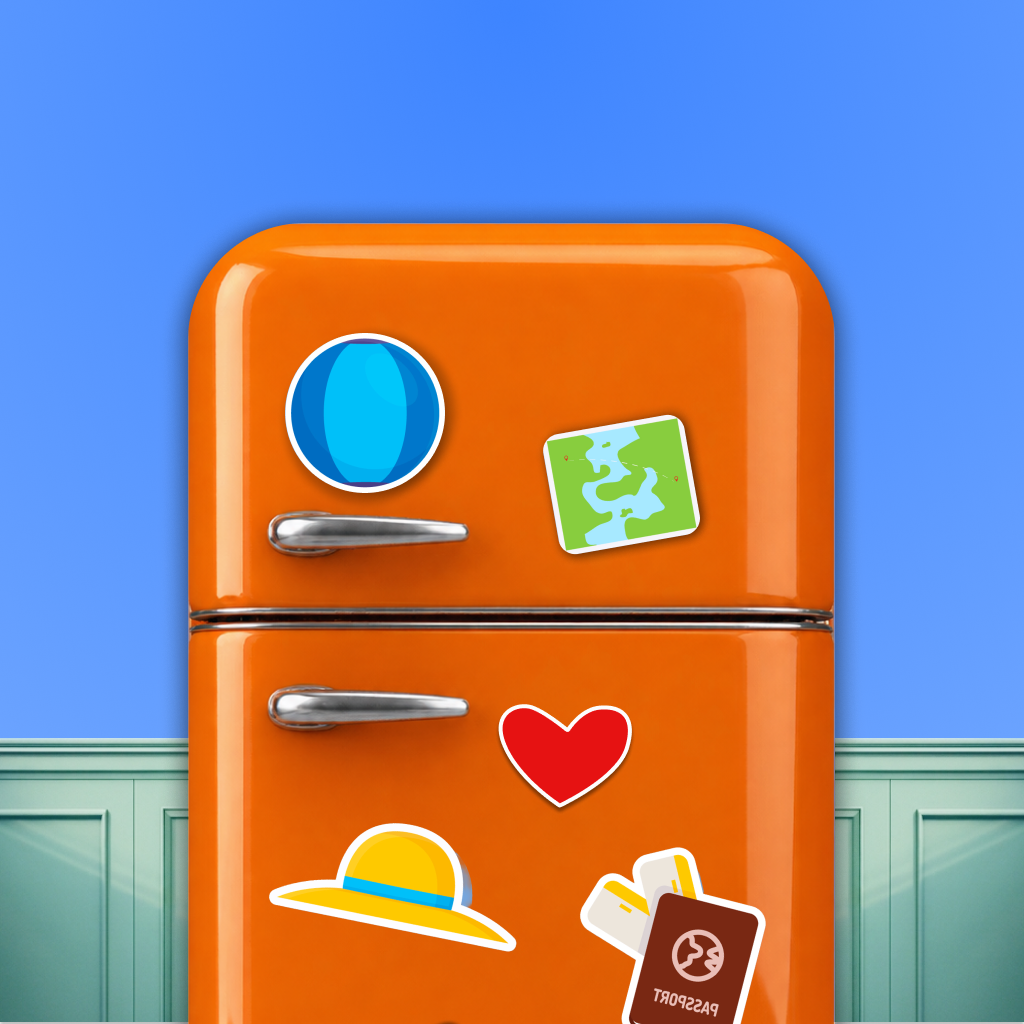
Social Magnet Logo (1024x1024)
Inspiration
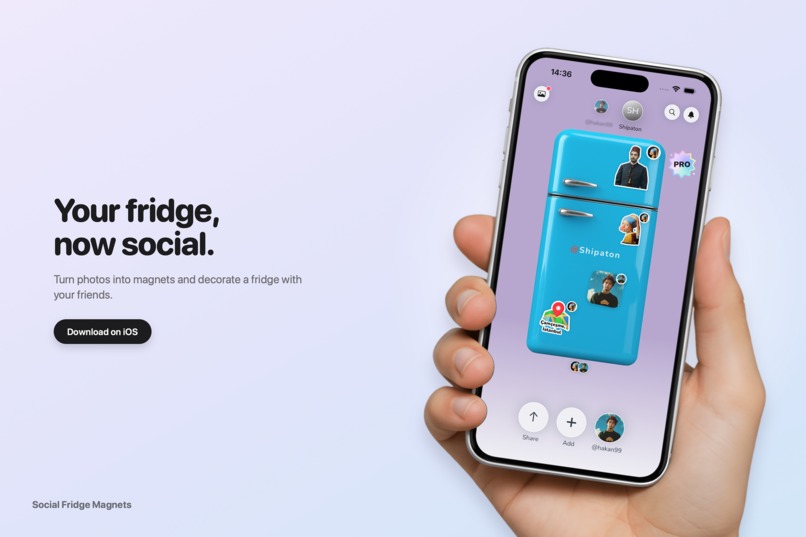
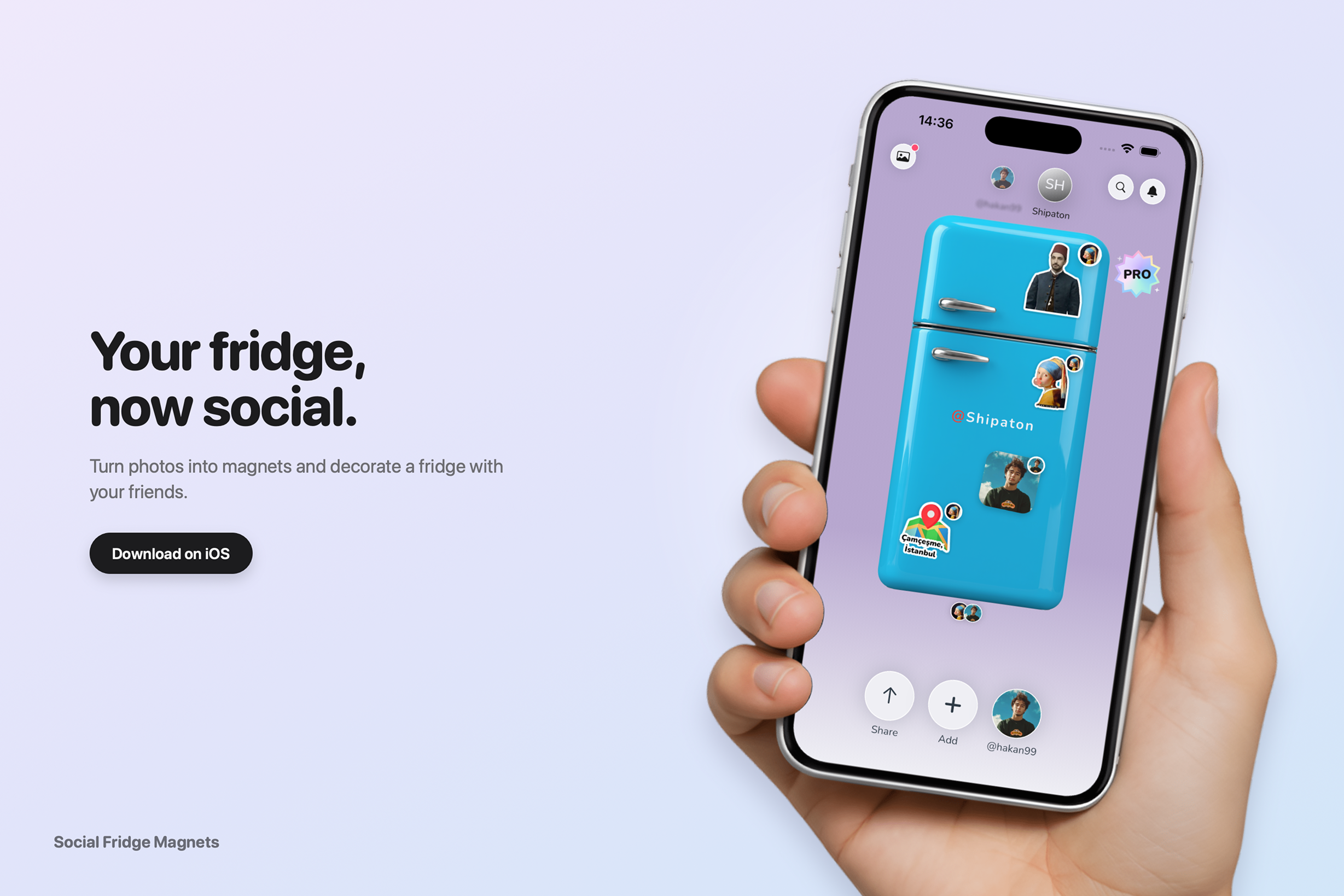
Fridge doors are the most personal wall in a home: photos, trip souvenirs, notes from people we love. We wanted to bring that small, warm ritual to the phone and make it social: a fridge you decorate yourself and share with friends.
What it does
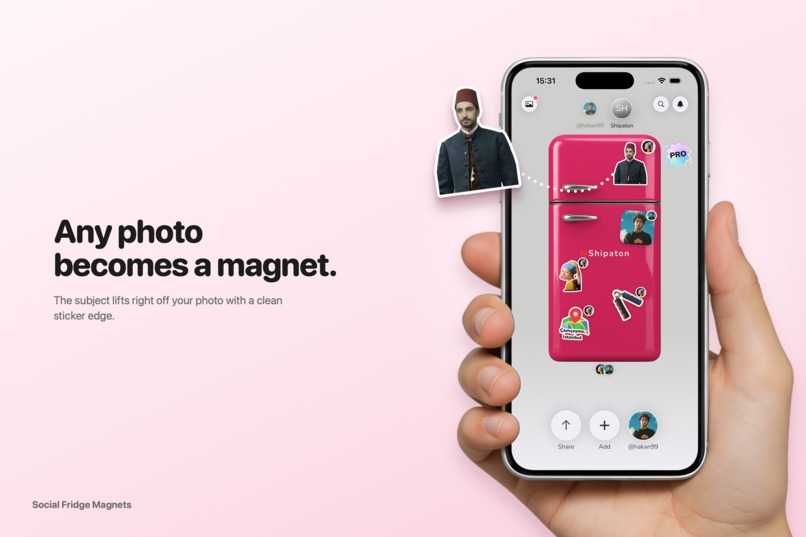
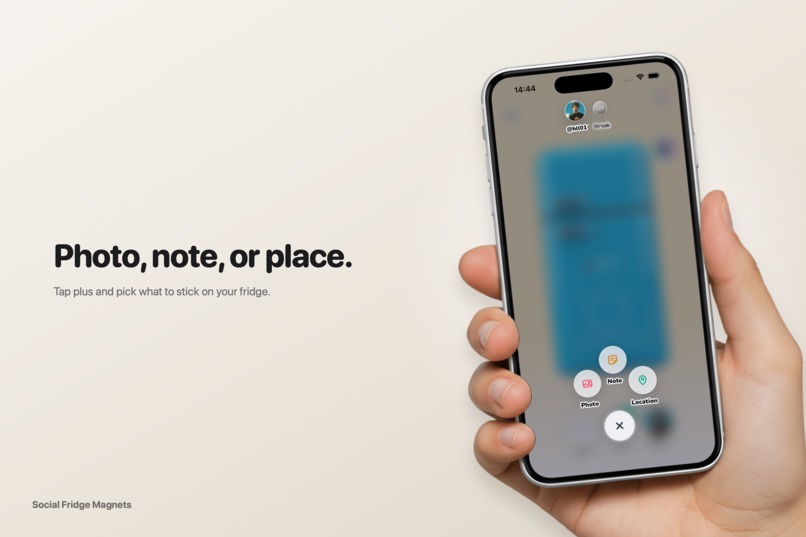
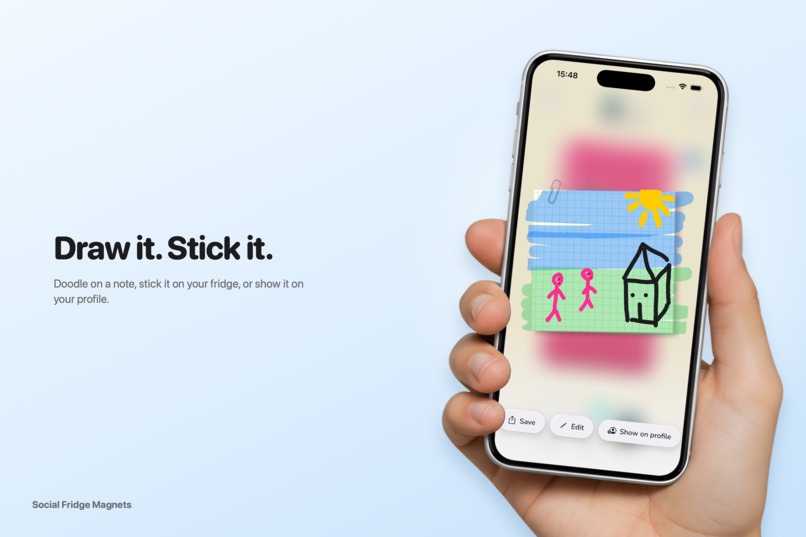
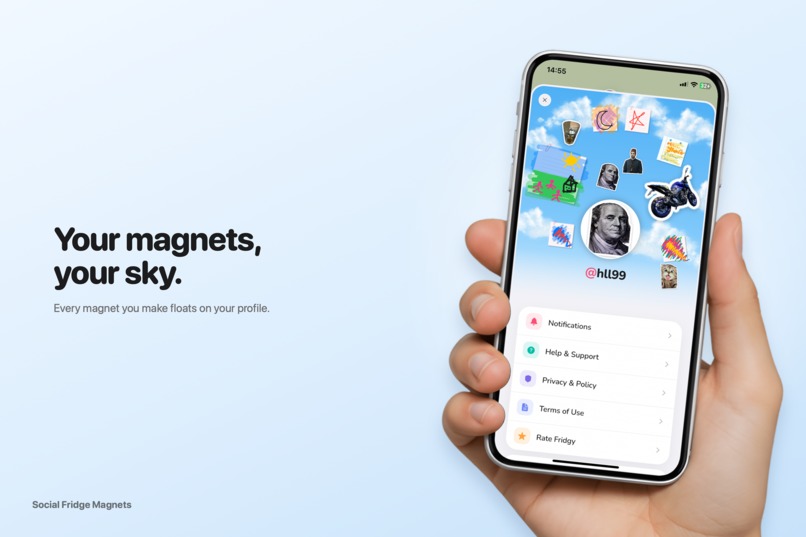
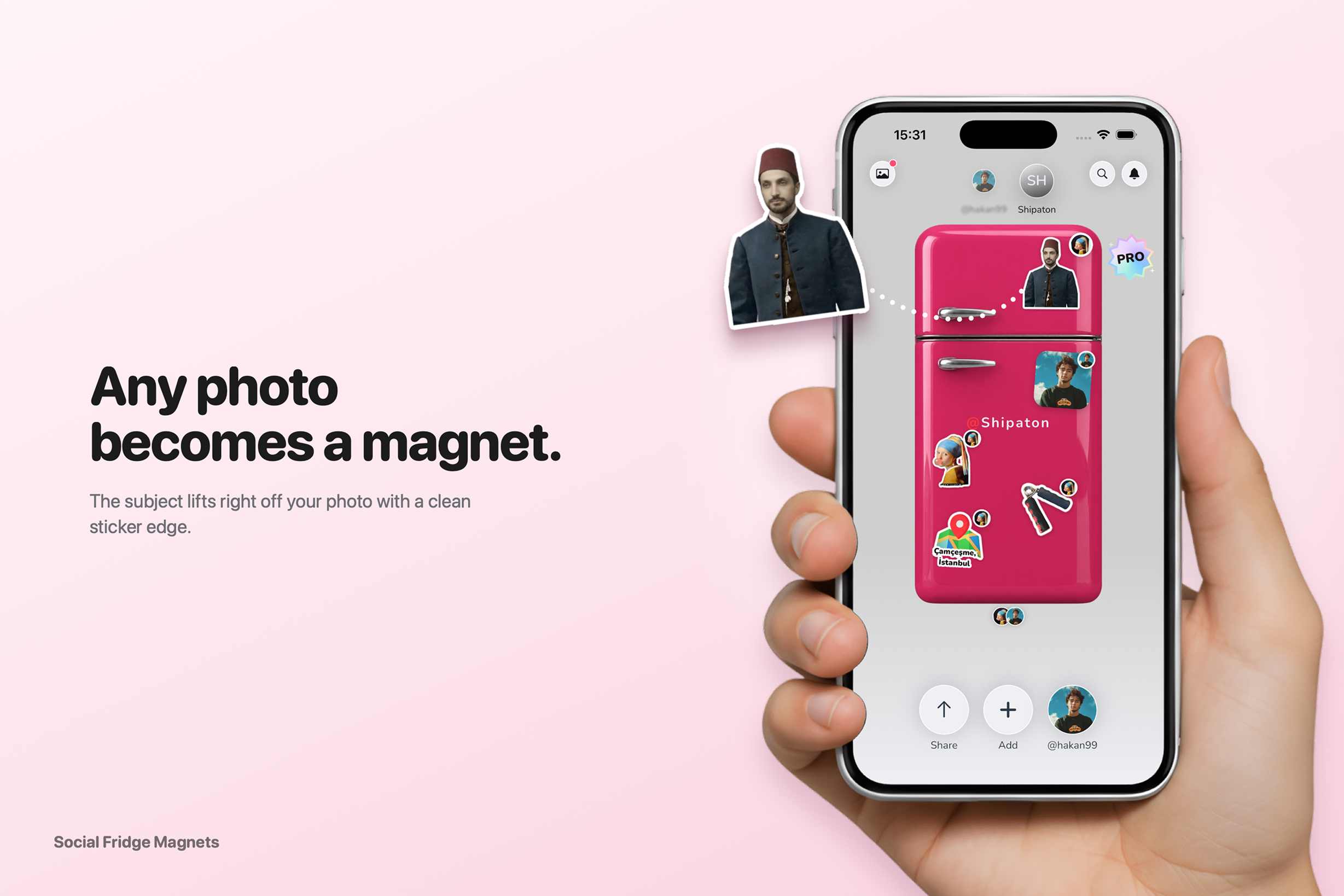
Social Fridge Magnets turns your photos into die-cut sticker magnets and lets you place them on a colorful fridge.
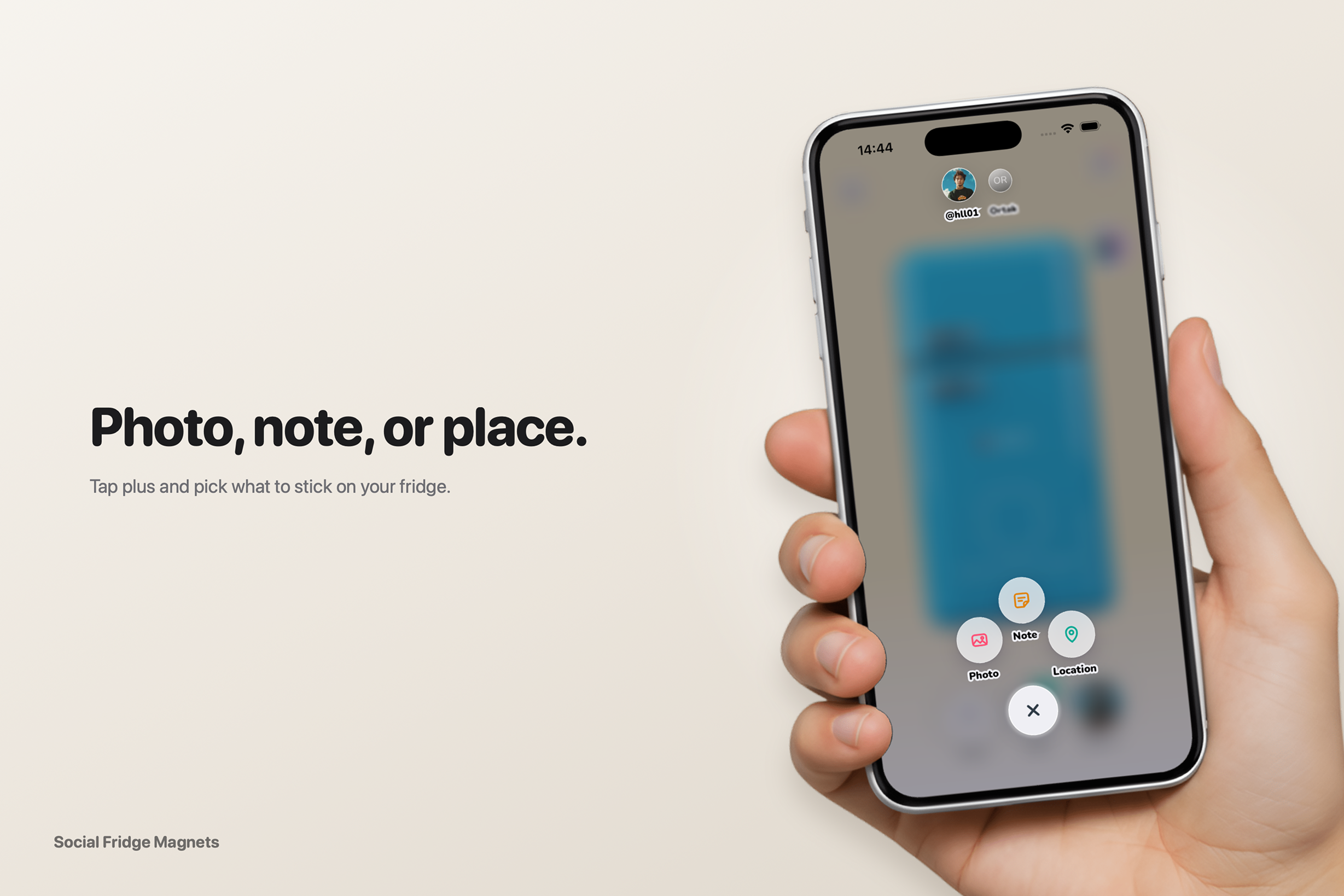
- Photo → Magnet: pick a photo, the subject is lifted out of the background and becomes a sticker.
- Drag, scale, rotate: place magnets freely with pinch-to-scale ($0.5\times$–$2.5\times$) and rotation.
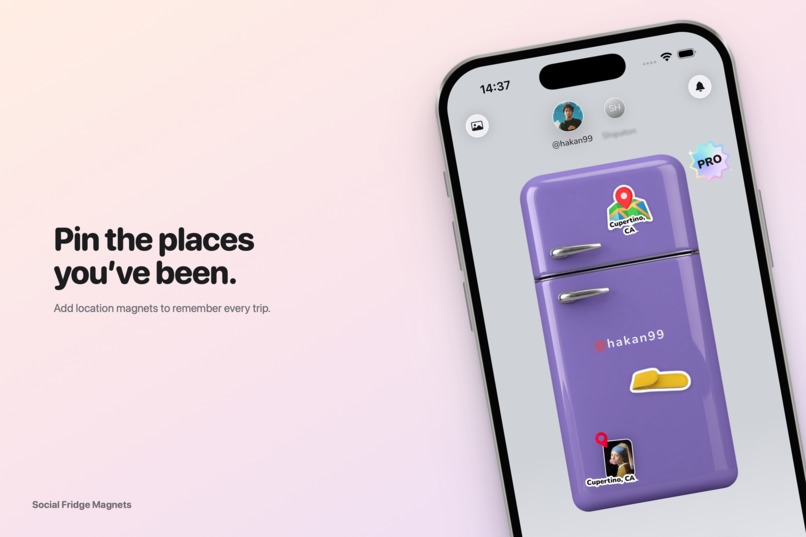
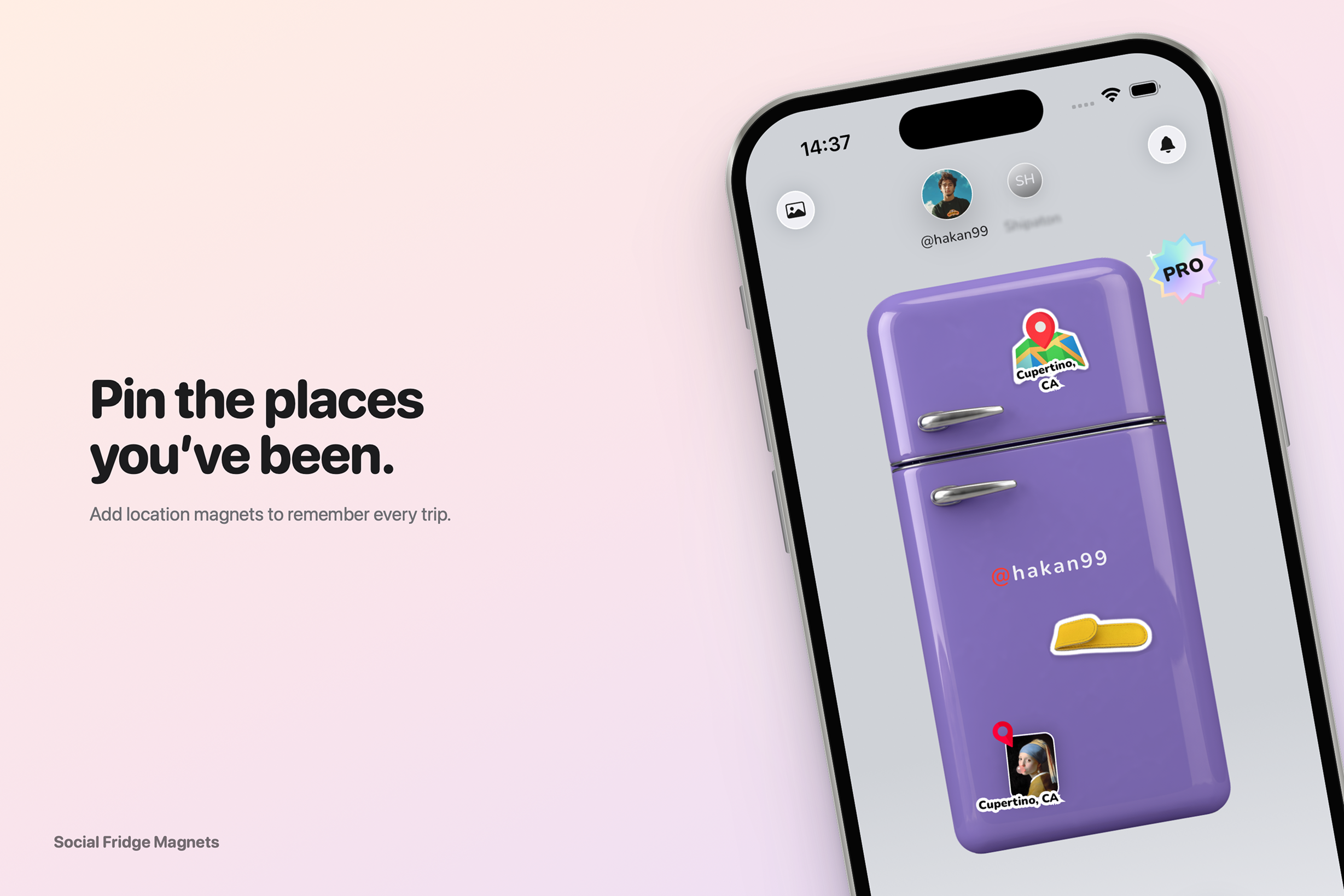
- Location pins: add map-pin magnets for places you've been.
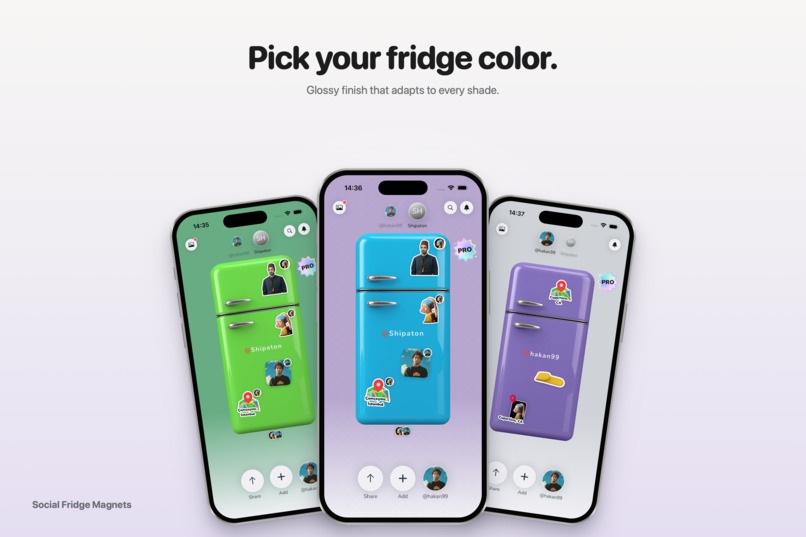
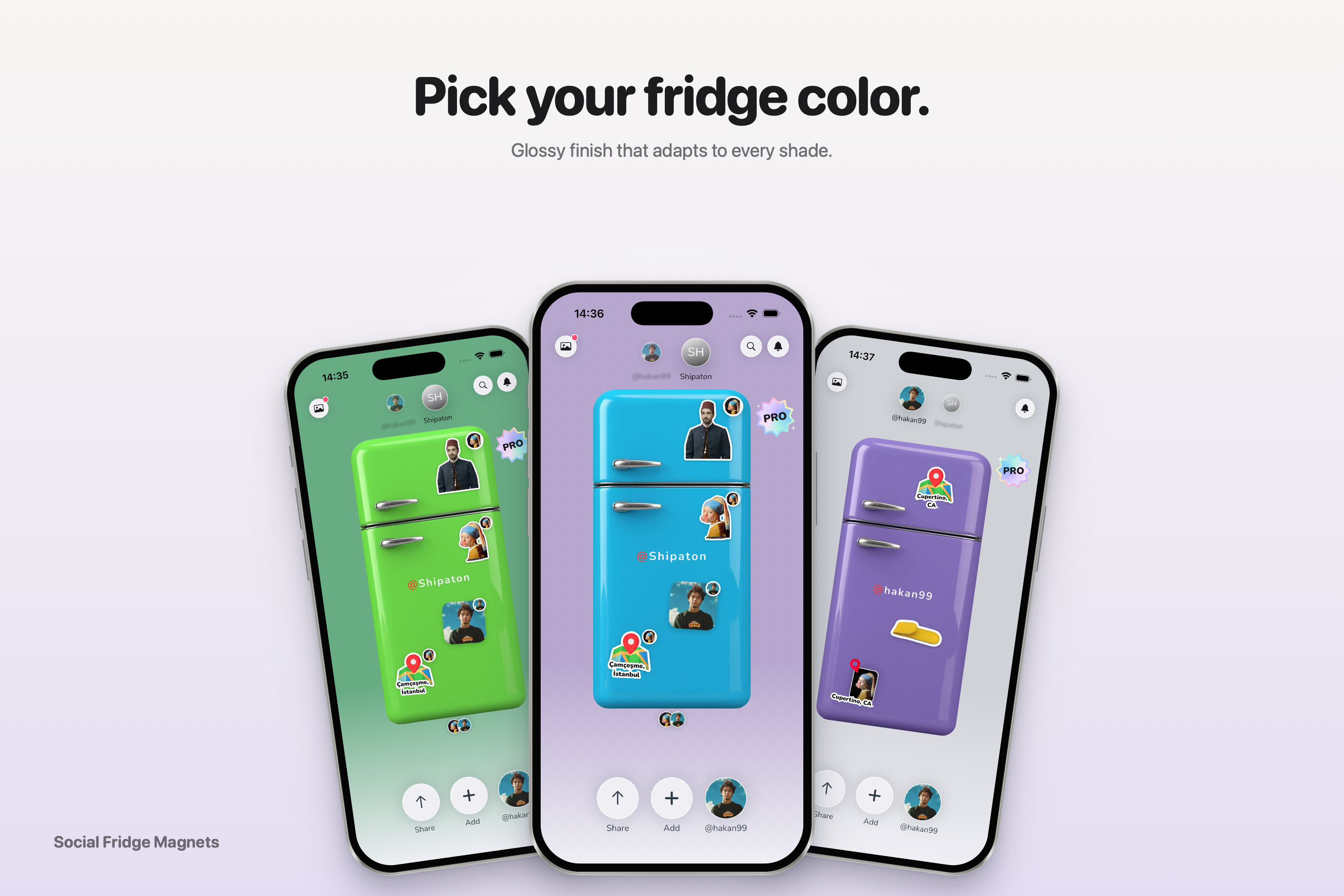
- Custom fridge colors: change your fridge's look anytime.
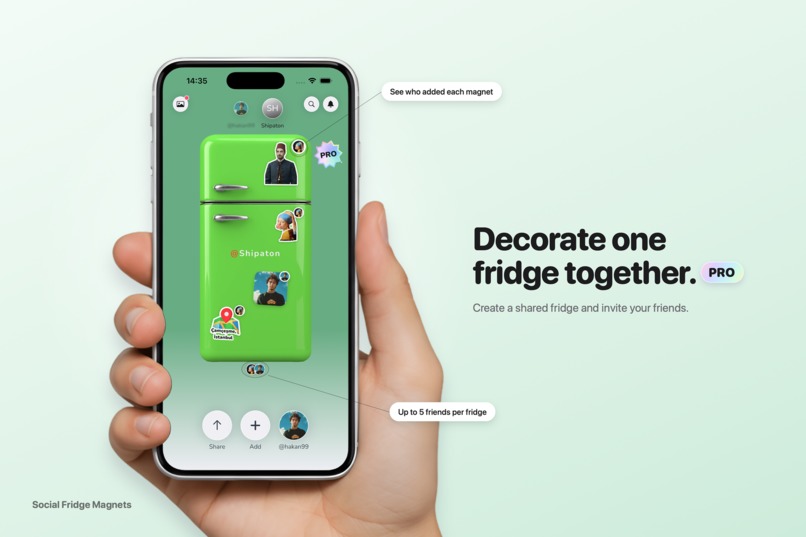
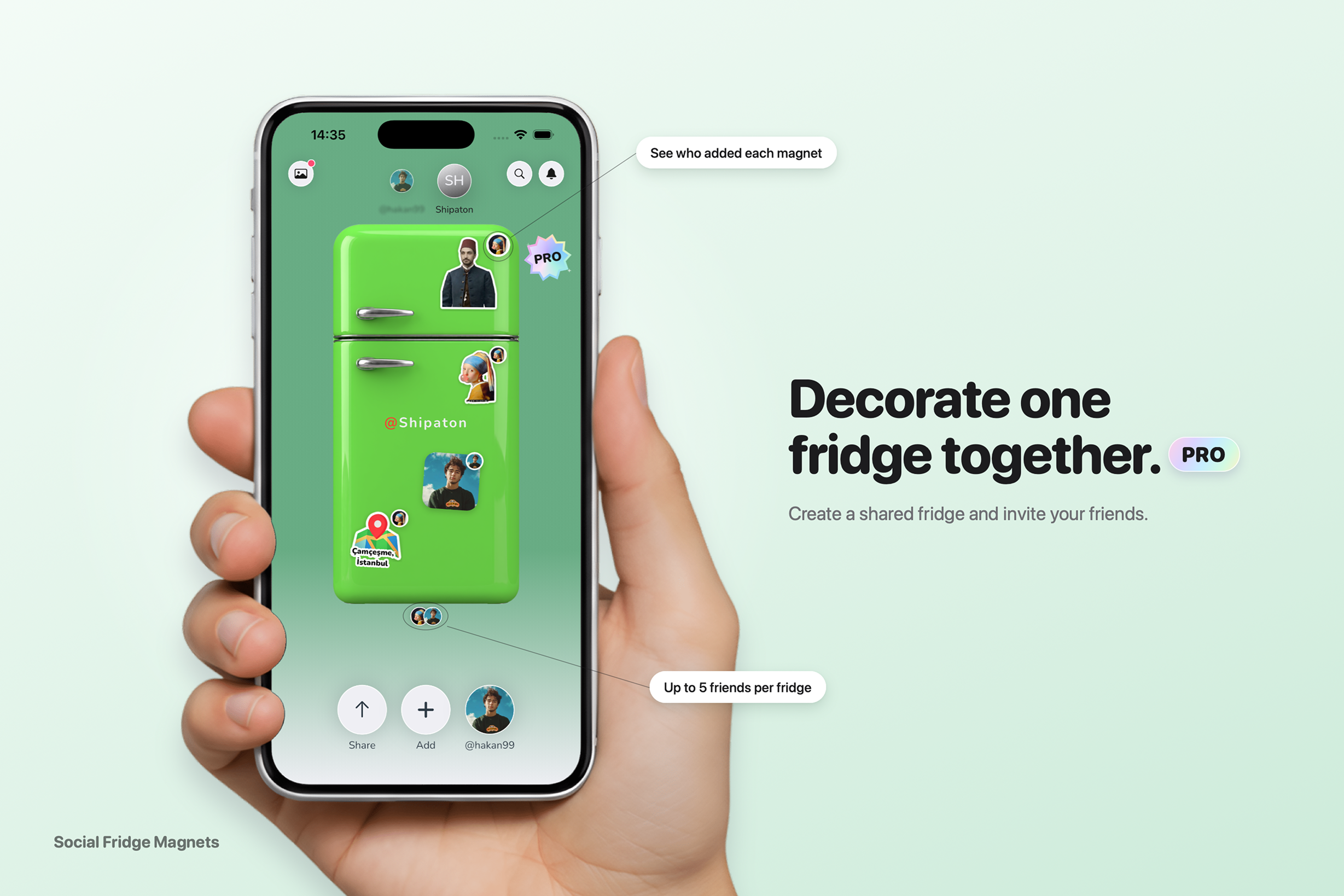
- Shared fridges (Pro): create a room, invite up to 5 friends and decorate one fridge together in real time.
- Export: save your fridge as a PNG and share it on social media.
Free users get a personal fridge with a limited number of magnets. Pro unlocks shared fridges, higher magnet limits, the full color palette and clean high-res export, all powered by RevenueCat.
How we built it
- Flutter with Clean Architecture and flutter_bloc, using a fully Cupertino UI to feel native on iOS.
- The fridge is drawn with CustomPainter, with a gloss effect that adapts to the luminance of the selected color.
- Subject cutout for the "lift" sticker effect, with an animated lift transition.
- Firebase for auth, storage and real-time sync of shared fridges.
- RevenueCat for subscriptions, entitlements and paywall logic.
- Haptics are timed about 30 ms before each visual bounce, so interactions feel physical.
Challenges we ran into
- Getting the iOS-style subject cutout to feel native inside Flutter.
- Keeping gestures (drag, pinch, rotate) smooth and conflict-free with many magnets on screen.
- Syncing magnet positions in shared fridges in real time without jitter.
- Making the fridge gloss look good on every color, from pastel to dark.
Accomplishments that we're proud of
- A tactile, playful UI that feels like a native iOS app rather than a cross-platform port.
- A complete photo-to-magnet flow in just a few taps.
- A clear free/Pro split where Pro adds real social value.
What we learned
- Small details like haptic timing, shadows and gloss matter as much as features.
- How to design a monetization model around shared experiences instead of paywalling basics.
- How quickly RevenueCat lets us ship and iterate on subscriptions.
What's next for Social Fridge Magnets
- Referral codes and deep-link invites for shared fridges.
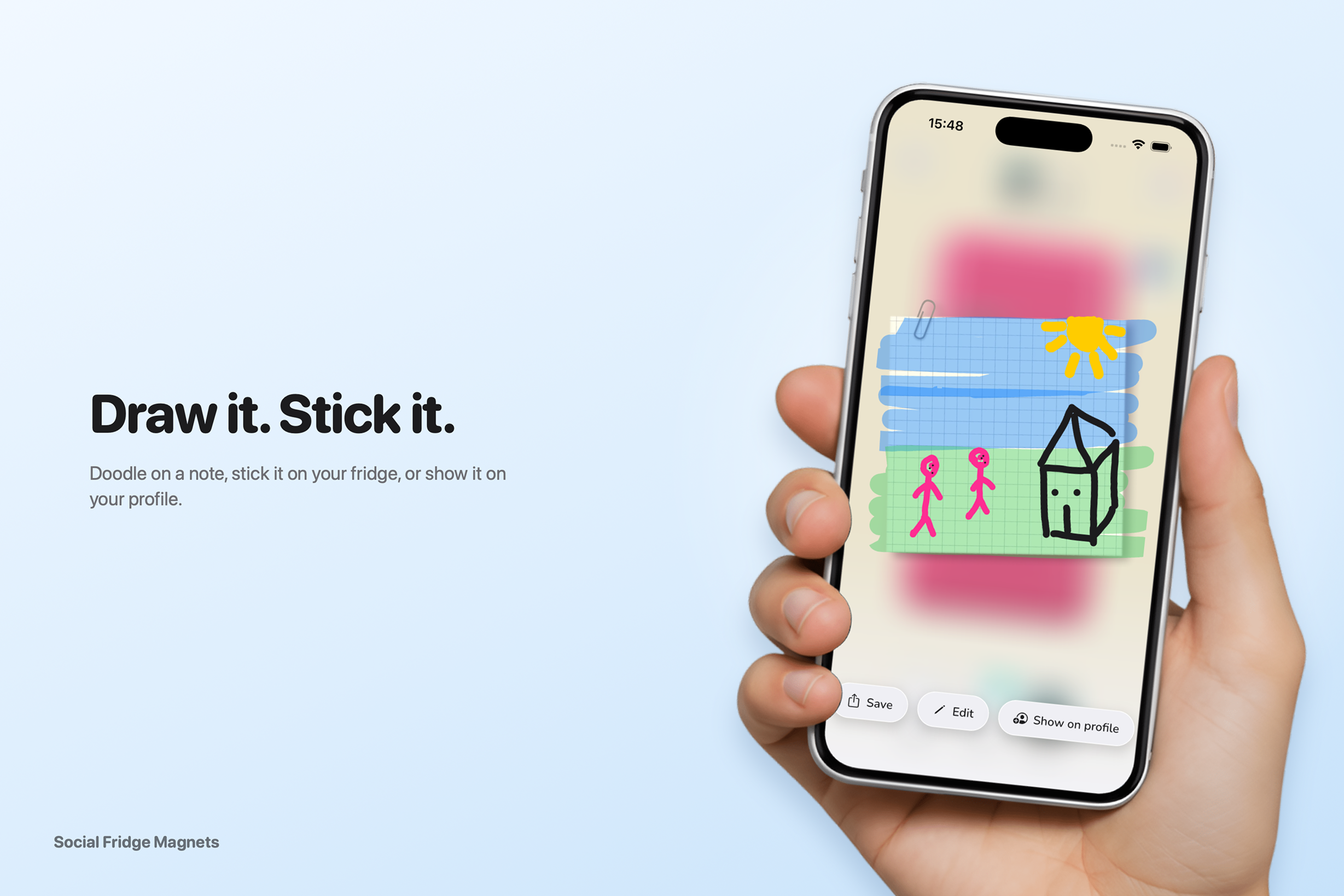
- Editable nameplates and more magnet styles (text notes, stickers packs).
- Home screen widget showing your fridge.
- Android release.


Log in or sign up for Devpost to join the conversation.