Inspiration
In today’s digital world, everyone’s looking for ways to make their online presence shine—whether for personal branding, business, or just to connect with others. But creating content that grabs attention can be time-consuming and tricky. That’s why we built Social Flare: a tool to help anyone quickly turn selected text into engaging, share-worthy content with just a few clicks. Our goal is to make it easy for creators, marketers, and casual users alike to make content that resonates.
What it does
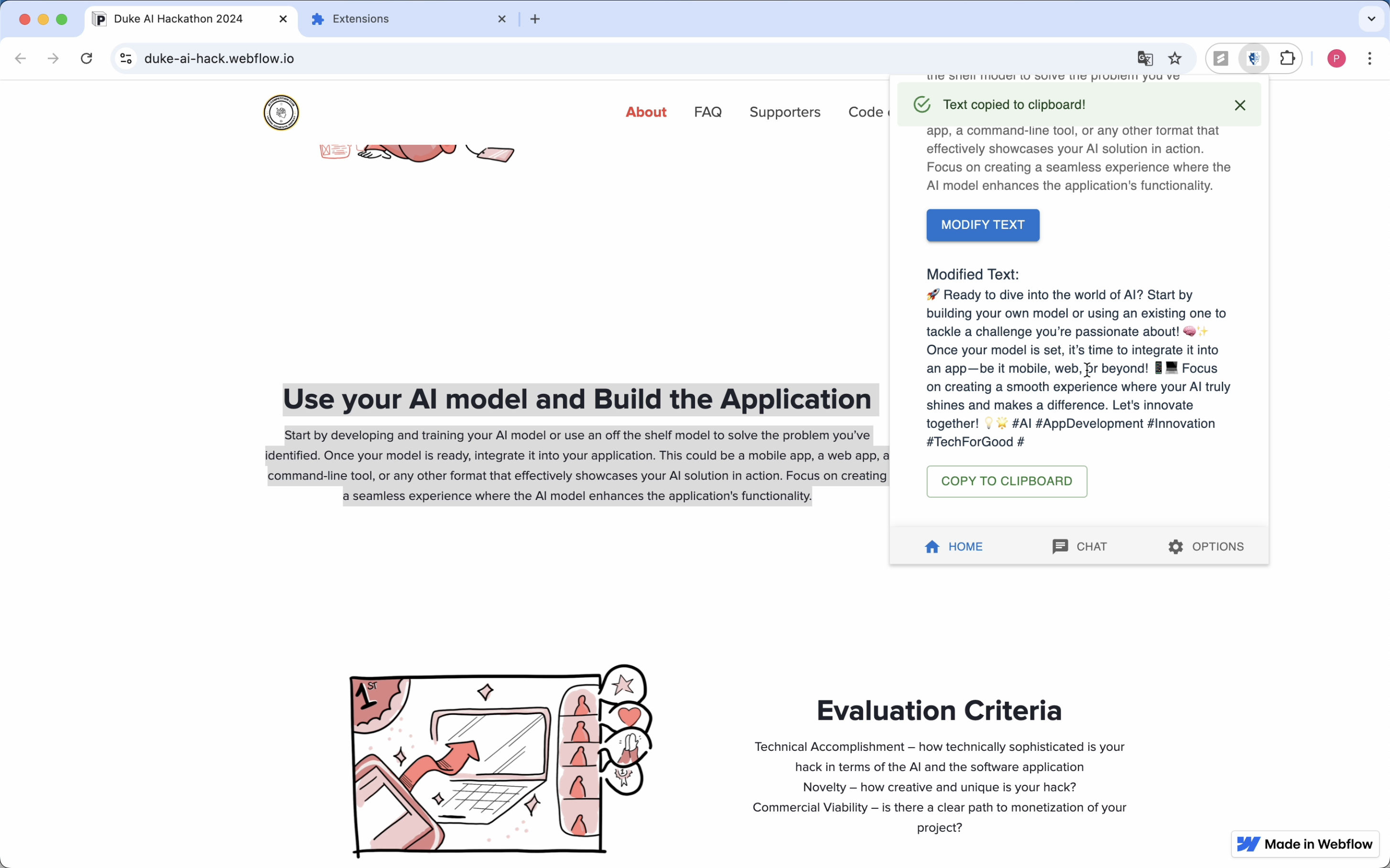
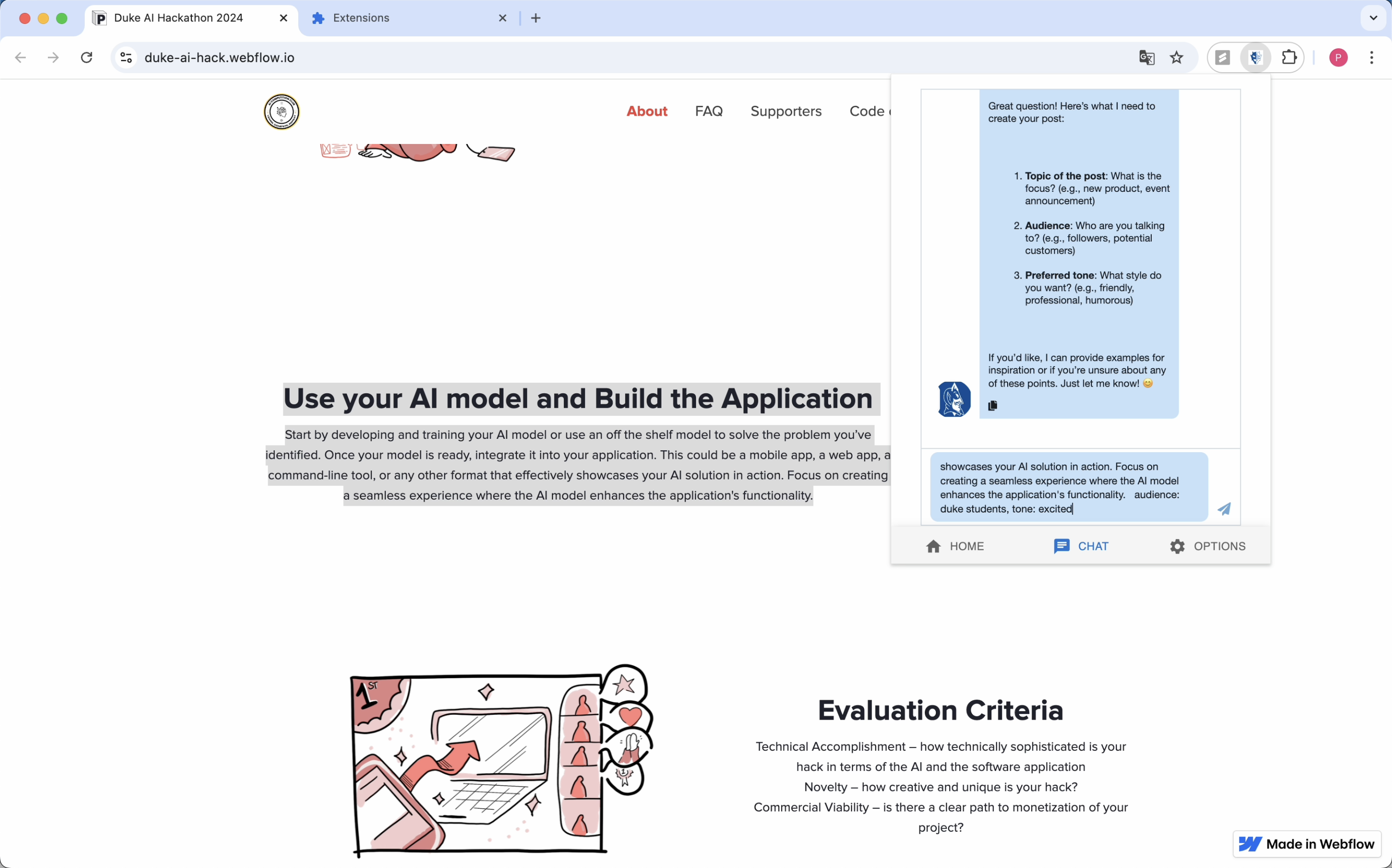
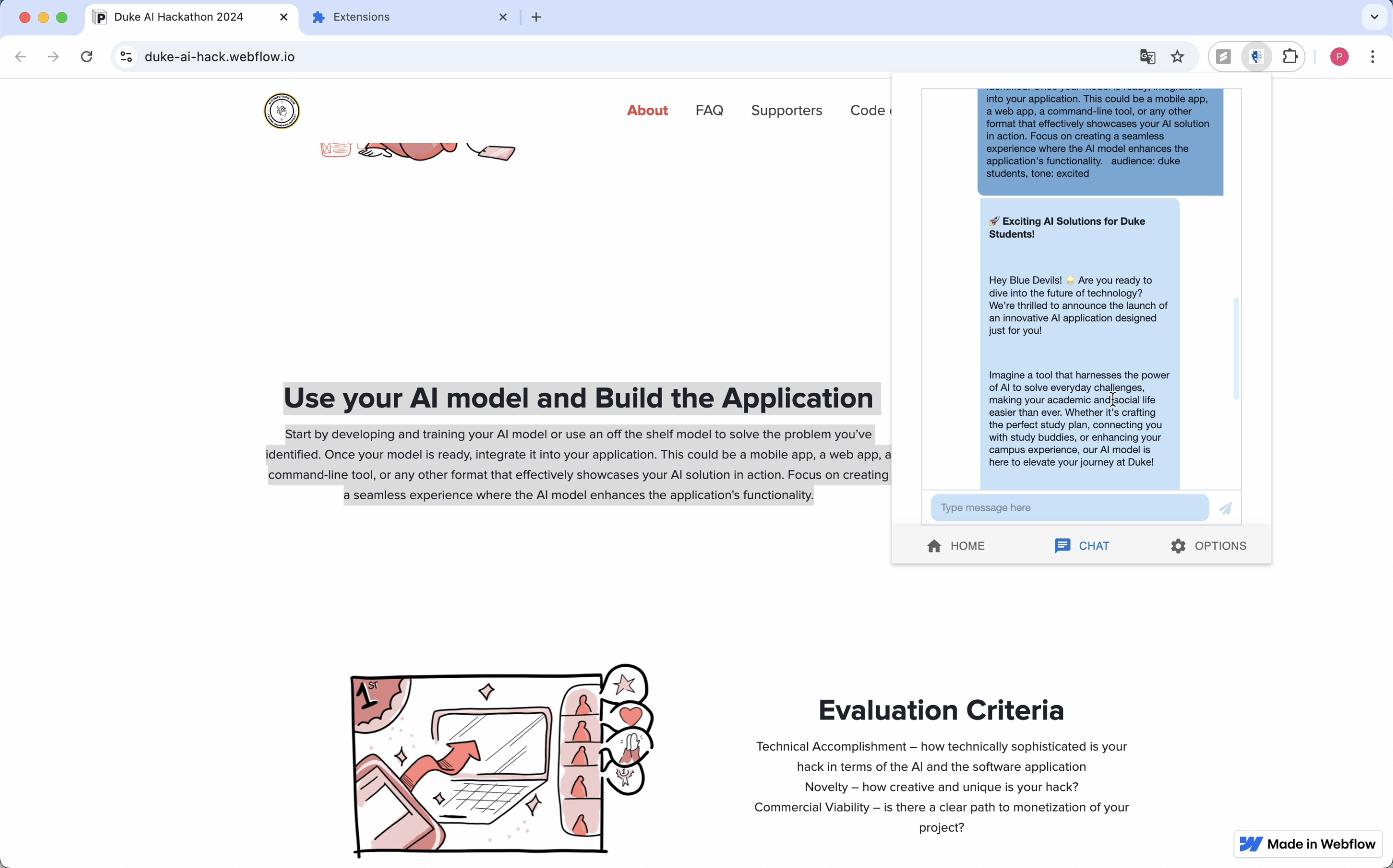
Social Flare is a Chrome extension that lets you highlight any text on a webpage and instantly transform it into attention-grabbing content. You simply select a piece of text, and Social Flare takes care of the rest. Plus, it comes with a ChatGPT-powered chatbox, so you can brainstorm ideas, refine your message, or just get a little creative help on the fly.
How we built it
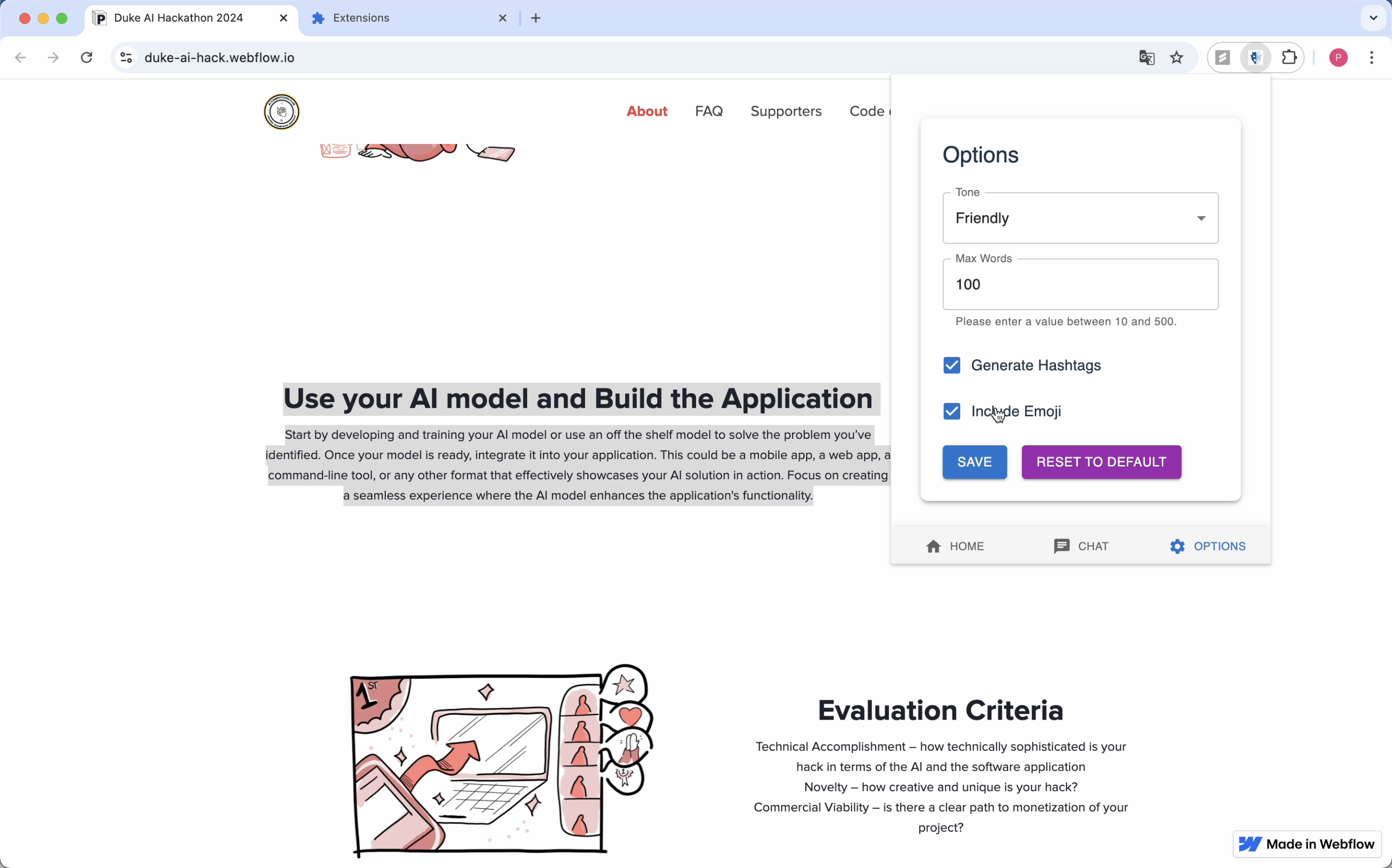
We built Social Flare using Vite, TypeScript, React, Material UI, the Chrome Extensions API, and the OpenAI API. User settings like tone, word count, hashtags, and emojis are saved using Chrome’s storage. With a right-click, you can rewrite any selected text instantly. Background scripts handle user actions, capturing selected text for processing. We used GPT-4o mini for the text rewriting and crafted a custom chatbot to provide interactive support through prompt engineering.
Challenges we ran into
Working with AI opens up so many possibilities that it was hard to narrow down our focus at first. Deciding on features that would stand out was challenging, especially with the Chrome Extension format being new to us. We also had to troubleshoot early issues with our AI service and make sure our interface was intuitive and friendly for all users.
Accomplishments that we're proud of
We’re really proud of creating an easy-to-use tool that makes social media content creation faster and more accessible. Social Flare’s smooth text selection and tone adjustment features, combined with ChatGPT support, give users the creative control they need to stand out.
What we learned
This project was a great learning experience in user-centered design for Chrome extensions. We also picked up valuable skills in prompt engineering for more accurate responses and managing API calls to keep everything running smoothly.
What's next for Social Flare
Looking ahead, we plan to add more customization options, like specific formats for headlines and calls-to-action. We also want to integrate analytics, so users can track engagement and see what works best for their content.
Built With
- chrome
- openai
- react
- typescript
- vite


Log in or sign up for Devpost to join the conversation.