-
-
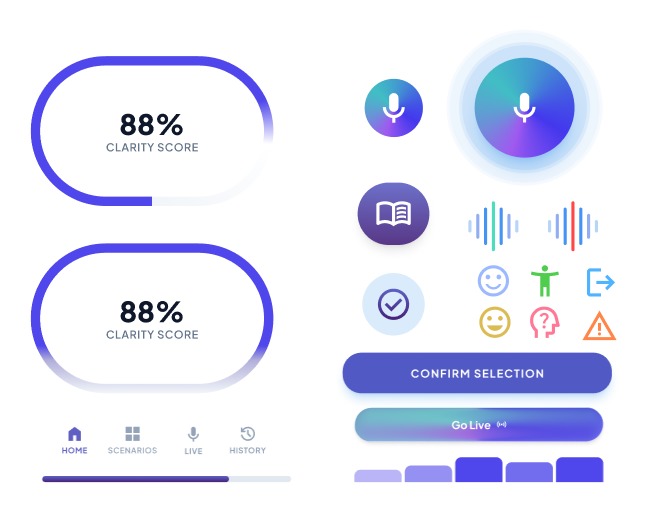
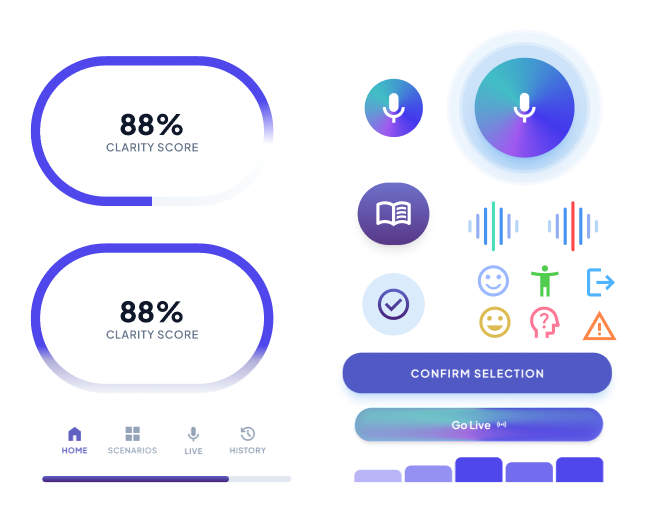
Component & Button Designs
-
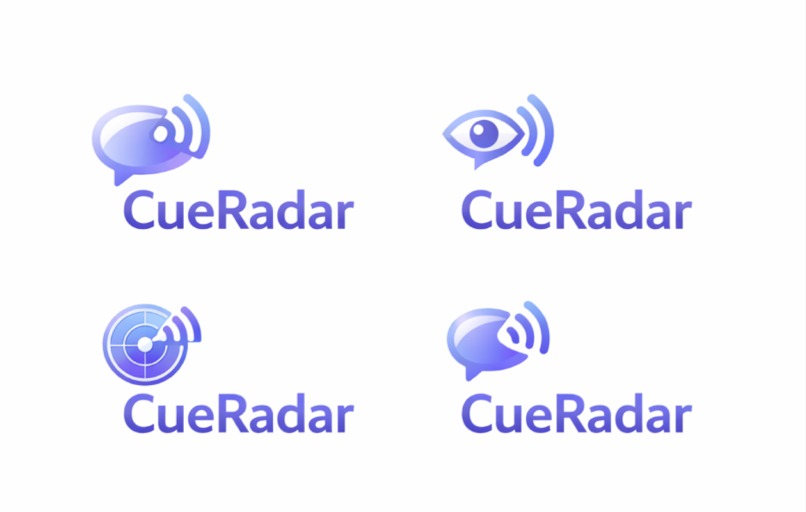
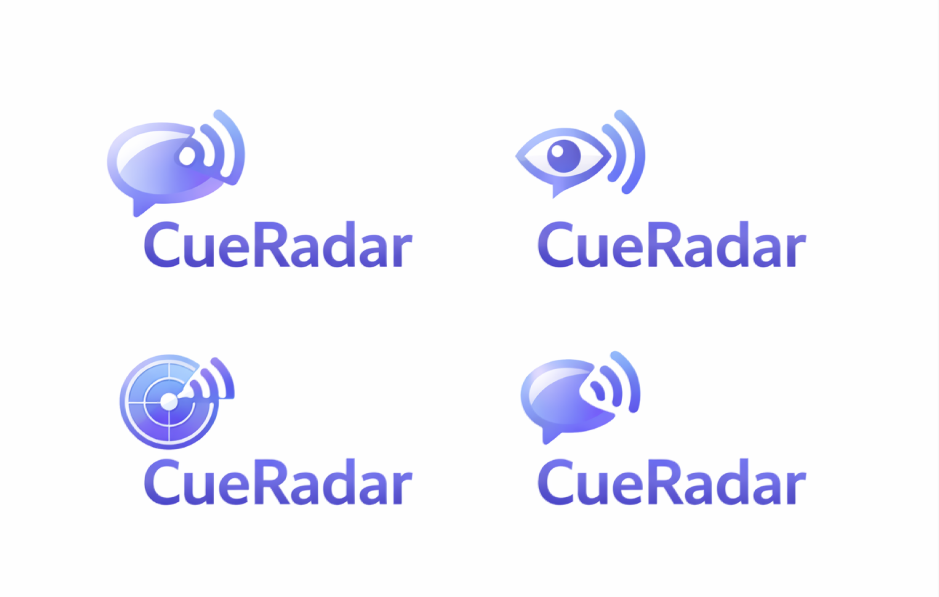
Logo Variations
Inspiration
Social Cues Sometimes I've had trouble telling whether someone was being sarcastic or serios. Social cues can be difficult to understand, especially when you're introverted or anti-social. Because of this, I wanted to create something that could help people better understand conversations and the hidden signals people give through tone, expressions, or behavior. My goal is to help others feel more comfortable interacting with people, without the need to contently worry about what the other thinks of them.
What it does
The app has two main components, designed to support both learning and real world application. It is intended to be helpful for people who struggle with interpreting social cues, including individuals with social anxiety, ADHD, or autism. The first is an interactive practice that presents different social scenarios where the users can observe and analyze common social cues. These examples include situations where someone might be sarcastic, genuinely interested, politely disengaged, or just uncomfortable. Though various scenarios, users can study body language, tone shifts, facial expressions, and conversational patterns, helping them develop a stronger awareness of how these signals work together. The second component focuses on real-life conversations. Users can activate the app's microphone so it can passively listen during interactions and help identify potential social cues in real time. If the user begins to dominate the conversation, misreads a joke, or misses signals that someone is uncomfortable or trying to end the conversation, the app can send a subtle notification. This notifications provides a gentle prompt and gives the user a natural excuse to pause, step away, or reassess the situation. After the interaction, the app generates a brief summary highlighting patterns that occurred during the the conversation, such as talking too much, missing cues that someone wanted to leave, or overlooking shifts in tone. Over time, these reflections help users recognize patterns in their communication and improve their ability to read social signals more confidently.
How we built it
We used Figma and several AI tools to help create the layout and prototype of the app. We first researched a variety of social cues to better understand our topic and what users might need to learn. After the research phase, we created a timeline to organize when each part of the project needed to be completed. Next, we made a list of all the elements that needed to be designed, including the home page, the social scenarios, and the live mic. We then used AI tools to help generate a rough structure for how the app could be organized. Finally, we built the prototype in Figma by creating multiple buttons, components, and linked screens so that we could demonstrate how the app would function in our video.
Challenges we ran into
We ran into some challenged while working in Figma, particularity when setting up our scrolling on certain pages and ensuring that all of the buttons functioned properly in the prototype. We also experienced a variety of formatting issues, as some layers were finicky to adjust, making it harder for us to maintain the consistent spacing and alignment frames.
Accomplishments that we're proud of
We are proud of successfully creating an interactive prototype that demonstrates how our app would function. We were able to organize our research about social cues into clear sections that are easy to navigate and understand. We also designed multiple interactive buttons and components in Figma that allow the user to move through the app and experience different scenarios. Overall we are proud of turning the research we did into into a working visual prototype that communicates our concept well.
What we learned
Through this project we learned how to use Figma more effectively to design a prototype app. We gain experience creating components, linking screens, and setting up navigation so users can move through the prototype. We also learned how AI tools like Stitch can help generate layout ideas and speed up the design process. Additionally, researching the social cues allowed us to have a better understanding of how people can be taught in interactive scenarios.
What's next for Social Cues
In the future, we would expand the number of scenarios and social cues in the app. We would also refine the interface and interactions to make the prototype more polished. Additional features, such as feedback on user choices and more functions for the real-life scenarios, could make the learning experience more engaging and helpful.
Built With
- aftereffects
- capcut
- figma
- stitch


Log in or sign up for Devpost to join the conversation.