-
-
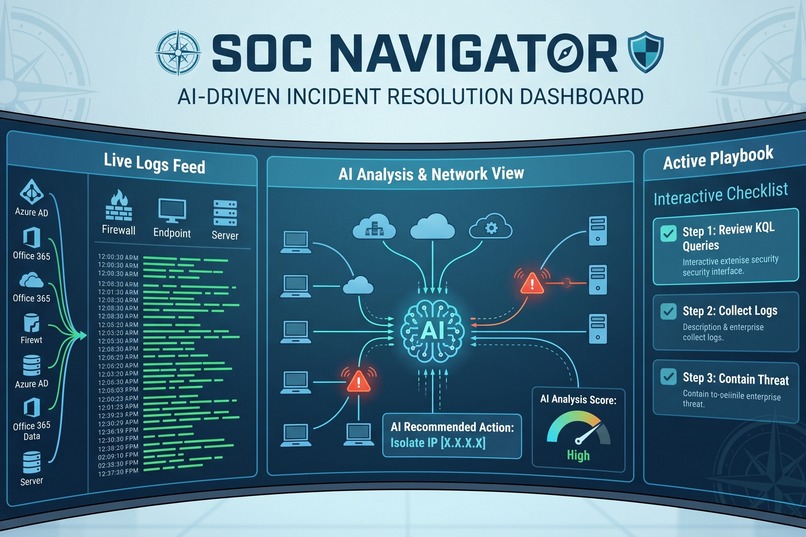
SOC Navigator: The ultimate Tier 1 Analyst Toolkit featuring a KQL library, interactive response playbooks, and live threat intel lookups
Inspiration As a recent computer science grad working towards my goal of becoming a Tier 1 SOC analyst, I've spent countless hours studying certifications and learning Kusto Query Language (KQL). I quickly realized that knowing the theory is one thing, but staring at a blank terminal during a high-stress security alert is completely different. The "blank screen syndrome" is real. I was inspired to create something that bridges that gap—a tool I would personally want to use on my first day in a Security Operations Center to feel confident, move fast, and respond to threats efficiently.
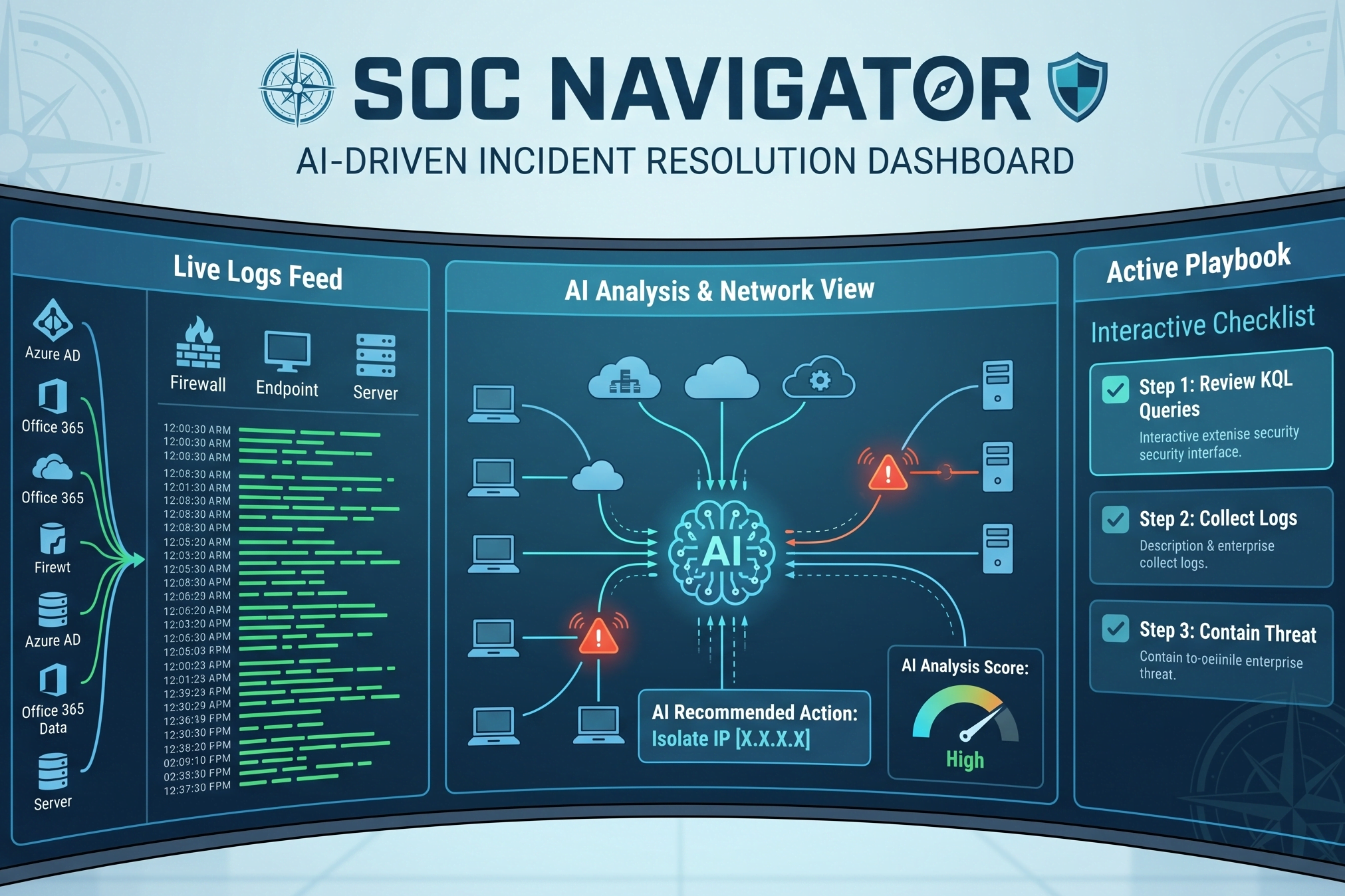
What it does SOC Navigator is a centralized, quick-reference dashboard tailored for junior security analysts. It features three core tools designed to accelerate triage:
KQL Builder: A searchable library of ready-to-use Kusto Query Language snippets for common log searches.
Interactive Playbooks: Step-by-step incident response checklists for specific threats (like brute force attacks or suspicious network movement).
Threat Intel Lookup: A search tool where analysts can paste a suspicious IP address and instantly get a threat score via an integrated Threat Intelligence API.
How we built it Note: I am a solo developer on this project, but here is my process! I built the entire application using MeDo, leveraging its natural language processing to generate a React-based web app. I started with a detailed master prompt to establish a sleek, dark-mode UI—an absolute must for any SOC environment! Then, I used MeDo's multi-turn chat to rapidly iterate. I fed the AI my own study notes on Active Directory vulnerabilities and Snort rules, asking it to format them into interactive checklists. For the backend logic, I prompted MeDo to integrate a REST API and handle the JSON parsing so the app could pull real-time threat scores directly into the dashboard.
Challenges we ran into The biggest challenge was getting the API integration to handle errors gracefully. Initially, if I inputted an invalid IP format into the lookup tool, the app would either crash or display an ugly wall of raw JSON text. I had to work closely with MeDo through conversational prompts to implement strict input validation. We iterated until the app could catch those errors and return a user-friendly message without breaking the analyst's workflow. Refining the dark mode contrast to make the code blocks readable without causing eye strain also took quite a few visual tweaks!
Accomplishments that we're proud of I'm incredibly proud of the live "Threat Intel Lookup" feature. Successfully connecting a live API and watching it parse a real-world reputation score directly into the dashboard felt amazing. It took the project from a static reference manual to a dynamic, functional security tool. I’m also proud that I was able to take the complex KQL and incident response concepts I’m actively studying for my certifications and turn them into a tangible, deployed application that actually helps people.
What we learned I learned a massive amount about prompt engineering and how to effectively communicate technical system requirements to an AI. Being highly specific about what I wanted—especially detailing how JSON responses should be parsed and displayed on the front end—was a huge learning curve. I also reinforced my own cybersecurity fundamentals; by designing the incident response playbooks and curating KQL queries for the app, I practically built my own interactive study guide!
What's next for SOC Navigator The next step is expanding the playbook library to cover more advanced, multi-stage attack scenarios. I'd also love to integrate a webhook feature where SOC Navigator can directly ingest alerts from a SIEM (like Microsoft Sentinel) rather than requiring the analyst to manually input the alert type. Ultimately, I want to keep refining this dashboard as I progress in my own SOC career, eventually making it a go-to, open-source resource for other junior analysts entering the cybersecurity field.
Built With
- api
- css-(dark-mode-ui)
- intelligence
- javascript
- json
- medo
- rest-apis
- threat


Log in or sign up for Devpost to join the conversation.