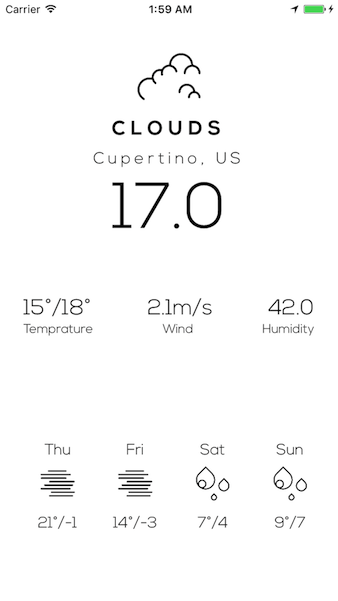
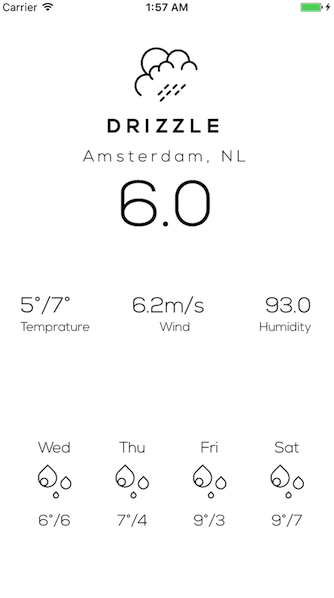
SnowMan
A simple, minimalist and soothing weather application made in Swift.
Screenshots:


To-Do
- Handle small bugs appropriately
- Caching data upto 2 hours
- Develop Dark Mode
Credits and Inspirations
Big shout out to MadeByOliver for the flat icons used. You can visit his Dribble profile here.
Also, UI was inspired by Weather Design by Zhao Legs and Black and White Weather by Emil Widlund.
I downloaded the project, what now?
- Go to the file directory and do a
pod install. You must have Cocoapods installed on your system. For more information on Cocoapods, visit here. - Next, go to "Constants.swift" under the "Utils" folder. Hop on to line 16 and insert your OpenWeatherMap API key. You can get one here.
- open
SnowMan.xcworkspace - Build and Run the project!
Requirements
- Swift 3.0
- Xcode 8.0+
- Cocoapods 1.2.0 (Beta), should work with the stable release as well, although not tested.

Log in or sign up for Devpost to join the conversation.