-
-
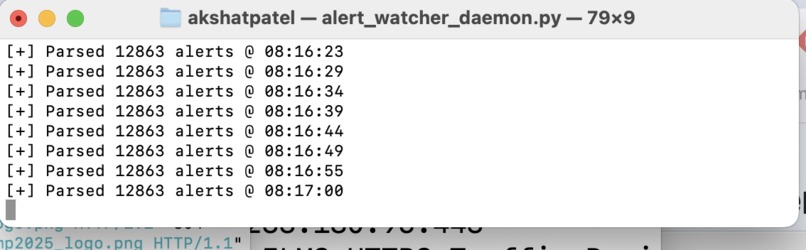
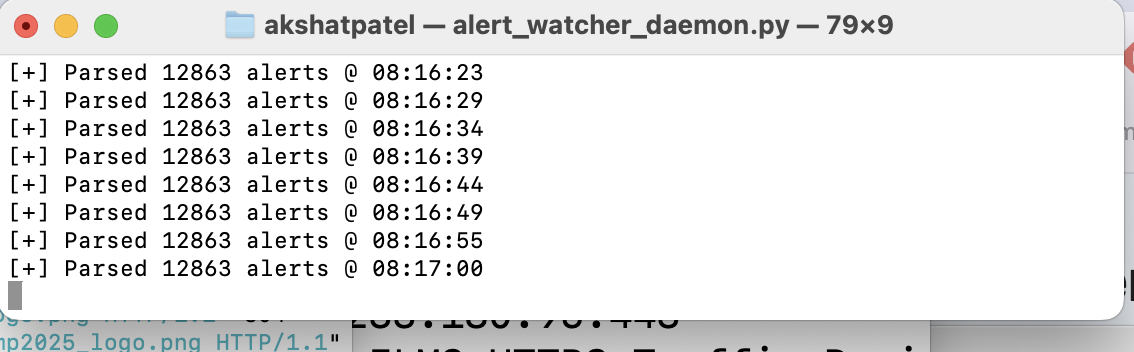
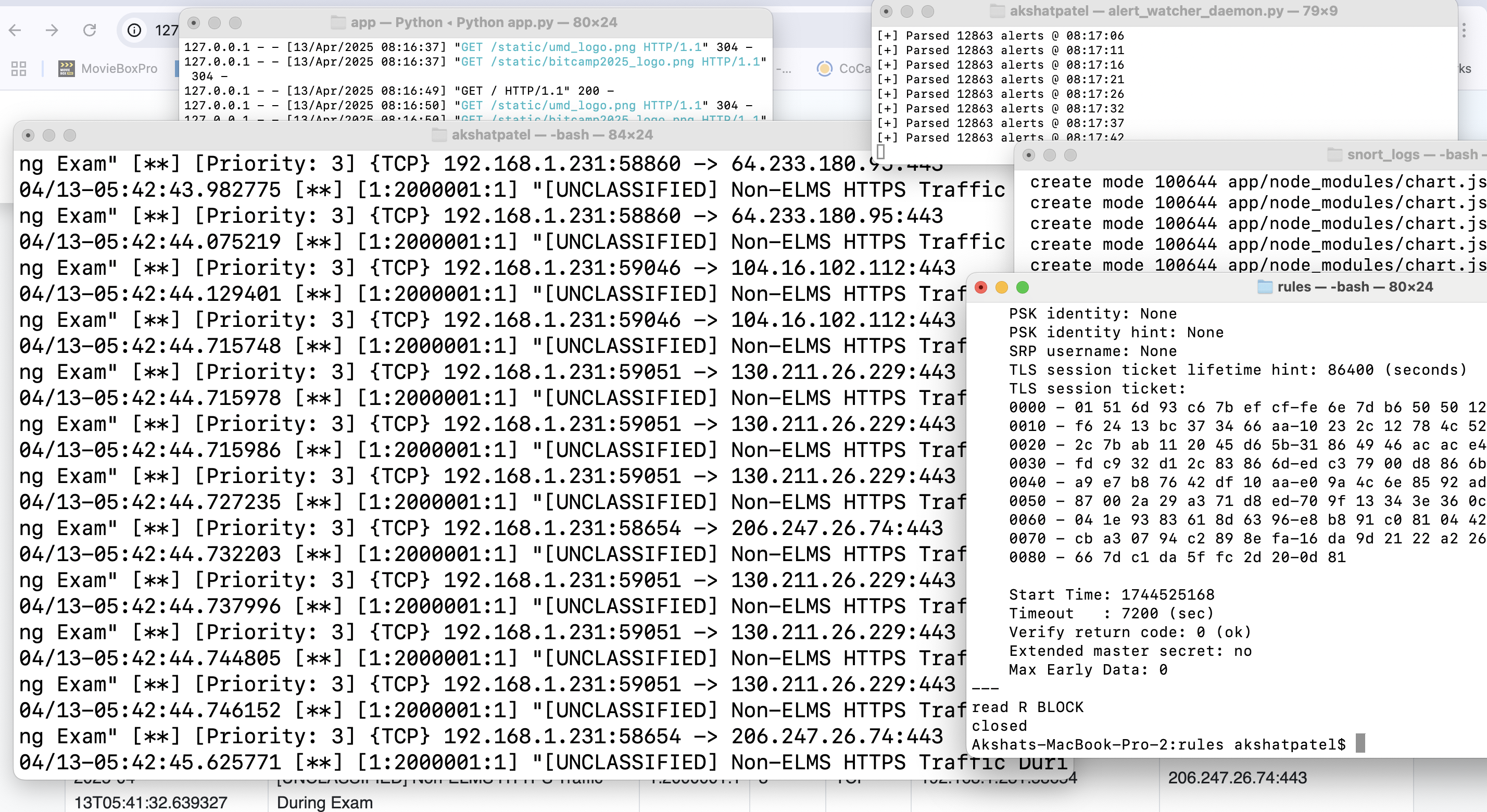
Parsed logs status - 5 sec interval script running
-
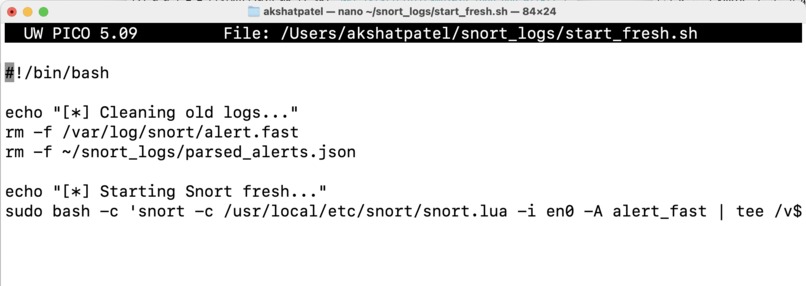
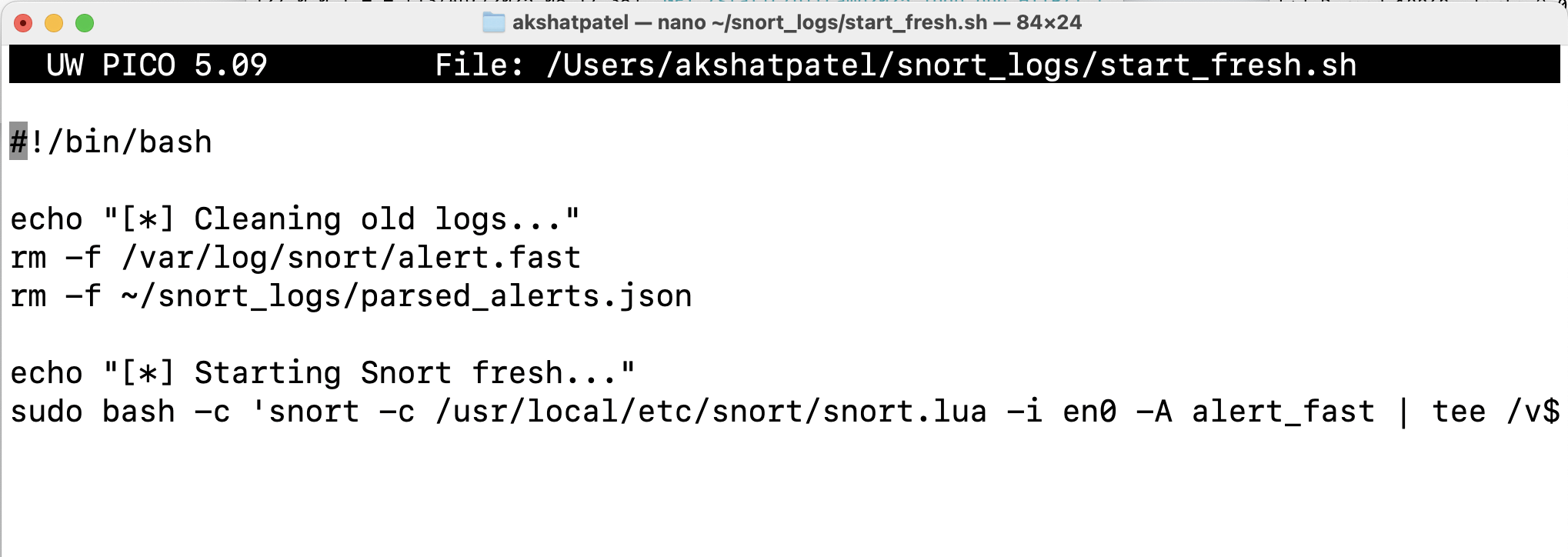
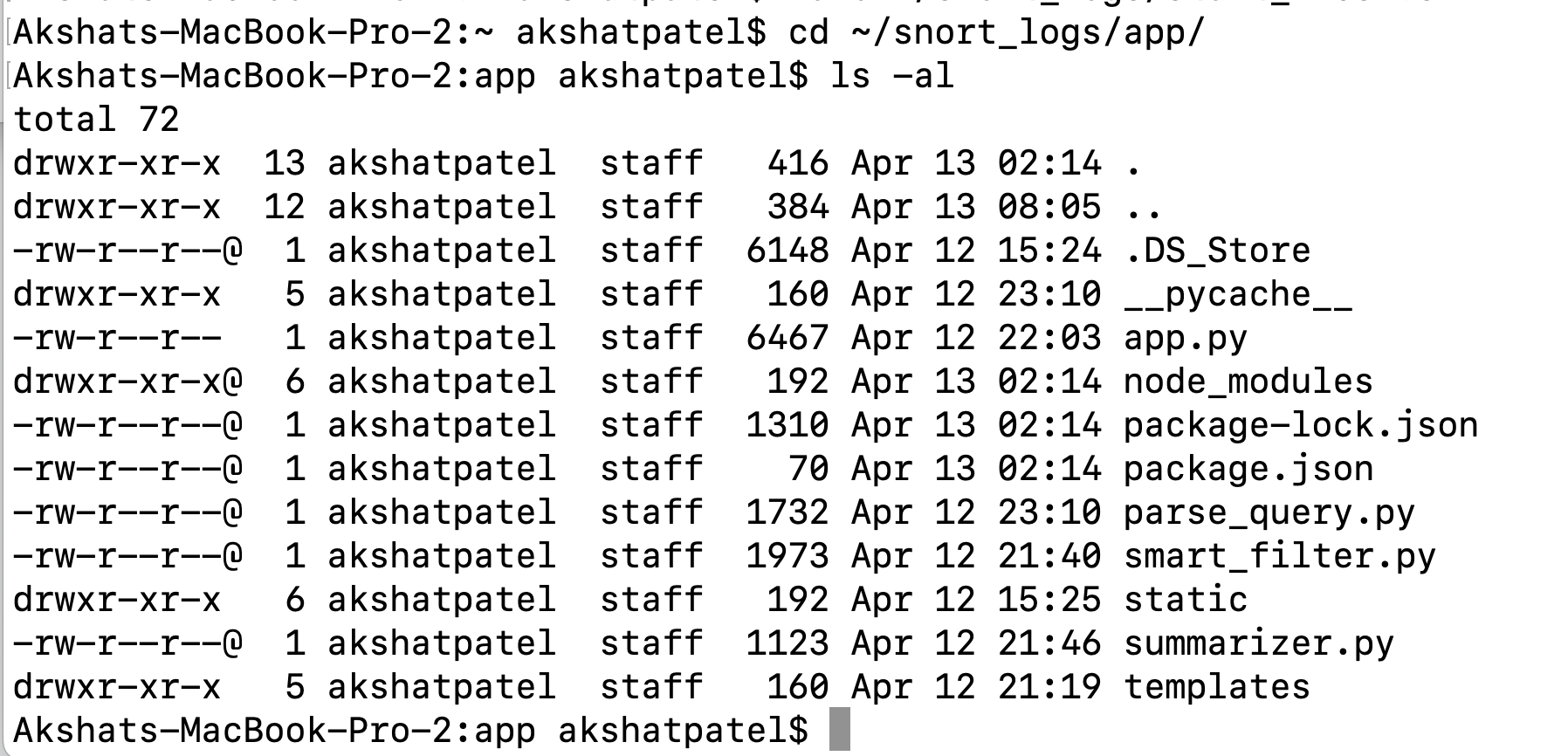
Startup / cleanup script
-
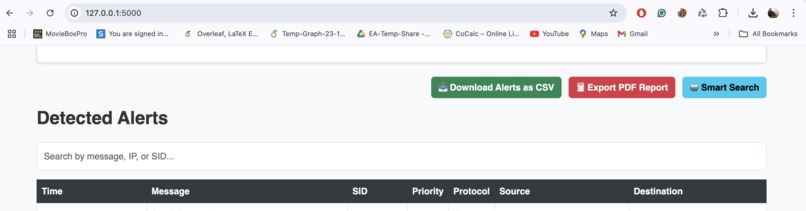
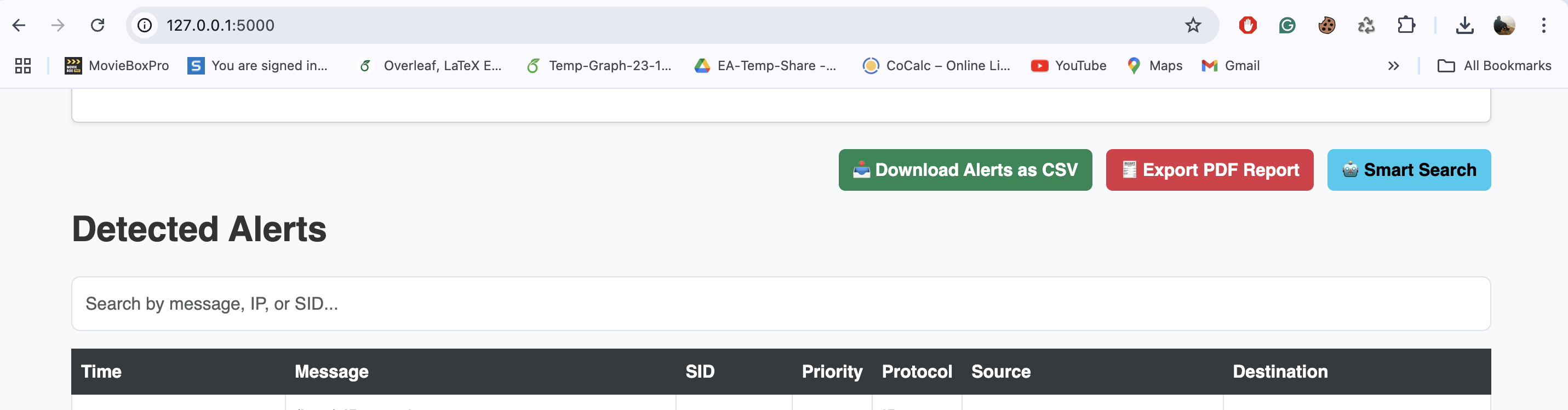
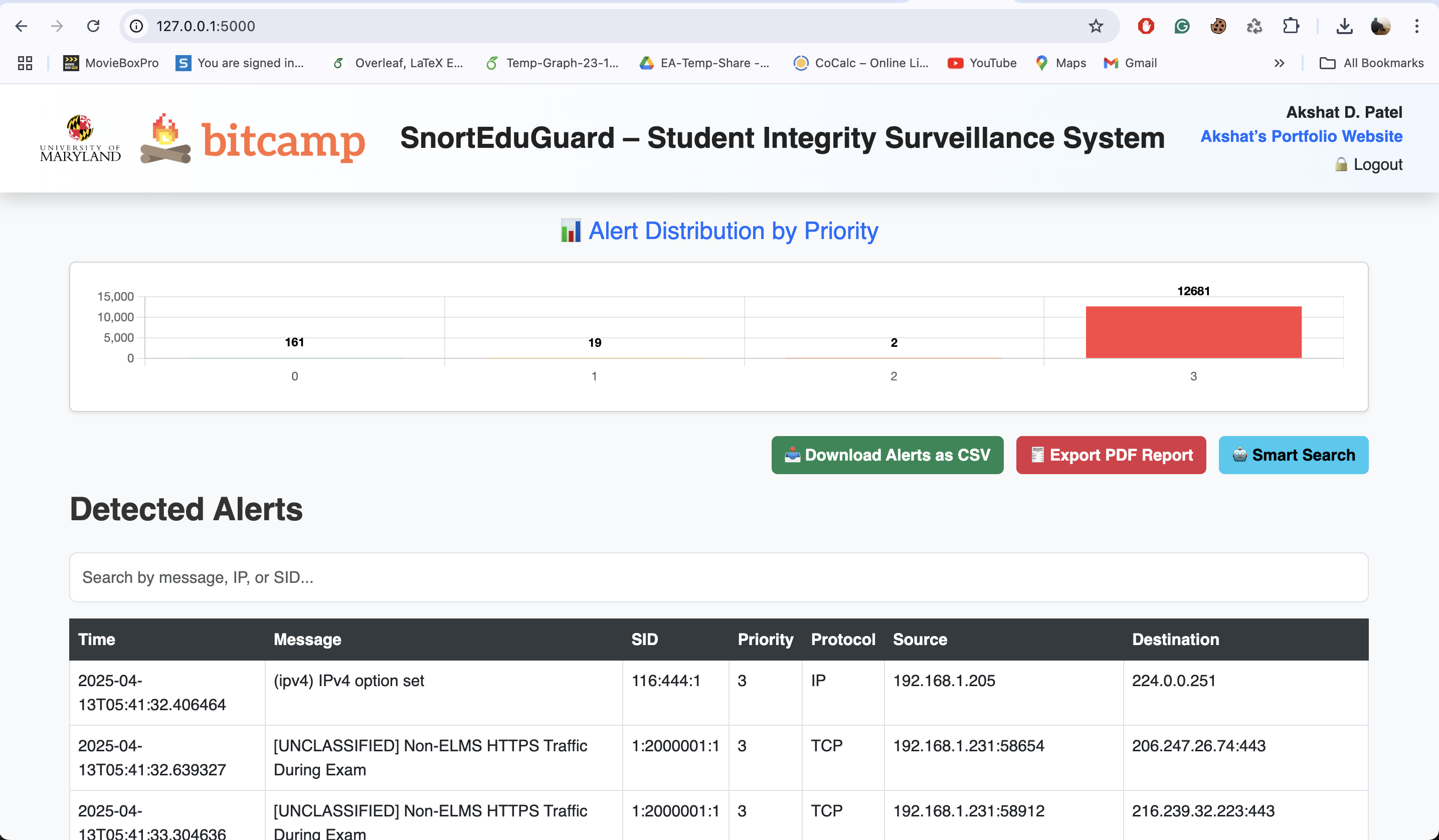
Keyword search + CSV and PDF export + Smart search button
-

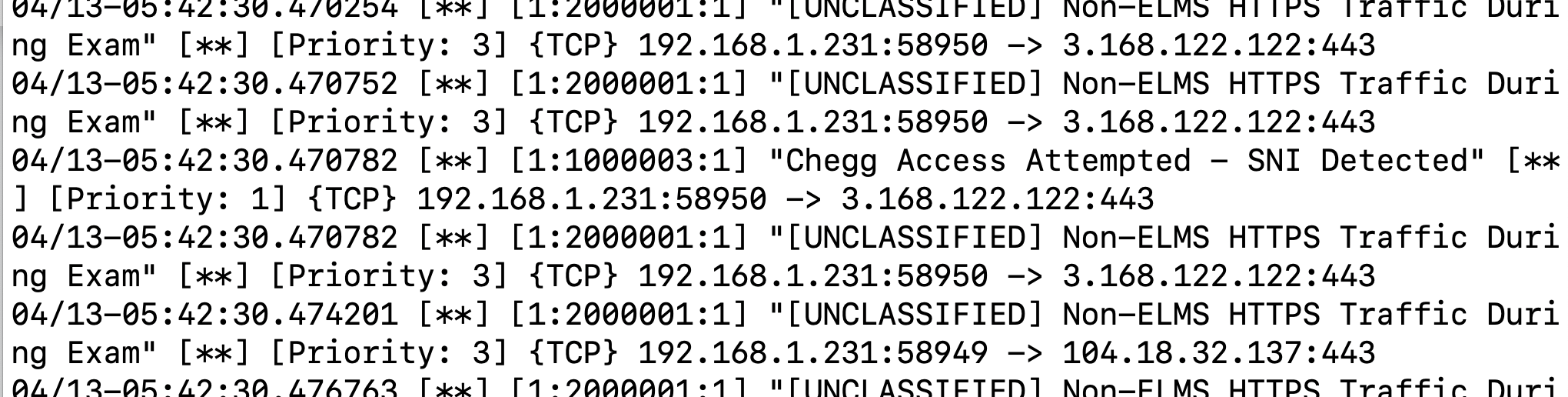
Packets / alerts generated -1 Sample
-

Packets / alerts generated -2 Sample
-
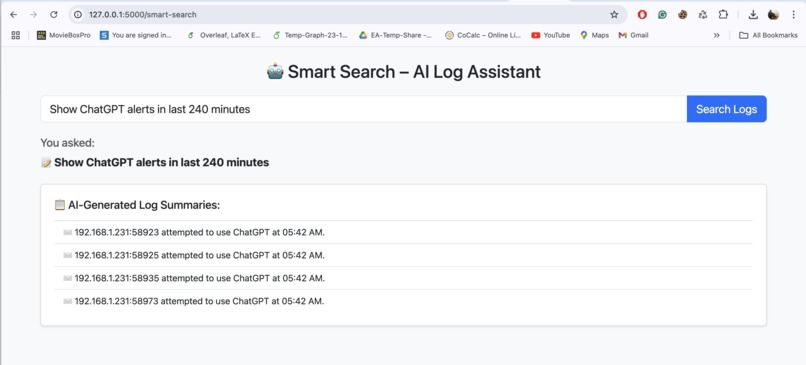
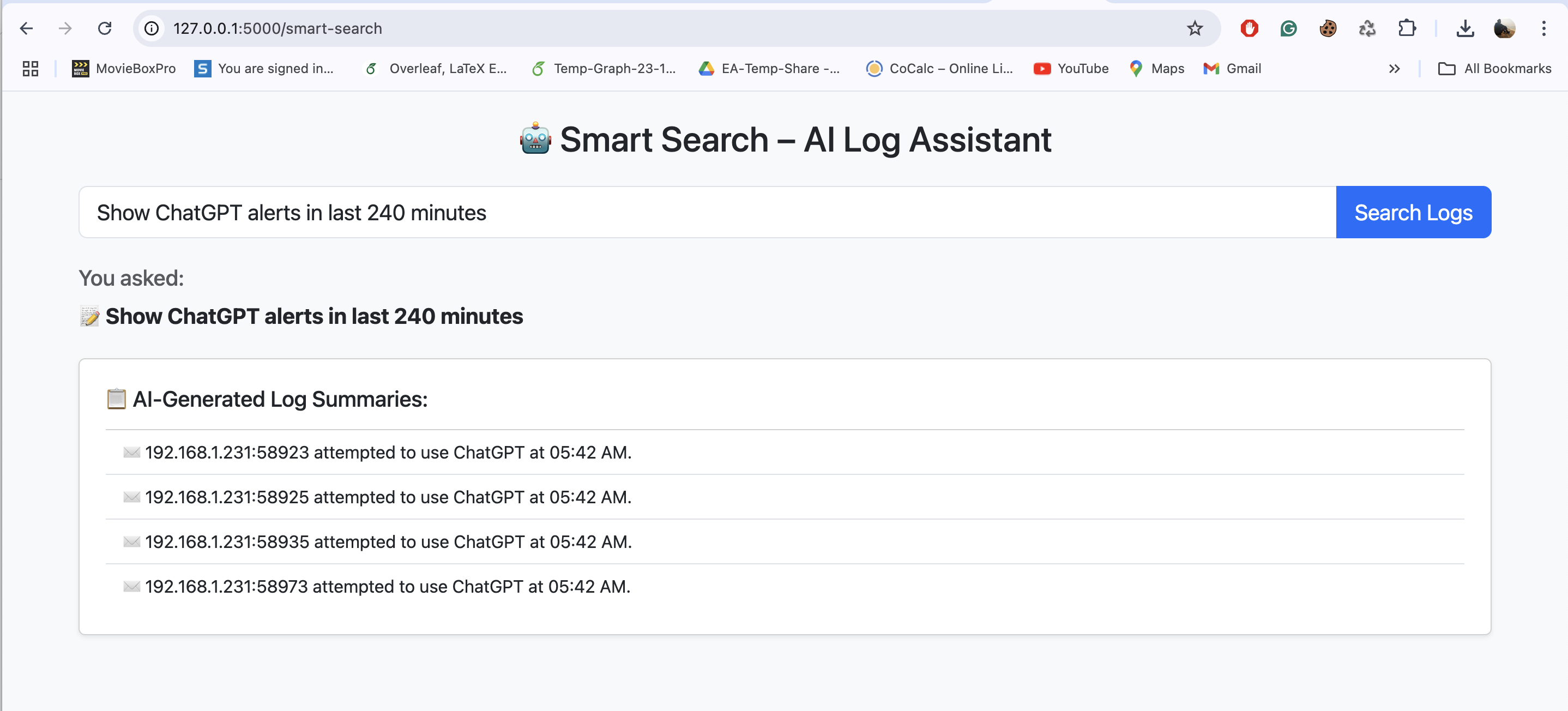
Smart search
-
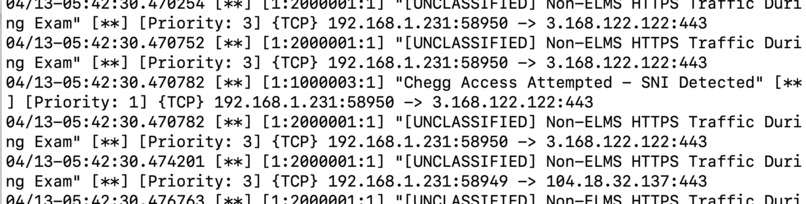
Packets / alerts generated -3 Sample
-
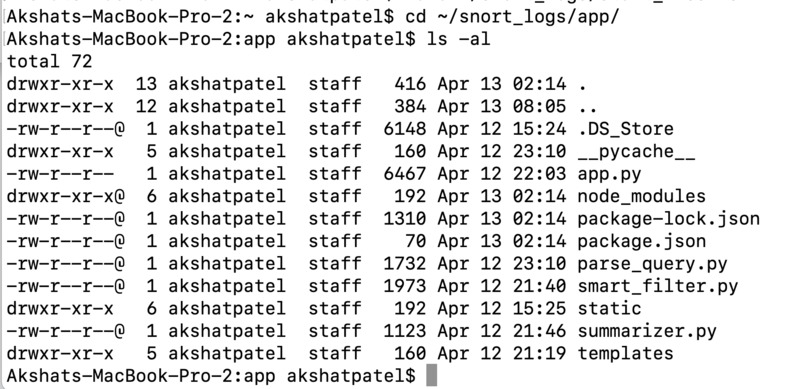
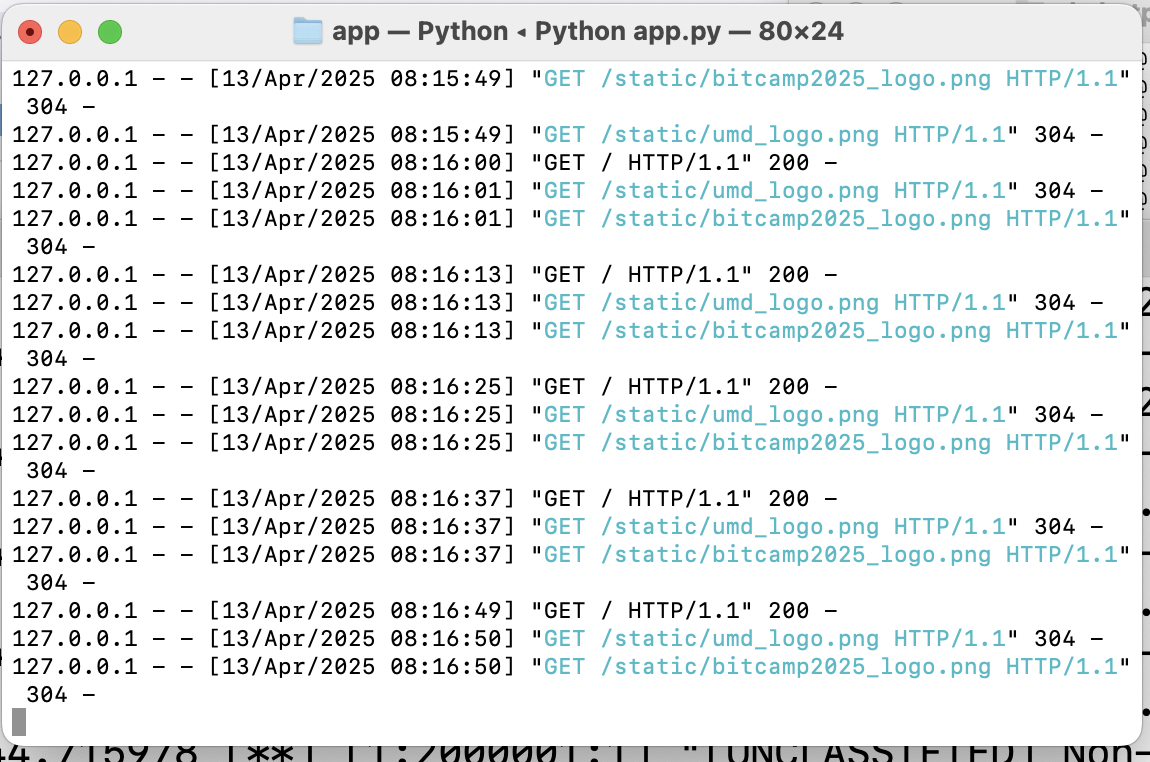
Daemons and scripts
-
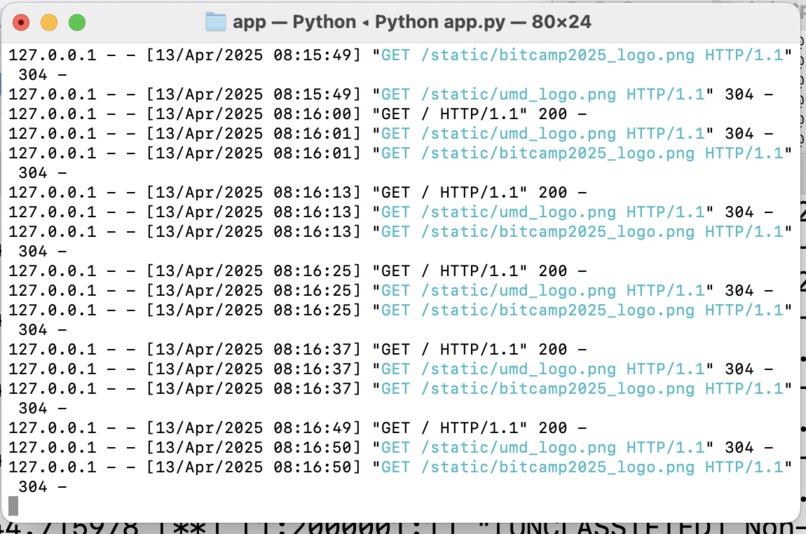
locally hosted dashboard
-
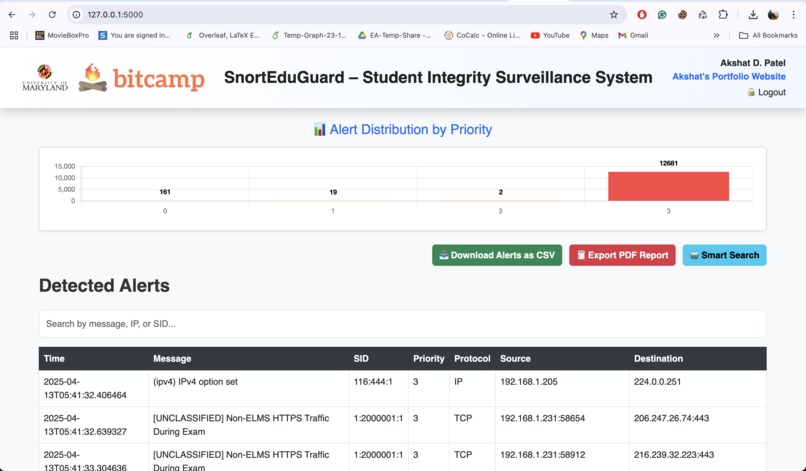
Dashboard
-
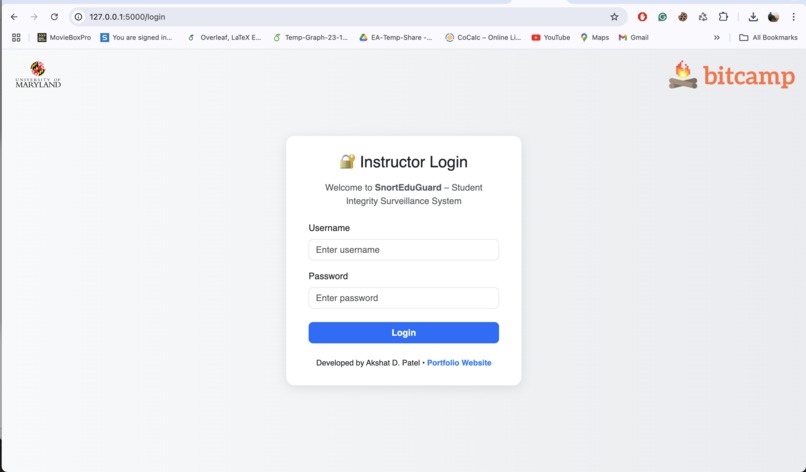
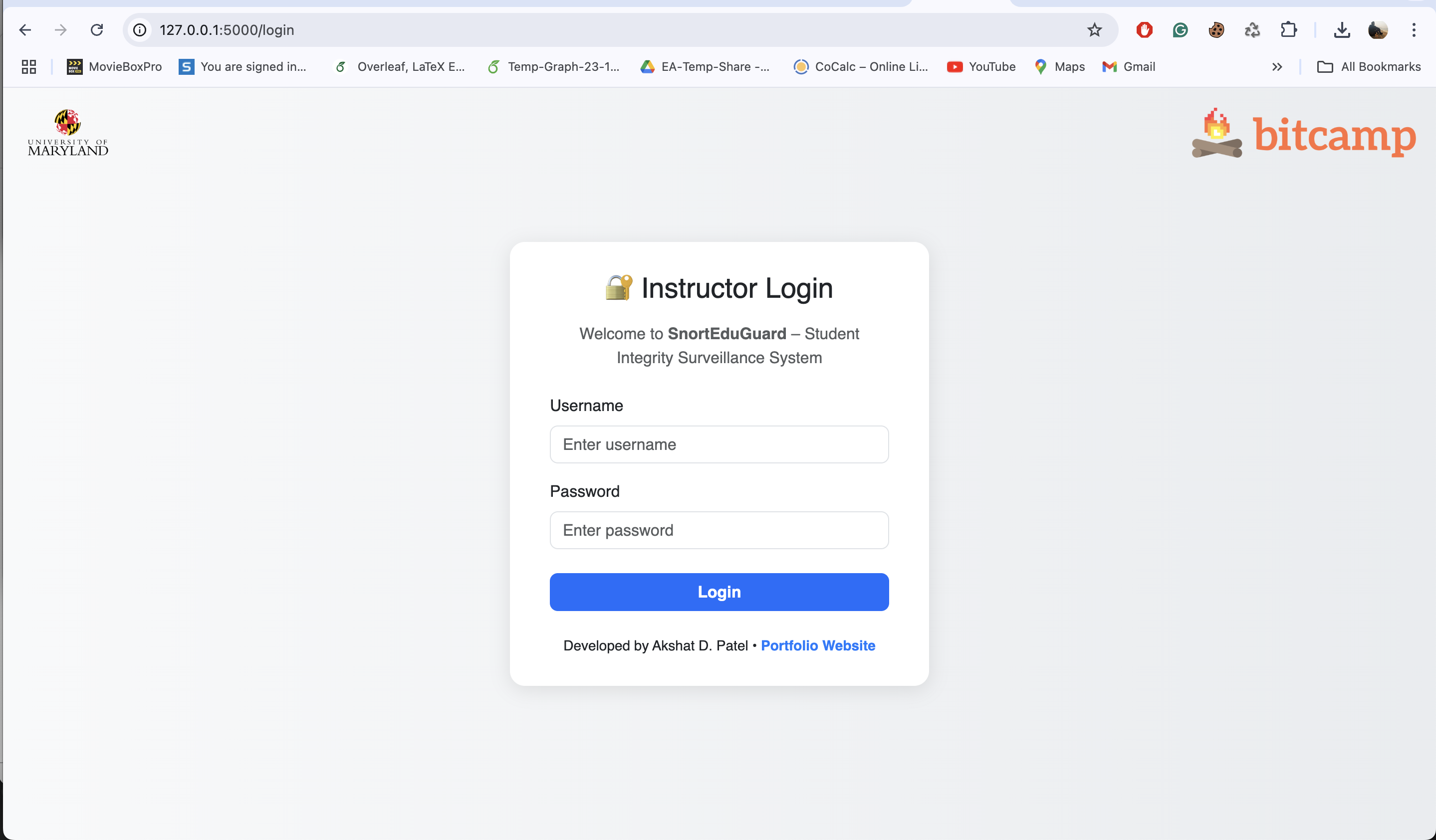
Login page / landing page
-
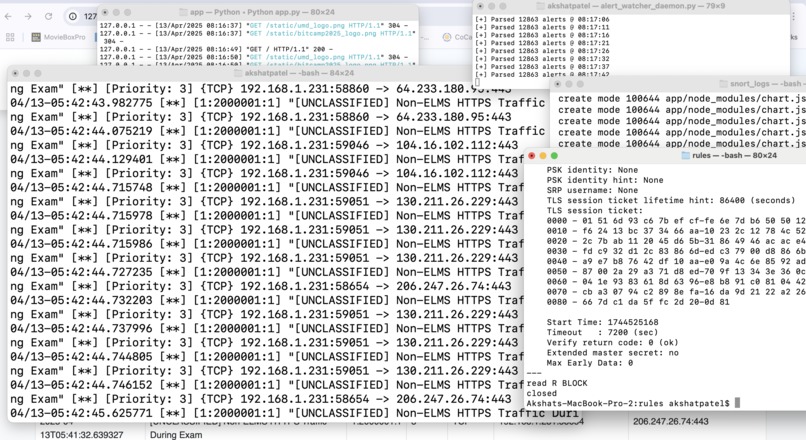
Overview and individual contribution
-
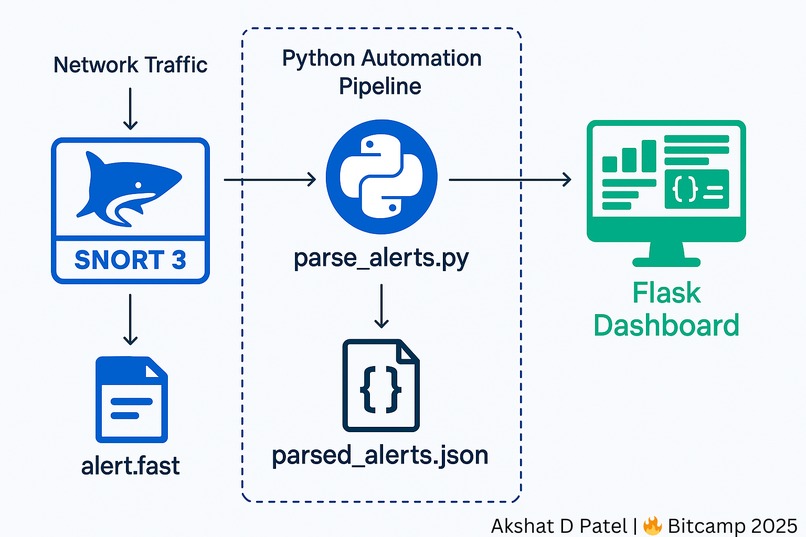
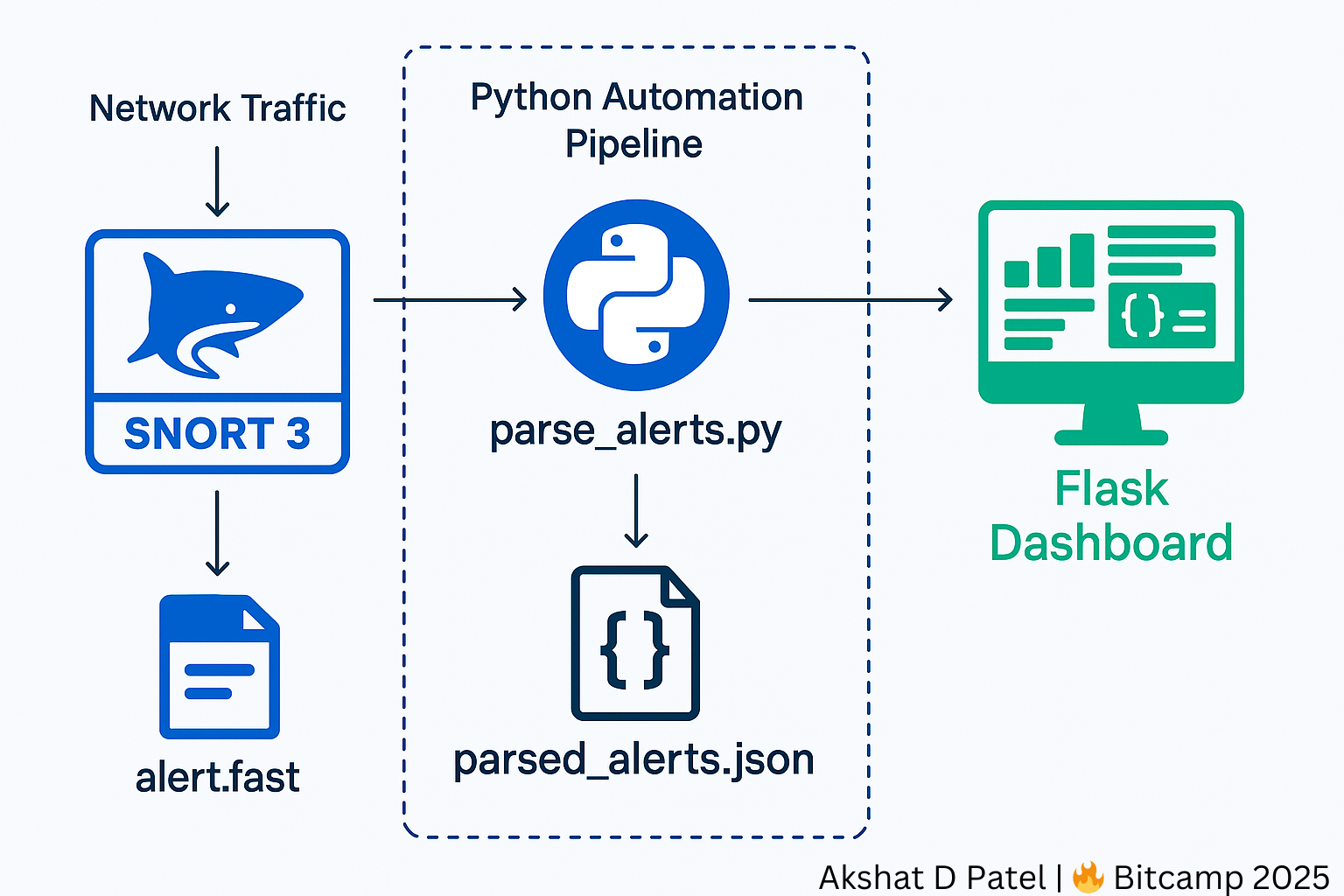
Architectural Diagram


Inspiration
As a Teaching Assistant at the University of Maryland, I frequently conduct lab sessions, quizzes, and in-class exams. I've seen firsthand how students try to find creative ways to bypass academic rules, especially using generative AI tools and VPNs. While solutions like LockDown Browser exist, they can often be circumvented, and they only monitor the browser, not the network. That inspired me to build something that works at the network layer: a real-time, intelligent intrusion detection system for classrooms and exams that helps preserve academic integrity in a meaningful way. This was the student's focus, which will be redirected to learning from the lectures, doing homework genuinely, and earning the real learning, which will prepare them for the real world.
What it does
SnortEduGuard is a real-time academic intrusion detection system designed specifically for educational environments. It:
- Uses Snort 3 to detect access to generative AI tools, VPNs, collaboration platforms, and study-help websites
- Parses Snort alerts into structured JSON using a custom Python script
- Displays alerts in a real-time dashboard with charts, filtering, exporting options, and instructor login
- Includes an AI-powered Smart Search assistant that understands natural language queries like “Show Chegg alerts in last 120 minutes” and summarizes results in plain English
- Supports an “Exam Mode” that flags any traffic not explicitly allowed (Canvas, UMD, Zoom, etc.)
- The system is production-grade and could be deployed during live exams or quizzes.
How I built it
The architecture is modular and fully functional:
Snort 3 Detection Engine: I configured Snort 3 with custom rules to detect unauthorized domains and behaviors. The rules were written to inspect TLS SNI headers, identify protocol types, and categorize alerts by AI tools, VPNs, C2 behavior, or whitelisted services. I wrote custom Snort rules to detect traffic to:
- AI tools (ChatGPT, Bard, Claude, Terp AI, Perplexity)
- Study sites (Chegg, CourseHero, Quizlet, Studocu)
- VPN services (NordVPN, ProtonVPN, TunnelBear, Psiphon)
- Collaboration platforms (Discord, Slack, WhatsApp)
- C2 behavior and port scanning (DNS tunneling, Nmap)
Logging and Parsing: Snort logs alerts to /var/log/snort/alert.fast. A custom Python parser (parse_alerts.py) uses regex to extract alert fields like timestamps, IPs, protocols, priorities, and SIDs. It saves these to a structured file (parsed_alerts.json) used by the dashboard.
Dashboard: Using Flask, Bootstrap 5, and Chart.js, I created a dashboard that displays alerts in real time. It auto-refreshes every 10 seconds, shows a visual breakdown of priority distribution, and allows CSV/PDF exports. The UI includes a login system and displays alerts with color-coded highlights for quick analysis.
Smart Search Assistant: The real “wow” factor is an AI-powered assistant. Instructors can type prompts like "Show Chegg alerts in last 30 minutes." The backend (parse_query.py) uses spaCy NLP to understand intent, and then smart_filter.py filters alerts. Finally, summarizer.py generates plain-English interpretations like: "192.168.1.105 attempted to access ChatGPT at 6:42 AM."
Exam Mode: I implemented a fallback default-deny rule that flags any traffic not matching whitelisted domains. This allows instructors to switch into a strict mode where only Canvas, UMD, or Zoom are permitted, helping enforce academic integrity during exams.
Challenges I ran into
One of the hardest parts was configuring Snort 3 logging with Lua and ensuring it streamed reliably to alert.fast without truncation or corruption. I had to carefully coordinate logging, parsing, and visualization to work asynchronously without conflicts. The Smart Search assistant also required careful tuning so that natural language queries could be accurately interpreted and mapped to real categories like “AI” or “VPN,” even when phrased differently. Styling the dashboard to be clean, intuitive, and visually meaningful under time pressure was also a significant design challenge, especially for me, as I have never done this before in my life. A huge learning curve for me!!
Accomplishments that I're proud of
Built a fully functional, real-time IDS dashboard that actually runs and detects live network traffic
Created over 40+ custom Snort rules with domain-specific focus on AI and academic tools
Developed a complete AI-powered Smart Search Assistant using NLP and summarization
Designed a polished frontend with auto-refresh, charts, export options, login system, and whitelisting visualization
Implemented Exam Mode using a “default-deny” rule to detect all unauthorized traffic
Built the system in a way that is scalable, real-world ready, and impactful for classrooms
Built everything independently - from rule design to AI assistant - within 36 hours, fully operational on a local macOS machine. It is, for now, limited to me as I tried to deploy it for a range of IPs, the test was successful, but later my internet connectivity by UMD has been terminated and for that reason, I'm demonstrating this for my local machine now, or else, this is production, mass use ready.
What we learned
First and foremost, "TIME IS MONEY"!
I deepened my understanding of:
Network-level traffic inspection and deep packet analysis
Snort 3 rule syntax, logging mechanisms, and Lua-based configuration
Building Flask web applications with real-time features
Using spaCy for NLP and building AI features into security workflows
Designing systems that are not just technically correct, but also usable and valuable to real-world users-in this case, instructors and academic institutions
It reinforced my belief that cybersecurity is not only about preventing attacks; it is also about integrating trust and fairness into the systems we use daily with the security knowledge I possess.
Time is crucial. If I have an idea, that's good; the only thing that matters in a hackathon is how to think of the idea, execute it, build a model, enhance it, exceed your own expectations, and, above all, submit it on time.
What's next for SnortEduGuard – Student Integrity Surveillance System
There’s still so much I’m excited to build on top of what’s already working.
First, I’d love to deploy the entire system on a Raspberry Pi, plugged into a SPAN port in a classroom network. That way, it can passively monitor traffic without needing any installation on student devices.
I also want to build a policy configurator—a simple UI where instructors can upload custom whitelists or choose modes like “Quiz Mode” or “Normal Class Mode.” Right now, modes are enforced through rules, but making this user-friendly would make the tool way more accessible.
Another idea I’m exploring is integrating Claude or OpenRouter to generate even more intelligent summaries. Imagine an AI not just summarizing what happened, but also suggesting: "You may want to follow up with students 192.168.1.5 and 192.168.1.9 who accessed Chegg during the assessment window."
It would also be awesome to add live alerting—like sending instructors an email, a Slack message, or even a quick text when something suspicious happens in real time.
I definitely want to keep improving the Smart Search assistant so it supports follow-up questions, more nuanced queries, and even incident response guidance. That’s where things could really start to feel like a security analyst-in-a-box.
And eventually, I plan to open-source the project, with clear documentation, setup scripts, and a ready-to-use classroom deployment guide. I want other educators and researchers to build on top of this and adapt it to their own environments.
This project started with one simple question: “Can I build something that actually helps instructors maintain integrity in a real classroom?” Now that it’s working, I want to take it further—make it more intelligent, more scalable, and more useful to others.


Log in or sign up for Devpost to join the conversation.