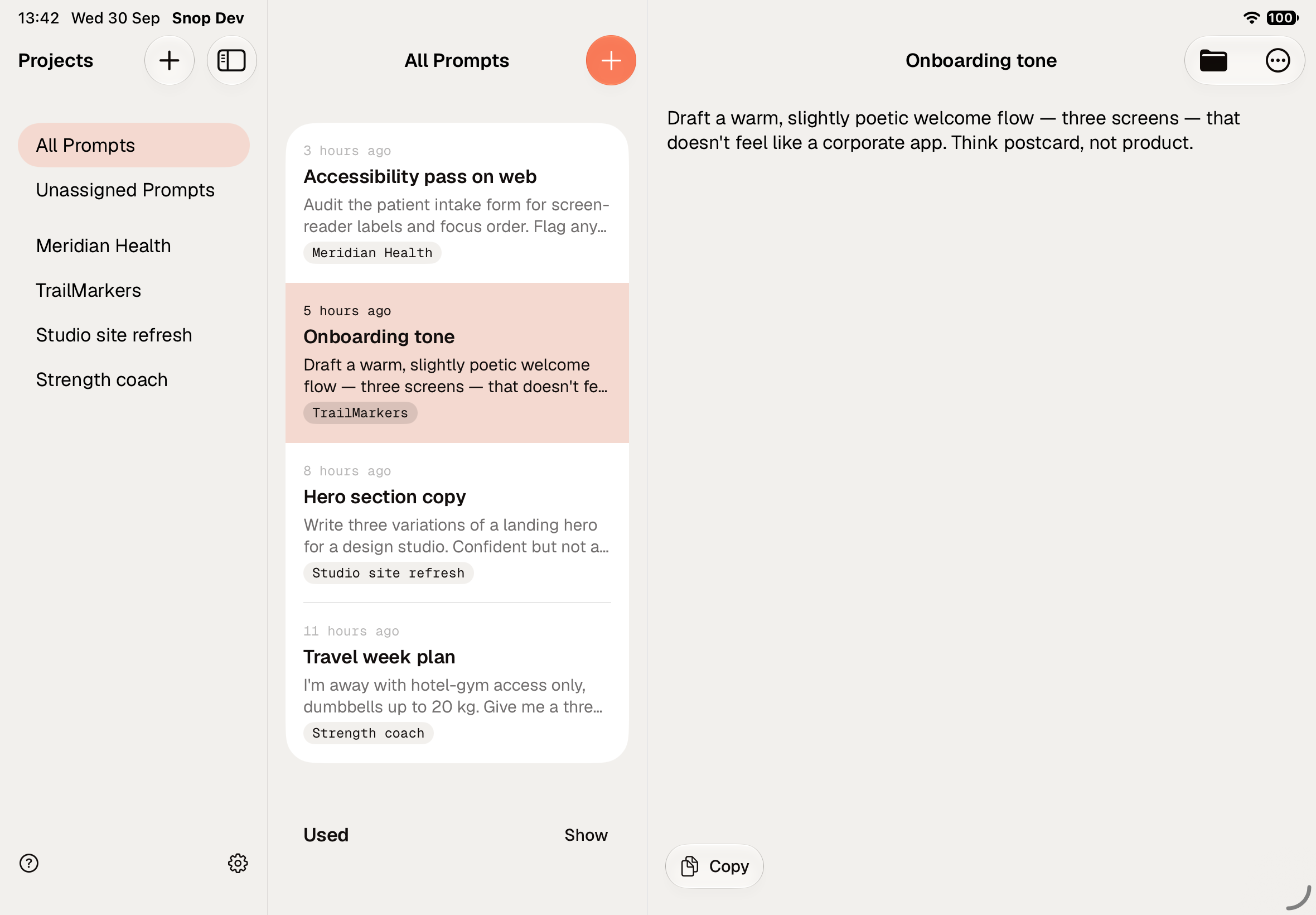

Inspiration
Our best ideas and prompts almost never arrive at our desk. They come to us when we’re walking your dogs, out on a run, in the tube or in the car.
What it does
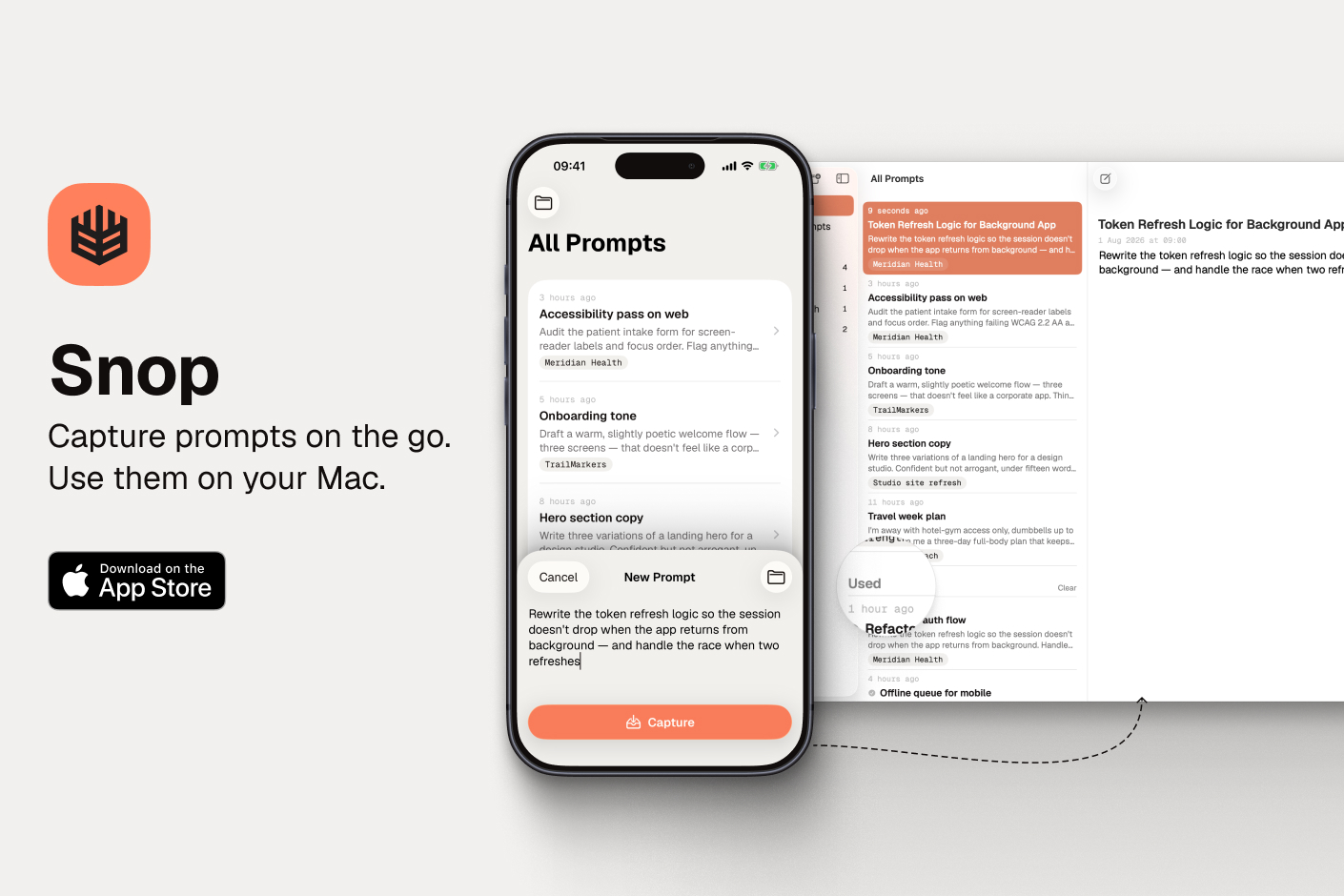
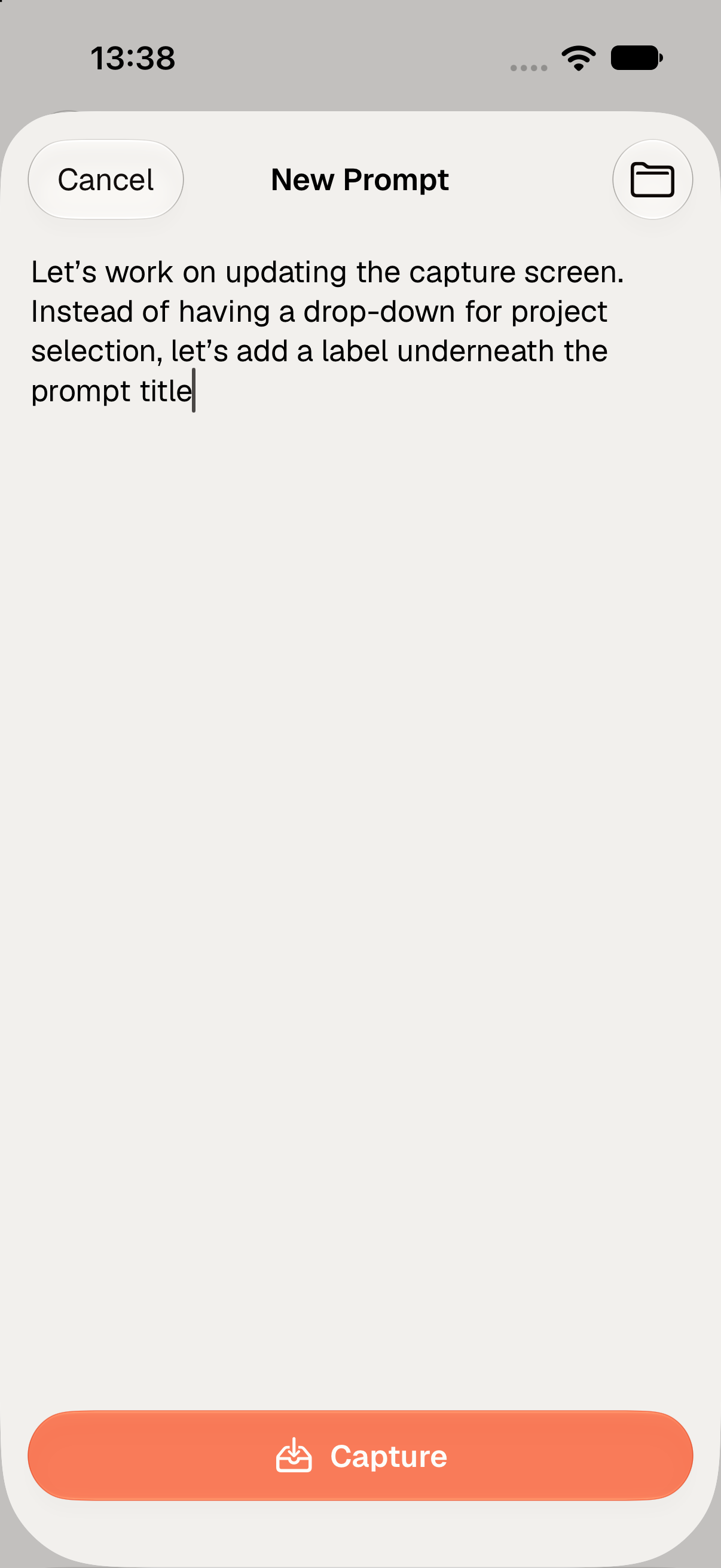
Snop allows you to capture prompts and ideas on the go. Cell reception or not.
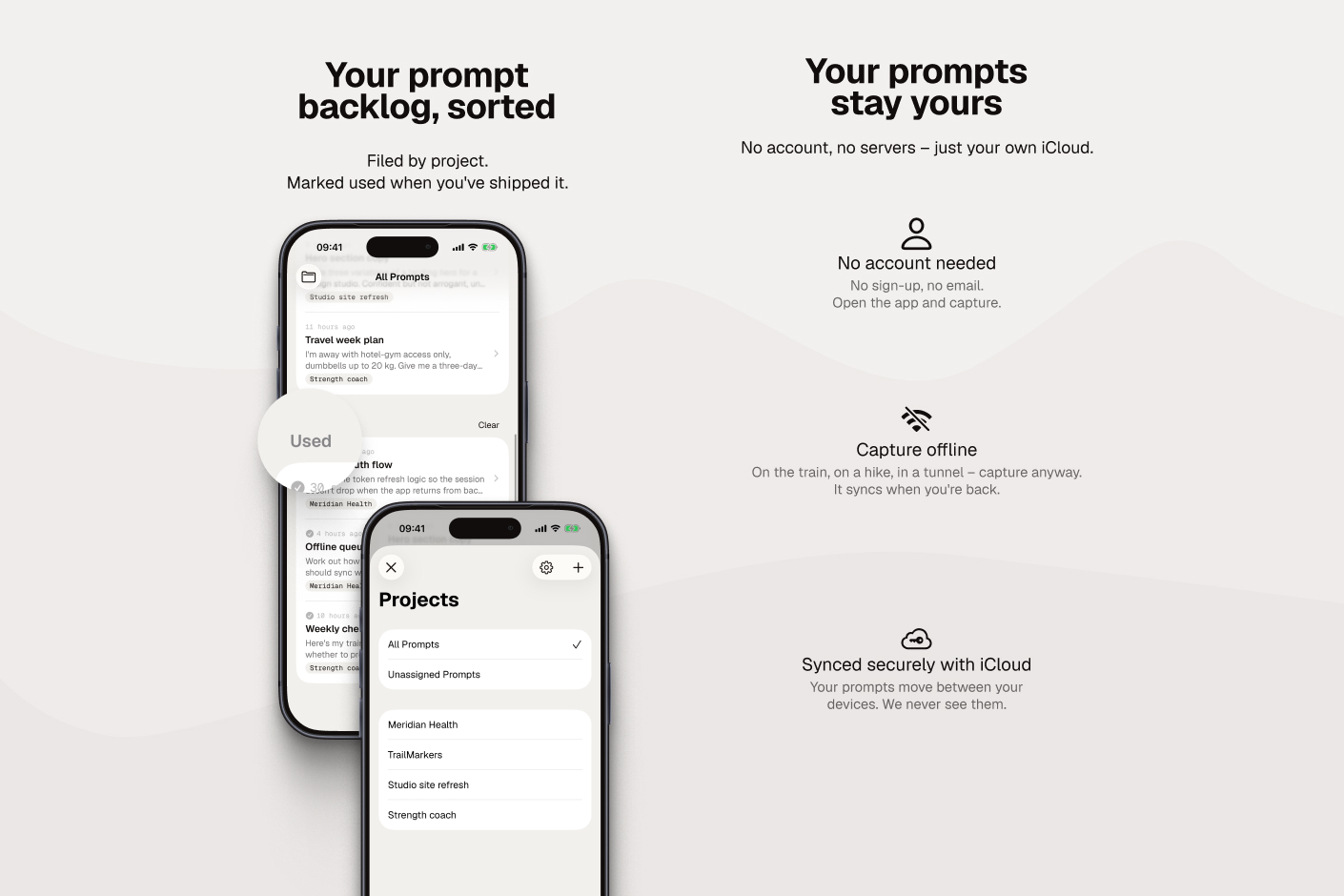
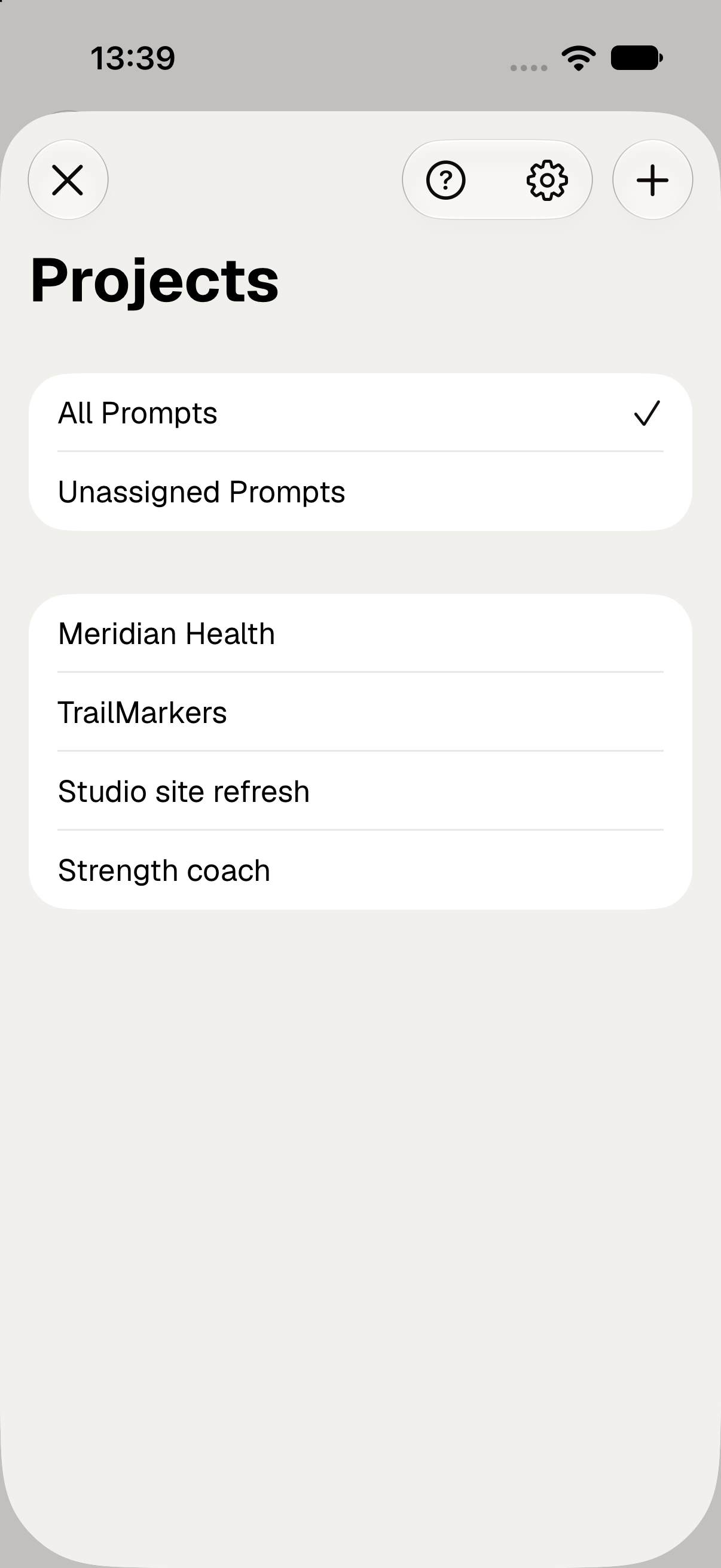
It provides you with a super quick way of organising them into projects.
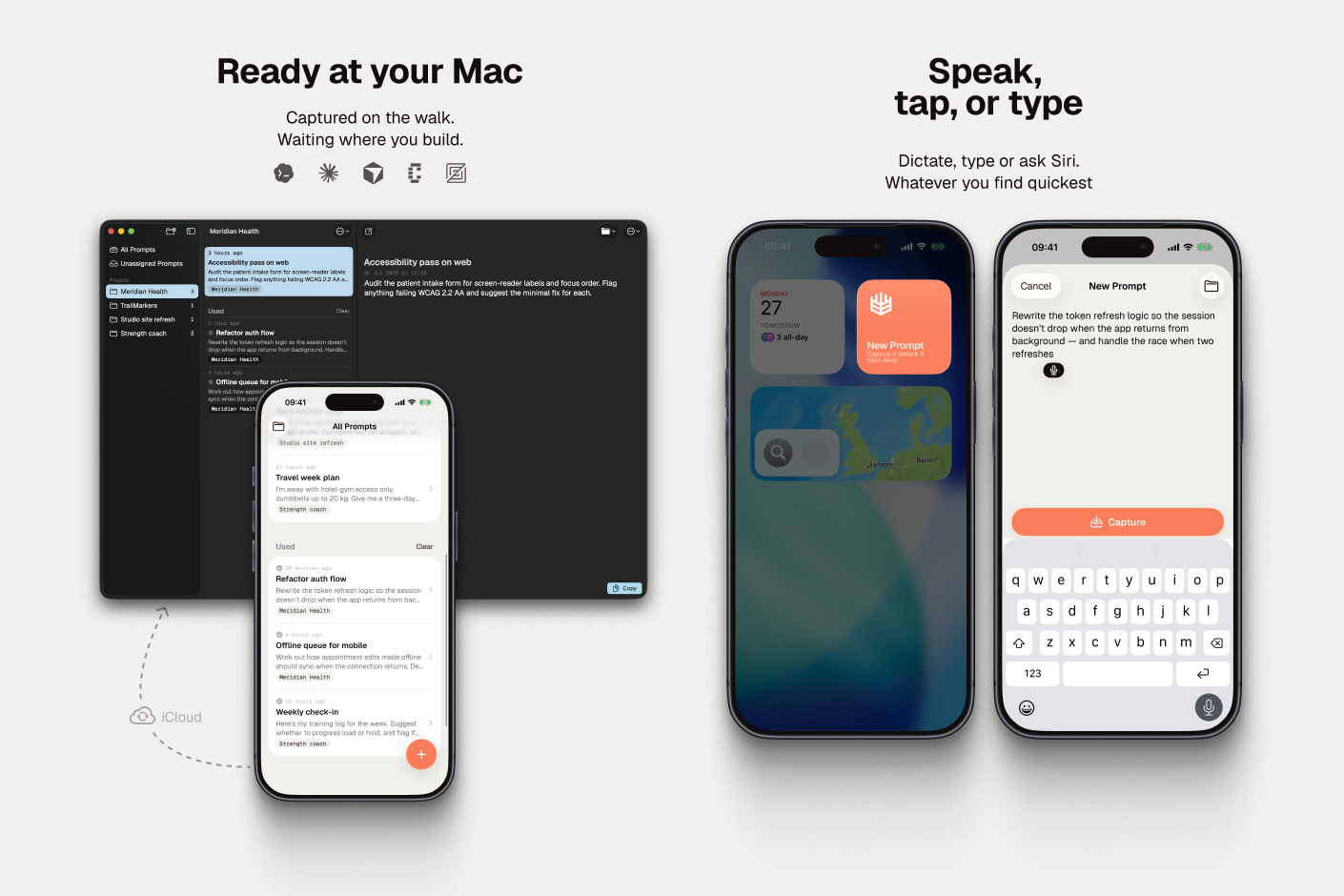
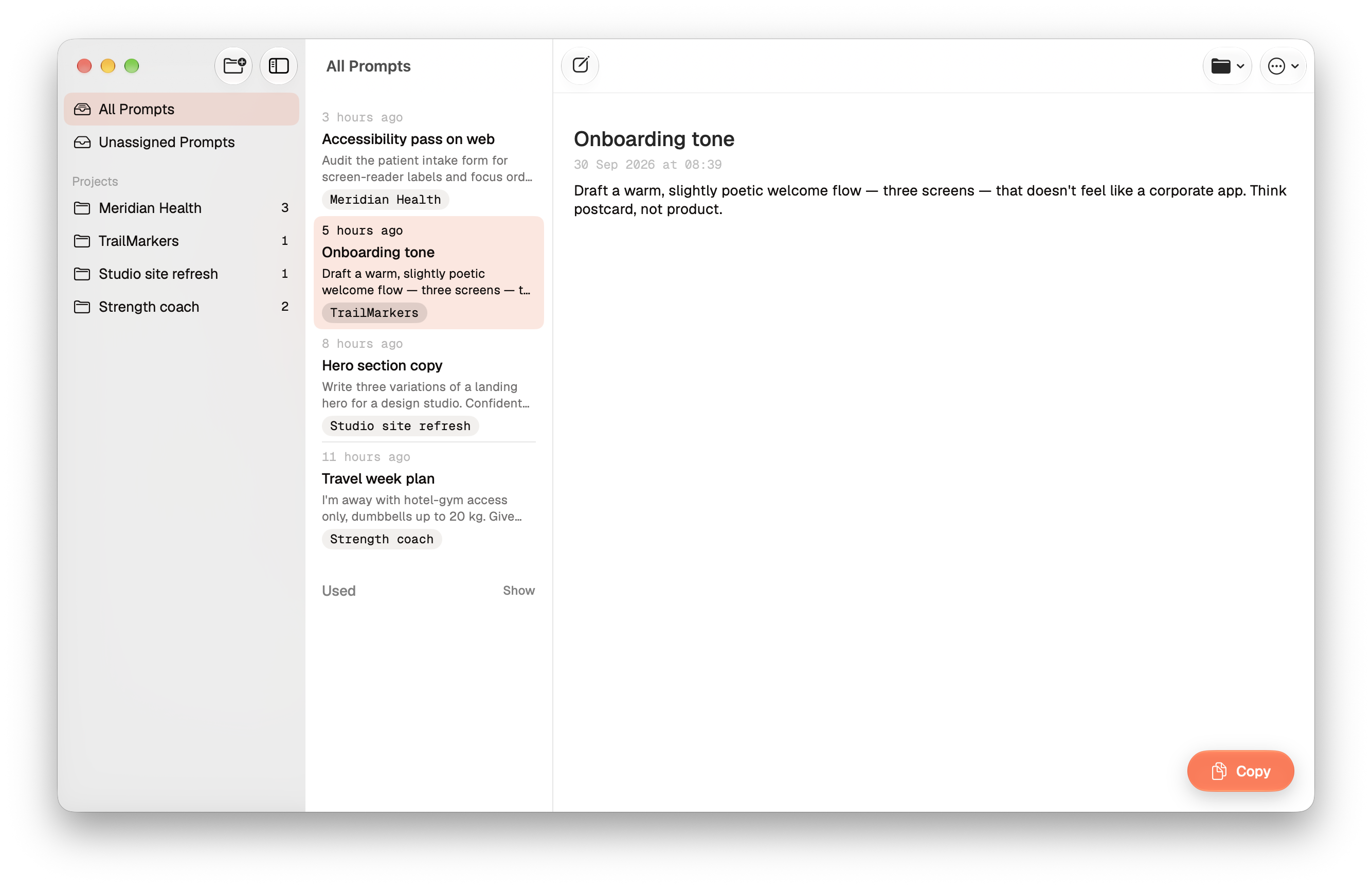
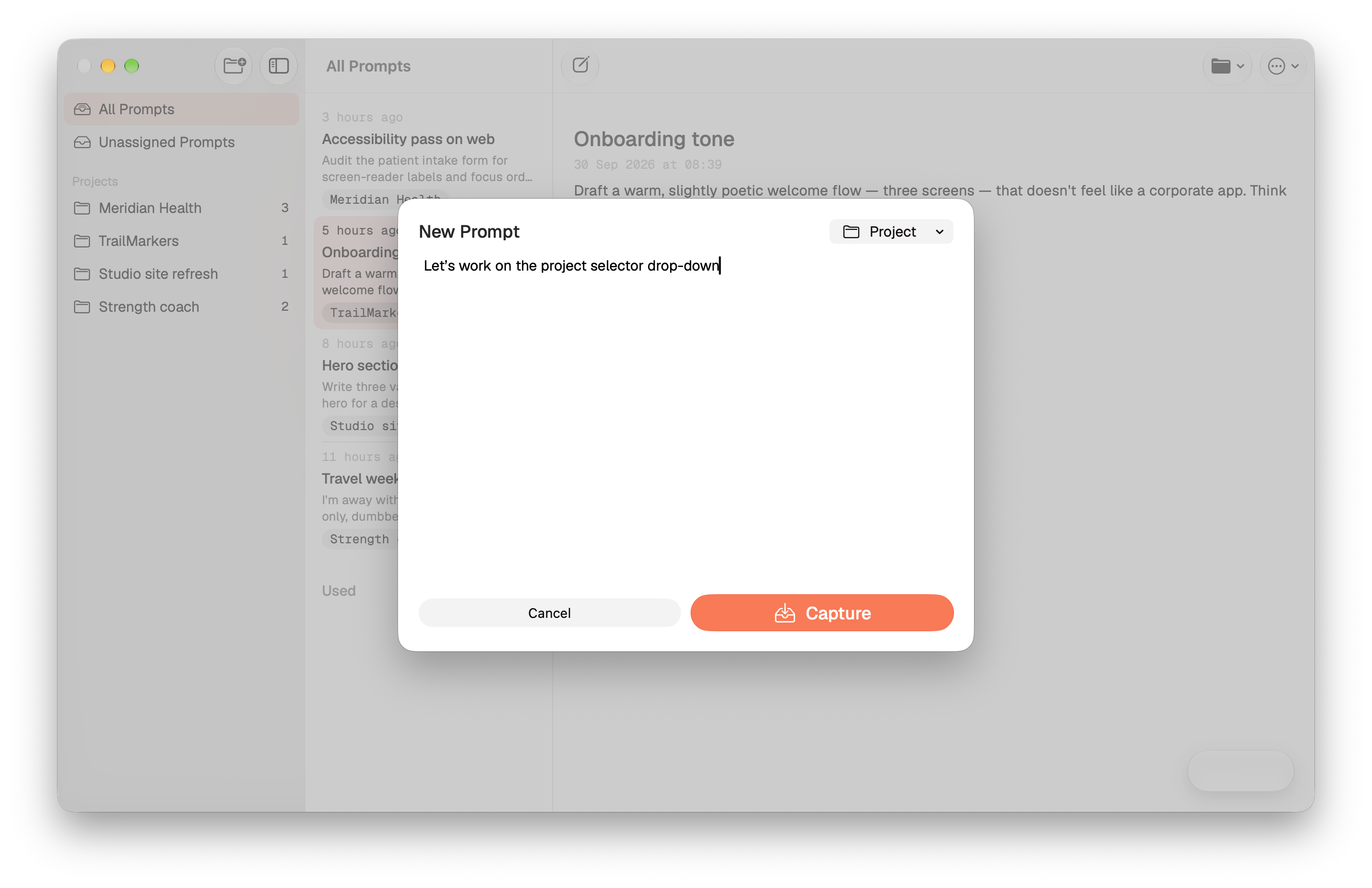
When you’re back at your desk you can copy the idea or prompt from Snop on MacOS into your favourite coding or agentic tool. Prompts and ideas sync securely via iCloud.
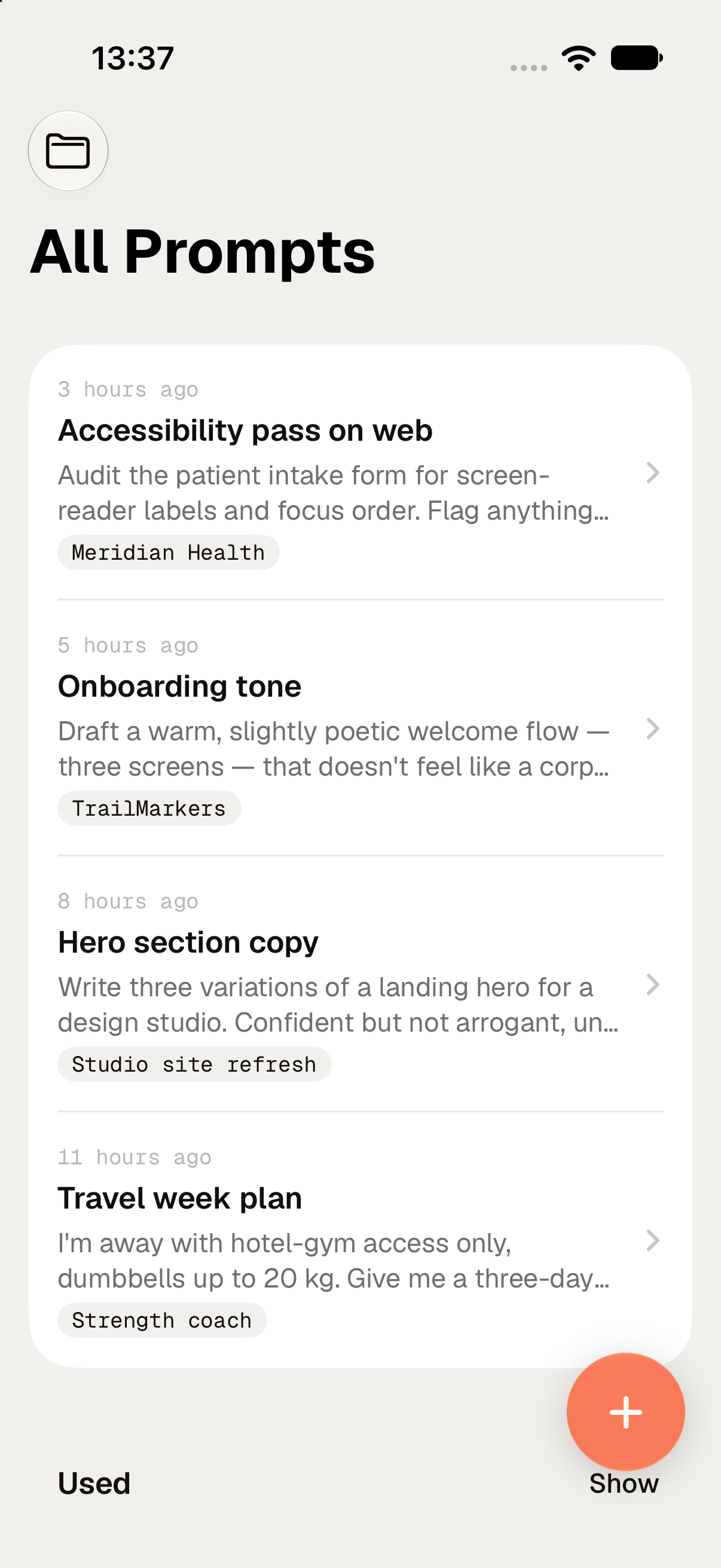
The prompt gets automatically marked as used so your inbox stays neat and tidy.
Works offline, no account needed, fully native.
How we built it
There were three key decisions we made around building:
Fully native, Apple eco-system only
For us the craft of the capture experience was paramount. We built both a fully-native prototype (Swift+SwiftUI) as-well as a cross-platform prototype (Expo+ReactNative, Electron+). After evaluating both we decided to go down the Apple eco-system only for this product.
Use the project as an AI-tooling learning opportunity
We wanted to use this project partly as an experiment in building a product completely with AI so we leaned heavily into the latest coding agents – specifically Anthrophic’s Fable 5 and OpenAI’s Astra. We orchestrated them in Conductor and reviewed the code heavily in XCode. We haved XCode Cloud builds setup so we could test on our devices asap.
Private and local by default
One of the benefits going down the Apple ecosystem was that we could use iCloud for storage and sync. As a result the users don’t have to setup any accounts, their data stays completely theirs and capture works regardless of cell reception or wifi.
Challenges we ran into
This being one of our first apps on the App Store we hit several snags with App Review. None major, but annoying nonetheless – usage of the word iPhone in subtitle, submitting a multi-platform app with a subscription product attached to only one, missing T&C text in description.
In the first weeks after launch we’ve observed most of the users didn’t discover some of the key features we built (like the lock-screen widget or Siri intent). Instead of building more features we reshuffled our roadmap to make the ones we had more discoverable and delightful.
Accomplishments that we're proud of
Live on the App Store for iPhone, iPad and Mac, with a real capture → iCloud → Mac paste loop people can use today.
Capture path is super streamlined – we cut it down from 12-20seconds (or more) to 0.5s when using lock-screen widget or Siri.
Building in public through the messy bits (review delays, pricing pivot, usage cliffs) and turning that feedback into product decisions.
A privacy stance that isn’t marketing copy. No Snop Account, prompts stay on device, data is never used for ads or training.
What we learned
Public posts work best as product input, not theatre, but you need to read between the lines.
App Review should be part of the ship plan, account for much more time than expected.
Watching how people capture ideas beats guesswork or looking at metrics.
What's next for Snop
We’re keeping what works – fast and clear capture loop.
We’re working on two fronts:
Capture front: We’re in prototyping stages for the Apple Watch app that would allow even faster, more intuitive capture. We’re also working on new designs for iPhone Duo.
Usage front: We’re looking at ways of integrating directly with a variety of coding tools and agents – transforming manual paste into orchestration.
That's it. It’s everything the idea needs nothing it doesn’t.
Download Snop from the App Store Today

Log in or sign up for Devpost to join the conversation.