
Inspiration
Snipster was inspired by the technical breakthroughs of the latest image generation models, such as GPT Image, and was molded after early-day creation apps for iPhone. Those apps did one thing, did it with a lot of delight, and made you want to show someone the result. Stickers are the most personal thing people send each other, yet making your own still means tracing edges by hand. We wanted it to take one photo and one tap.
What it does
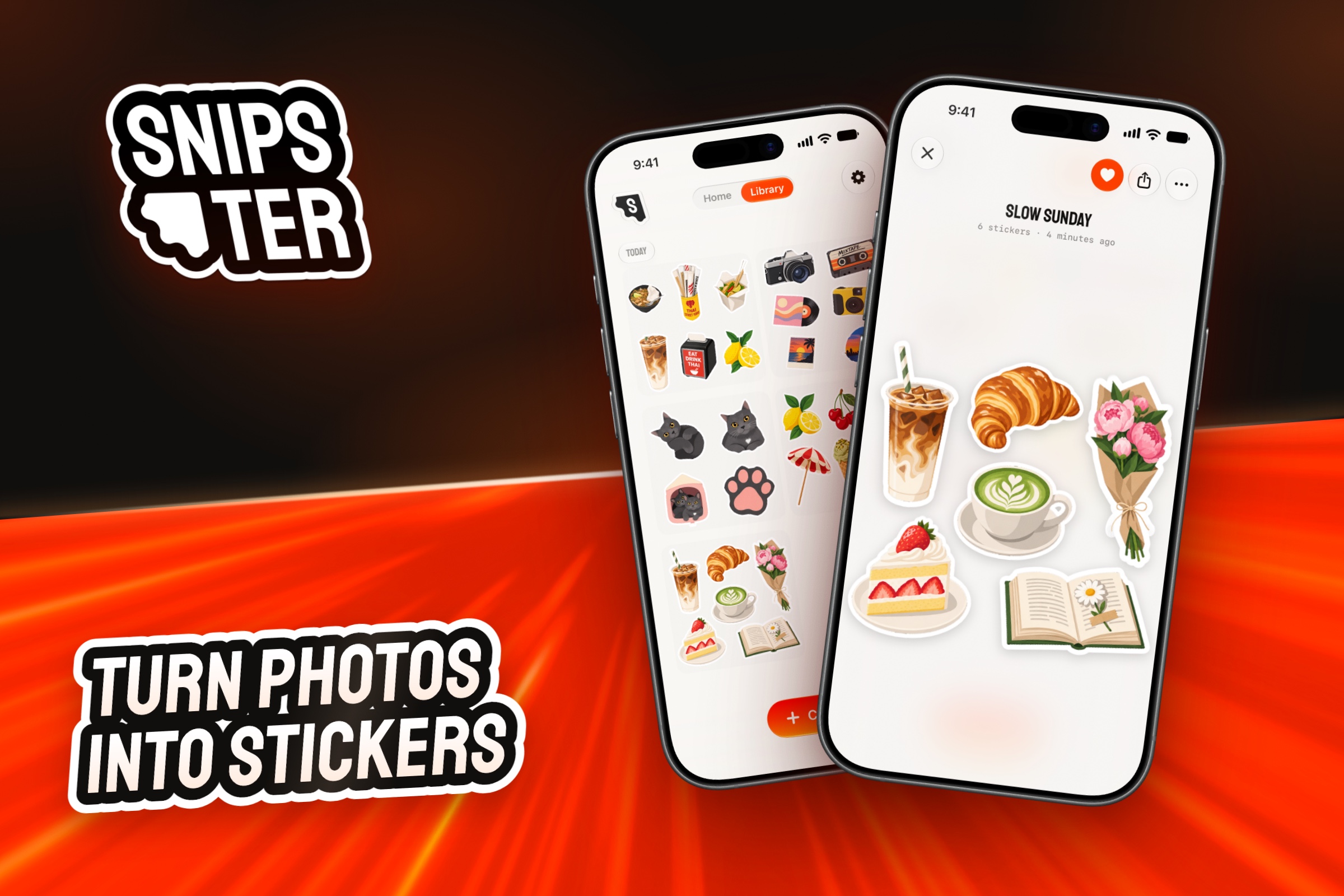
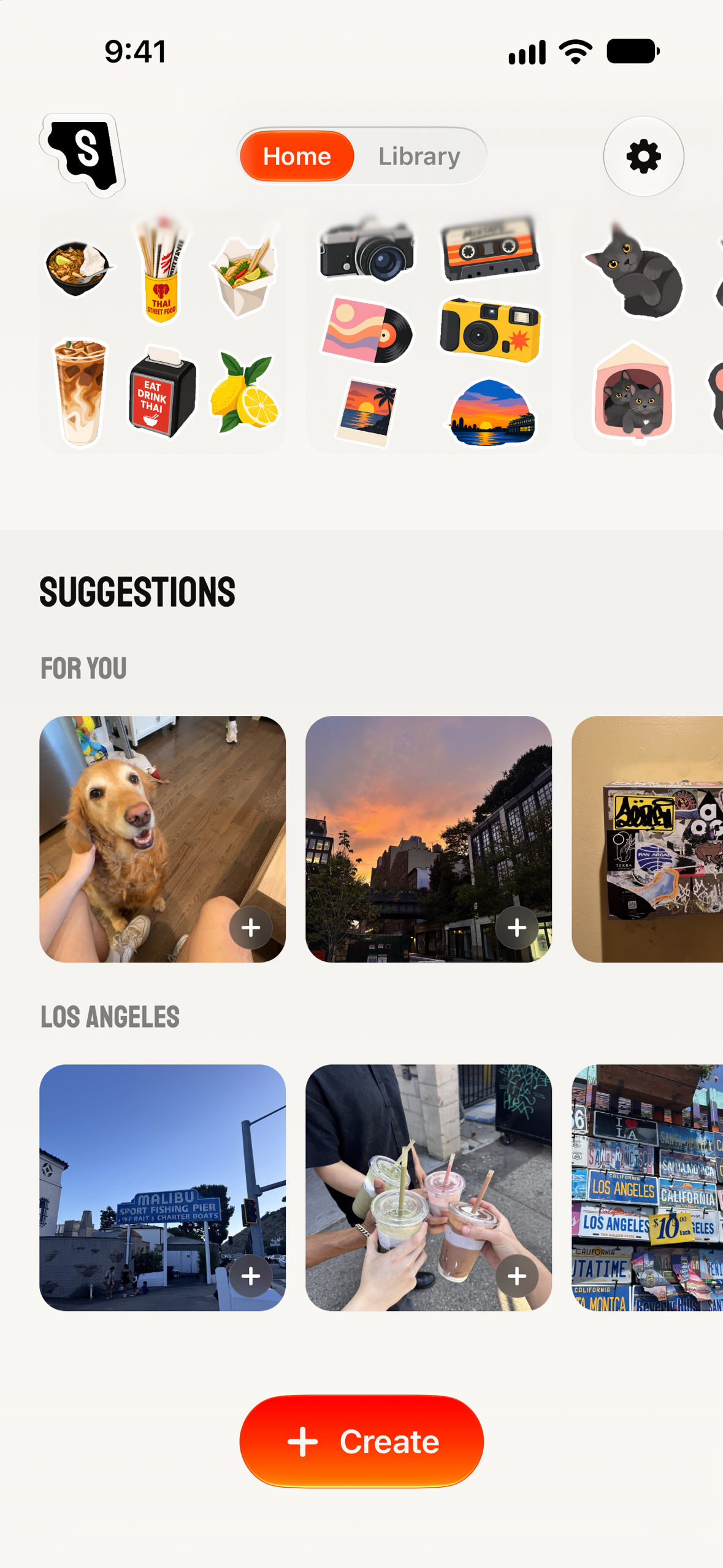
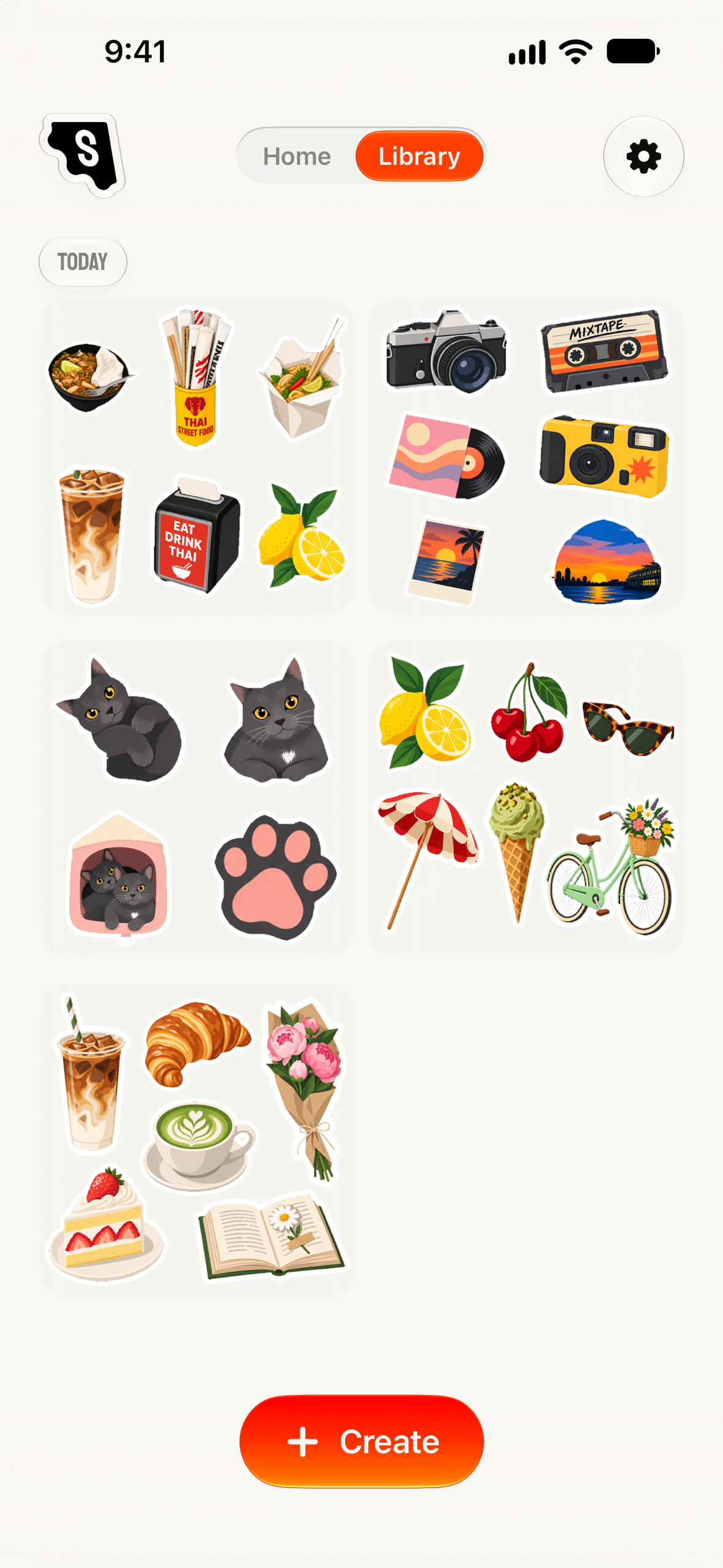
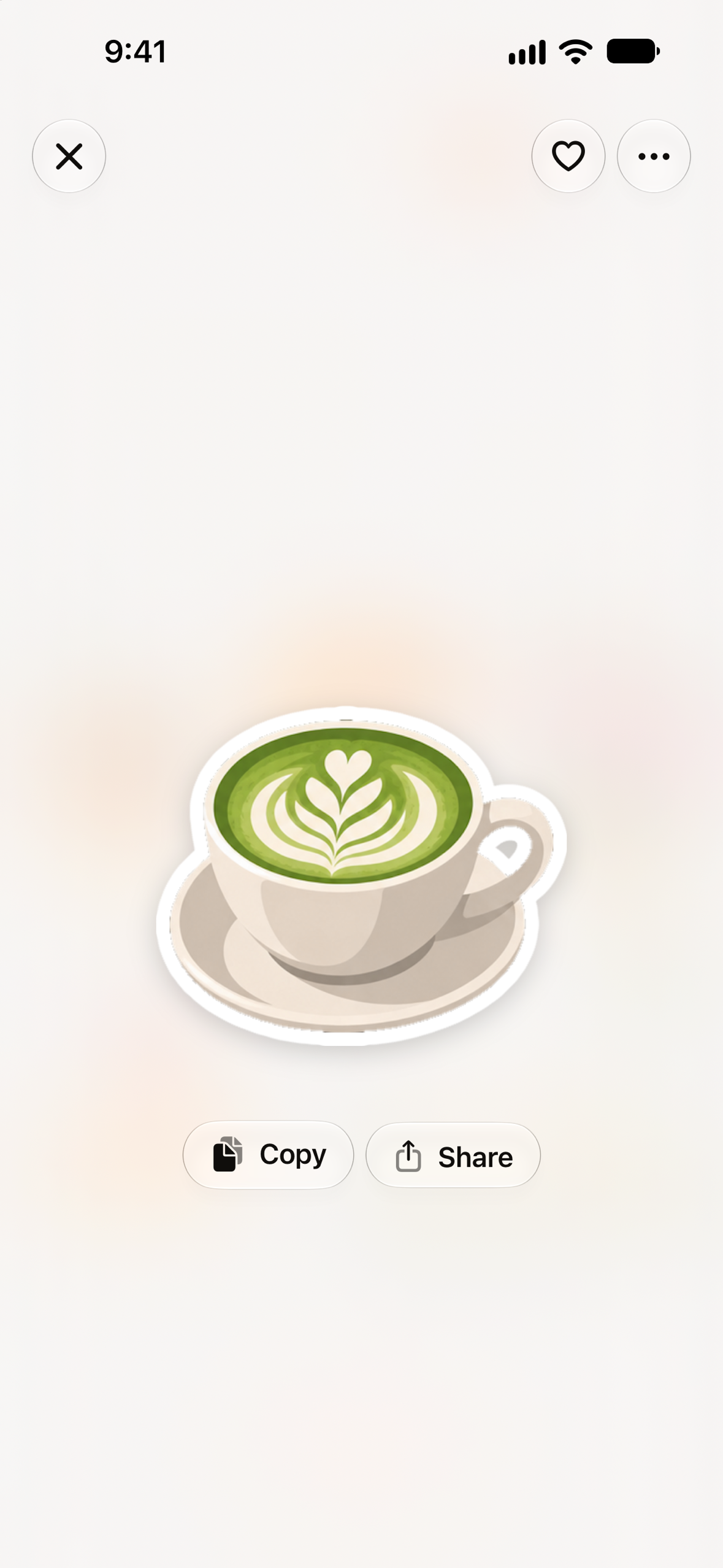
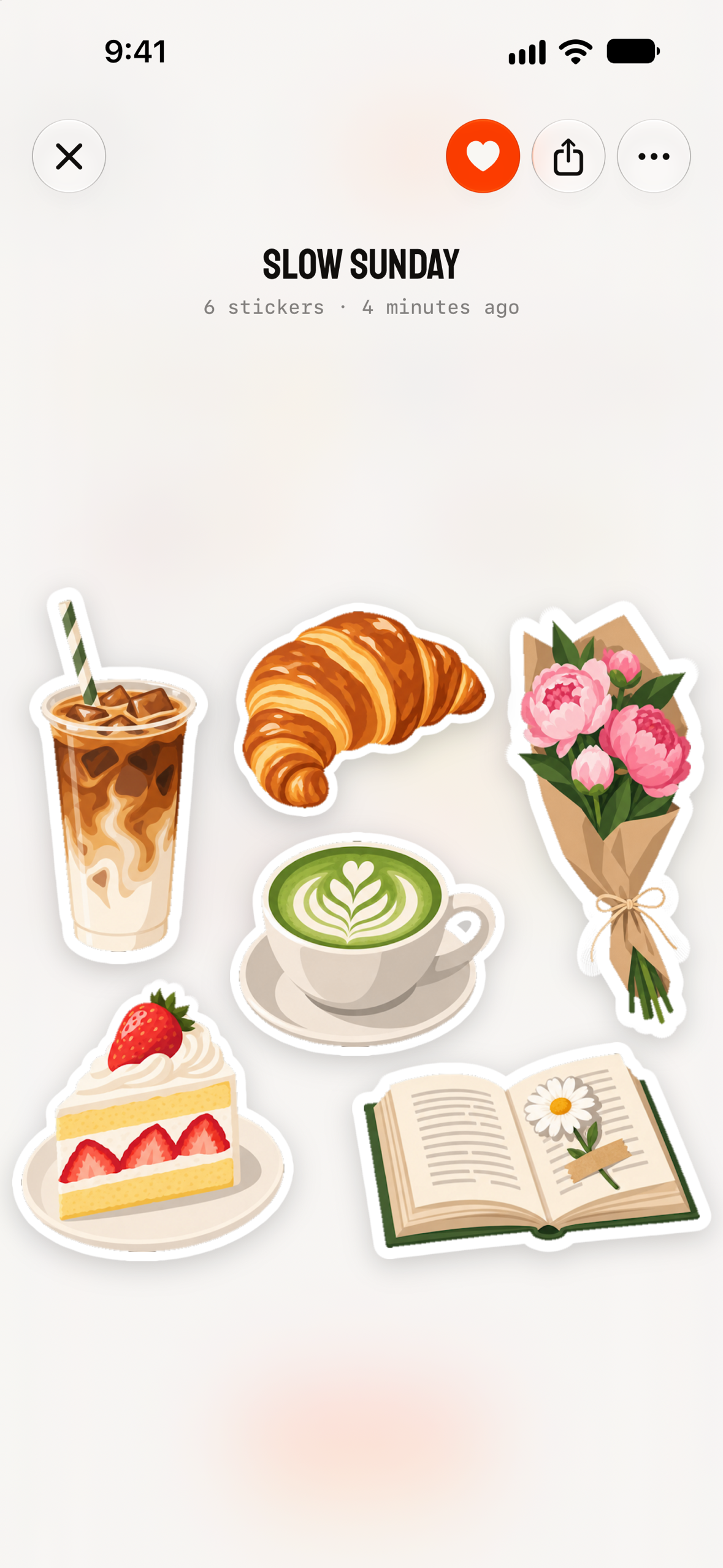
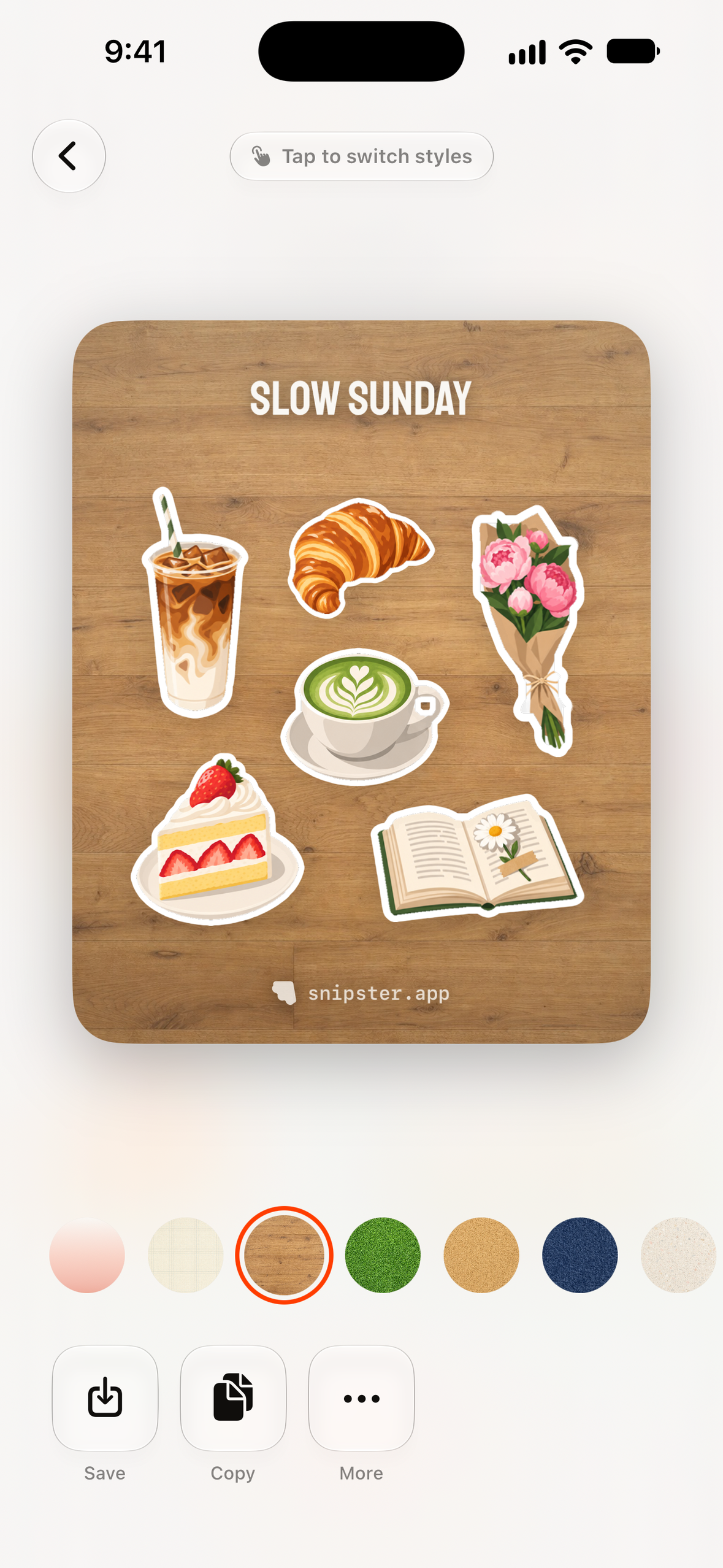
Snipster turns any photo into a pack of die-cut stickers. You can pick a photo yourself or choose one from a feed that ranks your camera roll by what would make a good sticker. The image model then redraws it as a sheet of stickers, and the app cuts each one out with a white border. The stickers go straight into the iMessage drawer, can be dragged into any app, or can be shared as a composed card to Instagram Stories, WhatsApp or Messages.
Generations keep running after you leave the app and they show their progress in a Live Activity. And, with Snipster Plus, your packs are also automatically backed up to the cloud, making sure you can't lose them.
How I built it
- iOS app: SwiftUI and SwiftData, with a frosted-glass design language, spring physics everywhere, and Metal shaders for the onboarding and paywall backdrops. There's also an iMessage sticker extension and a widget extension for the Live Activity.
- Backend: Node/Express and MongoDB. It handles anonymous device-based accounts, Sign in with Apple, usage quotas, push notifications, and the OpenAI proxy. That proxy runs the sticker generation and, alongside it, a cheap vision call that suggests a name for the pack.
- RevenueCat: RevenueCat powers the subscriptions, but the paywall is our own design, built from RevenueCat offerings. Free users get a rolling generation window, and subscribers get a larger allowance per billing period.
Challenges I ran into
The major challenges I ran into was making sure the stickers were being cut properly and ensuring that free users can't abuse our free generation quotas.
- Cutting: at first I was using a magenta background on the image prompt, but that could leave some weird artifacts after running the segmentation algorithm. The introduction of transparent backgrounds to GPT Image 2 came at a great time for this project.
- Generation quotas: to prevent abuse, I implemented DeviceCheck and App Attest to ensure that users can't reuse their free quotas by reinstalling the app or modifying the network requests. When you reinstall Snipster, your old account is recovered immediately from the iOS Keychain.
Accomplishments that I'm proud of
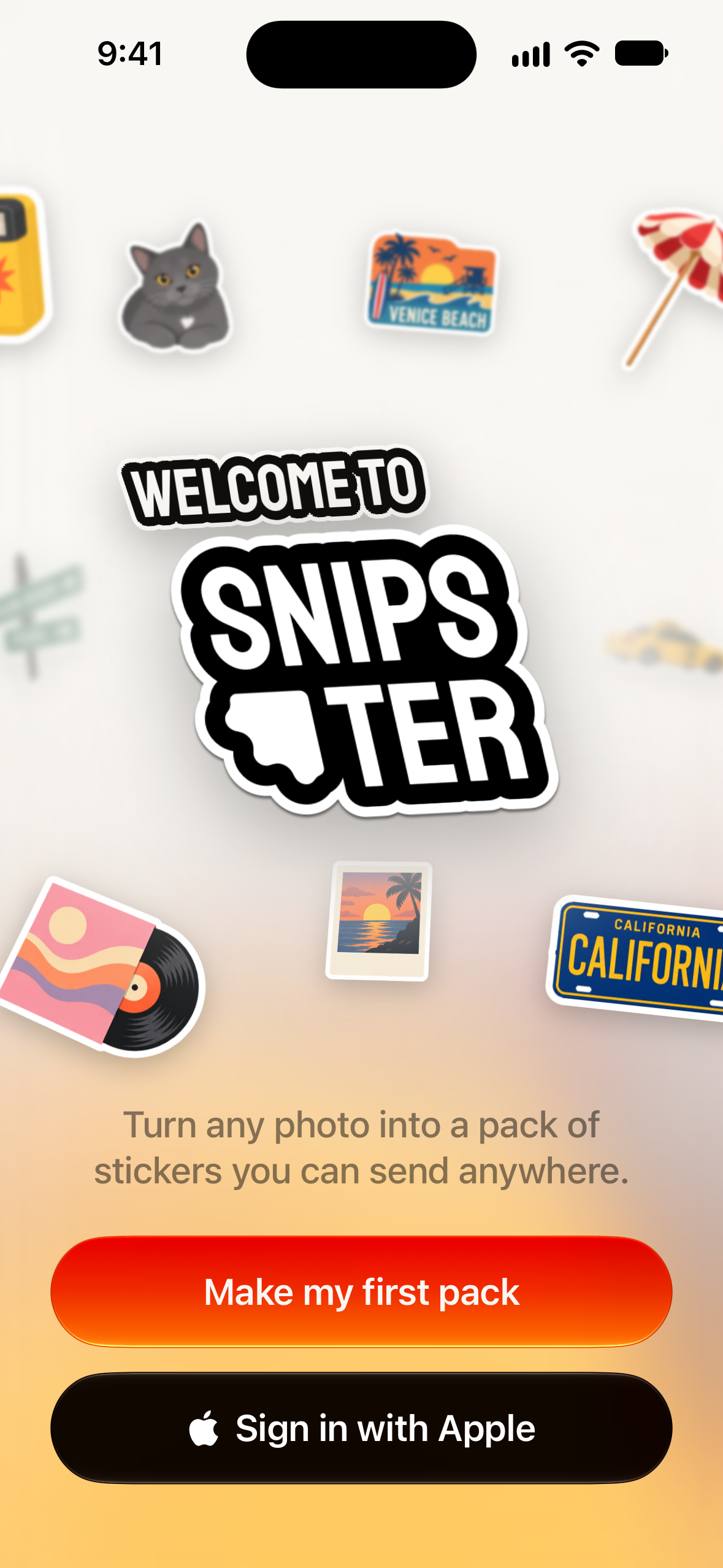
I'm particularly proud of crafting a polished and concise product for end users, including a delightful onboarding experience. I also think the user feedback loop is particularly thoughtful for such an early-stage app: I strived to make it easy for people to find good images to make sticker packs from.
I'm also incredibly excited about what's to come for this project.
What's next for Snipster
Snipster's main upcoming feature is a big one: sticker ordering. I'm currently testing an integration with Printify, a printing fulfillment service, to allow users to order a sticker pack in the mail directly from the app. The flow will include a simple Apple Pay checkout button and should not take longer than a minute.
I'm also working on adding an online community feature, built over the current account infrastructure, so that people can share their packs online.
Built With
- cloudflare
- gpt-image
- mongodb
- swift
- swiftdata
- swiftui

Log in or sign up for Devpost to join the conversation.