-
-
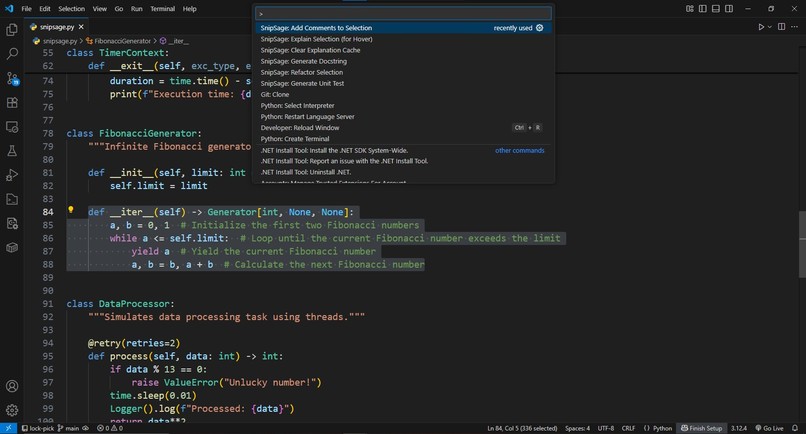
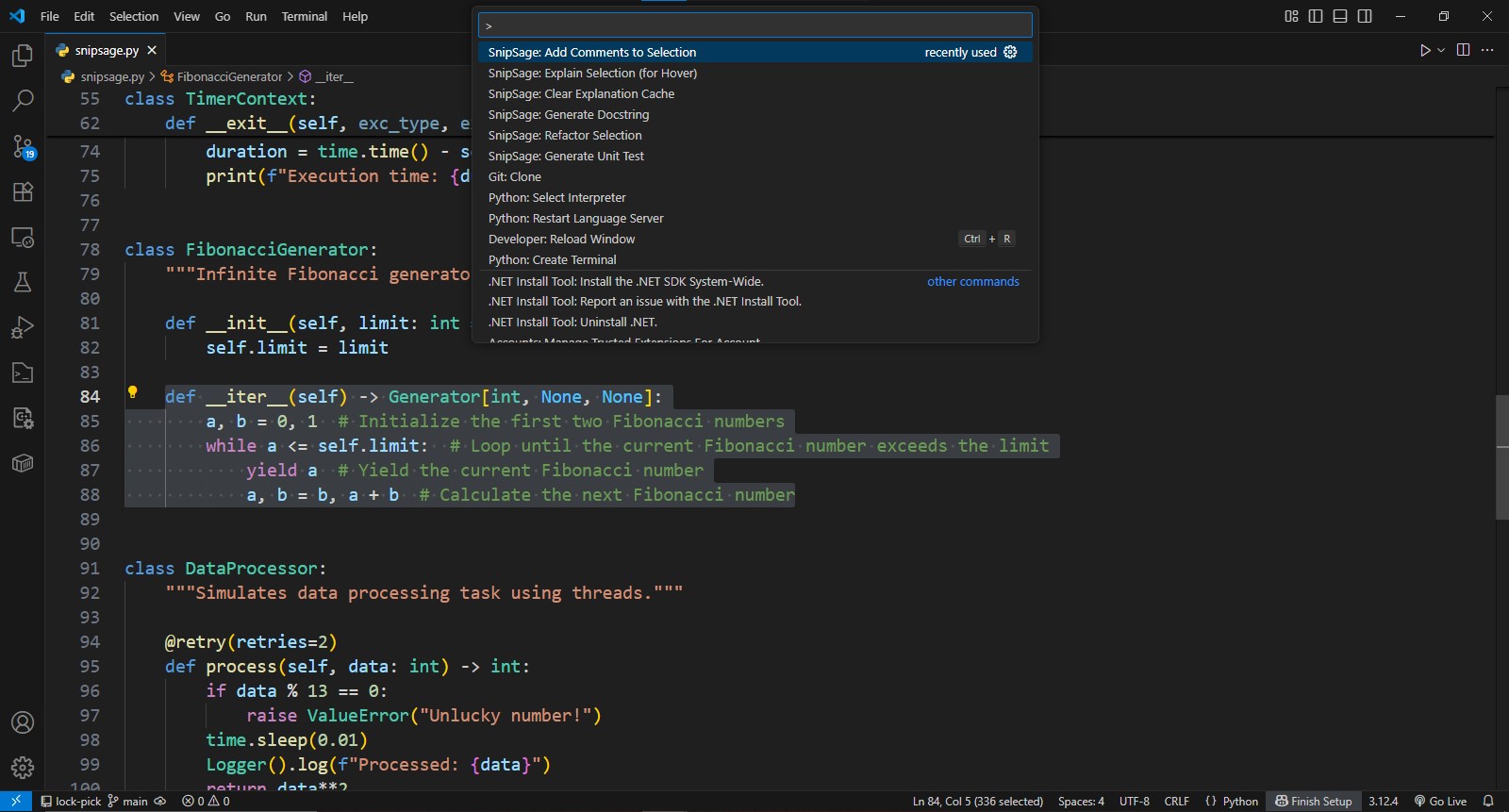
add comment command
-
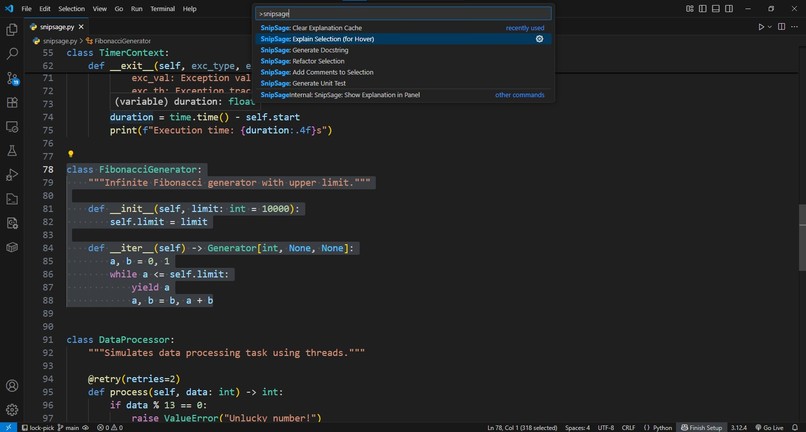
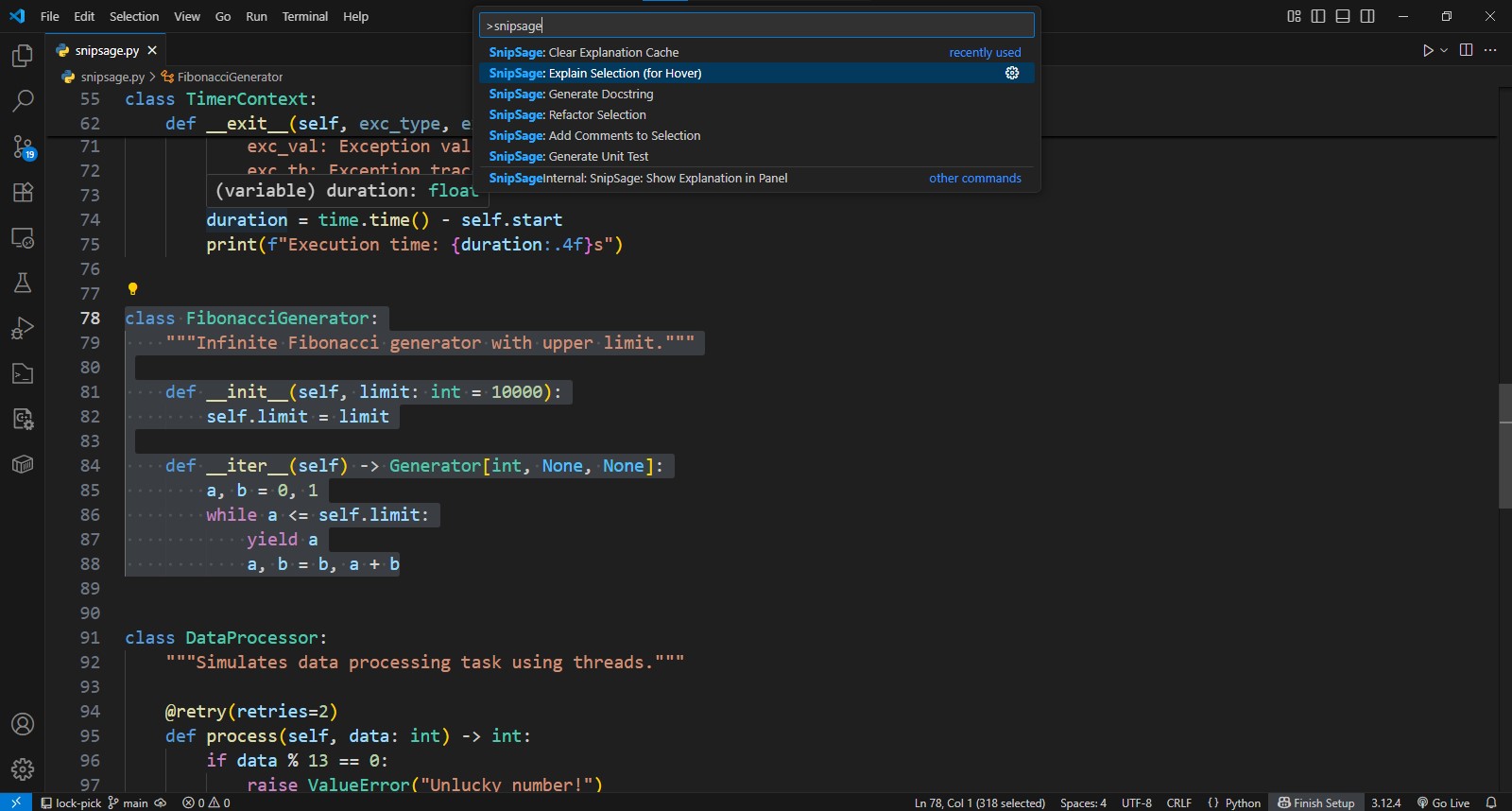
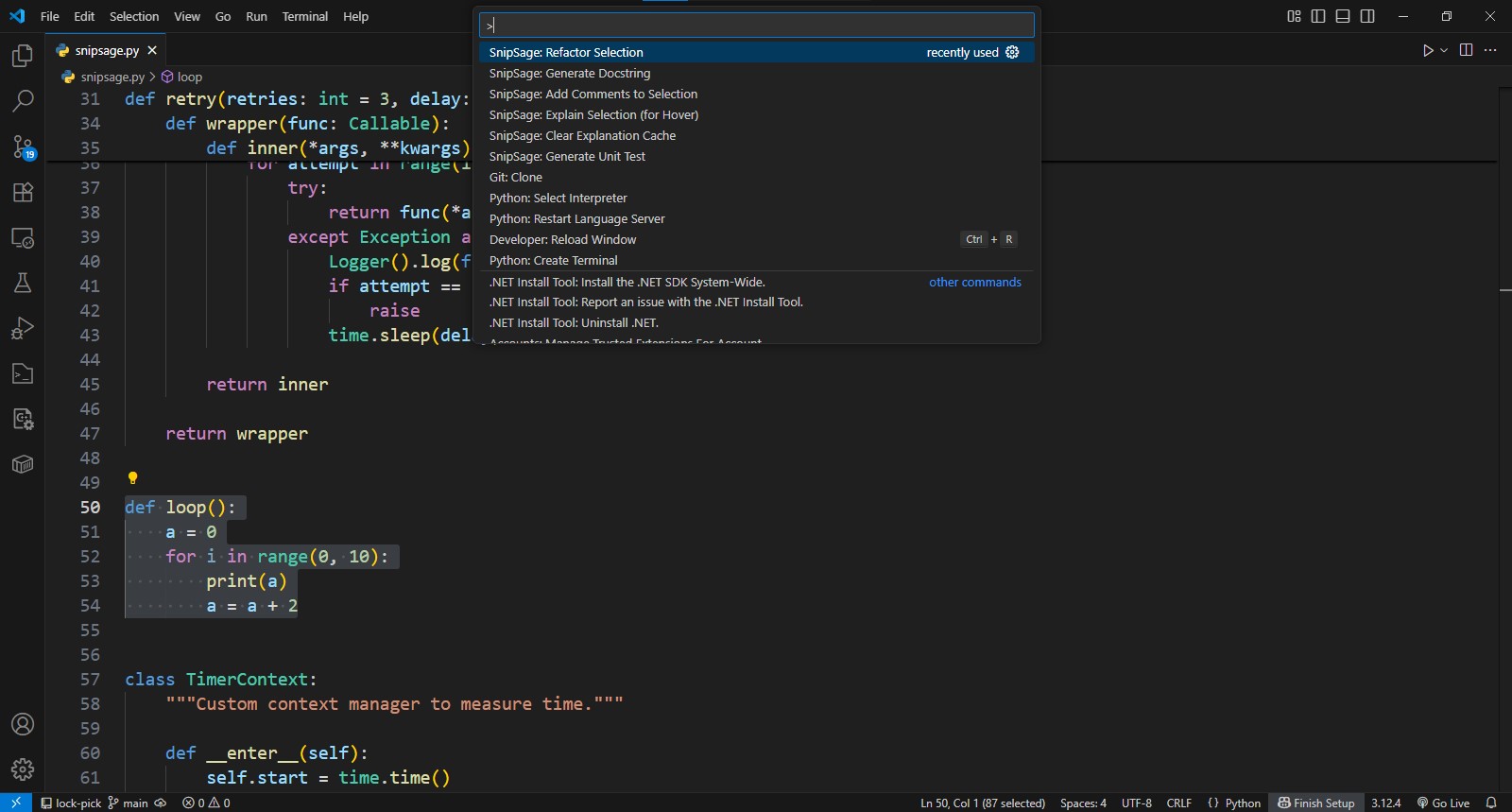
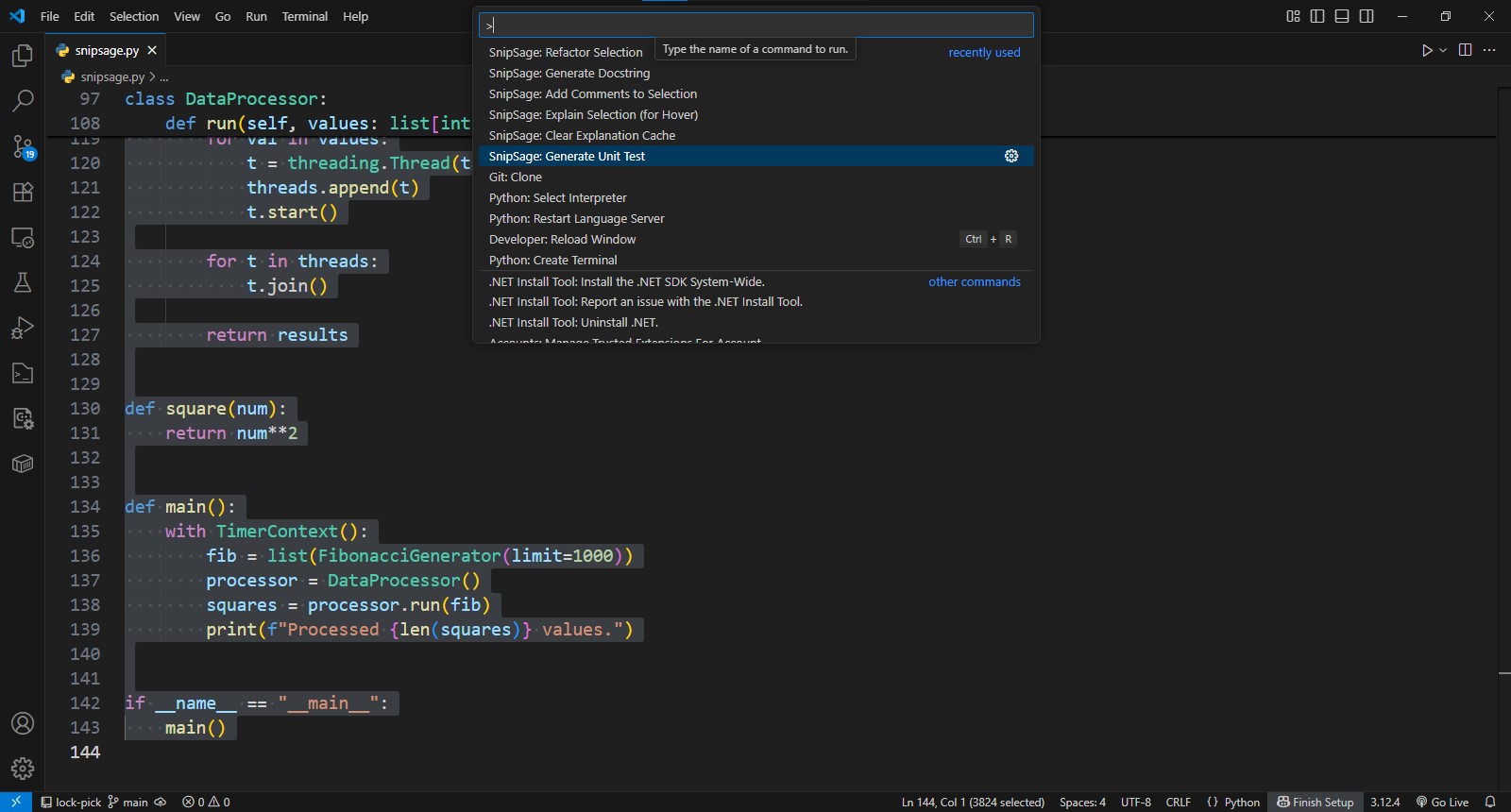
command palette
-
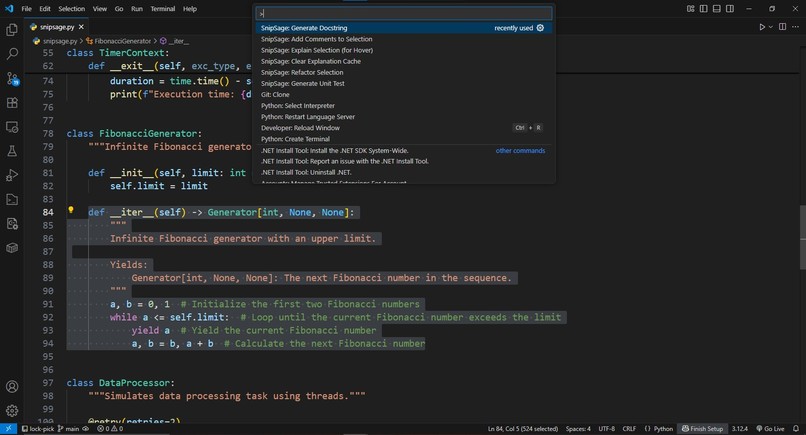
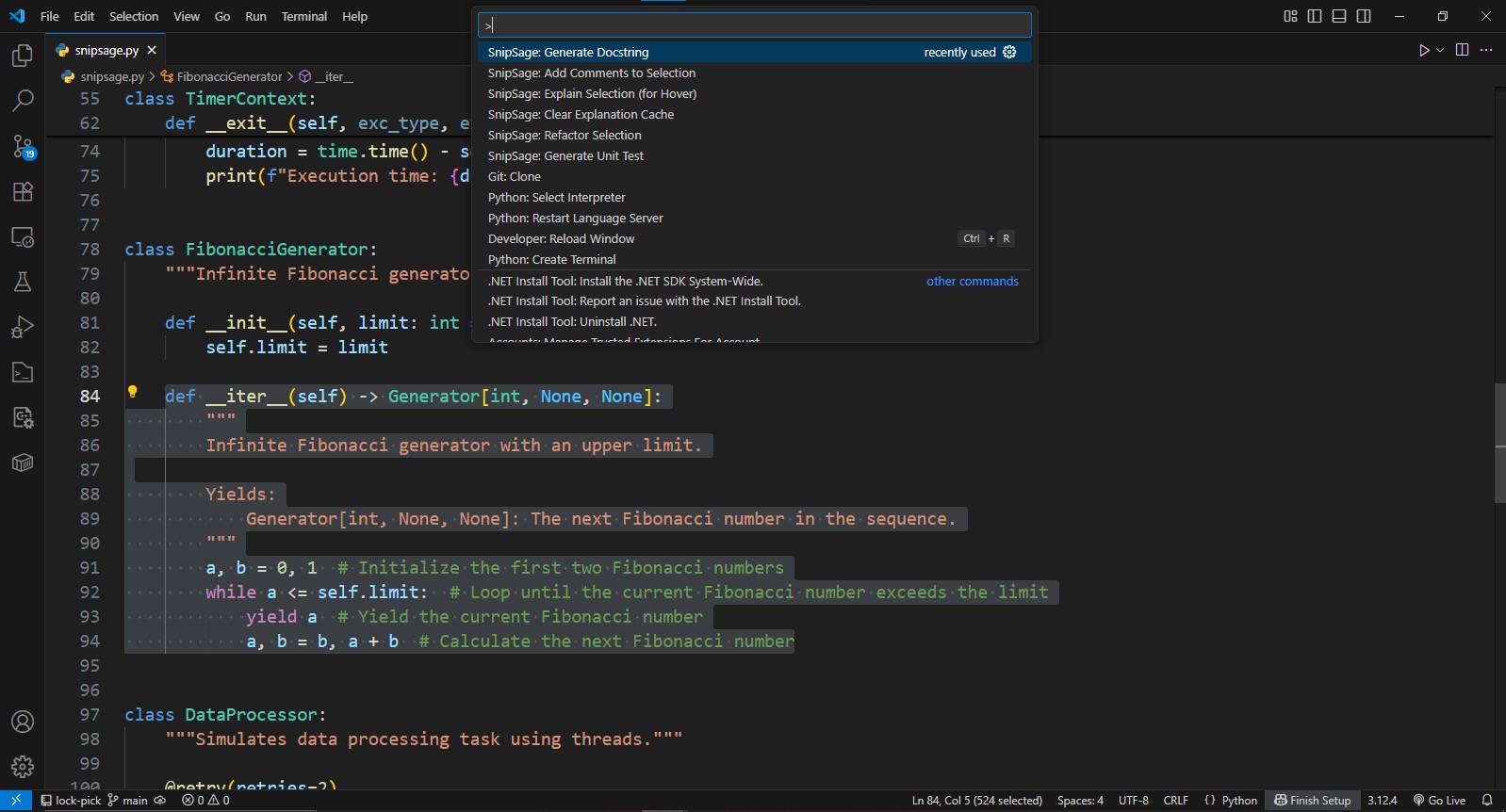
generate docstring command
-
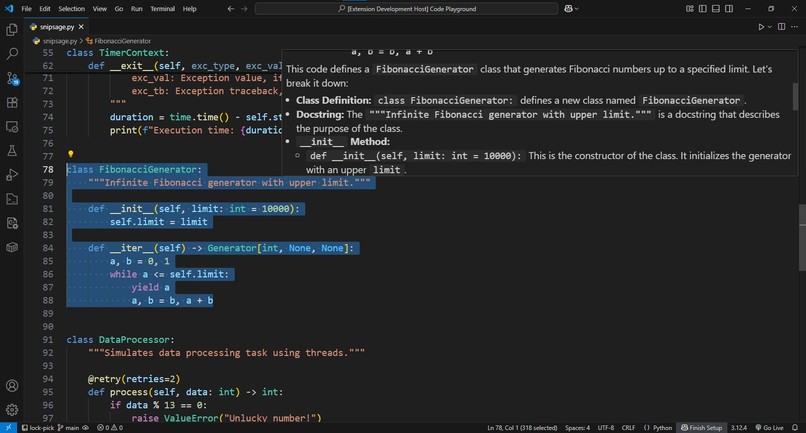
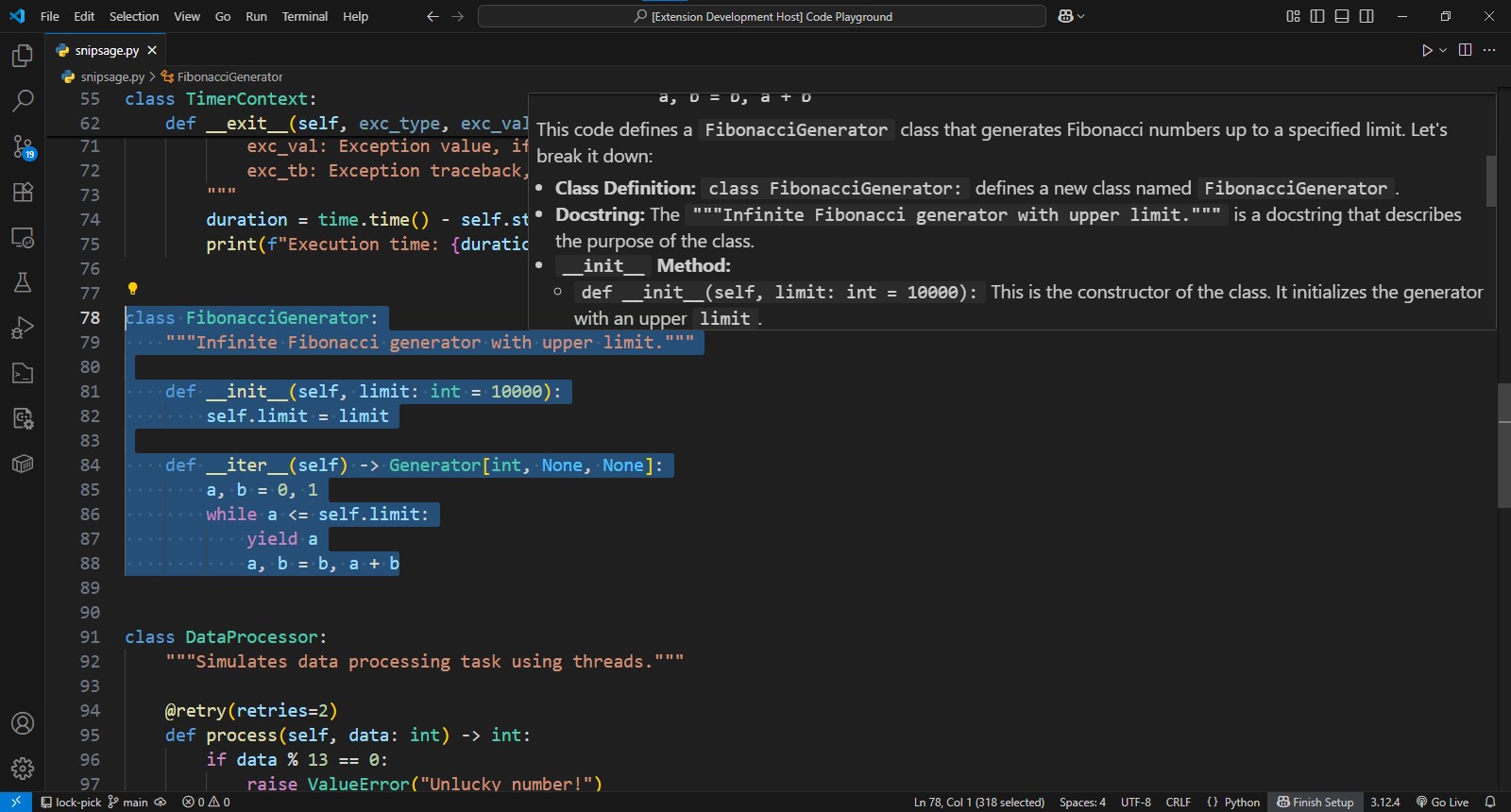
hover provider of explain code command
-
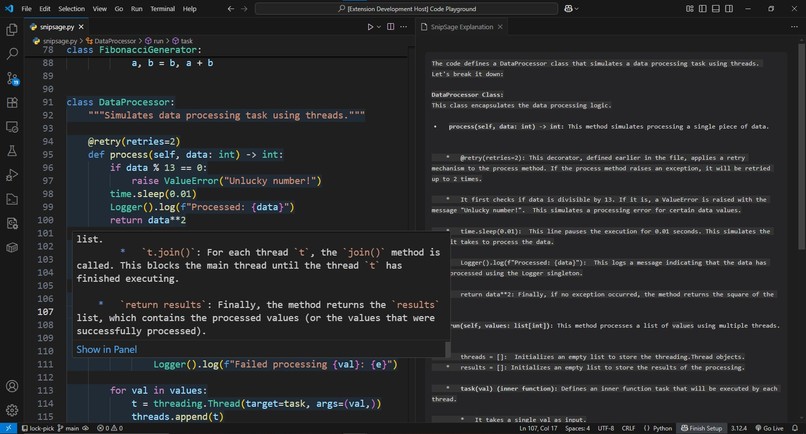
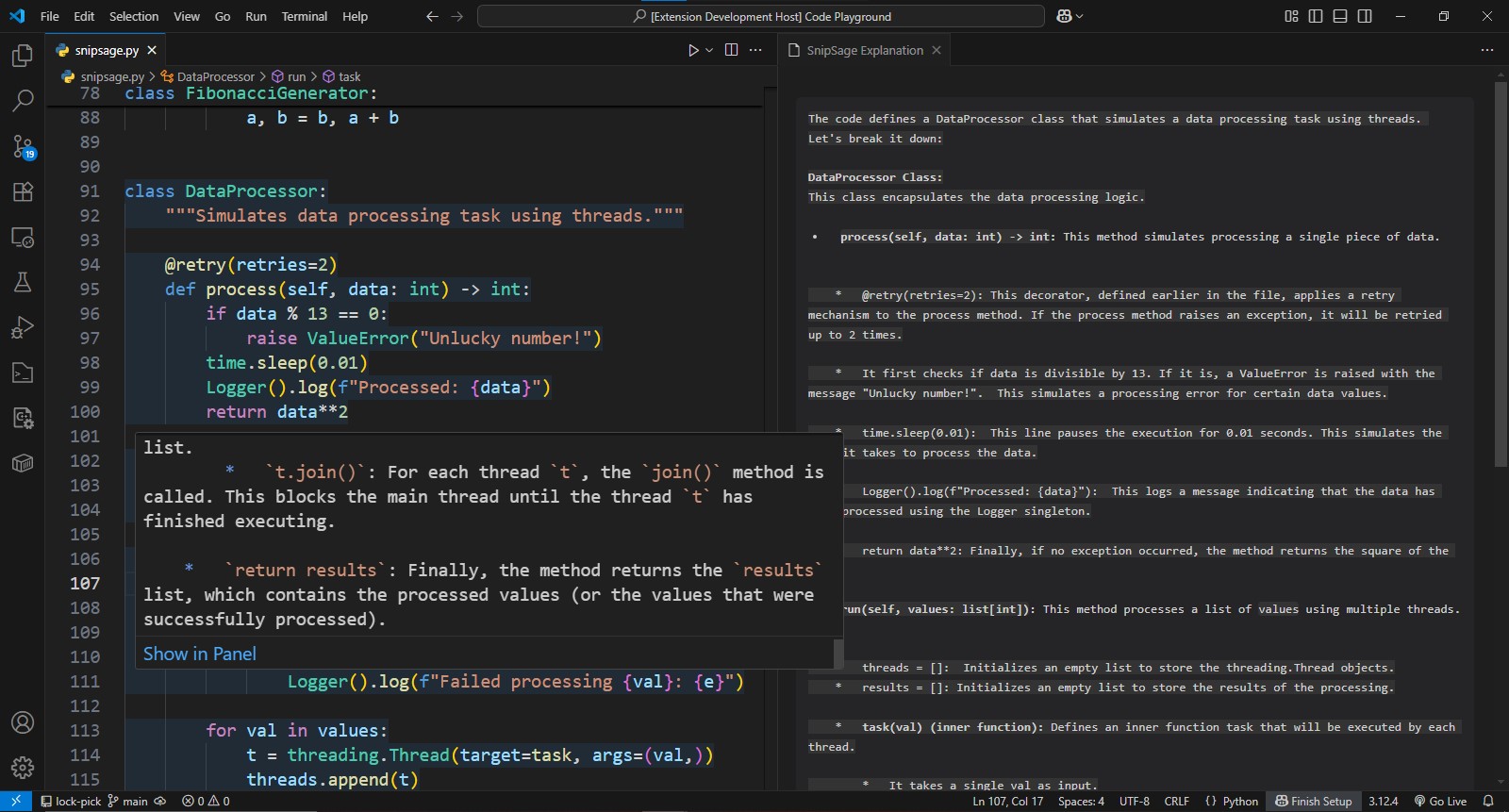
display panel from hover provider of explain code command
-
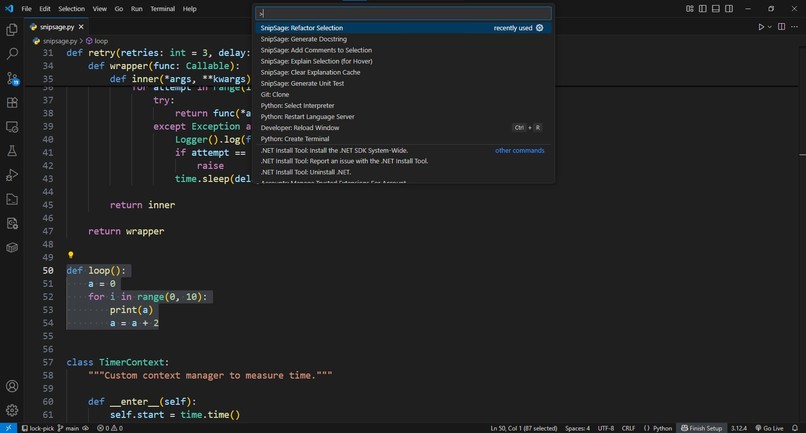
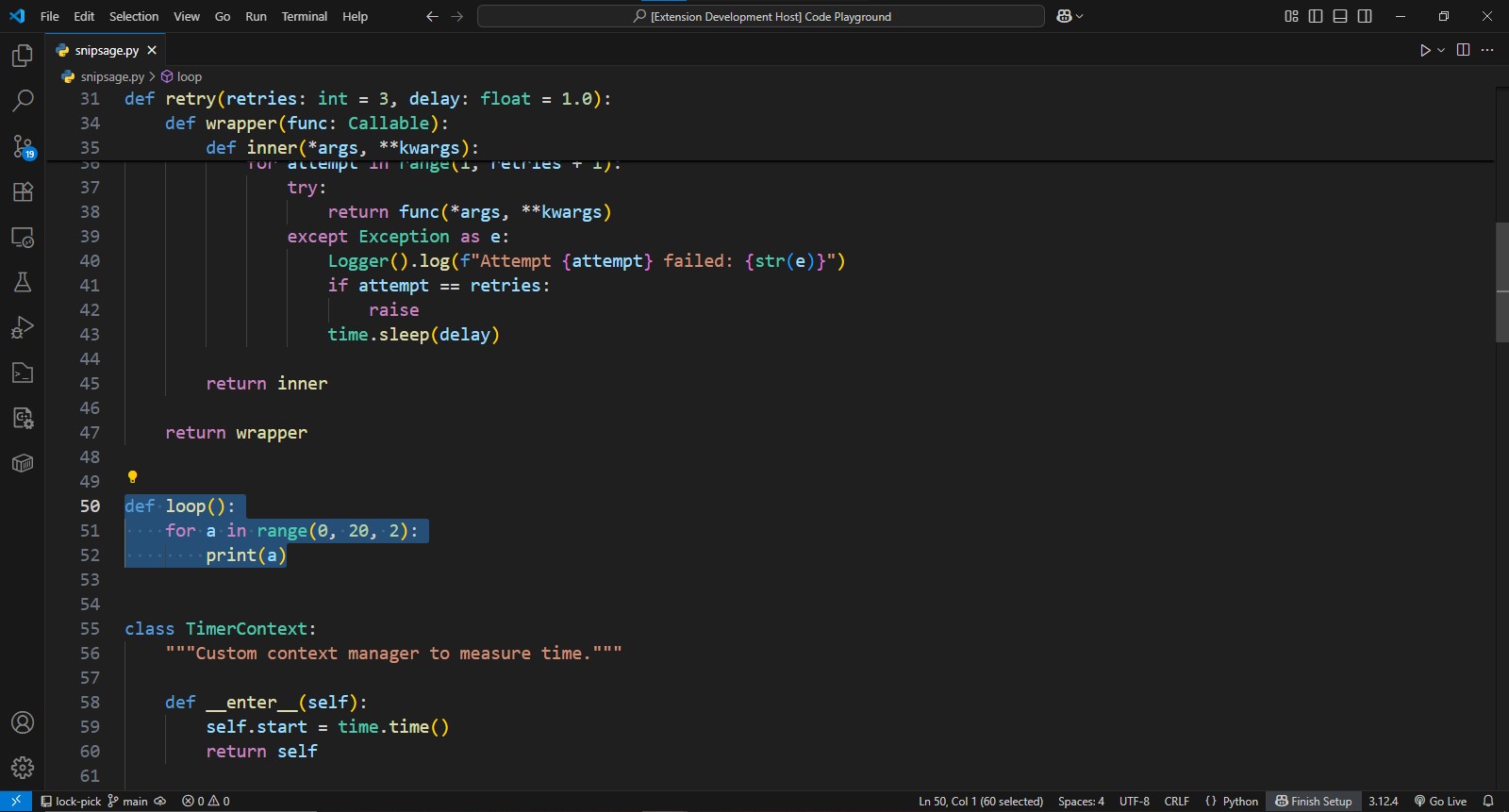
refactor code command 1
-
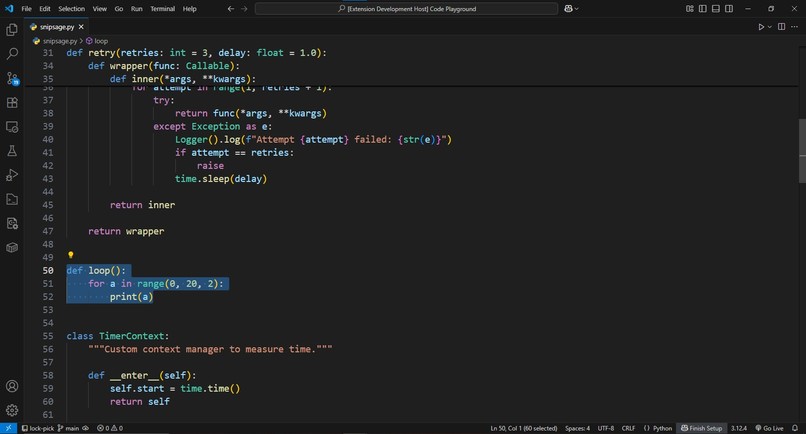
refactor code command 2
-
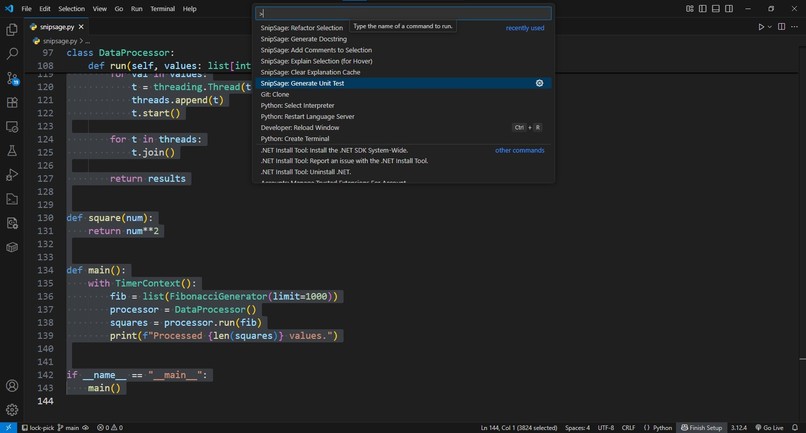
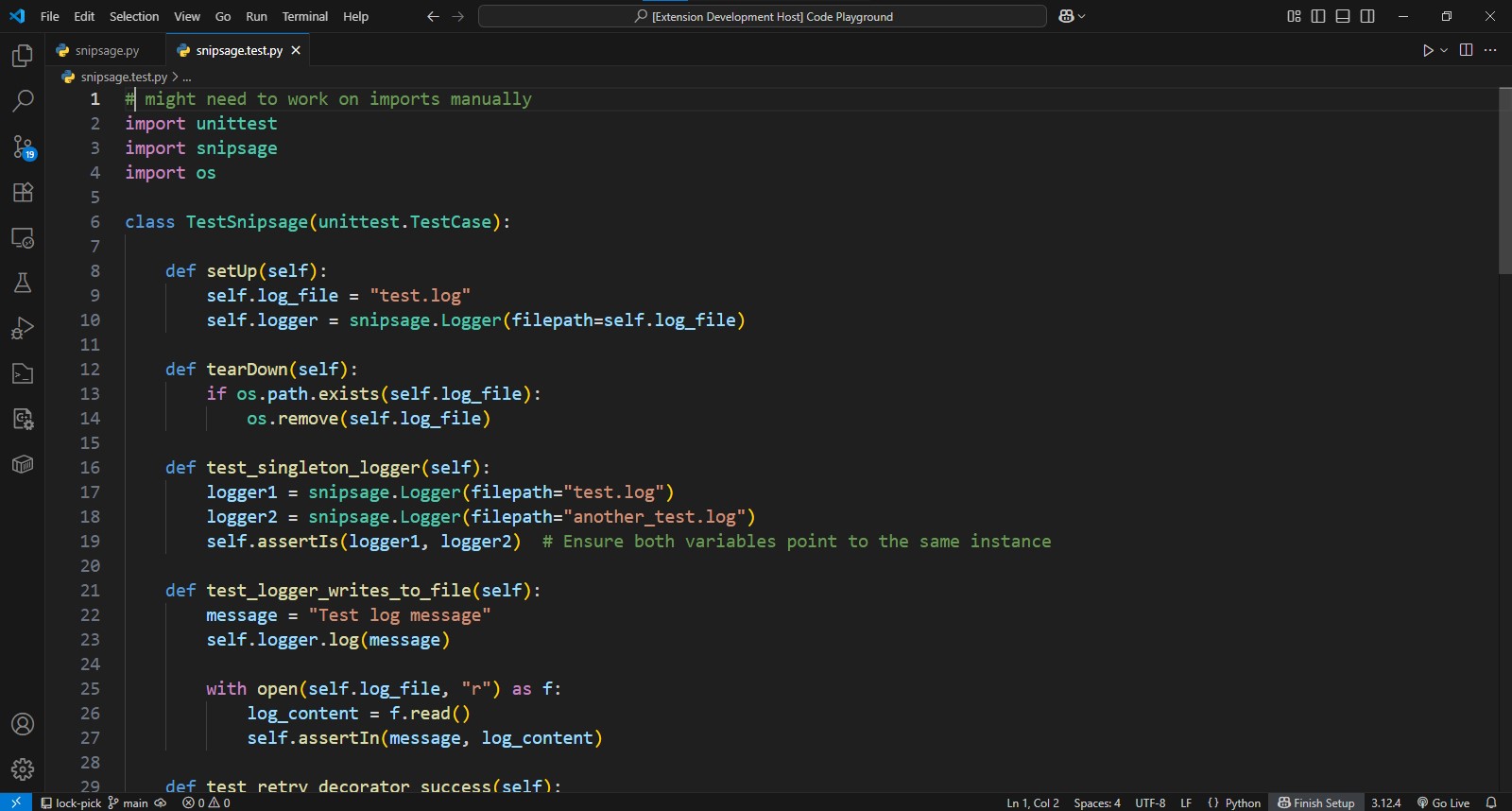
generate unit test command 1
-
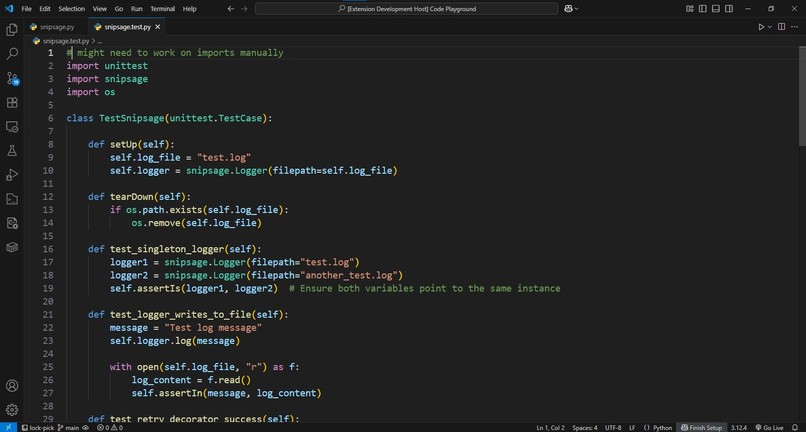
generate unit test command 2
Inspiration
The inspiration for SnipSage came from a universal developer challenge: inheriting a new, complex codebase and feeling overwhelmed. The process of deciphering unfamiliar functions and logic can be a significant bottleneck. I wanted to create a tool that acts as an instant "sage" for any code snippet, providing wisdom and clarity directly within the VS Code environment, eliminating the need to context-switch.
What it does
SnipSage is a multi-tool for developers, offering a suite of commands to accelerate your workflow. It can explain complex code in plain English, generate complete unit tests, add helpful inline comments, refactor code for better performance and readability, and even generate professional docstrings. It’s a seamless assistant that feels like a native part of the development workflow.
How we built it
The journey of building SnipSage was a deep dive into the world of VS Code extension development and modern AI integration. The extension is built with TypeScript and leverages the VS Code API to interact with the editor—from reading selected text to creating custom UI elements like hovers and side panels. The core of the project is its integration with the Google Gemini API, which powers all the code intelligence features.
Challenges we ran into
The biggest challenge was the iterative process of "prompt engineering." It wasn't enough to just ask the AI to "explain this code." I had to learn how to provide the right context (like the full file content), set strict constraints (to prevent the AI from deleting or altering code incorrectly), and format requests to get reliable, high-quality output. I also faced and overcame numerous technical hurdles, from resolving dependency conflicts in the project setup to debugging the asynchronous flow of API calls and UI updates to ensure a smooth user experience.
Accomplishments that we're proud of
I'm most proud of creating a tool that feels truly integrated taking into account that this is my first-ever hackfest. The hybrid hover-panel system for explanations, the secure API key handling, and the context-aware prompts that understand the entire file are features that elevate SnipSage from a simple script to a polished, professional-grade assistant. Building a complete, packaged, and shareable VS Code extension in such a short time is an accomplishment in itself.
What we learned
This project was a profound learning experience in several areas. Technically, I gained hands-on experience with the VS Code API, TypeScript, and asynchronous programming. More importantly, I learned the art and science of prompt engineering—how to have a structured conversation with a powerful AI to get the precise output you need. I also learned the importance of robust error handling and creating a user-friendly setup process, especially when dealing with external APIs and user credentials.
What's next for SnipSage
The foundation is strong, and there are many exciting directions for the future. The next logical step is to implement even more advanced code analysis features, such as a "Find Potential Bugs" command. I'd also like to explore language-specific optimizations, providing even more tailored and accurate refactoring suggestions and test frameworks based on the file type.
Built With
- gemini-2.0-flash
- git
- github
- google-gemini-api
- node.js
- typescript
- vsce

Log in or sign up for Devpost to join the conversation.