-
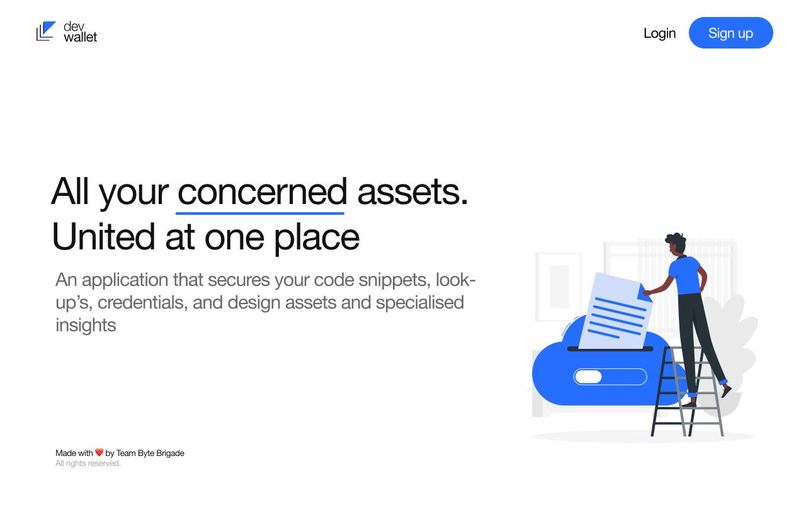
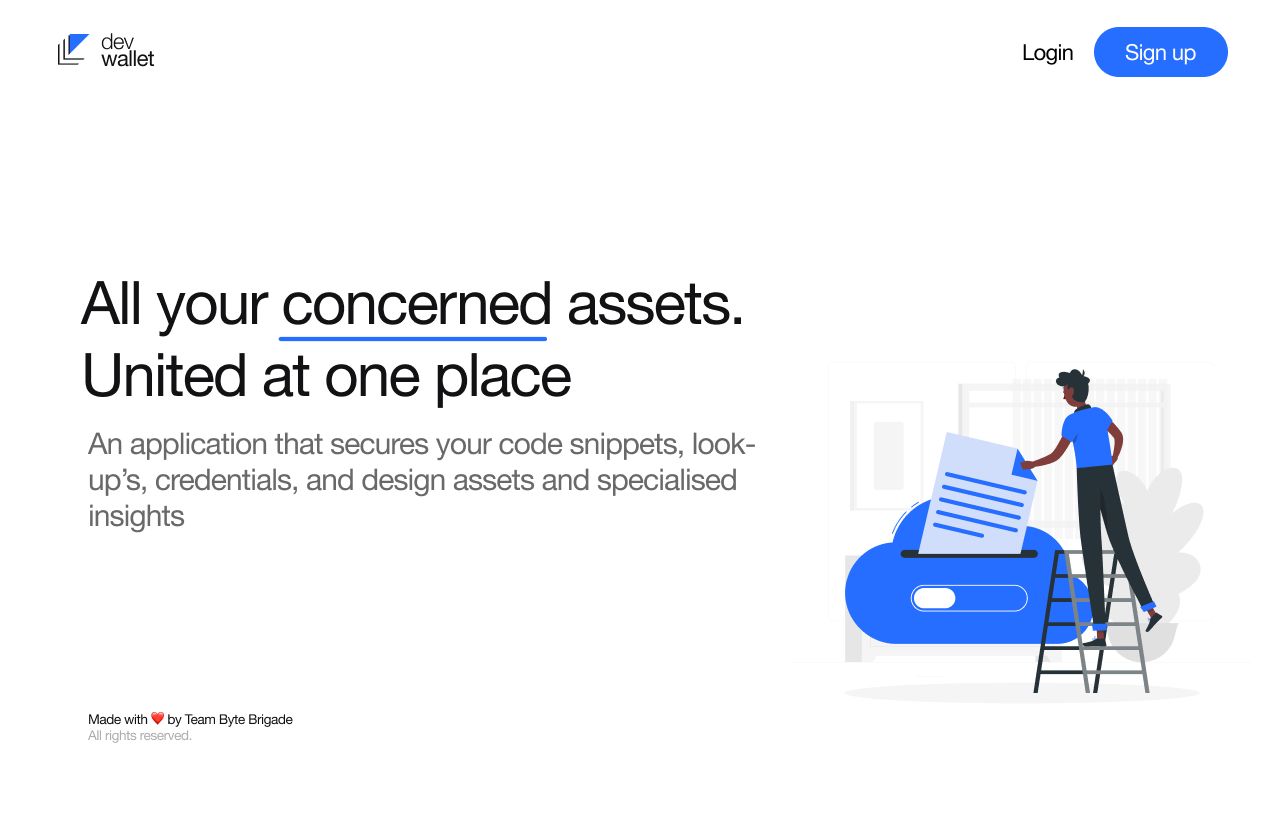
Landing Page
-
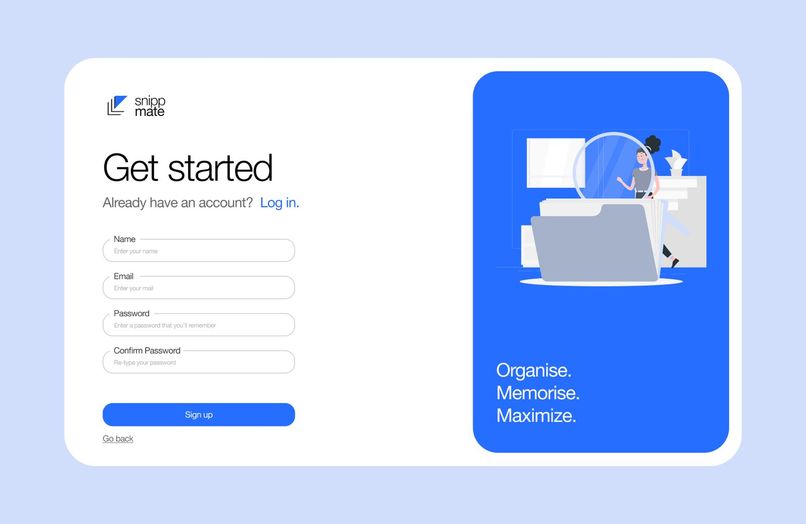
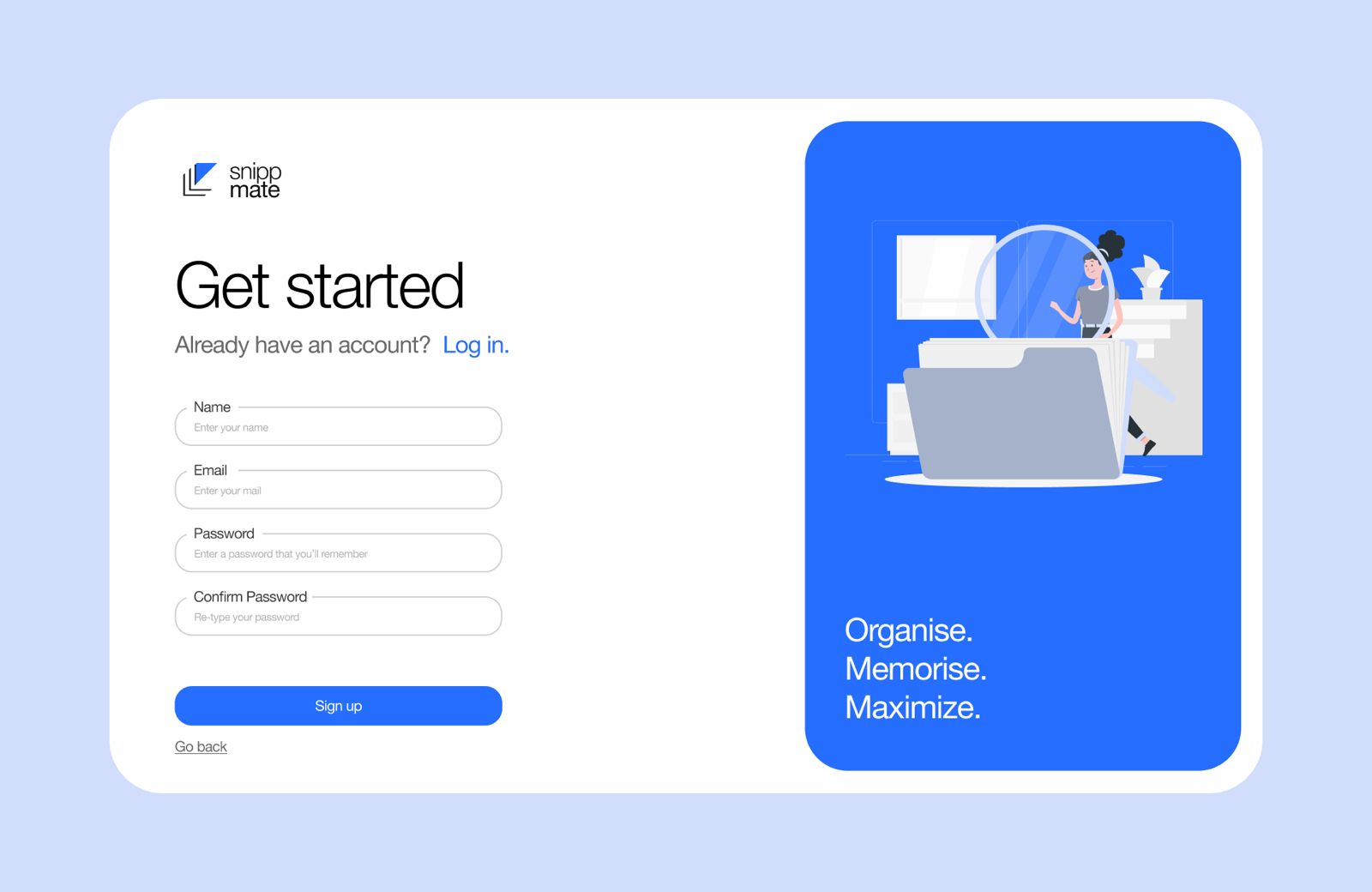
Login Screen
-
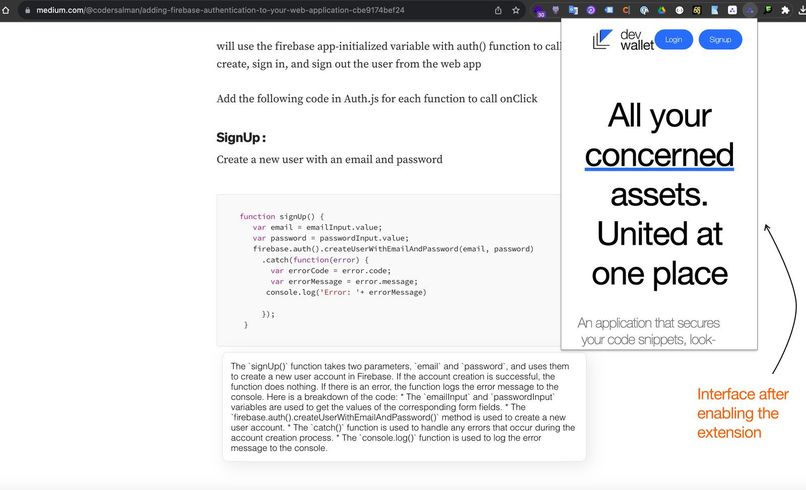
-
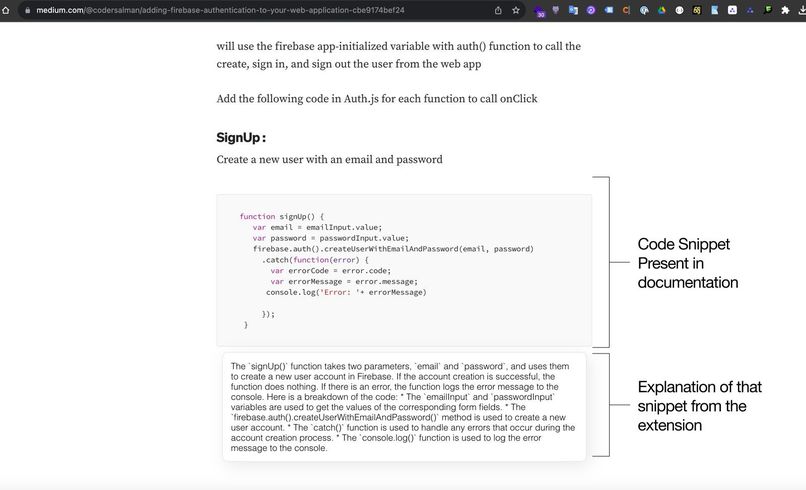
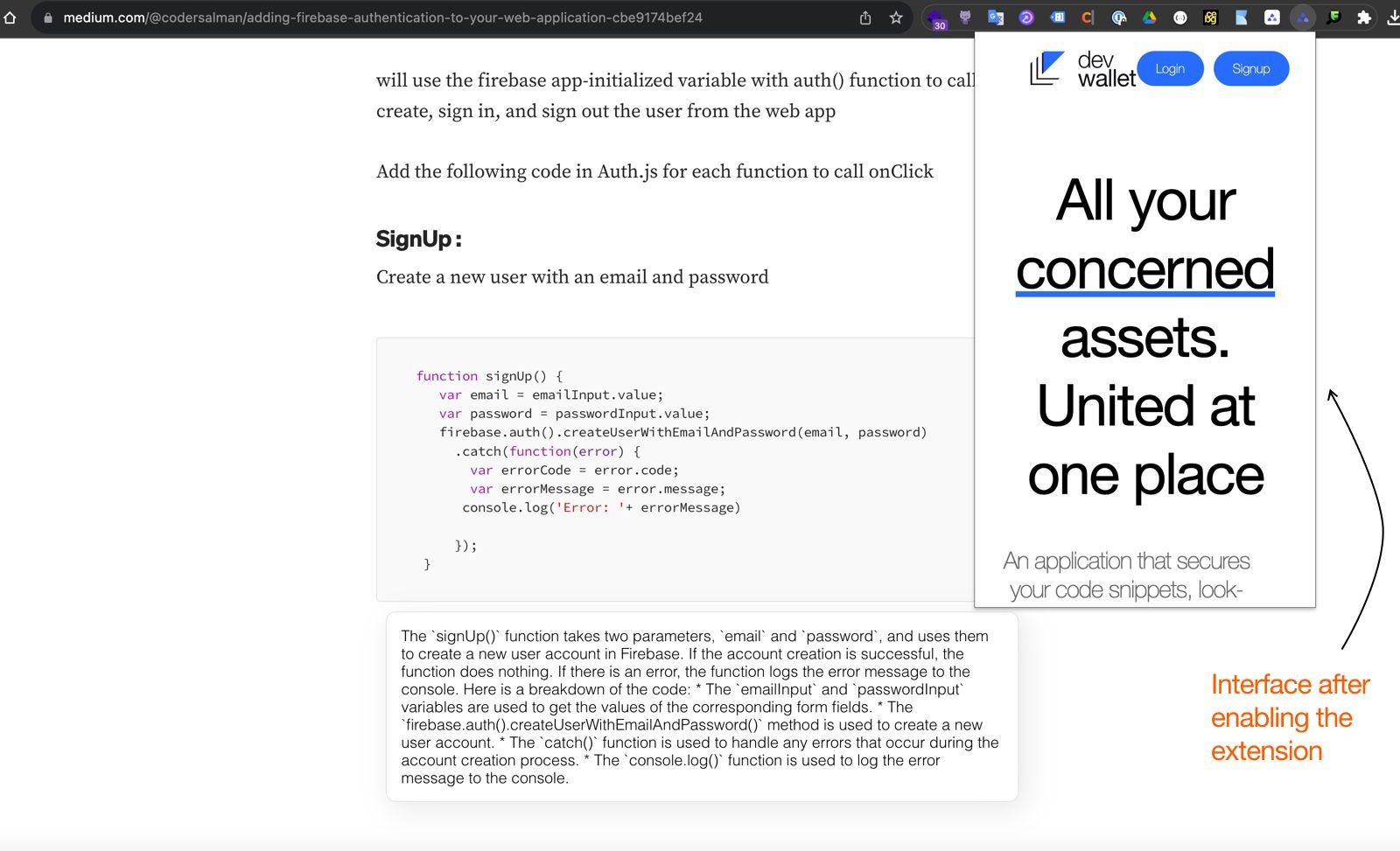
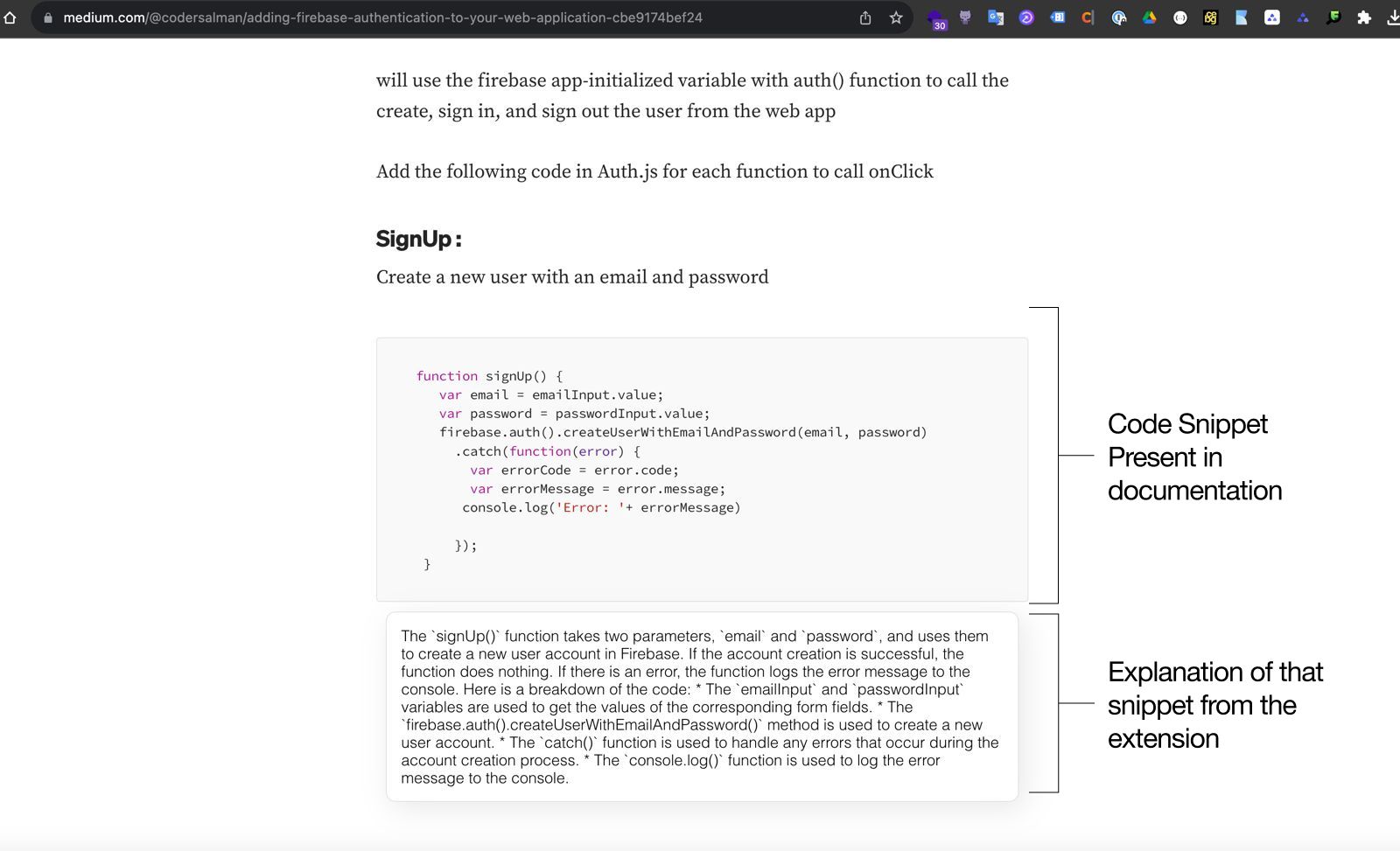
Chrome Extension - Code Inspection Result
-
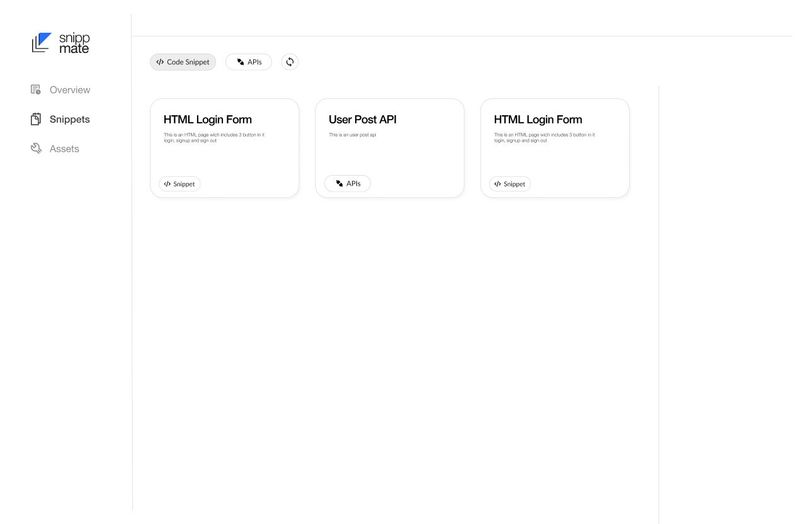
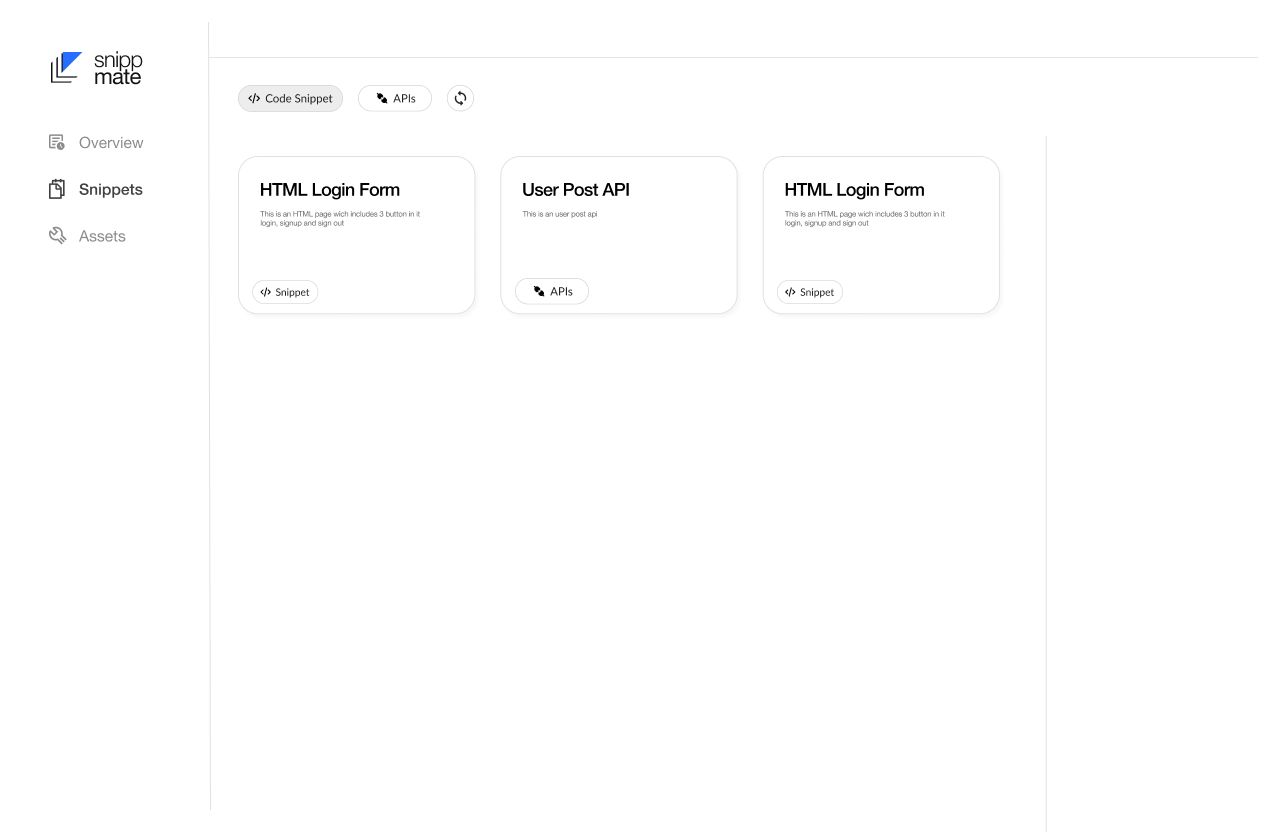
Dashboard Overviw
Inspiration
The inspiration behind Snippmate came from the need to streamline the development process by providing a unified dashboard for all the essential assets and resources that developers frequently use. In our daily work, we often find ourselves searching for code snippets, APIs, and other reference materials across various tabs and websites. Snippmate aims to simplify this process by bringing all these resources together in one place.
What it does
Snippmate is a Chrome Extension that offers a centralized dashboard where developers can access and manage their frequently used assets. Here's what it does:
Unified Dashboard: Snippmate provides a user-friendly dashboard that consolidates code snippets, APIs, and other reference materials.
Summarized and Optimized Code: Snippmate optimizes code snippets for performance, readability, and best practices. It summarizes lengthy code blocks and provides helpful descriptions.
One-Click Access: With Snippmate, developers can access their code snippets and other assets with a single click, eliminating the need to search through browser tabs and bookmarks.
Customization: Users can organize their assets, create folders, and add labels for easy categorization and retrieval.
How we built it
Snippmate was built using the following technologies and steps:
Chrome Extension: We started by developing a Chrome Extension to integrate Snippmate seamlessly into the browser.
User Interface: We designed an intuitive and user-friendly interface for the dashboard, making it easy for developers to add, edit, and organize their assets.
Code Optimization: We implemented code optimization algorithms to analyze and improve code snippets automatically. This includes formatting, linting, and summarization.
Backend Services: We set up backend services to support features like code summarization, API integration, and asset storage.
Integration with External APIs: Snippmate connects with external APIs to fetch the latest data and documentation for various technologies.
Customization Options: We added customization options, allowing users to personalize their dashboard and tailor it to their specific needs.
Testing: Rigorous testing was performed to ensure the extension works smoothly and efficiently.
Documentation: We prepared clear and concise documentation to help users get started with Snippmate.
Challenges we ran into
Building Snippmate came with its share of challenges:
Code Optimization: Developing algorithms for code optimization and summarization required extensive research and testing to ensure the generated code remained functional and accurate.
API Integration: Integrating with external APIs presented challenges in terms of rate limits, data formatting, and consistency.
Cross-Browser Compatibility: Ensuring compatibility with various Chrome versions and browsers posed technical challenges.
User Experience: Designing an intuitive and user-friendly interface that caters to a wide range of developer preferences and workflows was a significant challenge.
Accomplishments that we're proud of
Despite the challenges, we're proud of the following accomplishments:
Successfully creating a Chrome Extension that simplifies developers' workflows.
Implementing code optimization algorithms that improve code quality and readability.
Providing a centralized dashboard that unites various developer assets.
Delivering a customizable and user-friendly experience.
What we learned
While developing Snippmate, we learned valuable lessons in:
Code optimization techniques and best practices.
API integration and data retrieval.
Cross-browser extension development.
User interface design and usability.
The importance of clear documentation for user adoption.
What's next for Snippmate
The journey for Snippmate doesn't end here. We have exciting plans for the future:
Cross-Browser Support: We aim to expand Snippmate's compatibility to other popular web browsers.
Community Integration: We plan to allow users to share and discover code snippets and assets within the Snippmate community.
Machine Learning: Implement machine learning algorithms to further enhance code optimization and summarization.
Enhanced Customization: Offer advanced customization options and themes for a personalized experience.
Collaboration Features: Enable collaboration on code snippets and projects within Snippmate.
Snippmate is more than just a Chrome Extension; it's a solution that empowers developers to streamline their workflow and access essential resources effortlessly. We look forward to continuing its development and making it an indispensable tool for developers worldwide.


Log in or sign up for Devpost to join the conversation.